This week in Usability & Productivity, part 5

This week involved a lot of visual polish, and we squashed quite a few bugs causing apps to appear pixellated when they should be crisp and sharp. There was more performance tuning, too, and of course general bugfixing and polish. Take a look!

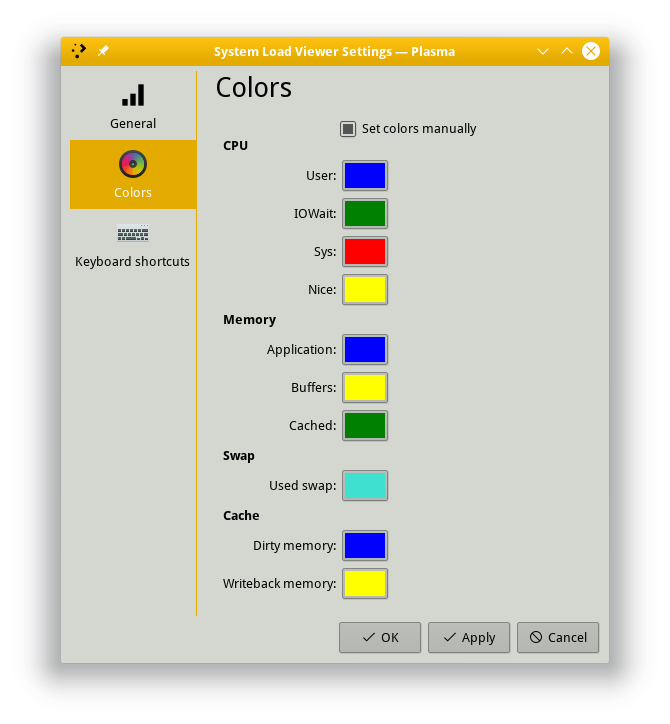
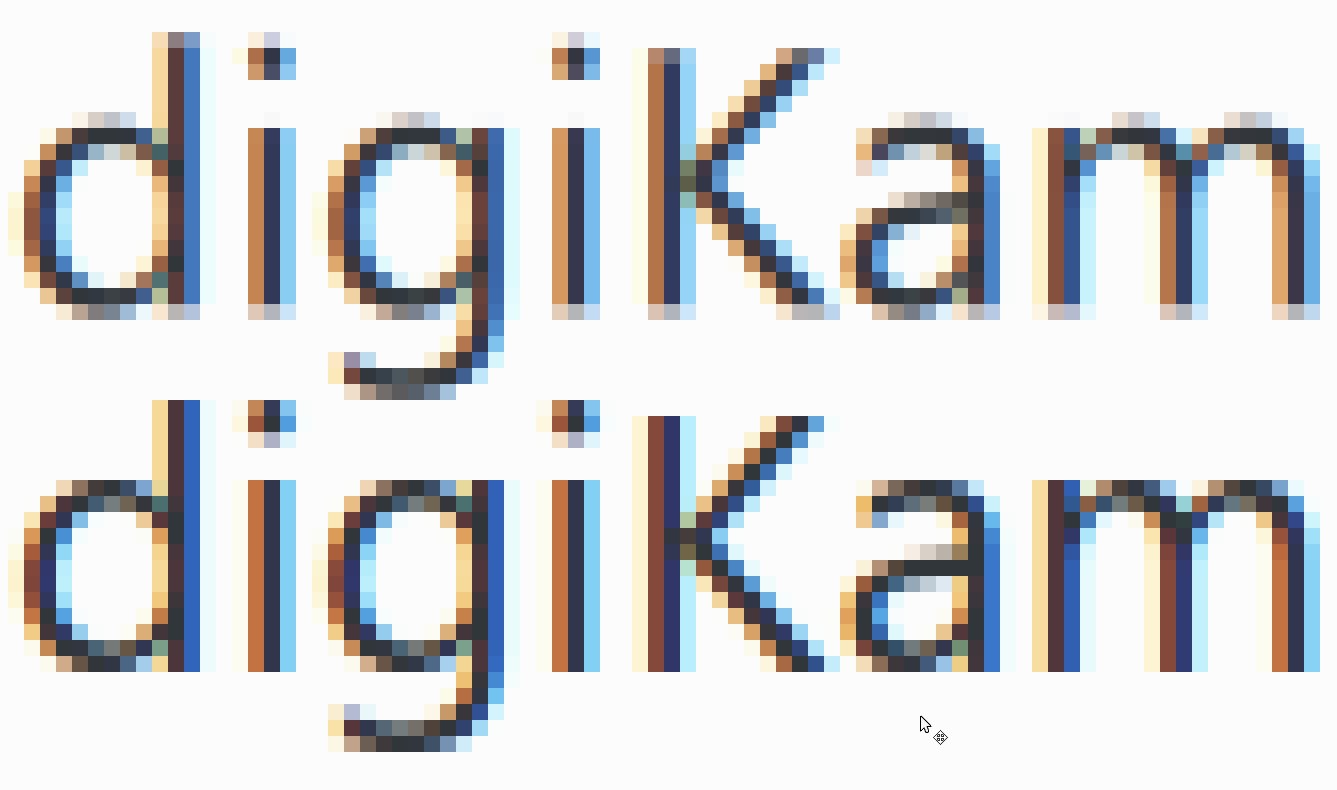
  • Fixed a visual bug causing thumbnails in Folder View (i.e. desktop icons) to be pixellated and glitchy; they are now sharp and pretty (KDE bug 376848, fixed in Plasma 5.12.1):
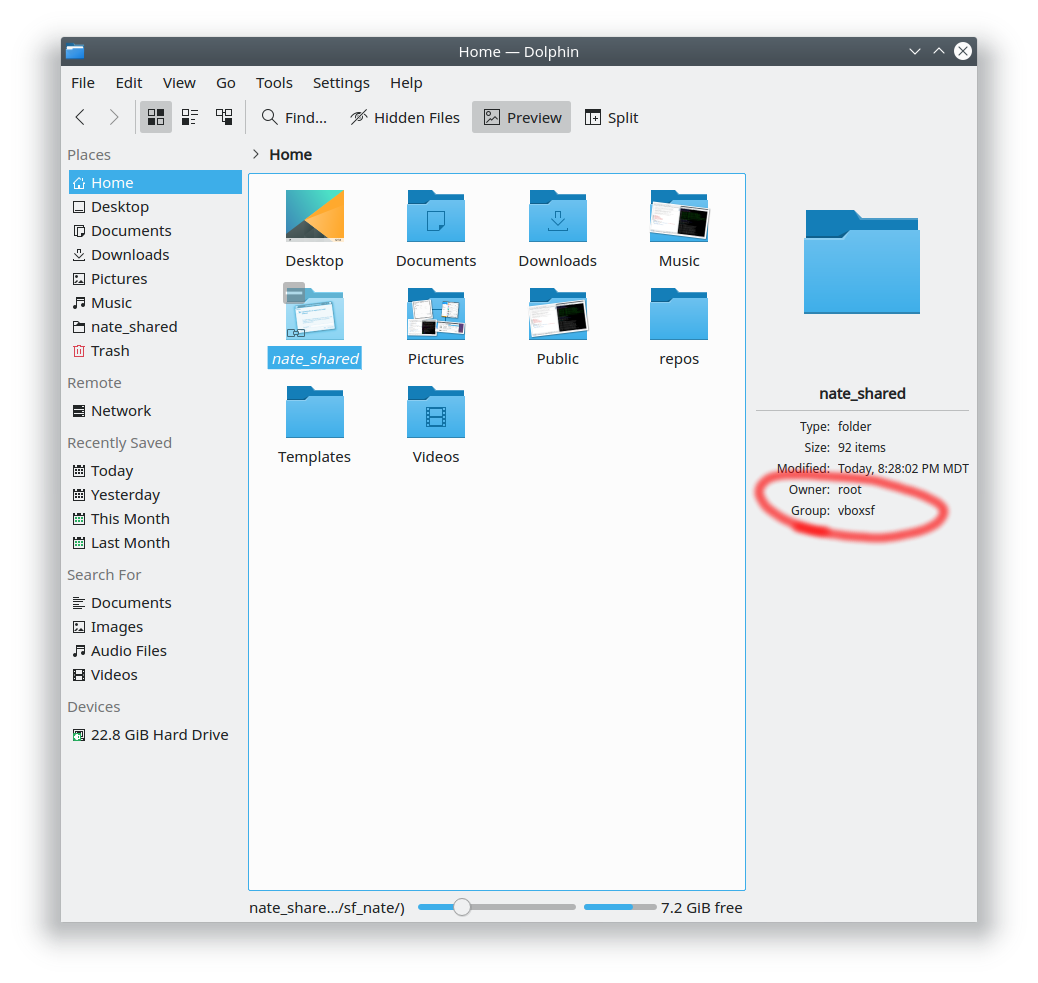
  • Dolphin’s Ratings UI now looks good in HiDPI mode (KDE Phabricator revision D10324, improved in KDE Applications 18.04):
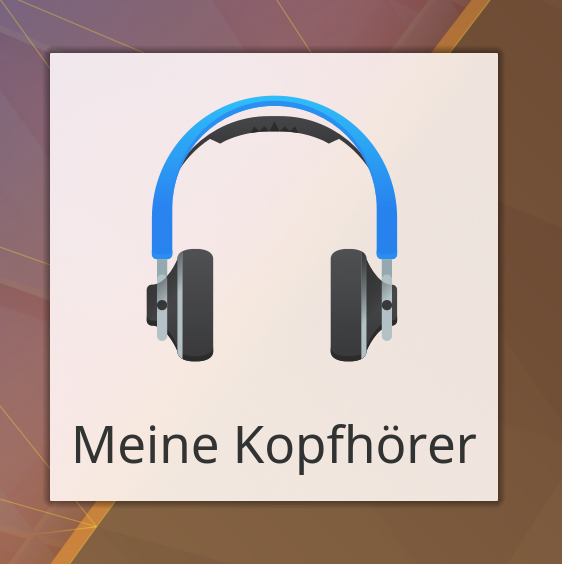
  • Fixed a visual glitch causing high-resolution or vector distro logos and the plasma logo in KInfoCenter to appear pixellated and glitchy in HiDPI mode; they are also now sharp and pretty (KDE bug 388633, fixed in KDE Plasma 5.12.1):
  • Fixed a bug causing Chromium and Chrome to always append “.bin” to the end of downloaded files for users of distros with old versions of Qt and/or the shared-mime-info package (KDE bug 382437, fixed in KDE Frameworks 5.44)
  • Network mounts from /etc/fstab, autoFS, or FUSE now show up under the “Network” category in the Places panel (KDE Phabricator Revision D10319, available in KDE Frameworks 5.43)
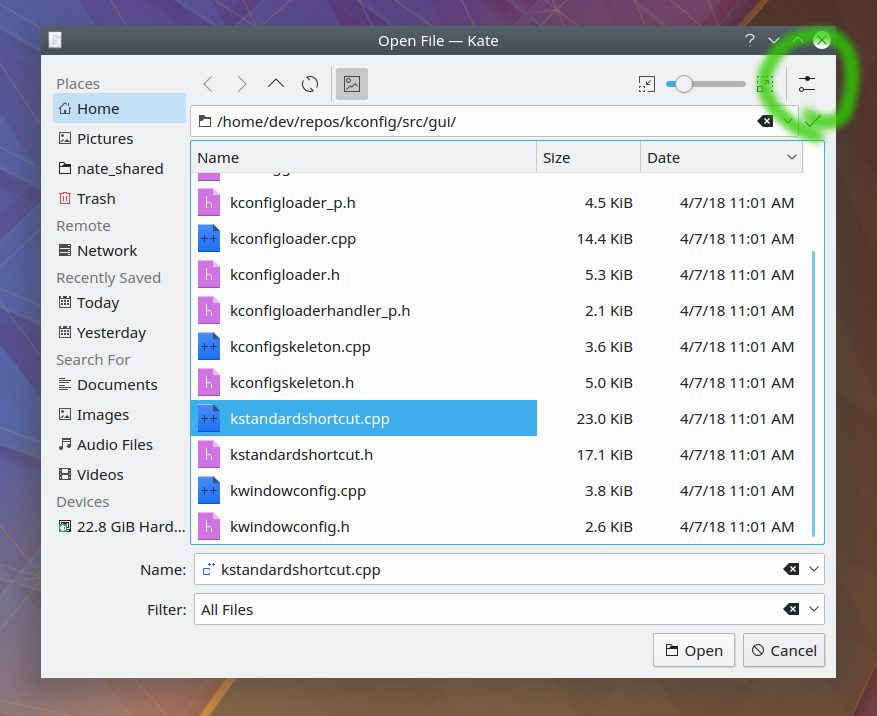
  • You can now use the F11 keyboard shortcut to toggle the aside preview pane in KDE open/save dialogs (KDE bug 389880, available in KDE Frameworks 5.43):
  • Alt+Enter keyboard shortcut now opens the Properties dialog for Folder View (i.e. Desktop icons) just like it does in Dolphin (KDE bug 389862, available in KDE Plasma 5.13)
  • Mouse wheel now scrolls the correct number of lines in Konsole when using the libinput driver (KDE bug 386762, fixes in KDE Applications 18.04)
  • The escape key now cancels out of the ctrl+tab tab switcher menu in Kate and KDevelop (KDE bug 389484, fixed in KDE Applications 18.04)
  • Spreadsheet files located on Google Drive accessed using Dolphin now open in the correct app (KDE bug 388598, fixed in kio-gdrive 1.2.2)
  • The Print Manager received an enormous amount of fixes and improvements (Available in KDE Applications 18.04)
  • Items in Kate’s Sessions applet are now sorted alphabetically (KDE Phabricator revision D10208, fixed in KDE Applications 18.04)
  • Gwenview now respects the window manager’s commands to enter and leave Full Screen mode (KDE Bug 195046, fixed in KDE Applications 18.04)
  • Dolphin’s git plugin (available in the dolphin-plugins package can now perform merge and log actions (KDE Phabricator revisions D10213 and D10267, available in KDE Applications 18.04)
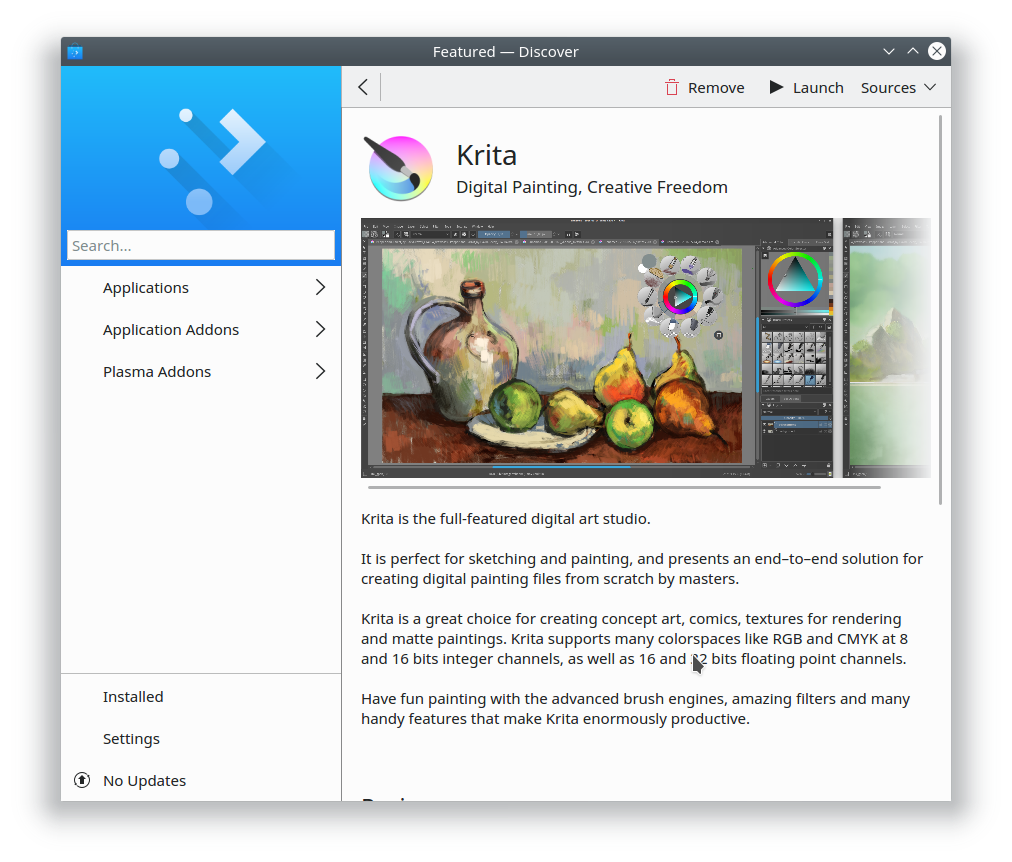
  • Lots of UI polish for Discover, including making it and all other Kirigami apps look good in HiDPI mode (KDE bug 390076, fixed in KDE Frameworks 5.44)
  • Move and copy performance with large files has been dramatically improved (KDE bug 384561, improved in KDE Frameworks 5.43)
  • Even faster move and copy performance with many small files (KDE phabricator revisions D10085 and D10124, improved in KDE Frameworks 5.43 and KDE Applications 18.04)

KDE developers are really picking up momentum, and the improvements are coming very rapidly. It’s a fantastic time to get involved in something big!

This week in Discover, part 5

This week Discover gained a lot of little UI polish improvements, and Discover developers also fixed a major crash present in 5.12.

  • The main Featured page now shows more apps on distros like Ubuntu and KDE Neon that have lousy AppStream data (KDE bug 390016, fixed in KDE Plasma 5.12.1):
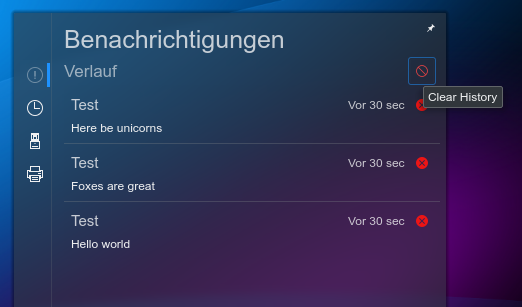
  • Notifications now stick around for longer, so they’re easier to read (KDE bug 388087, fixed in KDE Plasma 5.12.1)
  • Discover’s button that takes you to the page where you can write a review now has correct padding within its overlay (KDE bug 390030, fixed in Plasma 5.12.1)
  • Fixed a prominent crash in 5.12 when searching from the app page, deleting the search term, and searching again (KDE bug 390114, fixed in Plasma 5.12.1)
  • Discover’s review submission button is now labeled “Submit” (KDE bug 390031, fixed in Plasma 5.13)
  • Discover’s review submission button is now visible but disabled for apps that aren’t installed yet, not gone entirely (KDE bug 390053, fixed in Plasma 5.13)
  • Discover (and all other Kirigami apps that have High-DPI and vector imagery) now look crisp and sharp when run in HiDPI mode (KDE bug 390076, fixed in KDE Frameworks 5.44)

If you like what you see, consider becoming a KDE contributor and join the team! The speed of improvements is pretty directly proportional to the amount of help we have, so the more hands on deck, the better KDE software becomes!

App popularity in Discover

Currently, Discover sorts apps by popularity. In this case, popularity means “number of ratings”, and ratings come from user reviews. This is why GNOME Tweak Tool shows up first in Discover’s browse list: apparently it’s very popular among GNOME users, and they’ve written lots of reviews about it. We should all follow their lead and write some quality reviews about our favorite software; this helps the best apps bubble up to the top, and users love reading reviews from other users when determining whether or not to install an app.

Here’s how to write a review in Discover:

First, browse to an app page, and click on the “Show Reviews” text to open the Reviews pop-up:

Now Click on the “Review” button to write a review:

Now write your review, then click Accept:

Worth mentioning: the visual imperfections you might have noticed in the above screenshots are tracked by KDE bugs 390030, 390031, 390032, and 390035. We also have plans to make reviews more prominent (KDE Phabricator revision D10237) and allow sorting by criteria other than popularity (KDE bug 383518).

What to write in a review

Here are some examples of unhelpful reviews:

  • “1 star, it crashes on launch on Debian 3”
  • “1 star, doesn’t have this one specific feature I want”
  • “1 star, Electron apps are the worst! Rewrite it in Qt/GTK/Wx/ncurses you n00bs!”

These reviews don’t communicate much useful information, or will quickly become inapplicable. Useful reviews are about the app itself, not the conditions in which it’s run, or the toolkit of programming language it’s been created with, or any one particular annoying bug. They honestly describe the app and its features, usefulness, and impact in a way that will be relevant to uses in a month, a year or even later. Reviews like this are a blessing to users everywhere, and make it easier to find new apps.

So go out there and review your favorite apps!

The future of distros

Today KDE released Plasma 5.12 with Long Term Support–the culmination of more than a year of work. It’s really awesome, and we think you’ll love it!

But how do you get it!?

It all depends on your distro! Let’s look at Linux distros today.

What makes a distro a distro?

Today it’s mostly the choice of release model. “Stable release” distros like Ubuntu and Linux Mint lock everything to a specific version, only offering feature upgrades only when a new major version of the distro is released. “Rolling release” distros like Arch and openSUSE Tumbleweed give you everything as close to the developers’ schedules as possible.

Each model has drawbacks:

  • Stable release distros will often saddle users with ancient, years-old software. For example, users of Debian Stable might not get to experience KDE Plasma 5.12 for another 2 or 3 years–or even longer.
  • Rolling release distros expose users to the latest version of everything, turning them into QA. Underlying system libraries often change and break apps that use them. The breakage is usually fixed quickly, but users are exposed to it in the first place.

Certain distros additionally try to go beyond mere packaging and releasing, and actually try to ensure some QA and polish in the final product. Distros like Ubuntu, Linux Mint, Manjaro, and Elementary that follow this model quickly rocket up to the top of the popularity pyramid. Users are desperate for distros with better QA and polish!

But it’s exhausting; if you package all the software, you’re responsible for it too. It’s a huge job, even for distros that base themselves on others, as they find themselves having to patch on top of patches, and manage two release cycles (their own, and the parent distro’s). Turnover and burnout are common.

Flatpak and Snap to the rescue

Flatpack or Snap provide the solution: 3rd party packaging. Instead of the distros doing the packaging, it comes either straight from the developers, or from a 3rd-party intermediary like Flathub.

For distros, the benefits are enormous: liberated from the grunt work chores of packaging and patching software, distros will be free to step wholeheartedly into their natural roles as arbiters of the final user experience, concentrating on impactful tasks like integrating diverse components, managing hardware support, performing QA, polishing the final product, and delivering it to users in an easy-to access manner. Fixes and patches can be submitted upstream, instead of duplicated locally. This is KDE’s relationship to Qt, in fact. It works great.

Snap and Flatpak also improve things for users and developers:

  • Users get to choose whether they want each app to be stable, up-to-date, or cutting-edge according to their preferences, and they get a clear chain of responsibility when there’s a bug.
  • Developers get to package their apps only once to make them available to everyone, and get to determine for themselves their software’s presentation, branding, and release schedule–rather than hoping that packagers for 500 different Linux distros do it for them, and then having to deal with bug reports about versions of their software that are years old.

Ultimately, Flatpak or Snap liberate us from the tyranny of low-quality distros that make Linux software look bad because they don’t do QA, integration, or UX testing to make sure that the final product is of high quality. Many will rightly vanish because they’re not providing much value for users or generating enough developer interest to continue existing. Once this happens, developers and users will gather around the smaller number of remaining distros, increasing each of their levels of manpower and user bases.

So no, distros don’t go away. In fact, the distros that are worth keeping will be able to focus on tasks that offer more value to users than mere software packaging. Far from erasing diversity, this will empower real and meaningful diversity–where we have a handful of really good and strongly differentiated distros whose products embody different philosophies, instead of an overwhelming number of mediocre distros with often only minimal differences, none of which really work well once you dig deeply. We’ll all win, and all of these vastly superior distros will be far stronger contenders when compared to Windows, macOS, and ChromeOS.

How you can help

There are many ways for you to help enter this brave new world of actual QA and polished products.

Users: If your favorite app offers a Flatpak or Snap version, use it! Quite a lot do. If you find problems, file bugs! If you find an app listing in KDE Discover or GNOME Software that doesn’t look good, submit better information! If you find cases where duplicate apps appear when browsing, submit patches to fix it!

Software developers: Provide high-quality AppStream metadata and please submit your apps to Flathub! This goes for KDE developers, too. Krita and Kdenlive are already up, but I want to see Dolphin, Konsole, Kate, and all the rest!

Distro developers: don’t fight Flatpak or Snap; embrace them (and Flathub) and liberate yourself from packaging chores. Focus less on packaging software for your users, and more on performing the QA necessary to make sure that that software actually works well.

As always, consider becoming a KDE contributor if you like what you see! We can’t do this without you.

This week in Usability & Productivity, part 4

This was a big week for Usability & Productivity. Before I get to the list of improvements we landed, I’d like to make an exciting announcement: we’re scoping out the work to add FUSE support to KIO for remote locations like Samba shares. This should vastly improve the experience of interacting with files on Samba and FTP locations (among others) when using non-KDE software with KDE Plasma. No timelines or promises yet, but it’s now on our radar screens.

Anyway, let’s move onto the list of improvements this week. I think you’re going to like ’em!

  • The panel’s height is now shown in pixels when being changed, and can be minutely adjusted using the scroll wheel (KDE bug 372364)
  • Y axis labels for the network widget’s speed graph no longer overlap with the grid lines (KDE Phabricator revision D10183):
  • Spectacle’s Save button now remembers the most recently used save mode by default (KDE Phabricator revision D10153)
  • Spectacle’s Save button now defaults to showing “Save As” instead of “Save & Exit” (KDE bug 389614)
  • Spectacle now uses the correct icon for the “Export Image…” button, and now it also shows up properly when using the Breeze Dark theme (KDE bug 389775):
  • Dolphin no longer scrolls so quickly in icons mode when there are icons with really long/tall filenames (KDE Phabricator revision D10102)
  • A huge amount of work went into improving the speed of move and copy operations, especially for many small files (KDE bug 342056, KDE Phabricator revisions D10155, D10256, D10261, and D10282). More is still in the pipeline, too.
  • You can now put Dolphin’s Terminal pane on any part of the window, not just the top or bottom (KDE bug 362593):
  • Gwenview’s file rename dialog now excludes the filename extension from the initial selection (KDE Phabricator revision D9632)
  • When using Gwenview in Full Screen mode, showing the sidebar no longer moves part of the top toolbar (including the “exit Full Screen” button) out of view (KDE bug 387784)
  • Hitting the Escape key now exits Full Screen mode in Gwenview (KDE bug 305659)
  • When Gwenview is quit while in Full Screen mode, it no longer re-opens maximized (KDE Phabricator revision D10207)
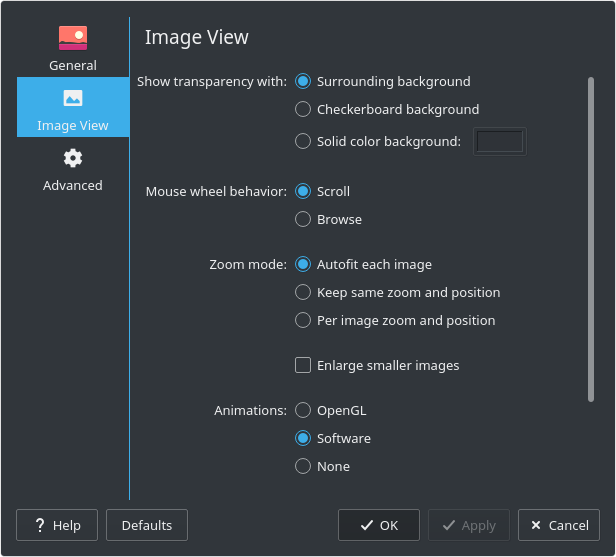
  • Gwenview now lets you choose the ICC color rendering intent, rather than hardcoding “Perceptual” (KDE bug 359909):
  • Konsole gained the ability to blur the background when the window is transparent (KDE bugs 198175):
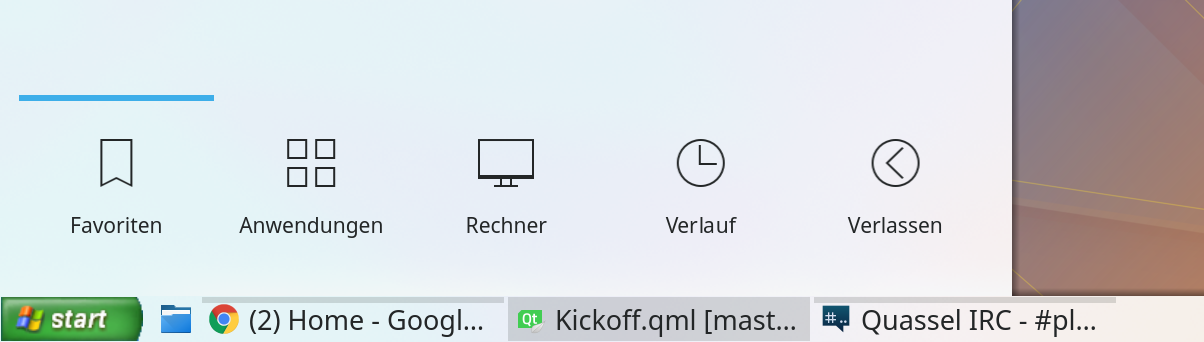
  • The standard KWin blur effect has been made blurrier by default (the blur strength is still user-configurable) to offer better out-of-the-box readability for things that use it, like the Application Dashboard (KDE phabricator revision D10180):
  • Text input in KRunner now always works on Wayland (KDE bug 385693)
  • The close button on Okular’s pop-up note annotation now uses the correct cursor (KDE bug 384381):
  • New Breeze icon for Emacs and better icon for Virtualbox (KDE Phabricator revision D10211 and KDE bug 384357):
  • Kate/KDevelop syntax highlighting now displays correctly for numeric literals with underscores in Python (KDE big 385422)
  • KSysGuard tabs now correctly show ampersand (&) characters (KDE bug 382512)
  • Many bug fixes for Discover

Yes folks, all of this happened in ONE WEEK! The volume of contributions is starting to accelerate, and we’re really firing on all cylinders these days. It’s the perfect time to get involved. You don’t need to be a programmer. We’ve got design tasks, bug triaging, promotion, the works! We’re aware that our wiki is a bit scattered and sparse, and we’re working on cleaning that up, too. Since it’s a wiki, please feel free to make improvements!

And there’s more coming, too. I wasn’t able to mention in this week’s status update quite a few exciting fixes that are still going through the review process.

This is an exciting time to be a KDE user or contributor. Feel the energy. Be part of something big. Cynicism and inactivity are easy, but ultimately not satisfying; this is the moment to rise above the pervasive malaise of our time. Climb aboard, and help us build something truly magnificent.

This week in Discover, part 4

In preparation for the impending release of Plasma 5.12, this was a big bug-squashing week in Discover thanks to lead Developer Aleix Pol, who knocked out a huge number of reliability and stability issues in Discover! We also got in a few UI polish and usability improvements, too.

  • The number of available updates is now always consistent (KDE bug 389108)
  • Update notifications are no longer shown twice in certain circumstances (KDE bug 389429)
  • Fixed a crash when opening Discover with the Flatpak backend installed, but without the system Flatpak libraries (KDE bug 380496)
  • Fixed a crash while searching (KDE bug 385679)
  • Fixed a regression where the screenshot overlay would lose keyboard focus (KDE bug 389510)
  • Fixed a memory leak when browsing the Plasma Addons category (KDE bug 387630)
  • Made the Reviews pop-up have less side padding for better readability and usability (KDE bug 389536)
  • The scrollbar on the settings page no longer overlaps interactive UI elements (KDE bug 389602)
  • Repo list items no longer expose redundant Filter buttons (KDE bug 389767)
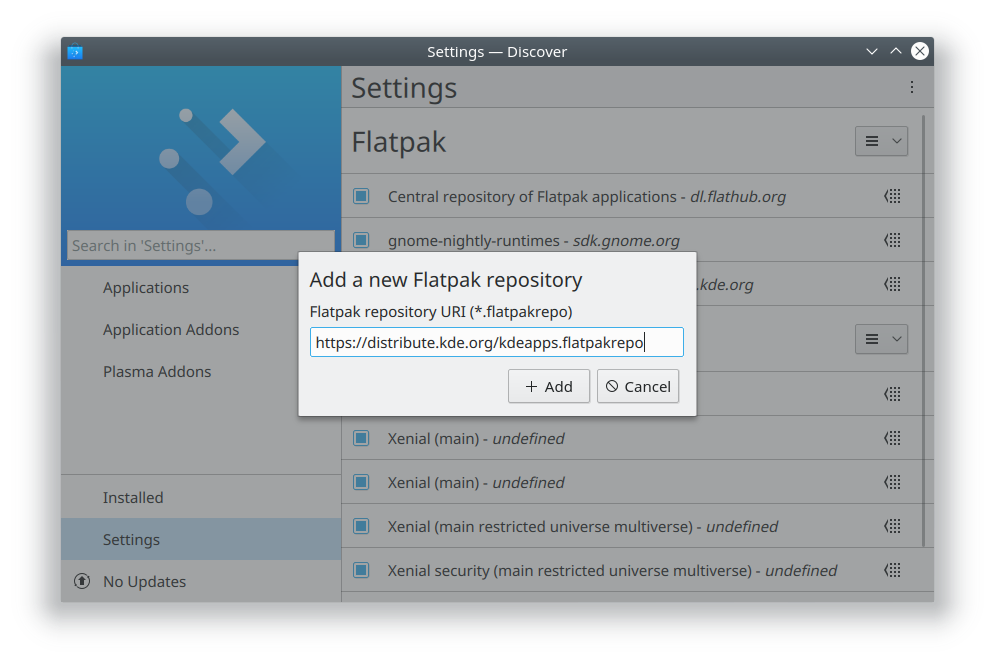
  • Discover’s settings page displays repos in a much more usable and readable manner (KDE bugs 389714 and 389715):

 
“Xenial (Main)” being listed twice is a bug we’re working on; the second one is the source repository, but it doesn’t communicate that. Little by little!

It’s constant improvement like this that adds up over time to produce great software. We think you’re going to love Discover in Plasma 5.12, and we’re continuing to work on making it even better!

If you like what you see, please consider helping out! If we were pirates, we’d say, “yer money or yer time, yarr!”

Polishing Plasma 5.12

Igor Ljubuncic of Dedoimedo published his review of the Plasma 5.12 beta recently. As always, he’s very thorough, and points out out issues that keep Plasma from being A+ quality. A major part of our Usability and Productivity initiative is honestly acknowledging user feedback and criticism with humility instead of defensiveness or dismissal. That way, rather than engaging in pointless arguments, we can focus on fixing problems!
With our aggressive focus on user satisfaction, we read these kinds of reviews very carefully and take their comments seriously. I wanted to provide a look at all the issues that Igor raised in his review. I went through every issue and made sure that if it was a legitimate bug, it was tracked with a Bugzilla ticket. Many already were, but some weren’t, so I filed tickets for them. Here’s the full list, along with the bugs’ status and our plans for fixing them, where applicable:

  • Can’t easily reset everything to default settings: (KDE bug 389568)
  • Default bottom panel isn’t optimal for using a global menu: this is true, but since the global menu isn’t shown by default, I think it’s fair that if you’re going to use it, you’ll need to change the UI a bit. This is why Plasma is so customizable!
  • Global menu only works in certain programs (e.g. not in LibreOffice or Steamc): it’s unfortunately not something we can fix; this is up to the distros and app developers. Ubuntu’s former Unity global menu feature worked for all apps because Canonical patched the software they packaged to make it work.
  • System Settings window opens too narrow by default: (KDE bug 389617). A trivial change. Will be fixed soon.
  • Sidebar headers are too light: (KDE bug 384638). Not a bad design decision, but rather a a bug caused by the choice of implementation.
  • Slight RGB hinting font anti-aliasing not used by default, even though that’s the best setting: (KDE bug 389598). We may be able to change the defaults here to improve things for the majority of our users.
  • Default font size should be slightly larger with Noto Sans: a controversial proposal, but might be worth it. I plan on doing some side-by-side testing for this.
  • Get Hot New Stuff never seems to works right and is full of outdated content: unfortunately, this is true. It’s a major pain point for a lot of people that we’re aware of and planning to put some work into.
  • Dragging a URL from Firefox to an Icons-Only Task Manager doesn’t work: (KDE bug 389613). Worth mentioning that this mostly works with a regular task manager if you drag it to the region that holds app launchers, not the window list part.
  • Hard to create/differentiate launchers/shortcut icons for multiple versions of an app: (KDE bug 389035)
  • Panel resize UI should have a text box/spinbox to choose the height: (KDE bug 372364). There’s a patch currently undergoing the review process that makes this better!
  • Spectacle should be able to not include window shadows: (KDE bug 372408)
  • Spectacle’s “Save As…” option should be more discoverable: (KDE bug 389614). Trivial fix; will be done soon.
  • Discover app pages look sparse: not our fault, this is entirely on app developers and Ubuntu 16.04 (or KDE Neon, depending on your perspective).
  • Discover doesn’t show app star ratings: (KDE bug 389601)
  • Discover doesn’t show reviews by default: (KDE bug 380514)
  • Discover’s settings page has a scrollbar that overlaps interactive UI elements: (KDE bug 389602). A clear bug; will likely be fixed soon.
  • Discover’s settings/sources page is confusing and exhibits poor usability: Mostly true for distros that have a lot of repos, but a legitimate criticism. We’re discussing this internally.
  • Discover doesn’t offer a way to install NVIDIA drivers or other similar things: Discover is an app store, not a driver manager or a package manager, but we’ll see if there’s any way we can improve this.
  • Dolphin should add Places panel entries for Documents, Download, Pictures, and Music: (KDE bug 389618). A simple enough change, though I think it may take some doing to avoid introducing duplicate entries for existing users.
  • Support for smartphones (especially iPhones) is spotty: A known issue. We’re working on it, slowly.
  • Copying files to samba shared resets their timestamps: (KDE bug 356651). I am actively working on producing a patch for this!
  • KIO doesn’t mount remote filesystems locally like GVFs does: (KDE bug 330192). A major architectural issue. We may need to organize a development sprint for it.

Also, Igor marked as broken a few things that actually do work, or are already fixed in the next versions of the software:

  • You can indeed add folders to Dolphin’s places panel with the context menu!
  • Support for hiding whole sections in Dolphin’s Places panel has already landed in master and should be released with Dolphin 18.04!
  • Konsole tab issues were actually caused by Qt; they changed the behavior of the tab widget and we needed to adapt to that change.
  • Dragging a URL from Firefox’s URL bar to the desktop does create a shortcut to that URL. However, we can improve the usability: (KDE bug 389600)

How you can help

These kinds of issues are major pain points that get brought up over and over again in Plasma reviews and internet discussions. Fixing them has a disproportionate PR impact and generates a stupendous amount of good will. If you’re a developer, please try to hit one of these bugs sometime in the coming days or weeks! it will make a huge difference. This is how we move toward making Plasma a no-brainer choice in the Linux world.

Want to help but don’t know where to start? Read this: https://community.kde.org/Get_Involved

Let all go and polish Plasma to a mirror sheen!

This week in Discover, part 3

This was a design-heavy week in discover, and we landed some bold design improvements to the Application page:

In addition, we fixed bugs, including a few corner-case issues for workflows where Flatpak apps are available alongside apps from your distro. Flatpak support is constantly improving! There are always lots of backend improvements, but here’s the full list of this week’s user-facing improvements:

  • The search field now works again after you go back from an App page, and other focus-related improvements (KDE bug 388835)
  • Long app titles in titlebar are now displayed without eliding, if possible (KDE Phabricator revision D9995)
  • After installing a Flatpak version of an app, trying to launch the PackageKit version from Discover correctly opens the Flatpak version (KDE bug 389036)
  • When an app is available from two Flatpak repos and a PackageKit repo, switching its source to a Flatpak repo no longer makes the PackageKit version temporarily disappear (KDE bug 389186)
  • When the app defines them, show URLs for the user guide, donation page, and bug tracker (KDE Phabricator revision D10131):
    Good Inkscape.png

How to make an app look good in Discover

Why do some app pages in Discover look good, while others look half-finished at best? Why is it that sometimes in some distros (Like Ubuntu 16.04 and KDE Neon) almost all of the app listings are bad? We’ll dive into that today, and see what the plan is for fixing it.

First thing’s first: Discover does not control an app’s presentation. Instead, we display app metadata (such as screenshots, the description, and links to the app’s website) made available to us by the software’s packagers. It’s all up to them to pass on the metadata. If they don’t give it to us, we can’t display it to you!

Where does this app metadata come from? The app developers themselves, from their AppStream file. If an app doesn’t provide an AppStream file, or its file is very minimal and doesn’t provide much content, then the packagers have to create this information themselves. Some packagers do a better job of this than others, as we’ll see. Ubuntu 16.04 is a particular offender, and while it’s gotten better in later releases, every distro based on Ubuntu 16.04 (like KDE Neon) will unfortunately inherit its deficiencies of metadata-poor packaging. This causes app listings to look bad, and frustrated users blame us or the software developers–almost never the distro, even though they make this their job!

Here’s an example of what good AppStream metadata can do for an app:

Perfect Hexchat.png

It’s got:

  • An attractive, high-resolution icon
  • A screenshot
  • A short and useful description
  • A human-readable version number
  • A license
  • URLs for the homepage and user guide, plus links to pages where you can donate or report a bug.

All apps should look this good! It’s pretty easy to get there if developers put lots of information in their AppStream metadata files, and if distros and other software sources make it available to us. Here’s Hexchat’s AppStream file. This is what a good AppStream file should look like! (there’s only a single problem: the ID is set using a non-recommended form: io.github.Hexchat.desktop. This string shouldn’t have “.desktop” on the end of it).

So what’s the plan? We need to get app developers to improve their AppStream metadata. This is an ongoing effort that I’m heavily involved in, but like everything in the FOSS world, it will go much faster if you help!

How users can help

Let’s say you stumble across an app listing that looks like this:

Bad Filezilla.png

There’s no screenshot, and the text looks like it was formatted using Markdown, which isn’t formally supported in most software center programs like Discover, so it shows up as an ugly wall of text. The license is “unknown”, and there’s not even a URL for the app’s website! What a mess.

Here’s another:

Bad HoDict.png

This app provides a low-resolution icon that isn’t very attractive. Its caption (“Ho22bus’s Dict”) gives no indication what the app is or does. As before, the description appears to use markdown rather than HTML, and provides no license or relevant URLs. The app is a mystifying black box.

Here’s how you can help software developers!

First, find the app’s source code repository. Then, within that, locate the AppStream file. It’ll be named something like[appname].appdata.xml. If it looks fine in the developer’s source repo, and you’re using a distro that ships old software like Ubuntu or Debian, it’s likely that the distro packagers simply haven’t included an up-to-date version of the AppStream file, so file bug on the distro’s packaging itself asking them to.

If the file is subpar… then fix it! On the technical side, check out Hexchat’s AppStream file for a great example of how it should look. Design-wise, here’s a great guide from the ElementaryOS people on how to write a compelling app listing that’s largely applicable to Discover as well.

In some unfortunate cases (e..g. Blender), there may not even be an AppStream file. Well, submit one for them! This stuff is really important!

Make sure to validate the file using an XML Validator, and then once it checks out as being valid XML, run appstreamcli validate on it (you may have to use your distro’s command-line package manager to get appstreamcli). Once it passes both checks, submit it back to the developers, either in a bug report, or even a patch or pull request if you know how to do those things.

How developers can help

Please: provide downstream packagers with AppStream files that you’ve taken the time to craft with love and attention to detail. Distros may do your packaging for you, but they’ll never care about presenting your app nicely as much as you will!

If you don’t supply packagers with high-quality AppStream metadata, you’re making life harder for packagers, and your potential users may well be presented with an ugly, even repellant app listing in software center apps like GNOME Software and KDE Discover. Users may blame you, or they may blame us, but either way, they’ll be looking for someone to blame, because bad or nonexistent AppStream metadata will make your app look bad, guaranteed. Here’s the spec. Follow it, and make your app look beautiful, and users will trip over themselves to install and use your software.

Also, submit your app to Flathub! The Flathub people are easy to work with and are delighted when you include high-quality AppStream metadata. Which leads me to…

Flathub rocks

I want to give a shout-out to the people who run Flathub, the de facto central repository of Flatpaked software. They take their role as packagers seriously, even going so far as to create high-quality metadata for apps that lack it. For example, here’s the version of Blender packaged in KDE Neon, which comes from Ubuntu 16.04:

Blender bad.png

Doesn’t look too great, right? Blender is amazing, but you wouldn’t know it by looking at this. Sadly, the Blender developers don’t provide an AppStream file, and the Ubuntu packagers didn’t do anything about it. So Blender’s app page looks lousy.

But here’s the Flathub version:

Blender good.png

Isn’t that way better!? Lots of screenshots, paragraph breaks, a license and website URL… all that information was added by the Flathub packagers. Now that’s dedication.

Want to help out? Be like the Flathub people and improve the metadata for your favorite apps, but then go even farther: submit your changes back to the developers! Here are some examples of minimal patches I or others have submitted to give you a sense of how easy this can be:

Get out there and make some apps look good!

This week in Usability & Productivity, part 3

Howdy folks! Here’s your weekly update on our long-term Usability & productivity goal.  Among many other fixes, KDE contributors landed the following user-visible improvements:

  • If you rename a file in Dolphin and very quickly move the focus to another file, instead of jumping back to the newly-renamed file, the focus now correctly remains on the other file (KDE bug 388555)
  • You can now undo batch rename operations in Dolphin (KDE Phabricator Revision D9836)
  • Dolphin can now show metadata for the date when a photograph was taken (KDE bug 303645)
  • Snap apps no longer show up in Dolphin’s Places panel as mounted devices (KDE bug 379516)
  • Fixed a case where entries in the Places panel were duplicated (KDE bug 389401)
  • Fixed a case where entries in the Places panel weren’t editable (KDE bug 389147)
  • Images in Plasma notifications (e.g. from using Spectacle to take a screenshot) are much less blurry (KDE bug 385097)
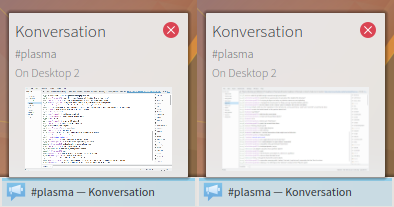
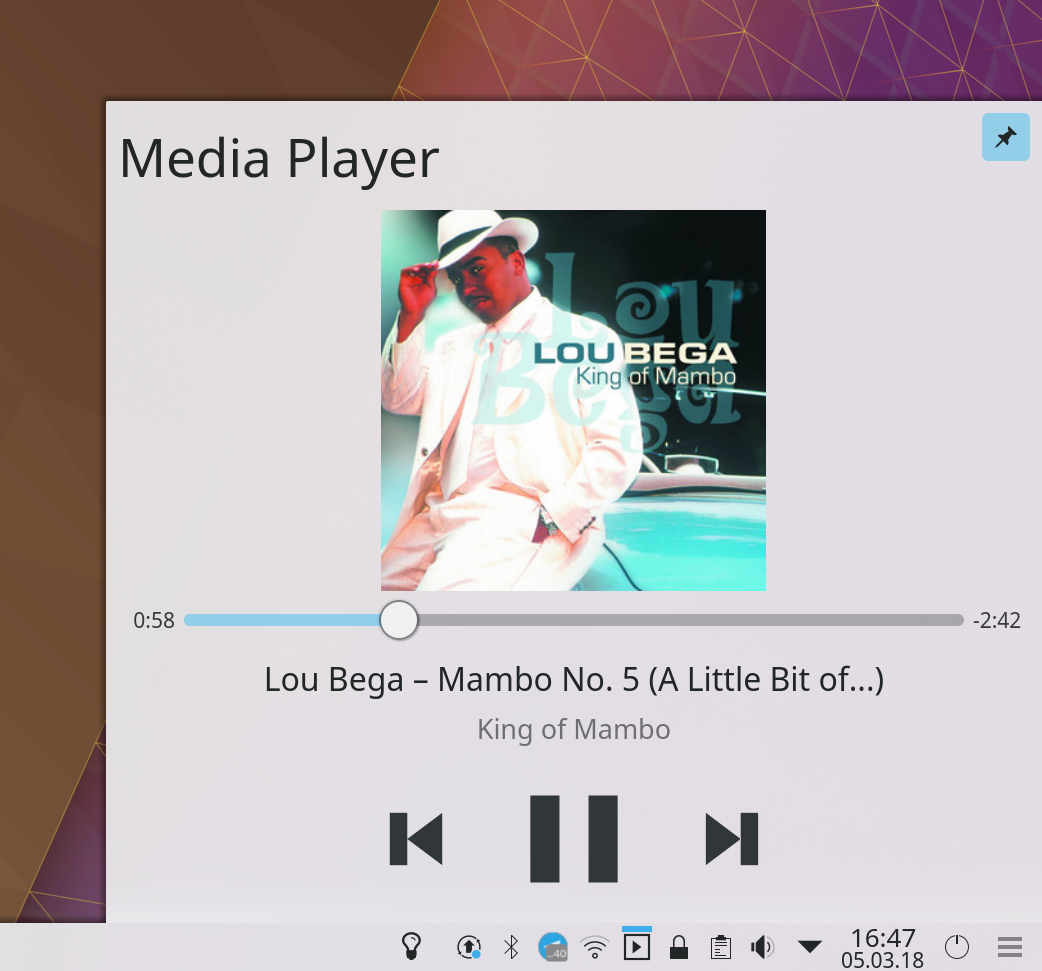
  • when the cursor is over a Task Manager entry for a window or app that exposes media playback controls (like a music player), you can now go to the previous and next tracks using your mouse’s back and forward buttons (KDE Phabricator revision D9797)
  • You can now use the Escape key as a shortcut to quit Gwenview (KDE bug 385242)
  • Okular no longer crashes when exporting markdown files to PDF (KDE bug 389216)
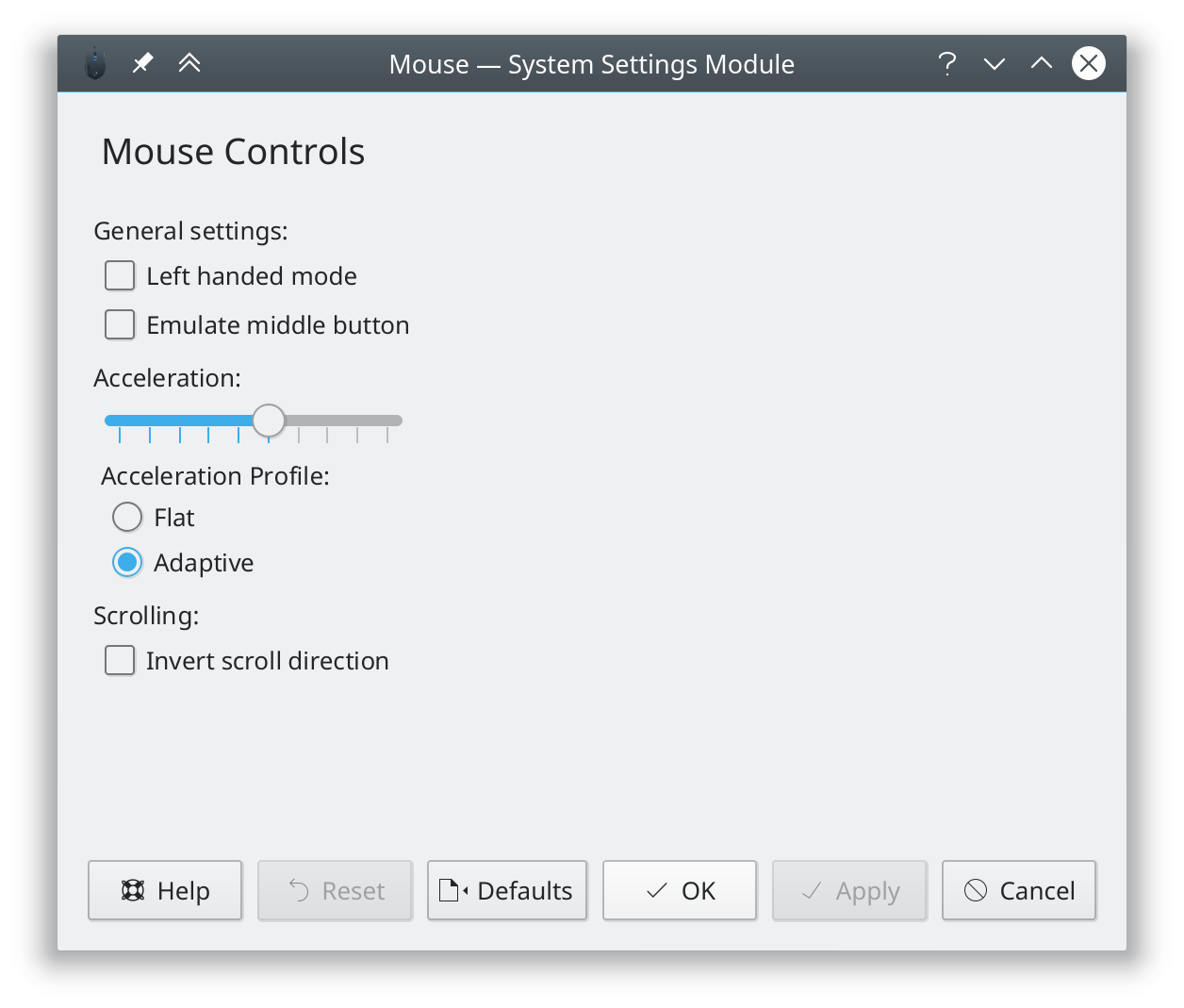
  • System Settings’ Cursors page was re-done to offer better usability, with fixes for issues such as KDE bug 375106)
  • When Kate is set to allow scrolling past the end of a document, and you’re currently scrolled past the end of your document, the view no longer jumps up when you type in a visible part of the screen (KDE bug 306745)
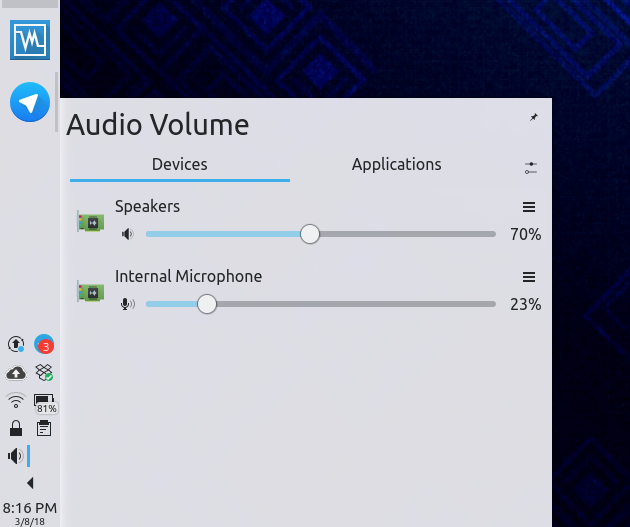
  • The Audio Volume widget now indicates with the correct cursor shapes that streams are draggable (KDE Phabricator revision D10098)
  • Tooltips for panel icons are now all sized and aligned in the same way (KDE bugs 386260 and 389371)
  • The System Settings Look And Feel page now immediately changes all UI elements on the page to reflect theme changes (KDE bug 389351)

This is in addition to the design work we did in Discover over the past few days.

Like what you see? Consider becoming a KDE contributor! There are many ways to offer your skills, even if you’re not a programmer. Donating time isn’t your thing? Money helps, too! All of it helps make this possible.