
This was a pretty huge week for KDE. Apparently people had a lot of pent-up work, because right after Akademy finished last week, the floodgates started opening! Amazing stuff has been landing left and right every day this week! Some highlights are touch support in Dolphin, user-configurable per-view sort ordering in Elisa, optional Systemd startup, tons of Okular scrolling improvements, and much, much, much more.
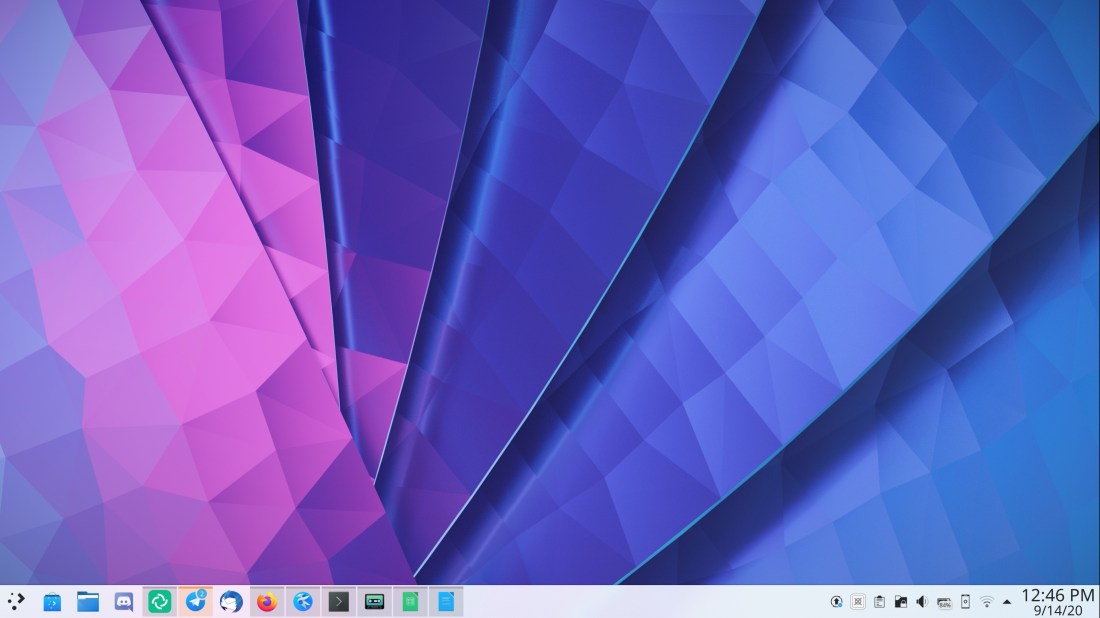
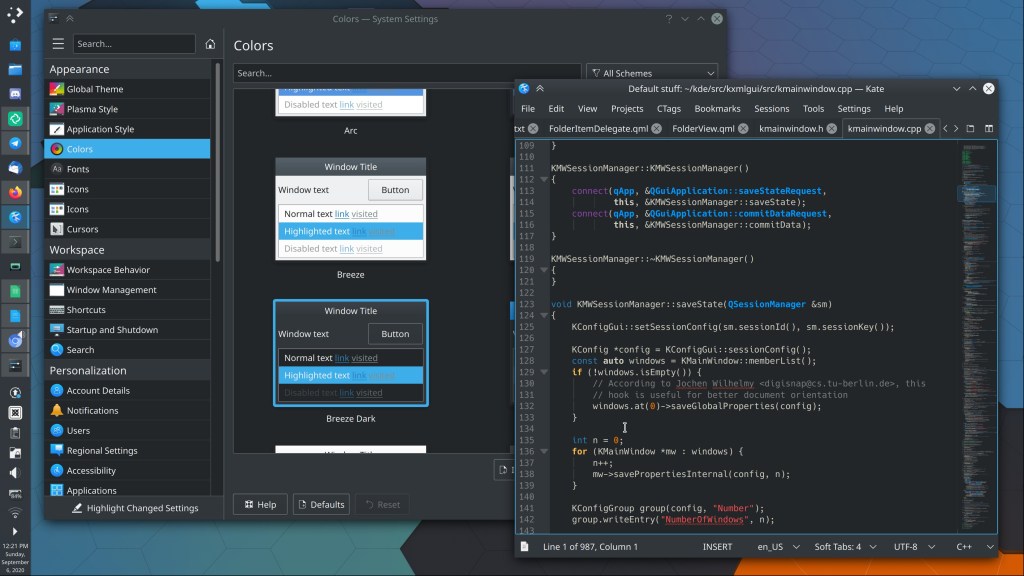
Oh and meet Plasma 5.20’s beautiful new wallpaper, Shell:
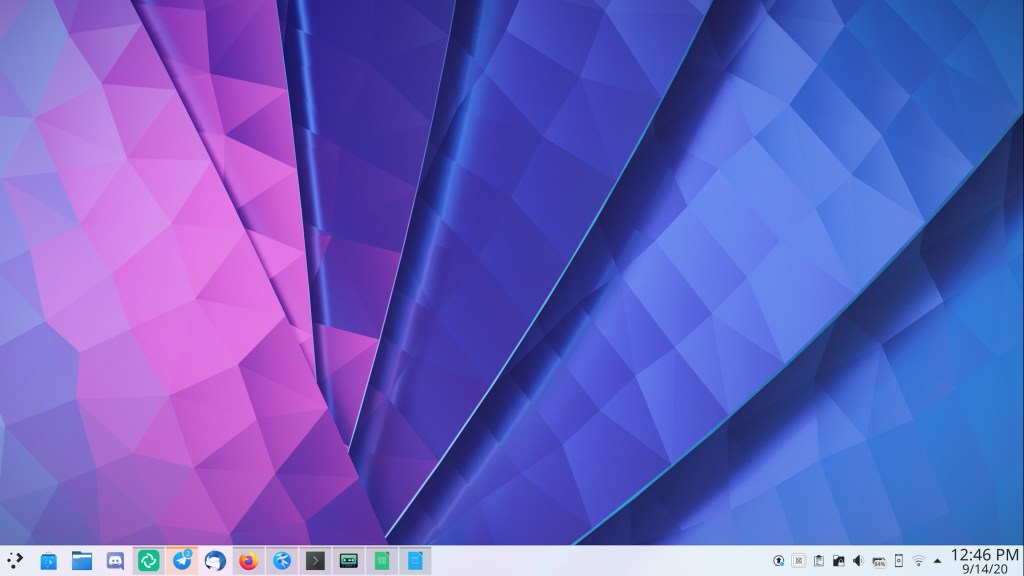
Big thanks to Lucas Andrade for this beautiful wallpaper!
New Features
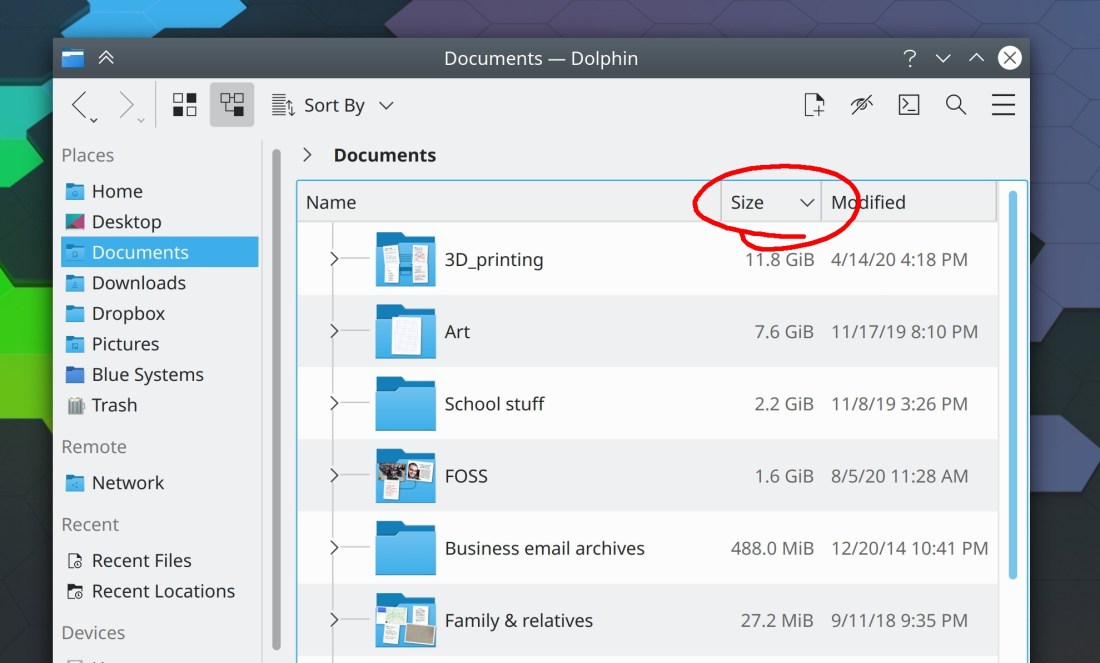
Dolphin now has full touch support! (Steffen Hartlieb, Dolphin 20.12)
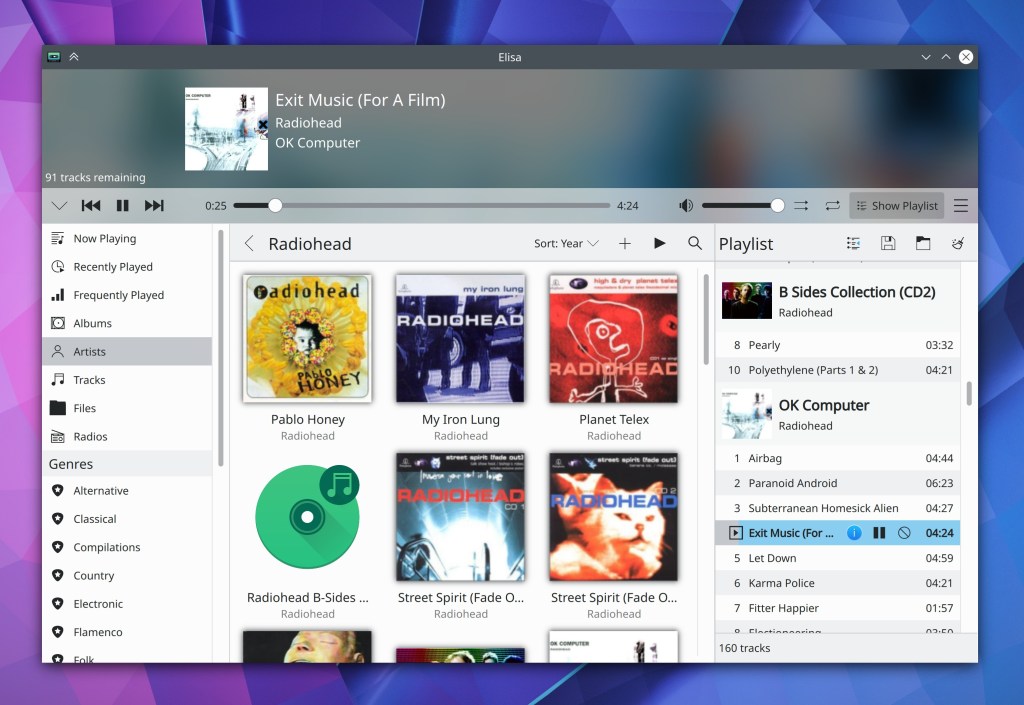
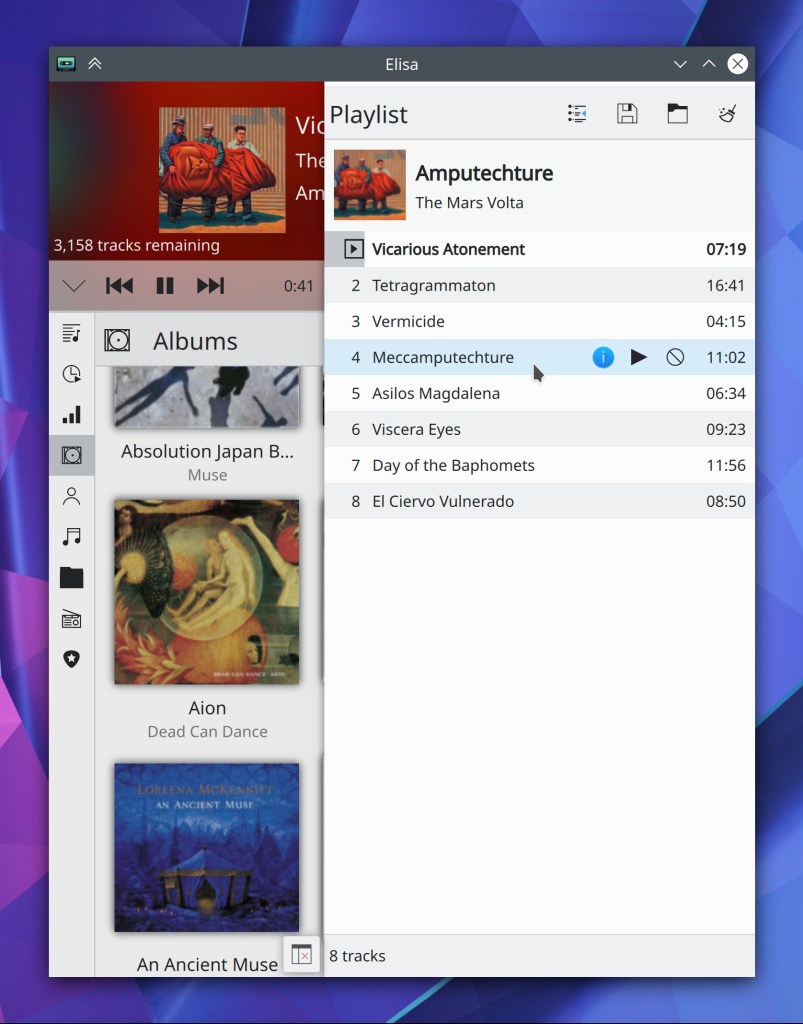
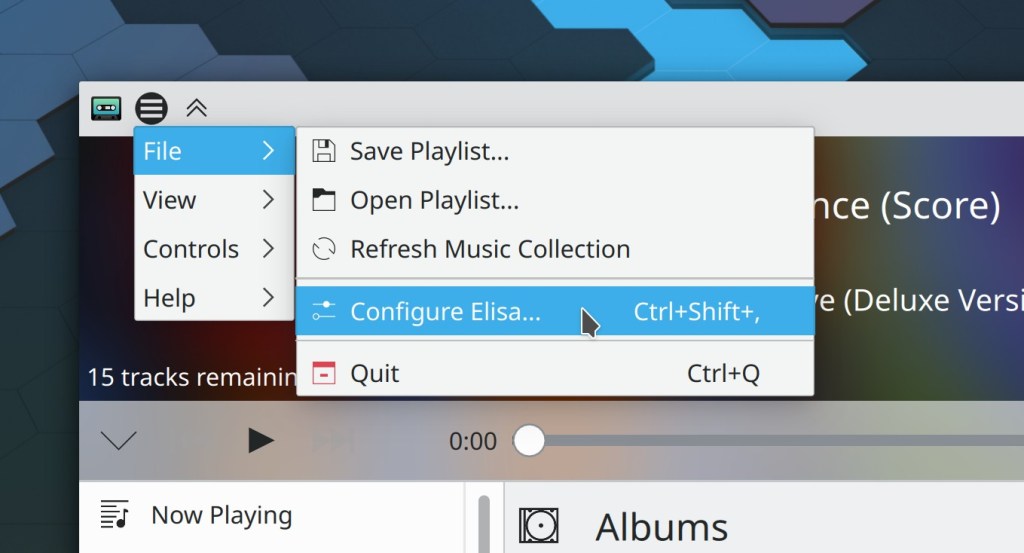
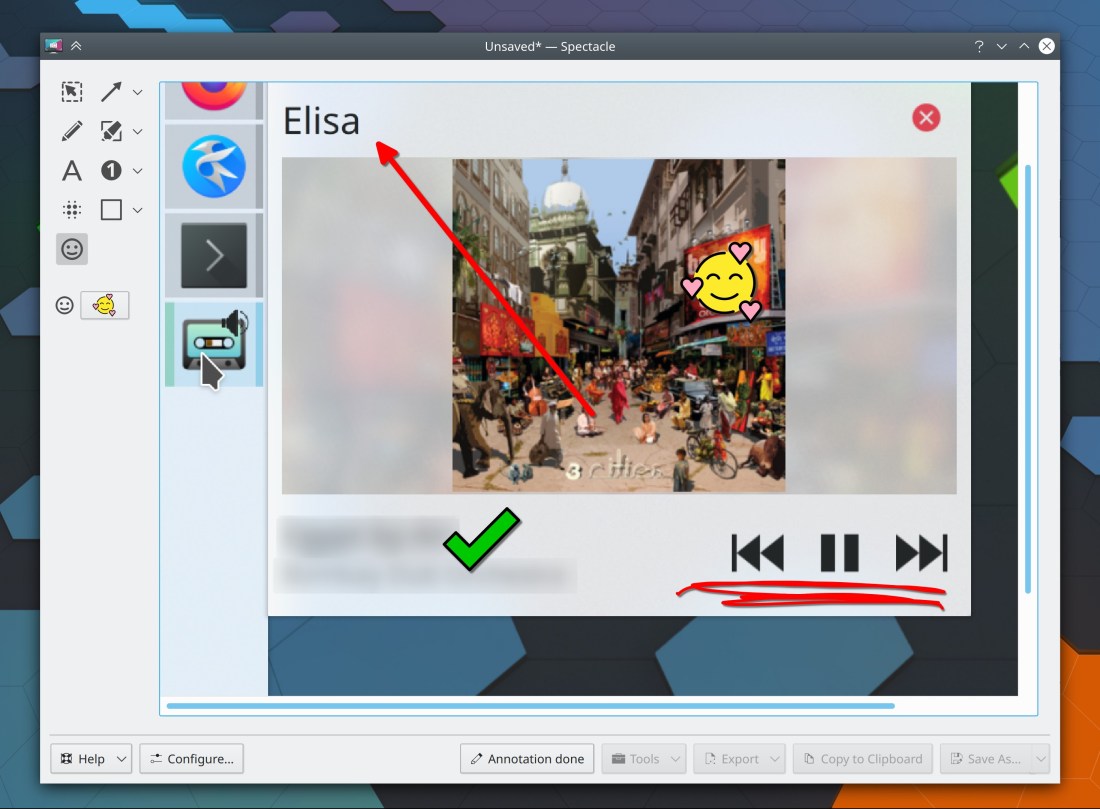
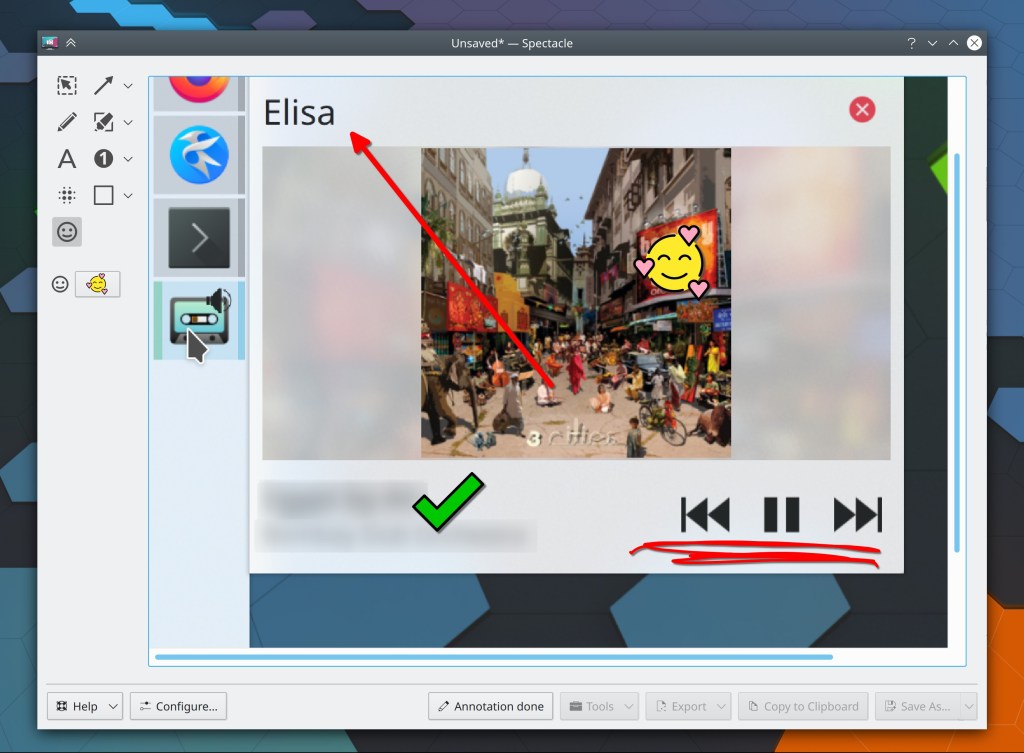
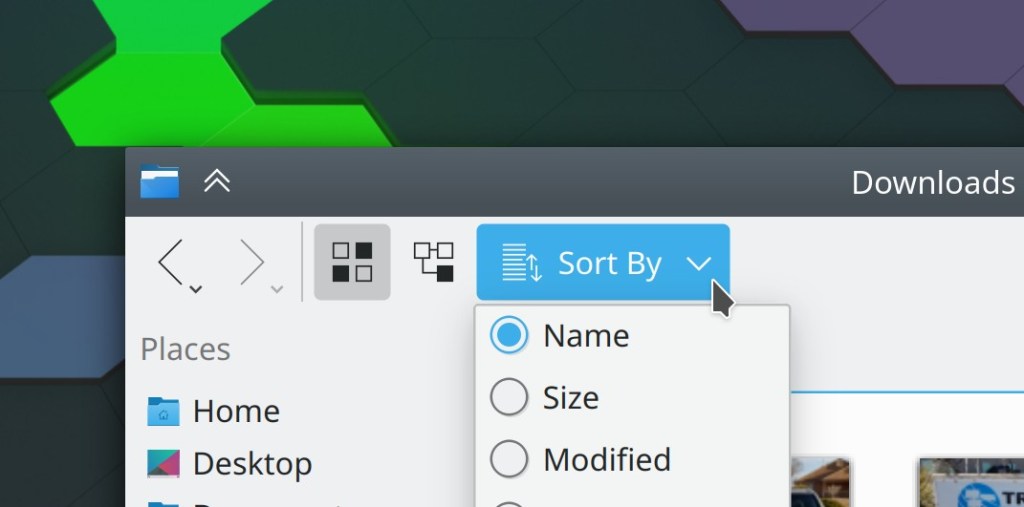
Elisa now lets you sort each view by whatever criteria you want, and defaults to sorting albums by year (Matthieu Gallien, Elisa 20.12)
Konsole now has a “focus follows mouse” feature for its split views that you can turn on to automatically focus the split view that the cursor passes over (Luc Dufresne, Konsole 20.12)
For those of you who liked Kate’s previous tab behavior–where it shows a limited number of tabs and automatically orders them according to recency of access in the sidebar–you can now use it again (Christoph Cullmann, Kate 20.12)
Spectacle now has command-line arguments to include or exclude window decorations or the cursor, overriding whatever is defined in the config file (Nazer Kalinowski, Spectacle 20.12)
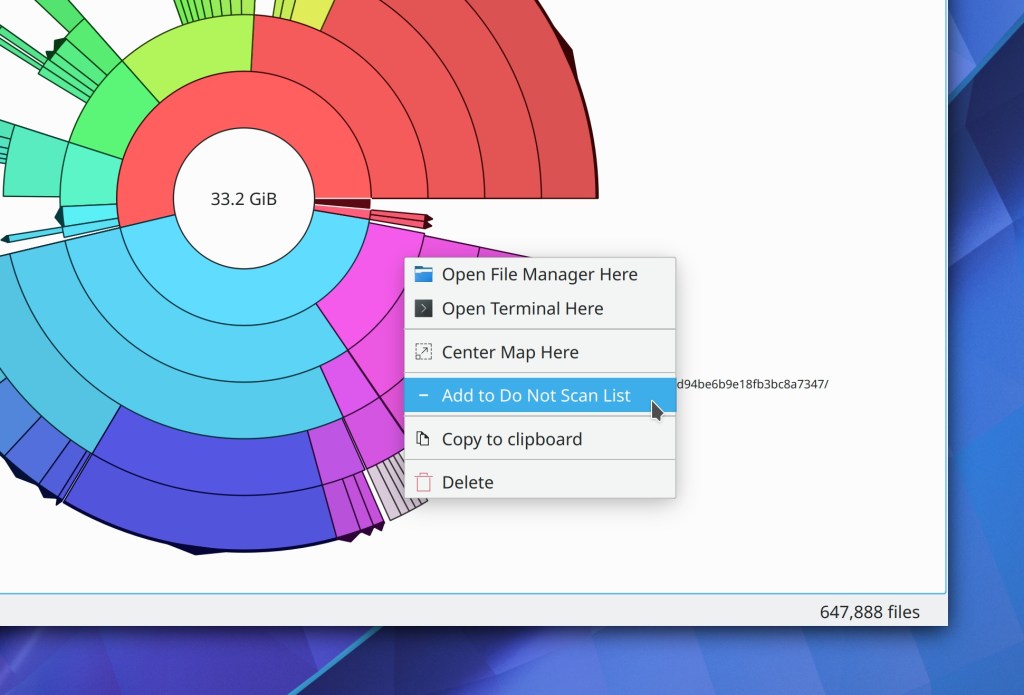
Filelight now offers you an easy way to exclude a folder from further indexing (Efe Çiftci, Filelight 20.12):
Plasma now optionally uses Systemd for startup (when Systemd is available), which brings numerous benefits such as faster startup and load times, no more odd race conditions during startup causing weird bugs, better session cleanup on logout ending the possibility of logout hangs, better logging of what’s going on, the possibility of using slices and cgroups to improve responsiveness and clarity in system monitoring apps, and much more. It’s a very exciting change! This is currently optional and off by default, but it will eventually be turned on by default (only where available of course) once the remaining kinks are worked out. (David Edmundson, 5.21)
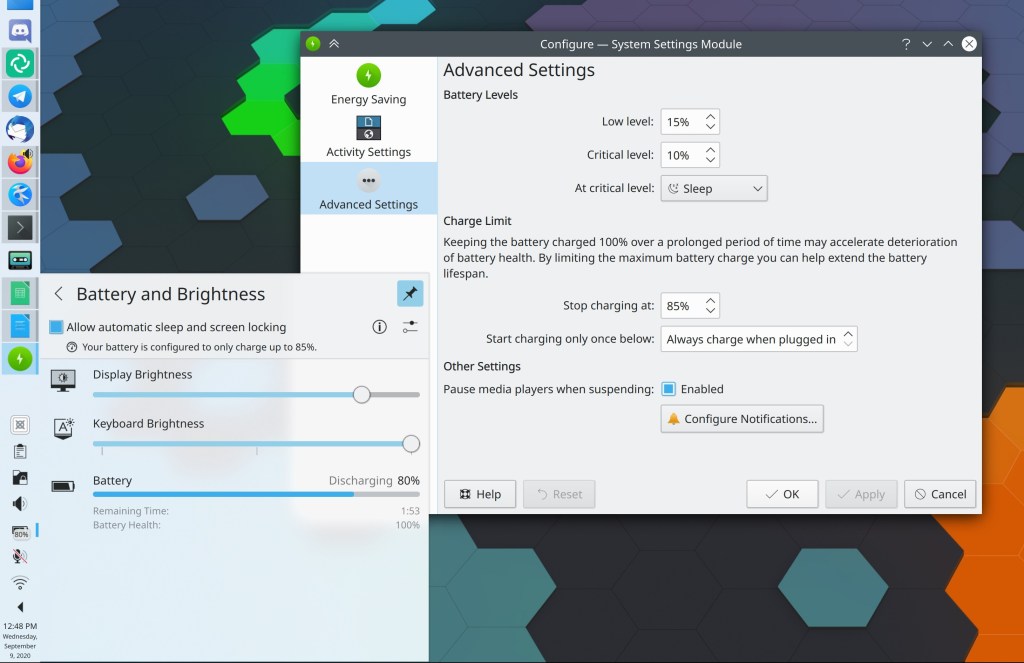
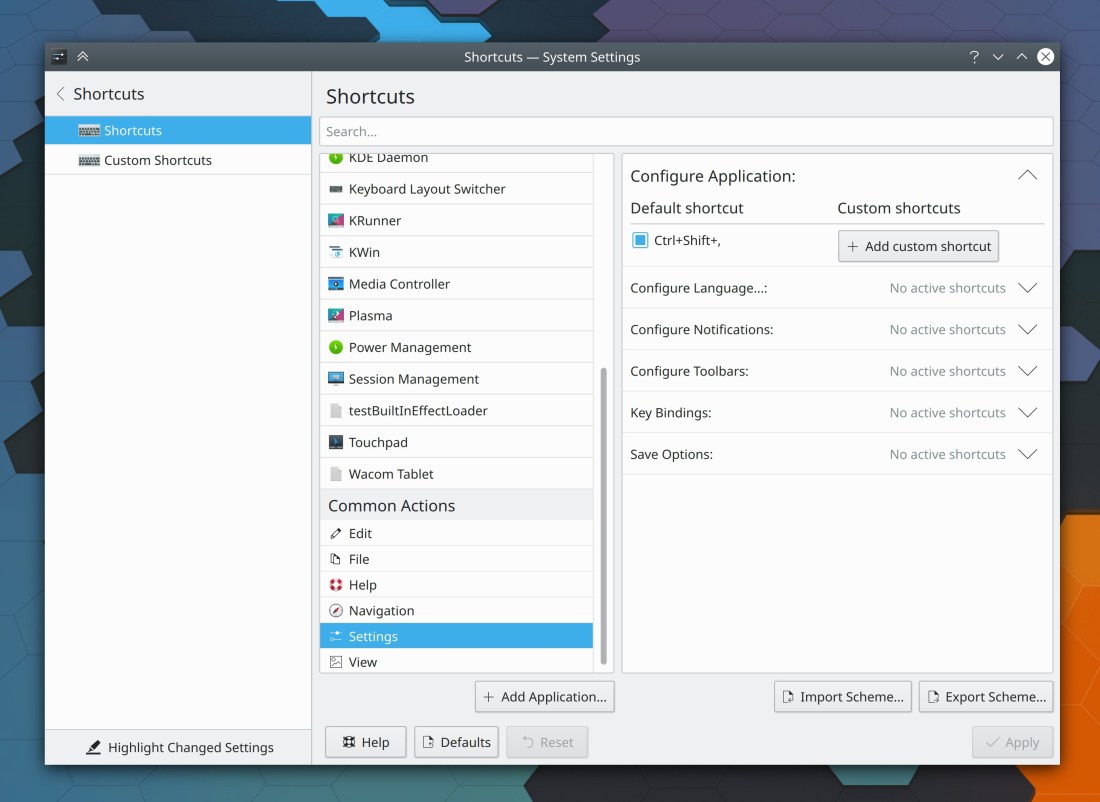
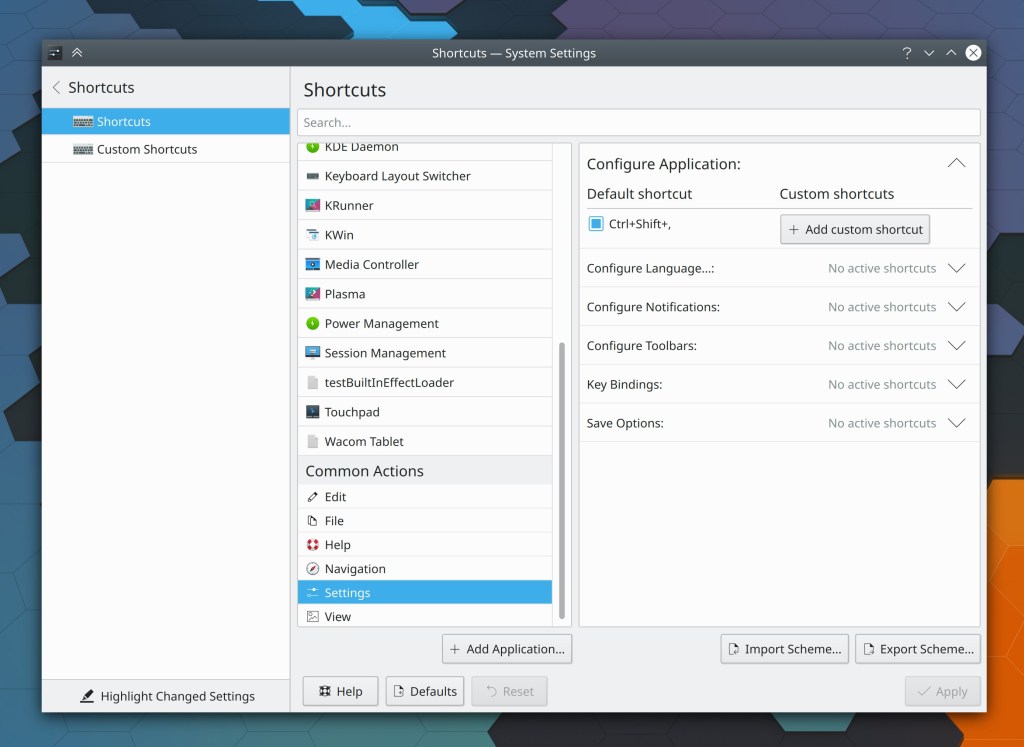
The System Settings Shortcuts page now also shows you which shortcuts have been changed from their defaults when using the “Highlight changed settings” feature (David Redondo, Plasma 5.21)

Bugfixes & Performance Improvements
When scrolling in Okular with a finger on the touchscreen or a mouse drag with the Browse tool, the view no longer “sticks” slightly for the first few pixels of movement (Kezi Olio, Okular 1.11.2)
Okular no longer crashes when trying to open malformed PDF documents with the same digital signature on multiple pages (Albert Astals Cid, Okular 1.11.2)
Middle-clicking on a tab in Kate now closes it again (Christoph Cullmann, Kate 20.08.2)
In Kate’s “Save modified documents” dialog, the Cancel button is now focused by default as it should be (Alexander Lohnau, Kate 20.12)
When annotating a document in Okular, the annotation tool’s tooltip no longer gets mistakenly painted over the document in certain circumstances (Pedro Arthur Pinheiro Rosa Duarte, Okular 20.12)
Partition Manager now correctly modifies the /etc/fstab file after you make changes (Andrius Štikonas, Partition Manager 4.2.0)
The Ctrl+d shortcut no longer unexpectedly moves selected desktop items to the trash (me: Nate Graham, Plasma 5.18.6 and 5.20)
Improved the graphics performance on Wayland (Gang Wu, Plasma 5.20)
It’s now possible to drag windows on Wayland from their empty areas, just like on X11 (Vlad Zahorodnii, Plasma 5.20)
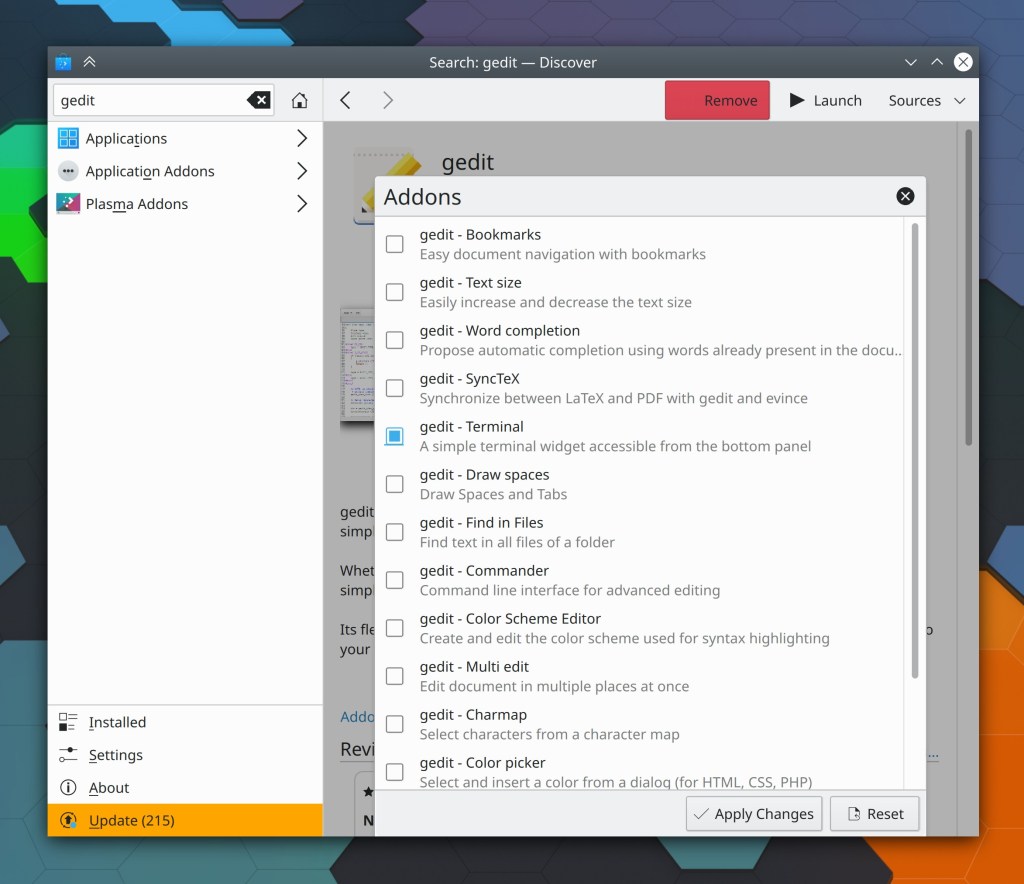
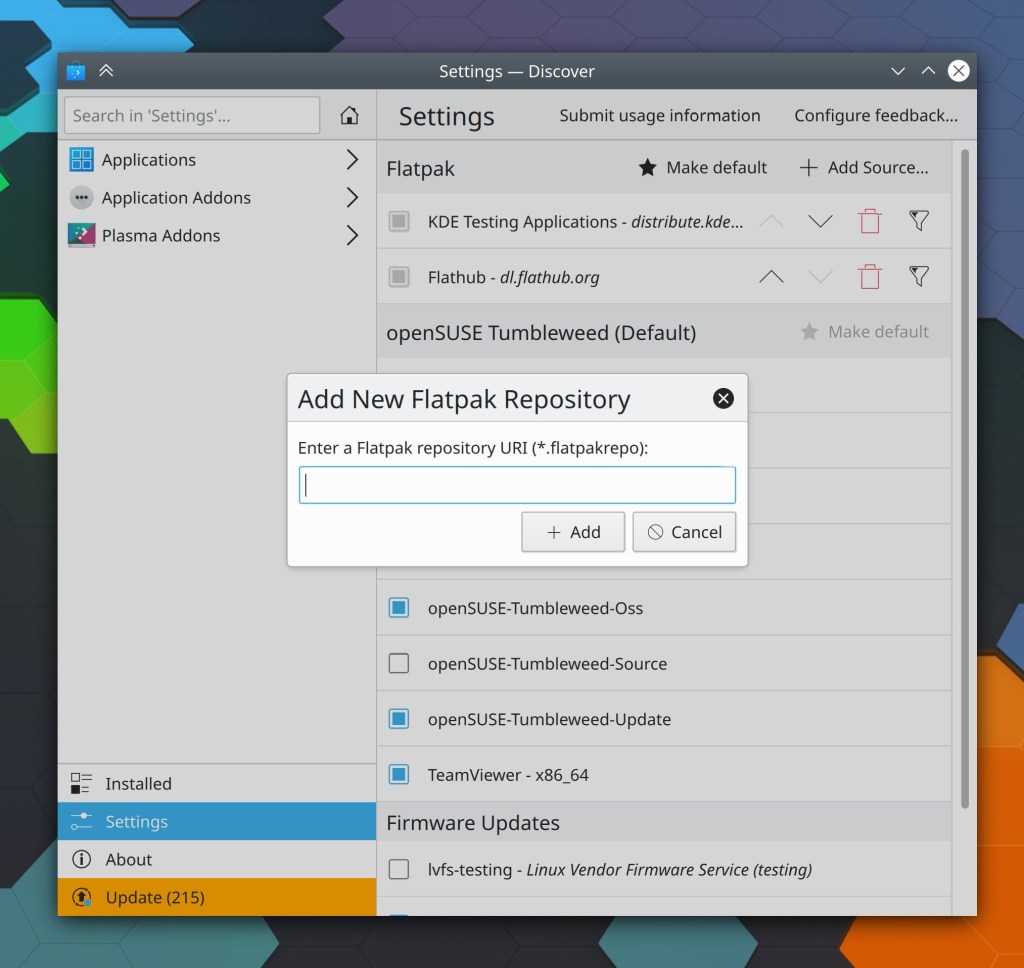
Discover no longer crashes when you visit its Settings page immediately after launching the app (Arjen Hiemstra, Frameworks 5.75 or Plasma 5.20, whichever one you get first)
Running a VNC server inside a Plasma session no longer crashes the Plasma session (Fabian Vogt, Plasma 5.20)
On Wayland, Plasma no longer sometimes crashes when you hover the cursor over an auto-hide Panel (Andreas Haratzis, Plasma 5.20)
Open and Save dialogs can now open and save files containing double quotes in their names (Andreas Bontozoglou, Frameworks 5.75)
It’s once again possible to set custom shortcuts that use the Tab key (David Edmundson, Frameworks 5.75)
Updating icon themes installed using the Get New Icons window now works (Alexander Lohnau, Frameworks 5.75)
Saving a file with a name that begins with a colon no longer causes the file to be saved to the base level of your home folder rather than wherever it is what you actually tried to save it to (Ahmad Samir, Frameworks 5.75)
User Interface Improvements
Single-line text in Elisa’s list-style views is now vertically centered as expected (me: Nate Graham, Elisa 20.08.2)
Elisa’s playlist sidebar now turns into a collapsible drawer on mobile or with a very narrow window, which means it’s no longer ever accessible (Stef Lep, Elisa 20.12)
Okular’s recently-added smooth scrolling animated transitions now respect the global animation speed multiplier, which means that people who hate animations and have then turned off globally now don’t have to live with the animated scrolling effects in Okular any longer. We still plan to add an off switch in Okular itself for people who want to disable smooth scrolling in just Okular or are using Okular on non-Plasma platforms (me: Nate Graham, Okular 20.12)
Discover now provides feedback on Arch-based distros when there is a dependency problem preventing updates from being installed (Aleix Pol Gonzalez, Plasma 5.20)
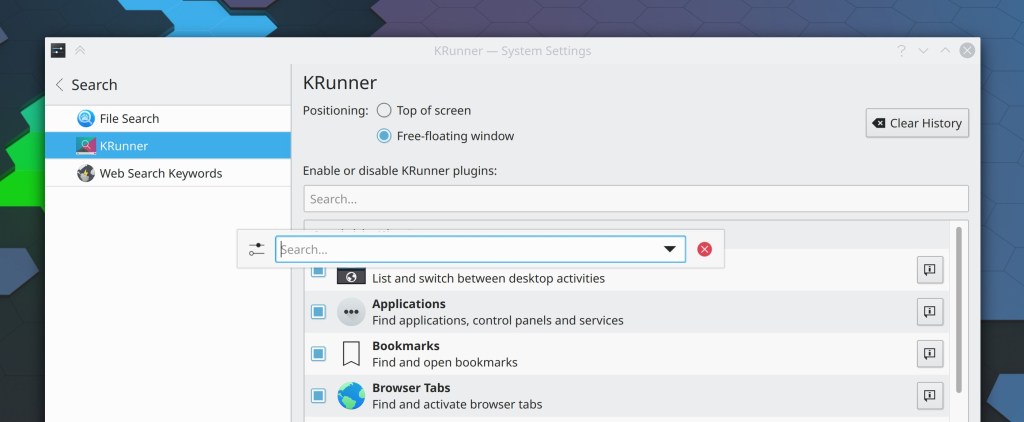
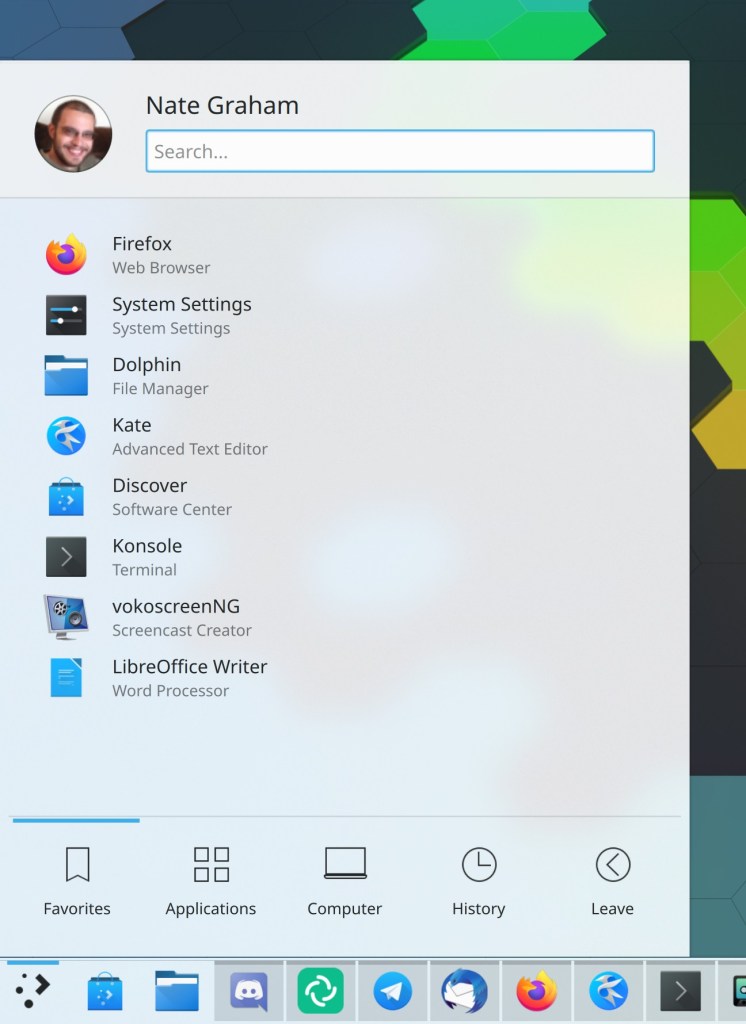
KRunner now prioritizes apps higher than System Settings pages in the results view when there are matches for both (Harald Sitter, Plasma 5.20)
When you try to assign a shortcut on the System Settings Shortcuts page that’s already used, you’re now warned immediately rather than only when you click the “Apply” button (David Redondo, Plasma 5.20)
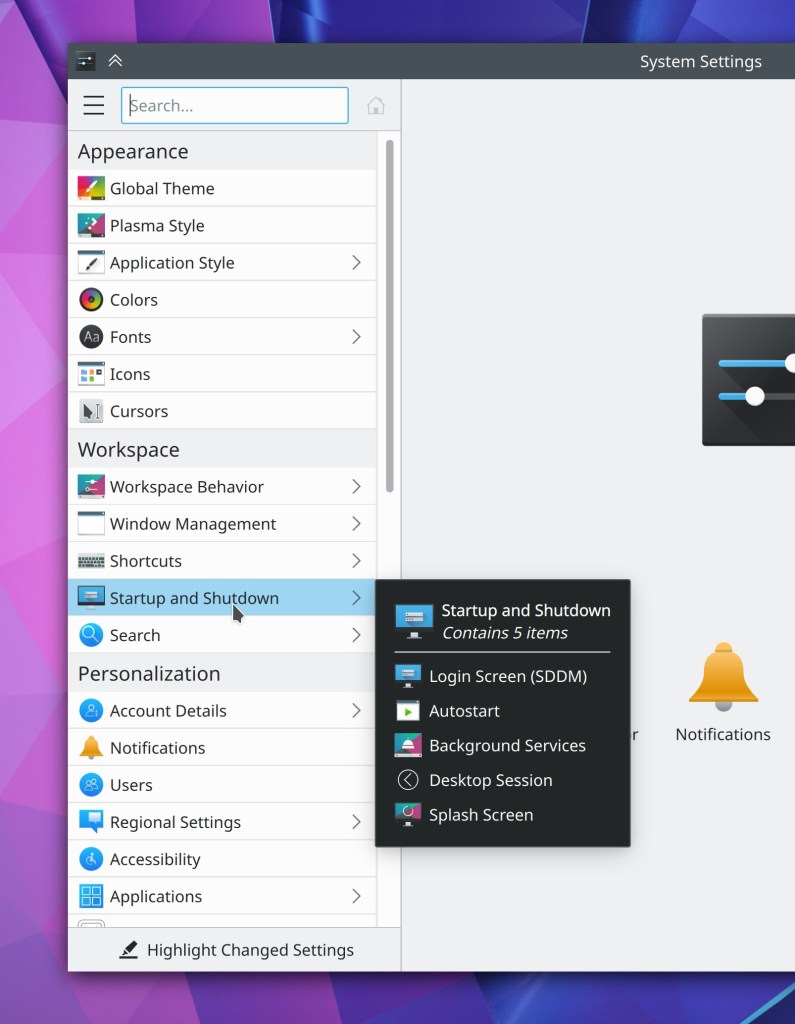
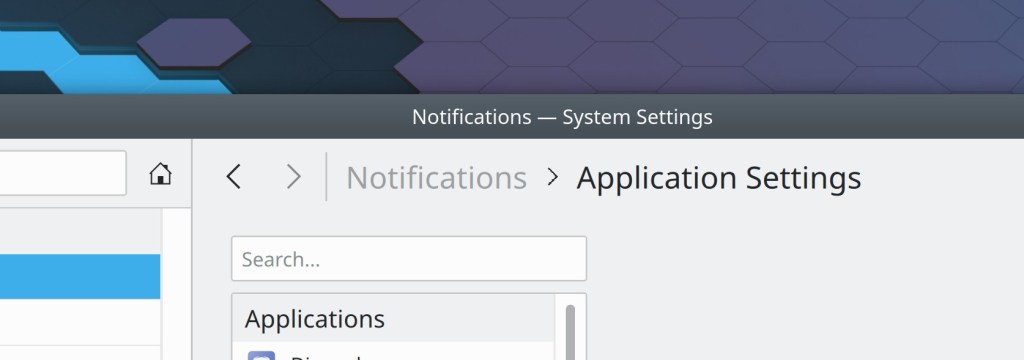
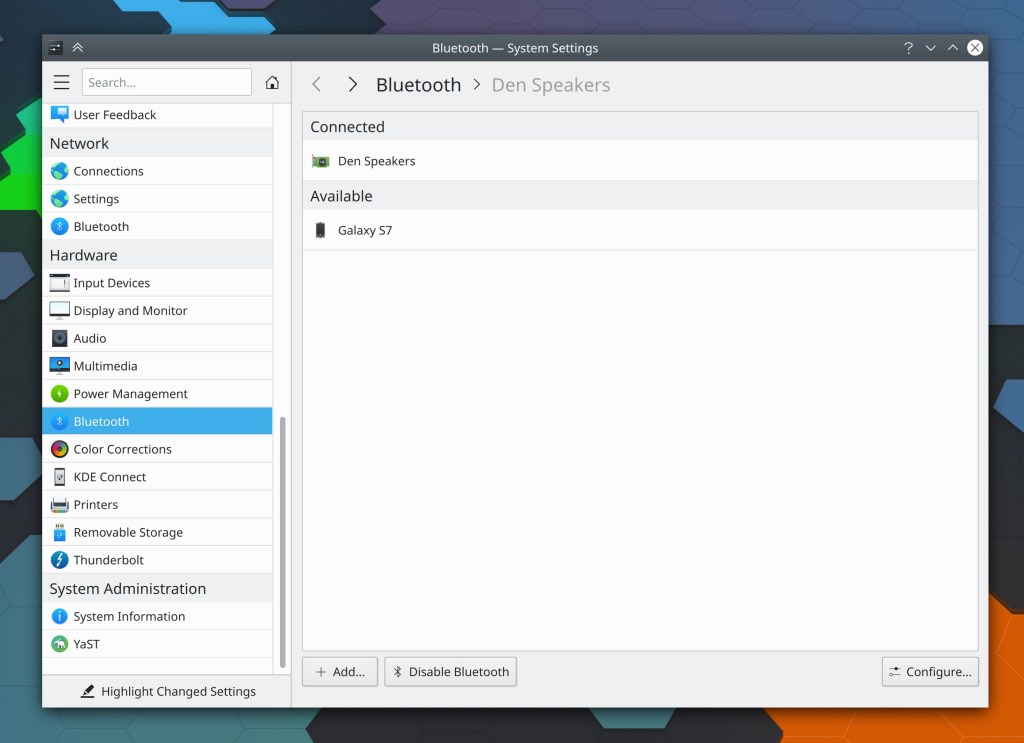
System Settings’ sidebar view now displays little arrows for list items which are top-level categories containing other items (me: Nate Graham, Plasma 5.20)
You can now middle-click on the Night Color applet to toggle the feature on and off (David Edmundson, Plasma 5.20)
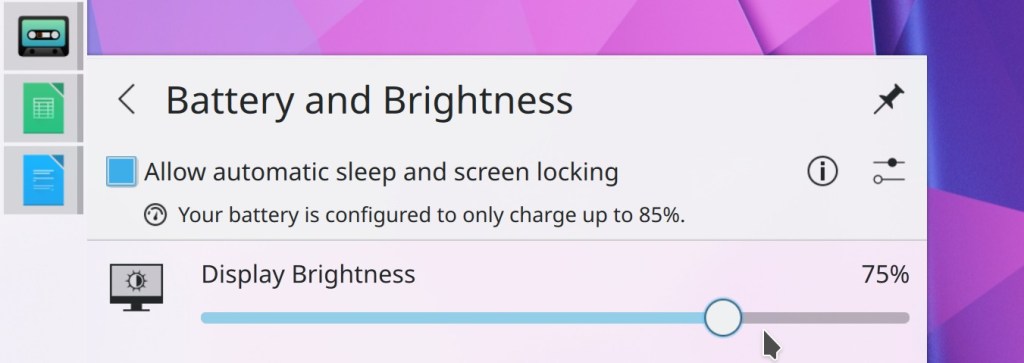
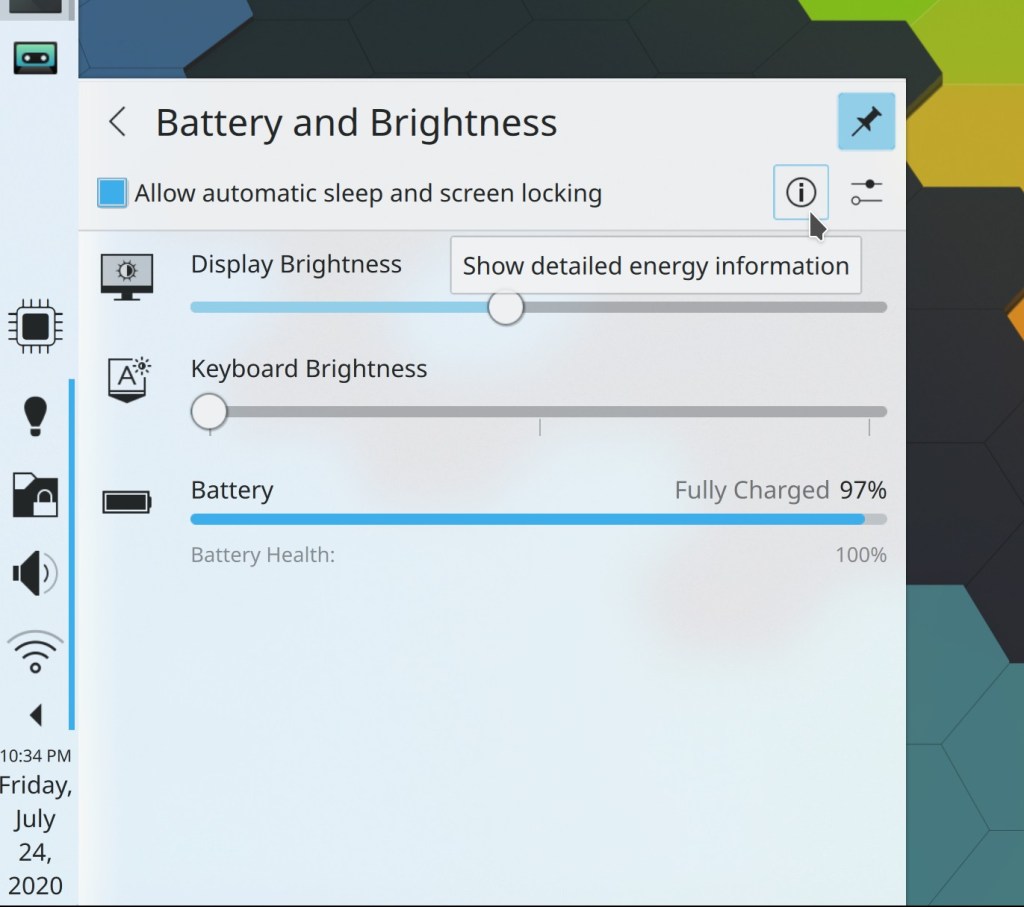
The Battery applet now shows the brightness percentage (Eugene Popov, Plasma 5.20)
VPN-related notifications and network authentication dialogs now use clearer and more consistent terminology (me: Nate Graham, Plasma 5.21)
It’s now possible to configure a keyboard shortcut in Kate to paste the text that was last selected by the mouse (usually you middle-click to paste this text) (Jonathan Poelen, Frameworks 5.75)
How You Can Help
Have a look at https://community.kde.org/Get_Involved to discover ways to be part of a project that really matters. Each contributor makes a huge difference in KDE; you are not a number or a cog in a machine! You don’t have to already be a programmer, either. I wasn’t when I got started. Try it, you’ll like it! We don’t bite!
Finally, consider making a tax-deductible donation to the KDE e.V. foundation.







 Adventures in Linux and KDE