This week we focused a lot on the little usability details that make software a joy to use! A lot of really exciting longer-term work is underway too, some of which you can read about on Vlad Zahorodnii’s blog. But that stuff is still in progress, so until it’s merged, check out this stuff:
New Features
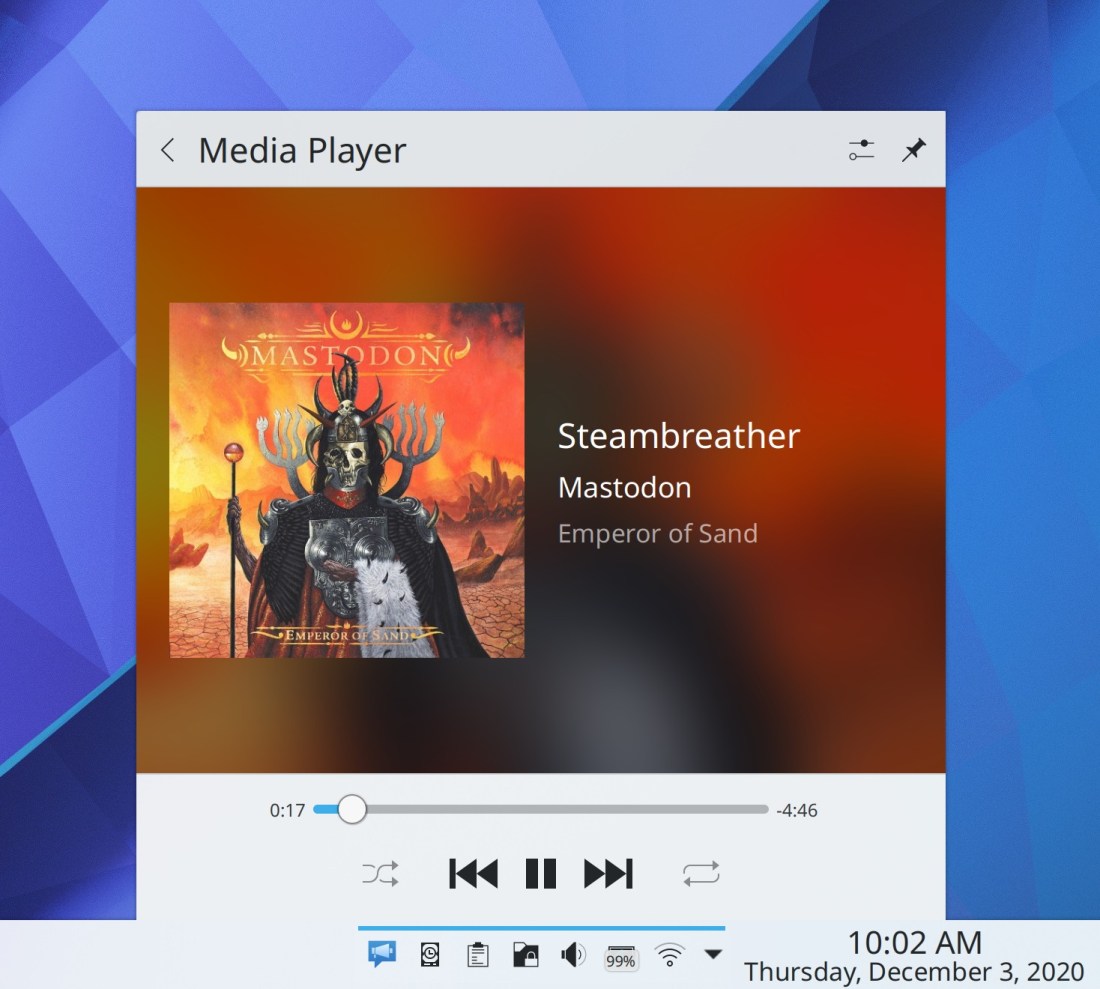
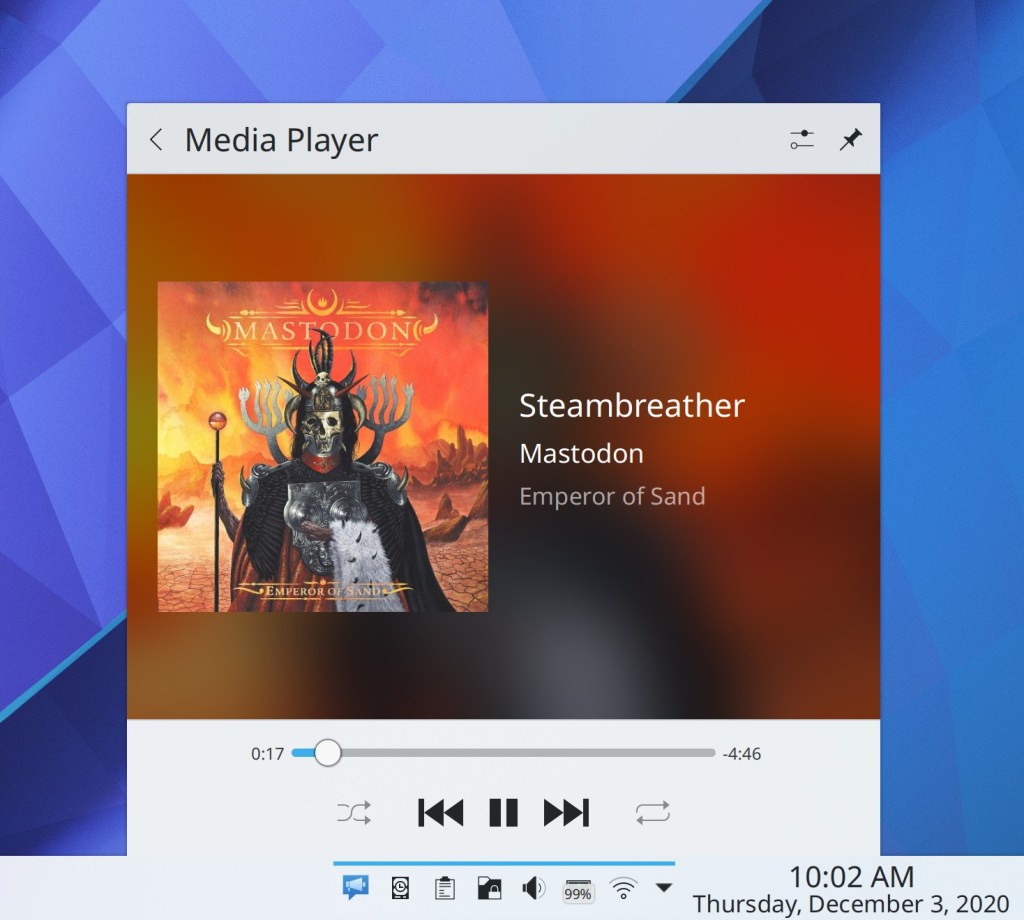
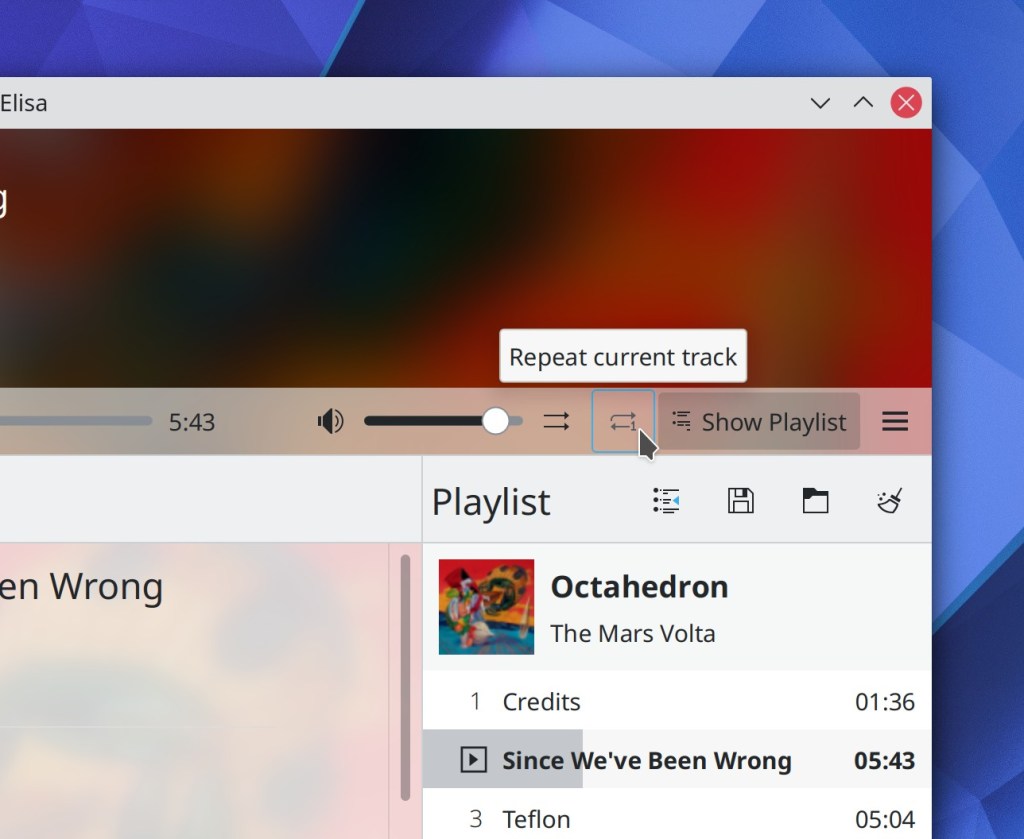
Elisa now lets you repeat the current track over and over and over again if you want (Carson Black, Elisa 21.04):
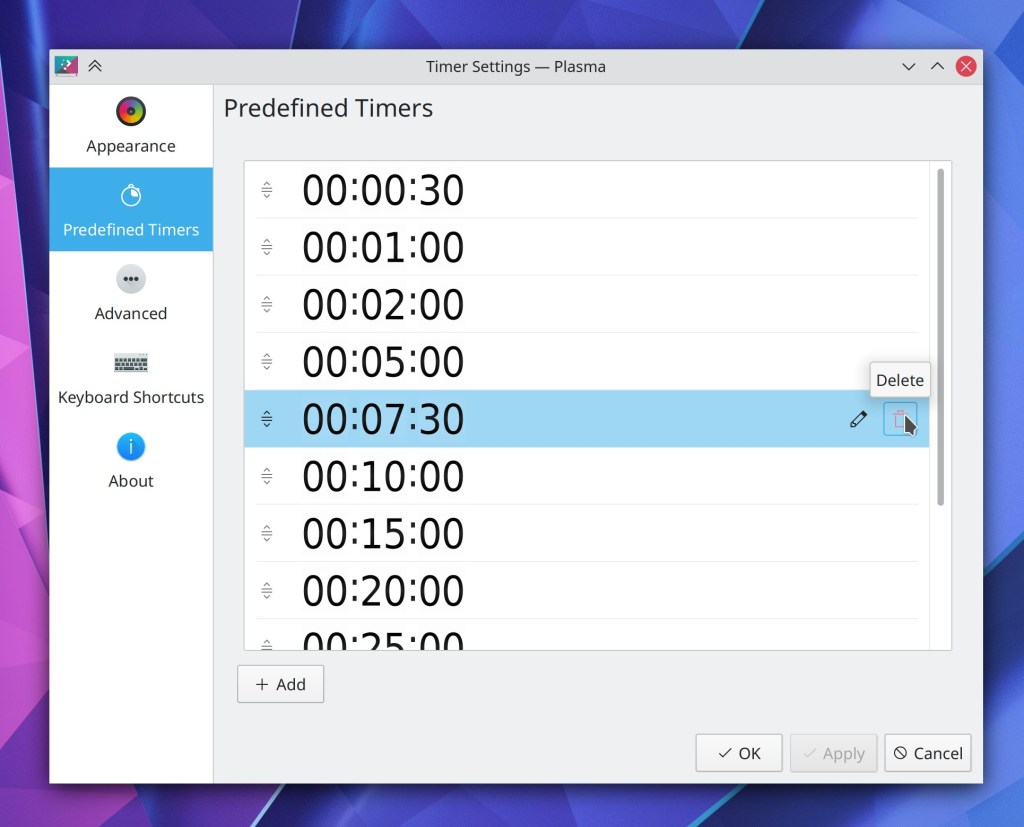
Plasma’s Timers widget now has a page listing all the predefined timers, which allows you to modify them and add your own (Łukasz Korbel, Plasma 5.21):
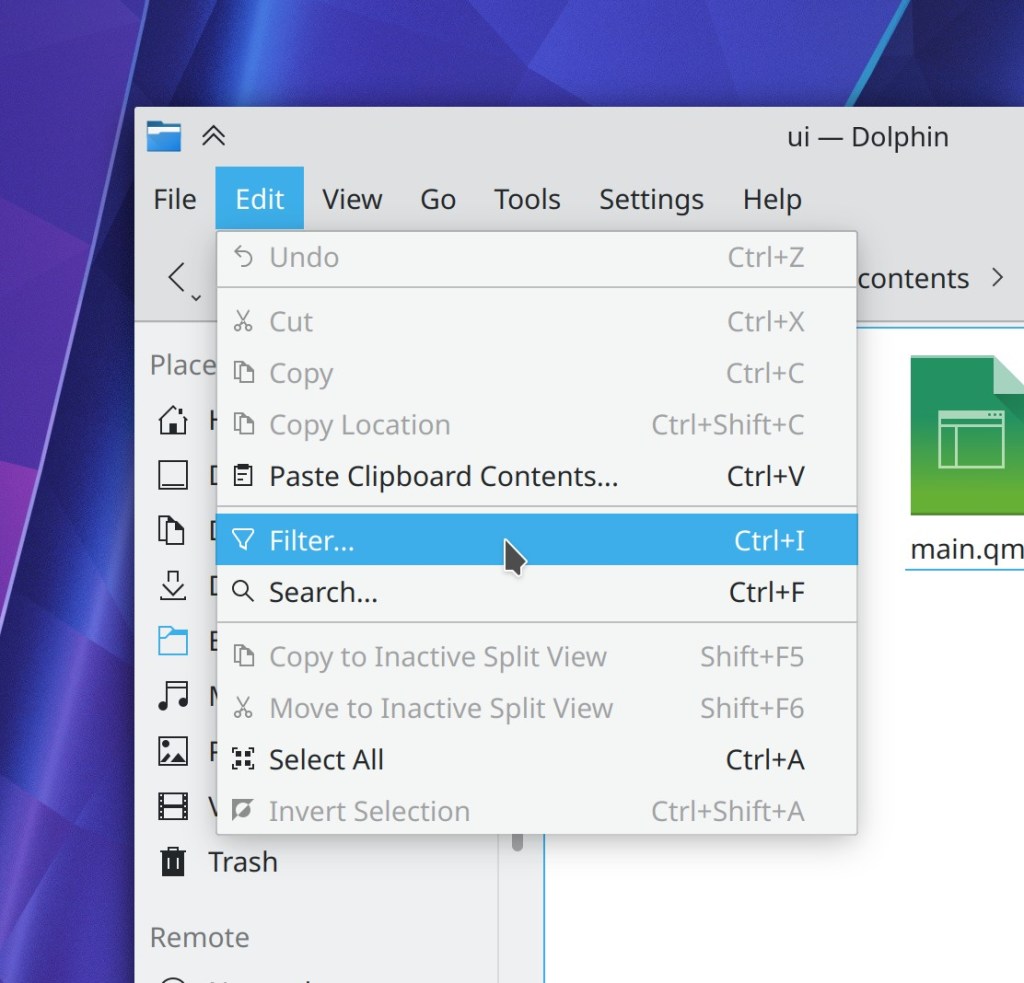
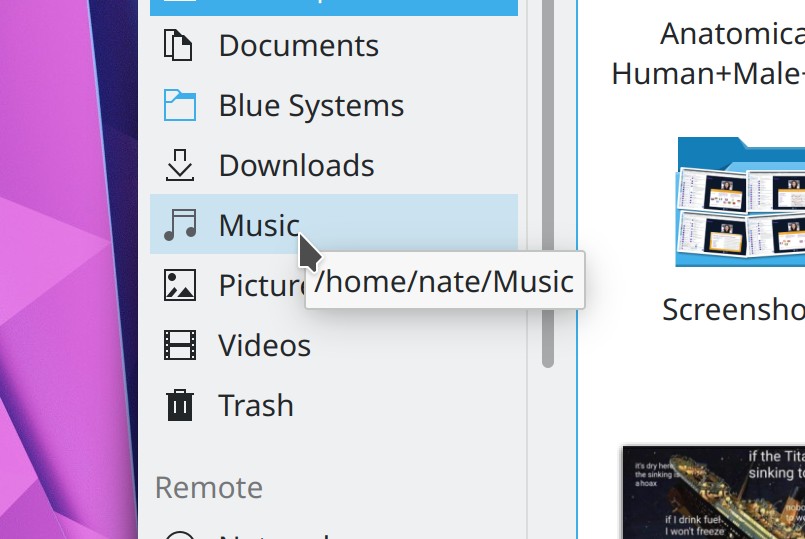
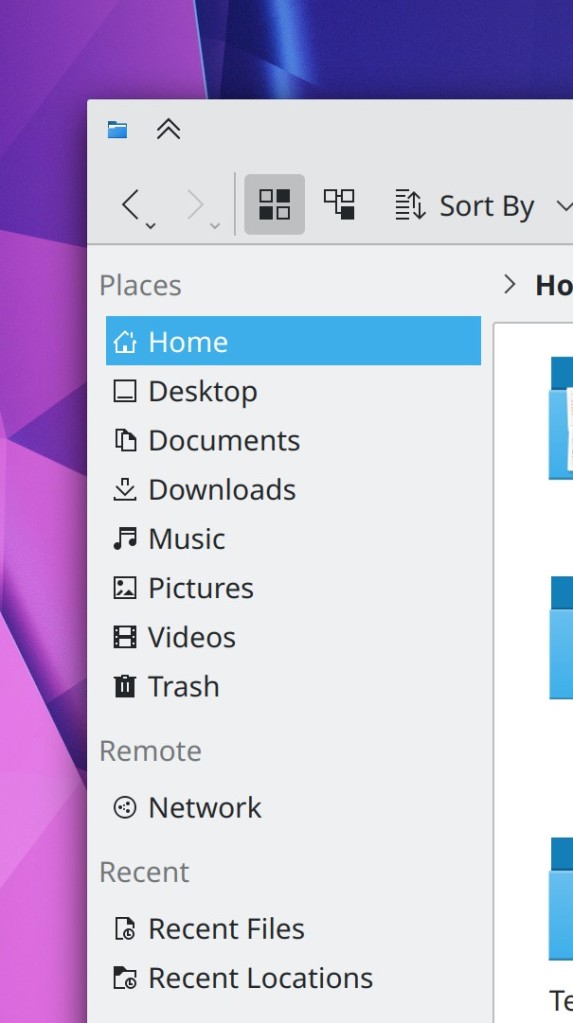
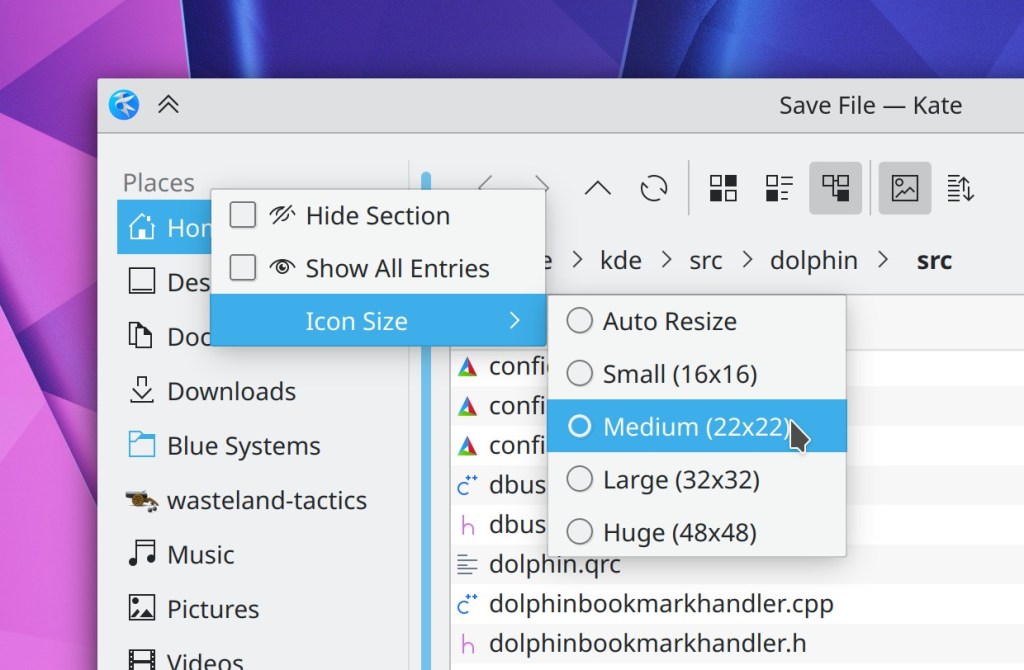
You can now set a fixed icon size for the items in the Open/Save dialogs’ Places panel sidebar (Ahmad Samir, Frameworks 5.78):
Bugfixes & Performance Improvements
When using Elisa’s Files view, pressing the Play or Enqueue buttons on grid items now works (Matthieu Gallien, Elisa 20.12.1)
Elisa no longer spikes Plasma’s CPU usage at all while playing music (Matthieu Gallien, Elisa 20.12.1)
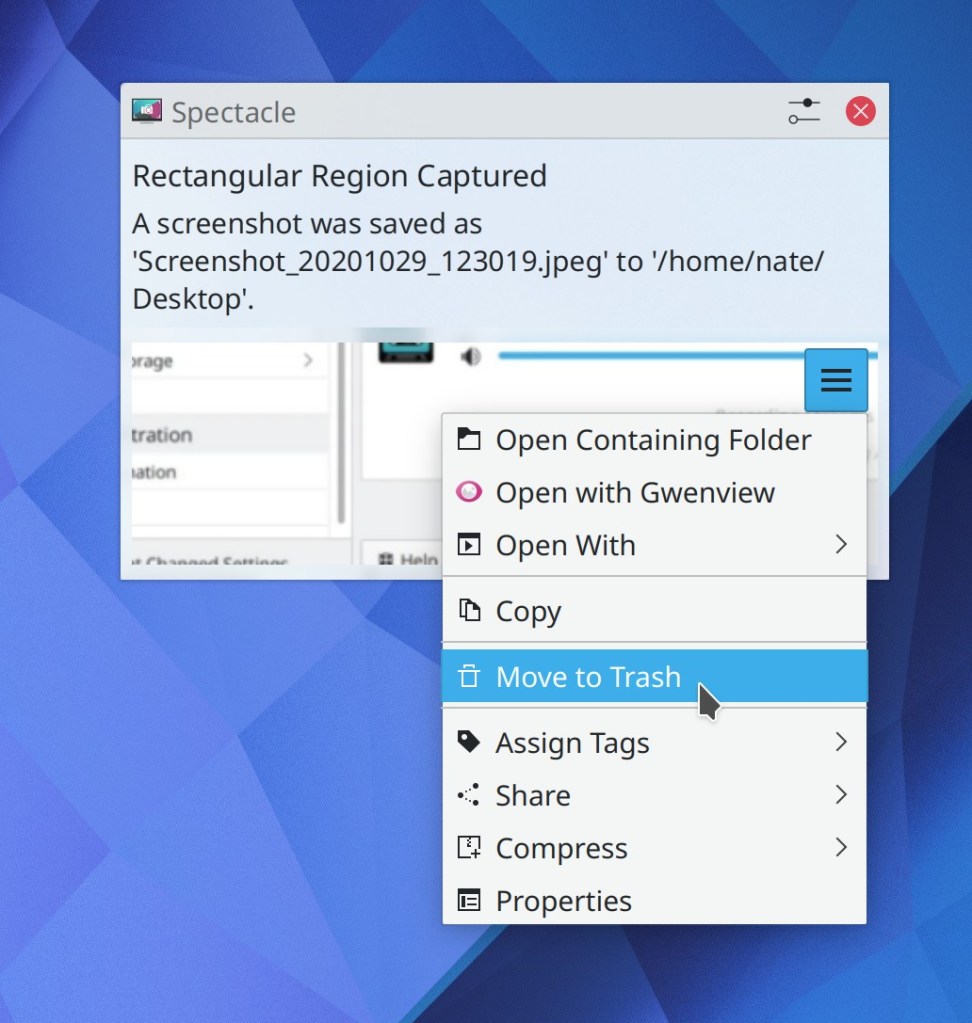
Spectacle is no longer sometimes slow and laggy when taking more than one screenshot in quick succession (David Redondo, Spectacle 20.12.1)
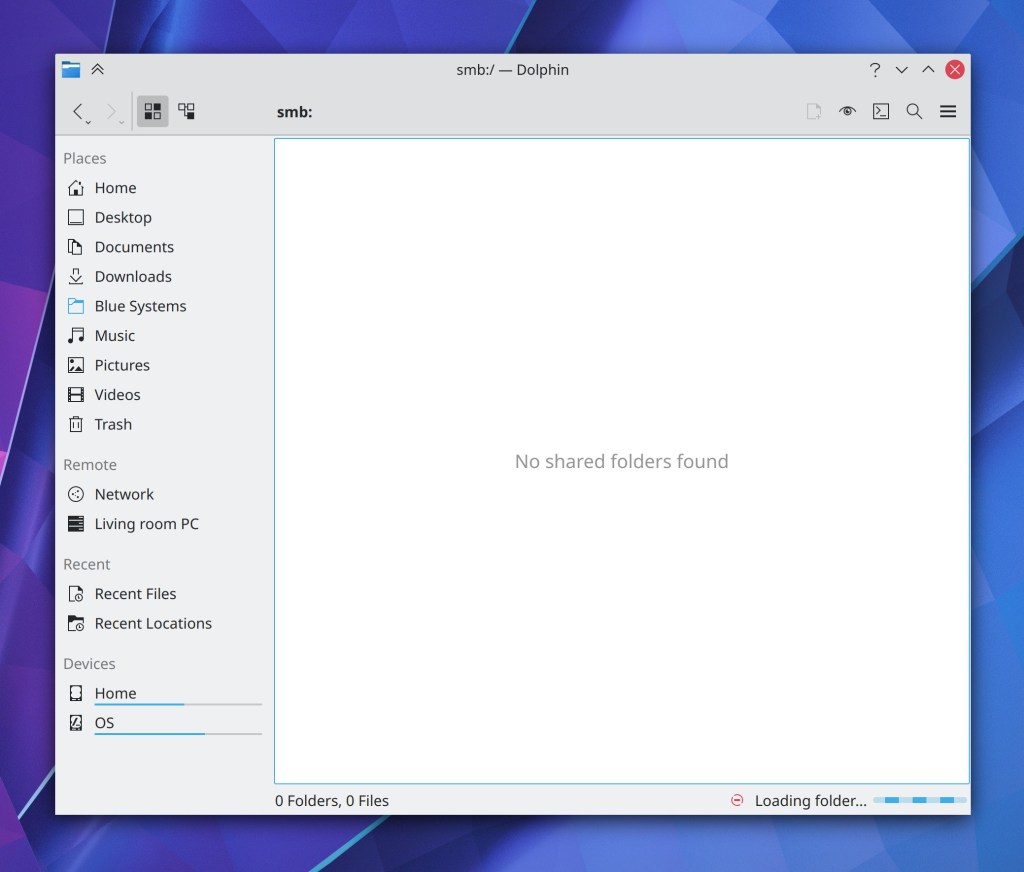
Meetings/screencasts using WebRTC now work in the Plasma Wayland session! (Jan Grulich, Plasma 5.20.5)
The lock and login screen virtual keyboard no longer covers up the password field when it appears (Marco Martin, Plasma 5.20.5)
When viewing the details of an app in Discover, a funny little tooltip for the app’s license no longer always appears; now it’s only visible when you hover over the link to the full text of its license, as expected (Aleix Pol Gonzalez, Plasma 5.20.5)
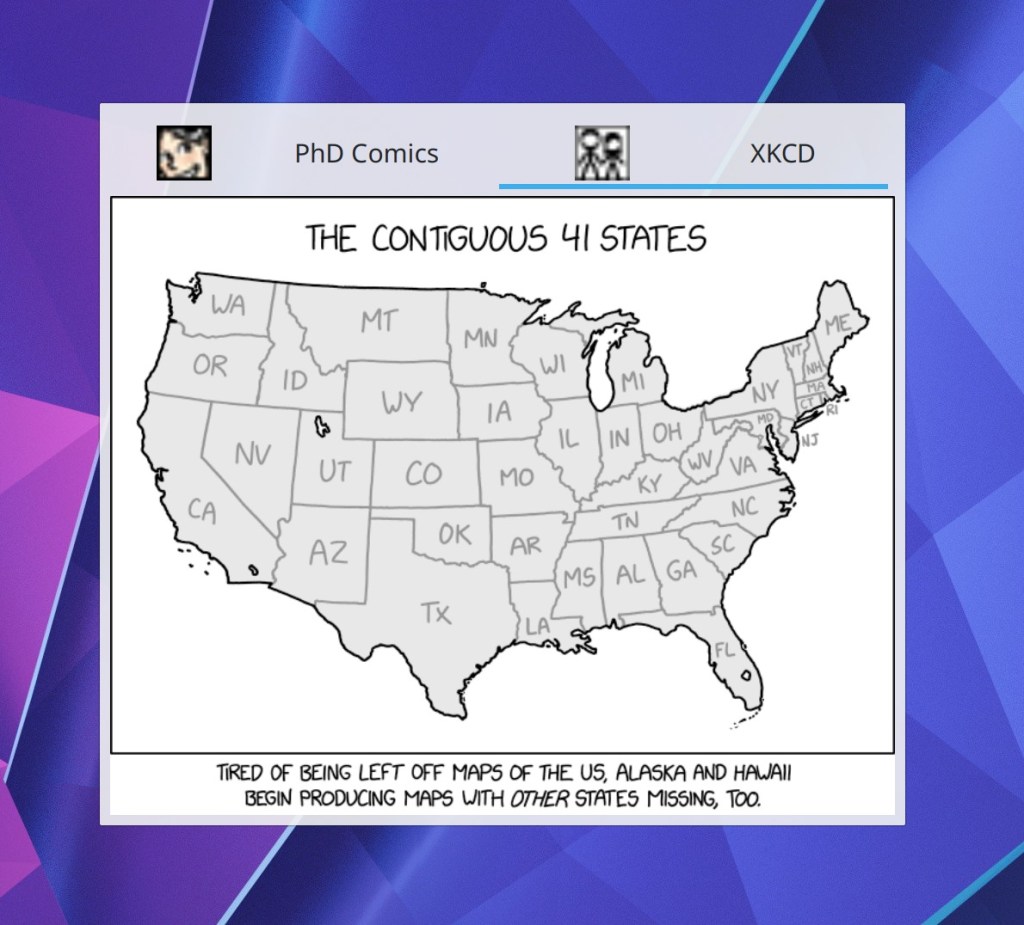
The Comics applet now displays icons in the tab bar’s tabs, like it was always supposed to (Arnav Rawat, Plasma 5.20.5):
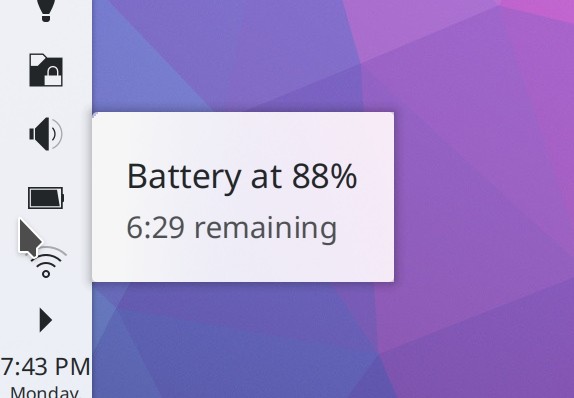
The Bluetooth applet’s placeholder message now displays the correct text when Bluetooth is disabled (Nicolas Fella, Plasma 5.21)
When you change your user avatar in the System Settings Users page, the image displayed in the list of users now also changes immediately (Yunhe Guo, Plasma 5.21)
Back and forward navigation buttons in Kirigami-based software no longer sometimes overlap the name of the current page (Devin Lin, Frameworks 5.78)
Install and Remove buttons in Discover no longer look slightly bizarre and have an invisible icon; now they use the standard style and re-color the icon (Marco Martin, Frameworks 5.78):


KDE app window sizes and positions are once again remembered correctly in KDE software run on Windows (me: Nate Graham, Frameworks 5.78)
KDE app windows no longer sometimes open in a maximized state when they were not maximized at the moment they were last closed (me: Nate Graham, Frameworks 5.78)
User Interface Improvements
Elisa’s configuration window has been given a UI overhaul and modernization (me: Nate Graham, Elisa 21.04):

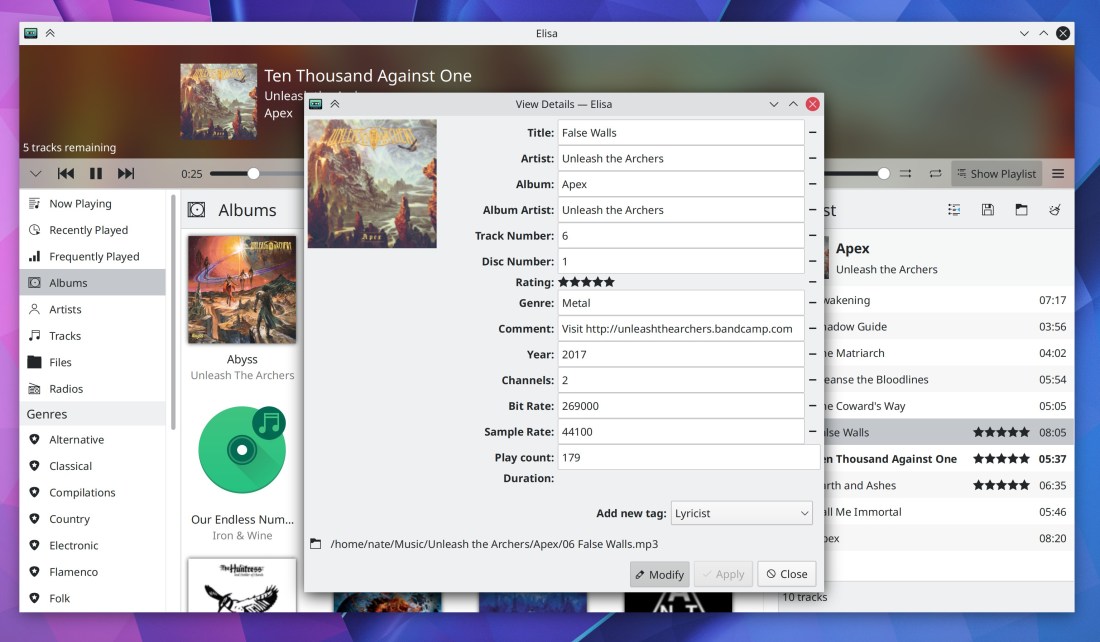
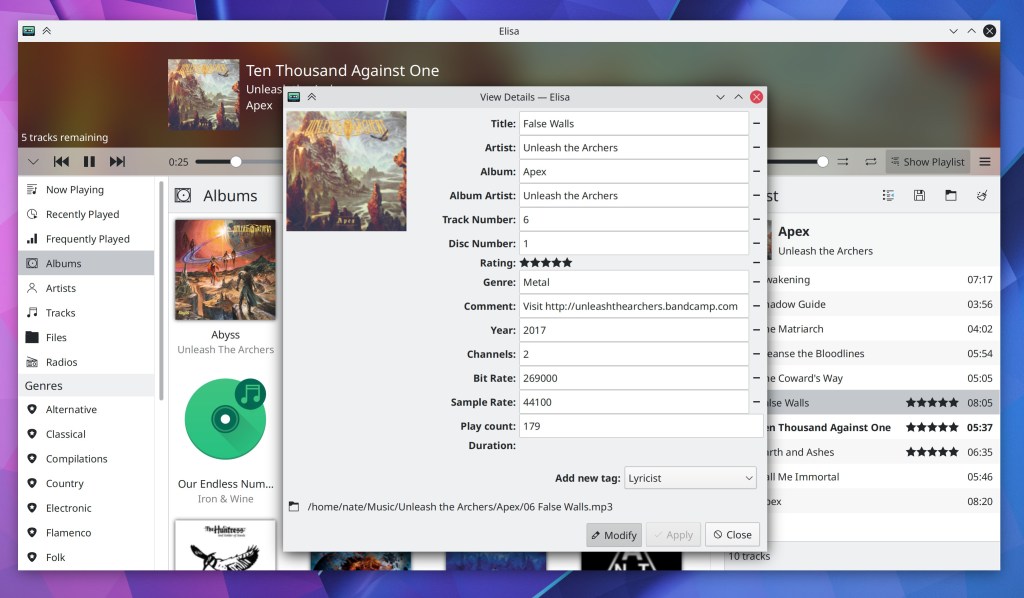
Elisa’s number of remaining tracks indicator now lives in the Playlist’s footer alongside the total number of tracks indicator, where it can never accidentally overlap with any other text (me: Nate Graham, Elisa 21.04):

The Bluetooth applet and System Settings page now only display paired devices; available devices are shown in a separate list only visible when adding new devices (Nicolas Fella, 5.20.5)
There are now default shortcuts set for moving the active window to another virtual desktop (Meta+Ctrl+Shift+arrow keys) and to another screen (Meta+Shift+arrow keys) (Thiago Sueto, Plasma 5.21)
When receiving files via Bluetooth, the notification displayed on screen now has information about how many files are remaining, and shows an “Open in File Manager” button when completed (Nicolas Fella, Plasma 5.21)
Improved the appearance of user avatars in the user avatar chooser view (Carson Black, Plasma 5.21):

After the first time you manually mount a removable disk, it will by default be automounted automatically the on all subsequent times when you attach it (Claudius Ellsel, Plasma 5.21)
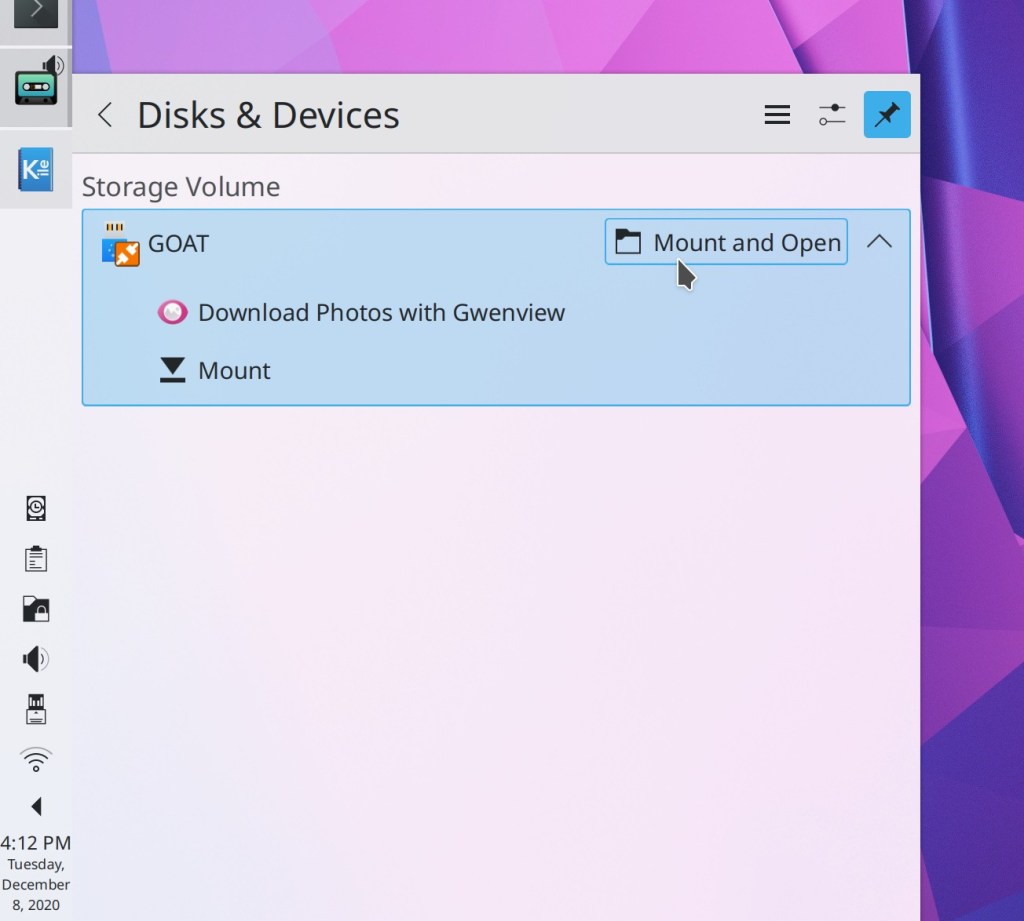
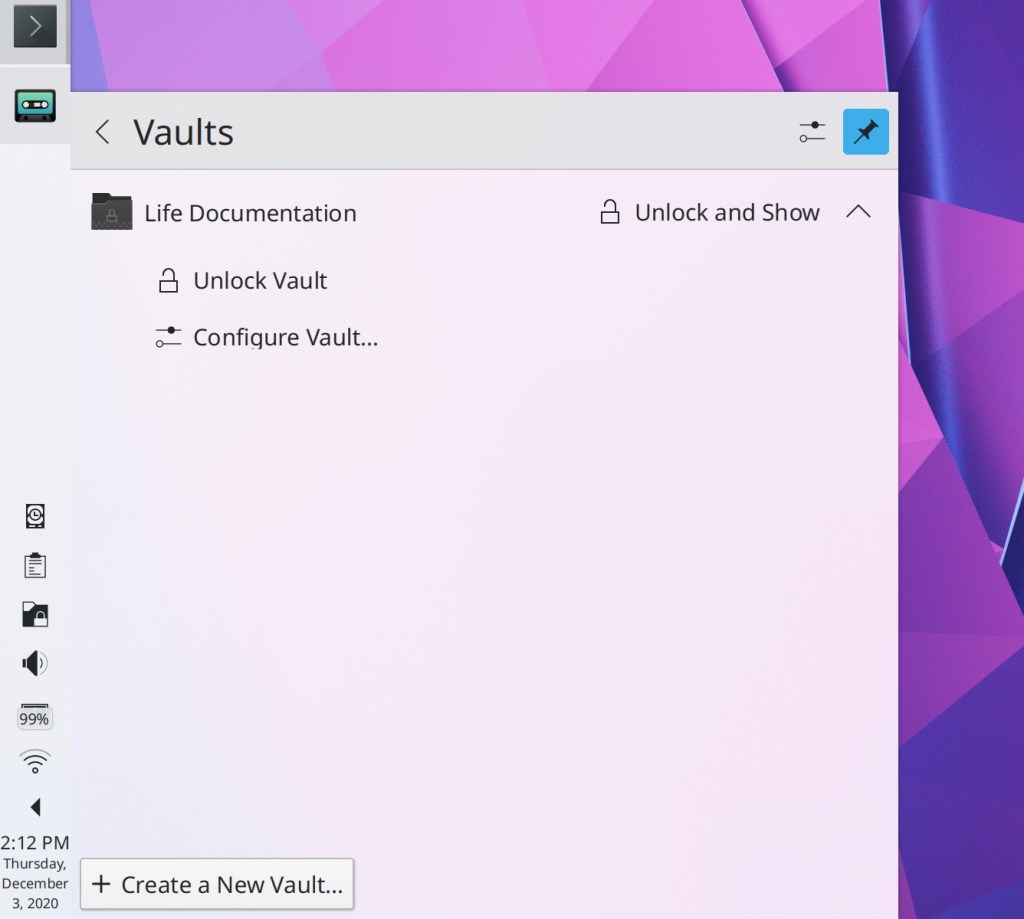
The default actions of “Mount” and “Unlock Vault” in Plasma’s Disks & Devices and Plasma Vaults applets (respectively) have been changed to “Mount and Open” and “Unlock and Open” to save you an extra step of having to manually open your file manager and navigate to the newly-available locations. For people who don’t want this, the old “Mount without opening in file manager” and “Unlock Vault without showing in file manager” actions are still present, but in the expanded view rather than used as default actions (me: Nate Graham, Plasma 5.21):
Discover’s task progress sheet now displays the current download speed as well as an estimated time of completion (Aleix Pol Gonzalez, Plasma 5.21):
The detailed icon size popup in System Settings’ Icons page no longer confusingly offers to let you configure the size of “Desktop” icons, because it didn’t actually change the size of files and folders on the desktop (me: Nate Graham, Plasma 5.21)
How You Can Help
Have a look at https://community.kde.org/Get_Involved to discover ways to be part of a project that really matters. Each contributor makes a huge difference in KDE; you are not a number or a cog in a machine! You don’t have to already be a programmer, either. I wasn’t when I got started. Try it, you’ll like it! We don’t bite!
Finally, consider making a tax-deductible donation to the KDE e.V. foundation.