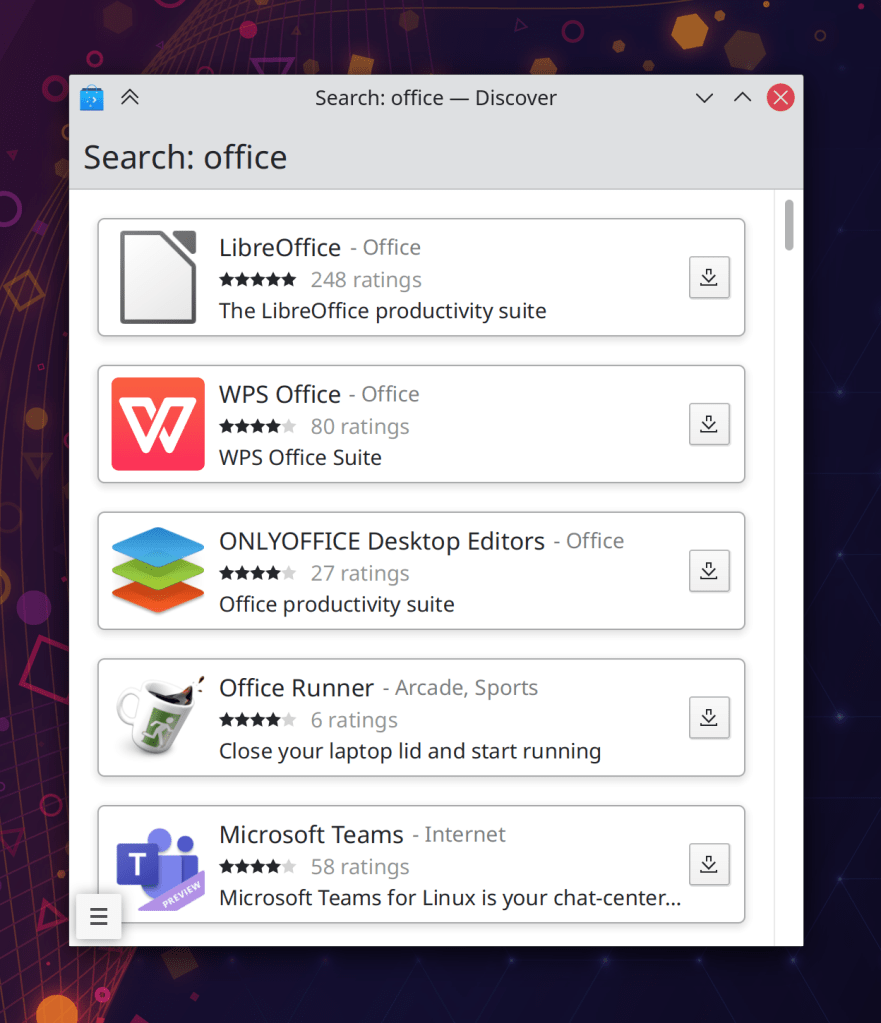
Do you like things? I like things! Have all the things:
New Features
Kate and KWrite now have basic touchscreen scrolling support! (Daniel Tang, Kate 21.08)
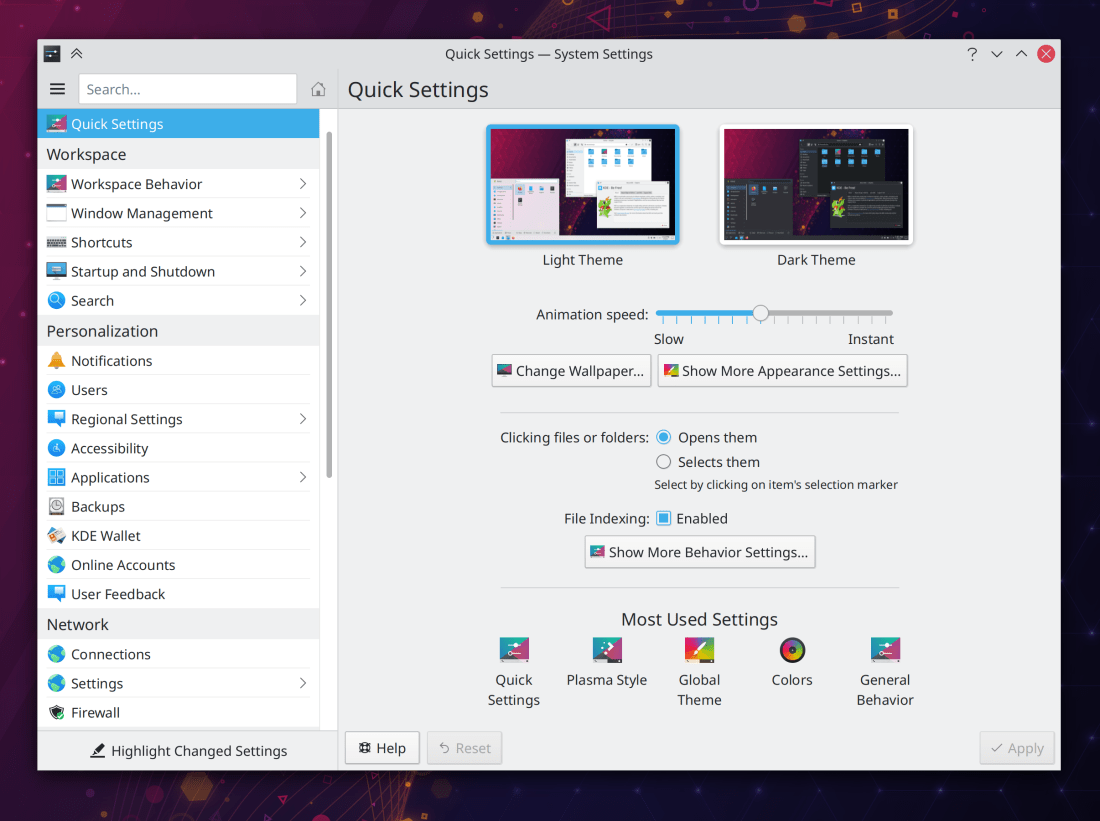
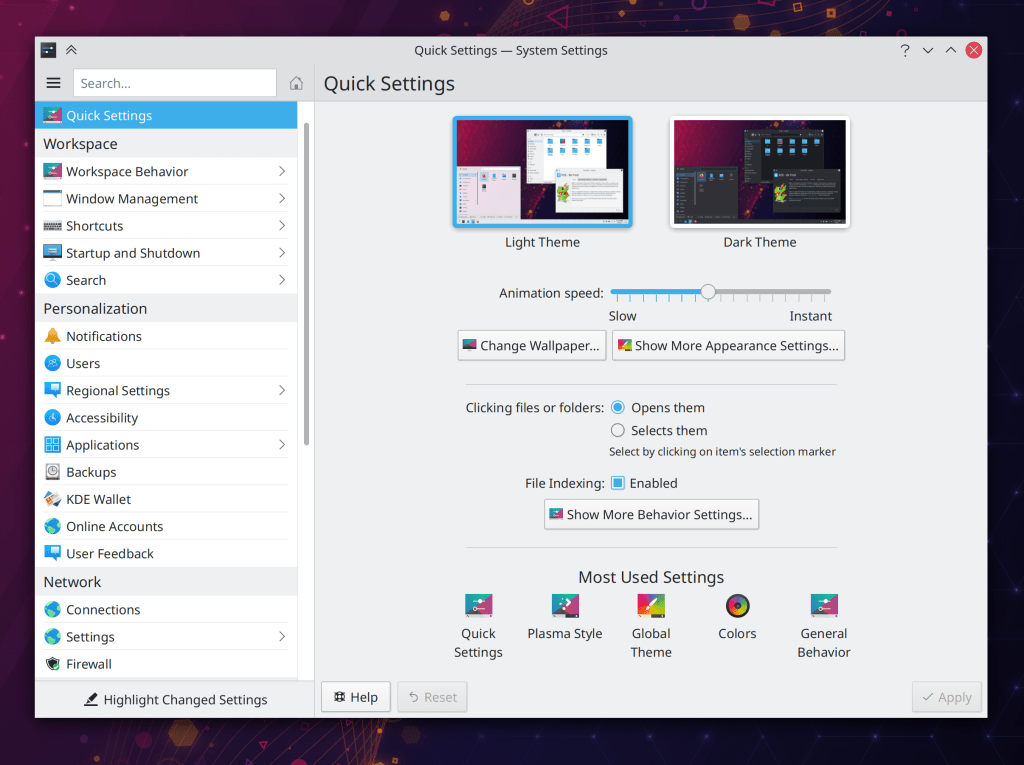
System Settings now opens to a new “Quick Settings” page that displays some of the most commonly-used settings, and even includes a link to the wallpaper settings as well! (Marco Martin, Plasma 5.22):
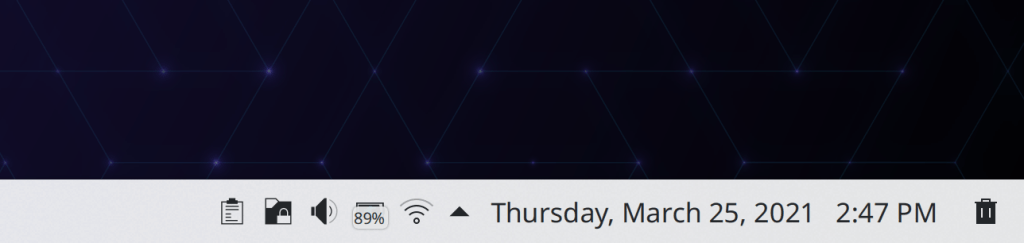
There’s now an option for Digital Clock applets placed on a horizontal panel to force single-line display of both date and time irrespective of the panel’s height (Momo Cao, Plasma 5.22):
Bugfixes & Performance Improvements
When activating KDE Connect’s standalone “Reply to message” window, it now comes to the front automatically instead of hiding annoyingly behind existing windows (at least on X11; on Wayland, nothing comes to the front automatically, but it will soon once our proposed cross-app activation protocol is merged and then we adopt it) (Bharadwaj Raju, KDE Connect 21.04)
Substantially improved the speed and performance of taking high DPI screenshots in Spectacle (Vlad Zahorodnii, Spectacle 21.08 or newer with Plasma 5.22 or newer)
Color scheme previews once again show the correct colors in the inner view section, and the preview no longer sometimes gets cut off at the bottom (David Redondo, Plasma 5.21.4)
In the new Plasma System Monitor app, the right sidebar’s content no longer sometimes gets cut off (David Redondo, Plasma 5.21.4)
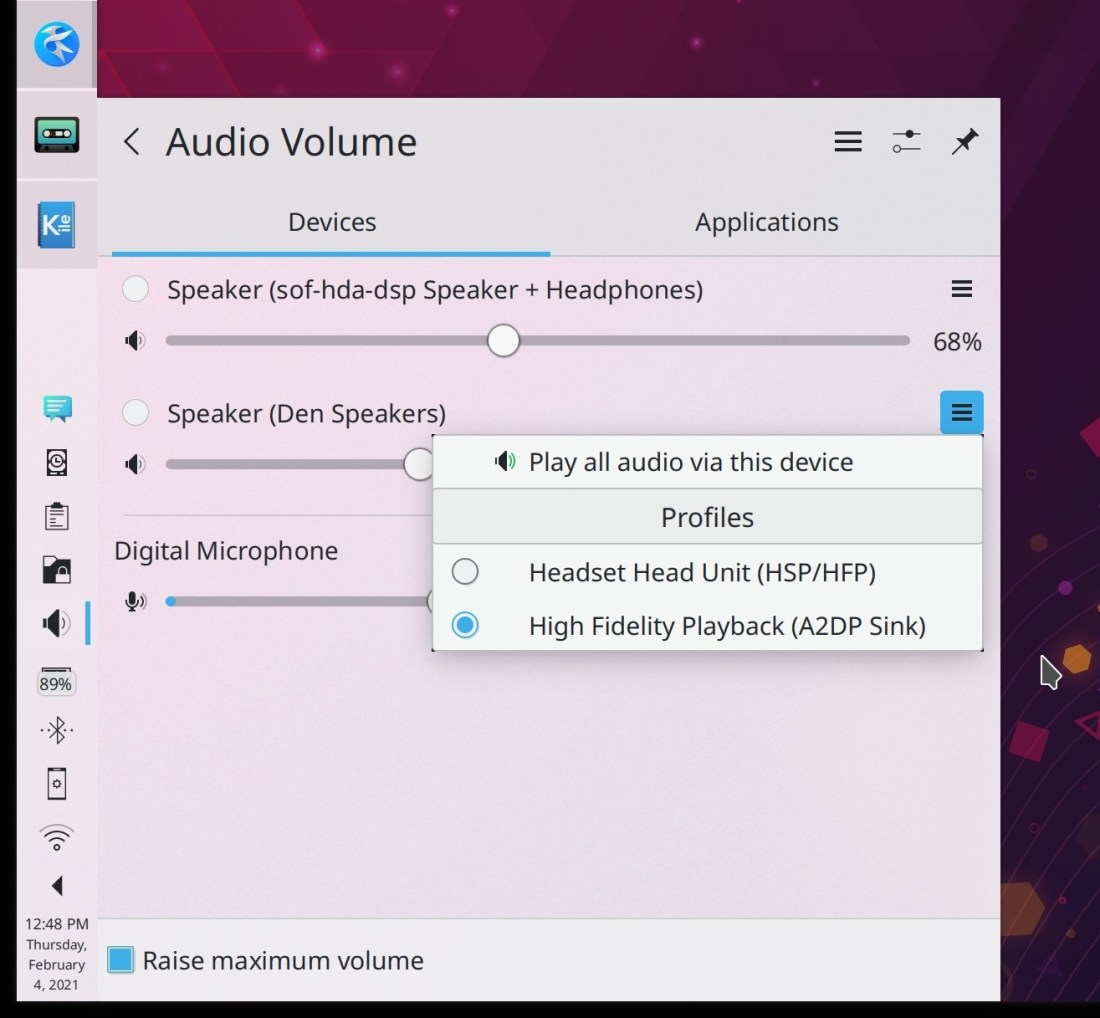
Changing the volume no longer sometimes causes it to get increased or decreased by one percentage point more or less that the amount you would expect it to be adjusted by (me: Nate Graham, Plasma 5.22)
In the Plasma Wayland session, changing random settings in System Settings or switching Global themes no longer sometimes randomly causes Plasma or KWin to crash (David Edmundson, Plasma 5.22)
In the Plasma Wayland session, the Task Manager is now capable of cycling through windows of a grouped task on click exactly as in the X11 session (Usarin Heininga, Plasma 5.22)
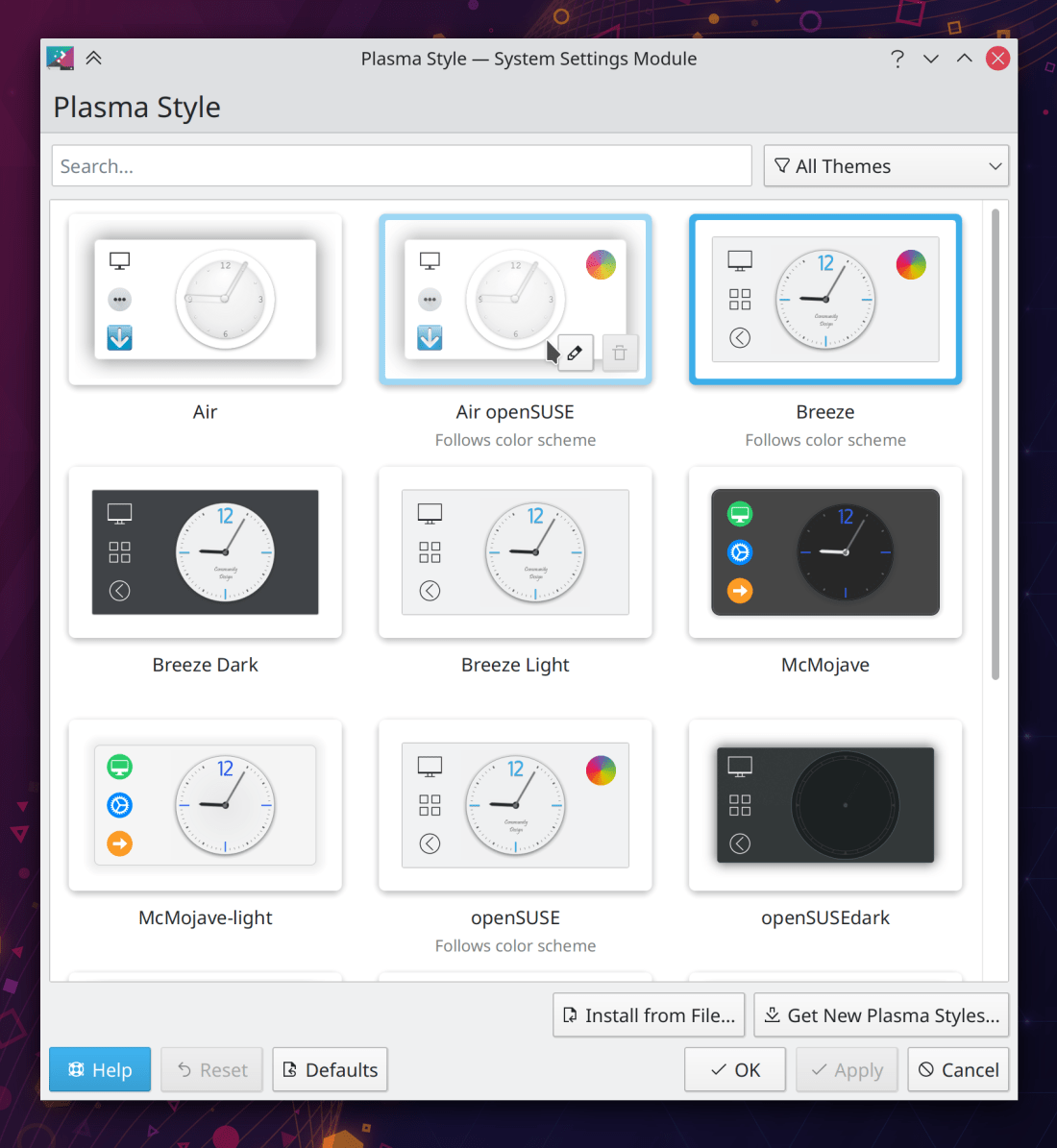
KRunner’s history drop-down menu now always works even if you’re using a crusty old Plasma theme that’s a fork of an old version of Breeze and hasn’t been updated in ages and ages (Alexander Lohnau, Plasma 5.22)
The National Geographic picture of the day wallpaper now works again, and has been future-proofed a bit to hopefully make it less likely to break in the future if the source URLs change again (George Dietrich, Plasma 5.22)
System Settings now shows whether the Window Behavior page has any changed settings with the customary orange dot in the sidebar when using its “Highlight Changed Settings” feature (Cyril Rossi, Plasma 5.22)
Drag-and-drop operations in the Plasma Wayland session no longer activate every single window that the cursor passes over while dragging (Xaver Hugl, Plasma 5.22)
Pressing the Esc key in the new Plasma System Monitor app while a popup is open no longer closes both the popup and also any other closable thing below it that was also open (David Edmundson, Plasma 5.22)
KRunner no longer sometimes launches apps as the wrong user under certain circumstances (Fabian Vogt, Frameworks 5.81)
Unmounting a mounted volume after opening and then closing any files on it no longer gets stuck (David Faure, Frameworks 5.81)
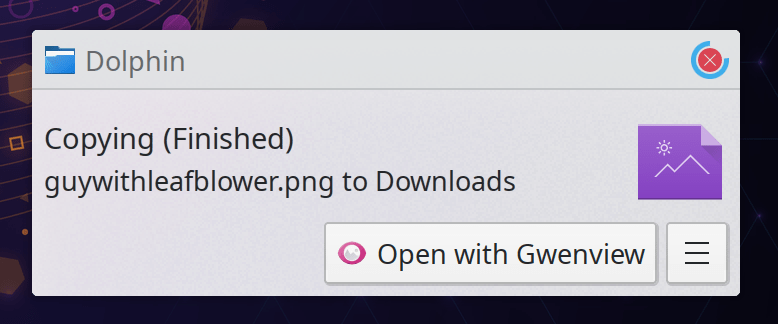
Dolphin no longer sometimes crashes when playing a video preview in the Information Panel, and also uses a bit less memory when doing so (Harald Sitter, phonon-vlc 0.11)
User Interface Improvements
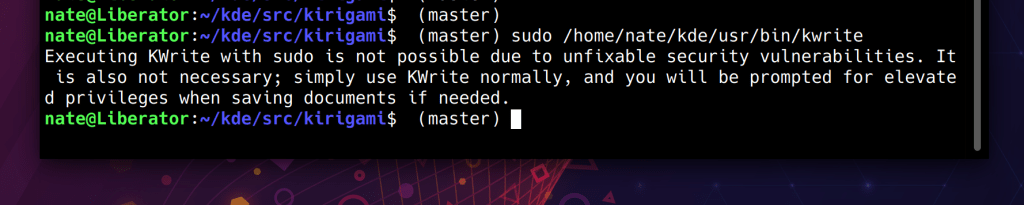
Kate and KWrite now tell you what to do instead if you mistakenly run them with sudo or kdesu to try to edit root-owned files (me: Nate Graham, Kate 21.04):
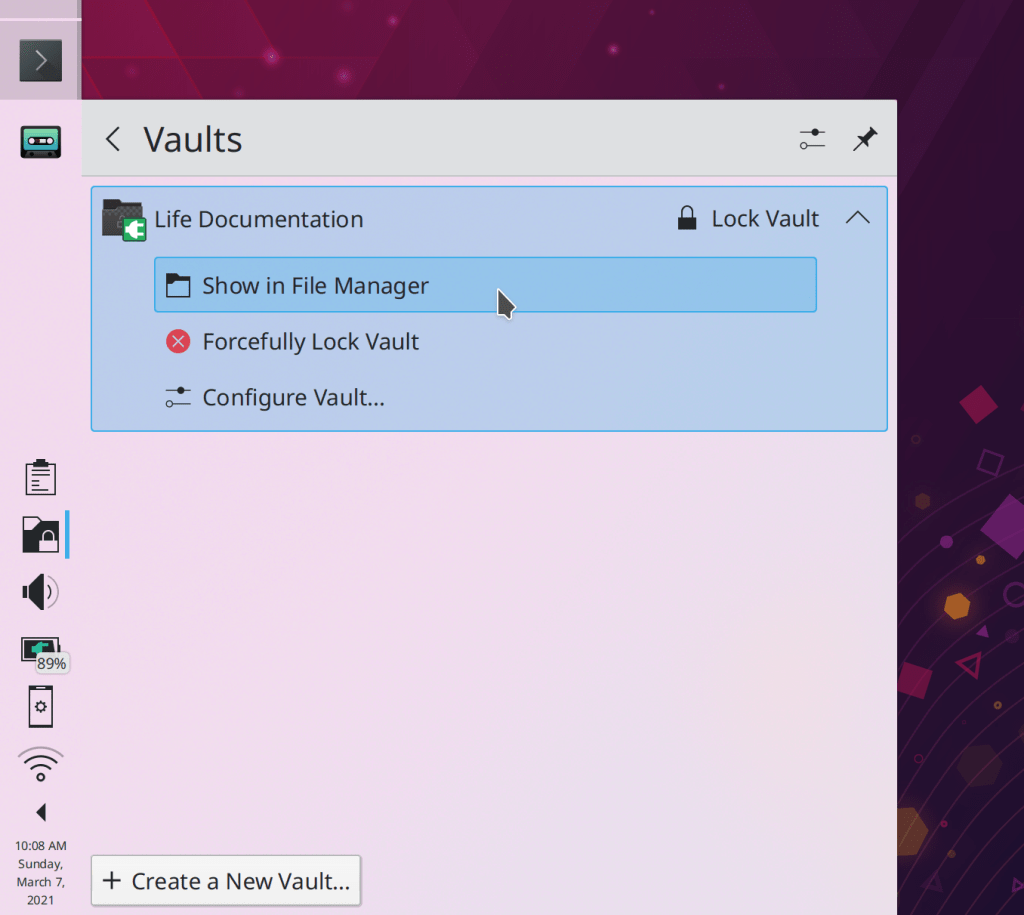
The subtitle for Plasma Vaults items now wraps, so that the error next never gets elided before the useful part of the message can be printed (me: Nate Graham, Plasma 5.21.4):
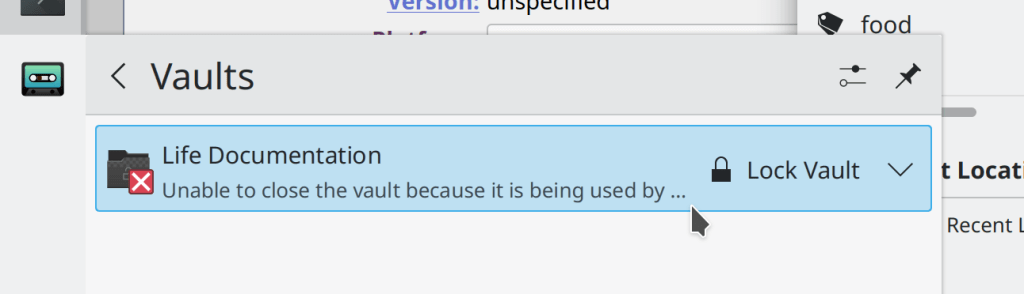
NOTE: this is a screenshot showing what WON’T happen anymore! Don’t go thinking that this is what I changed it to! I just had to share a screenshot showing the problem to be solved because of how Kafka-esque it was!
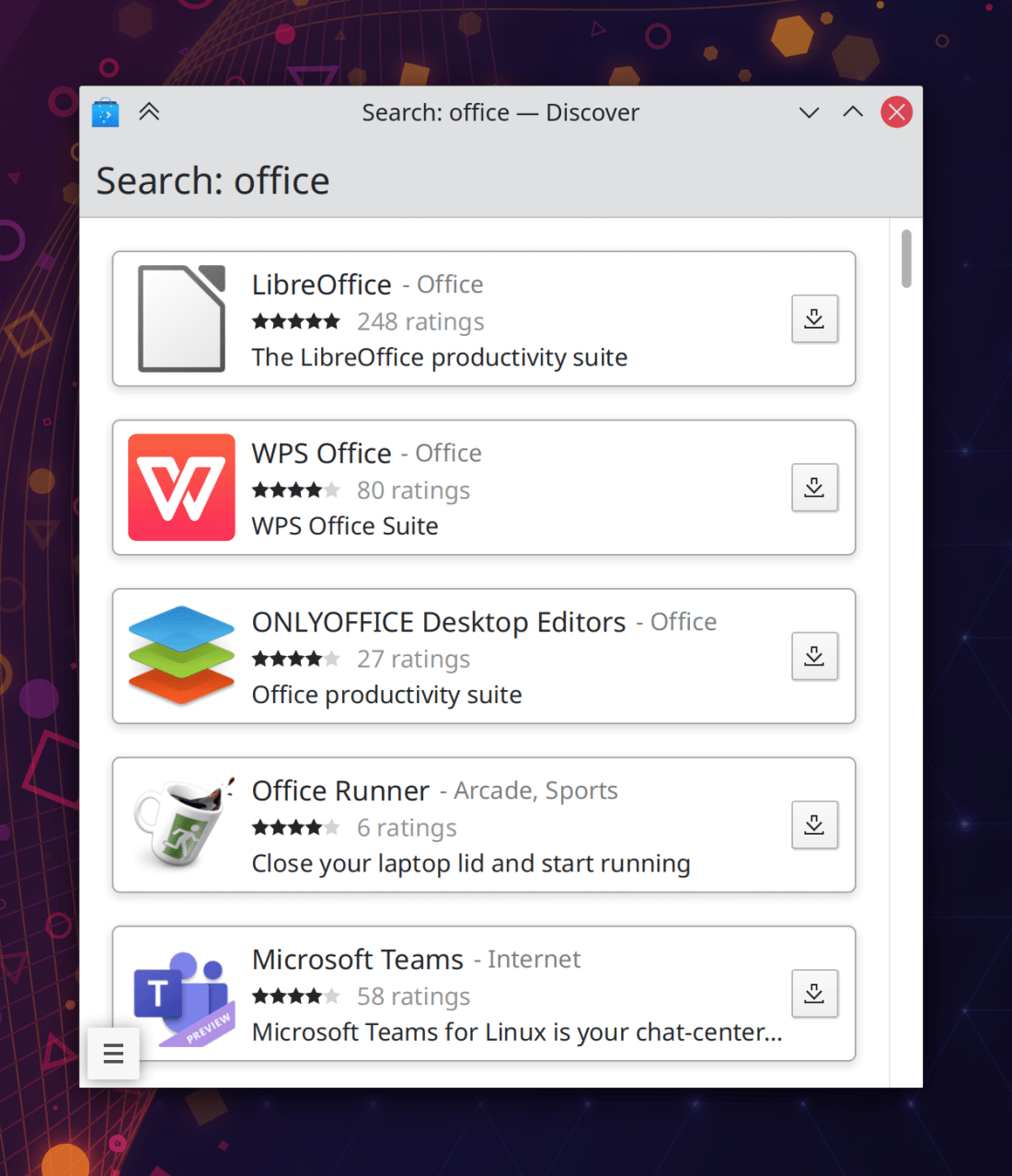
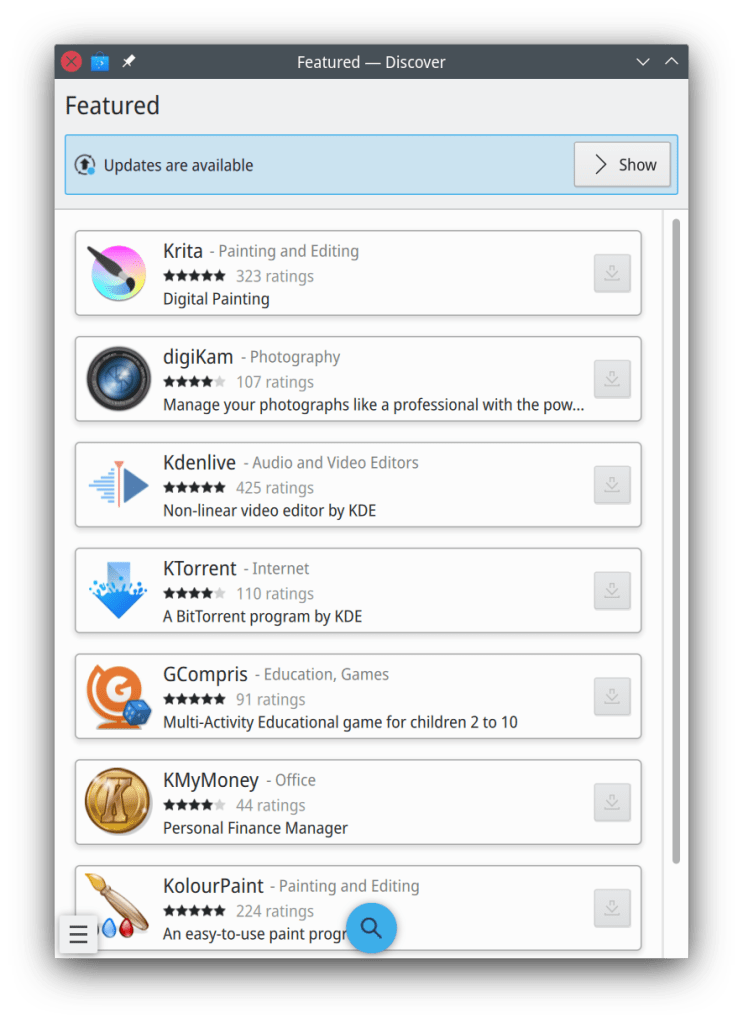
Discover’s notification now retains its interactive button when viewed in the notifications applet, so you can click on it to open Discover and start the update (Kai Uwe Broulik, Plasma 5.22)
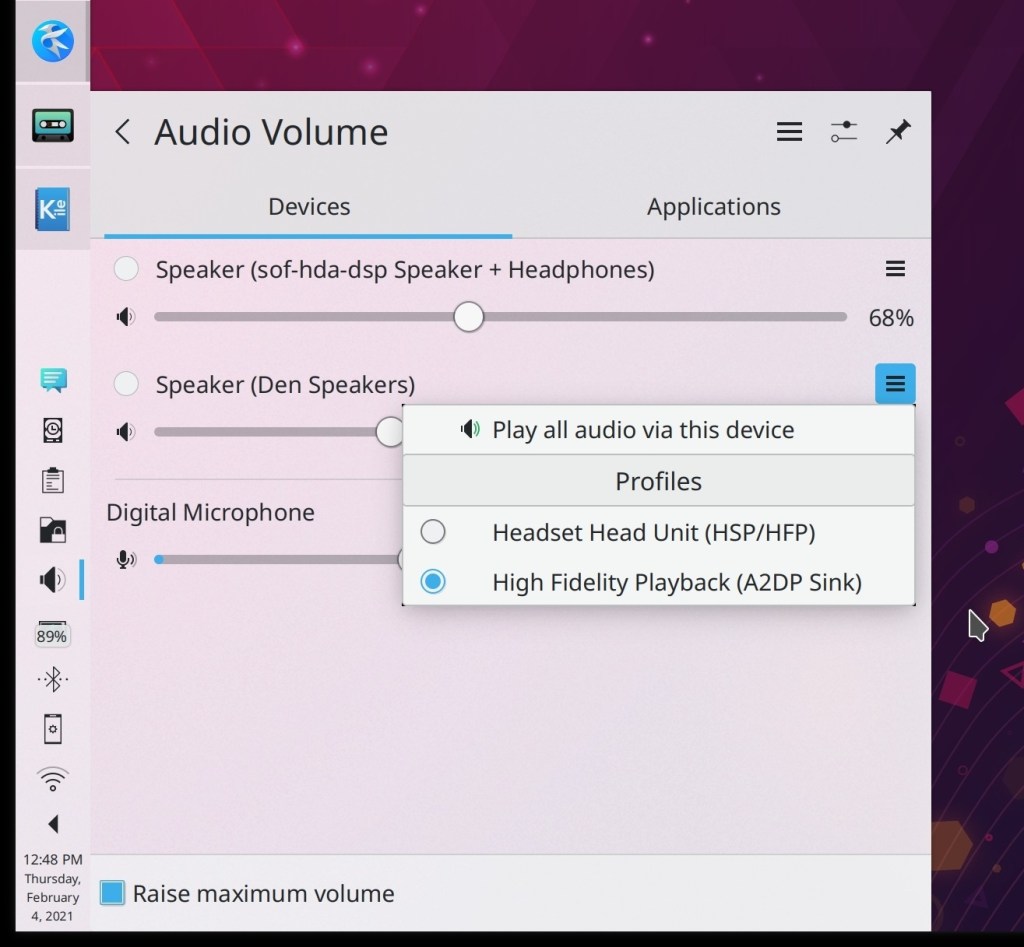
Klipper’s hidden feature to show a pop-up with all the saved clipboard entries right at the cursor position is now bound to the Meta+V shortcut, so now it’s super easy to press that and see all the saved clipboard entries and call up whichever one you want! Apparently Windows 10 just implemented something like this, but it turns out we’ve had it for years, probably decades. 🙂 (me: Nate Graham, Plasma 5.22):
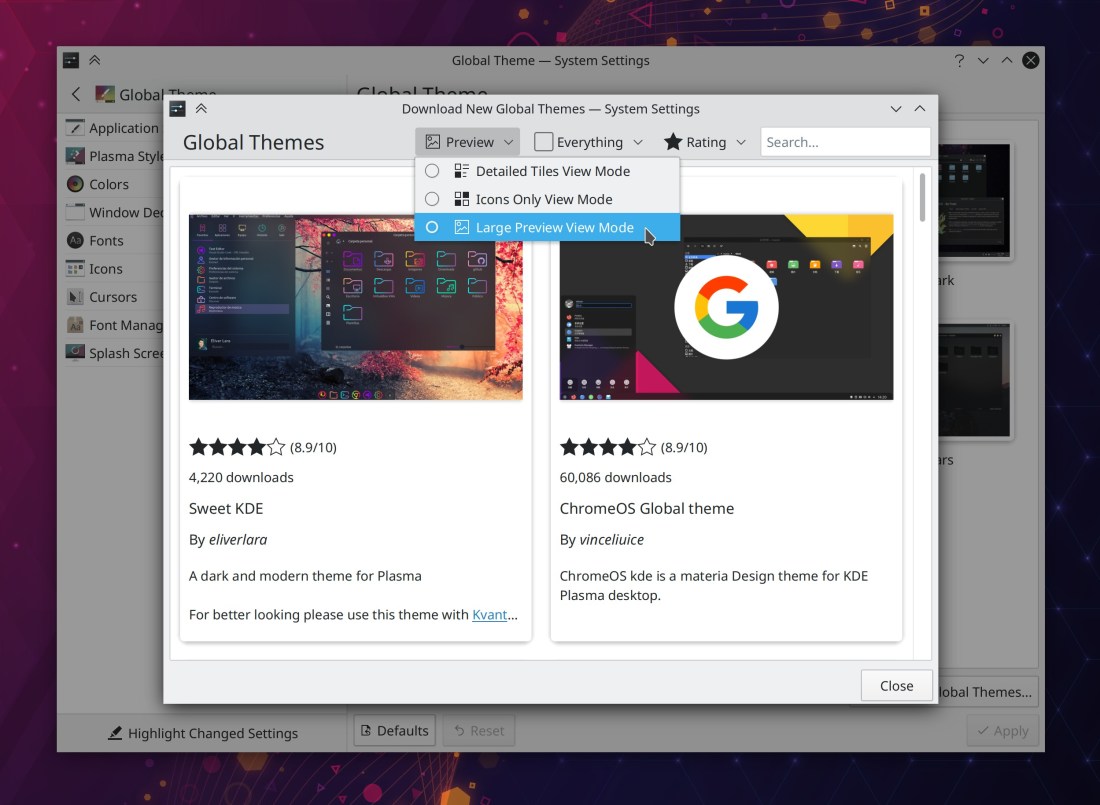
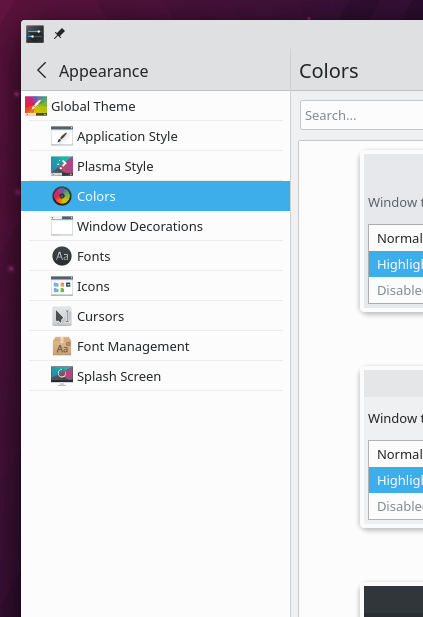
Taking into account user feedback, we have reverted the change to System Settings that put the Global Themes item into the sidebar’s header area, in favor of a new approach that simply indents all the child pages below it. This also restores the ability to click on the whole header area to go back (Marco Martin, Plasma 5.22):
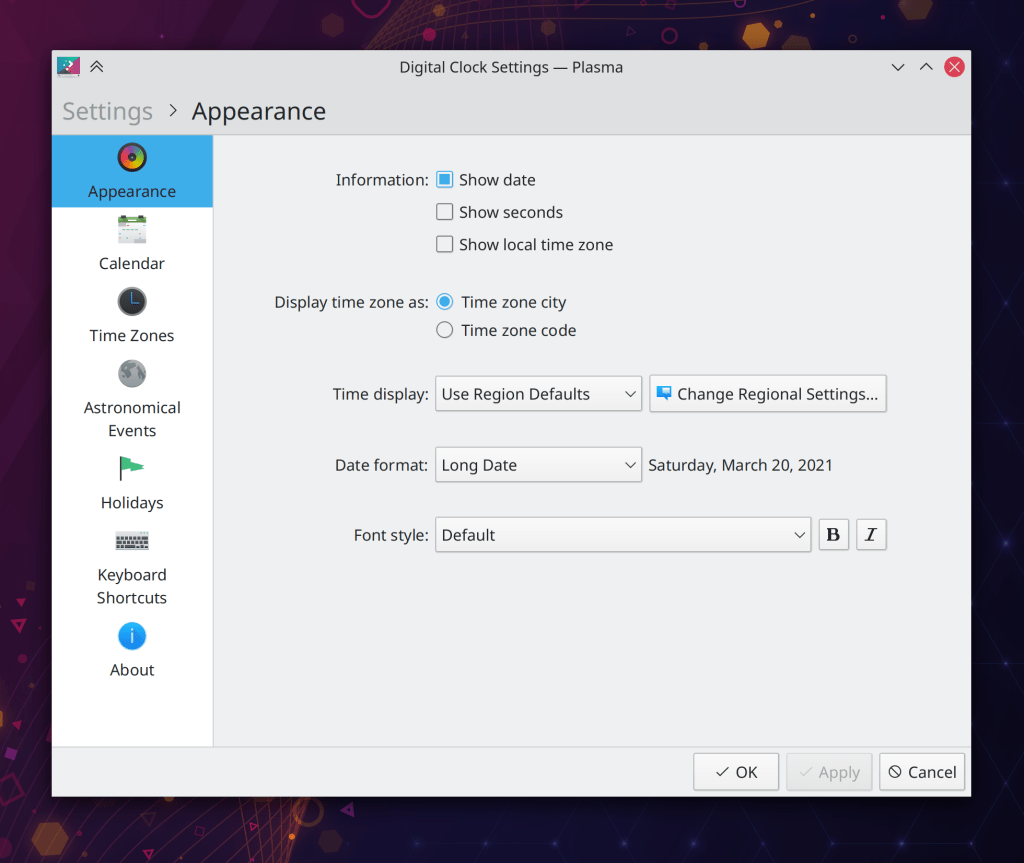
The configuration windows for Plasma applets have received a visual overhaul which makes them more consistent with other modern KDE apps and also fixes a bunch of bugs, particularly regarding the desktop configuration view not remembering its size and sometimes abruptly changing its size (Carl Schwan, Plasma 5.22):
The Highlight Windows effect that is displayed by default when switching windows no longer shows ghost outlines of non-highlighted windows that can cause a bizarre jumble on the screen when many windows are stacked on top of one another at the same or similar positions (Bharadwaj Raju, Plasma 5.22)
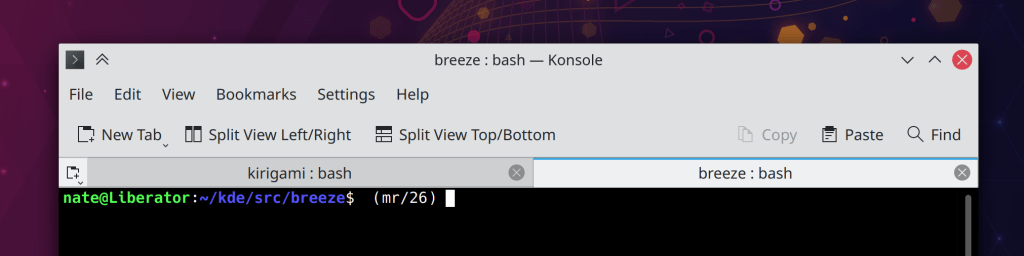
Breeze tabs now have a subtle colored line on the top of the active tab, which makes it clear which tab is active when there are only two, especially when using a dark color scheme (Jan Blackquill, Plasma 5.22):
It’s now possible to delete installed Splash Screens installed using the Get New Splash Screens window straight from the System Settings page itself, without having to go back to that window (Alexander Lohnau, Plasma 5.22)
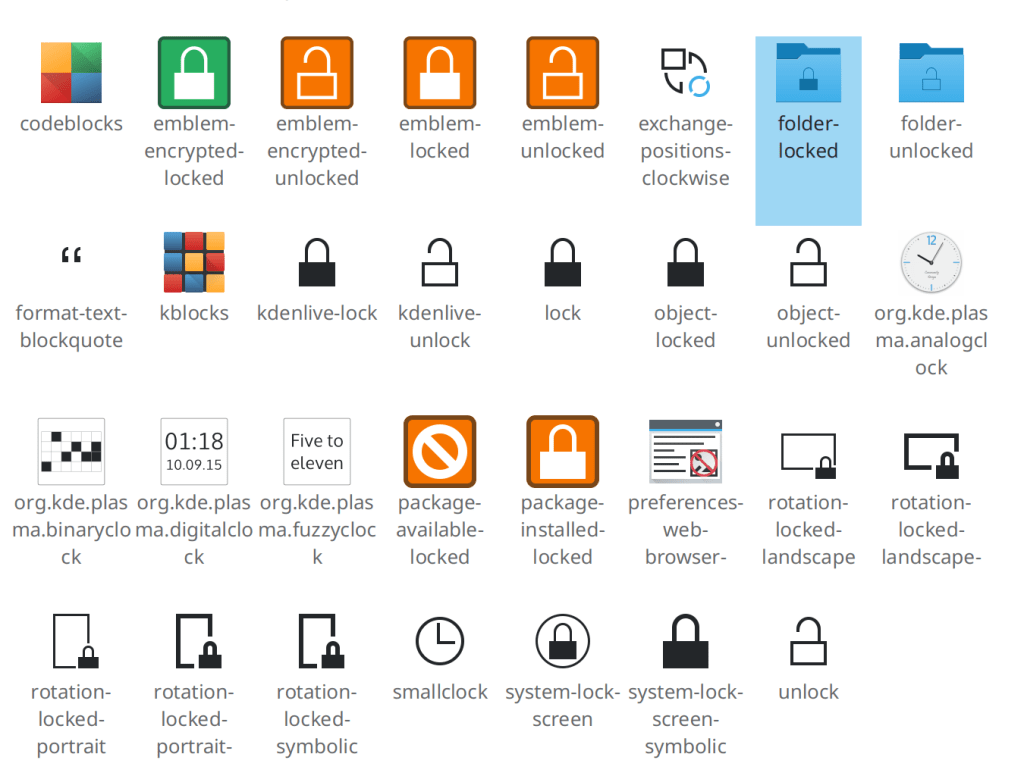
The Emoji Selector window now offers an option to clear the history of recently-used Emojis (me: Nate Graham, Plasma 5.22):

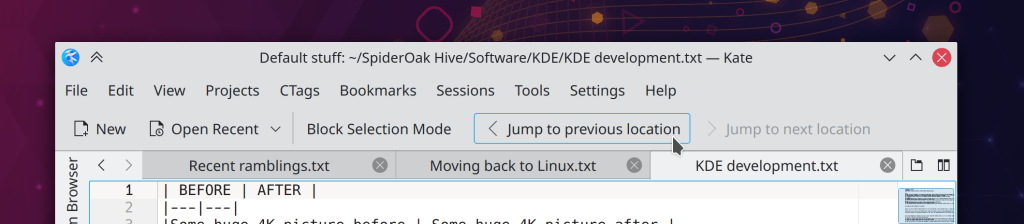
The scrollbar mini-map in Kate and other KTextEditor-based apps now respects your active color scheme (Jan Paul Batrina, Frameworks 5.81)
Kate, KWrite, and other KTextEditor-based apps no pointlessly longer prompt you to save your changes when you close a document that’s both blank and also unsaved, because in this circumstance, there are no changes (me: Nate Graham, Frameworks 5.81)
…And everything else
Keep in mind that this blog only covers the tip of the iceberg! Tons of KDE apps whose development I don’t have time to follow aren’t represented here, and I also don’t mention backend refactorings, improved test coverage, and other changes that are generally not user-facing. If you’re hungry for more, check out https://planet.kde.org/, where you can find blog posts by other KDE contributors detailing the work they’re doing.
How You Can Help
Have a look at https://community.kde.org/Get_Involved to discover ways to be part of a project that really matters. Each contributor makes a huge difference in KDE; you are not a number or a cog in a machine! You don’t have to already be a programmer, either. I wasn’t when I got started. Try it, you’ll like it! We don’t bite!
Finally, consider making a tax-deductible donation to the KDE e.V. foundation.