
This week the Wayland train continued barreling on, full speed ahead! We picked up a bunch of nice fixes and a big feature:
New Features
The “Activities” feature now mostly works on Wayland! There are a few remaining things to implement to make it 100% comparable to the X11 version, but that should get done in time for the next Major Plasma release (Kevin Ottens, Plasma 5.22)
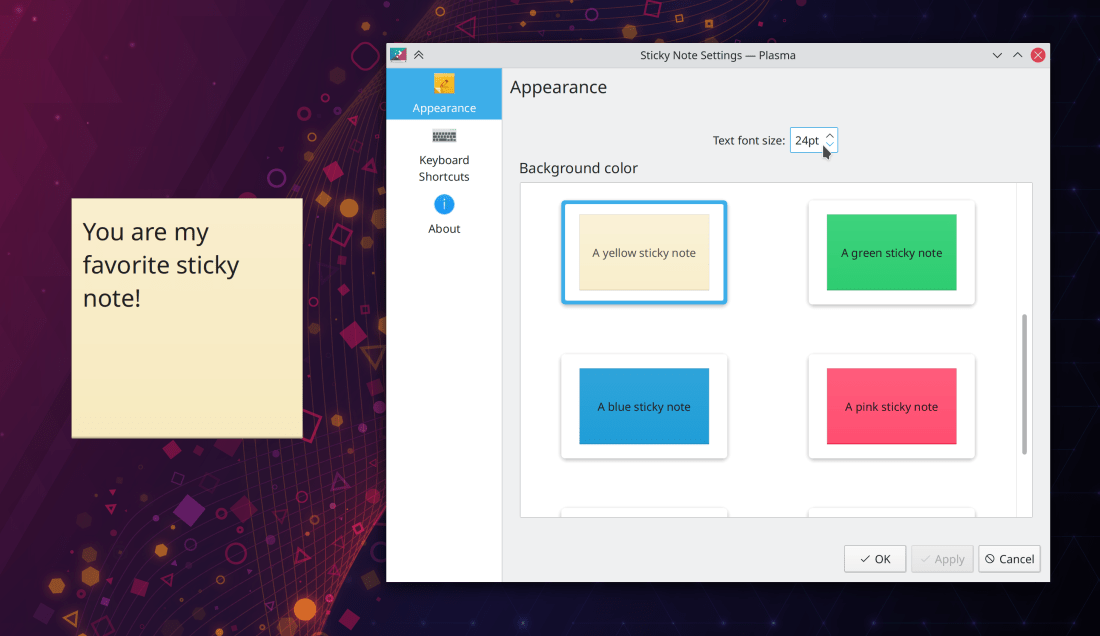
Sticky Note widgets now have an option to change the font size (Shantanu Tushar, Plasma 5.22):
Bugfixes & Performance Improvements
Zooming in and out in Okular now works correctly when using the “Trim Margins” feature (Gerd Wachsmuth, Okular 21.04)
Media9 PDF movie annotations can once again be played in Okular (Albert Astals Cid, Okular 21.04)
When using Okular’s “Invert Luma/Lightness” setting, the loading page now retains its correct color (David Hurka, Okular 21.04)
Ark can now un-archive zip files with Windows-style backslashes used as path separators (João Silva, Ark 21.08)
Fixed a bug in the Breeze application style that could manifest as a big ugly black square appearing in KMail (Fabian Vogt, Plasma 5.18.8)
Fixed one way that Plasma could crash right after login (John Zimmermann, Plasma 5.21.4)
The Plasma Wayland session will no longer crash if you plug in an external screen while in a non-GUI session (e.g. a virtual terminal) (Jan Blackquill, Plasma 5.21.4)
The Bluetooth applet’s tooltip no longer displays the wrong name of the currently connected device. I originally fixed this 9 months ago in Plasma 5.19.1 but somehow the fix was never merged into Plasma 5.20, so it got broken again. That has now been corrected (me: Nate Graham with help from James John, Plasma 5.21.4)
Ultra-wide screens with a 21:9 aspect ratio are now displayed as “21:9” in System Settings’ Display Configuration page, rather than “64:27” (lol) (Felipe Kinoshita, Plasma 5.21.4)
Fixed one way that KWin could crash with certain low-power embedded GPUs (Vlad Zahorodnii, Plasma 5.21.5)
Maximized GTK app windows are no longer positioned too high in the Plasma Wayland session (Vlad Zahorodnii, Plasma 5.21.5)
Discover’s ability to show you an app’s dependencies now works again (Aleix Pol Gonzalez, Plasma 5.21.5)
Disconnecting a screen in the Plasma Wayland session no longer causes all Qt apps to crash (Vlad Zahorodnii, Plasma 5.22)
Global shortcuts are now working even on non-US keyboard layouts (Andrey Butirsky, Plasma 5.22 in conjunction with a Qt version that has this pending patch integrated)
Plasma no longer lags or hangs when displaying a massive number of tooltips for grouped Task Manager tasks (Aleksei Nikiforov, Plasma 5.22)
The kglobalaccel5 daemon can no longer block re-login by crashing on the previous log-out and then getting stuck (David Edmundson, Plasma 5.22 or Frameworks 5.82; whichever one you get first)
When using a multi-screen setup, the lock screen no longer only displays typed text on the text field of the left-most screen, even if you clicked on the text field on a different screen (Aleix Pol Gonzalez, Plasma 5.22)
The Task Manager’s “Highlight windows when hovering over tasks” feature now works in the Plasma Wayland session (David Redondo, Plasma 5.22)
Kate and other KTextEditor-based apps no longer crash if you delete an open file on disk and choose the “Close file, discarding contents” option in the warning message that appears in the app (Christoph Cullmann, Frameworks 5.82)
Fixed a rare case where Kate and other KTextEditor-based apps could crash when dragging text (Waqar Ahmed, Frameworks 5.82)
Context Menus for text fields inside Kirigami overlay sheets are no longer displayed below the sheet content (Noah Davis, Frameworks 5.82)
In Kate and other KTextEditor-based apps, the code completion pop-up no longer sometimes take up the whole screen width (Waqar Ahmed, Frameworks 5.82)
Text in Plasma tab buttons (such as in the new Kickoff menu) now gets elided when there’s not enough space, rather than overflowing (David Edmundson, Frameworks 5.82)
User Interface Improvements
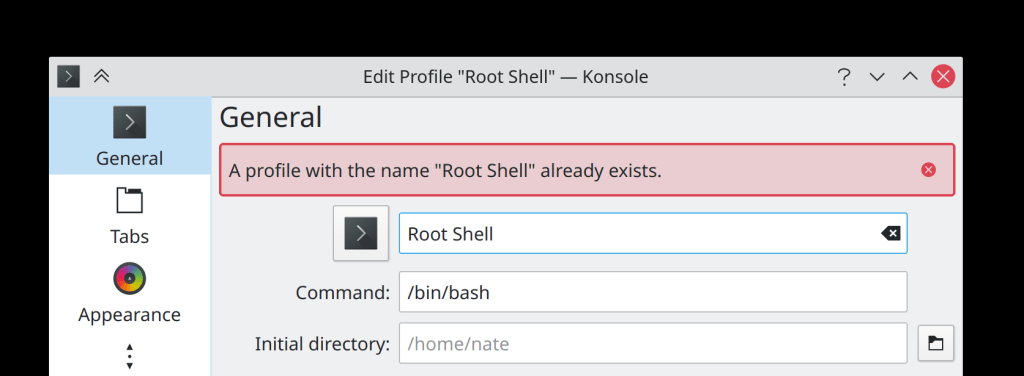
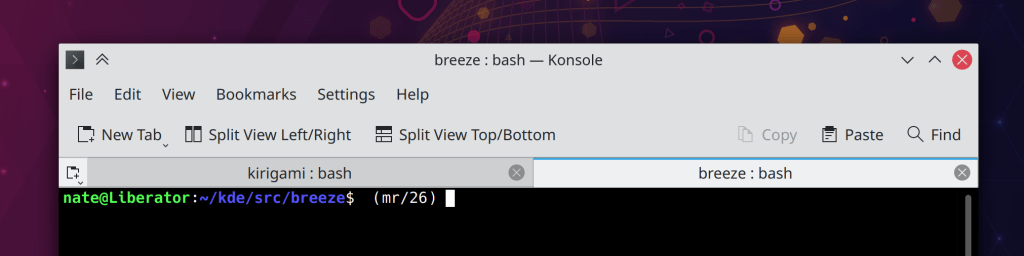
Konsole’s “Edit Profile” window now displays errors inline, rather than using an ugly modal dialog window (Ahmad Samir, Konsole 21.04):
Okular’s “Continuous” mode is now considered to be a document-specific setting (like the zoom settings are), rather than a global setting (Mahmoud Khalil, Okular 21.08)
Items in the System Settings KWin Scripts now use the “pending deletion” pattern used in many other pages, whereby deleting an item only marks as it as in a “pending deletion” state and it only actually gets deleted when you click the “Apply” button (Alexander Lohnau, Plasma 5.22)
System Tray applets now receive keyboard focus when opened, so they can be interacted with using the keyboard (Eugene Popov, Plasma 5.22)
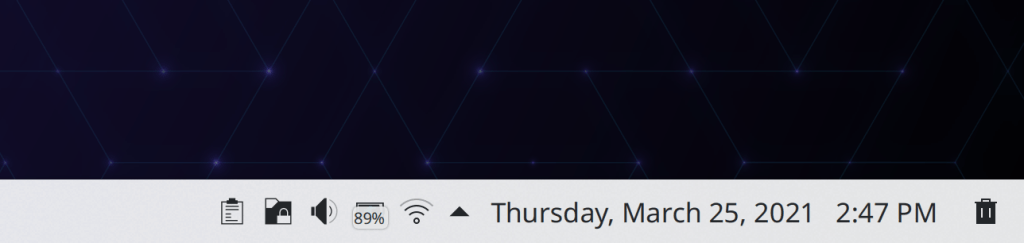
Hover buttons in the Clipboard System Tray applet’s list items are now top-aligned for tall ones, so that the trash button doesn’t shift around according to height, which makes it easy to click on that button repeatedly to manually prune your history list (me: Nate Graham, Plasma 5.22):
Discover no longer shows a huge weird rapidly-disappearing tooltip while loading the Updates page if the cursor is over any part of it (me: Nate Graham, Plasma 5.22)
The tooltip for the window decoration button used to keep a window above all others now makes its purpose more clear (me: Nate Graham, Plasma 5.22):

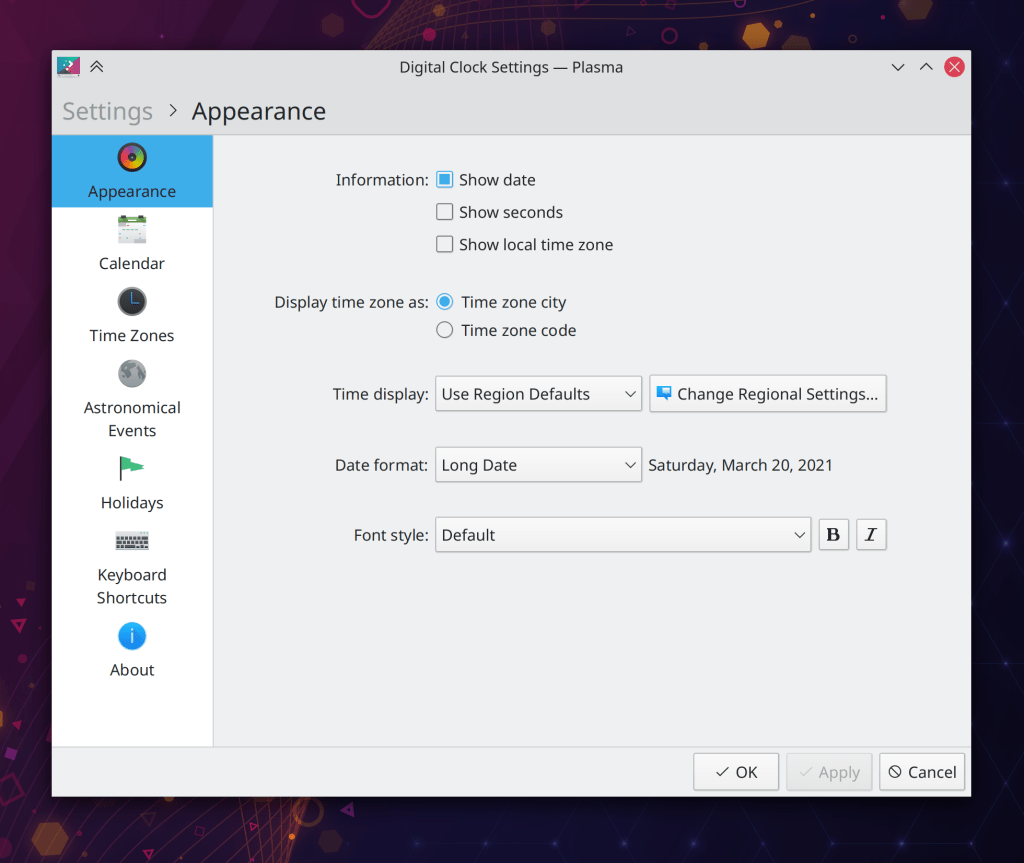
The previously somewhat confusing “Keyboard Indicator” applet has been renamed and given a UI overhaul to clarify what it is and what it does (Andrey Butirsky and me: Nate Graham, Plasma 5.22):
The Task Manager tooltip now visually indicates when it’s scrollable by displaying a visible scrollbar (me: Nate Graham, Plasma 5.22)
When using the systemwide double-click mode, it’s now possible to disable “click a selected file’s label to rename it” feature for desktop icons, just as it is in Dolphin (me: Nate Graham, Plasma 5.22)
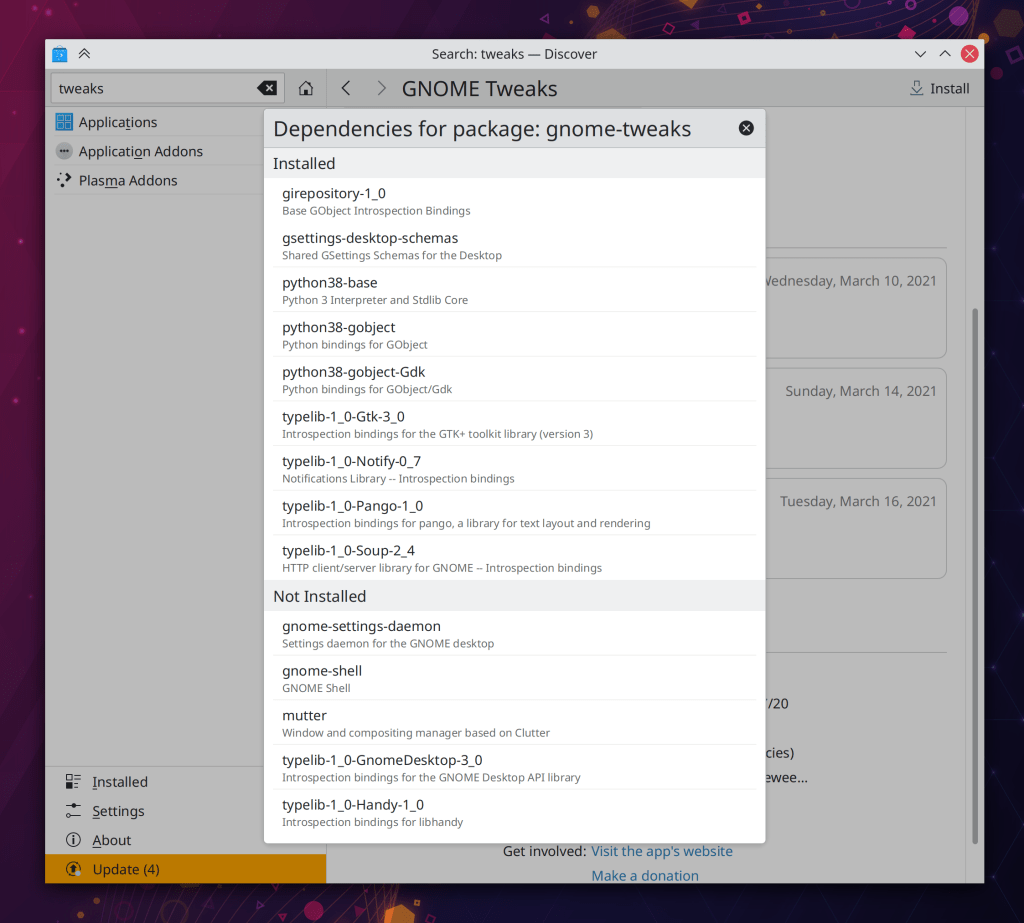
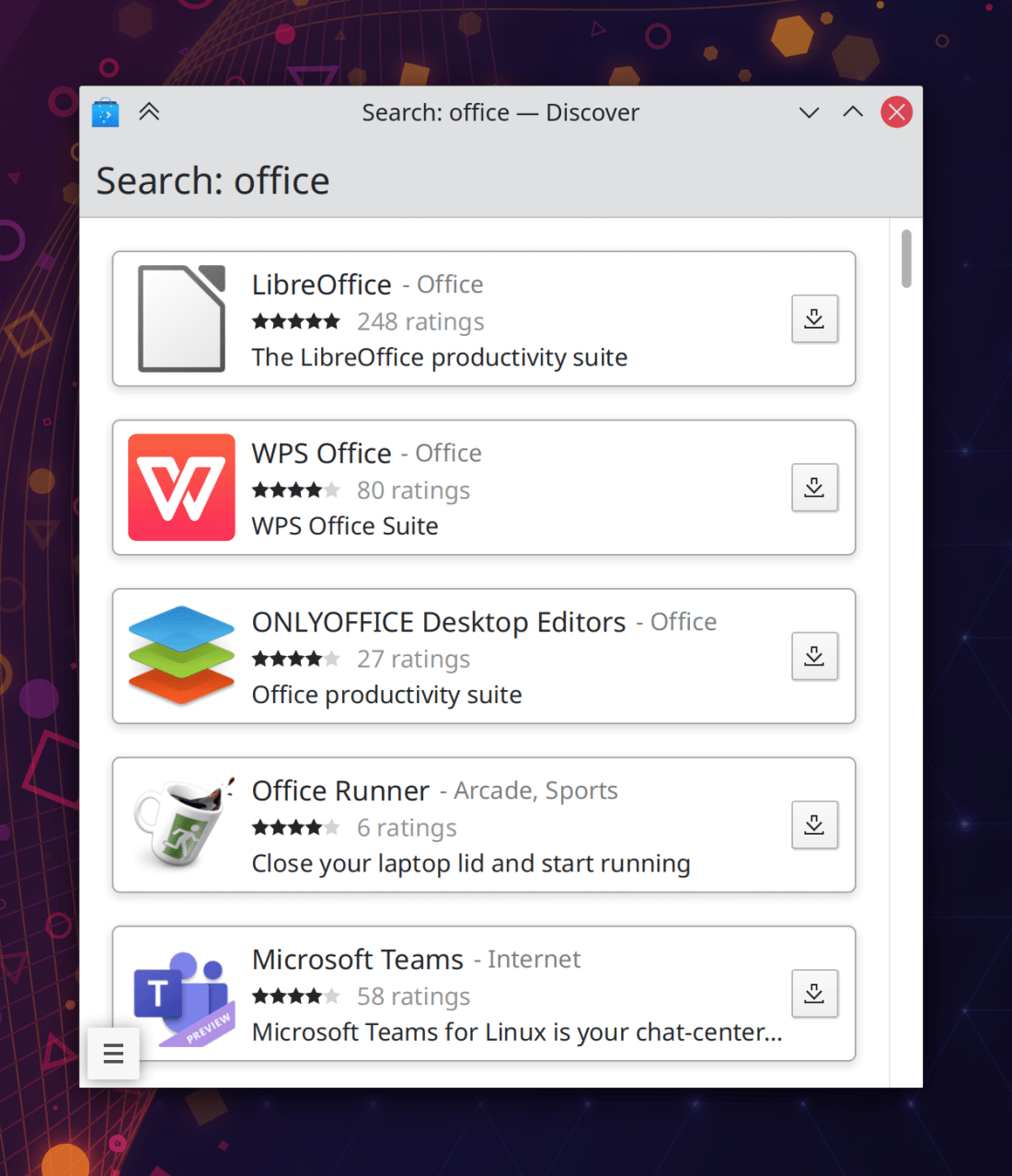
Discover’s view of an app’s dependencies has received a visual overhaul and now also shows you the exact name of the package for the app in question and also groups the dependencies by installation status (Aleix Pol Gonzalez and me: Nate Graham, Plasma 5.22):
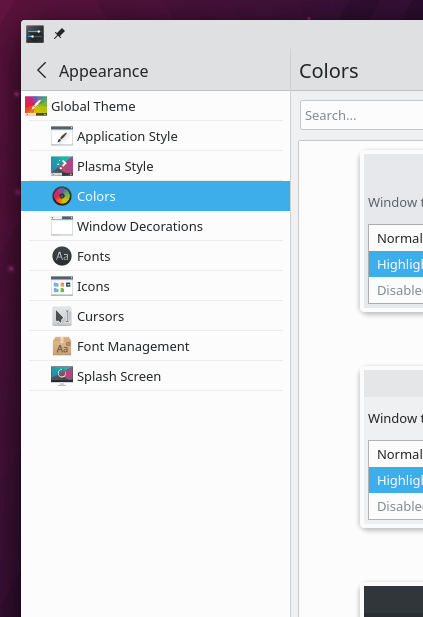
All the grid view pages in System Settings now sort items case-insensitively (me: Nate Graham and Alexander Lohnau, Plasma 5.22)
Plasma list items now have left and right margins that are consistent with their top and bottom margins (Noah Davis, Frameworks 5.82)
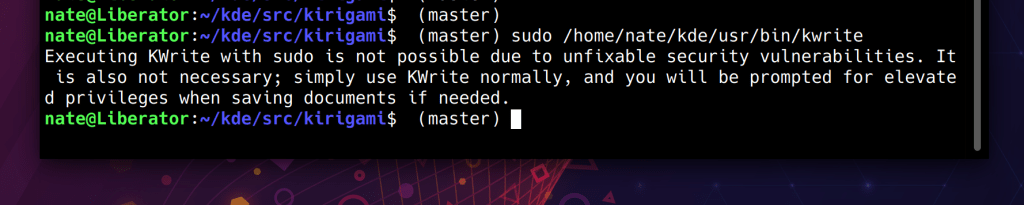
Various message dialogs throughout KDE software no longer display pointless tooltips saying, “Yes” and “No” when you hover your cursor over buttons whose own text may already be “Yes” and “No”! (me: Nate Graham, Frameworks 5.82)
Web Presence
Check out Niccolò’s video about how to set up a development environment and submit a merge request. Very handy for audiovisual learners!
…And everything else
Keep in mind that this blog only covers the tip of the iceberg! Tons of KDE apps whose development I don’t have time to follow aren’t represented here, and I also don’t mention backend refactoring, improved test coverage, and other changes that are generally not user-facing. If you’re hungry for more, check out https://planet.kde.org/, where you can find blog posts by other KDE contributors detailing the work they’re doing.
How You Can Help
Have a look at https://community.kde.org/Get_Involved to discover ways to be part of a project that really matters. Each contributor makes a huge difference in KDE; you are not a number or a cog in a machine! You don’t have to already be a programmer, either. I wasn’t when I got started. Try it, you’ll like it! We don’t bite!
Finally, consider making a tax-deductible donation to the KDE e.V. foundation.







 Adventures in Linux and KDE