Two big features landed this week: support for fingerprint readers and the NVIDIA driver’s GBM backend!
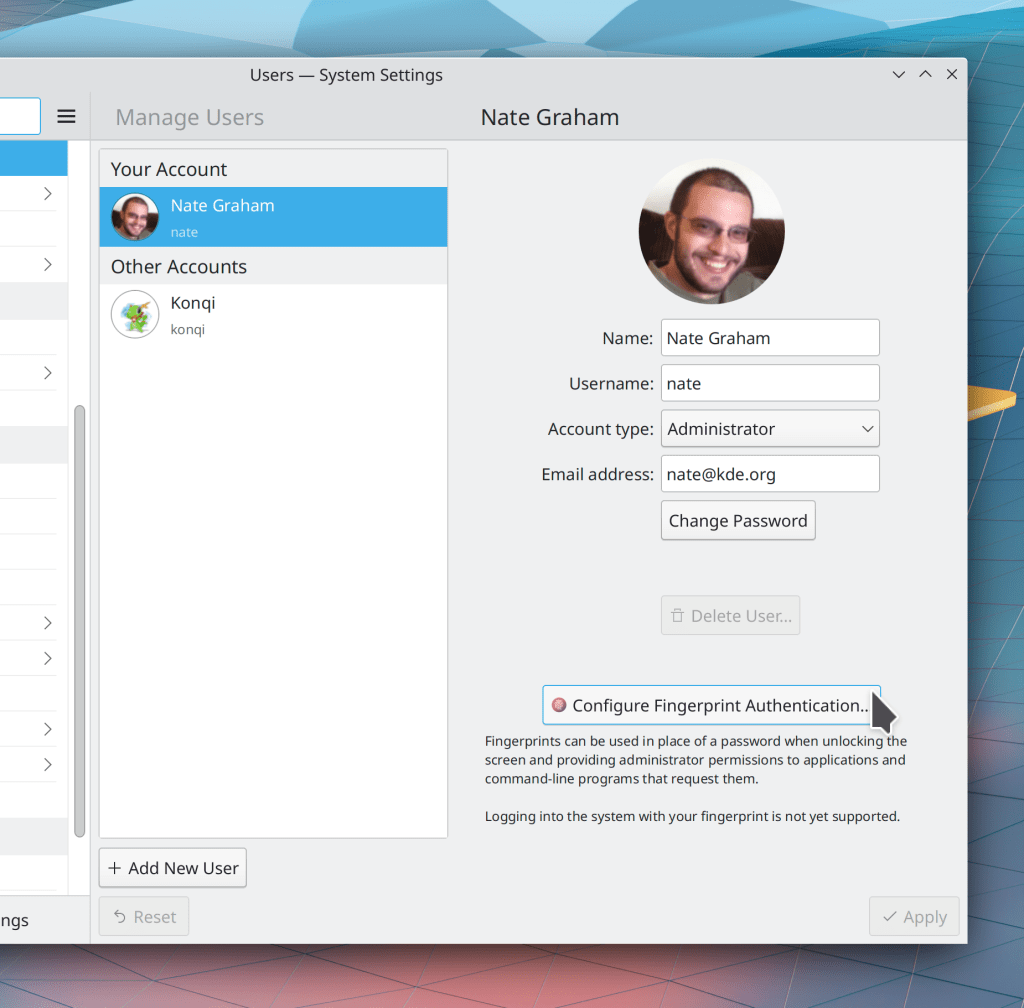
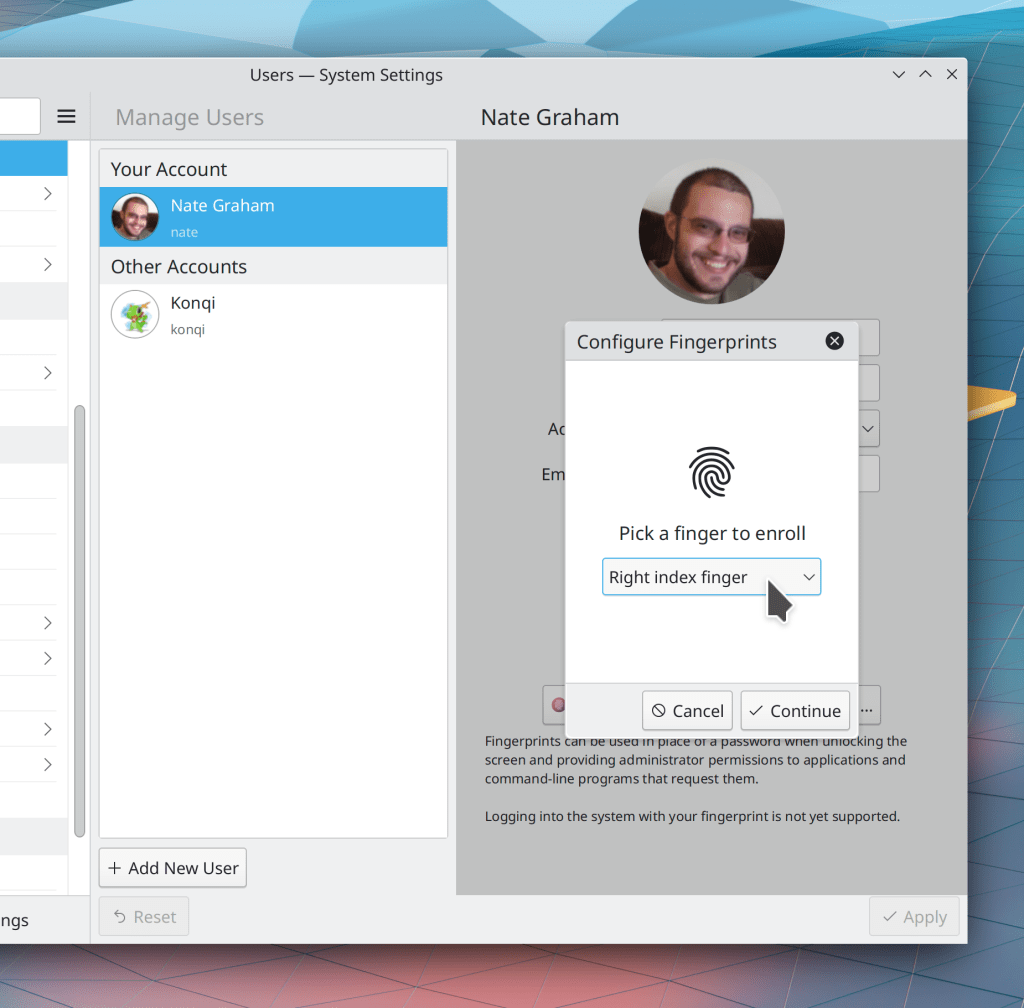
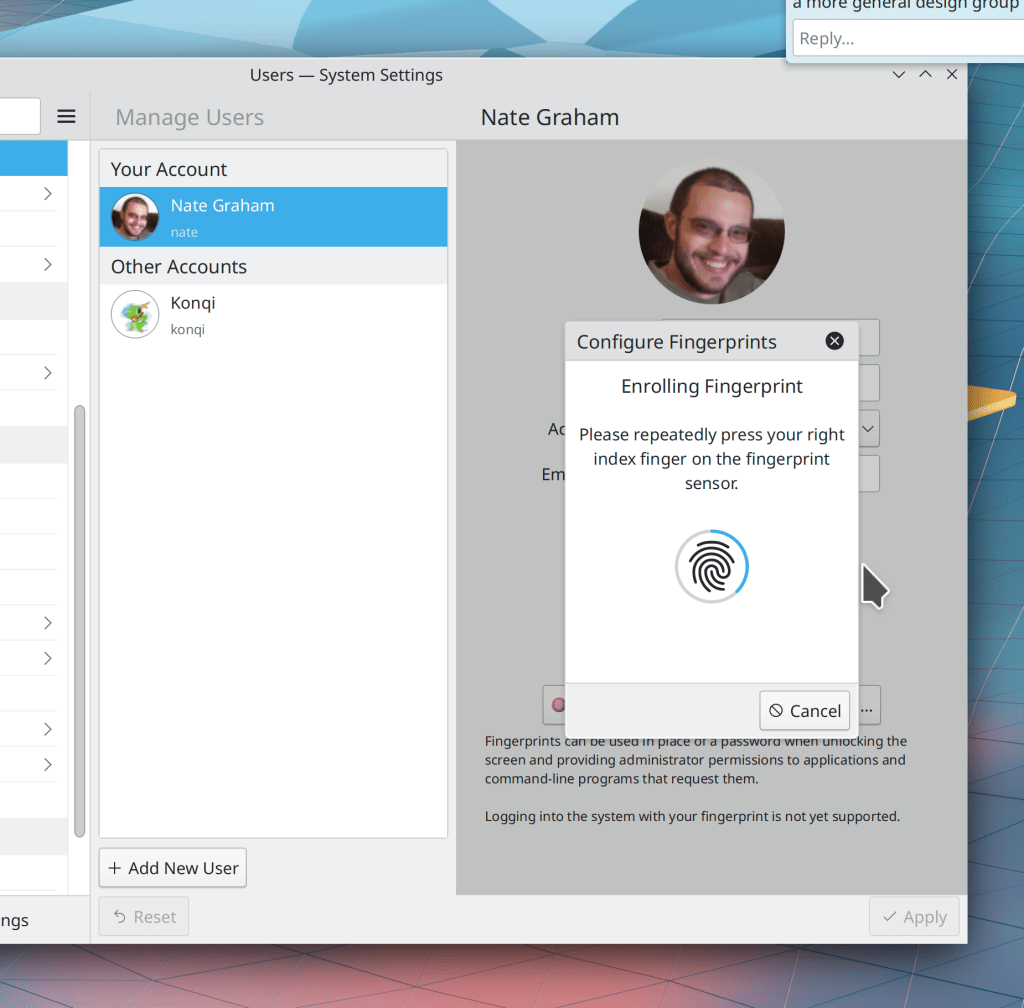
Fingerprint support has been in progress for quite some time thanks to Devin Lin, and this week, it was merged for Plasma 5.24! So far we let you enroll and de-enroll fingers, and any of those fingers can be used to to unlock the screen, provide authentication when an app asks for your password, and also authenticate sudo on the command line! It’s really cool stuff.
That’s not all: Xaver Hugl merged preliminary support for the proprietary NVIDIA driver’s GBM backend for Plasma 5.23.2! Overall this should improve the experience for NVIDIA users in many ways, both now, and also over time.
In addition, a truly titanic number of bugfixes were made this week. We have now addressed most of the issues people have found with Plasma 5.23! Here are the remaining ones which are confirmed and don’t have active work to fix them. Working on these would be a great way for any developers reading along to make a big difference quickly!
Even More New Features
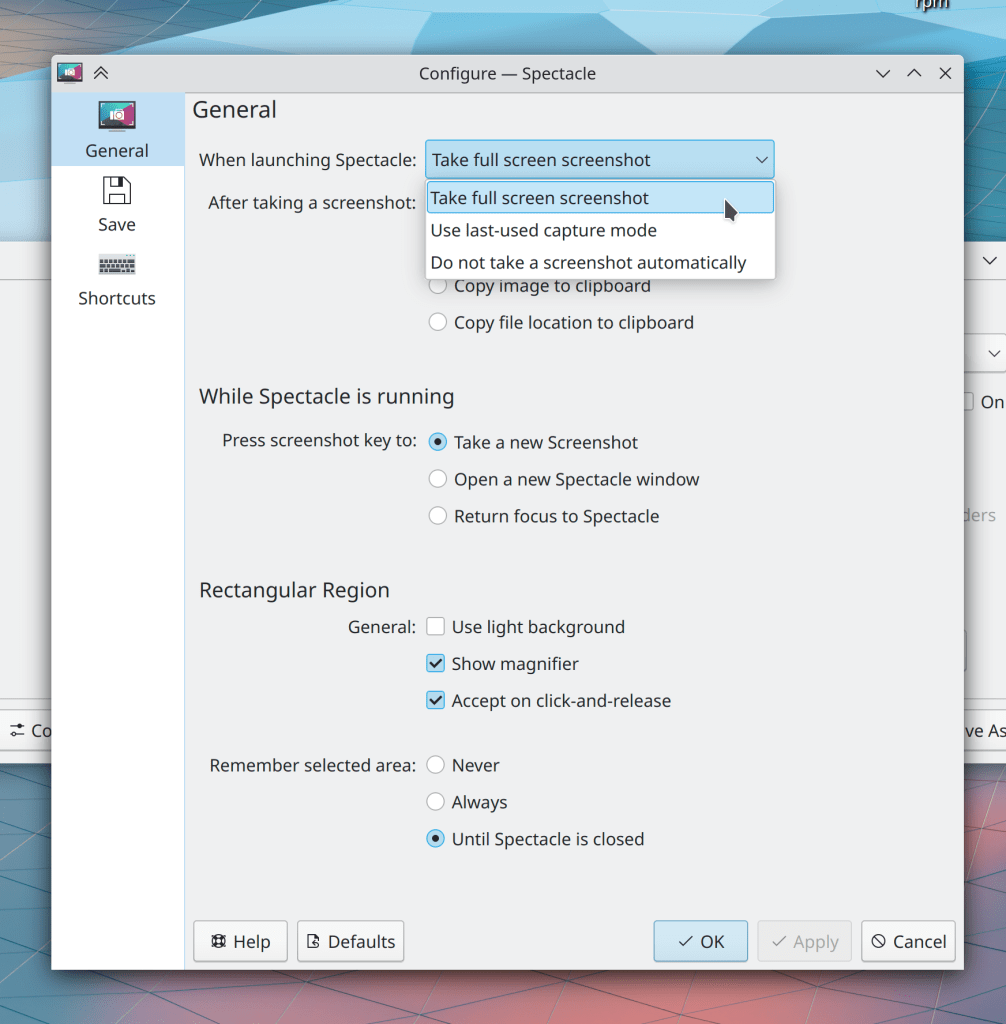
Spectacle now lets you configure it to remember the last-used capture mode for its automatically taken-screenshot on launch, or even to take no screenshot at all (Antonio Prcela, Spectacle 21.12):
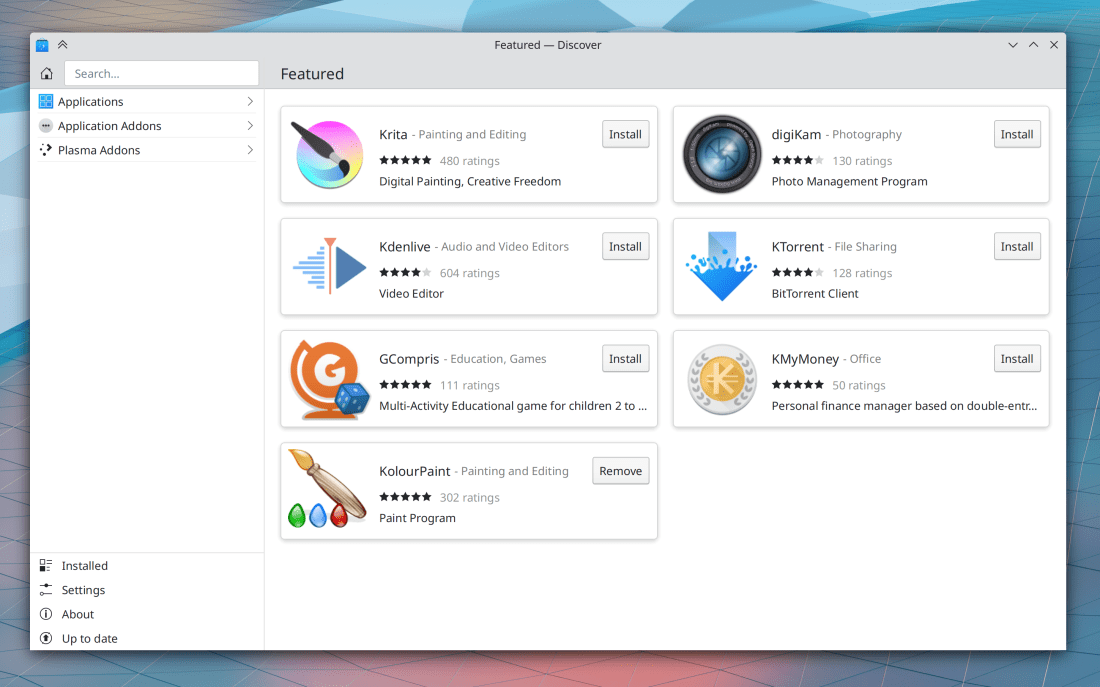
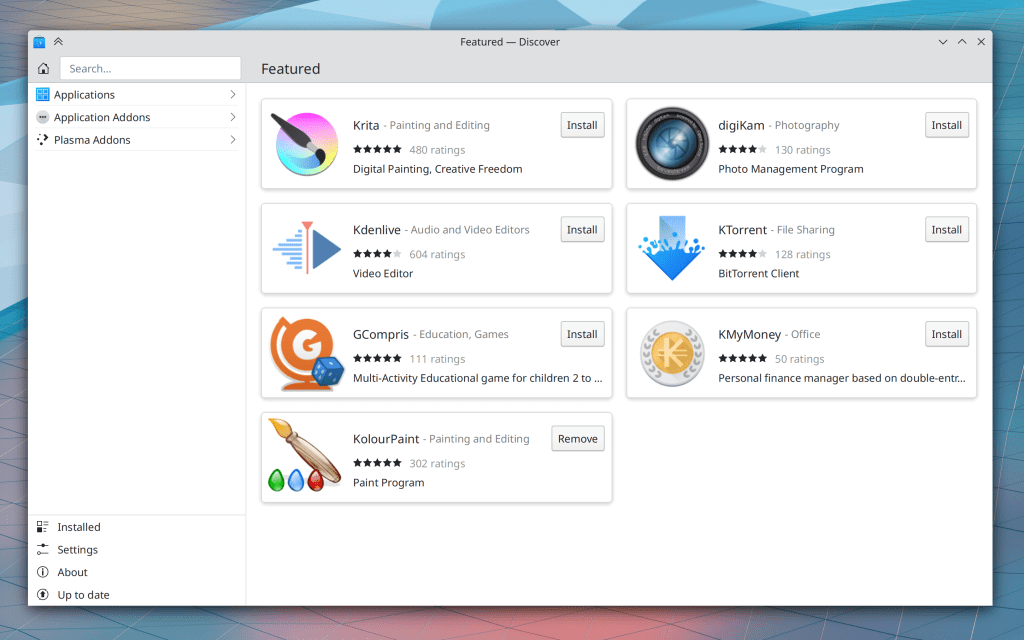
In Discover, You can now enable, disable, and remove Flatpak repos, and also enable and disable distro repos (Aleix Pol Gonzalez, Plasma 5.24)
Bugfixes & Performance Improvements
Okular’s quick annotations toolbar button now opens the full annotations toolbar when for some reason there are no quick annotations configured (Bharadwaj Raju, Okular 21.08.3)
Fixed a 5.23 regression that could cause Plasma to crash on launch when logging in (Noah Davis, Plasma 5.23.1)
On multi-screen systems, full-screen overlays such as the Screen Locker, Logout Screen, and image view in Telegram once again open on the correct screen rather than all appearing on top of each other in a big jumbled heap (lol) (Vlad Zahorodnii, Plasma 5.23.1)
The Kicker Application Menu once again displays System Settings pages when searching (Alexander Lohnau, Plasma 5.23.1)
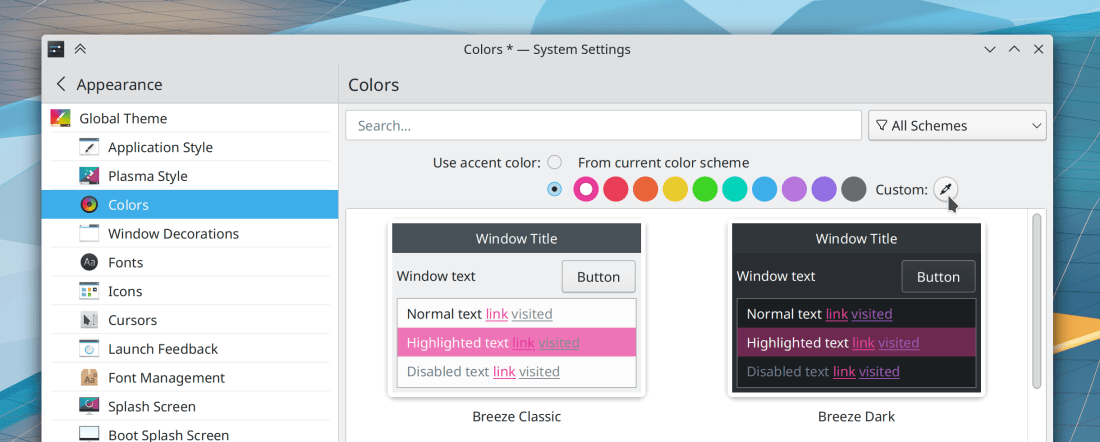
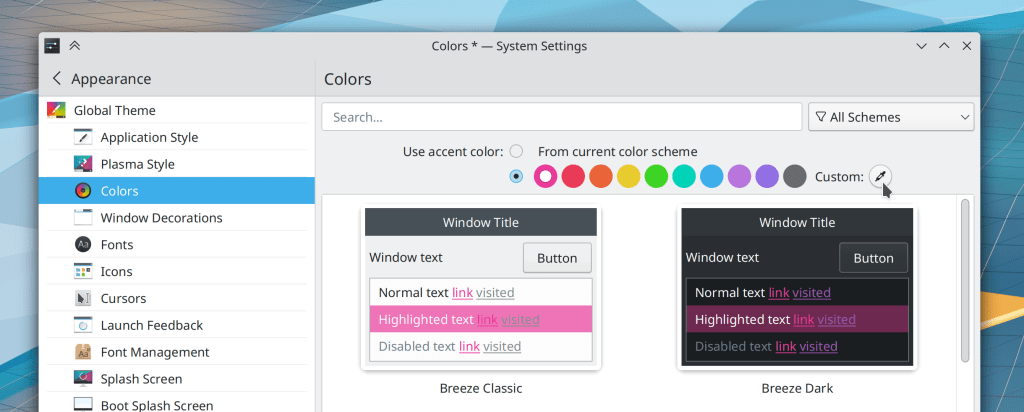
Setting an accent color while using a color scheme that doesn’t have header colors (such as Breeze Classic) no longer inappropriately applies a small number of header colors to the color scheme, which would break it in creative ways (me: Nate Graham, Plasma 5.23.1)
Checkboxes in Discover’s settings page now look unchecked when you uncheck them, and vice versa (lol) (Aleix Pol Gonzalez, Plasma 5.23.1)
When an app is playing audio on a virtual desktop that is not the active one, now its Task Manager tooltip can still be used to interact with it using the inline media controls (Fushan Wen, Plasma 5.23.1)
Clearing emoji history in the Emoji Selector window now actually works (me: Nate Graham, Plasma 5.23.1)
The F10 keyboard shortcut once again works to create a folder on the desktop (Derek Christ, Plasma 5.23.2)
When the Desktop context menu is showing both the “Delete” and “Add to Trash” actions (because both are enabled in Dolphin, as it context menu gets synced with the desktop context menu), both once again work (Fabio Bas, Plasma 5.23.2)
The Shift+Delete shortcut to permanently delete items on the desktop once again works (Alexander Lohnau, Plasma 5.23.2)
In the Plasma Wayland session, System Settings’ touchpad page now correctly shows options for how you can right-click (Julius Zint, Plasma 5.23.2)
On certain distros (such as Fedora), when you install an app with Discover, you can now remove it immediately without having to quit and restart Discover first (Aleix Pol Gonzalez, Plasma 5.23.2)
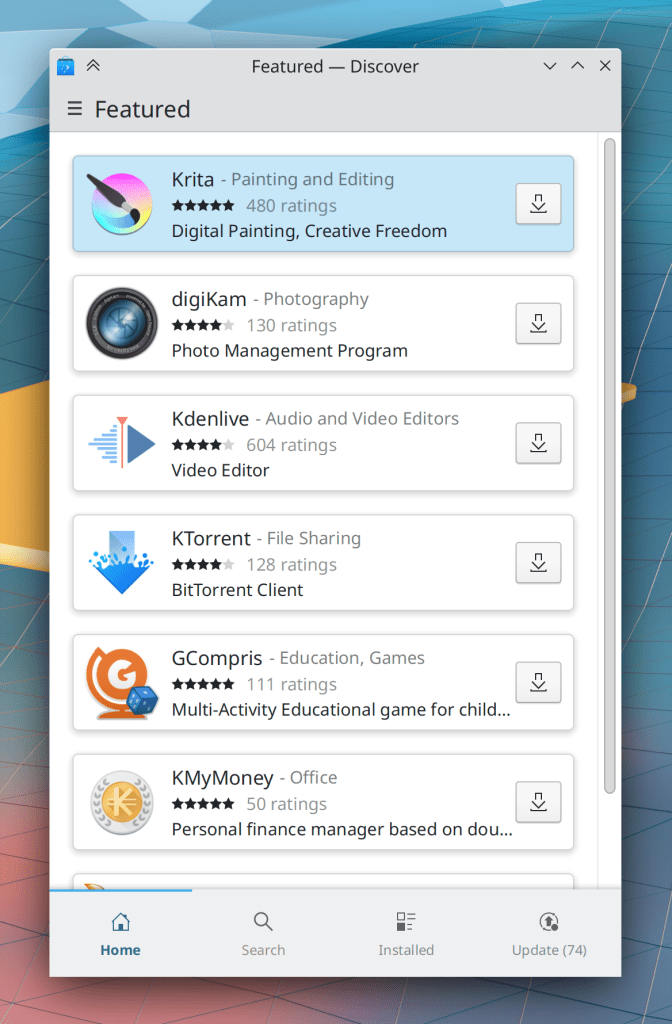
Discover’s Install buttons once again look correct for people with Plasma 5.23 and Frameworks 5.86, but not 5.87 (Aleix Pol Gonzalez, Plasma 5.23.2)
Plasma now internally ignores the dummy placeholder screen that Qt sometimes creates, which should help with multi-monitor problems related to panels and wallpapers being switched around or going missing (David Edmundson, Plasma 5.23.2)
Search fields throughout Plasma now work properly when you type text using a virtual keyboard (Arjen Hiemstra, Plasma 5.23.2)
The Plasma applet config window is now able to avoid being cut off on a 1024×768 screen resolution with a bottom panel (me: Nate Graham, Plasma 5.23.2)
Discover can now detect when a locally-downloaded package you’ve asked it to open is already installed, so it will show you the option to remove it, rather than letting you try and fail to install it again (Aleix Pol Gonzalez, Plasma 5.23.2)
Kickoff’s new “Keep open” feature now continues to keep the popup open if you use it to open or launch anything, and it no longer continues to show apps in the main view from the last-highlighted category when you hover the cursor over the “Help Center” item in the sidebar (Eugene Popov, Plasma 5.23.2)
In the Plasma Wayland session, using the hidden “BorderlessMaximizedWindows” setting no longer causes maximized windows to stop responding to mouse and keyboard events (Andrey Butirsky, Plasma 5.23.2)
It is once again possible to change the resolution when running in a VM (Ilya Pominov, Plasma 5.24)
In the Plasma Wayland session, idle time detection (e.g for determining when to lock the screen to put the computer to sleep) now works more properly (Vlad Zahorodnii, Plasma 5.24)
Right-clicking on a Task Manager task to display its recent files no longer freezes Plasma when any of those files lives on a slow or inaccessible network location (Fushan Wen, Plasma 5.24)
The free space notifier no longer pointlessly monitors read-only volumes (Andrey Butirsky, Plasma 5.24)
Attempting to share something via email when the system has no email client apps installed no longer crashes the app used to initiate the action (Aleix Pol Gonzalez, Frameworks 5.88)
QtQuick-based apps now display the correct visual appearance for disabled checkboxes (Aleix Pol Gonzalez, Frameworks 5.88)
System Tray applets that use the expandable list item paradigm now, finally, totally, completely display the expanded view with the correct highlight height, taking into consideration the user’s font size and any disabled invisible items and also hopefully cosmic rays and swamp gas (me: Nate Graham, Frameworks 5.88)
The Command Bar in many apps no longer ever displays any actions that lack text and also displays actions in alphabetical order now (Eugene Popov, Frameworks 5.88)
The whole system is now faster to access files when your system’s /etc/fstab file happens to have entries identified with UUID and/or LABEL properties (Ahmad Samir, Frameworks 5.88)
User Interface Improvements
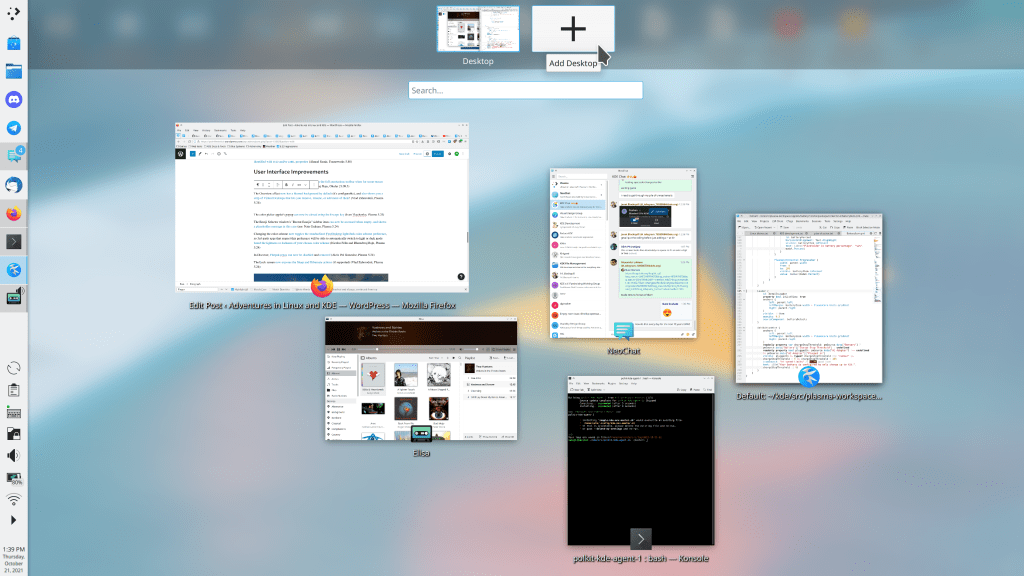
The new Overview effect now has a blurred background by default (it’s configurable), and also shows you a strip along the top that lets you remove, rename, or add more Virtual Desktops! (Vlad Zahorodnii, Plasma 5.24):
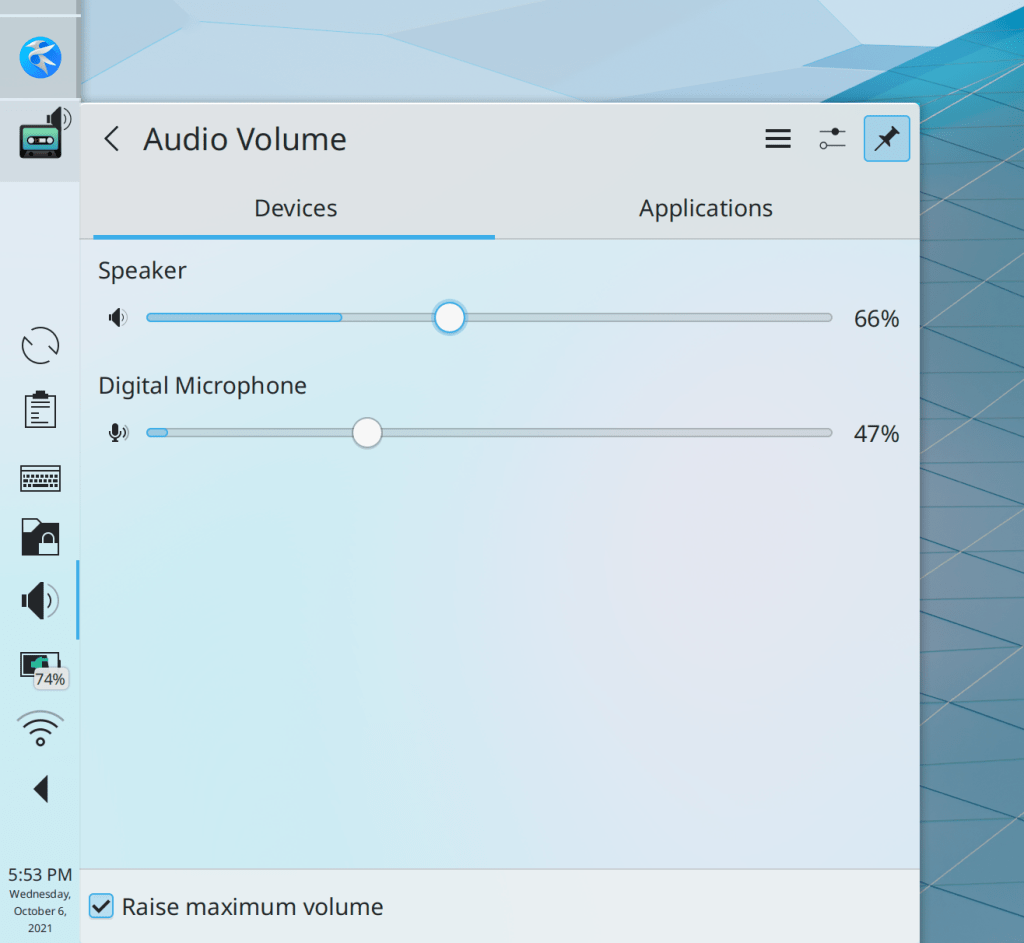
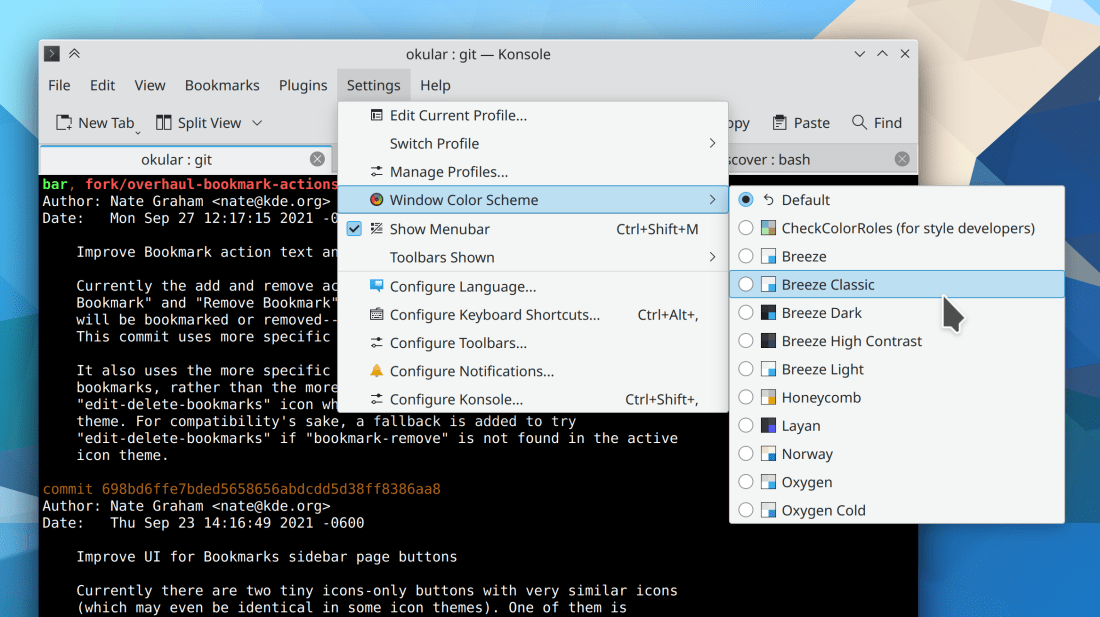
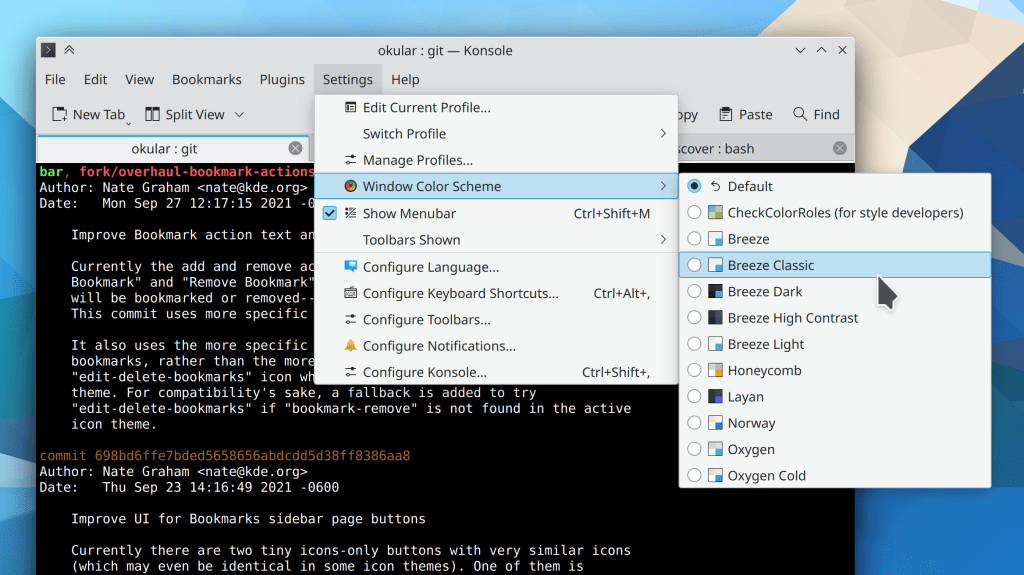
Changing the color scheme now toggles the standardized FreeDesktop light/dark color scheme preference, so 3rd-party apps that respect this preference will be able to automatically switch to light or dark mode based the lightness or darkness of your chosen color scheme. Isn’t that incredibly cool!? (Nicolas Fella and Bharadwaj Raju, Plasma 5.24)
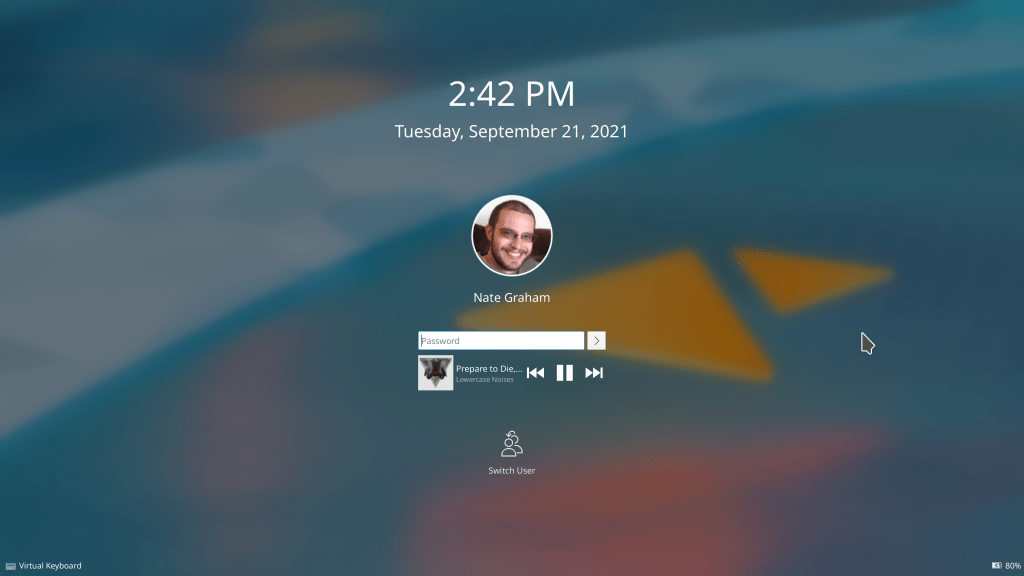
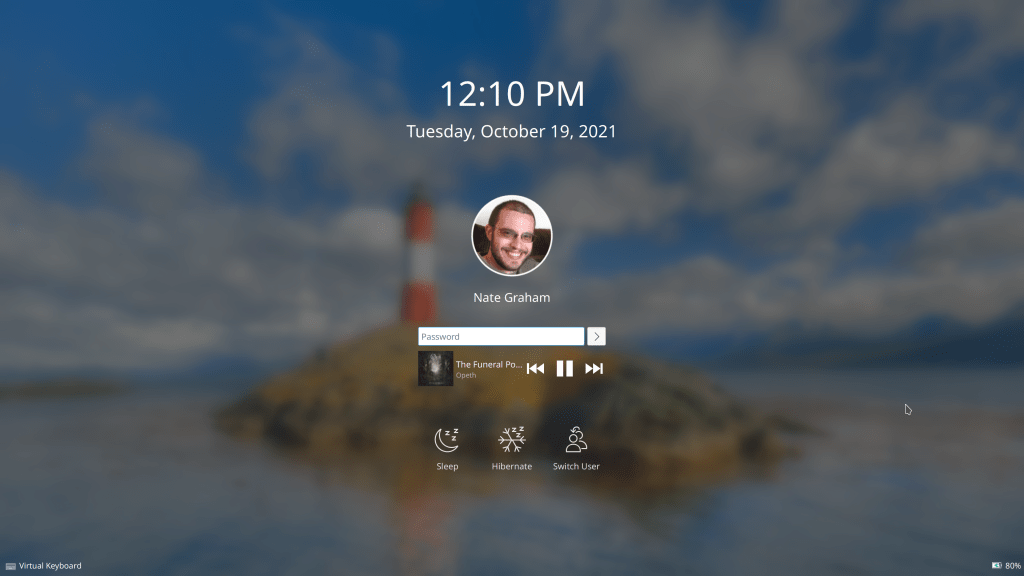
The Lock screen now exposes the Sleep and Hibernate actions, (when supported) (Vlad Zahorodnii, Plasma 5.24):
The global edit mode toolbar now offers you a way to configure your screens, replacing the button to show the activity switcher (me: Nate Graham, Plasma 5.24):

The Emoji Selector window’s “Recent Emojis” sidebar item can now be accessed when empty, and shows a placeholder message in this case (me: Nate Graham, Plasma 5.24)
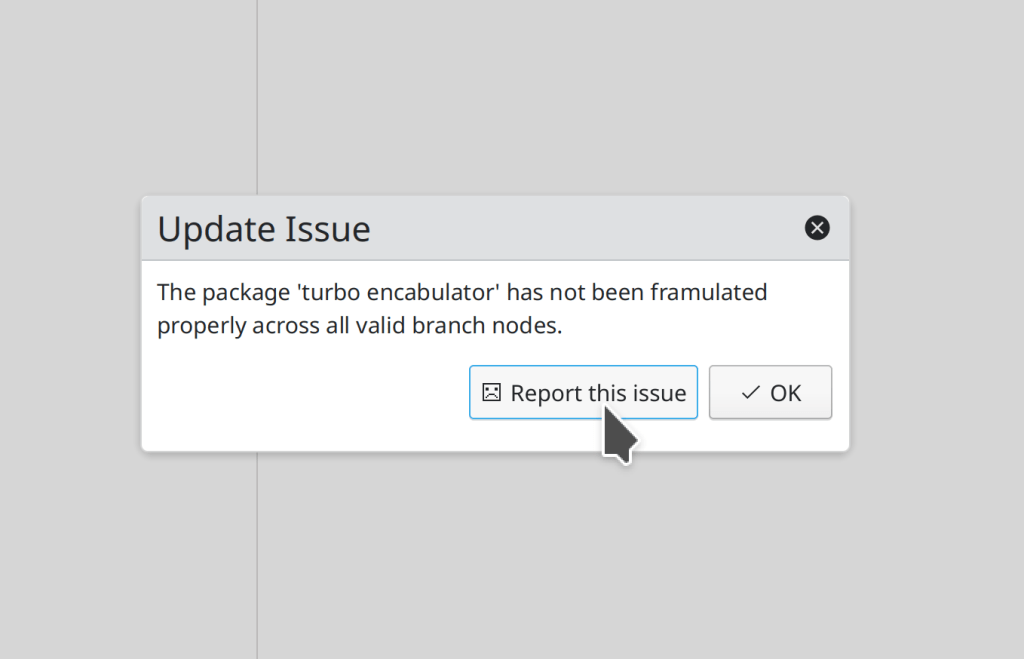
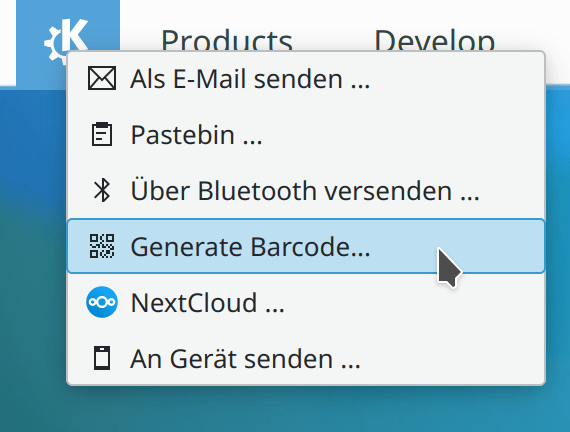
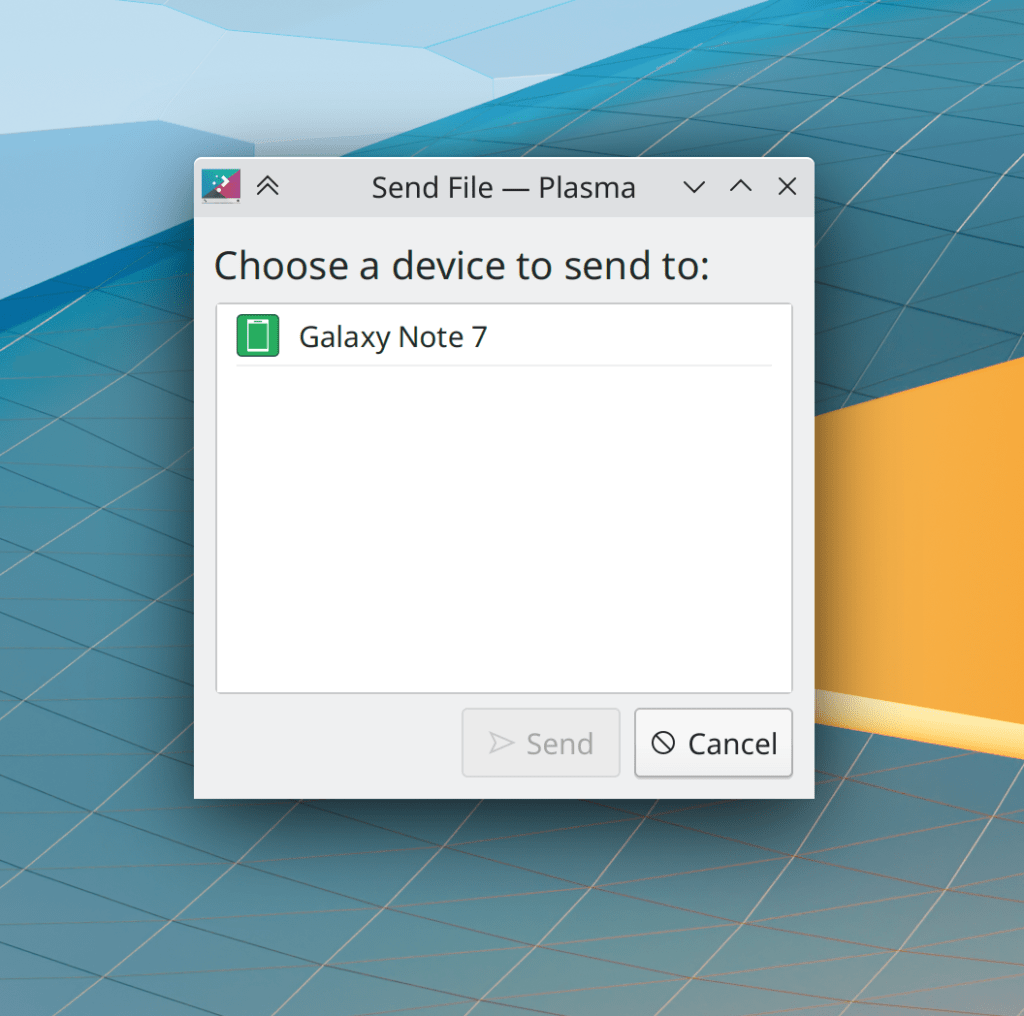
The “Send to Device” and “Send via Bluetooth” windows now set a sensible title, use more standard styling for their buttons, and the “Send” button is only enabled when there’s a device to send to (me: Nate Graham, Frameworks 5.88):
The color picker applet’s popup can now be closed using the Escape key (Ivan Tkachenko, Plasma 5.24)
…And everything else
Keep in mind that this blog only covers the tip of the iceberg! This week it was quite a big tip, but the whole iceberg is still much bigger. Tons of KDE apps whose development I don’t have time to follow aren’t represented here, and I also don’t mention backend refactoring, improved test coverage, and other changes that are generally not user-facing. If you’re hungry for more, check out https://planet.kde.org/, where you can find blog posts by other KDE contributors detailing the work they’re doing.
How You Can Help
Have a look at https://community.kde.org/Get_Involved to discover ways to be part of a project that really matters. Each contributor makes a huge difference in KDE; you are not a number or a cog in a machine! You don’t have to already be a programmer, either. I wasn’t when I got started. Try it, you’ll like it! We don’t bite!
Finally, consider making a tax-deductible donation to the KDE e.V. foundation.