

In just four days, Plasma 5.22 will be released, with all the features, bugfixes, and improved Wayland compatibility that we’ve been working on over the past few months! So it’s time to start working on 5.23 features. We also got a lot of work done for our apps too!
New Features
It’s now possible to globally disable IPv6 in the Plasma networks GUI settings (Jan Grulich, Plasma 5.23)
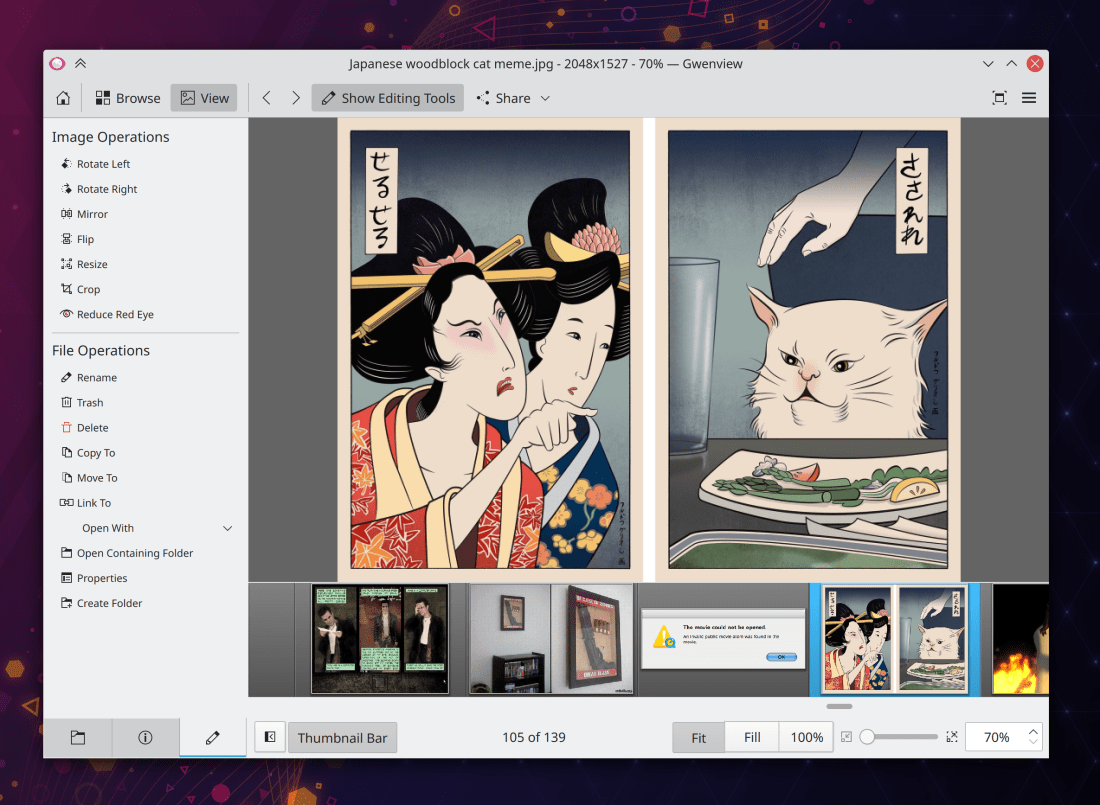
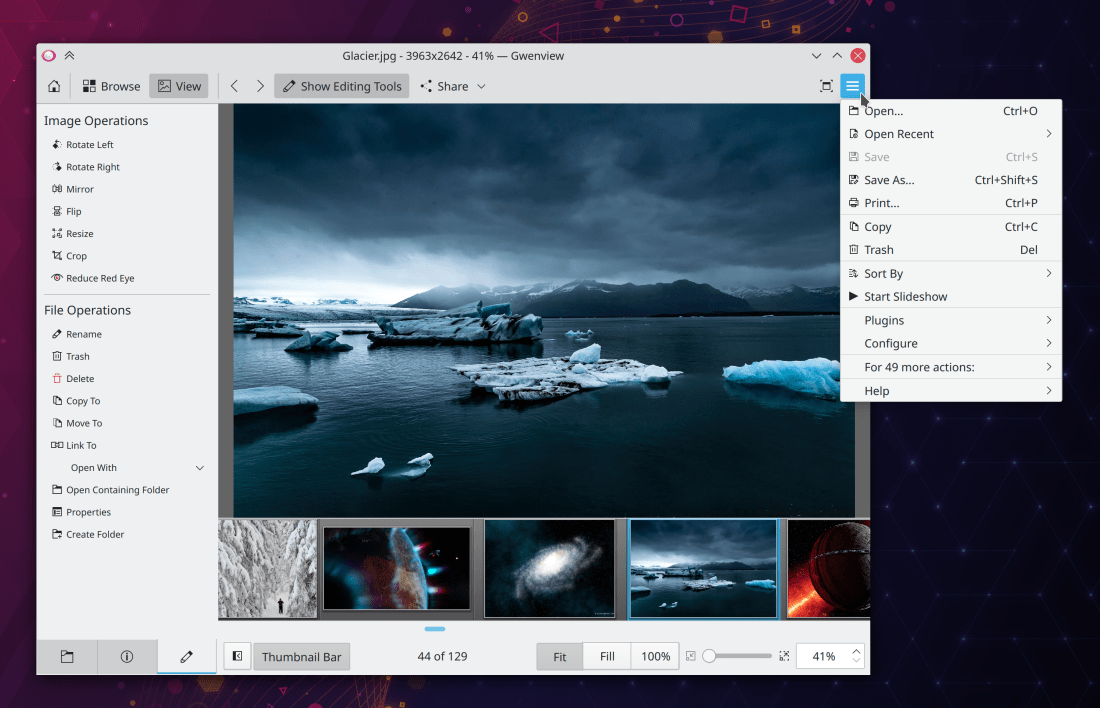
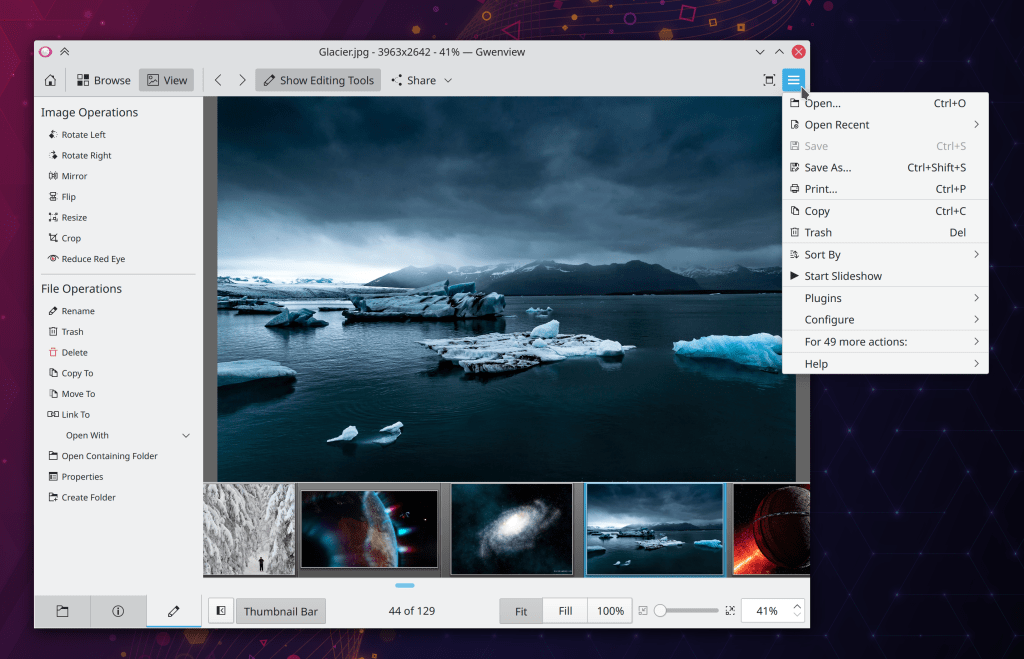
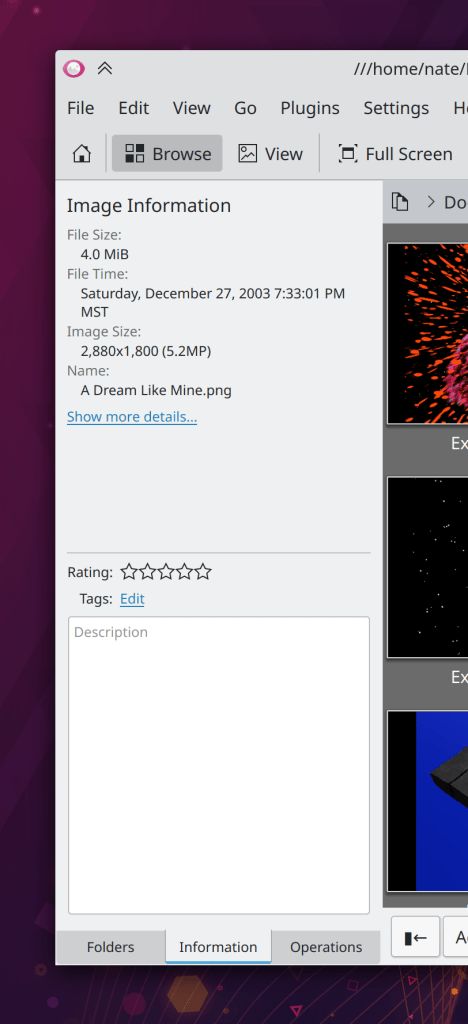
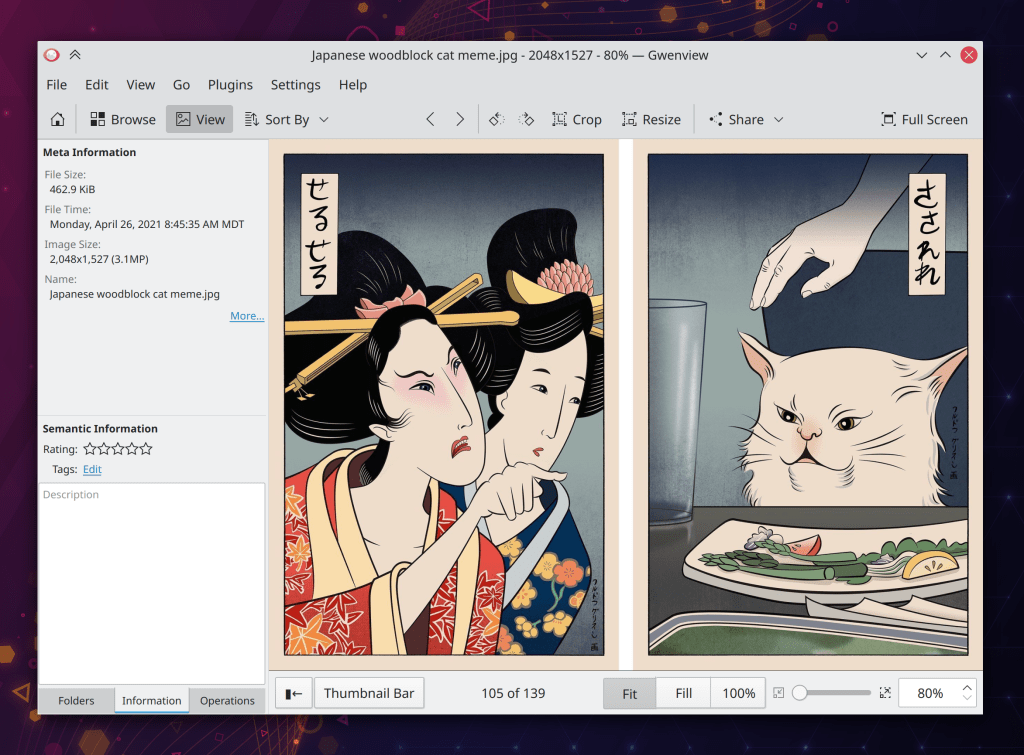
Gwenview now inherits the sorting order from Dolphin if Dolphin is used to open an image, so that you’ll never have that experience of opening an image in Gwenview and navigating to the next one, only to discover that it goes to an image other than the one you expect (Marco Martin, Dolphin and Gwenview 21.08)
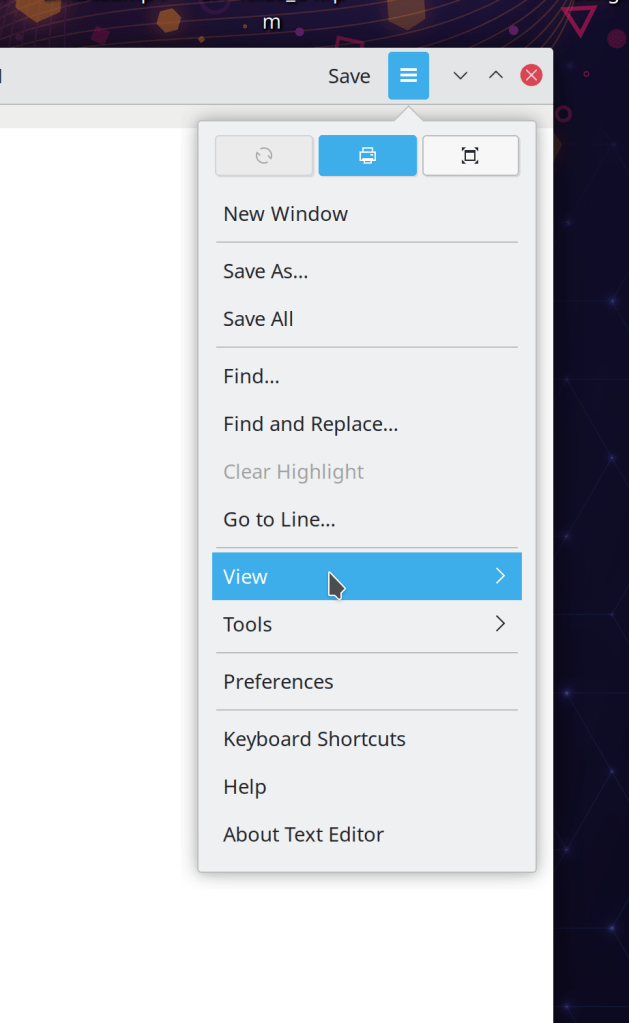
You can now add a button to the toolbar in Okular to quickly toggle color-changing modes for the active document (David Hurka, Okular 21.08):

Bugfixes & Performance Improvements
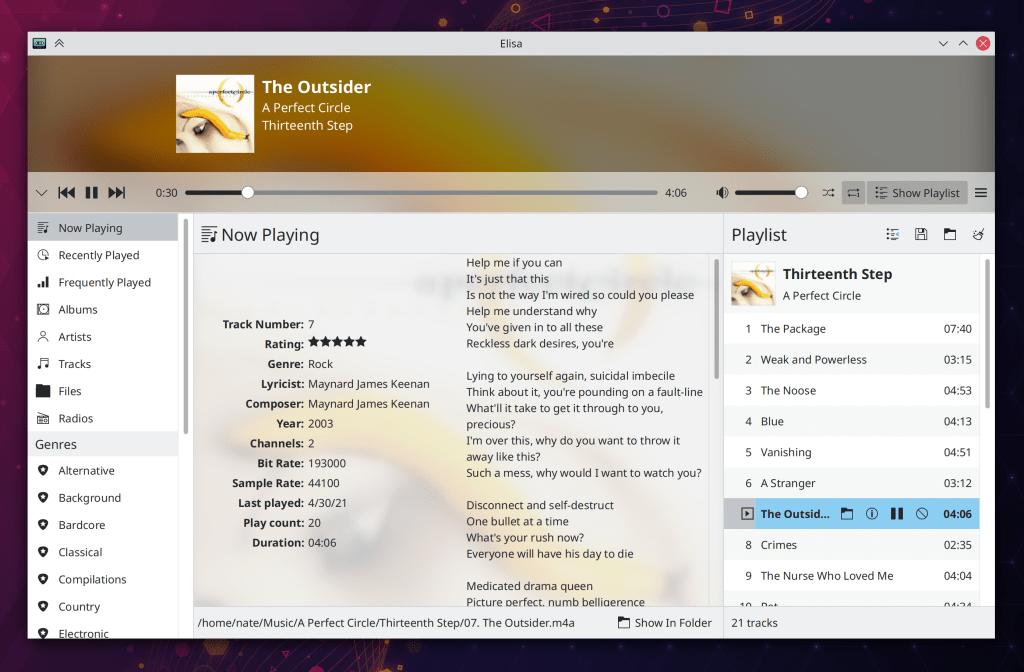
Adding a new radio station in Elisa now works again (Jerome Guidon, Elisa 21.04.2)
Spectacle’s image annotator module is now correctly translated when using a non-English language (Alexander Volkov, Spectacle 21.08)
Konsole now lets you set your default shell the one with fewer than 3 letters, such as sh (Adriaan de Groot, Konsole 21.08)
In the Plasma X11 session, the keyboard layout change OSD once again appears when the keyboard layout is changed using an “alternative shortcut” trigger (Andrey Butirsky, Plasma 5.22)
Newly-downloaded Plasma System Monitor pages now become available instantly, rather than requiring the app to be restarted (David Redondo, Plasma 5.22)
Fixed various pixel misalignment issues in a few dialogs of the new Plasma System Monitor app (David Redondo, Plasma 5.22)
Applying a Global Theme that includes a new color scheme now results in that color scheme always being correctly applied (Benjamin Port, Plasma 5.22)
Clicking the “Use” button for newly-downloaded items in “Get new [thing]” dialogs once again works (Alexander Lohnau, Frameworks 5.83)
Global shortcuts using the actual ampersand chartacter (&) are now displayed correctly (me: Nate Graham, Frameworks 5.83)
User Interface Improvements
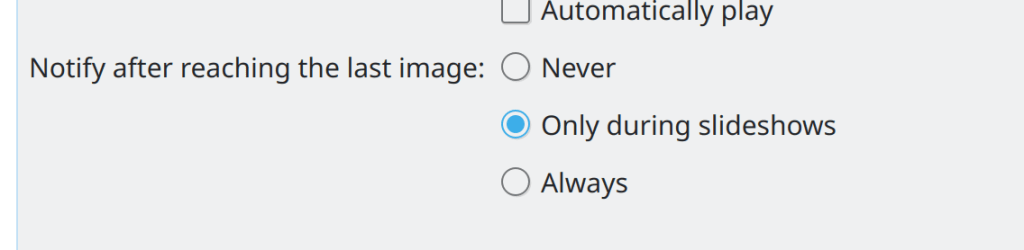
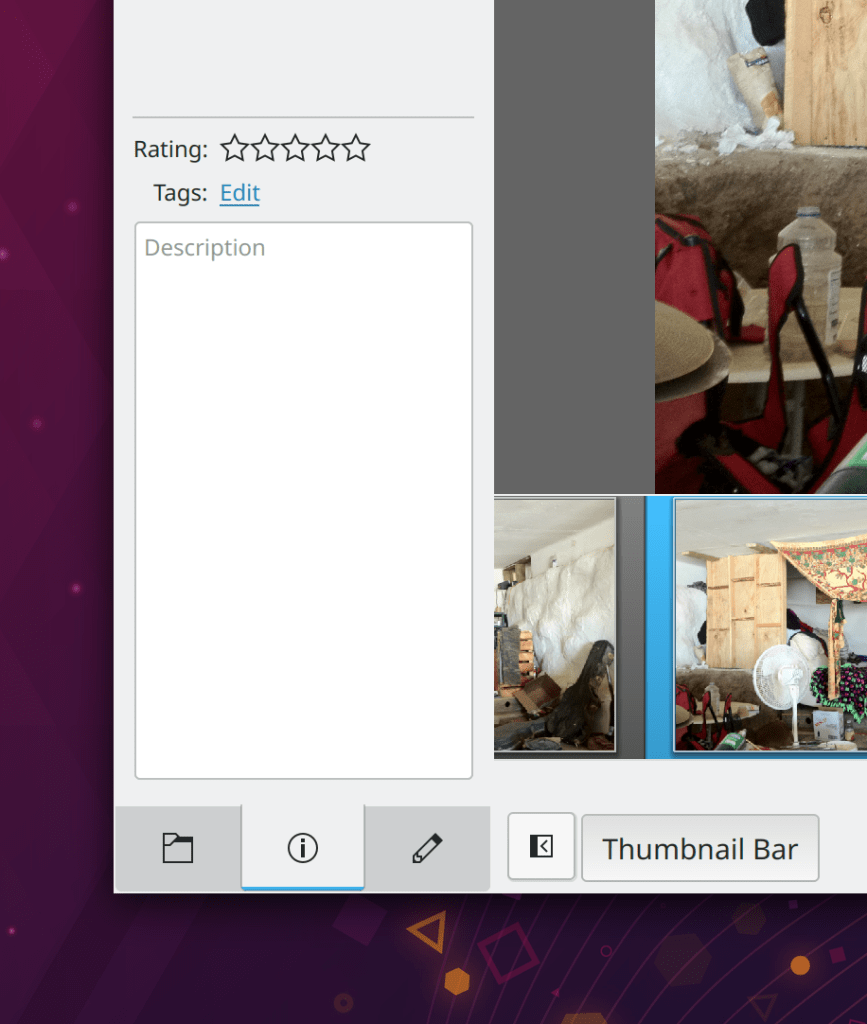
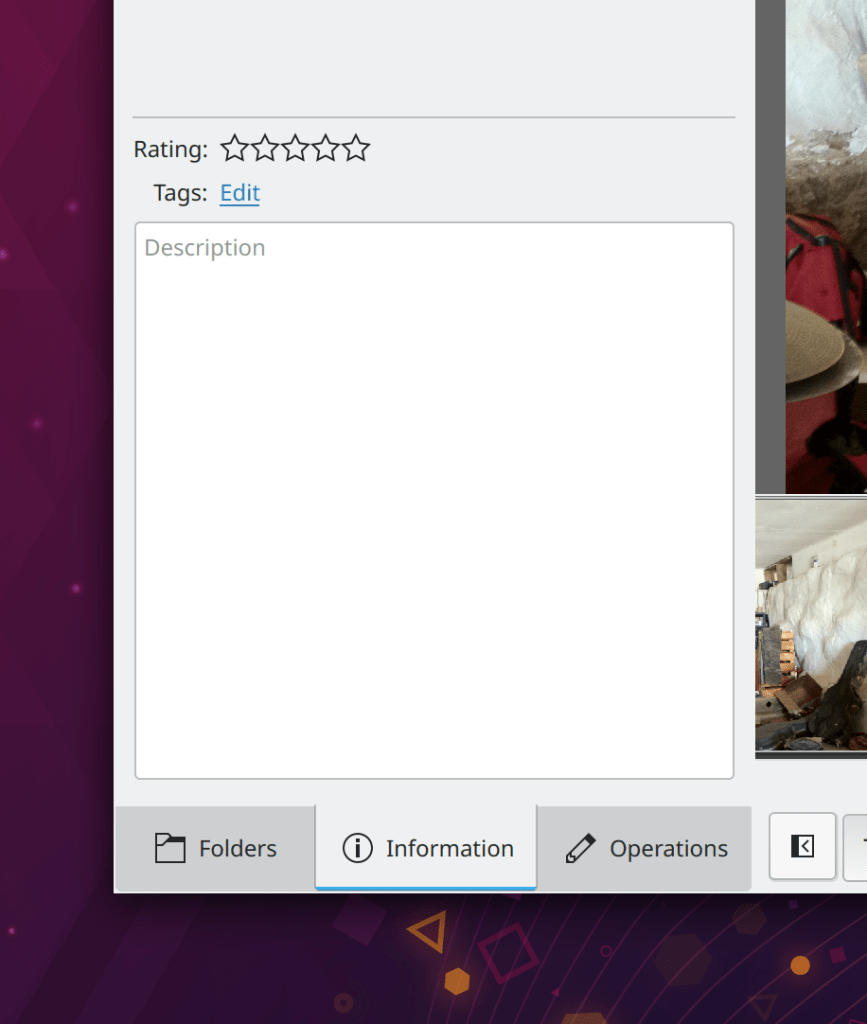
Gwenview now lets you wrap around while browsing using the arrow keys, only shows the “you have reached the end” menu in slideshow mode by default, and lets you disable it entirely if you want (Marco Martin, Gwenview 21.08):
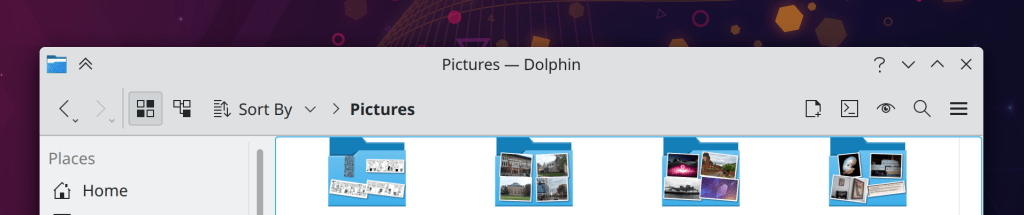
The list item sizes of “Small” and “Medium” for Dolphin’s Places panel are no longer almost visually identical (“Small” is now smaller), and the “Medium” size is now the default, to match the size of list items used in many other places now (Eugene Popov, Dolphin 21.08)
Elisa now uses the F11 hotkey to toggle entering and exiting Party Mode (Tranter Madi, Elisa 21.08)
When using Plasma in a live session (e.g. before installing it), when you connect to a Wi-Fi network, the password is now always stored locally rather than annoyingly asking the user gobbledygook questions about setting up a KWallet wallet to store it (Jan Grulich, Plasma 5.22)
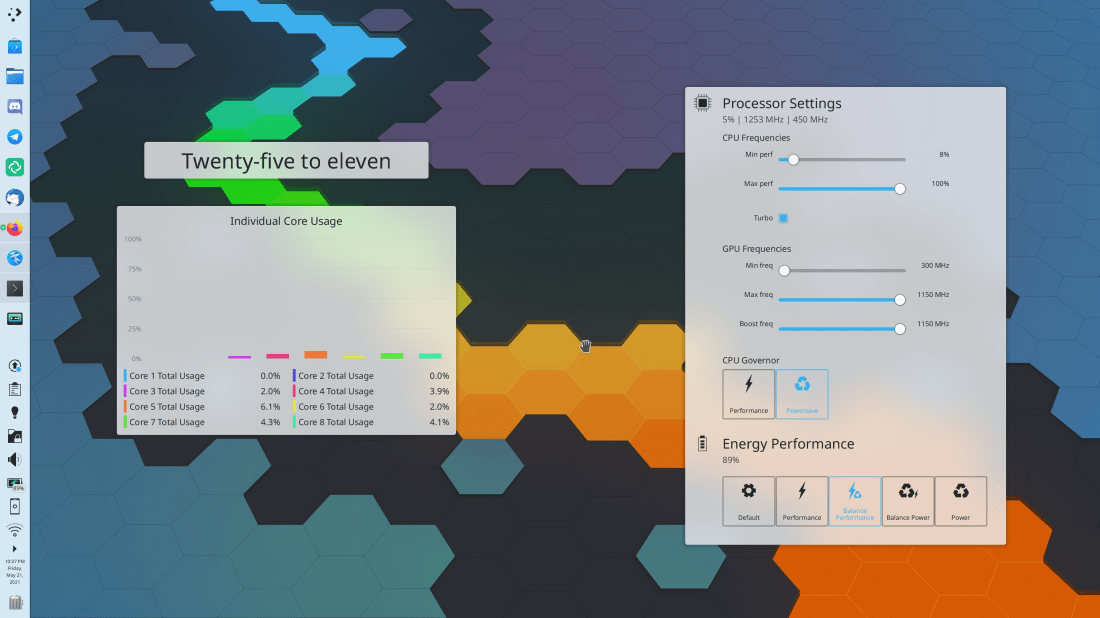
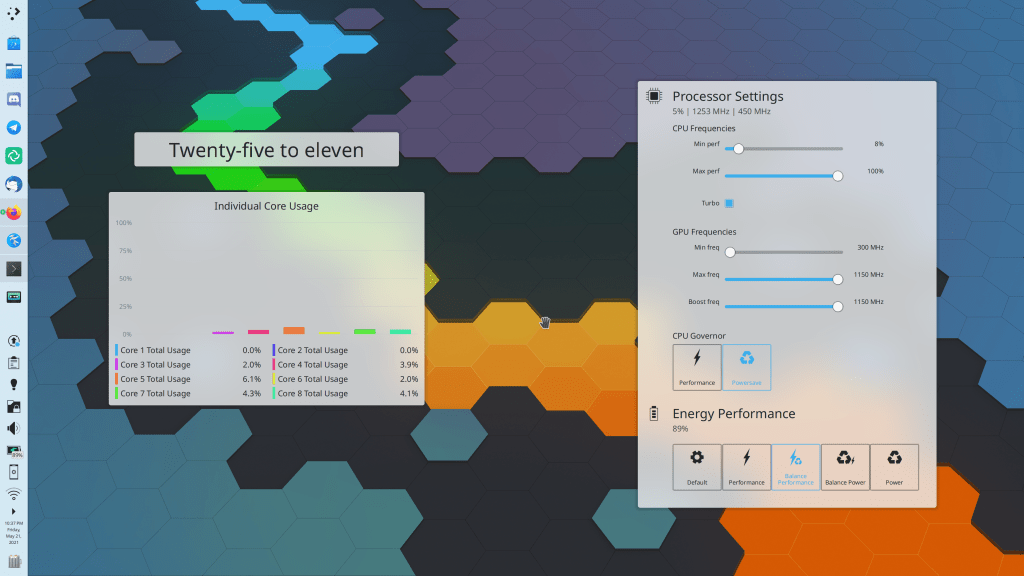
GPU statistics are now only shown in System Monitor widgets and the app of the same name if they are supported by your GPU (Arjen Hiemstra, Plasma 5.22)
The System Tray’s Disks & Devices applet no longer lets you futilely try and fail to eject a removable disk that contains the root volume (me: Nate Graham, Plasma 5.22)
The shadows of a maximized window no longer subtly spill over onto adjacent screens of a multi-screen arrangement (Vlad Zahorodnii, Plasma 5.22.1)
When a virtual keyboard is selected in the Plasma Wayland session, it no longer needs to be manually enabled using its system tray status notifier item before it will ever appear (Aleix Pol Gonzalez, Plasma 5.23)
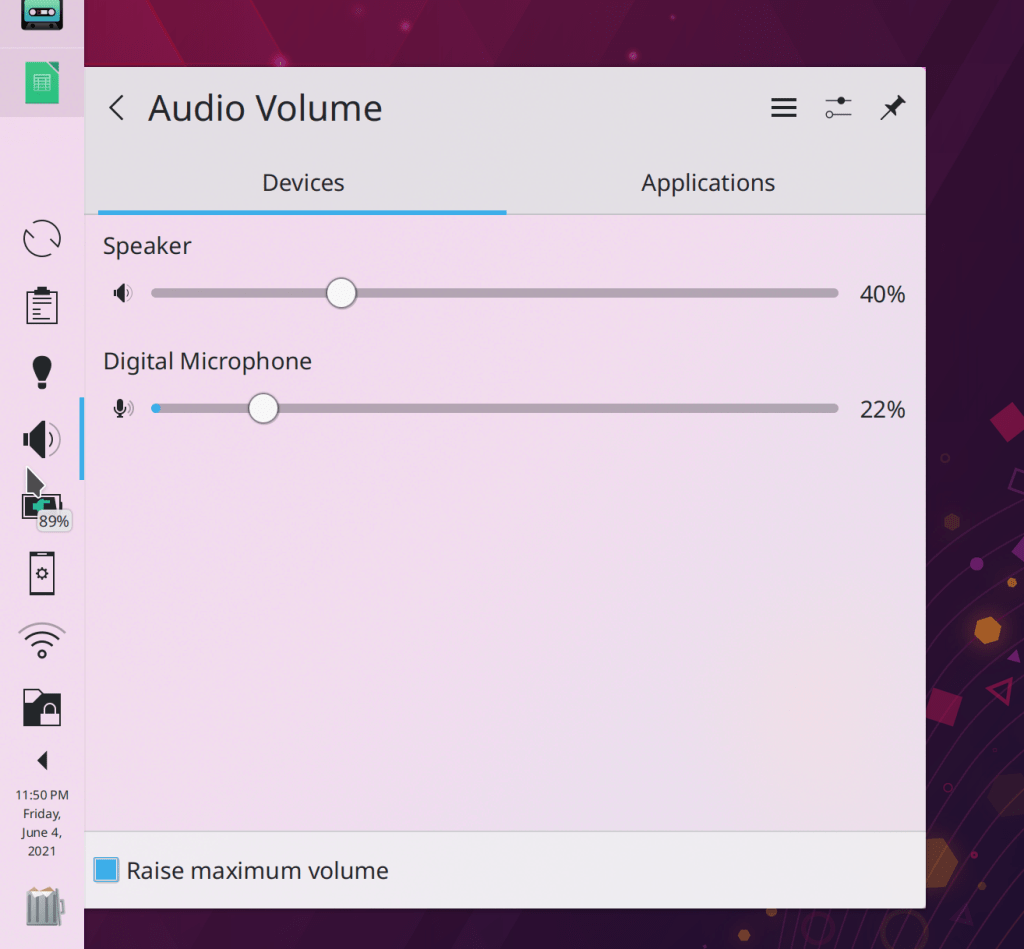
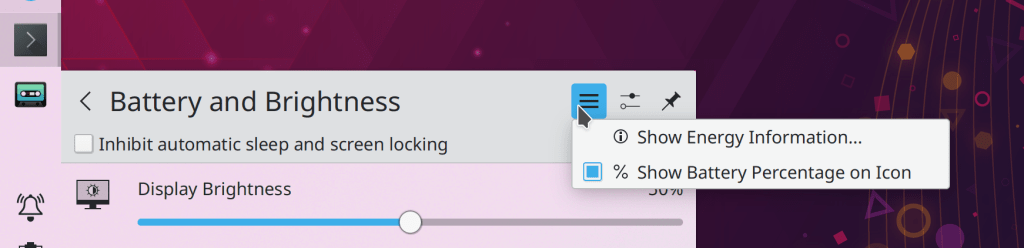
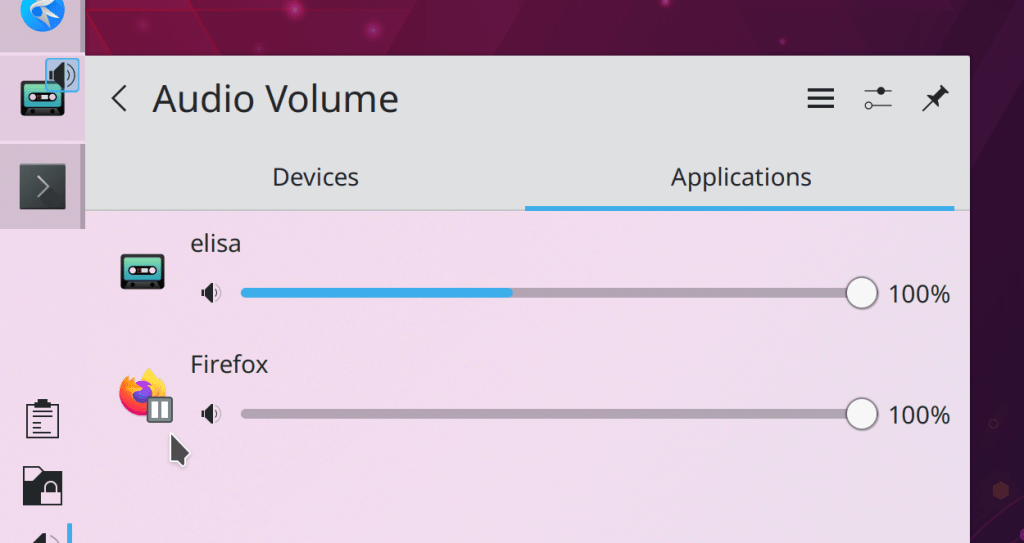
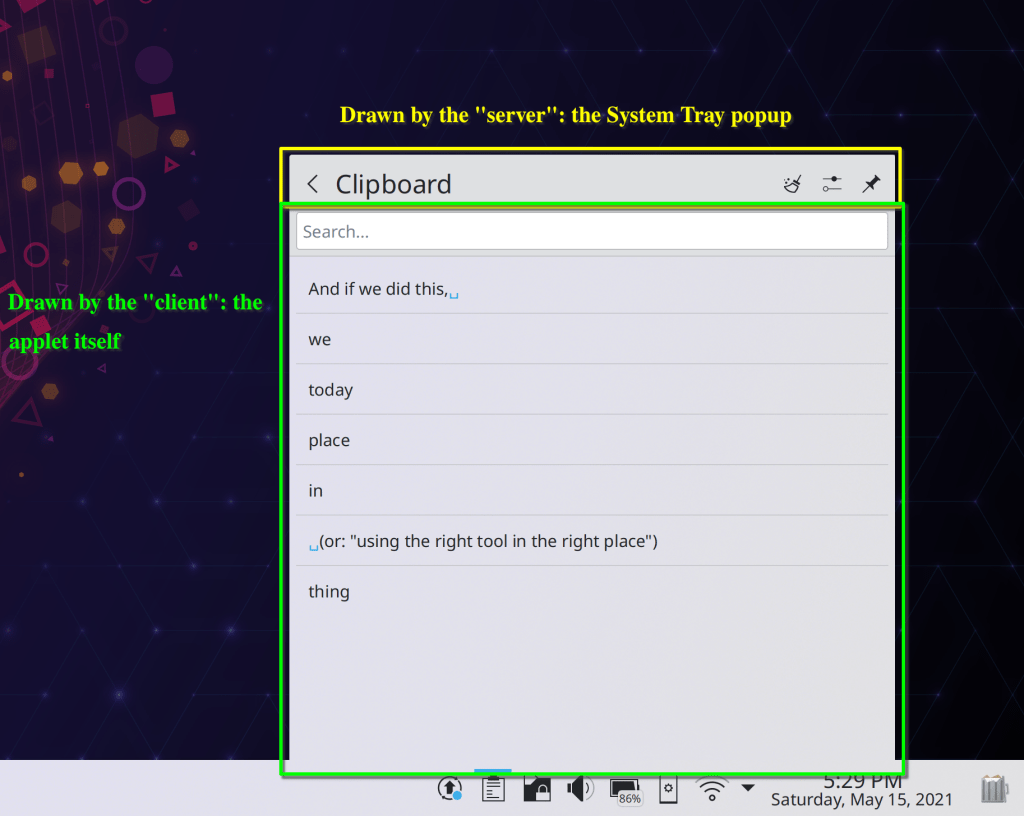
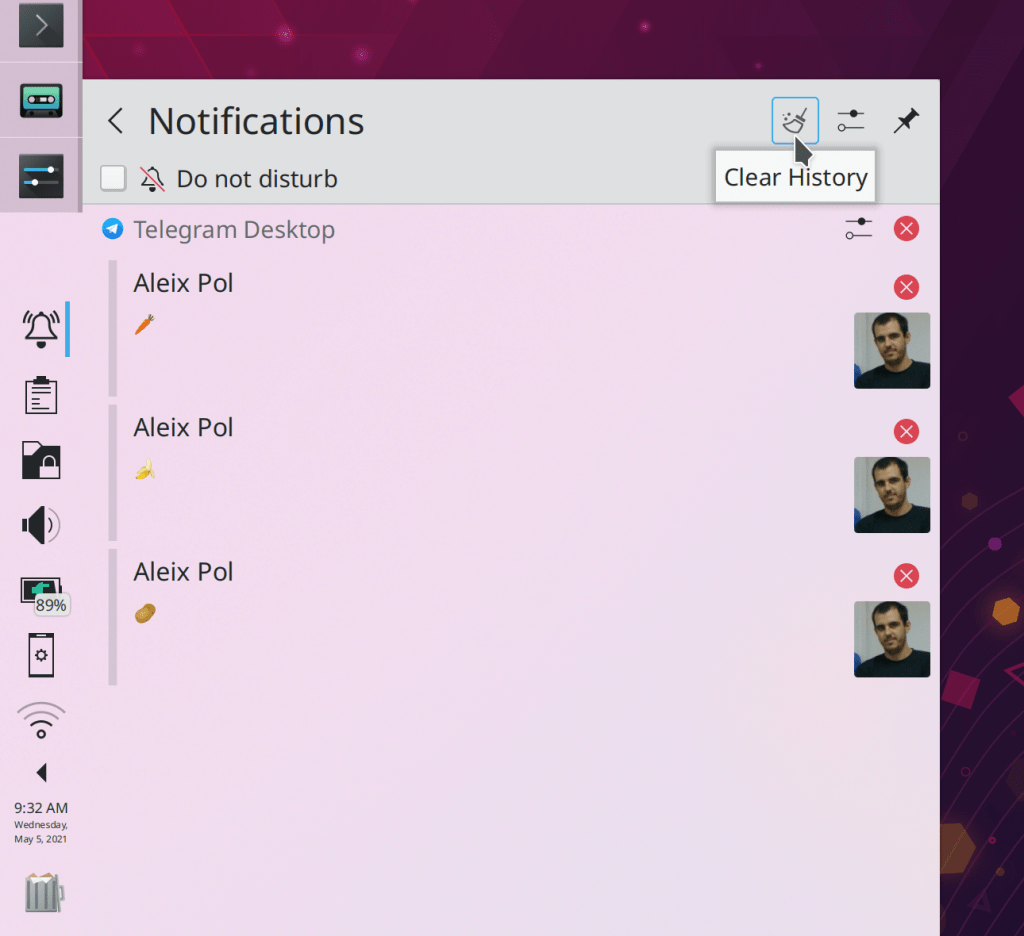
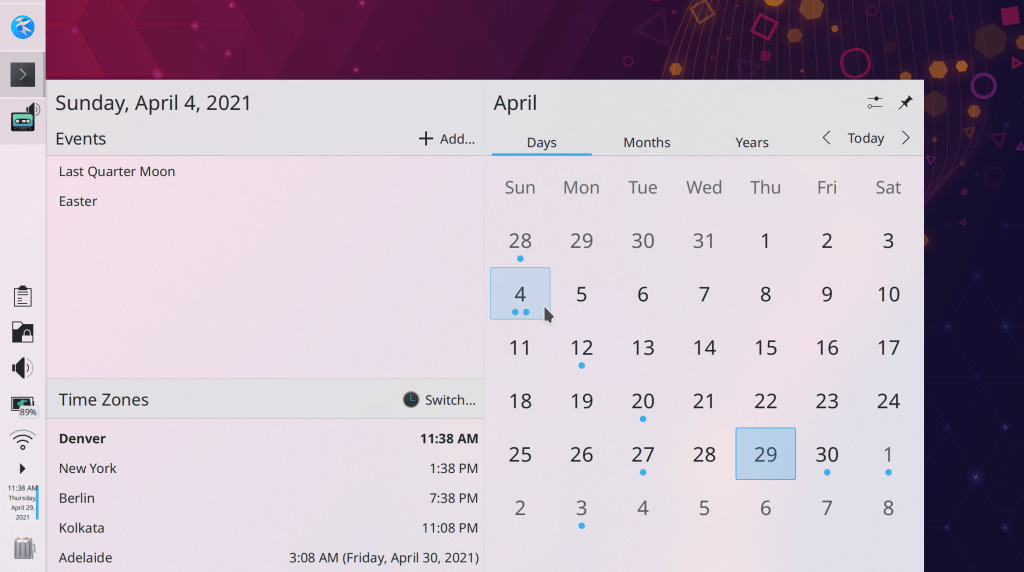
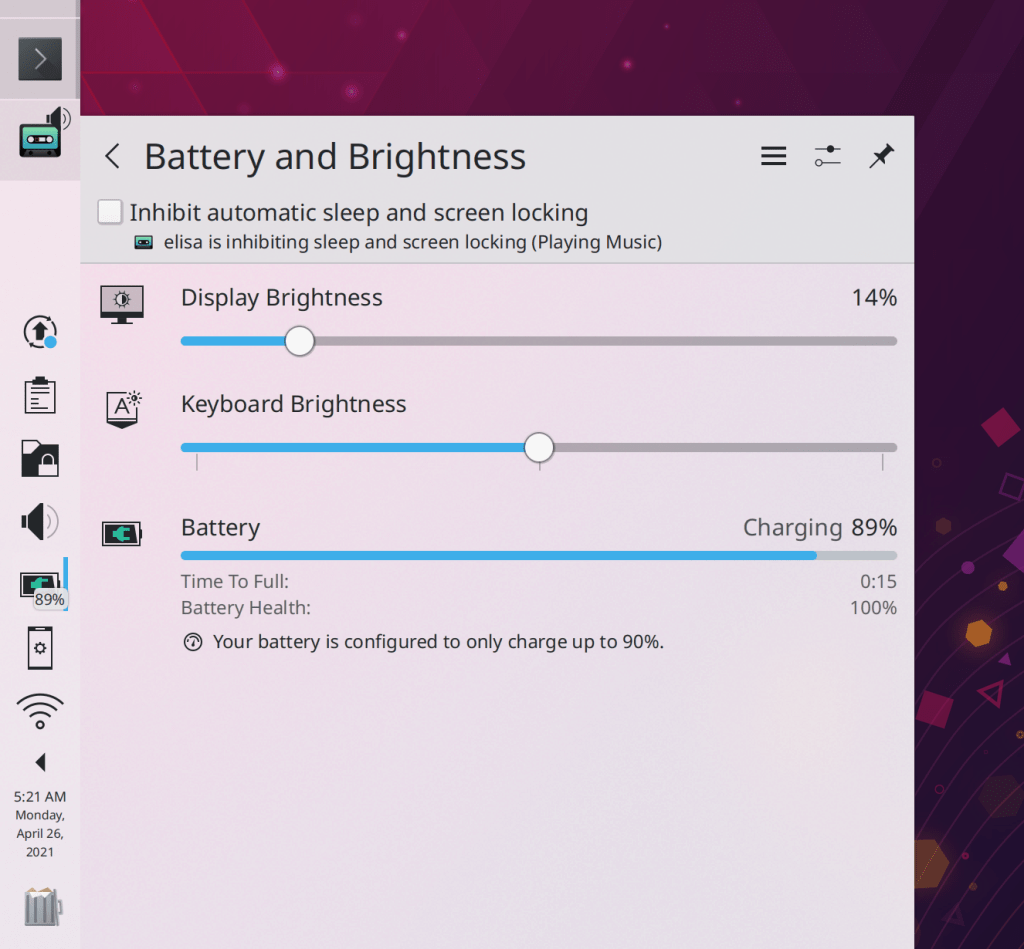
When you click on a panel applet or System Tray item, the highlight effect now touches the panel edge and spans the full width/height of the applet’s click area, and there is a subtle and pleasing line separating the panel from the popup that just opened (Niccolò Venerandi, Plasma 5.23):
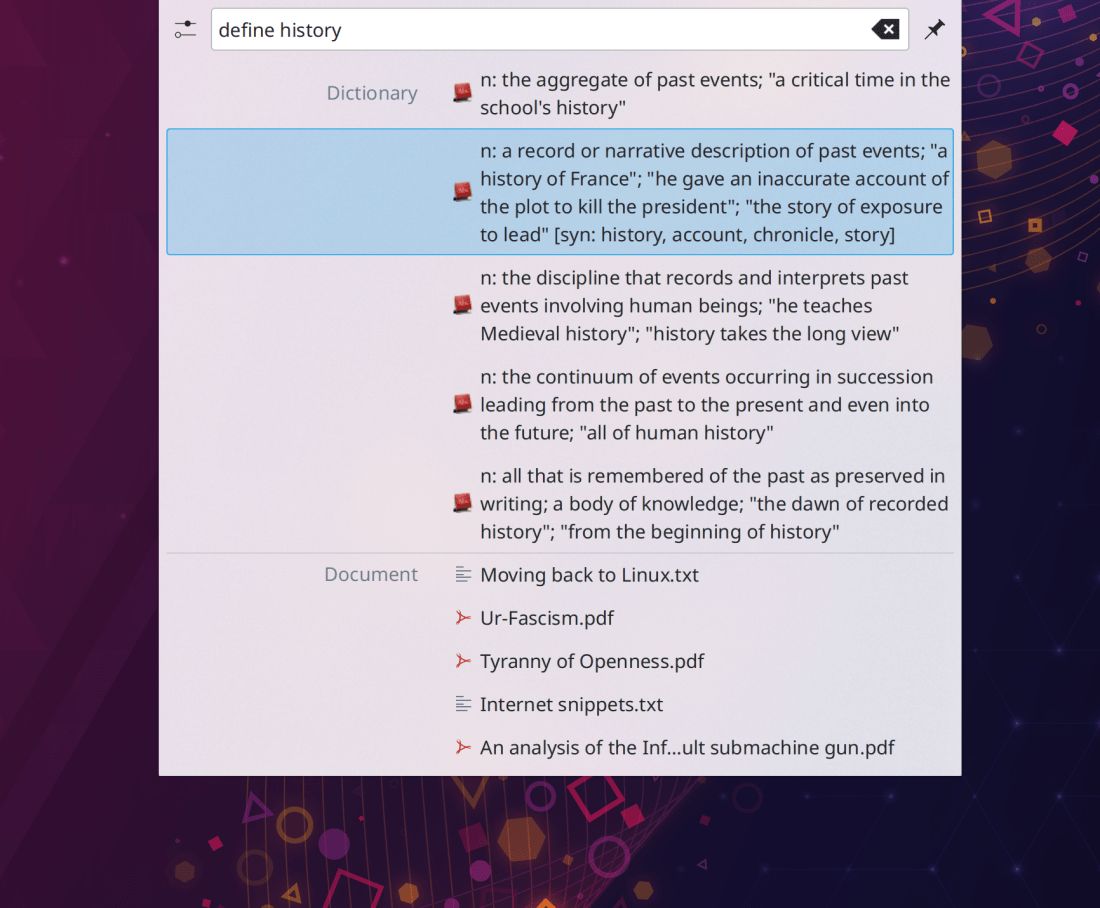
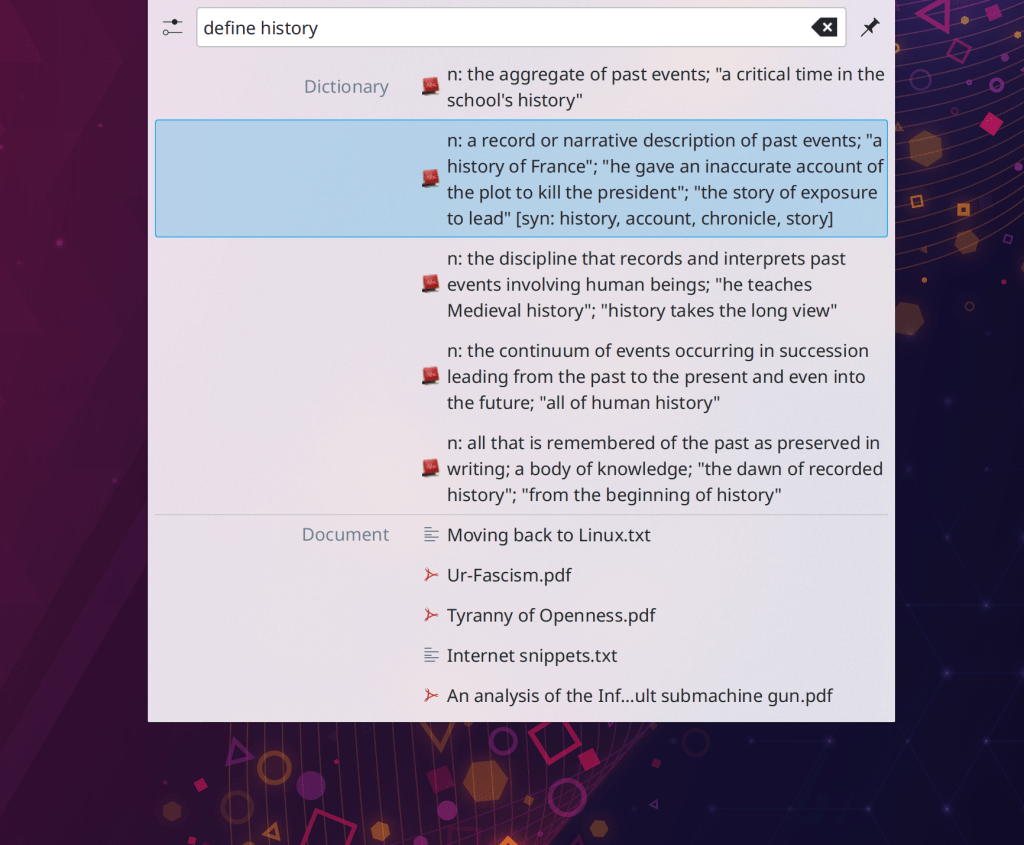
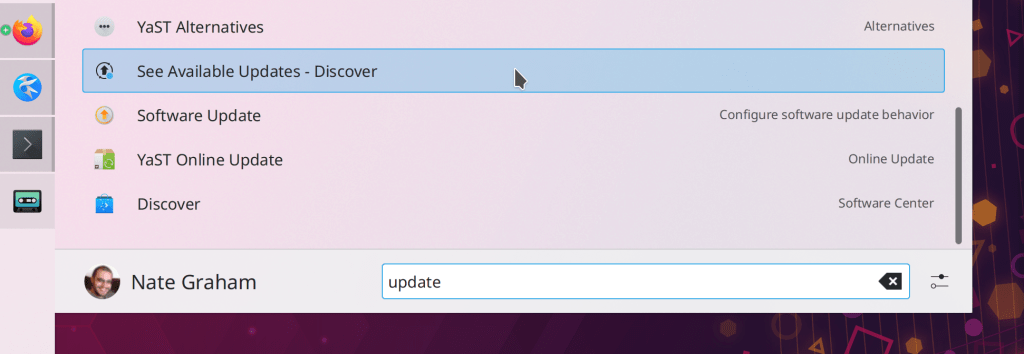
KRunner’s list items have been made slightly taller to accommodate larger icons (me: Nate Graham, Plasma 5.23)
Plasma no longer sometimes crashes when displaying the events for a day that has exactly 5 events in it using one of the calendar widgets (Carl Schwan, Frameworks 5.83)
The graphs in System monitor widgets and the app of the same name no longer have weird lumps at the ends (Arjen Hiemstra, Frameworks 5.83)
Clicking on category names in the “Open With…” dialog now expands the categories; no need to click on the tiny arrows (Ahmad Samir, Frameworks 5.83)
The error message displayed when you try to add an autostart script for a file that does not exist or is not executable is now clearer (Nicolas Fella, Frameworks 5.83)
One more thing
Version 1.2 of KDE’s Matrix chat app NeoChat has been released! It’s a major upgrade that brings NeoChat closer to prime time. I’ve been using it daily, and you should too!
…And everything else
Keep in mind that this blog only covers the tip of the iceberg! Tons of KDE apps whose development I don’t have time to follow aren’t represented here, and I also don’t mention backend refactoring, improved test coverage, and other changes that are generally not user-facing. If you’re hungry for more, check out https://planet.kde.org/, where you can find blog posts by other KDE contributors detailing the work they’re doing.
How You Can Help
Have a look at https://community.kde.org/Get_Involved to discover ways to be part of a project that really matters. Each contributor makes a huge difference in KDE; you are not a number or a cog in a machine! You don’t have to already be a programmer, either. I wasn’t when I got started. Try it, you’ll like it! We don’t bite!
Finally, consider making a tax-deductible donation to the KDE e.V. foundation.








 Adventures in Linux and KDE