
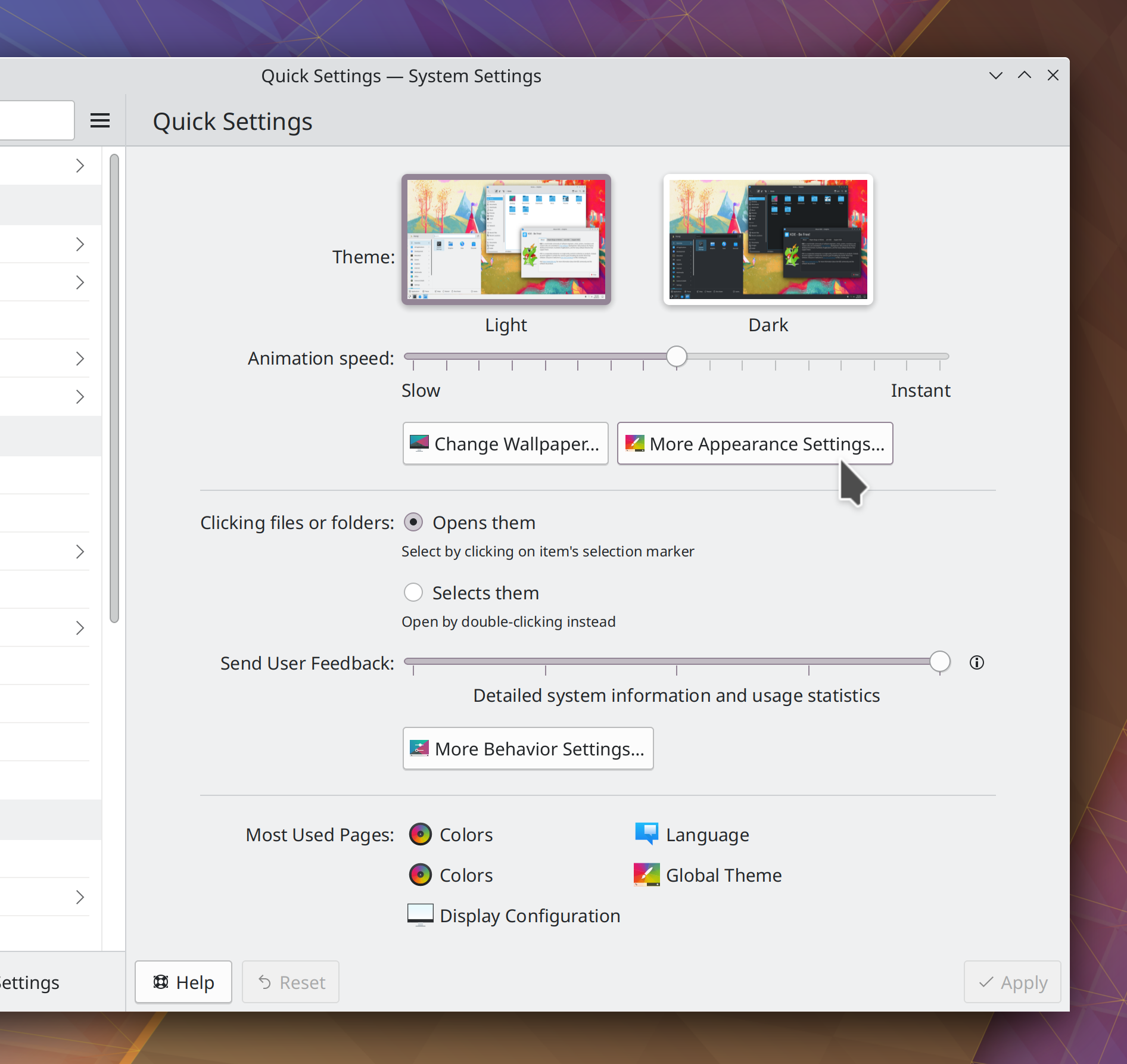
Plasma 5.26 will resolve a major pain point for users of the Wayland session with high DPI screens: you’ll now be able to choose how you want your XWayland-using apps to be scaled:
- By the compositor–ensuring uniform scaling, but blurriness (this is the status quo)
- By the apps themselves–allowing them to use their pre-existing X11 high DPI capabilities, if they have them, but leaving apps without such capabilities at the wrong scale
So if all the XWayland apps you use support high DPI scaling properly on X11, you can use this new setting to make them look nice and crisp at your chosen scale factor:
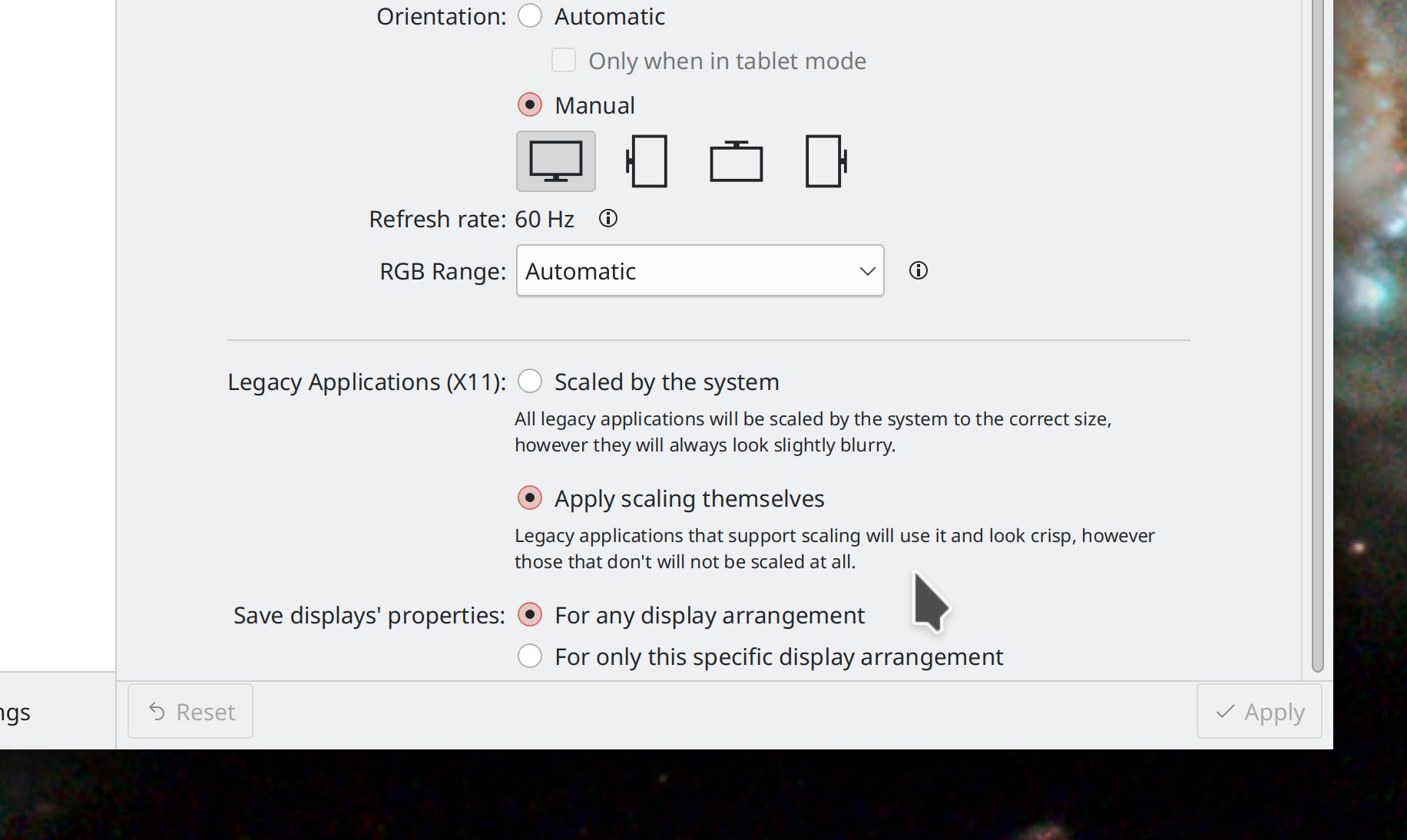
This setting is currently off by default in Plasma 5.26, but we’re considering turning it on by default after more testing. Big thanks to David Edmundson and Aleix Pol Gonzales for this work!
Beyond that, the focus was on fixing bugs discovered in Plasma 5.25, and you’ll see quite a few mentioned here.
15-Minute Bugs Resolved
Current number of bugs: 65, up from 64. 1 added and 0 resolved.
New Features
You can now optionally configure minimized tasks in your Task Switcher to be sorted last, after all unminimized tasks, which is the way things work in the MATE desktop environment (Rachel Mant, Plasma 5.26)
Animated images can now be used as wallpapers, either standalone, or even as a part of a slideshow (Fushan Wen, Plasma 5.26)
User Interface Improvements
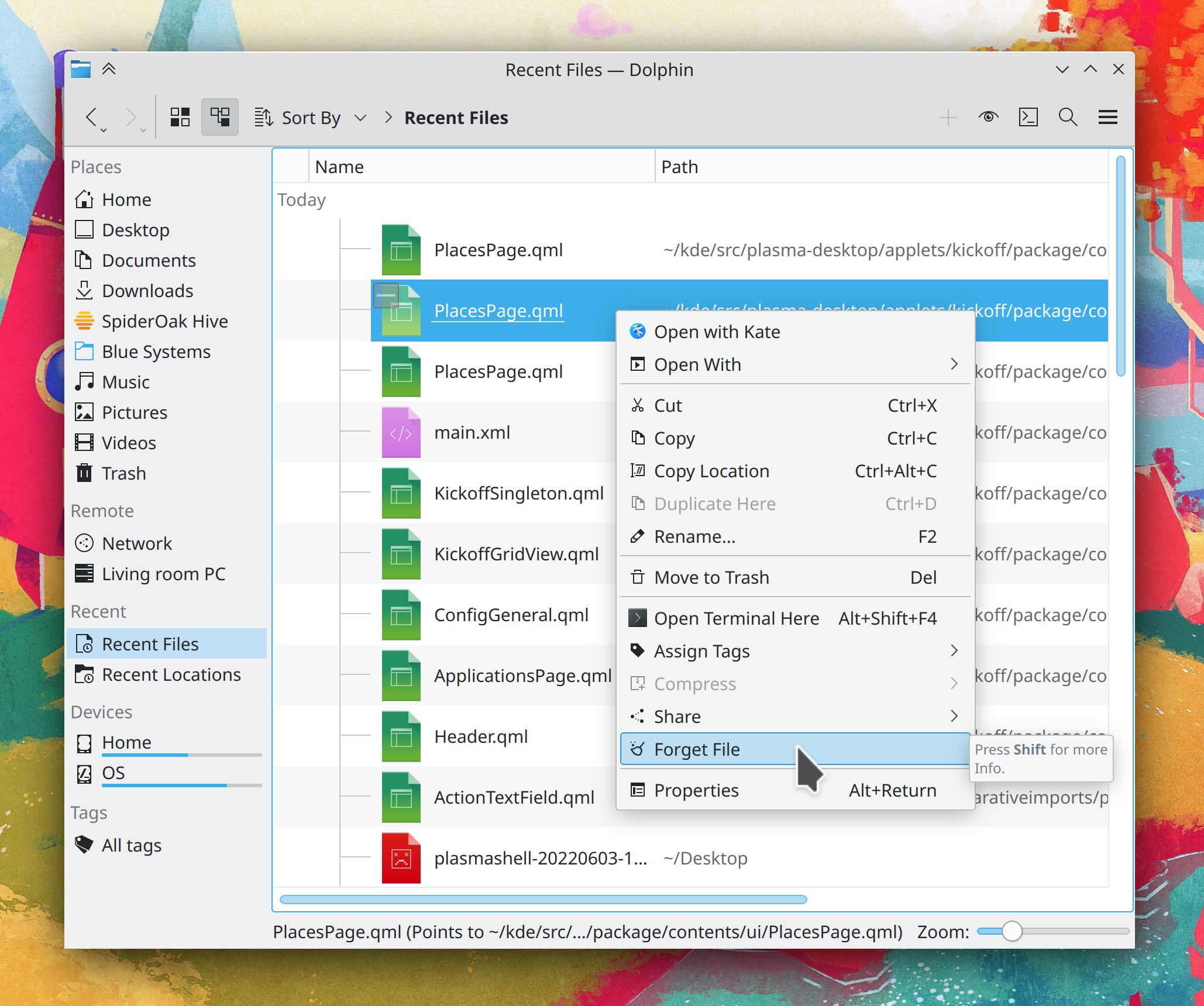
When you drag-and-drop something onto an empty part of a Dolphin window that is showing Details view, the drop is once again interpreted as a drop into the visible view rather than the sub-folder on the row under the cursor (Felix Ernst, Dolphin 22.08)
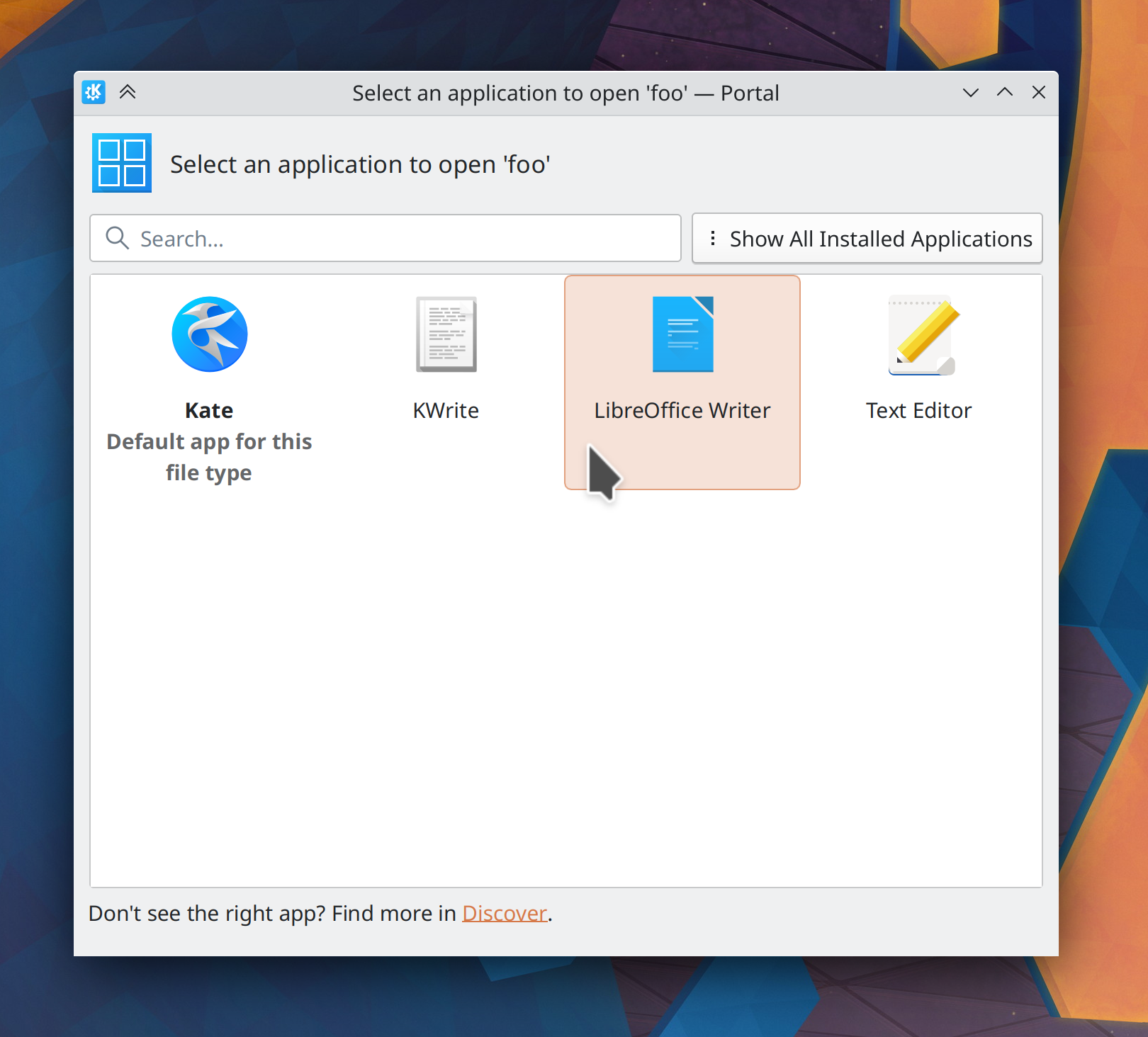
When you open a PDF document externally in a sandboxed app, Okular now appears in the list of preferred apps that can open PDF files as expected (Harald Sitter, Okular 22.08)
It’s no longer possible to try (and fail) to remove distro-installed SDDM login screen themes on System Settings’ “Login Screen (SDDM)” page; now you can only remove SDDM themes there that you’ve downloaded yourself, same as on other similar pages (Alexander Lohnau, Plasma 5.25.1)
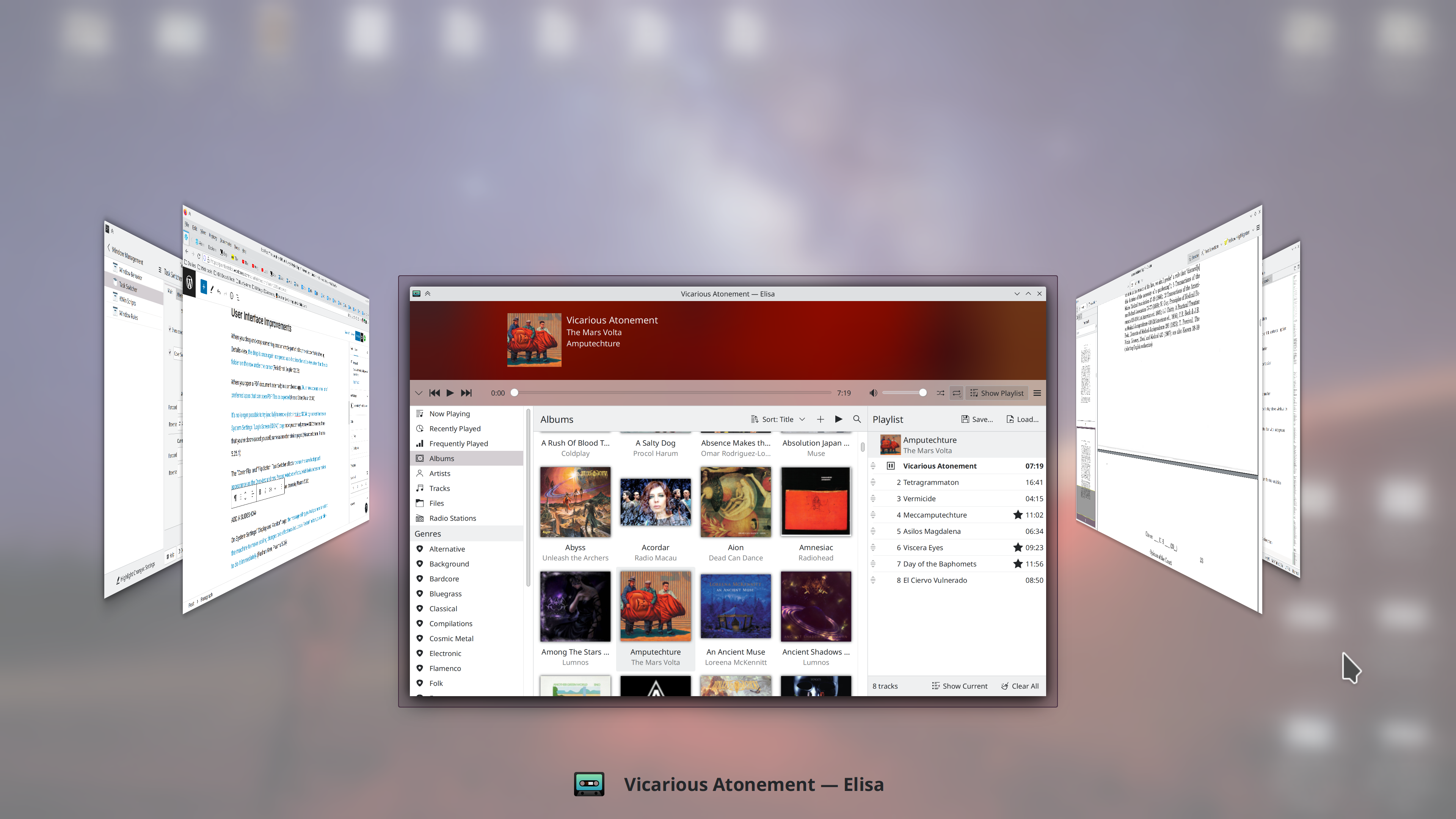
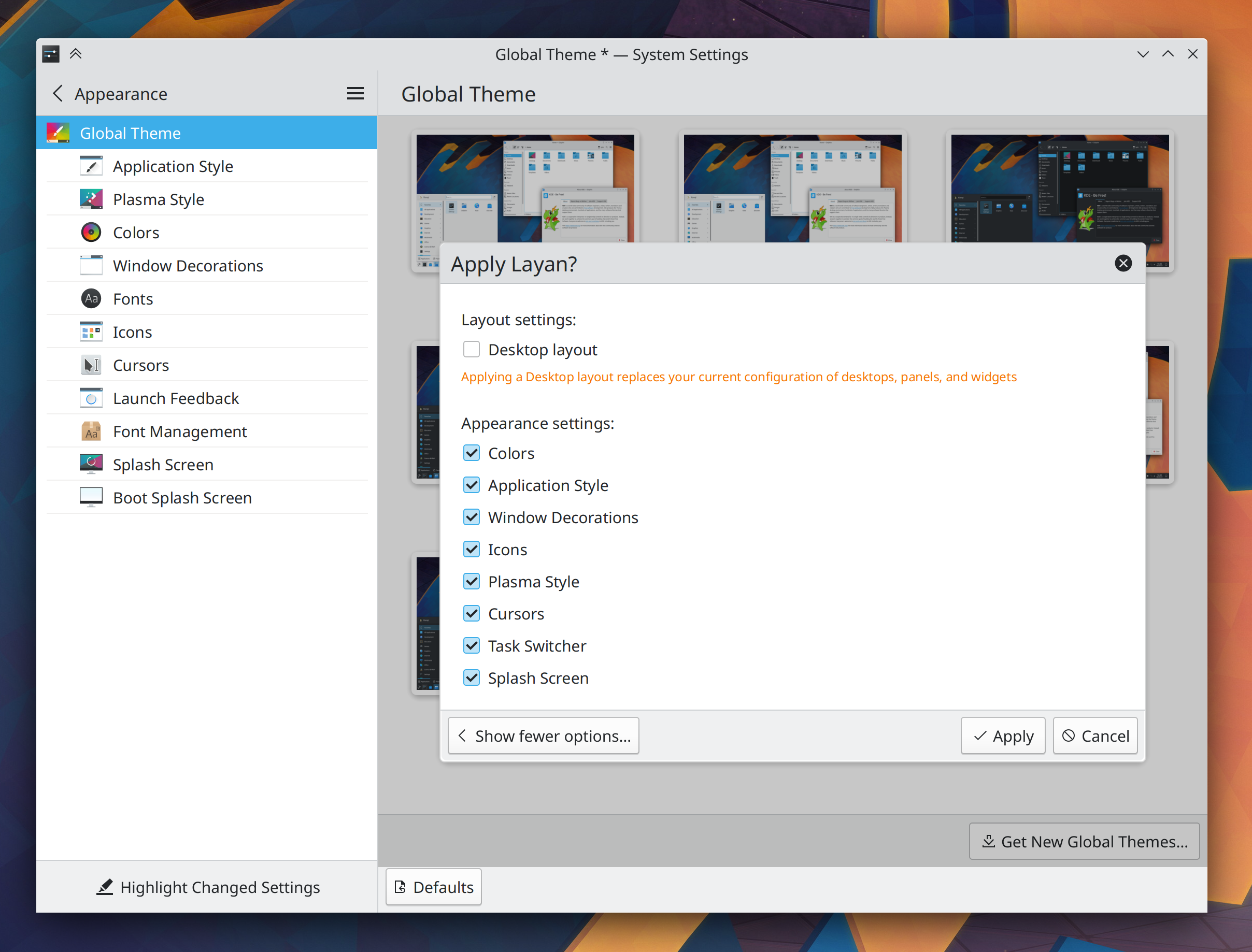
The “Cover Flip” and “Flip Switch” Task Switcher effects now use the same background appearance as the Overview and new Present Windows effects, which looks better and makes them all more consistent in visual styling (Ismael Asensio, Plasma 5.26):
In the Plasma X11 session, on System Settings’ “Display and Monitor” page, the message telling you that you need to restart the machine to make scaling changes take effect now includes a “Restart” button you can click to do it immediately (Fushan Wen, Plasma 5.26)
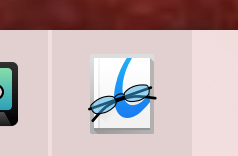
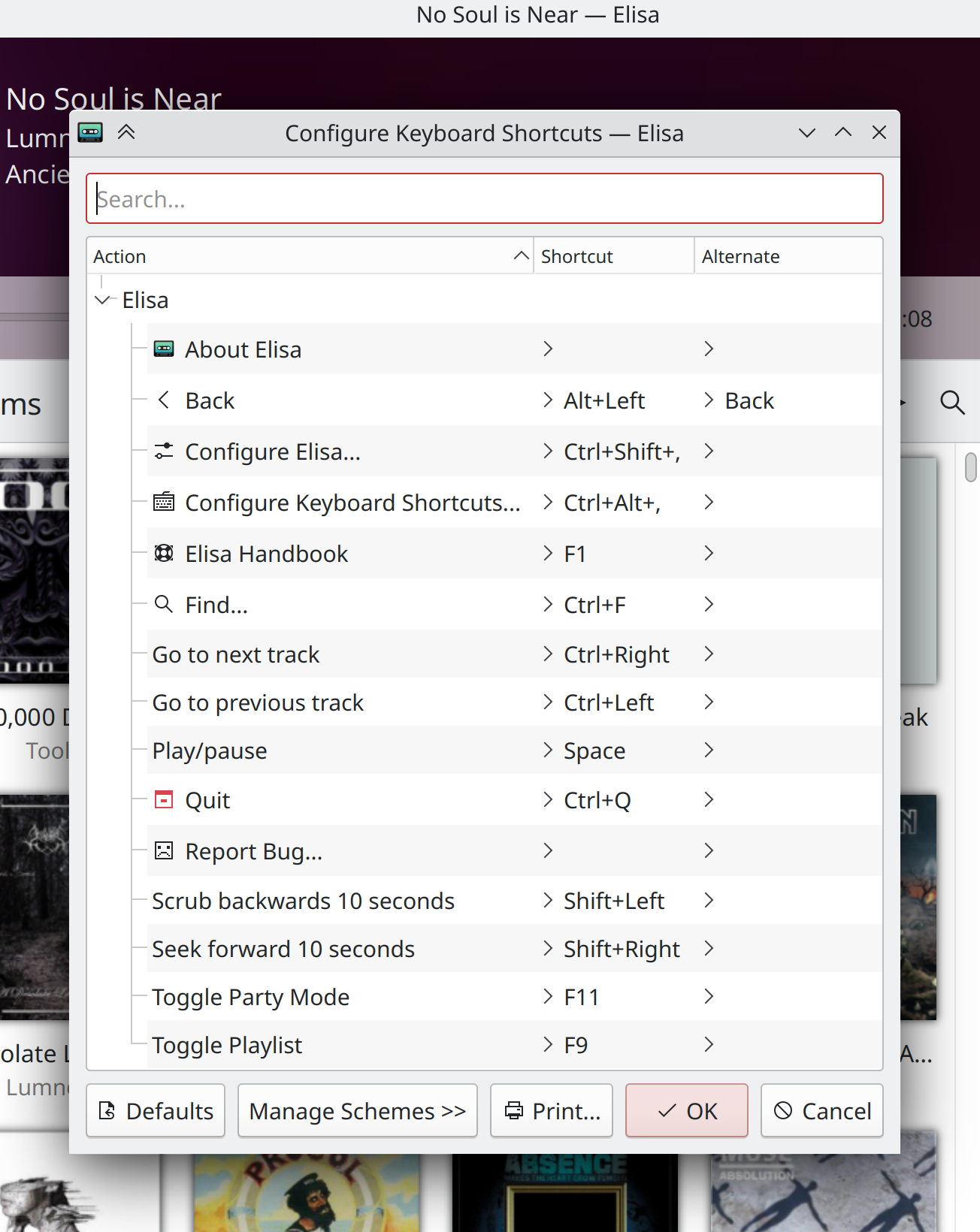
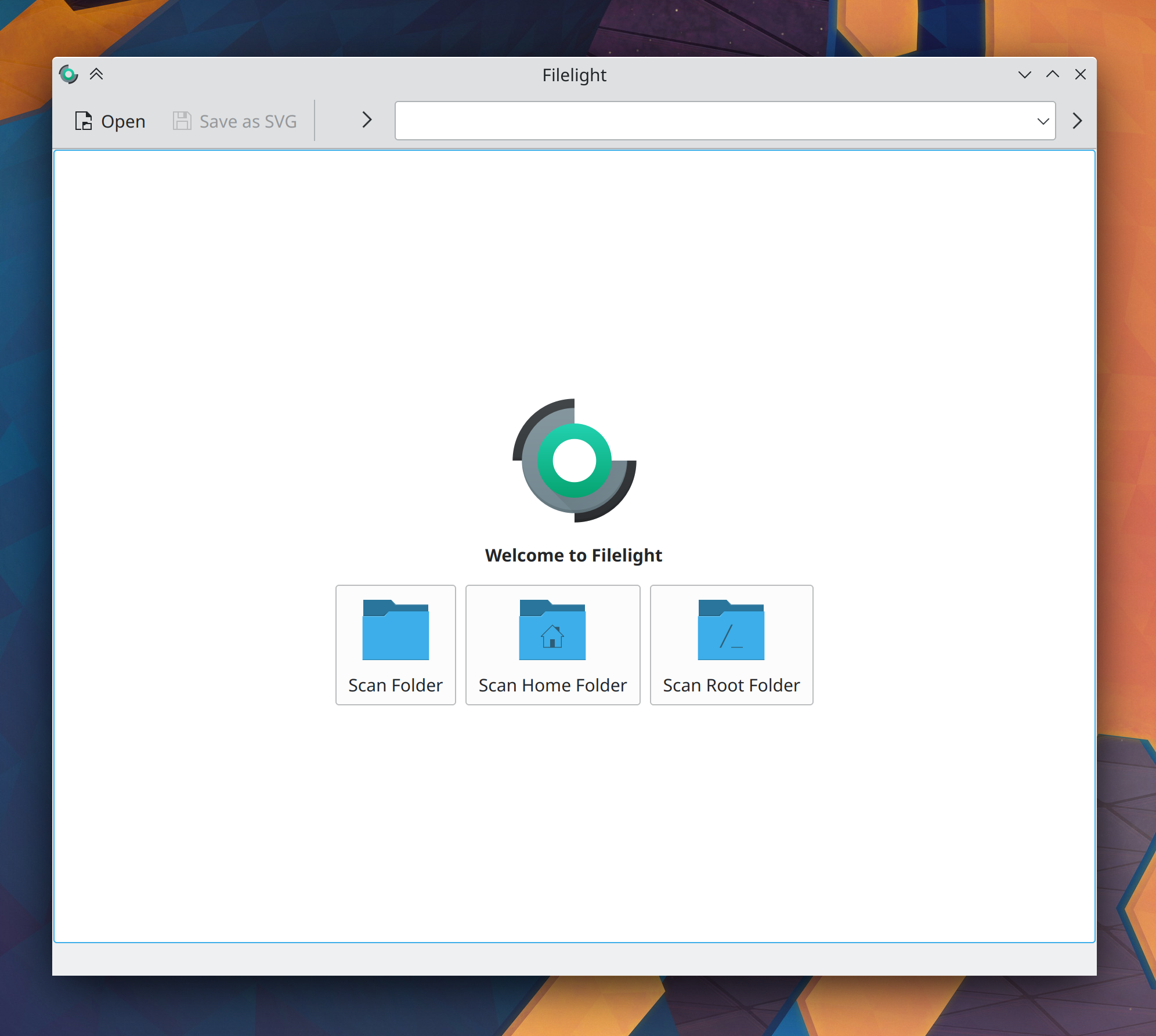
Okular’s Breeze theme icon now better matches its original icon (Carl Schwan, Frameworks 5.96):
Bugfixes & Performance Improvements
Fixed one way that Dolphin could crash when you use it to search for files (Ahmad Samir, Dolphin 22.04.3)
External screens once again work properly with multi-GPU setups (Xaver Hugl, Plasma 5.25.1)
Screen brightness is no longer stuck at 30% for people with laptop screens that declare a maximum brightness value high enough to cause an integer overflow when multiplied using 32-bit integers (Ivan Ratijas, Plasma 5.25.1)
Fixed a common way that KWin could crash when the screen setup changes (Vlad Zahorodnii, Plasma 5.25.1)
System Settings no longer crashes when you try to install a cursor theme from a local theme file, rather than the downloader window (Alexander Lohnau, Plasma 5.25.1)
Switching desktops no longer sometimes leaves windows visible as ghosts in rare circumstances (Vlad Zahorodnii, Plasma 5.25.1)
You can once again drag individual windows from one desktop to another in the Desktop Grid effect (Marco Martin, Plasma 5.25.1)
Fixed a memory leak in Klipper, the Plasma clipboard service (Jonathan Marten, Plasma 5.25.1)
Breeze-themed sliders no longer exhibit visual glitches when using a right-to-left language (Ivan Tkachenko, Plasma 5.25.1)
Activating the Overview, Present Windows, and Desktop Grid effects with a touchpad gesture should now be smoother, not jittery or stuttery (Vlad Zahorodnii, Plasma 5.25.1)
Tinting your titlebars with the active accent color no longer applies the wrong color for inactive window titlebars (Jan Blackquill, Plasma 5.25.1)
System Tray icons no longer scale strangely when your panel height is set to certain odd (as in non-even) numbers (Anthony Hung, Plasma 5.25.1)
While a fullscreen window is focused, KWin’s “edge highlight” effect is no longer shown when you move your cursor near a screen edge with an auto-hidden panel that wouldn’t appear anyway because showing auto-hidden panels is disabled while a fullscreen window has focus (Vlad Zahorodnii, Plasma 5.25.1)
In the Plasma Wayland session, videos viewed in the latest version of the MPV app will no longer appear with a small transparent border around them (Vlad Zahorodnii, Plasma 5.25.1)
Using the properties dialog or KMenuEdit to edit an application’s .desktop file that happens to be a symlink now works as expected (Ahmad Samir, Frameworks 5.96)
…And everything else
This blog only covers the tip of the iceberg! Tons of KDE apps whose development I don’t have time to follow aren’t represented here, and I also don’t mention backend refactoring, improved test coverage, and other changes that are generally not user-facing. If you’re hungry for more, check out https://planet.kde.org, where you can find more news from other KDE contributors.
How You Can Help
If you’re a developer, check out our 15-Minute Bug Initiative. Working on these issues makes a big difference quickly!
Otherwise, have a look at https://community.kde.org/Get_Involved to discover ways to be part of a project that really matters. Each contributor makes a huge difference in KDE; you are not a number or a cog in a machine! You don’t have to already be a programmer, either. I wasn’t when I got started. Try it, you’ll like it! We don’t bite!
Finally, consider making a tax-deductible donation to the KDE e.V. foundation.




 Adventures in Linux and KDE