
This one is pretty juicy in the eye candy department as we ramp up in the new year! Check out all this goodness:
New Features
You can now show the Hebrew Calendar in your Digital Clock popup’s calendar if you want (Fushan Wen, Plasma 5.27. Link):

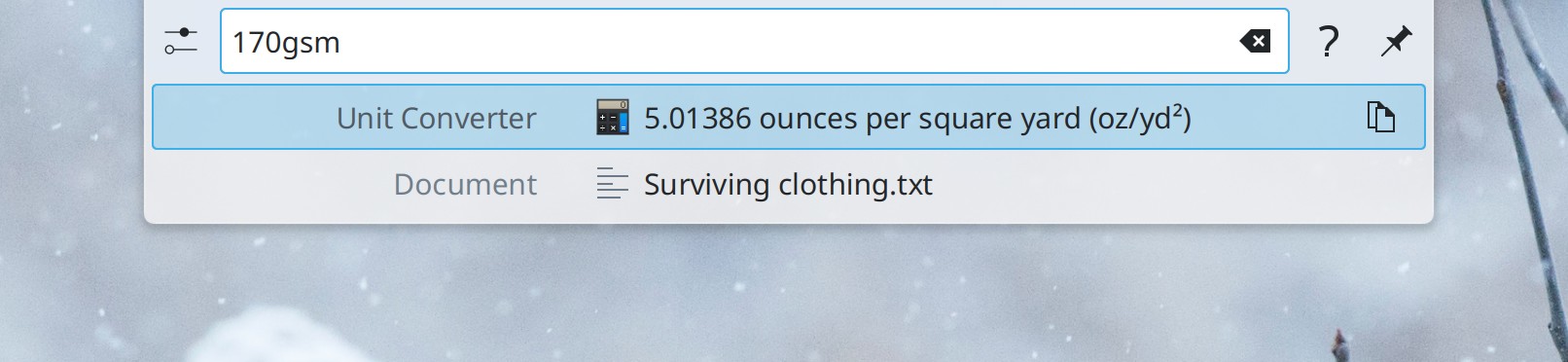
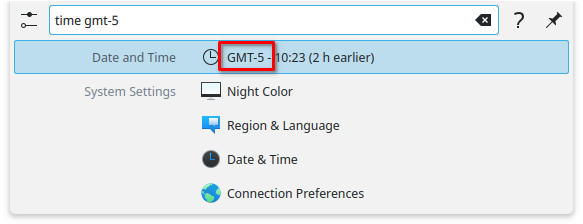
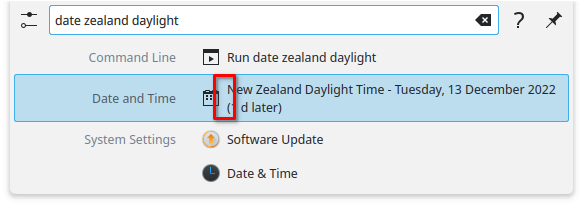
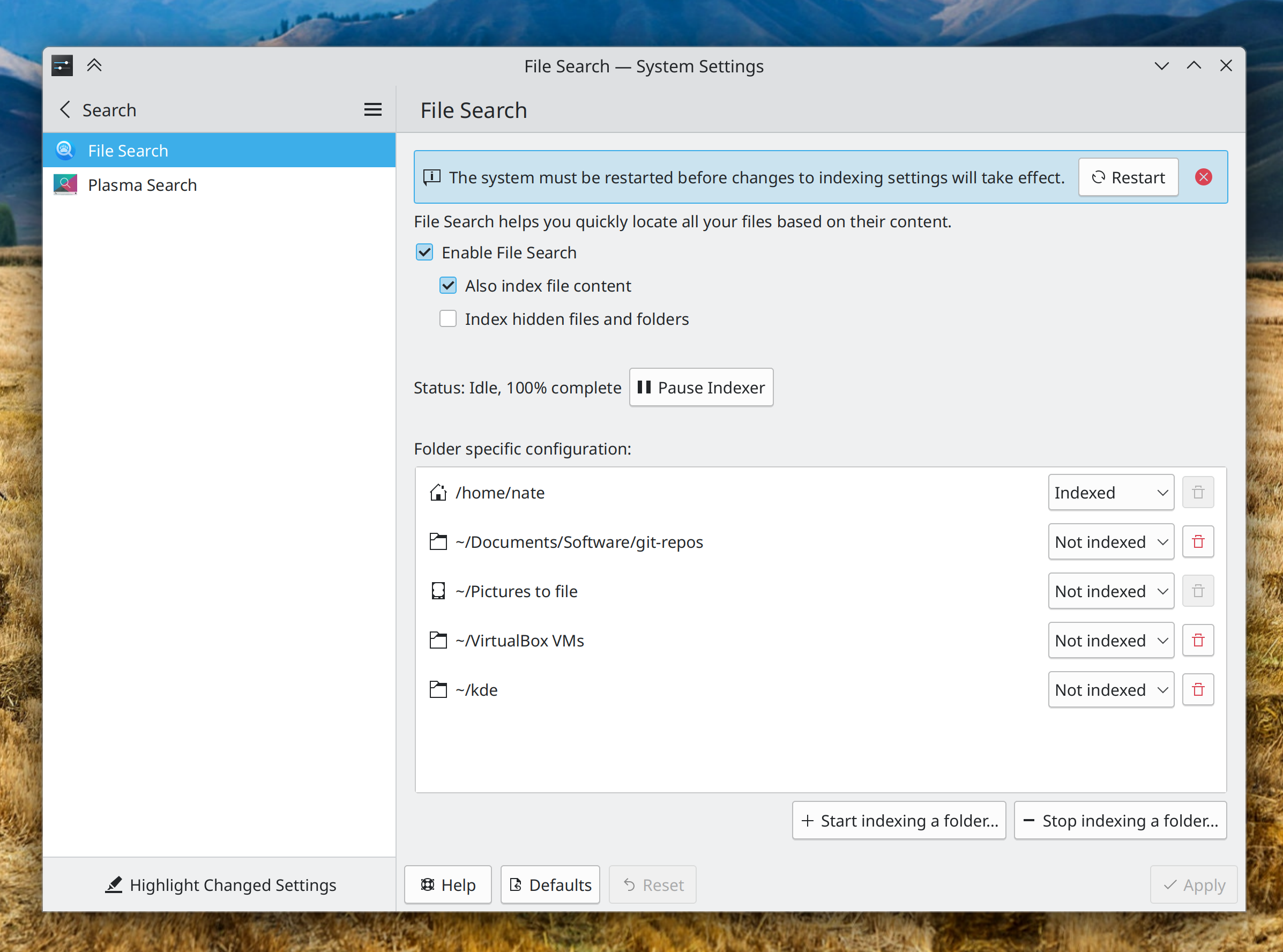
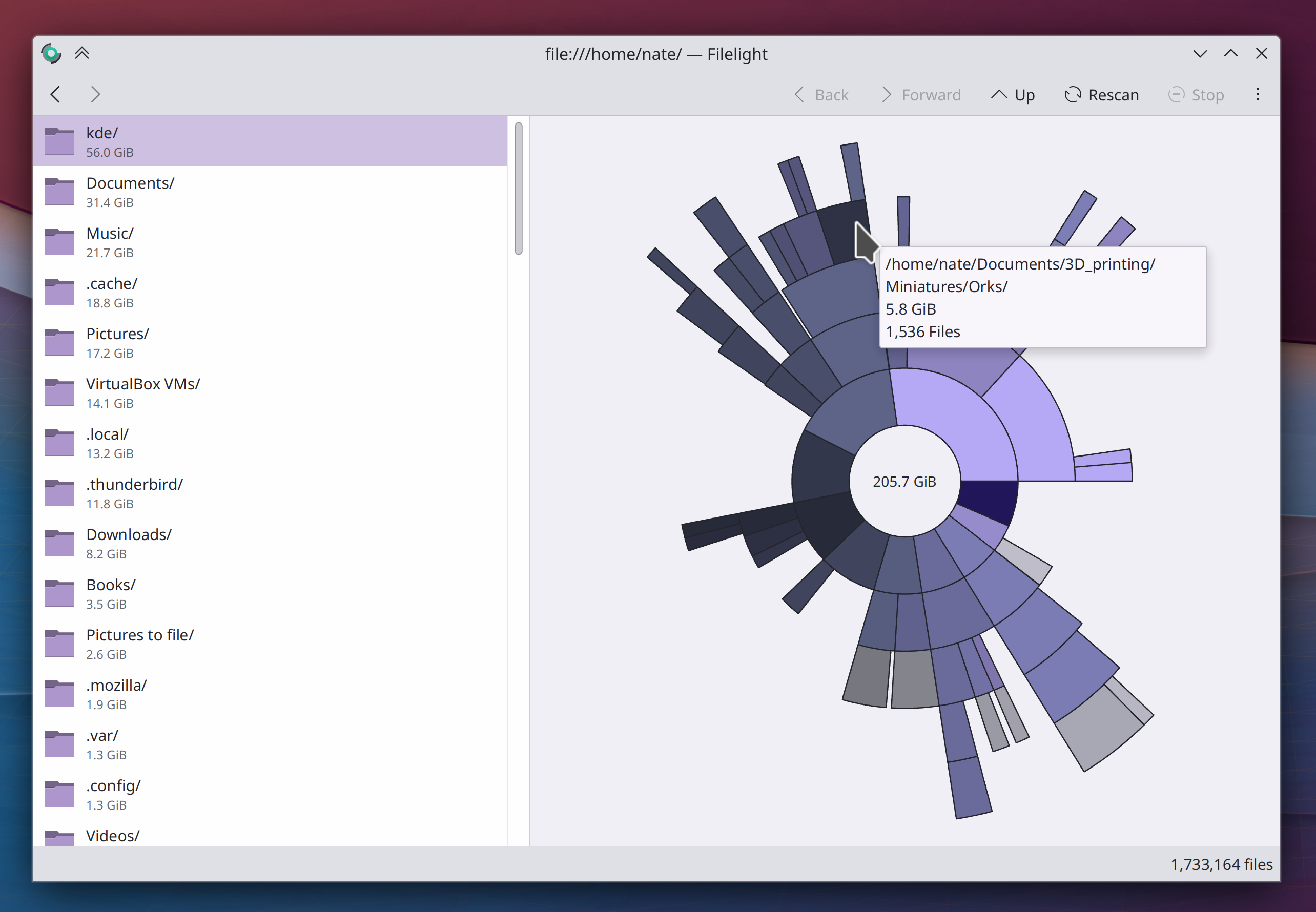
KRunner (and other Search interfaces that use KRunner under the hood, like Kickoff and Overview) can now convert between different units of measurement for fabric weights (me: Nate Graham, Frameworks 6.0. Link):
User Interface Improvements
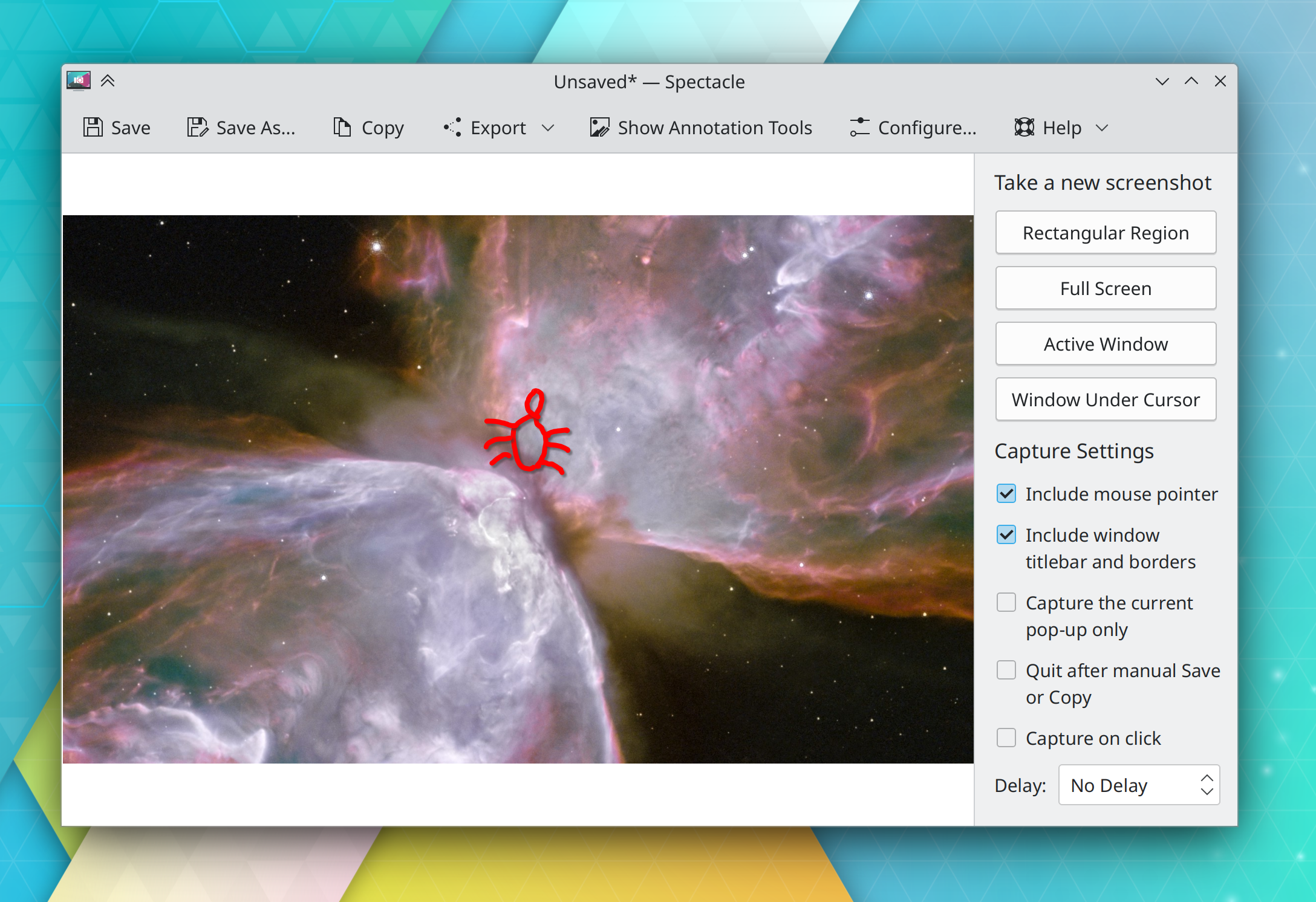
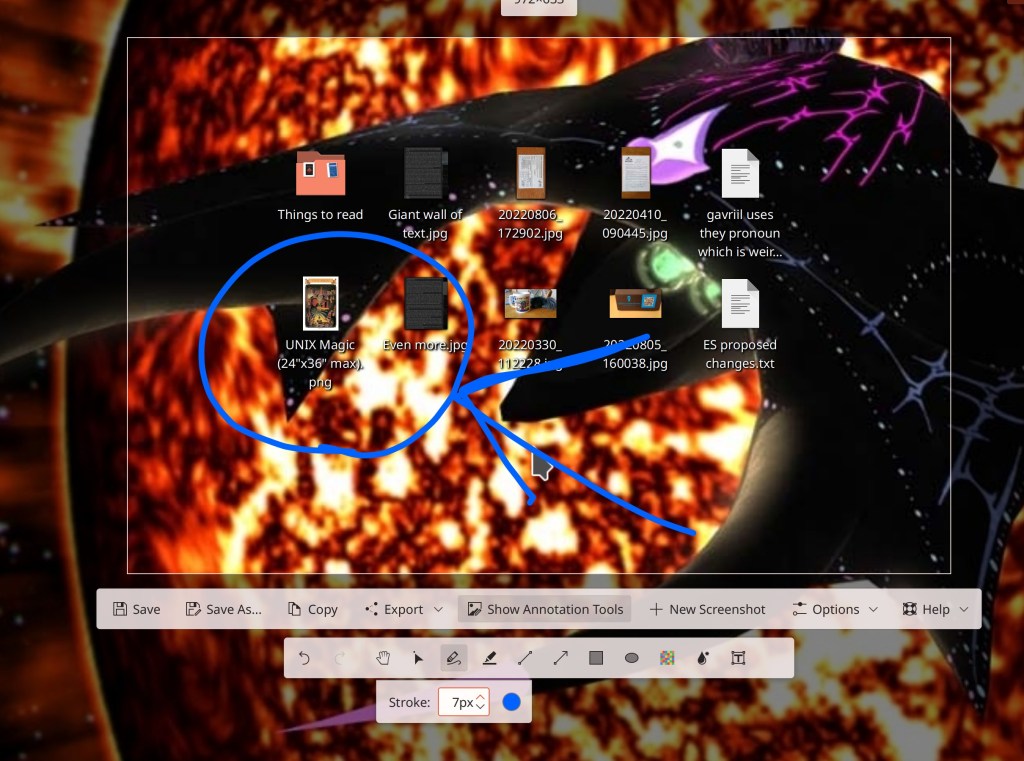
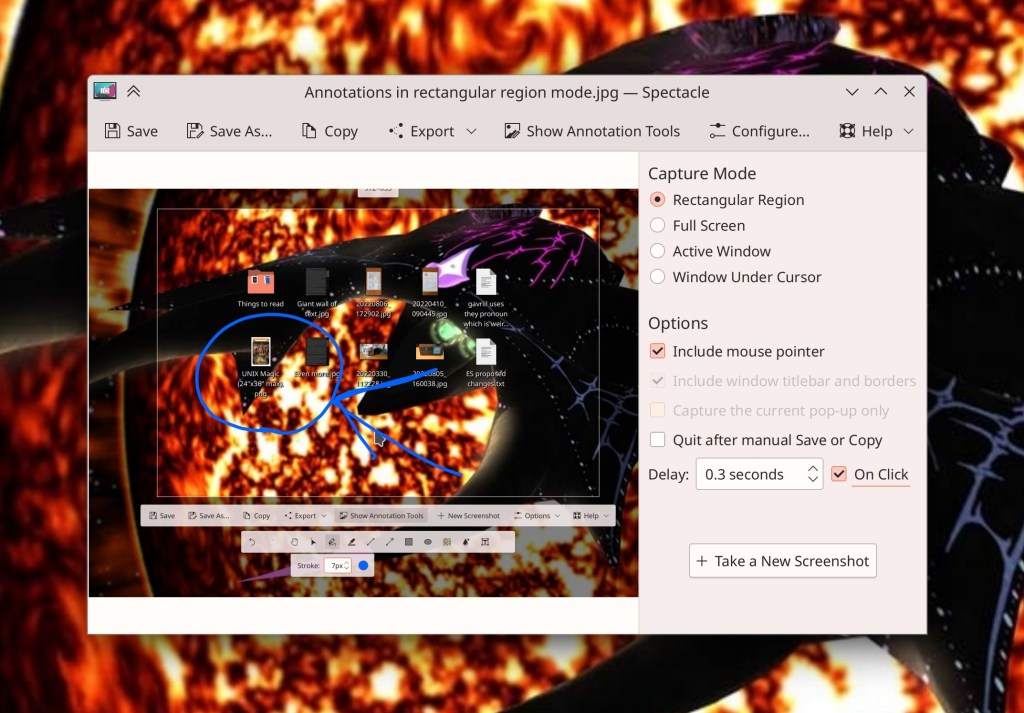
After considering user feedback, Spectacle now only remembers the last-used rectangular region box until it’s quit, rather than always (Bharadwaj Raju, Spectacle 22.12.2. Link)
Elisa’s header area can now be manually resized so it takes up less space, or even collapsed completely to create a very clean and compact appearance (Arkadiusz Guzinski, Elisa 23.04. Link):
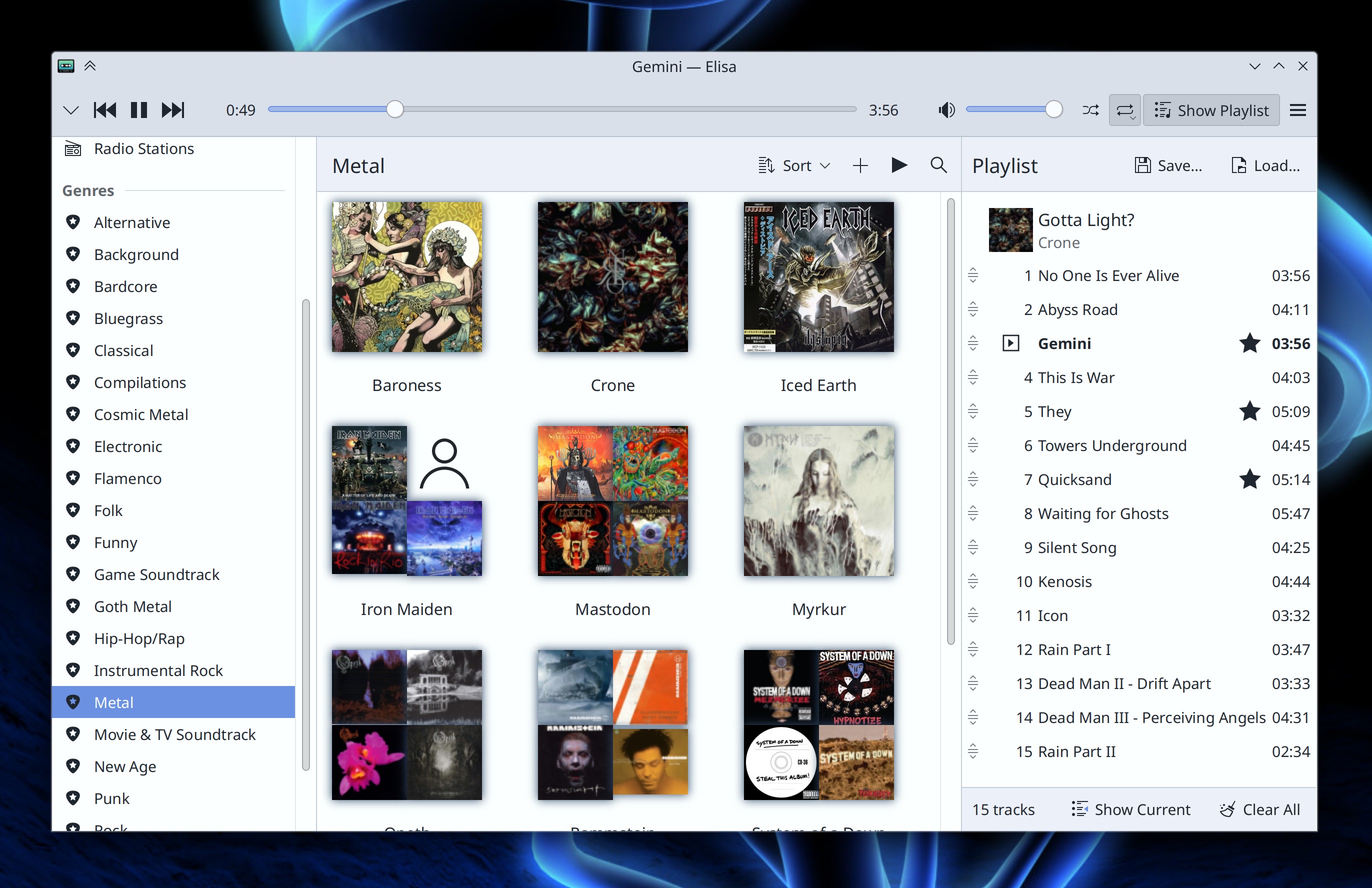
Elisa’s “Frequently Played” view is now a simple list of songs arranges by play count, rather than using a complicated time-based heuristic that was not clear and made the contents look random. And its sort order buttons now work properly, too (Jack Hill, Elisa 23.04. Link 1 and link 2)
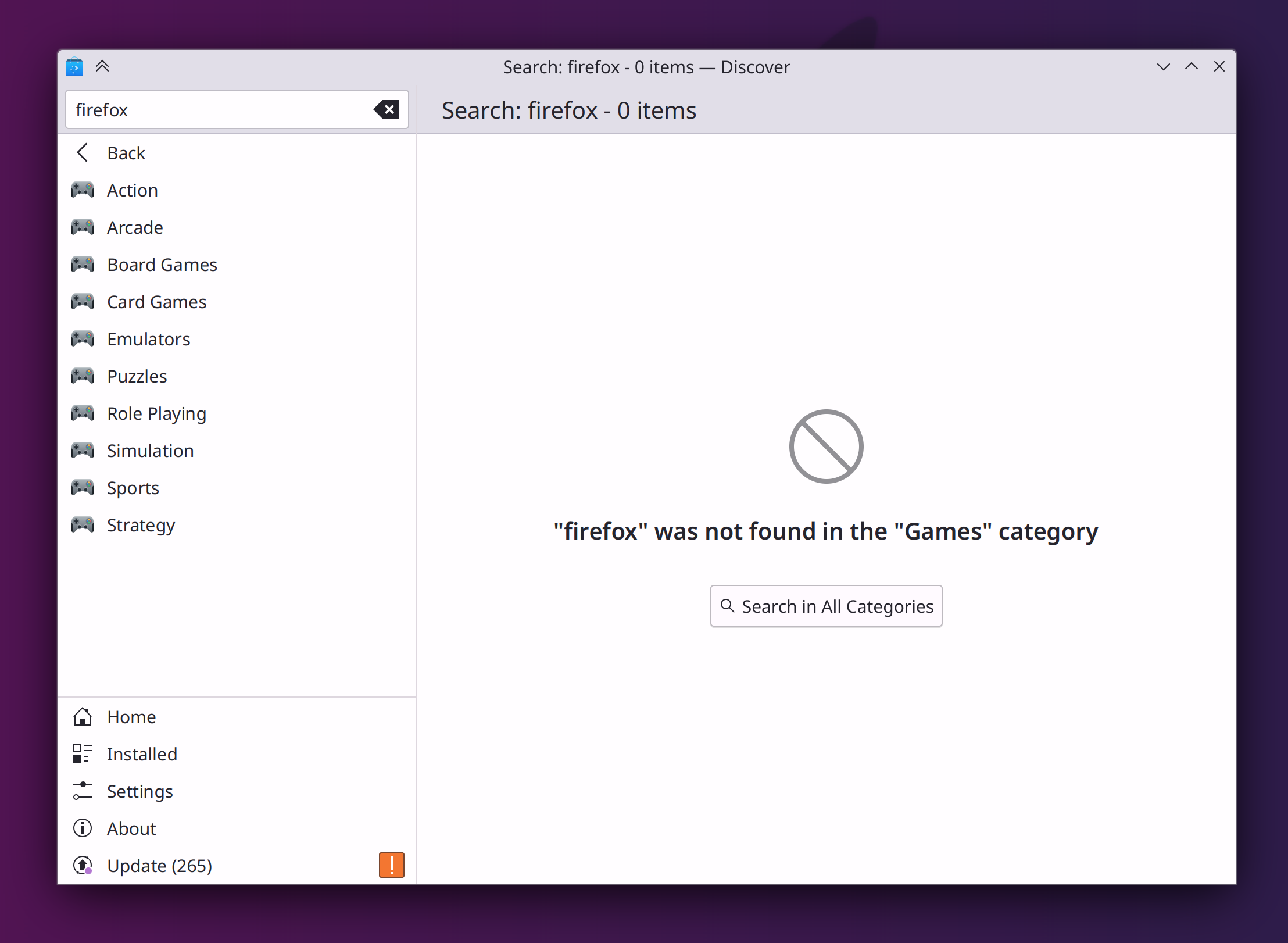
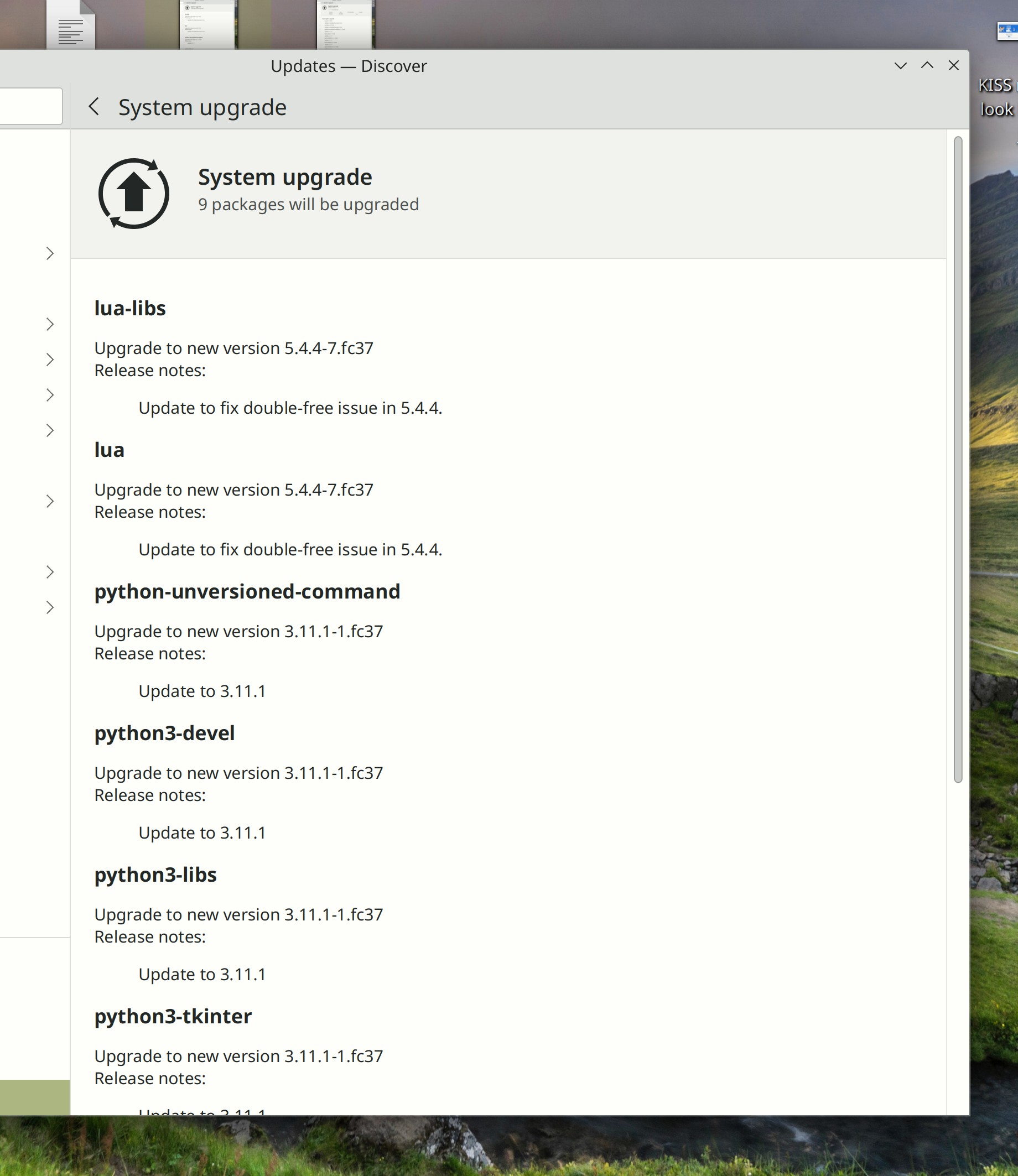
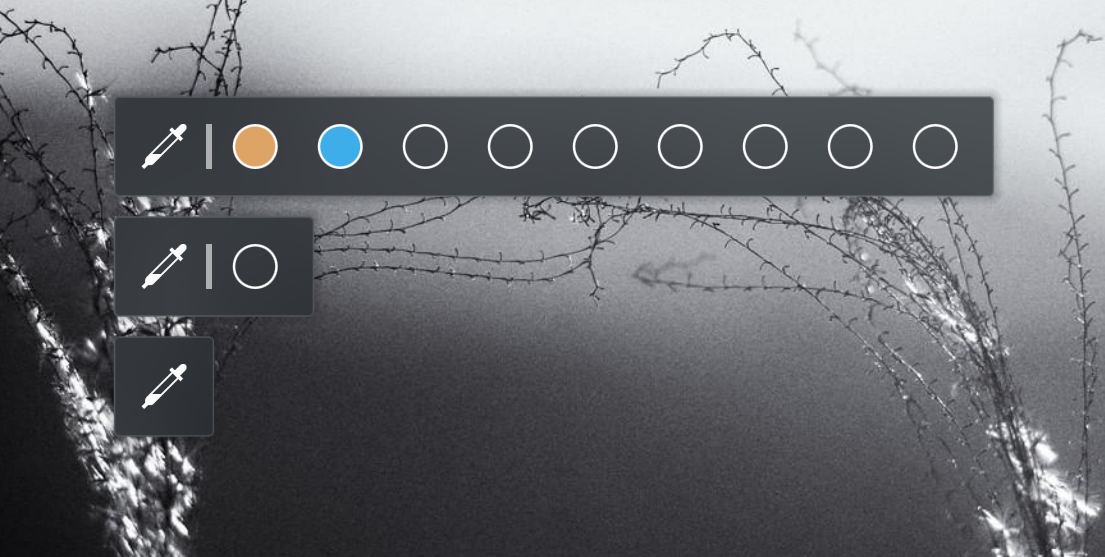
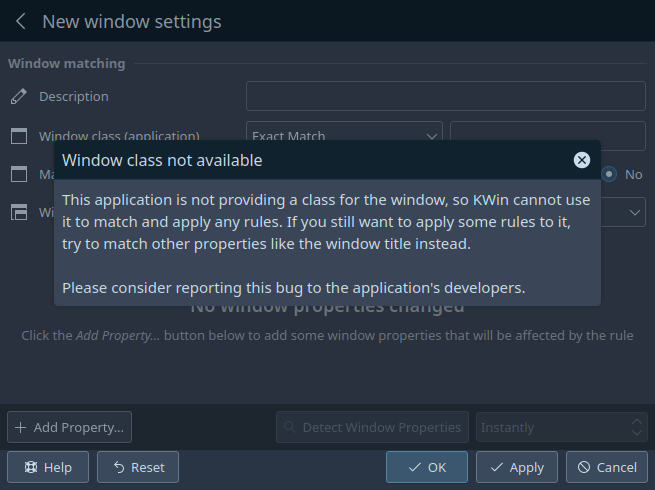
Discover now helps you out when you do a search in a category page for something not in that category (me: Nate Graham, Plasma 5.27. Link):
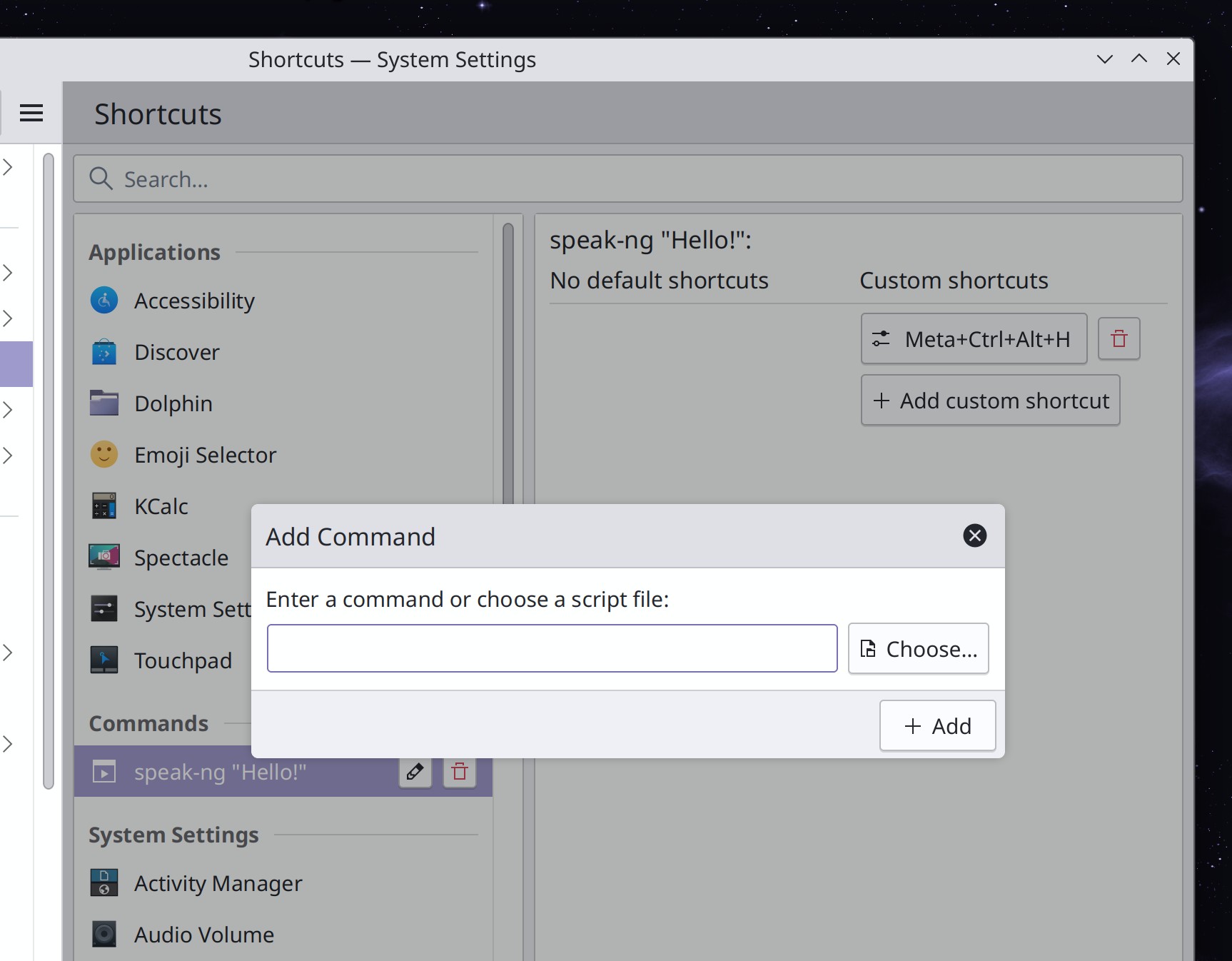
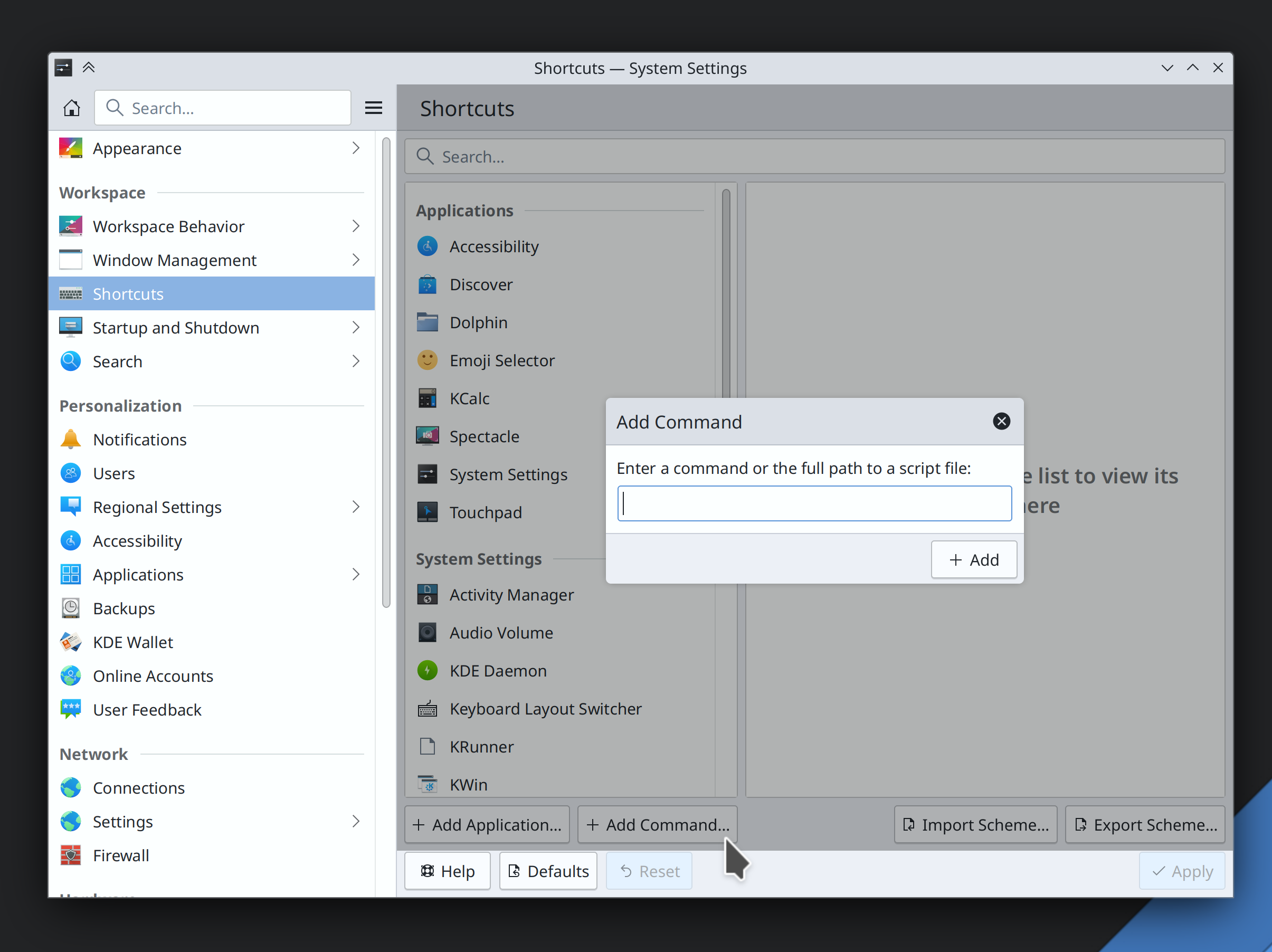
As requested by commenters last week, the “Add Command” entry dialog on the Shortcuts page now has a button you can use to find a script file on disk, so you don’t need to manually type its path (me: Nate Graham, Plasma 5.27. Link):
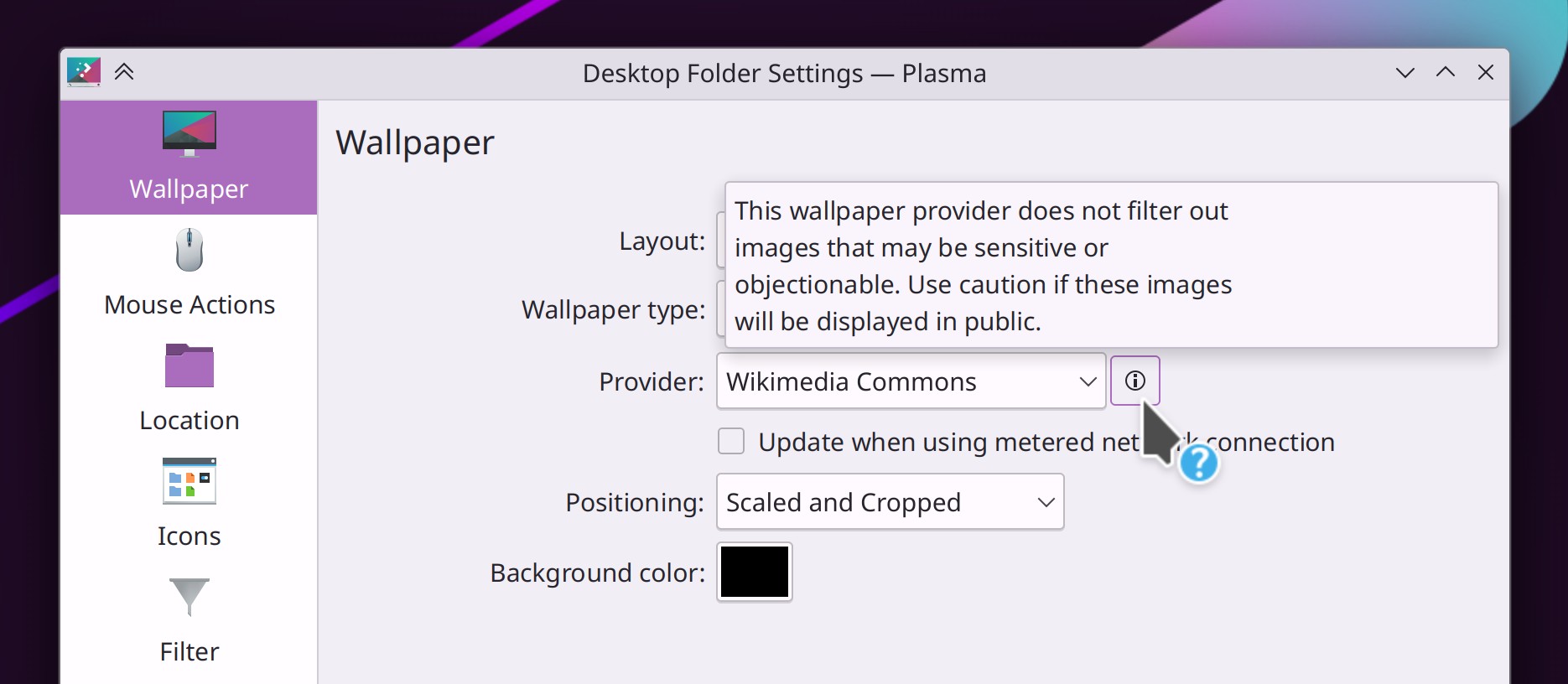
When using a “Picture of the Day” wallpaper, there’s now a little warning for providers that might use NSFW images as their pictures of the day (Fushan Wen, Plasma 5.27. Link):
The System Tray’s configuration window now has a search field to make it easier for you to find the icon you want to configure (Ivan Tkachenko, Plasma 5.27. Link):

The Task Manager now defaults to showing a maximum of one row/column, so it will never randomly squash into a two-row/column layout when you don’t expect it. This is configurable and you can still set whatever maximum number of rows/columns you like, of course (Felipe Kinoshita, Plasma 5.27. Link)
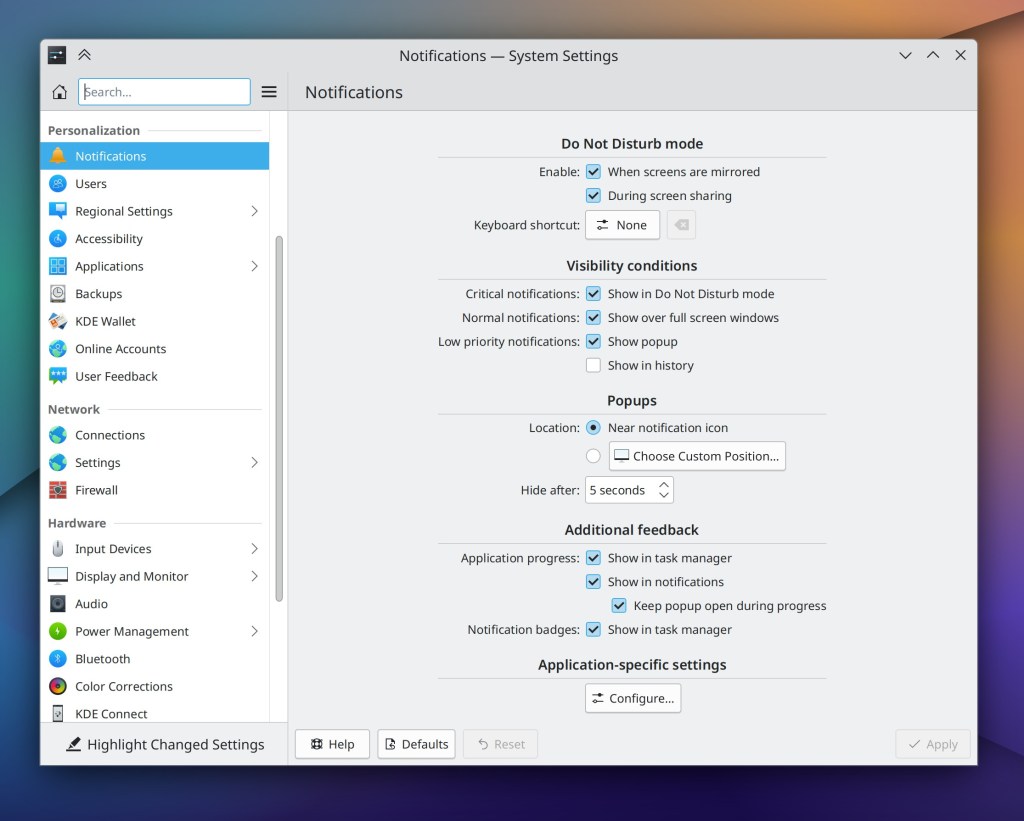
On System Settings’ Window Switcher page, the “Highlight changed Settings” feature now shows changes to the keyboard shortcuts, and changing those shortcuts now comes into effect only after clicking the “Apply” button (Ismael Asensio, Plasma 5.27. Link 1 and link 2)
Un-sandboxed remote desktop apps now have access to the same screen choosing and permission system that sandboxed apps do, so they can show a better UI with the user more in control (Aleix Pol Gonzalez, Plasma 5.27. Link)
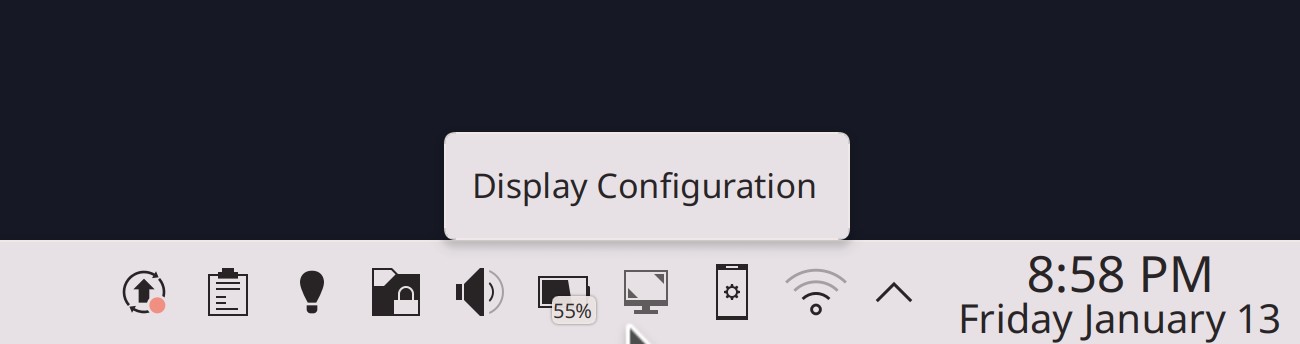
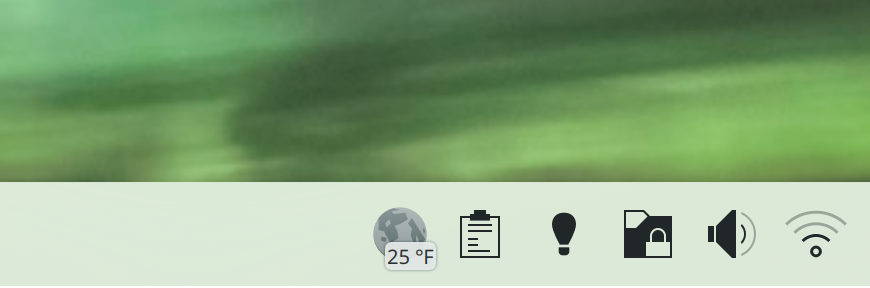
The Display Configuration widget now appears in the System Tray by default–inactive when you only have one screen or you have a multi-monitor desktop setup, and active when you have a laptop with one or more external screens connected. This makes it easier to quickly change those screens’ settings if needed (me: Nate Graham, Plasma 5.27. Link 1 and link 2):
Significant Bugfixes
(This is a curated list of e.g. HI and VHI priority bugs, Wayland showstoppers, major regressions, etc.)
Type-ahead in Dolphin no longer inappropriately enters Selection Mode if one of the typed characters is a space (Felix Ernst, Dolphin 22.12.2. Link)
Gwenview once again shows always previews for RAW image files that it has support for (Mirco Miranda, Gwenview 22.12.2. Link)
Fixed one of the most common random-seeming crashes in KWin (Aleix Pol Gonzalez, Plasma 5.27. Link)
Made various improvements to the notification activation infrastructure in the Plasma Wayland session, with the net effect that windows from apps which properly implement the activation protocol (e.g. NeoChat and Telegram) will get raised when you click on one of the notifications they’ve sent (Aleix Pol Gonzalez, Plasma 5.27. Link)
Fixed a bug that could cause KWin to freeze when resizing certain windows in the Plasma Wayland session (Philipp Sieweck, Plasma 5.27. Link)
Setting the system language to European Portuguese once again makes the system display text in European Portuguese, rather than a mix of European Portuguese and Brazilian Portuguese (Han Young, Plasma 5.27. Link)
When you put more than one panel on a screen edge, UI elements that are displayed touching those panels now touch the thickest one, rather than being offset by the combined total of all panels’ thickness (Niccolò Venerandi, Plasma 5.27. Link)
Fixed a whole mess of issues in System Monitor that could cause NVIDIA GPUs to stop showing data after a recent driver update (David Redondo, Plasma 5.27. Link 1, link 2 and link 3)
When closing your laptop’s lid, if its backlit keyboard isn’t set up to turn itself off in the firmware, Plasma now does to ensure that power and battery life aren’t wasted (Kai Uwe Broulik, Plasma 5.27. Link)
Page titles in Kirigami-based apps should no longer sometimes randomly become elided way too early (Ivan Tkachenko, Frameworks 5.103. Link)
Other bug-related information of interest:
- 7 Very high priority Plasma bugs (1 more than last week). Current list of bugs
- 50 15-minute Plasma bugs (1 more than last week). Current list of bugs
- 148 KDE bugs of all kinds fixed this week. Full list of bugs
Automation & Systematization
Added autotests for window-related actions in the Task Manager widgets (Fushan Wen, Plasma 5.27. Link)
Fixed a bunch of autotests in Plasma that were, embarrassingly enough, perpetually broken, And also made it mandatory to for tests to pass so this doesn’t happen again for the plasma-desktop and kpipewire git repos (David Edmundson and Marco Martin, Plasma 5.27. Link 1, link 2, link 3, link 4, link 5, and link 6)
Changes not in KDE that affect KDE
Fixed a recent regression in the AMD GPU driver that could cause Plasma to freeze when a notification was received until the notification was hovered with the cursor (Xaver Hugl, The next Mesa version. Link)
…And everything else
This blog only covers the tip of the iceberg! If you’re hungry for more, check out https://planet.kde.org, where you can find more news from other KDE contributors.
How You Can Help
If you’re a developer, check out our 15-Minute Bug Initiative. Working on these issues makes a big difference quickly!
Otherwise, visit https://community.kde.org/Get_Involved to discover ways to be part of a project that really matters. Each contributor makes a huge difference in KDE; you are not a number or a cog in a machine! You don’t have to already be a programmer, either. I wasn’t when I got started. Try it, you’ll like it! We don’t bite!
And finally, KDE can’t work without financial support, so consider making a donation today!








 Adventures in Linux and KDE