
Get ready for some more Usability and Productivity! First off, here’s the week’s process on the Open/save dialog project:
Open/Save dialog project
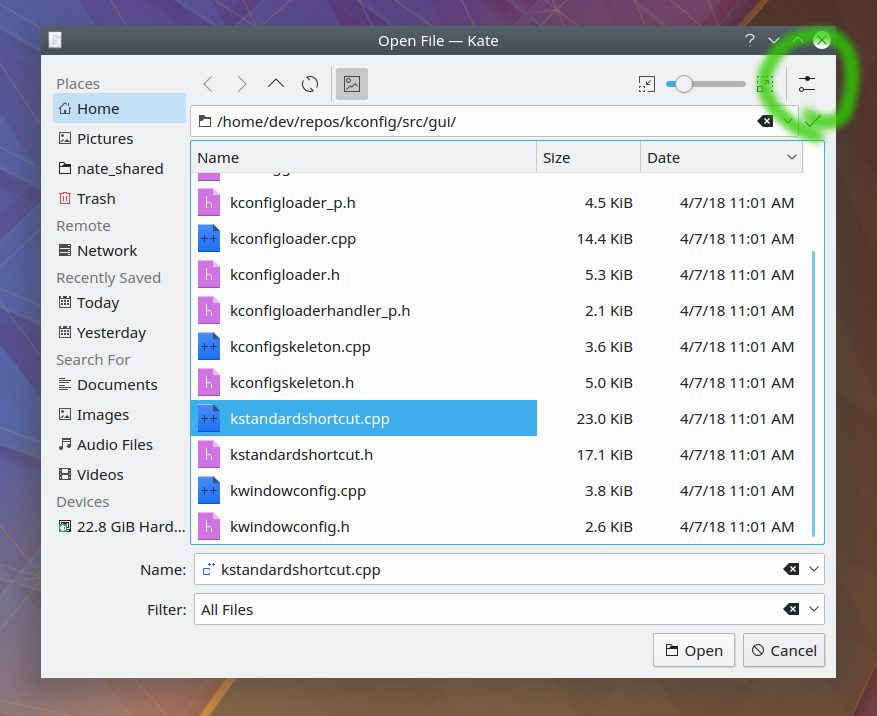
- Inline icon previews are now on by default but automatically disable themselves at very small icon sizes, where they’d be unintelligible anyway (Alex Nemeth)
- When the global click method is set to double-click, files can now be overwritten (with a confirmation dialog, of course) by double-clicking on them (Alex Nemeth)
These improvements will land in KDE Frameworks 5.47.
But that’s not all! Here’s the usual assortment of miscellaneous goodies:
Bugfixes
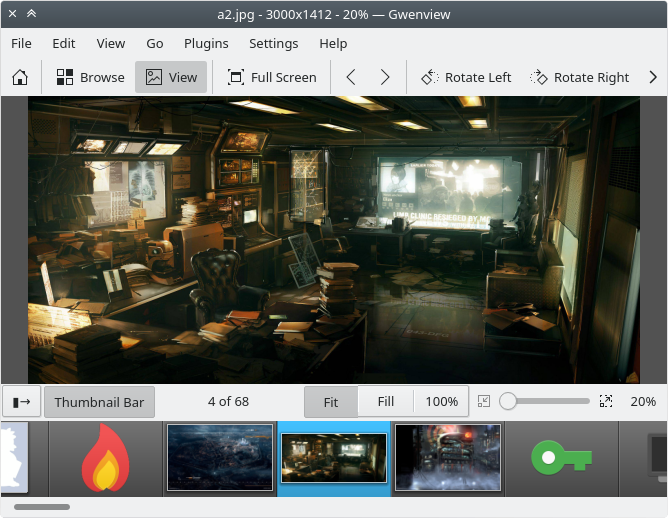
- Gwenview now displays folder previews correctly for folders with custom icons (Peter Mühlenpfordt, KDE Applications 18.04.1)
- Discover’s launch” button is no longer visible when a Flatpak app is being uninstalled (Aleix Pol, KDE Plasma 5.12.6)
- Fixed a crash in Discover when searching (Aleix Pol, KDE Plasma 5.12.6)
- The Application Menu’s submenus now always update properly (Eike Hein, KDE Plasma 5.12.6)
UI Polish & Improvement
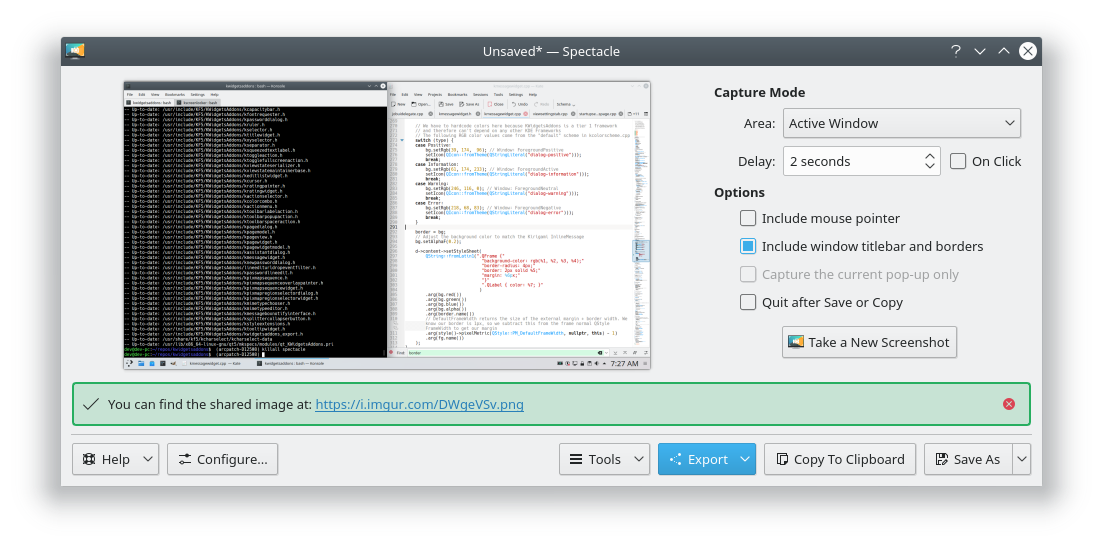
- Inline messages now match the visual style of the Kirigami equivalent, which not only looks better, but also fixes the problems of not being able to see the close button against a red background or link text against a green background (me: Nate Graham, KDE Frameworks 5.47):
- System Settings’ window now opens to a more reasonable and useful size (Scott Harvey, KDE Plasma 5.13.0):

- The Folder View plasmoid no longer has a redundant title when used as a standalone widget (Eike Hein, KDE Plasma 5.12.6)
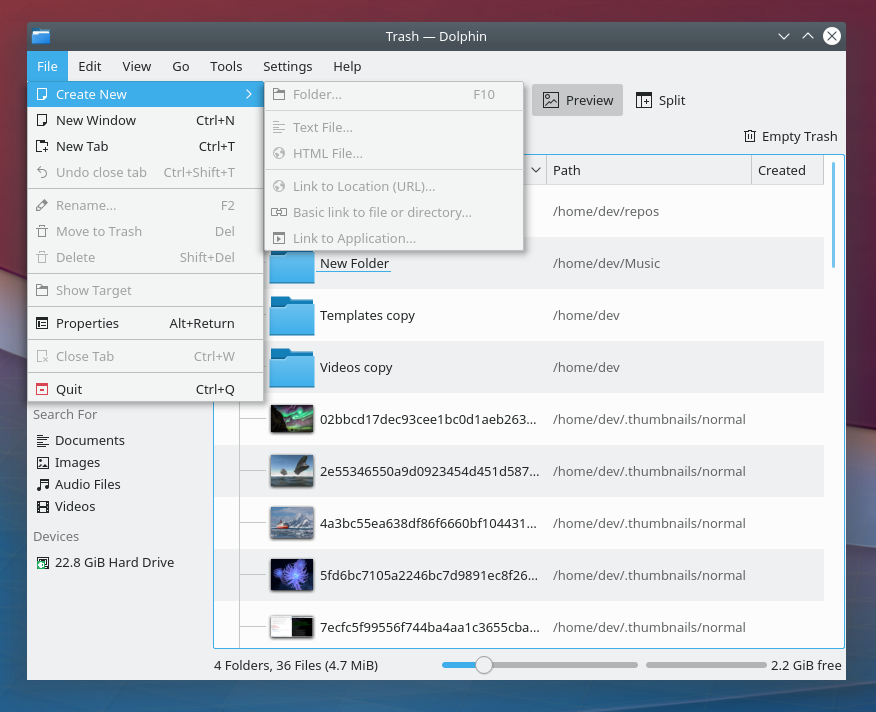
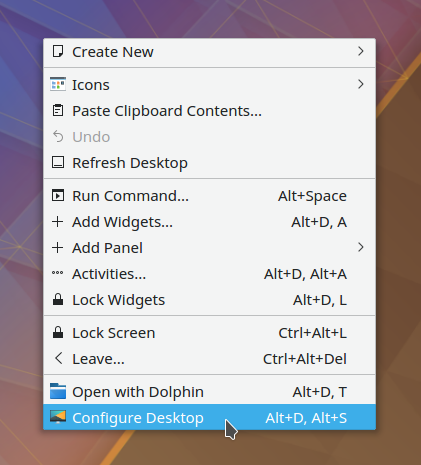
- All the items in Dolphin’s “Create New” menu are now disabled when you’re in the Trash, where they didn’t work anyway (me: Nate Graham, KDE Applications 18.08.0):
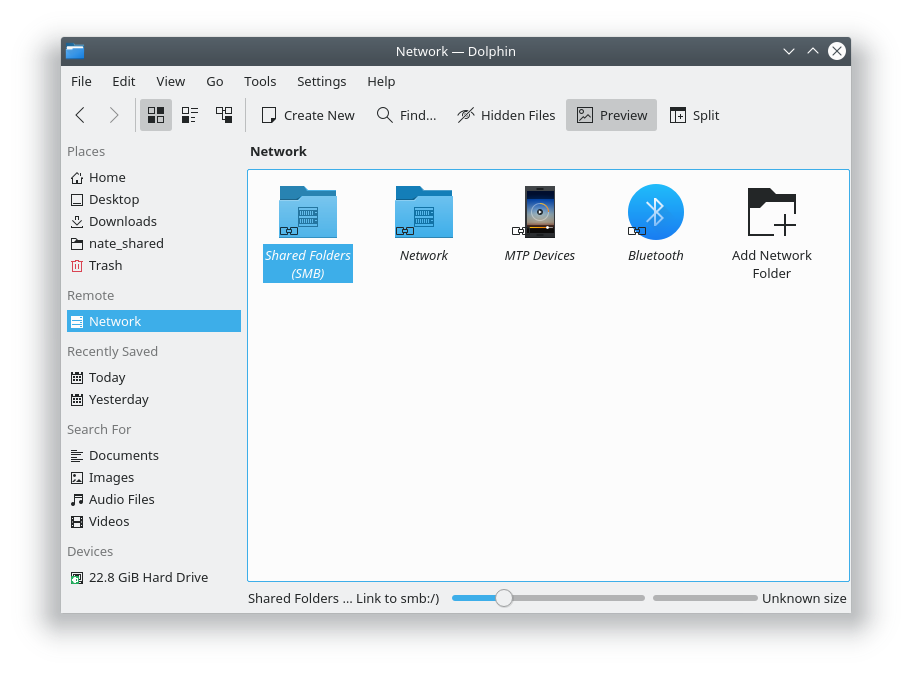
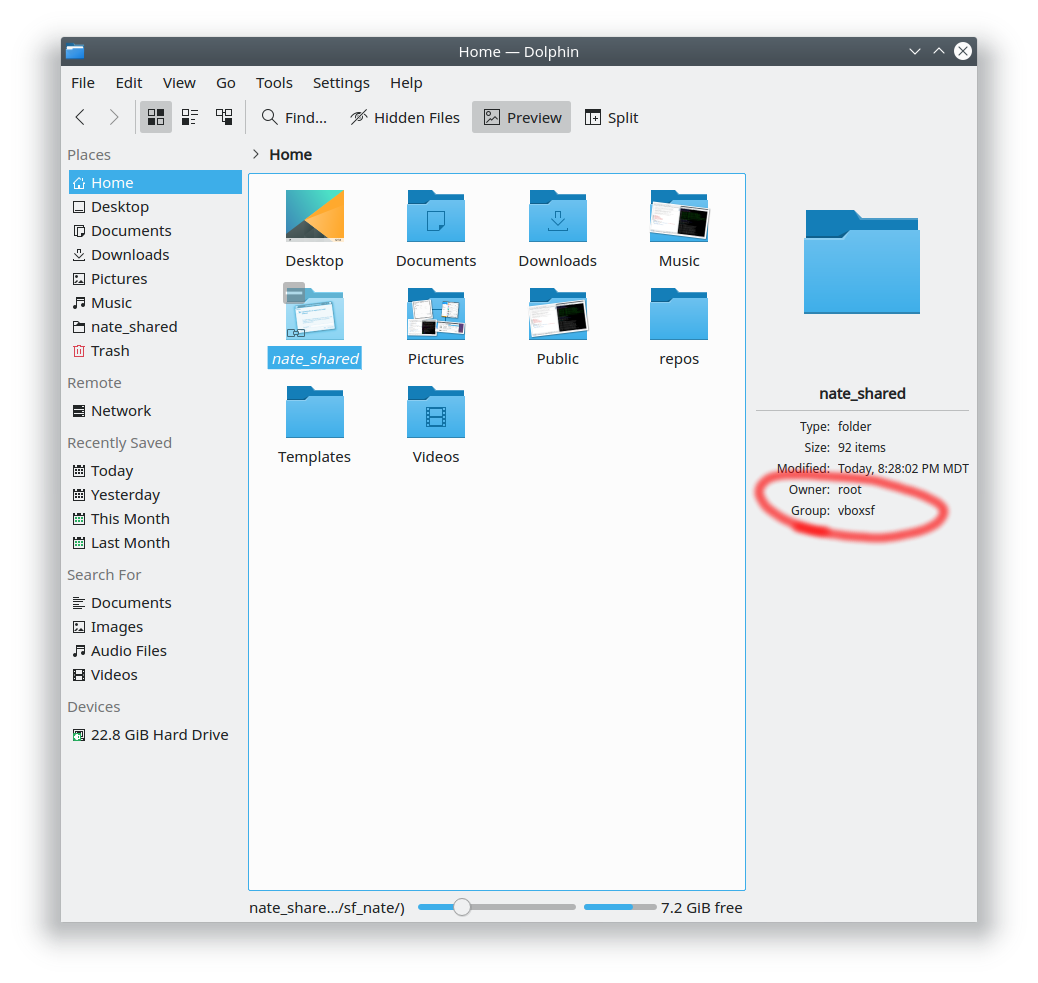
- The place where you can find Samba shares in Dolphin now has a more user-friendly name, to help people who might not know what a “Samba Share” is (me: Nate Graham, KDE Applications 18.08.0):
- Image operations in Gwenview that have been undone can now be re-done too (Peter Mühlenpfordt, KDE Applications 18.08.0)
- After typing the name of a new city to search for in the Weather Widget’s settings, hitting the return or enter key now initiates the search instead of closing the window (Friedrich Kossebau, KDE Plasma 5.13.0)
If my efforts to perform, guide, and document this work seem useful and you’d like to see more of them, then consider becoming a patron on Patreon, LiberaPay, or PayPal.



















 Adventures in Linux and KDE