
Hey look, there have been 42 of these Usability & Productivity posts. This week there’s a lot of in-progress work I’m tracking or working on myself that didn’t quite make it, but what I can report on is hopefully no disappointment! See for yourself:
New Features
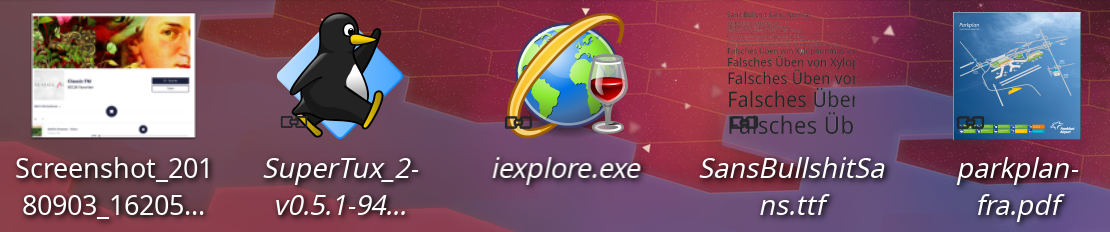
- Implemented screen reader support for desktop icons, so visually impaired users can now read the icons on the desktop (Christian Hempfling, KDE Plasma 5.12.8). This is important work and we’re very interested in mentoring anyone else who has experience with or interest in accessibility work. If you’re interested, check out our page on how to get involved!
- Okular has a new “Zoom to 100%” menu item that uses the standard Ctrl+0 keyboard shortcut (me: Nate Graham, KDE Applications 18.12.0):

Bugfixes
- Discover no longer always shows the “What’s New” section on app pages even when there isn’t any relevant information there (Aleix Pol Gonzalez, KDE Plasma 5.14.2)
- Plasma no longer crashes when changing the icon of an app launcher shortcut (Ivan Čukić, KDE Frameworks 5.52)
- Okular no longer crashes when clicking on a link in a local PDF file that points to another local PDF file (Albert Astals Cid, KDE Applications 18.08.3)
- When saving an annotated PDF file opened from a symlink, Okular no longer replaces the symlink with a new copy of the saved document (Albert Astals Cid, KDE Applications 18.08.3)
- In Konsole, it’s once again possible to double-click on a line of text that’s longer than the window’s width and have the whole thing selected (Pavel Khlebovich (KDE Applications 18.12.0)
- Fixed one way that SFTP connections could fail (Harald Sitter, KDE Applications 18.12.0)
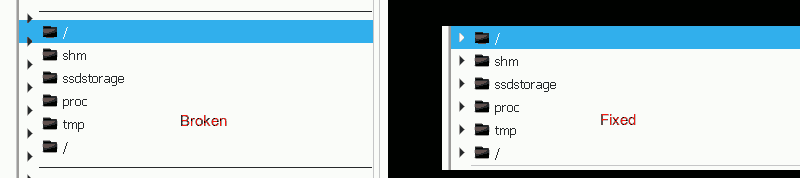
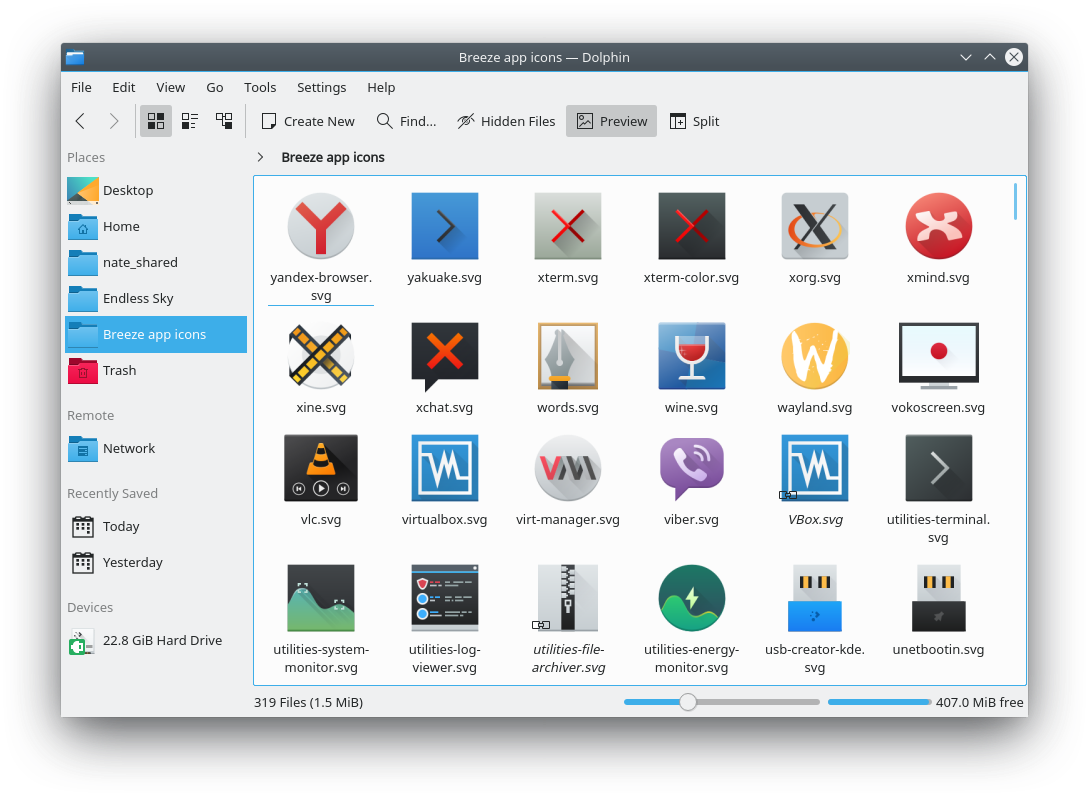
- Monochrome status emblems now change their color properly when the icon is selected with a full-size highlight (KDE Applications 18.12.0):

UI Polish & Improvement
- Discover now consistently uses the phrase “Checking for updates…” (me: Nate Graham, KDE Plasma 5.15.0)
- It is now possible to configure whether scrolling over the virtual desktop pager will “wrap around” when reaching the end of the virtual desktop list (Phuong Nguyen, KDE Plasma 5.15.0)
- When performing a search using the Kickoff Application Launcher, if the cursor happens to be located in the place where search results show up, the item that appears under the cursor is no longer automatically and unexpectedly selected (Eike Hein, KDE Plasma 5.15.0)
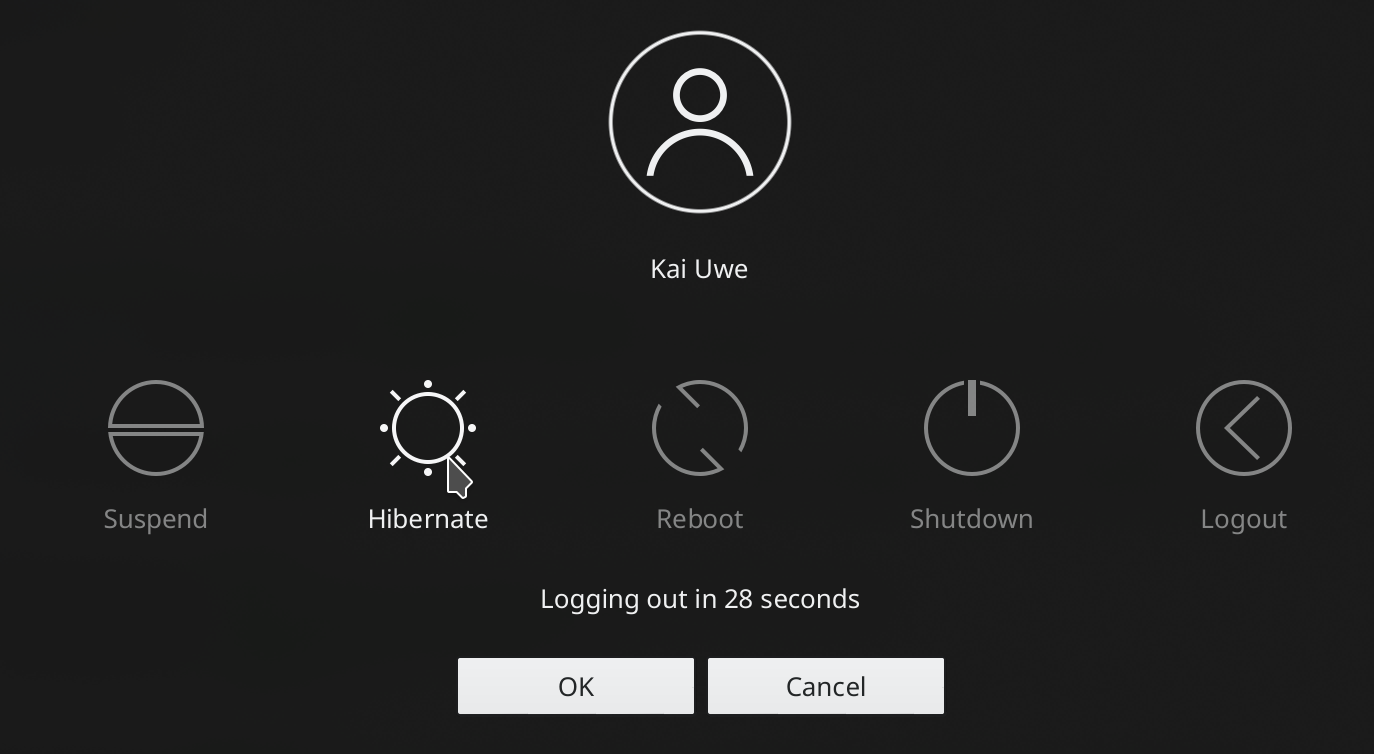
- The context menu for desktop icons now toggles between the “Move to Trash” and “Delete” items when the Shift key is pressed, just like in Dolphin (Eike Hein, KDE Plasma 5.14.3)
- Emblem icons that badge files and folders are now better-positioned and don’t obscure so much of the item itself (Stefan Brüns, KDE Frameworks 5.52)
- The Ctrl+w keyboard shortcut now quits Dolphin if there’s only one tab open (Alexander Saoutkin, KDE Applications 18.12.0)
Next week, your name could be in this list! Not sure how? Just ask! I’ve helped mentor a number of new contributors recently and I’d love to help you, too! You can also check out https://community.kde.org/Get_Involved, and find out how you can help be a part of something that really matters. You don’t have to already be a programmer. I wasn’t when I got started. Try it, you’ll like it! We don’t bite!
If my efforts to perform, guide, and document this work seem useful and you’d like to see more of them, then consider becoming a patron on Patreon, LiberaPay, or PayPal. Also consider making a donation to the KDE e.V. foundation.















 Adventures in Linux and KDE