
Get ready for a humongous week for KDE’s Usability and Productivity initiative! KDE developers and contributors squashed a truly impressive number of bugs this week, all the while adding features and polishing the user interface.
New Features
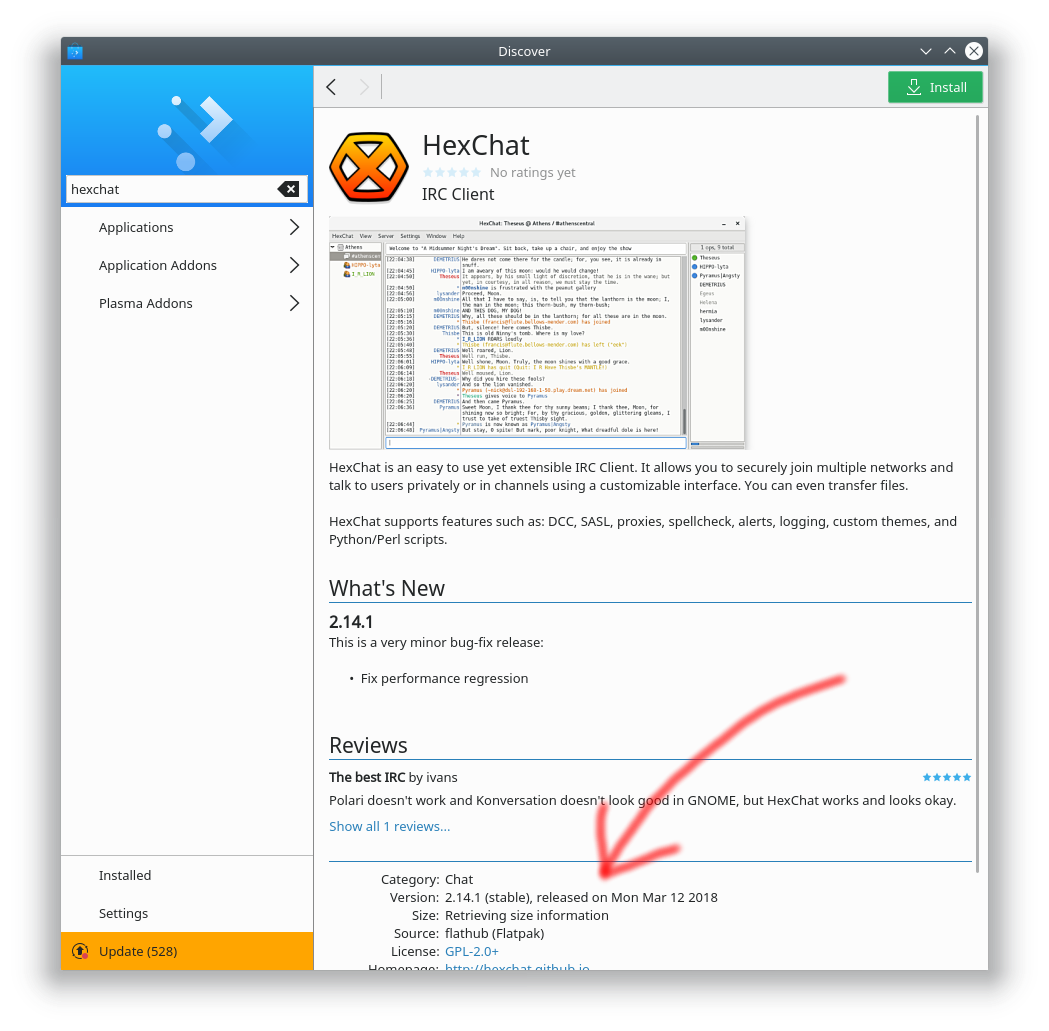
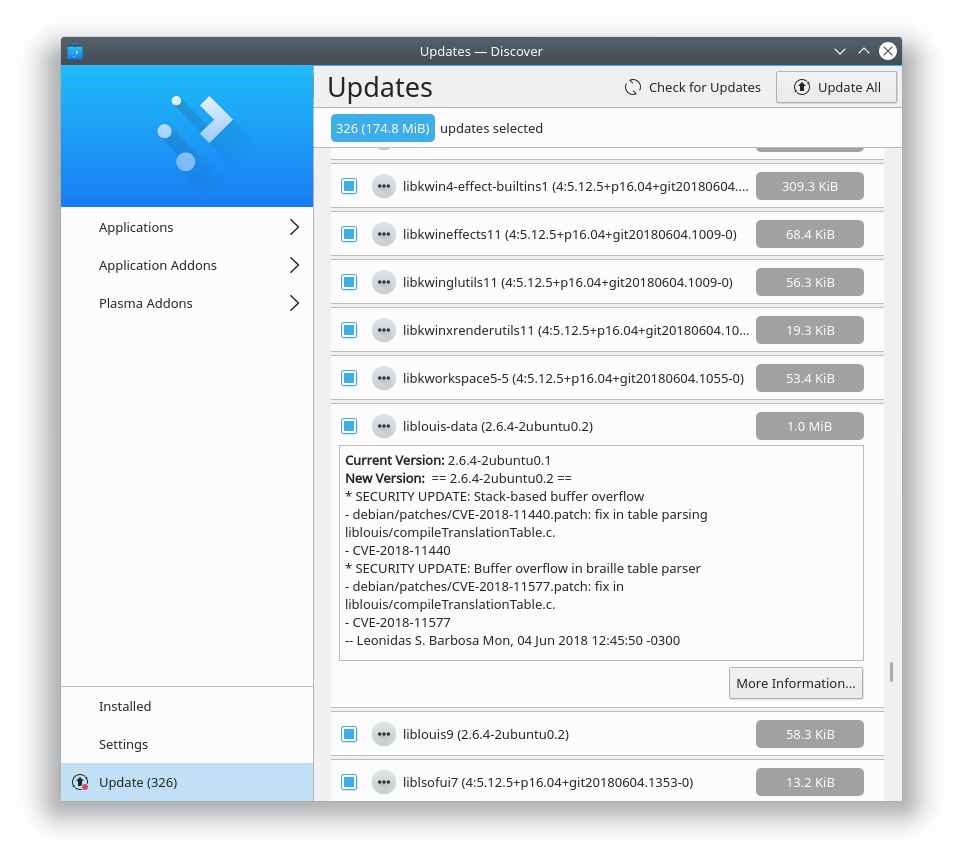
- Discover now supports Snap Channels, allowing people to choose whether to install stable or beta versions of Snap apps (Aleix Pol, KDE Plasma 5.14.0)
- Kate can now use a different color scheme from the system’s global color scheme (Thomas Fjellstrom, KDE Applications 18.08.0):

Bugfixes
- The Kickoff Application Launcher’s “Search For” entries now work again (Kai Uwe Broulik, KDE Plasma 5.12.7)
- Fixed a case where Plasma could crash when switching Activities (David Edmundson, KDE Frameworks 5.48)
- The Desktop Grid effect no longer unnecessarily switches activities (Vlad Zagorodniy, KDE Plasma 5.13.4)
- The Font Management System Settings page doesn’t yet work on Wayland, so it no longer appears there (previously it would taunt you by showing up, and then crash when you tried to use it) (Kai Uwe Broulik, KDE Plasma 5.13.3)
- When removing installed Snap apps with Discover, the “Remove” button no longer changes its text (Aleix Pol, KDE Plasma 5.12.7)
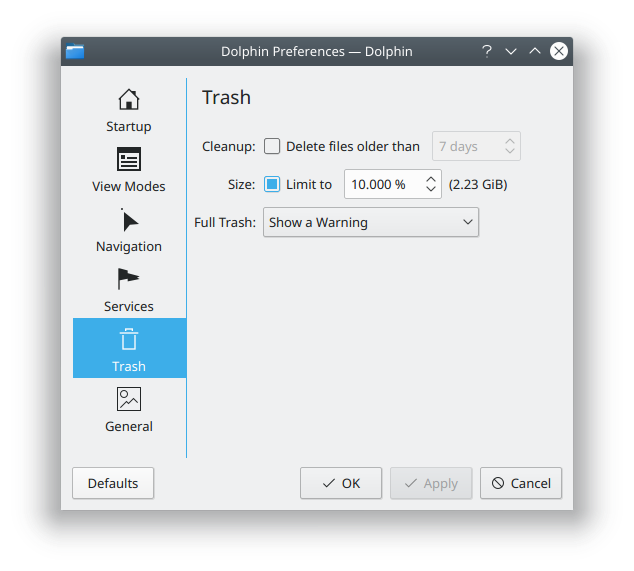
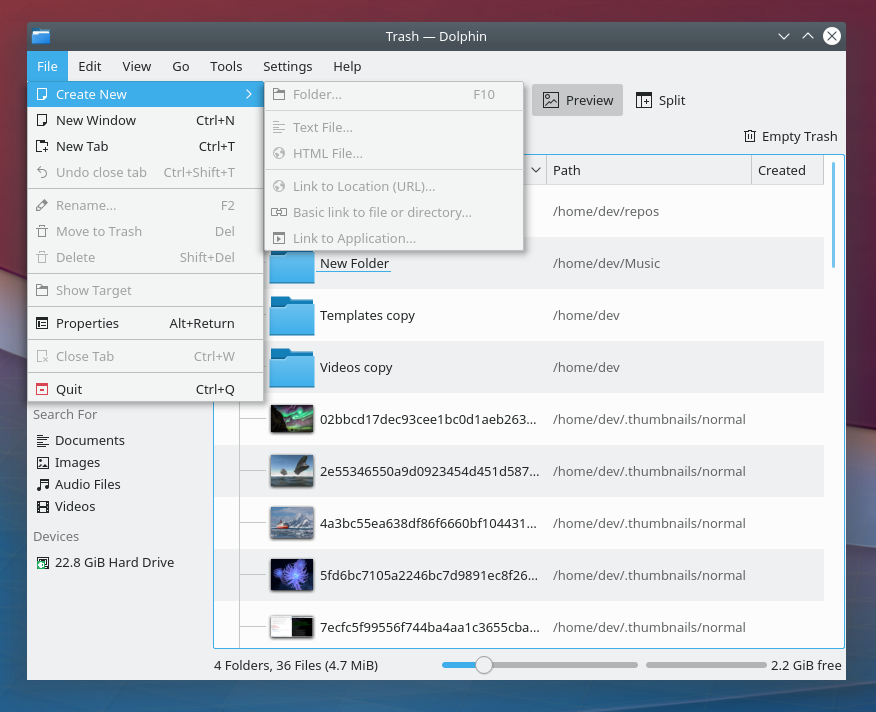
- Dolphin no longer asks for confirmation before moving an item to the trash until an unrelated setting is changed (Алексей Шилин (Alexei Shilin), KDE Frameworks 5.48)
- Fixed a rare situation where Gwenview 18.04.x could take up to 30 seconds to launch (Henrik Fehlauer, KDE Applications 18.04.3)
- Using Ctrl+left click/right click to zooms now zooms at the correct speed when you click quickly (Henrik Fehlauer, KDE Applications 18.08.0)
- Fixed a number of bugs with syntax highlighting for the C++, Python, Lua, JavaScript, and CoffeeScript programming languages in Kate, KWrite, and other apps using the KSyntaxKighlighting framework (Nibaldo González and Jonathan Poelen, KDE Frameworks 5.49)
- Kate’s Quick Open feature now works again when using Qt 5.11 (Sven Brauch KDE Applications 18.04.3)
UI Polish & Improvement
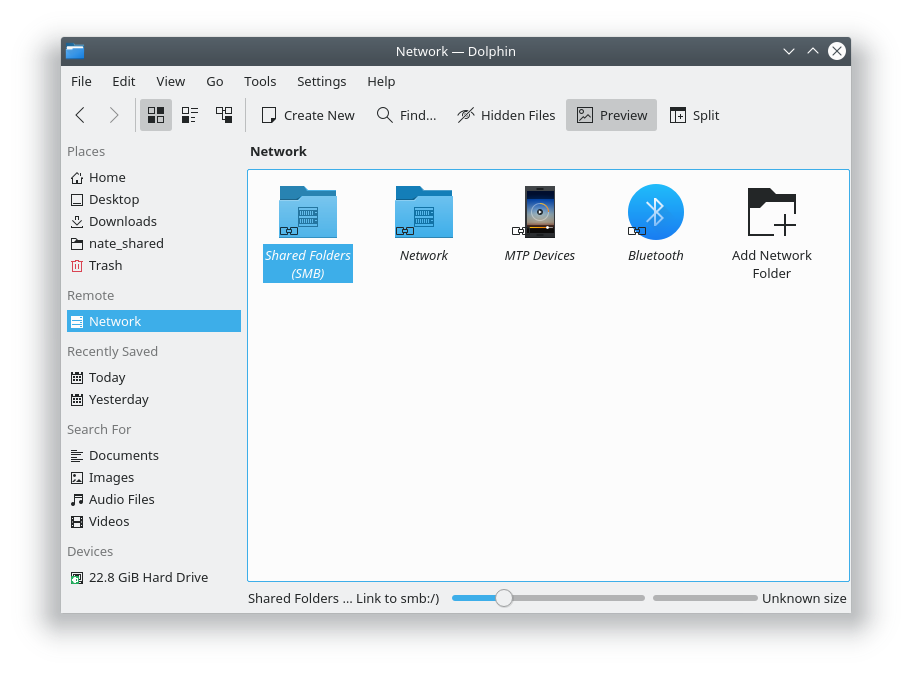
- The Kickoff application launcher’s “Computer” tab now shows entries grouped, just like they are in Dolphin (Kai Uwe Broulik, KDE Plasma 5.12.7):

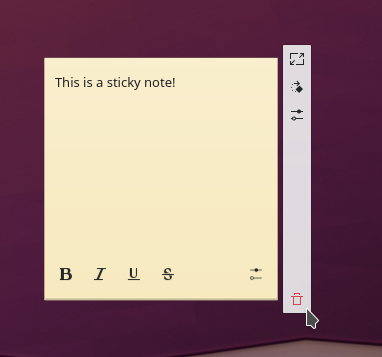
- Standalone widgets now display a better icon for the “remove” button on their handles, so it’s much less likely that you’ll accidentally remove a widget when you just mean to hide the handle (me: Nate Graham, KDE Plasma 5.14.0,):
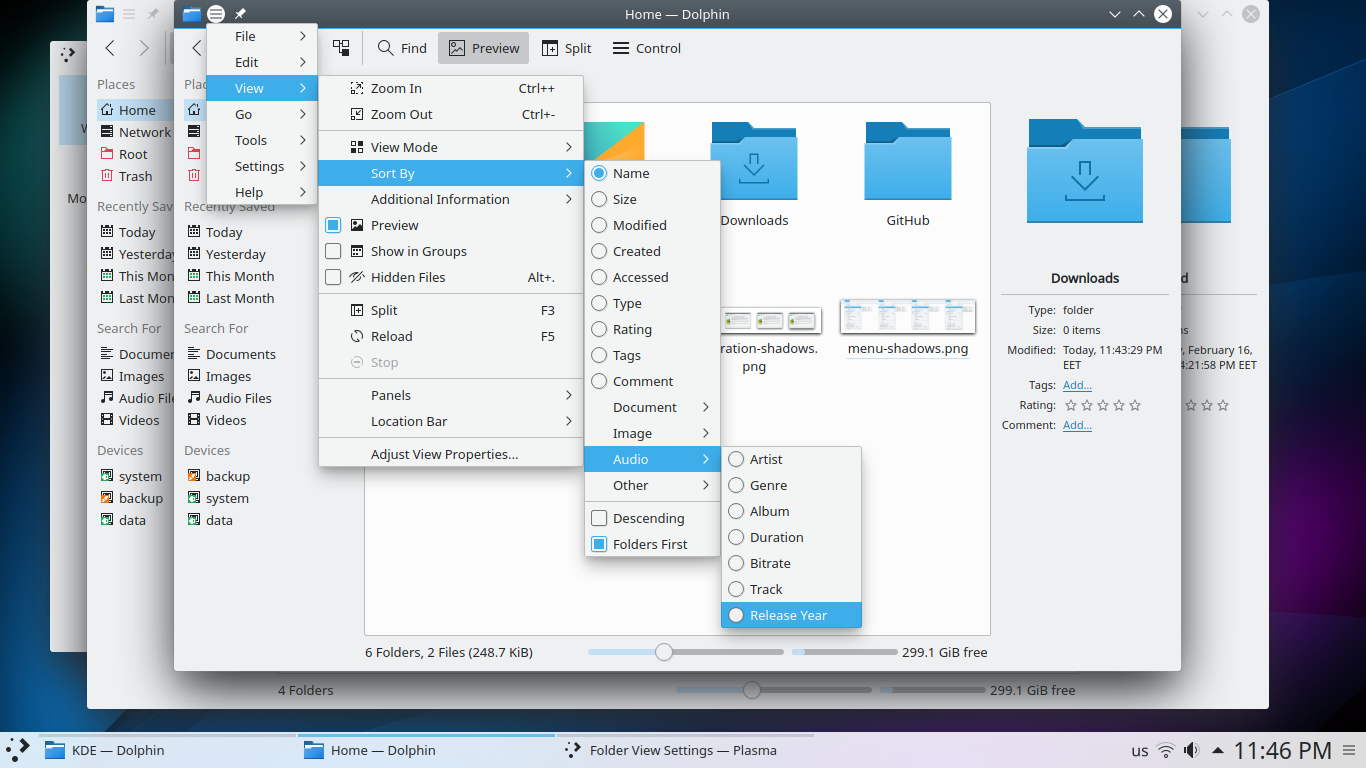
- Shadows in Breeze have been further refined, and now feature softer corners and edges and a more true-to-life lighting model (Vlad Zagorodniy, KDE Plasma 5.14.0):
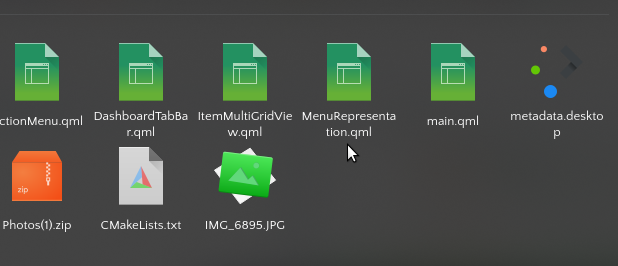
- Icon previews in Dolphin are now sharper in HiDPI mode (Kai Uwe Broulik, KDE Applications 18.08.0)
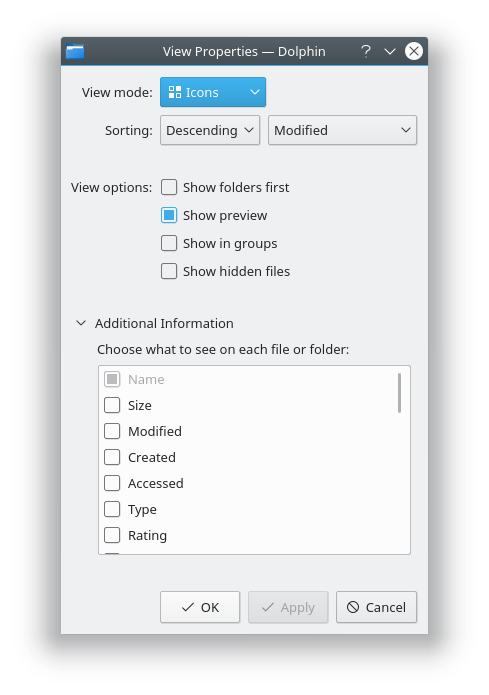
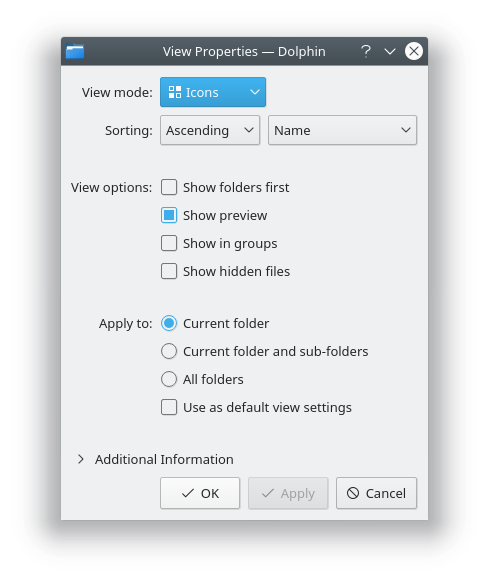
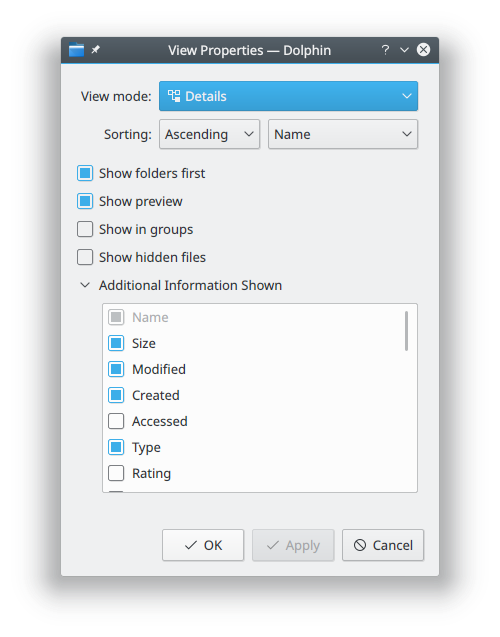
- Improved the layout of the View Properties windows (me: Nate Graham, KDE Applications 18.08.0):
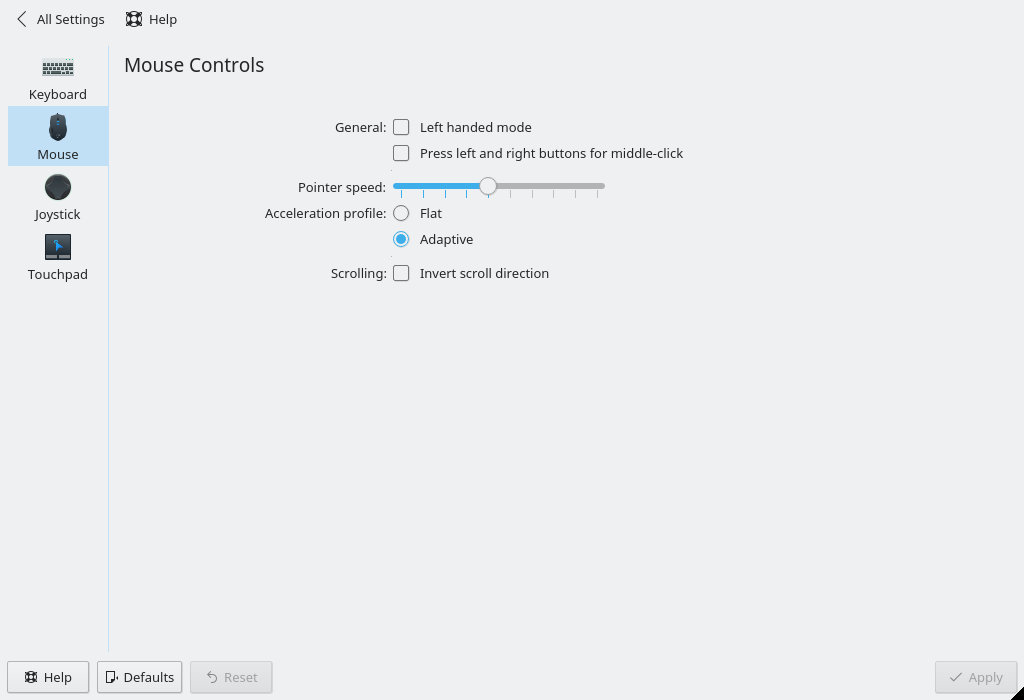
There are still more bugs I’d like to get fixed ASAP, though, including a number of high-profile regressions with the mouse and touchpad settings in Plasma 5.13. I hope very much that we can fix these soon. If anyone reading this feels like they could help out, please do so! We’re happy to lend a hand when first getting started as a KDE contributor. There are lots of other ways to get involved, too.
If my efforts to perform, guide, and document this work seem useful and you’d like to see more of them, then consider becoming a patron on Patreon, LiberaPay, or PayPal. Also consider making a donation to the KDE e.V. foundation.















 Adventures in Linux and KDE