As we near the end of Plasma 5, a lot of people are putting thought into what’s next for Plasma 6, beyond simply porting it to Qt 6. The general consensus is to avoid big architectural changes, with most of the major changes being UI improvements and new features. So KDE’s VDG team has been busy planning for that future, which has yielded a lot of improvements for the last and best version of Plasma 5!
New Features
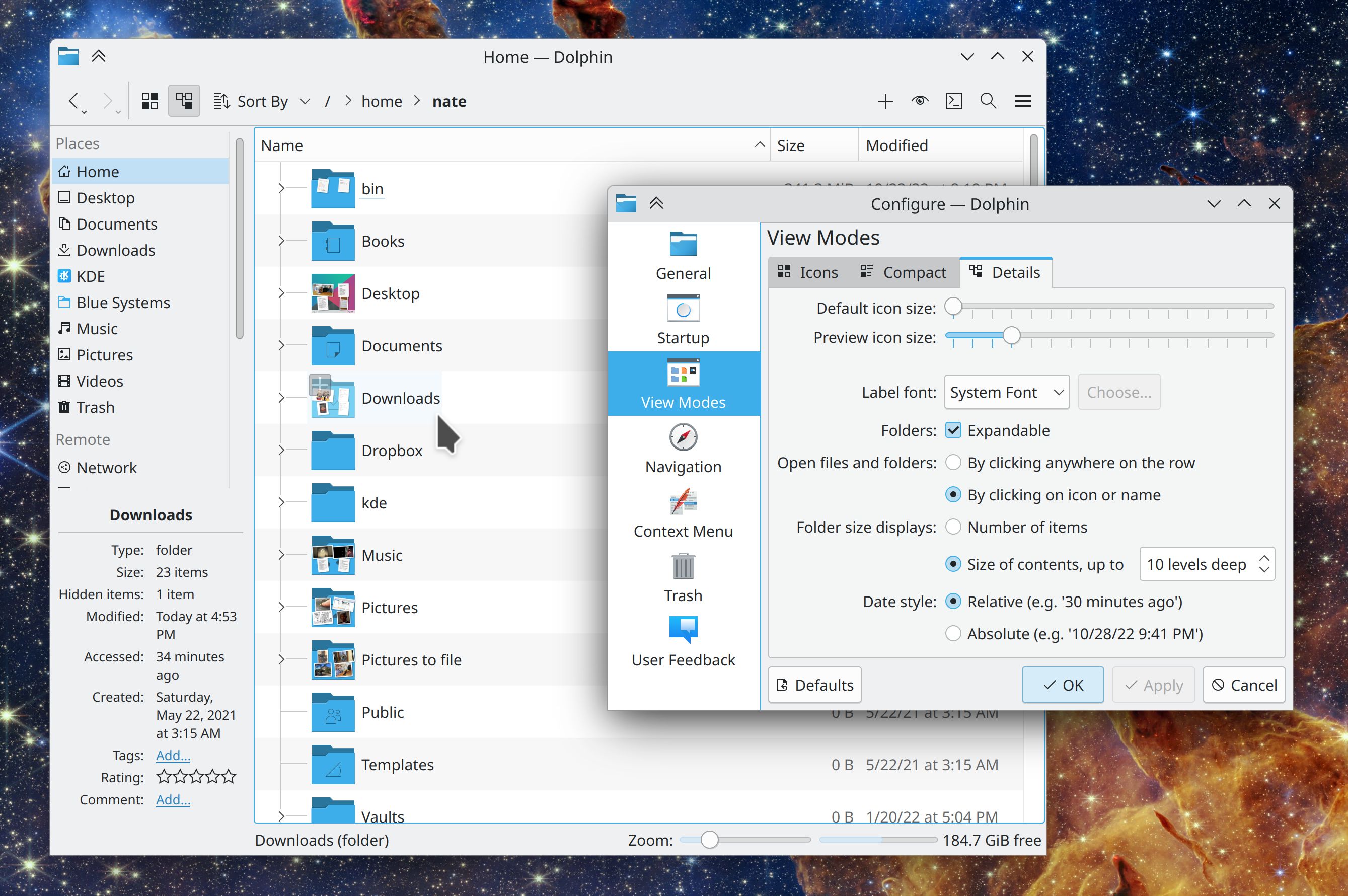
If you really don’t like Dolphin’s recently-changed list view behavior of selecting or opening an item when clicking empty areas of its row, you can now go back to the old way (Felix Ernst, Dolphin 22.12. Link):
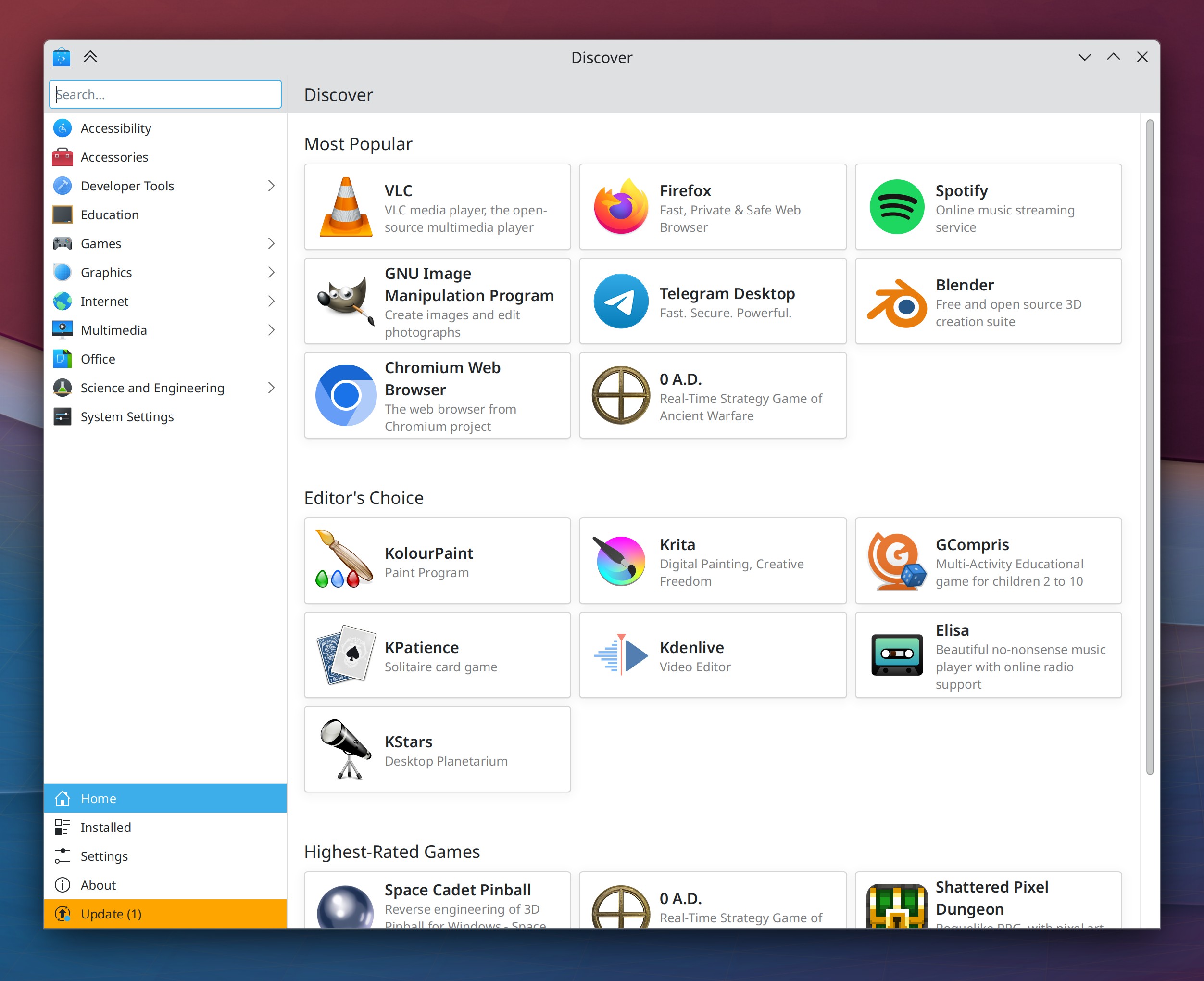
Discover now has a brand-new homepage design with dynamically-updating categories that shows popular apps, and a new set of featured apps that showcase the best of KDE (Aleix Pol Gonzalez, Carl Schwan, me: Nate Graham, and Devin Lin, Plasma 5.27 . Link 1, link 2, link 3, and link 4):
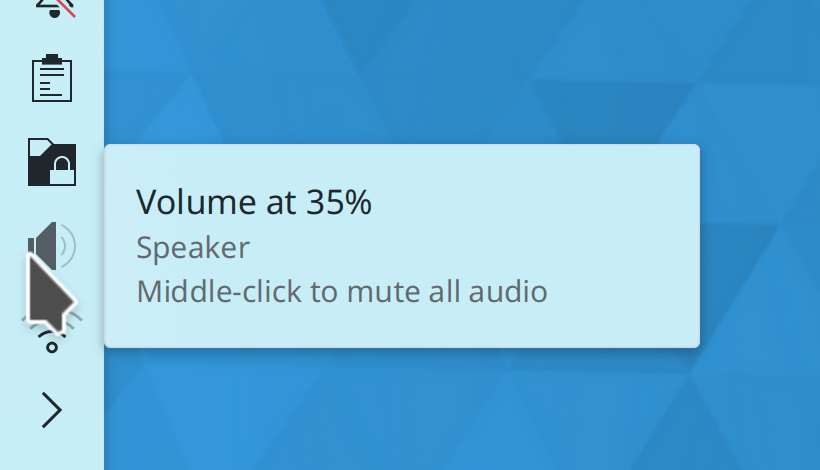
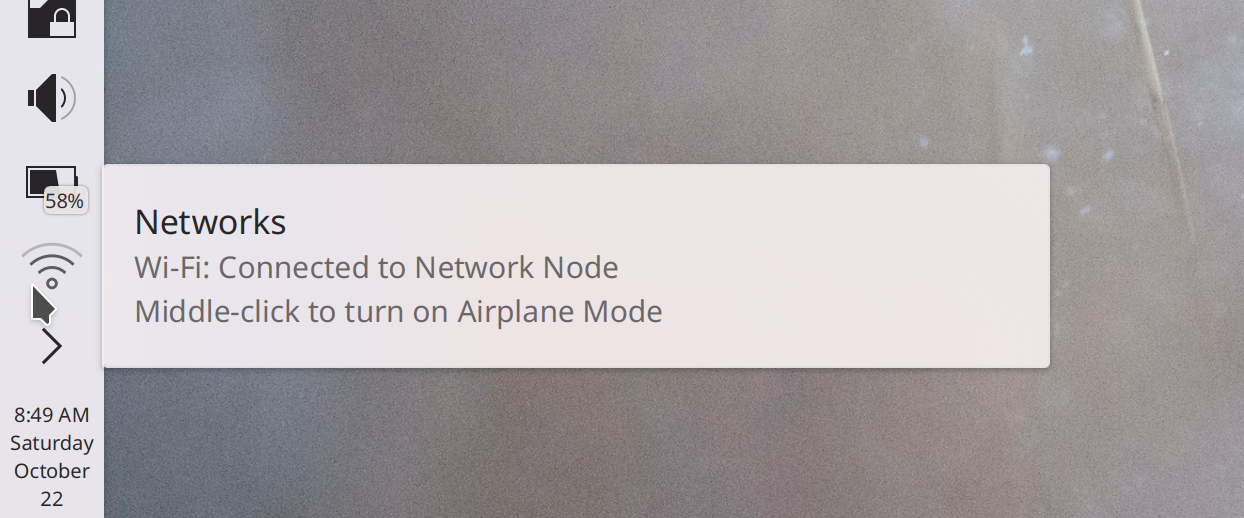
You can now middle-click the Networks icon to toggle Airplane Mode on and off (me: Nate Graham, Plasma 5.27. Link):
“Running” (i.e. clicking on or pressing the return key for) dictionary definition entries in KRunner’s results list now copies the definition text to the clipboard, and even sends a system notification about this so you know that it happened (Alexander Lohnau, Plasma 5.27. Link)
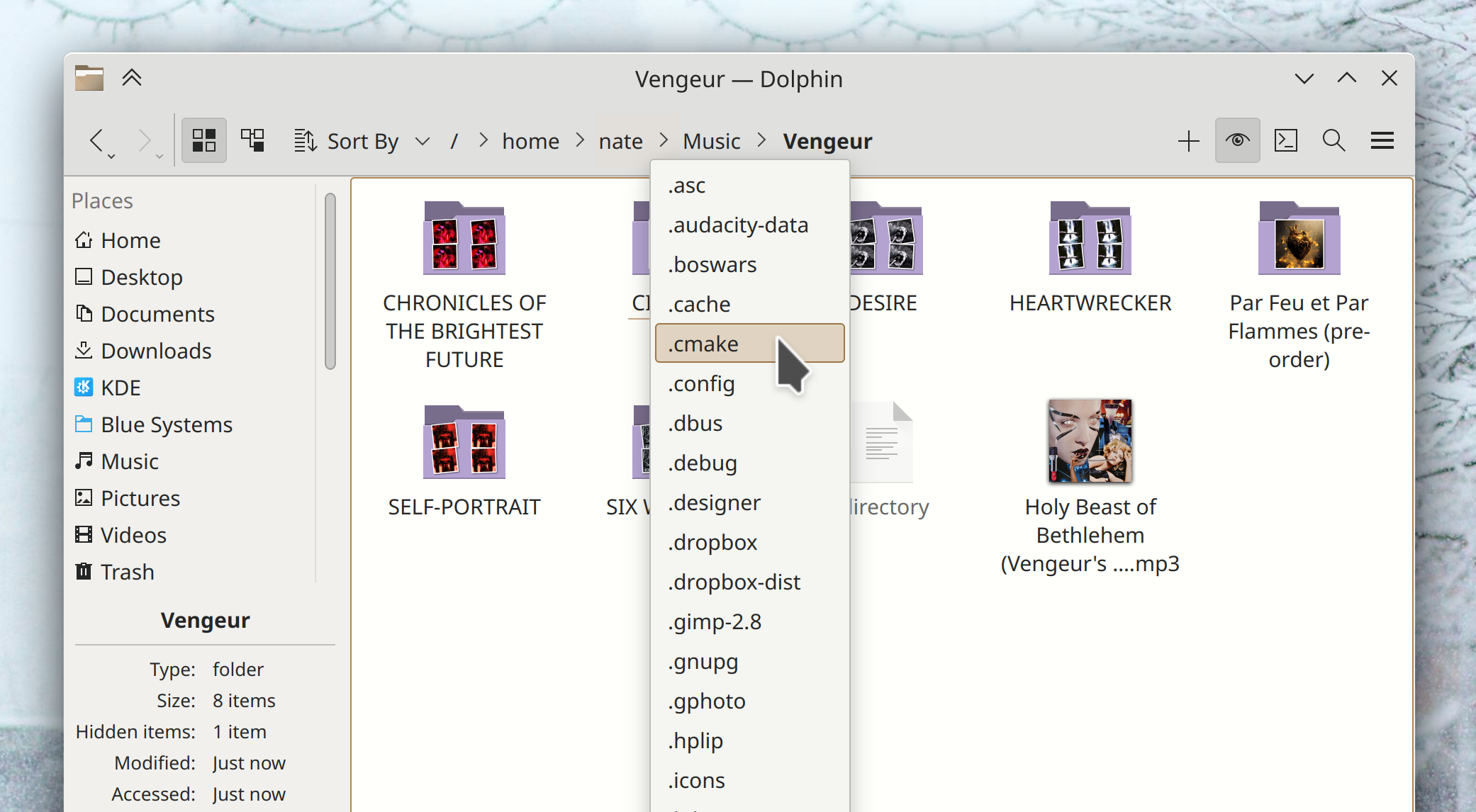
In the dropdown menus for Dolphin’s path navigator bar, now hidden folders will show up there if you currently have hidden files visible (Eugene Popov, Frameworks 5.100. Link):
User Interface Improvements
On Info Center pages that consist of monospaced text, the text is now selectable (and hence copyable) and no longer slightly overflows on the right side (Ivan Tkachenko, Plasma 5.26.2. Link)
In the Plasma X11 session, portalized dialogs shown by Flatpak apps no longer use the wrong theming and colors (Harald Sitter, Plasma 5.26.2. Link)
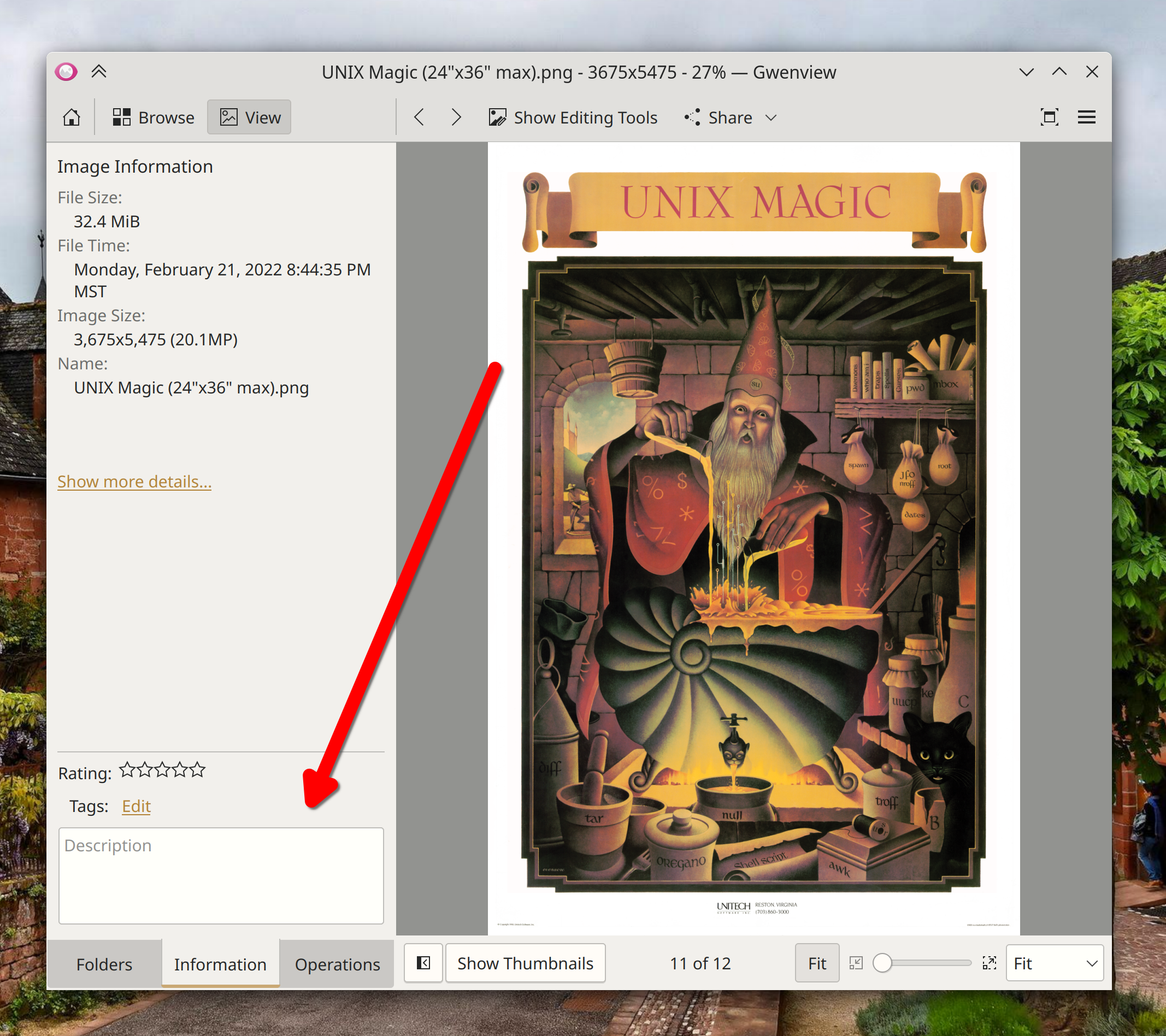
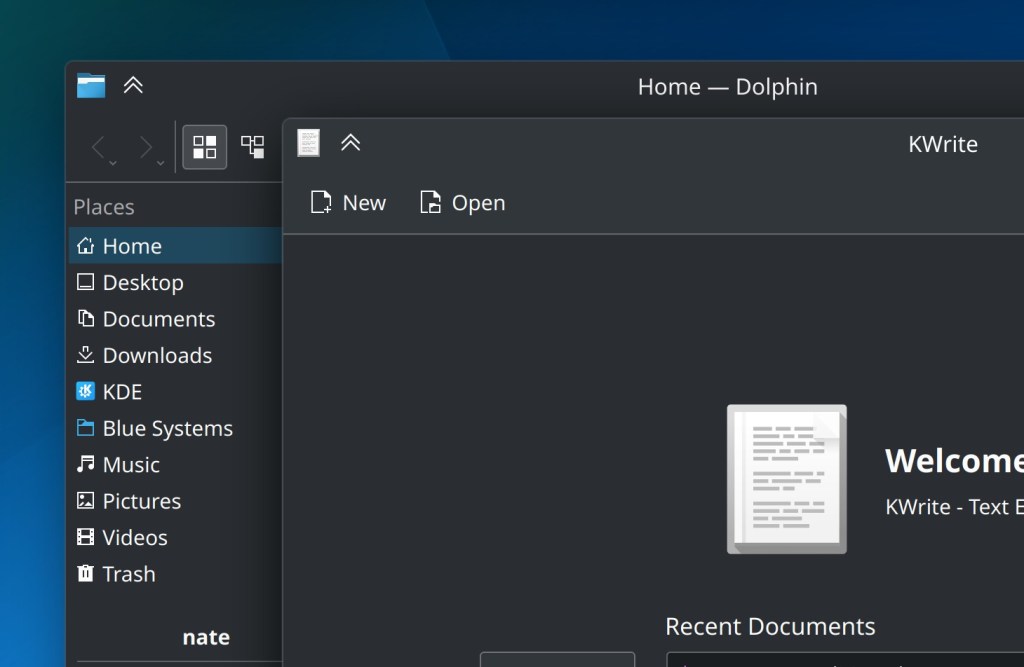
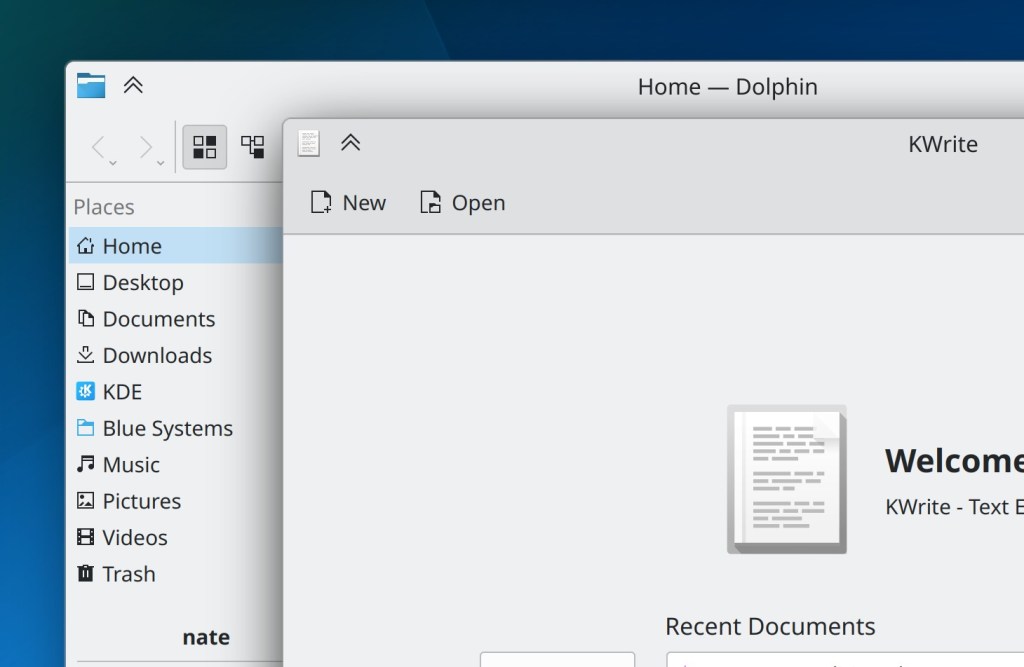
Breeze-themed windows now have a subtle outline around them, which not only looks classy as hell, but it also helps keep dark-themed windows from blending into one another (Akseli Lahtinen. Plasma 5.27. Link):
Floating Panels now de-float whenever any window touches them, and the margins they gain when doing so are now smaller and less weird-looking. This also makes Panel Widget popups touch the edge of a floating Panel (Niccolò Venerandi, Plasma 5.27. Link 1 and link 2)
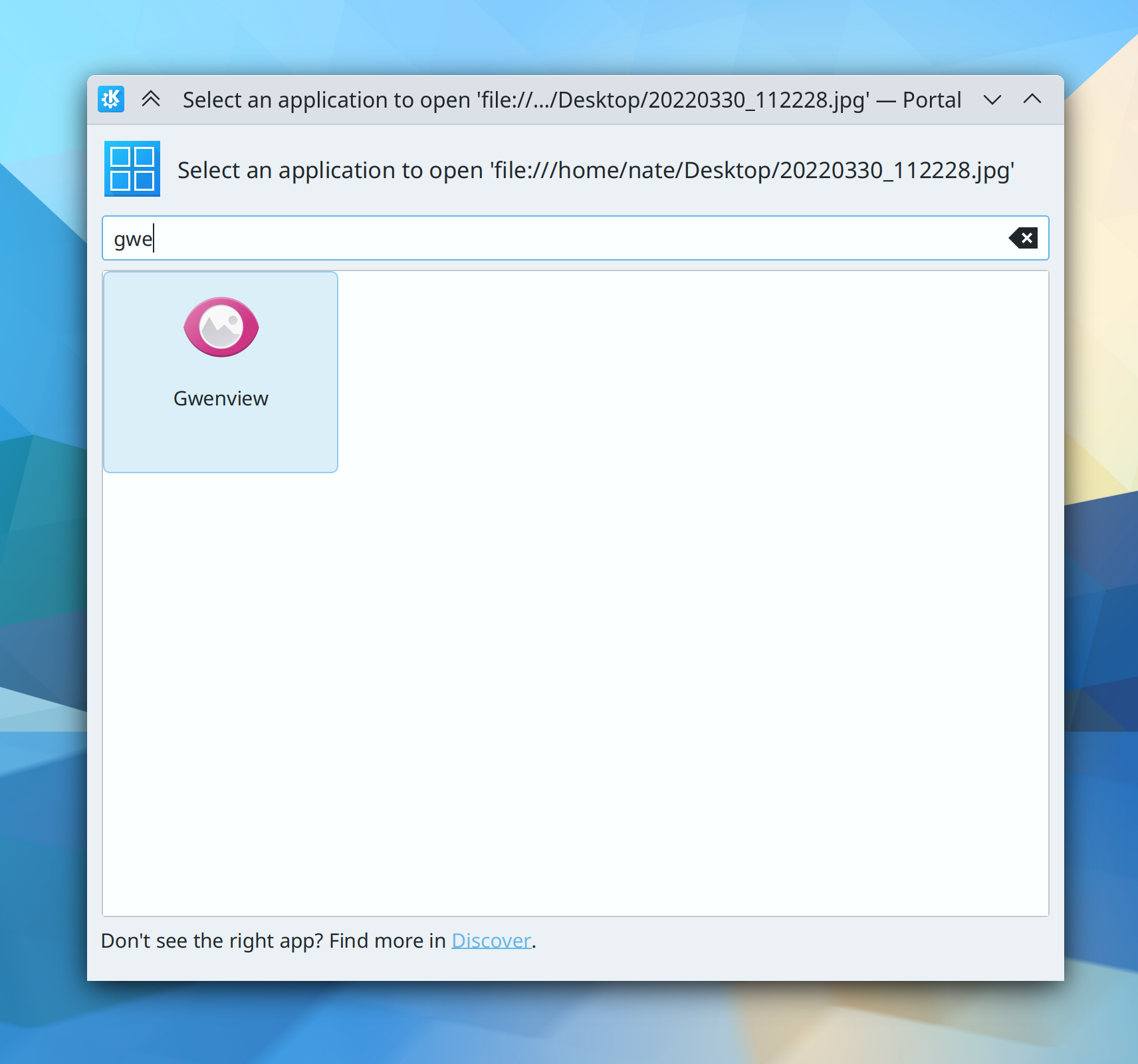
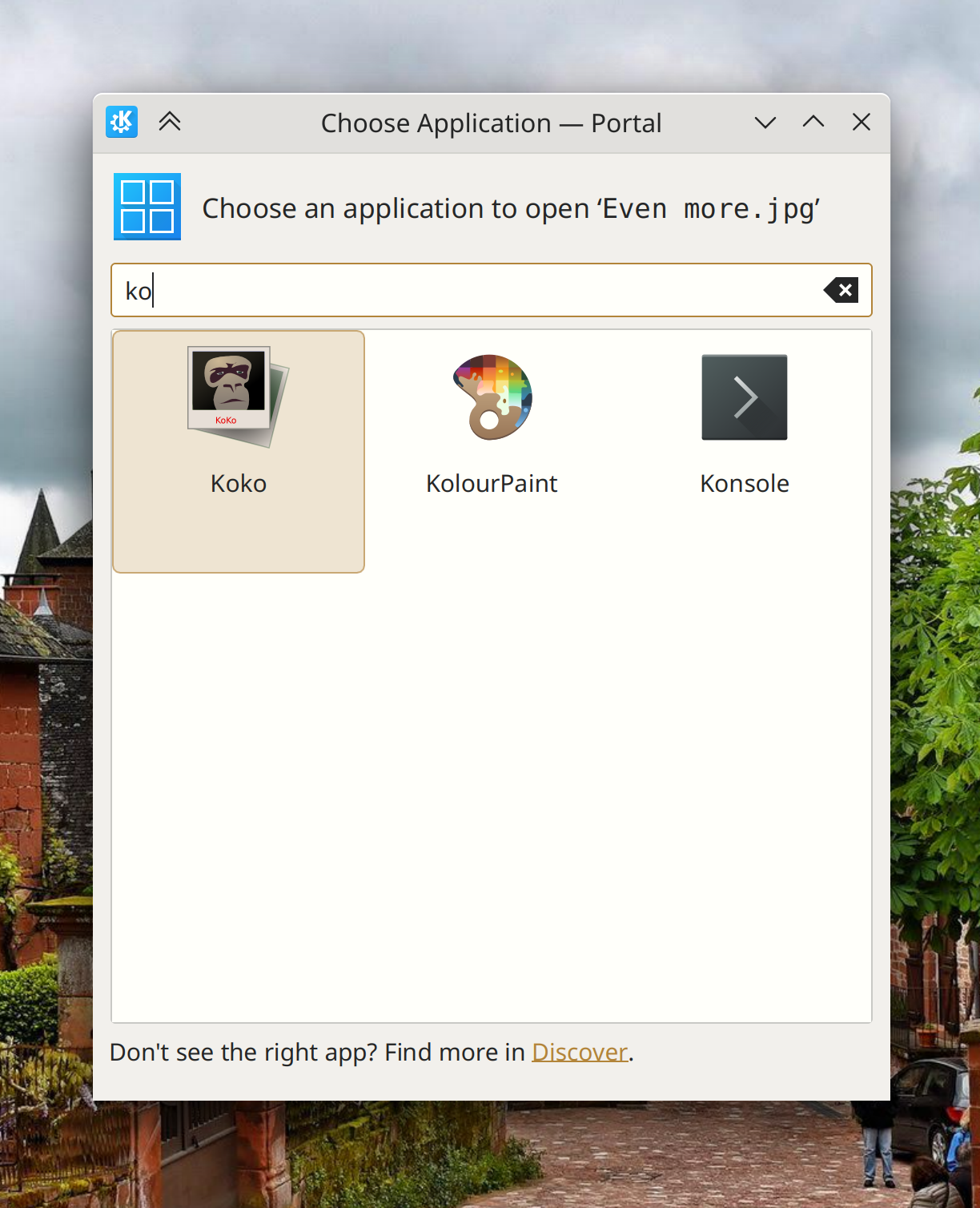
The new portalized Kirigami-based app chooser dialog now has more focused and relevant text in the header area (me: Nate Graham, Plasma 5.27. Link 1 and link 2)
You can now search in KRunner for “Save Session” to invoke the manual session saving functionality, and when you use KRunner to switch sessions, the message dialog it shows you is now worded more comprehensibly and doesn’t make what you’re about to do seem scary (Natalie Clarius, Plasma 5.27. Link 1 and link 2)
KRunner’s “Recent Files” plugin now matches substrings (Natalie Clarius, Plasma 5.27. Link)
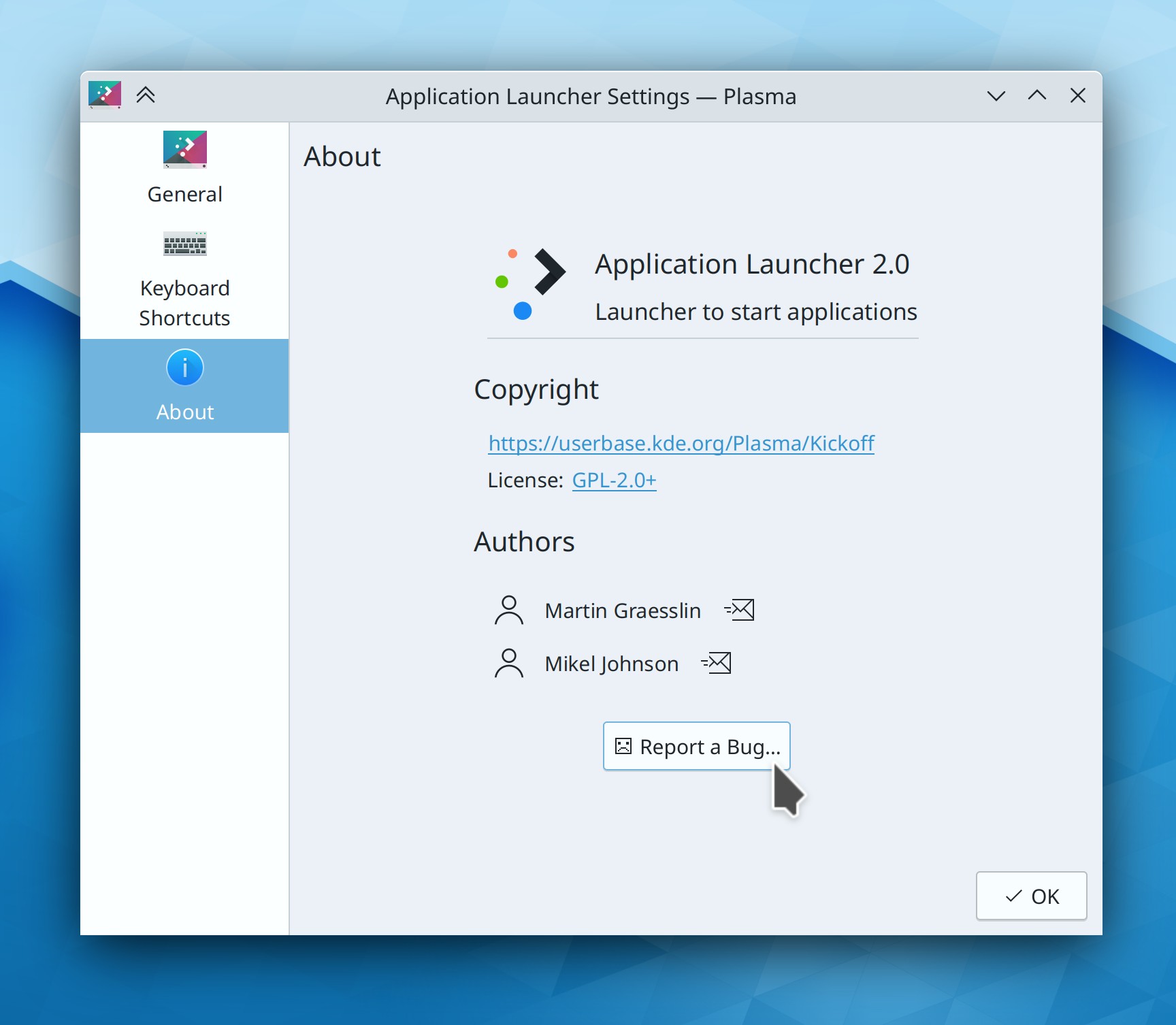
You can now resize Kickoff’s popup to be smaller than it is by default, if you want that (Niccolò Venerandi, Plasma 5.27. Link)
Title text in QtWidgets-based System Settings pages now has the same padding and alignment as those in Kirigami-based pages, so there’s no longer a weird jarring difference between them as you switch pages (Ismael Asensio, Plasma 5.27. Link 1 and link 2)
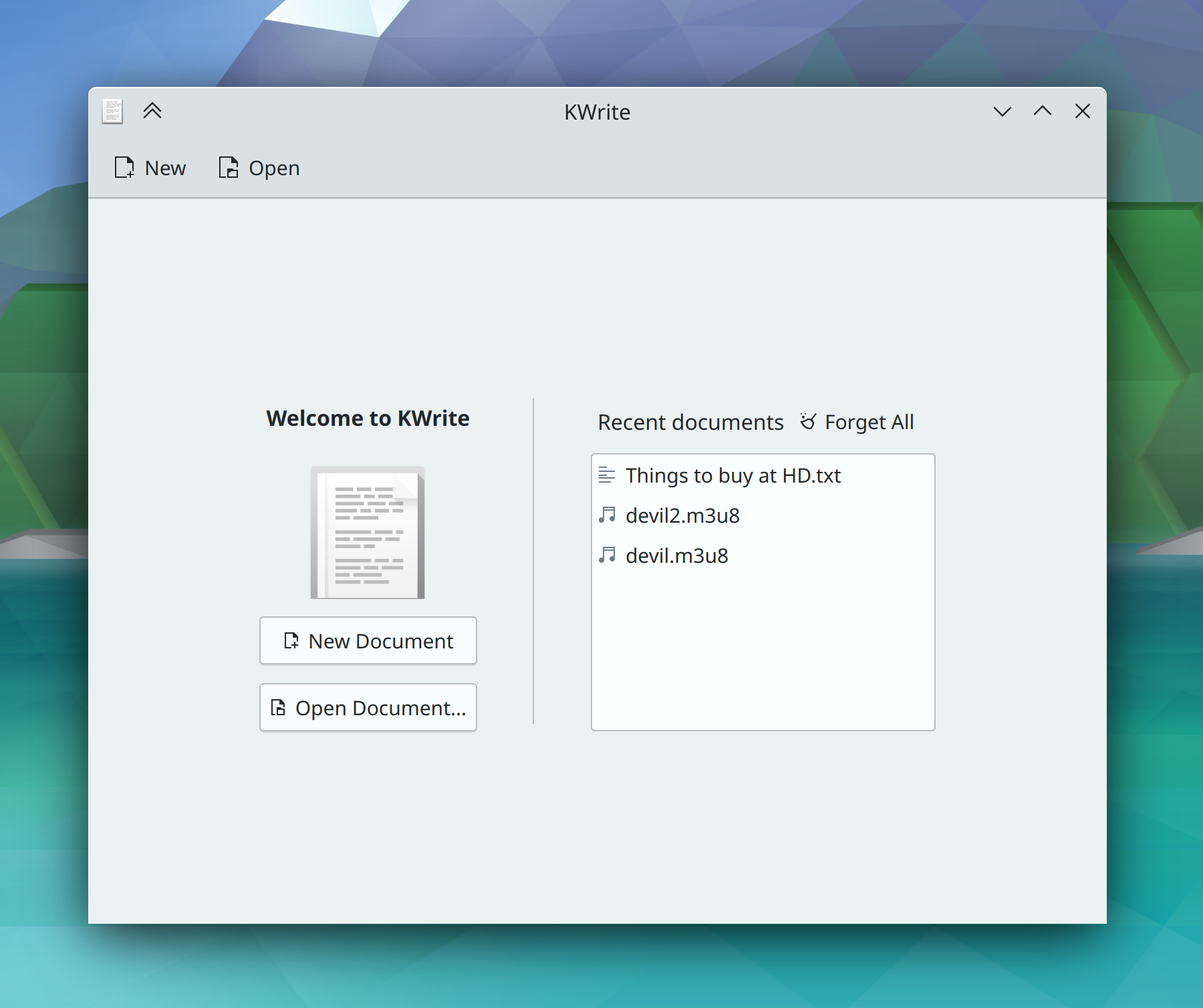
Throughout KDE software, the appearance of list views and list section headers is massively improved (Devin Lin, Frameworks 5.100. Link 1 and link 2):
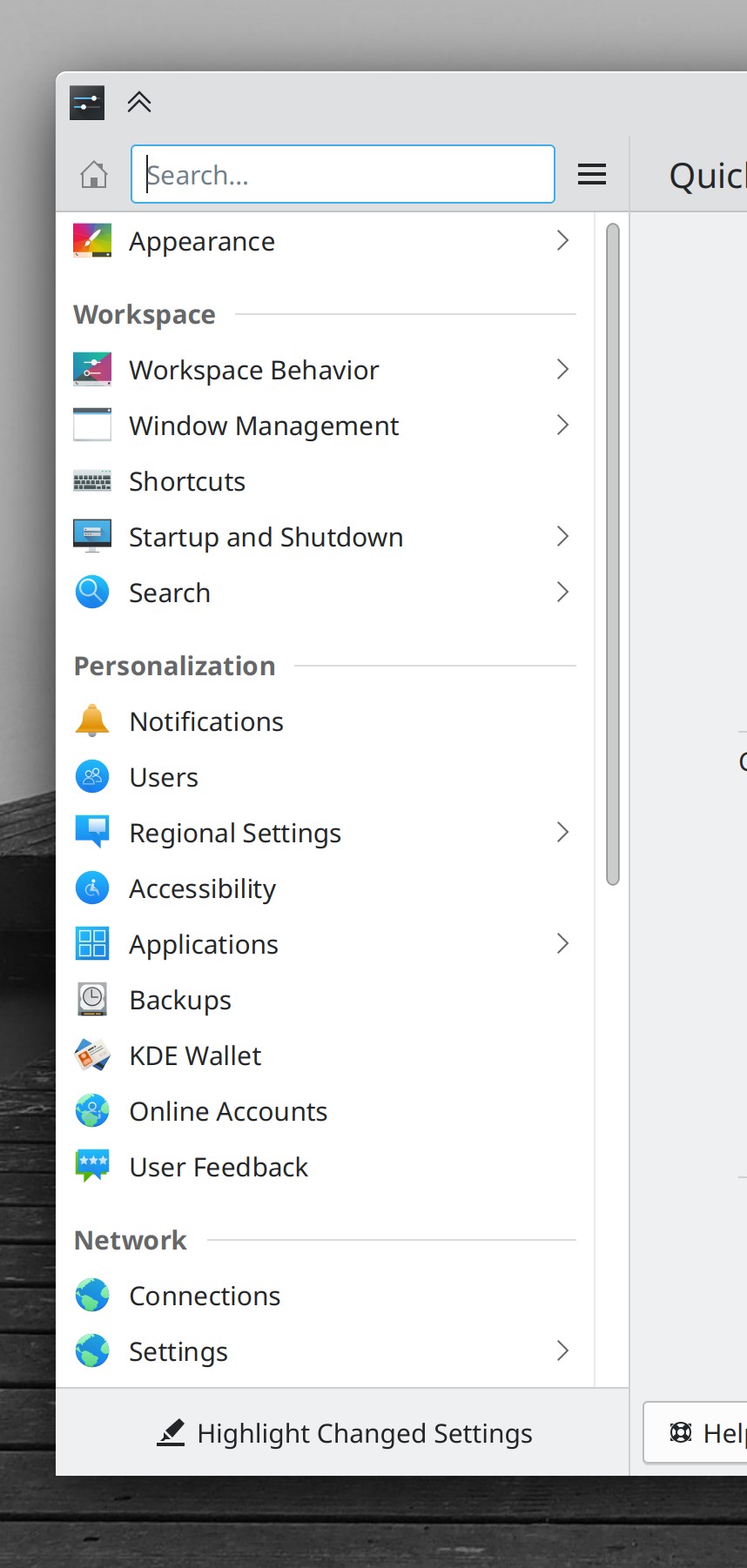
Panel Widgets’ popups are now displayed centered on their Panel when they could be displayed as such without becoming disconnected from their Panel icons (Niccolò Venerandi, Frameworks 5.100. Link)
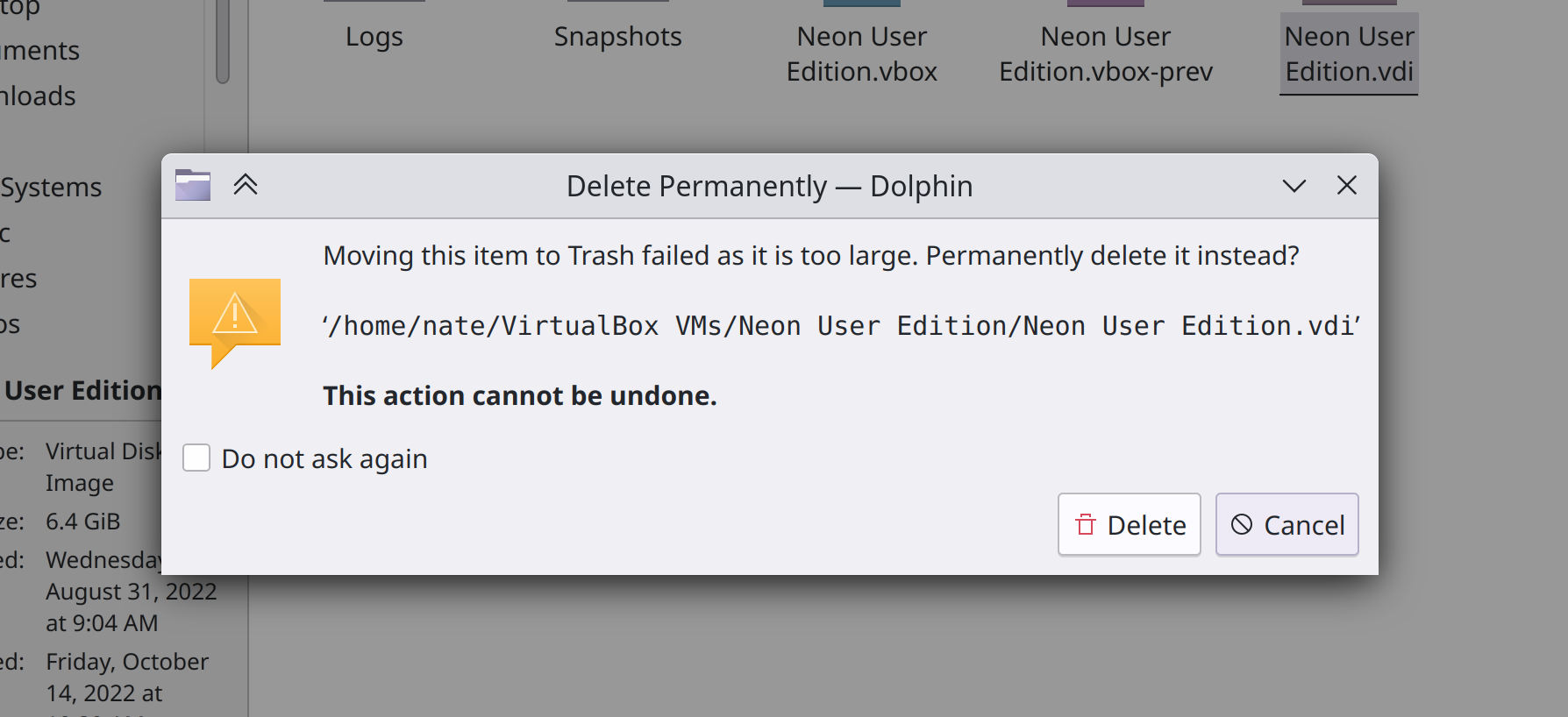
In dialogs where you can permanently delete files, the buttons to do so now say “Delete Permanently” so you can be absolutely sure of what you’re getting yourself into (Guilherme Marçal Silva, Frameworks 5.100. Link)
Significant Bugfixes
(This is a curated list of e.g. HI and VHI priority bugs, Wayland showstoppers, major regressions, etc.)
In the Plasma Wayland session, the “Flat” acceleration profile now works properly (John Brooks, Plasma 5.26.2. Link)
In the Plasma Wayland session, tapping the address bar in Firefox with a touchscreen now always makes the virtual keyboard appear as expected, without you having to focus another app and go back to Firefox first (Xaver Hugl and Xuetian Weng, Plasma 5.26.2. Link)
Fixed one of the most common Plasma crashes when using Plasma Vaults (David Edmundson, Plasma 5.26.3. Link)
Fixed a recently-introduced glitch that could cause it to become difficult to click the top-right-most screen pixel to trigger the close button of a maximized window (Arjen Hiemstra, Plasma 5.26.3. Link)
Fixed a recent regression in the X11 session that would cause maximized windows to not redraw properly when using scaling (Xaver Hugl, Plasma 5.26.3. Link)
In the Plasma Wayland session, clicking and dragging something in Firefox no longer causes the cursor to get stuck in its “grabby hand” state until you drag a tab (Vlad Zahorodnii, Plasma 5.26.3. Link)
Other bug-related information of interest:
- 11 Very high priority Plasma bugs (same as last week). Current list of bugs
- 56 15-minute Plasma bugs (up from 55 last week). Current list of bugs
- 144 KDE bugs of all kinds fixed this week. Full list of bugs
Automation & Systematization
Added a test case for Chromium web app icon display in the Task Manager, so it won’t break or regress again (Nicolas Fella, Plasma 5.27. Link)
Added a test case for panel/containment/screen mappings in Plasma, so we can start to weed out the issues in it without regressing things so often (Marco Martin, Plasma 5.27. Link)
We have a new wiki page that outlines some of the ways people can make a living working on KDE projects (me: Nate Graham. Link)
…And everything else
This blog only covers the tip of the iceberg! If you’re hungry for more, check out https://planet.kde.org, where you can find more news from other KDE contributors.
How You Can Help
If you’re a developer, check out our 15-Minute Bug Initiative. Working on these issues makes a big difference quickly! Otherwise, have a look at https://community.kde.org/Get_Involved to discover ways to be part of a project that really matters. Each contributor makes a huge difference in KDE; you are not a number or a cog in a machine! You don’t have to already be a programmer, either. I wasn’t when I got started. Try it, you’ll like it! We don’t bite!
Finally, consider making a tax-deductible donation to the KDE e.V. foundation.