
The quest to make Discover the most-loved Linux app store continues at Warp 9 speed! You may laugh, but it’s happening! Mark my words, in a year Discover will be a beloved crown jewel of the KDE experience. Here’s what this past week yielded for Discover:
New Features
- Discover now supports snap:// URLs (KDE bug 390298, implemented in KDE Plasma 5.13.0
- Discover now displays a “What’s New” section for apps that define release information with description tags (KDe bug 389482, Implemented in KDE Plasma 5.13):

Bugfixes
- Fixed a bug where searching didn’t work when the main window is narrow and shows an app page (KDE bug 390191, fixed in KDE Plasma 5.12.3)
- Fixed a bug that caused the app list to inappropriately re-order itself after clearing a search (KDE bug 390909, fixed in KDE Plasma 5.12.3)
- Fixed a bug that could cause Discover to get stuck in the “Checking for Updates” state (KDE bug 389072, fixed in KDE Plasma 5.12.3)
- Fixed a bug that could cause a crash when trying to remove a Flatpak app under certain circumstances (KDE bug 390805, fixed in KDE Plasma 5.13.3)
- Fixed a bug that prevented Discover’s App page from being scrolled vertically when the cursor was positioned over the screenshots (KDE bug 389974, fixed in KDE Plasma 5.12.1)
- Fixed a bug where Discover could only launch one version of an app when multiple Flatpak versions were installed (KDE bug 389079, fixed in KDE Plasma 5.12.3)
- Fixed a bug that could cause Discover to crash while opening a .flatpakref file under certain circumstances (KDE bug 390907, fixed in KDE Plasma 5.12)
- Fixed a bug that could cause certain Snap apps to appear to be installed when they weren’t actually installed (KDE bug 390482, fixed in KD Plasma 5.12.3)
UI improvements and polish
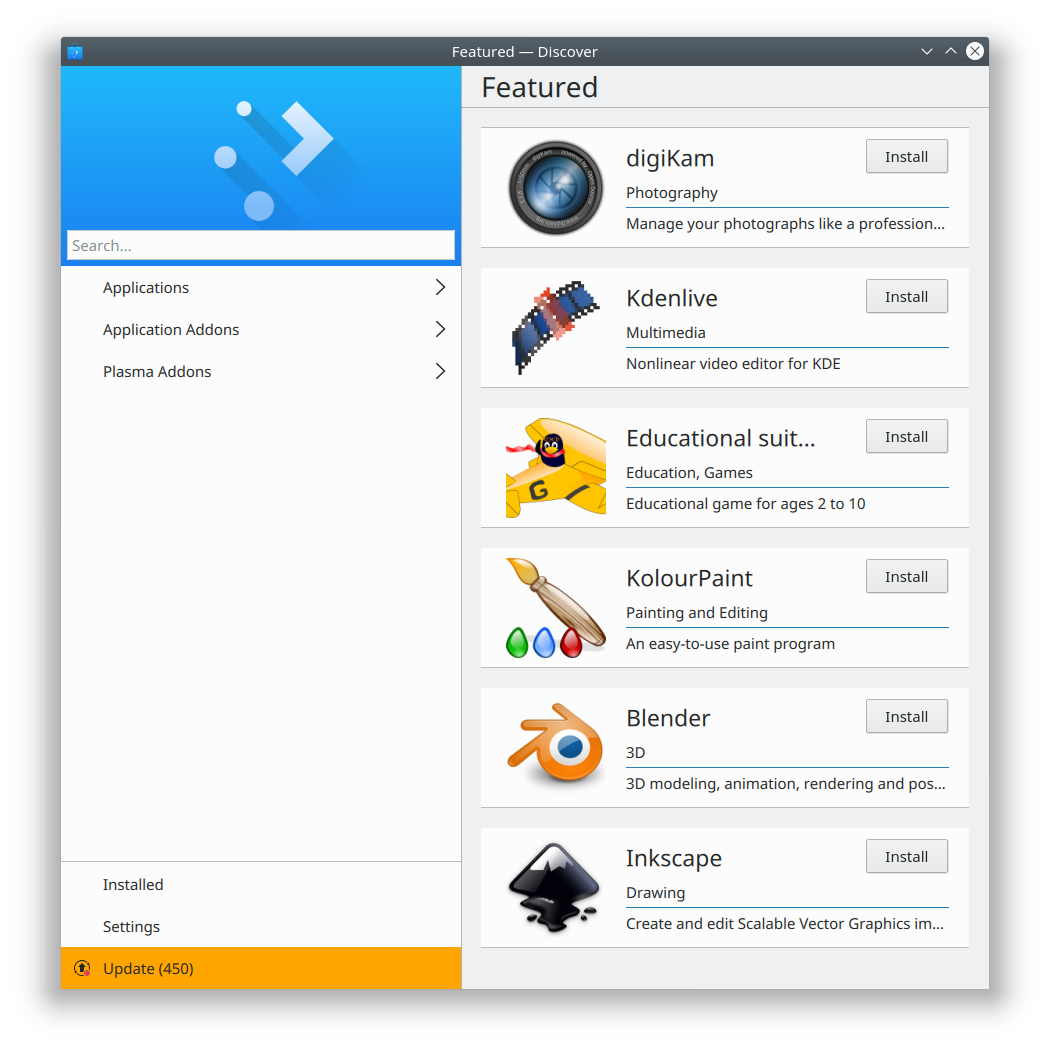
- Discover’s sidebar is now has a more appropriate width (KDE bug 385992, fixed in KDE Plasma 5.12.3):
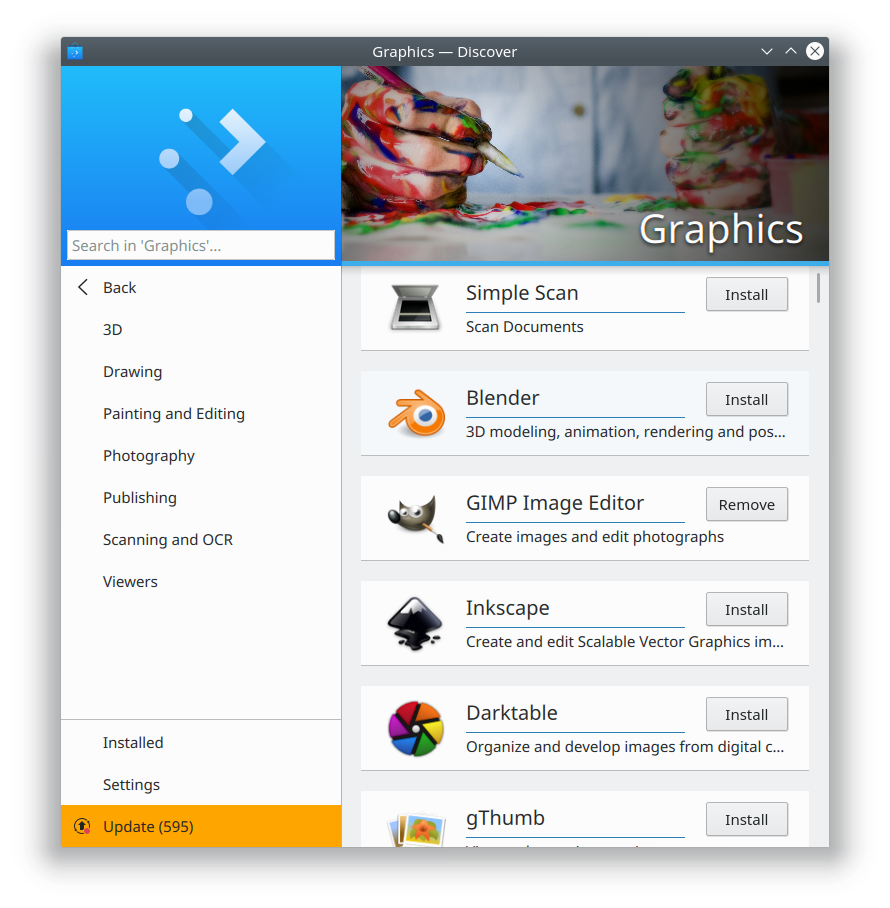
- “Application Addons” section now only has application addons, and “Plasma Addons” category now only has Plasma addons (KDE bug 390594, fixed in KDE Plasma 5.12.2):

- Discover’s Multimedia category now has sub-categories (KDE bug 388933, fixed in KDE Plasma 5.12.2):

These categories are still a little rough and will display some things that shouldn’t be there, but we’re going to refine them over time.
- The horizontal shadow in the screenshots view on Discover’s app page now looks good when using the Breeze Dark theme (KDE Phabricator revision D10701, fixed in KDE Plasma 5.12.3):
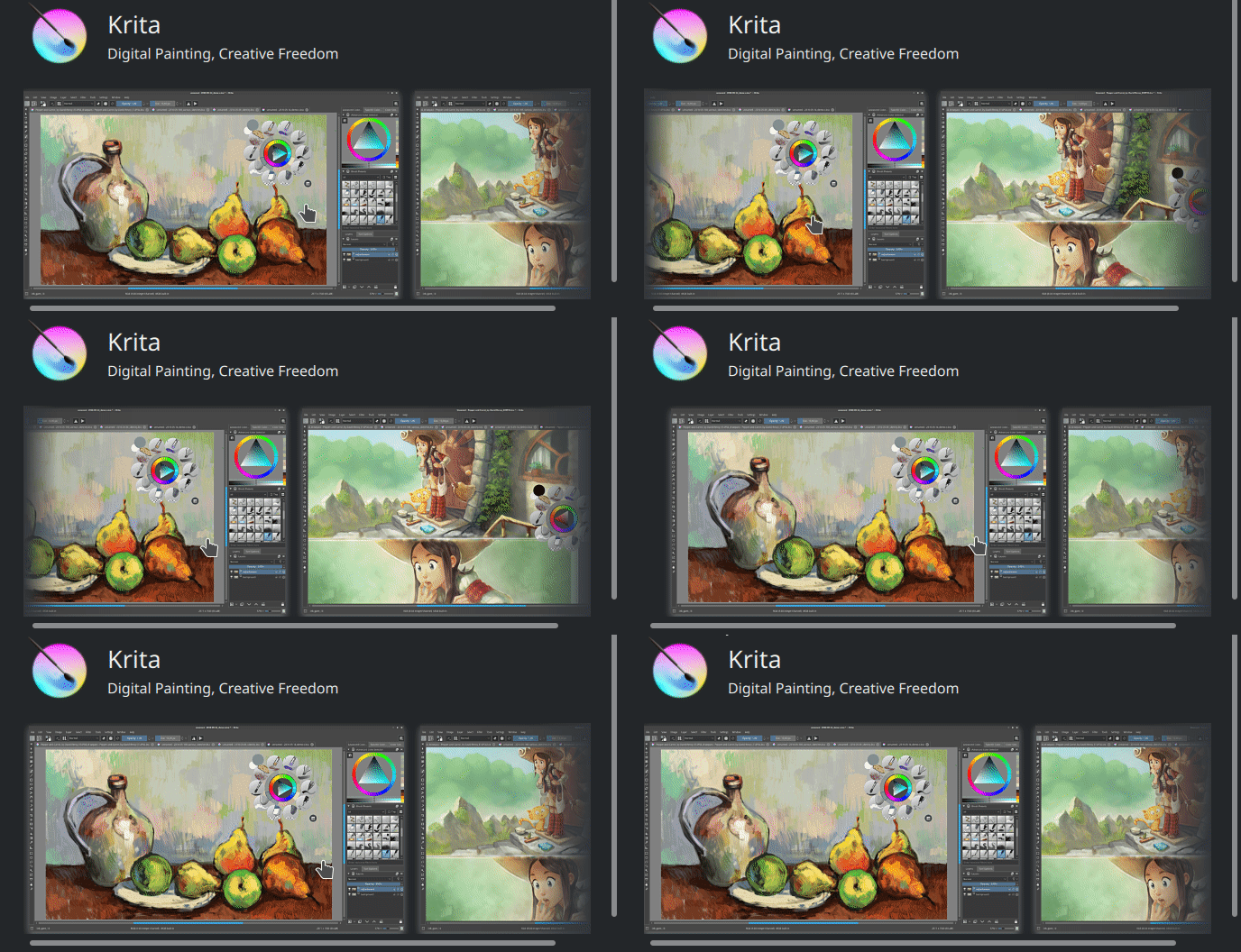
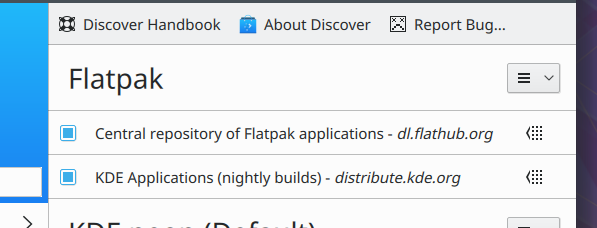
- Discover no longer confusingly points users to non-existent documentation (KDE bug 390401, Fixed in KDE Plasma 5.12.3)
- Discover’s Install and Remove buttons now have the same icon colors in Desktop view as they do in Mobile view (KDE bug 389481, fixed in KDE Plasma 5.13)
- Discover’s “Check for Updates” button is now on the Updates page where it belongs (KDE bug 390347, fixed in KDE Plasma 5.13)
These categories are still a little rough and will display some things that shouldn’t be there, but we’re going to refine them over time.
Like what you see? Be a part of it! Becoming a KDE contributor is easy as pie, and we’re working to streamline the process every day. Help us build something of enduring value during these tumultuous times.
If my efforts seem useful and you’d like to see more of them, consider becoming a patron on Patreon, LiberaPay, or PayPal.

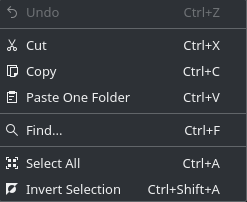
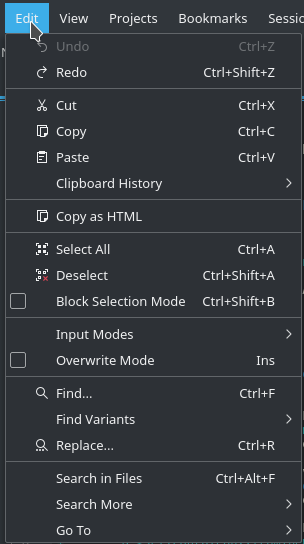





 Note the presence of a close button! Another much-requested feature for Kirigami pop-ups.




 Adventures in Linux and KDE