
This week a whole bunch of longstanding issues got fixed! If you look through the list, I bet you’ll find one or two things that have annoyed you–and no longer! In addition, we did a lot of high-impact Wayland work. Take a look:
New Features
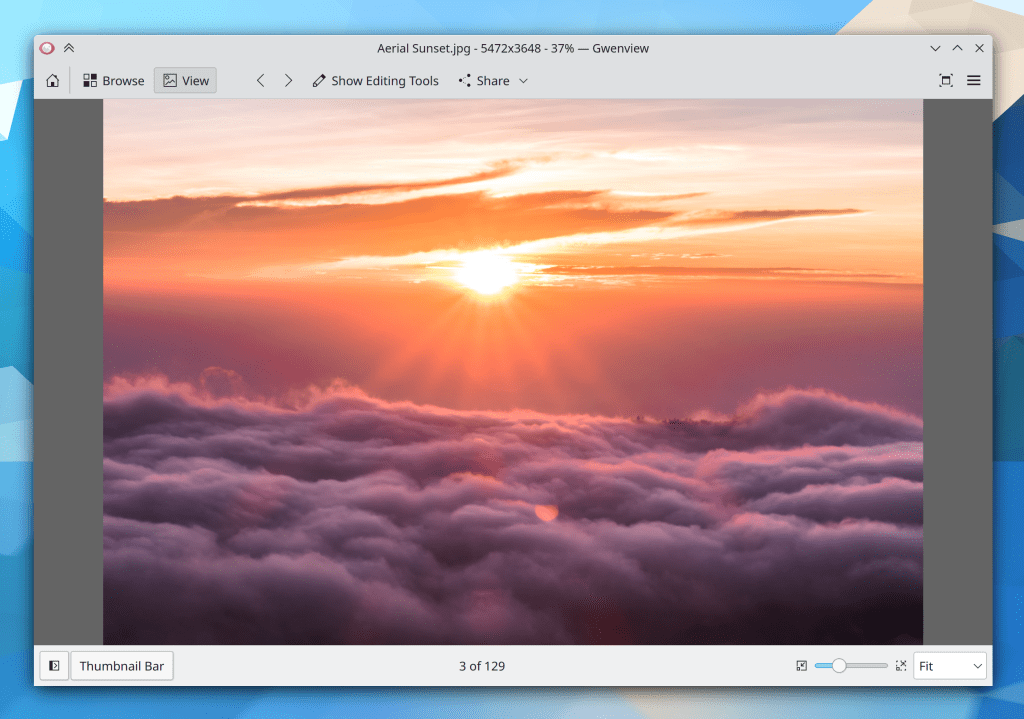
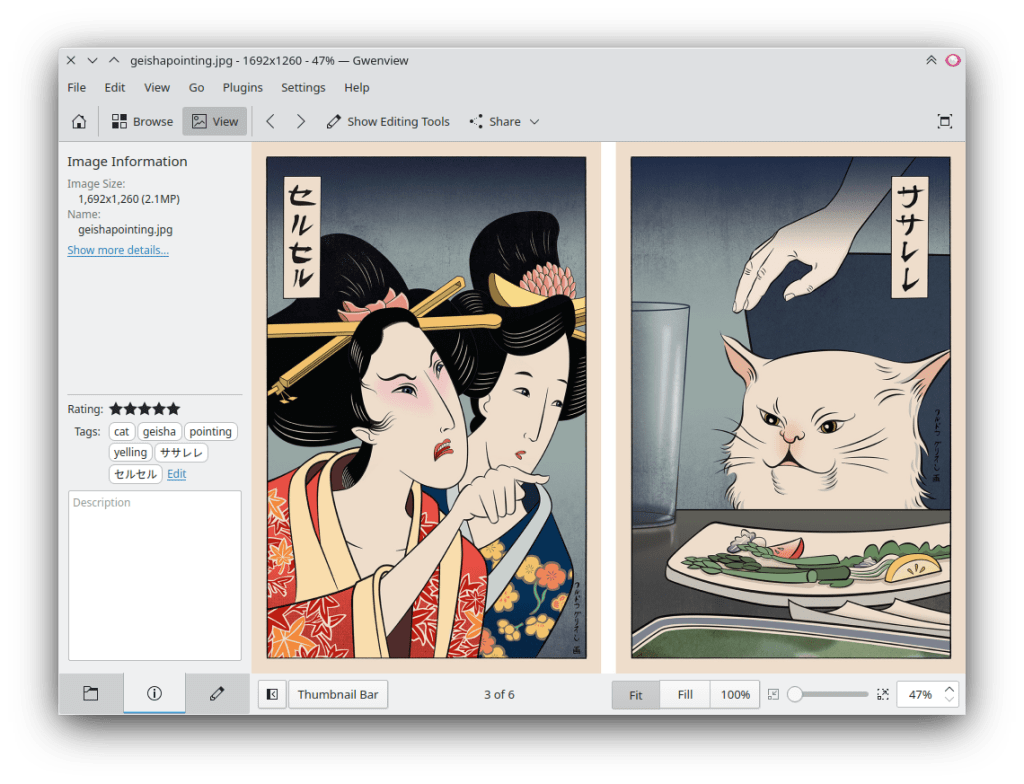
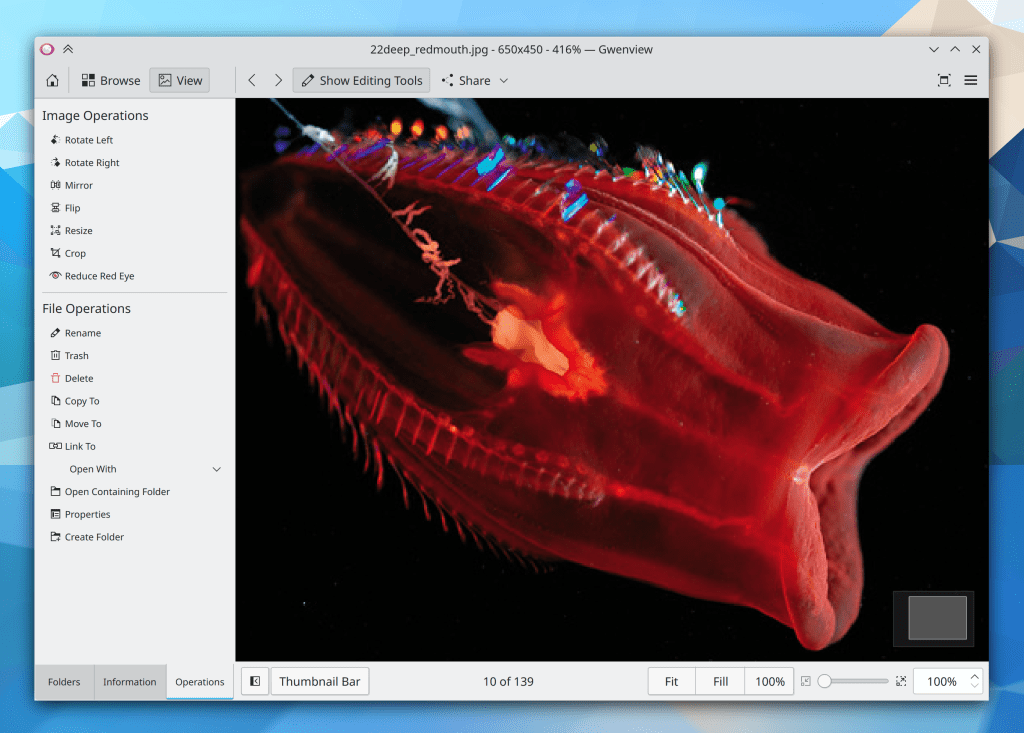
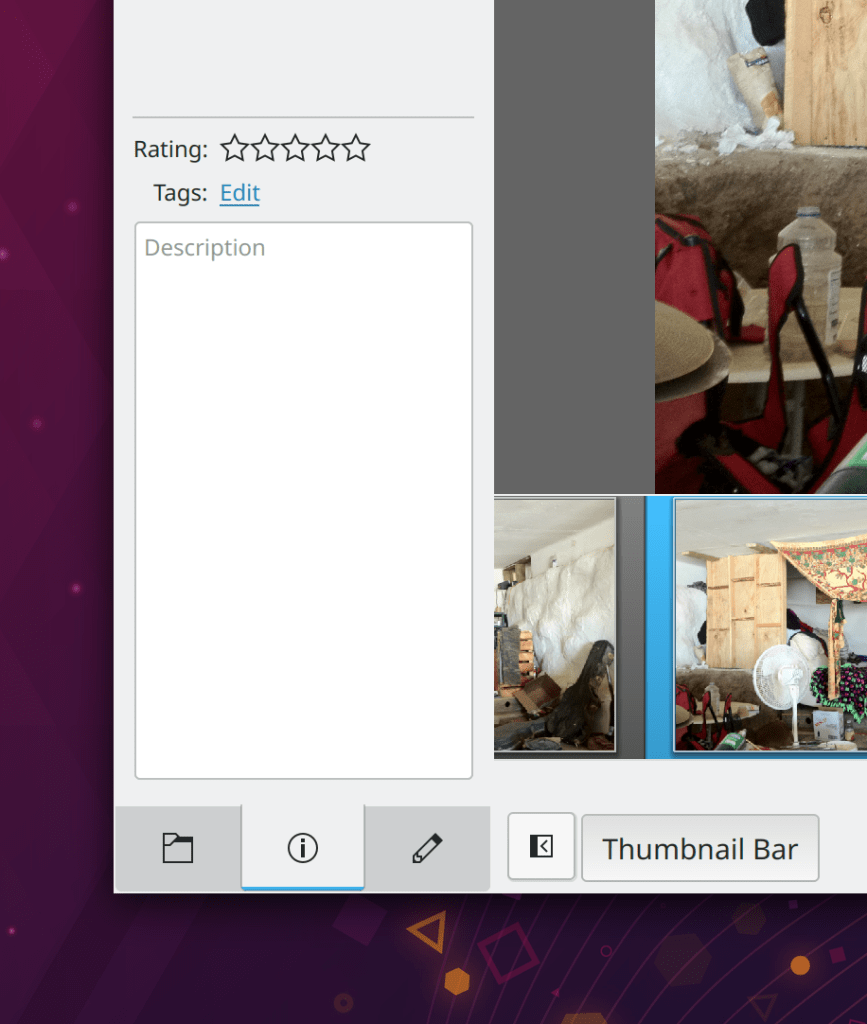
Dolphin is now able to display thumbnail sequences for thumbnailers that support it when you hover over files and folders (David Lerch, Dolphin 21.08):
KWin window rules can now target special OSD windows like Firefox’s picture-in-picture overlay (David Edmundson, Plasma 5.23)
In addition to the overscan property, KWin now supports setting the underscan too (Xaver Hugl, Plasma 5.23)
A wide variety of features in KDE apps which rely on the Solid library now work on OpenBSD thanks to new UDisks2 support (Rafael Sadowski, Frameworks 5.85)
Bugfixes & Performance Improvements
Spectacle no longer crashes when using any of the image uploading plugins that come from the legacy Kipi plugins system (Adriaan de Groot, Spectacle 21.08)
Okular now shows the alt text (if set) for inaccessible images in Markdown documents (Yuri Chornoivan, Okular 21.08)
In the Plasma Wayland session with the Wobbly Windows effect enabled, GTK windows no longer fly off in bizarre random directions when dragged with a touchscreen (Xaver Hugl, Plasma 5.22.3)
When using an Nvidia GPU with the proprietary driver in the Plasma Wayland session, XWayland windows that are toggled between full screen and windowed modes no longer sometimes stop updating (Erik Kurzinger, Plasma 5.23)
Task Manager tooltips can no longer make Plasma hang or lag when the tooltip attempts to display album art that is located on a slow or inaccessible location (Kai Uwe Broulik, Plasma 5.22.3)
The Meta Key shortcut to open the default launcher no longer sometimes just randomly breaks (Andrey Butirsky, Plasma 5.23)
In the Plasma Wayland session, touch input no longer get scrambled up by quick tile operations (Xaver Hugl, Plasma 5.22.3
In the Plasma Wayland session when using a high DPI scale factor, GTK app windows no longer display a variety of their UI elements at too small a size (David Edmundson, Plasma 5.22.4)
System Settings’ Keyboard page is now fully translatable, so the missing translations should be added soon (David Edmundson, Plasma 5.22.4)
You are no longer warned via notification that your S.M.A.R.T. enabled disk is showing signs of instability. This generated too many false positives due to disks reporting their status incorrectly or inaccurately characterizing transient conditions as instability. You are still warned for normal error conditions though! (Harald Sitter, Plasma 5.22.4)
In the Plasma Wayland session, right-clicking on a Task Manager task now does what it should instead of closing the context menu when the task’s tooltip disappears (David Redondo, Plasma 5.23)
In the Plasma Wayland session, certain non-resizable windows no longer erroneously display Maximize buttons (Plasma 5.23)
Task Manager tooltips now consume less memory (Fushan Wen, Plasma 5.23)
In the Plasma Wayland session, native wayland apps making use of “subsurfaces” are now positioned correctly when they ask to be positioned below their parent window (Vlad Zahorodnii, Plasma 5.23)
Improved the speed of access for reading global config files, which should slightly make many things a tiny bit faster, including app startup (Aleix Pol Gonzalez, Frameworks 5.85)
Updating certain types of GHNS items in various apps such as KStars now works again (Dan Leinir Turthra Jensen, Frameworks 5.85)
User Interface Improvements
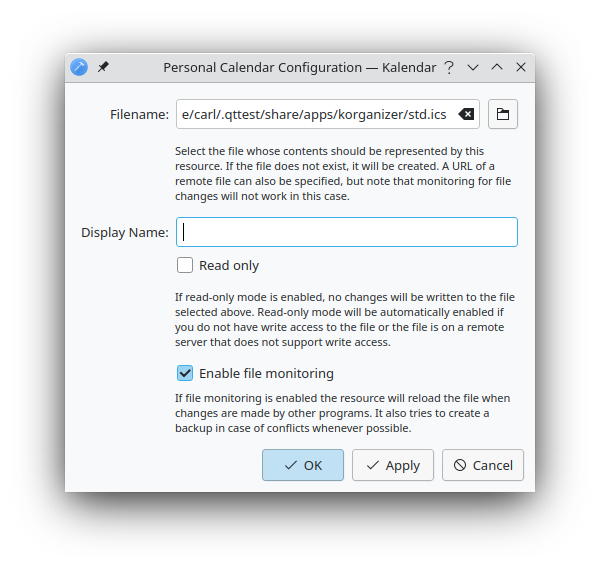
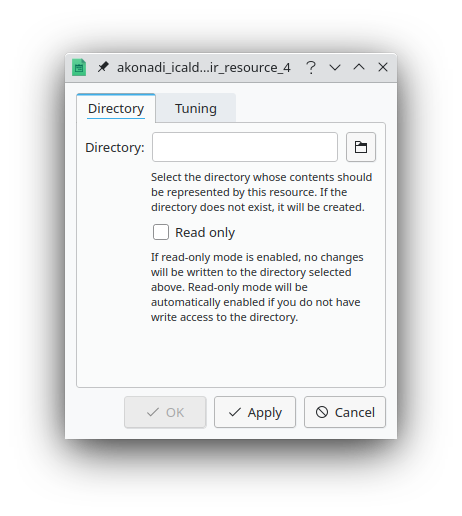
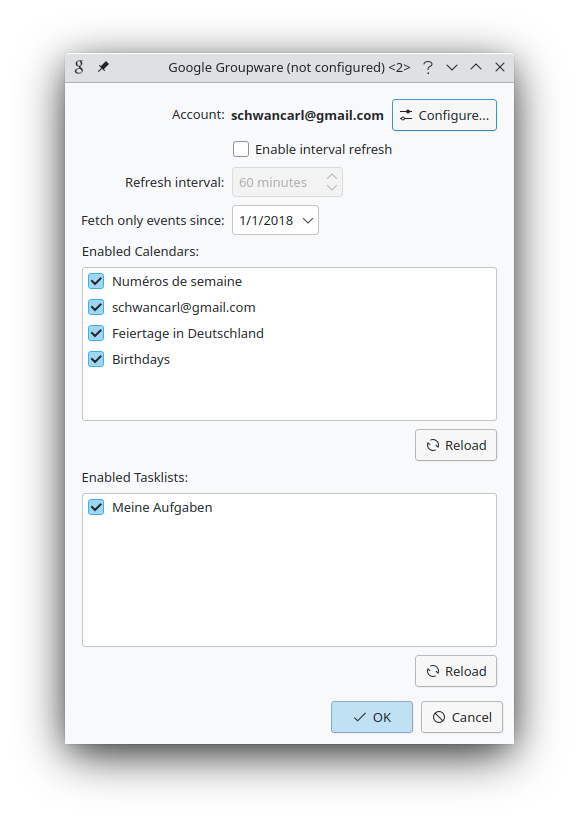
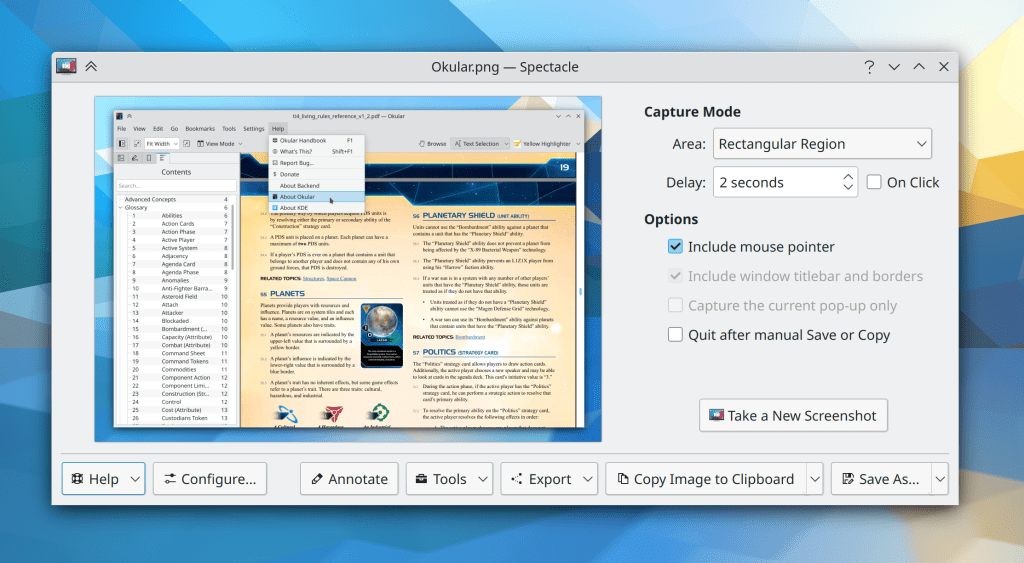
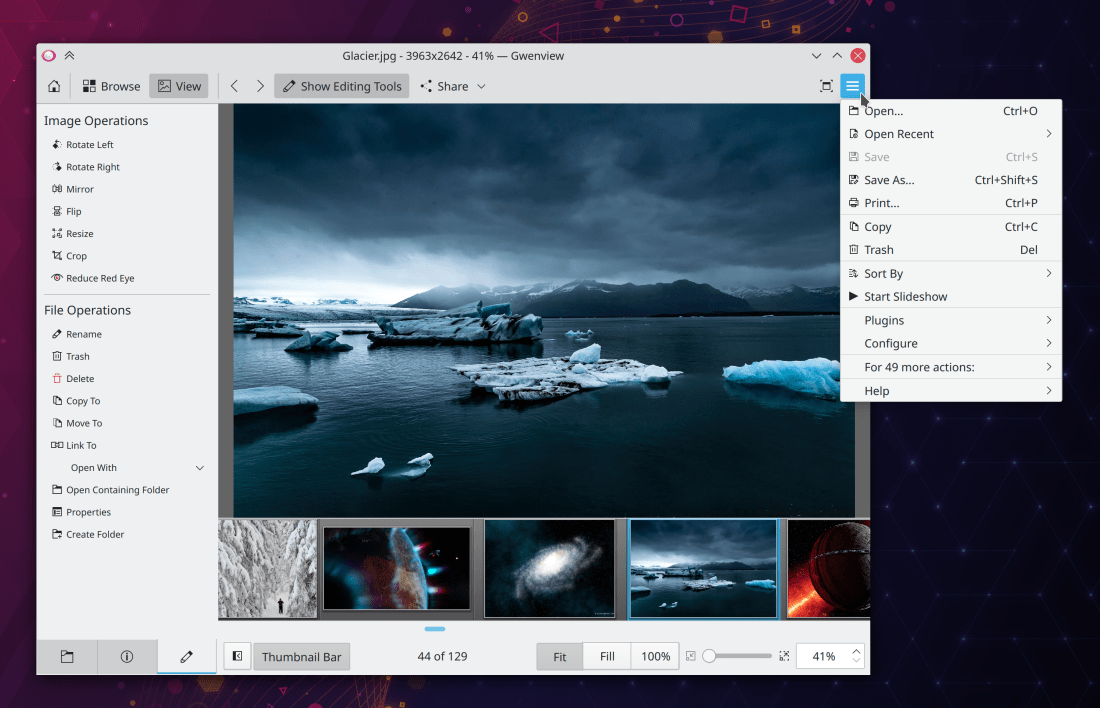
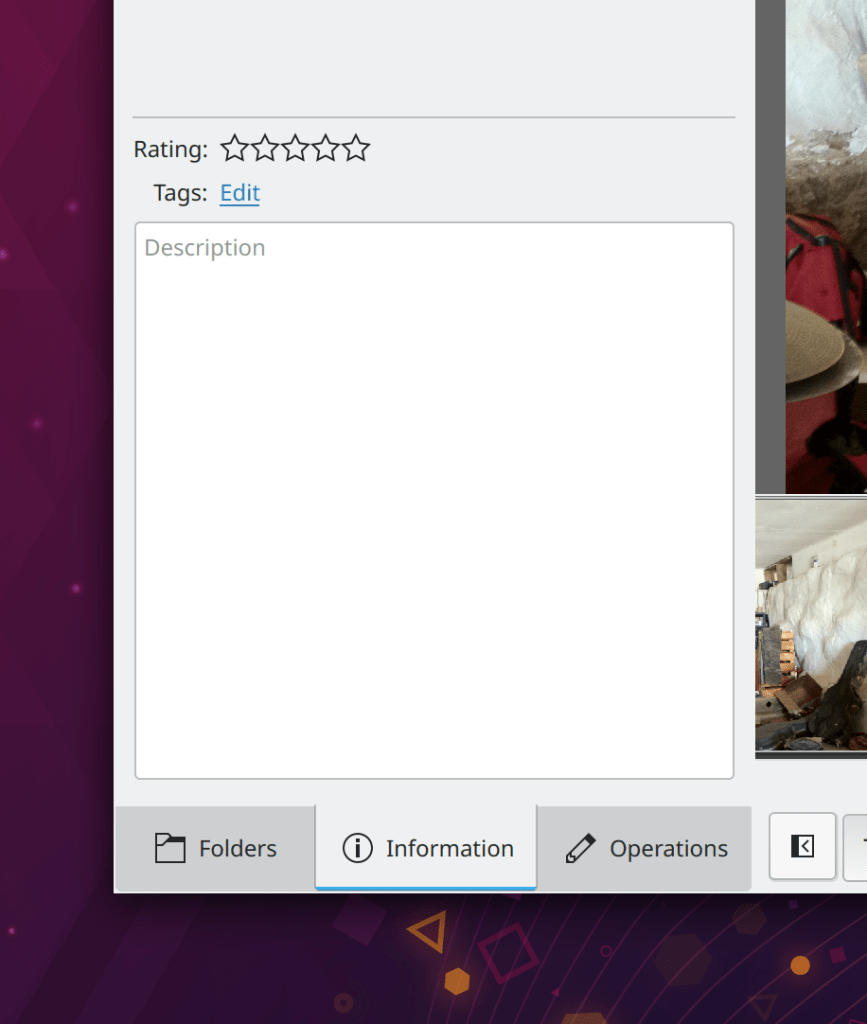
A variety of dialogs throughout KMail and the other PIM apps have been modernized and de-framed (Carl Schwan, KDE PIM 21.08):

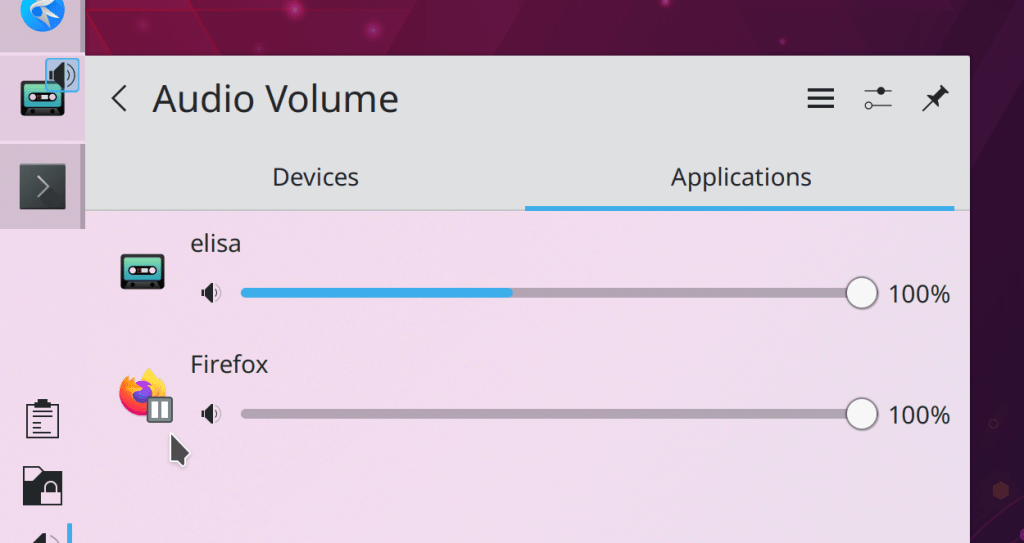
When an app is playing media, the Task Manager thumbnails for each of its windows now only show album art from that media when the window title matches the media; this should fix the problem of all windows always showing album art instead of thumbnails in virtually all cases! (Bharadwaj Raju, Plasma 5.23):
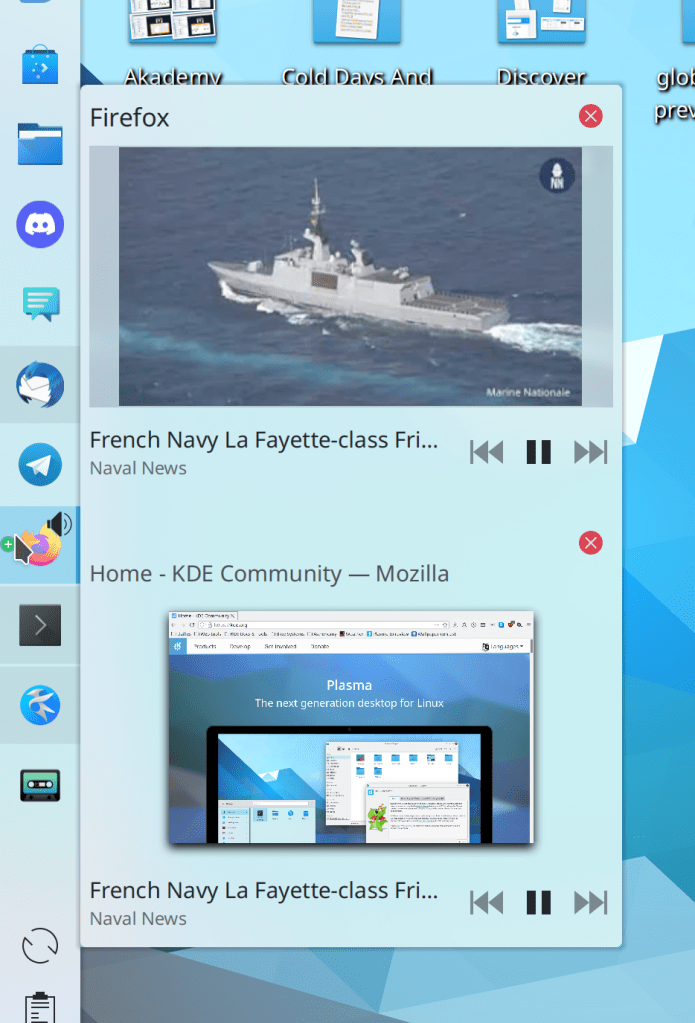
The list of screen refresh rates in System Settings’ Display Configuration page is now sorted in descending order (Ivan Tkachenko, Plasma 5.23
When hovering over a source button in Discover, the tooltip now tells you specifically which repo within the source it comes from, in the case that the backend has multiple repos configured (Aleix Pol Gonzalez, Plasma 5.23)
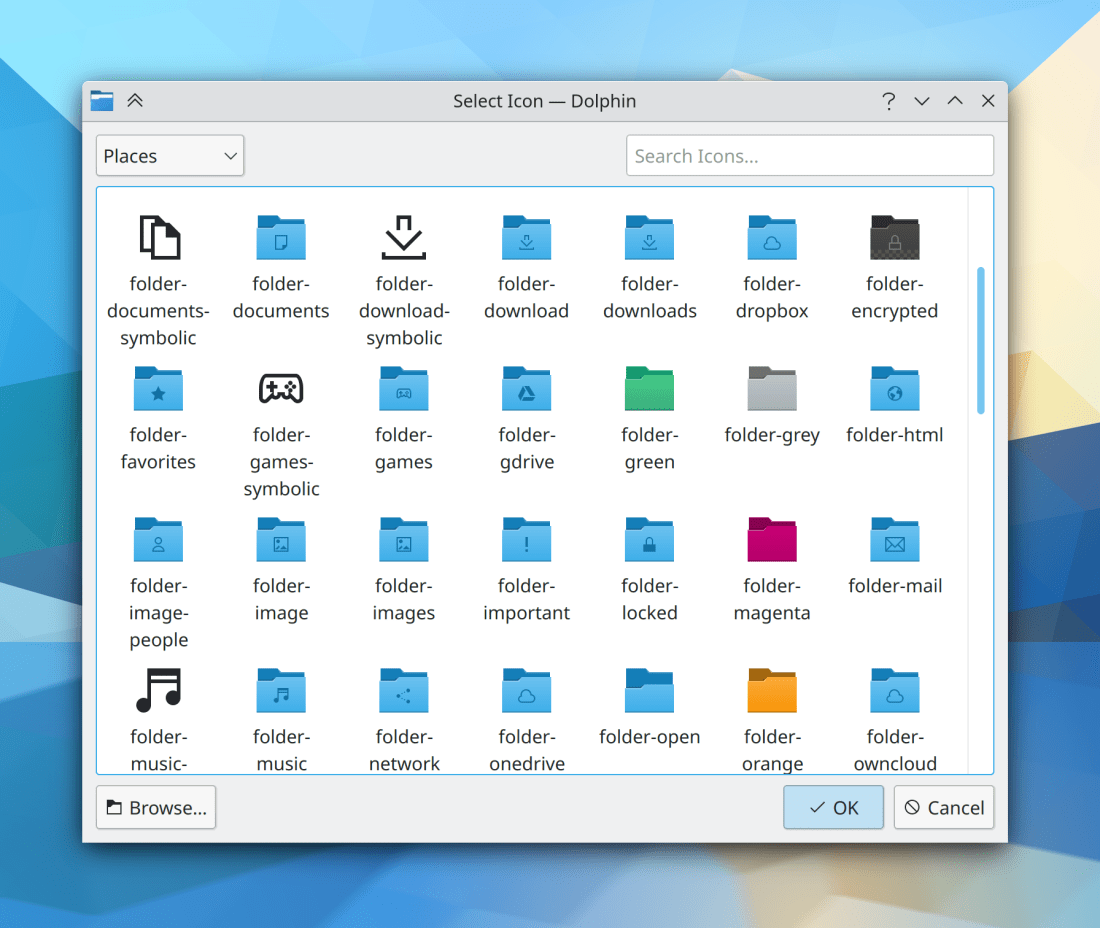
The icon chooser dialog has gotten a visual and UX overhaul and now shows SVG icons accurately for high DPI users (Kai Uwe Broulik, Frameworks 5.85):

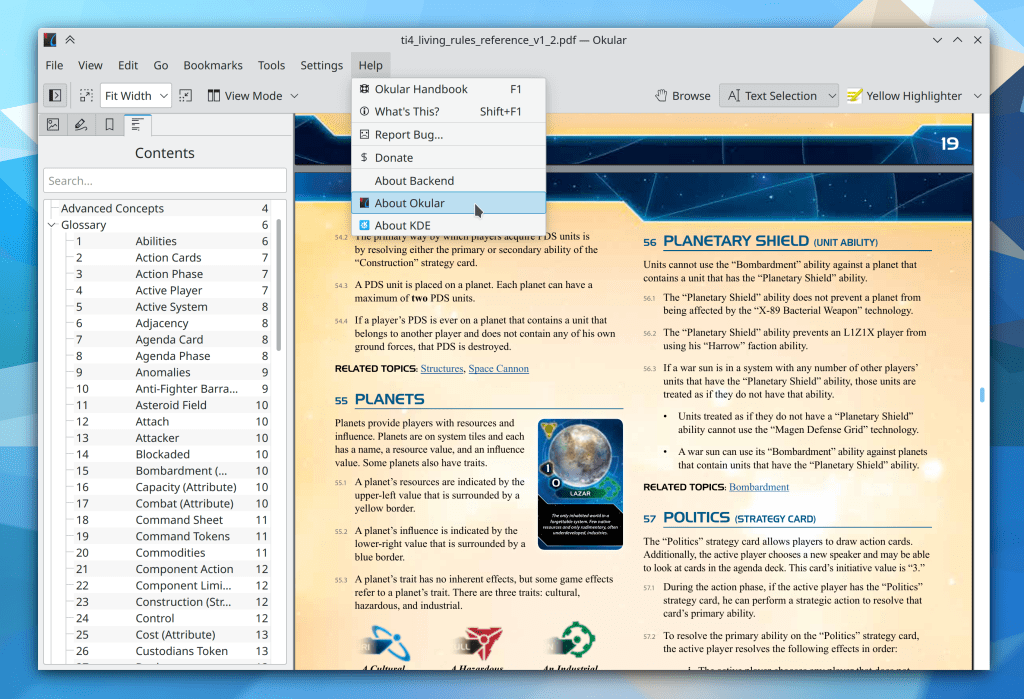
“About” pages in each Kirigami-based app now mention the full name of the app itself and also display the role/type of work done for each contributor (if that data is set) (Felipe Kinoshita, Frameworks 5.85):

…And everything else
Keep in mind that this blog only covers the tip of the iceberg! Tons of KDE apps whose development I don’t have time to follow aren’t represented here, and I also don’t mention backend refactoring, improved test coverage, and other changes that are generally not user-facing. If you’re hungry for more, check out https://planet.kde.org/, where you can find blog posts by other KDE contributors detailing the work they’re doing.
How You Can Help
Have a look at https://community.kde.org/Get_Involved to discover ways to be part of a project that really matters. Each contributor makes a huge difference in KDE; you are not a number or a cog in a machine! You don’t have to already be a programmer, either. I wasn’t when I got started. Try it, you’ll like it! We don’t bite!
Finally, consider making a tax-deductible donation to the KDE e.V. foundation.











 Adventures in Linux and KDE