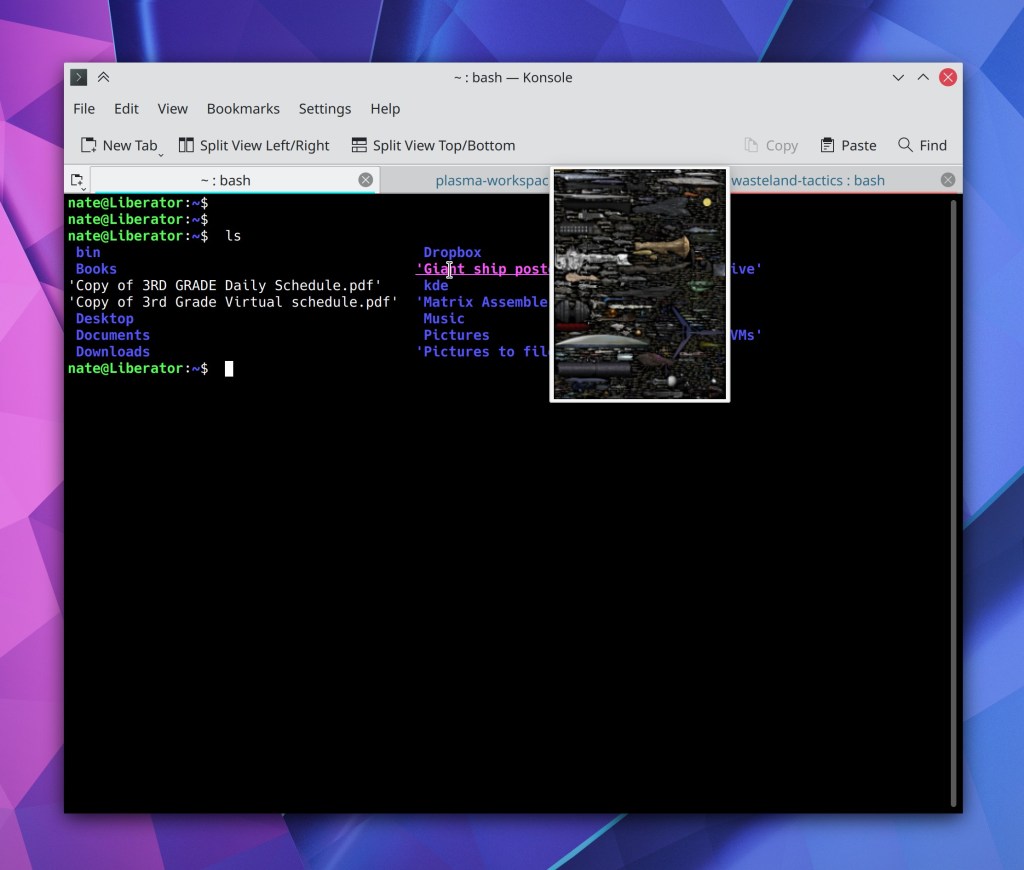
This week a huge new feature landed in Konsole: it now reflows the text when you resize the window! This feature can be turned off if you don’t like it, but comes on by default. It works really well. Thanks very much to Carlos Alves and Tomaz Canabrava for this work! It will be released in Konsole 21.04.
Other New Features
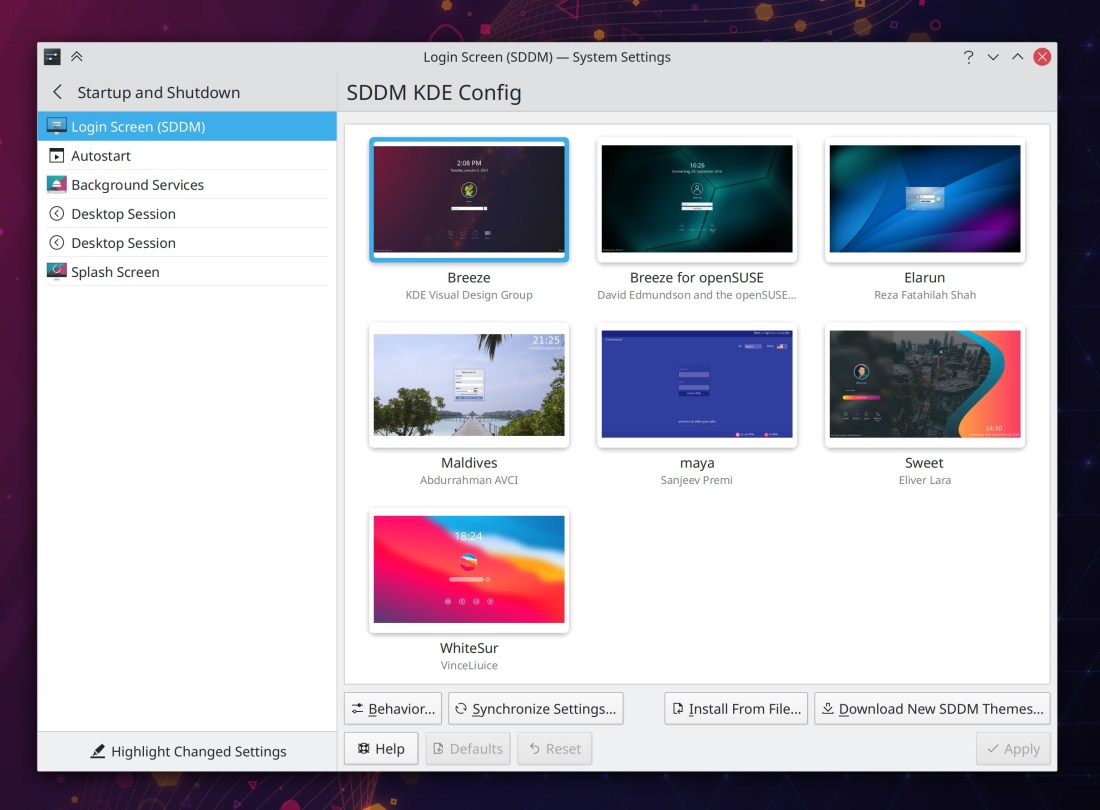
Gwenview now lets you optionally use a solid black color while in full screen view (Antonio Prcela, Gwenview 21.04):
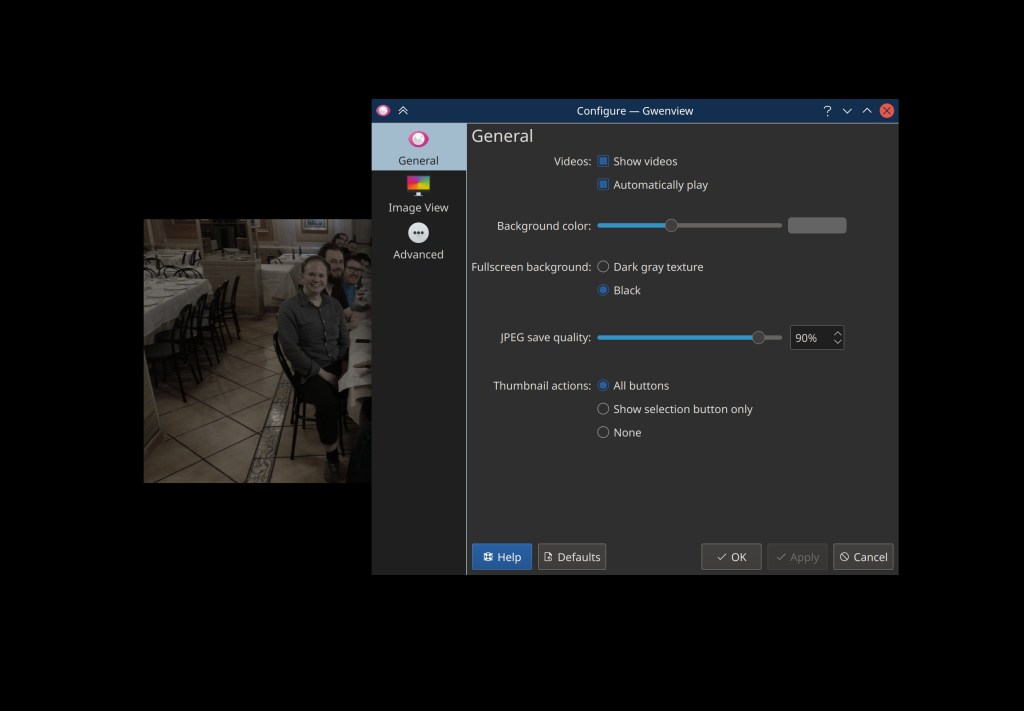
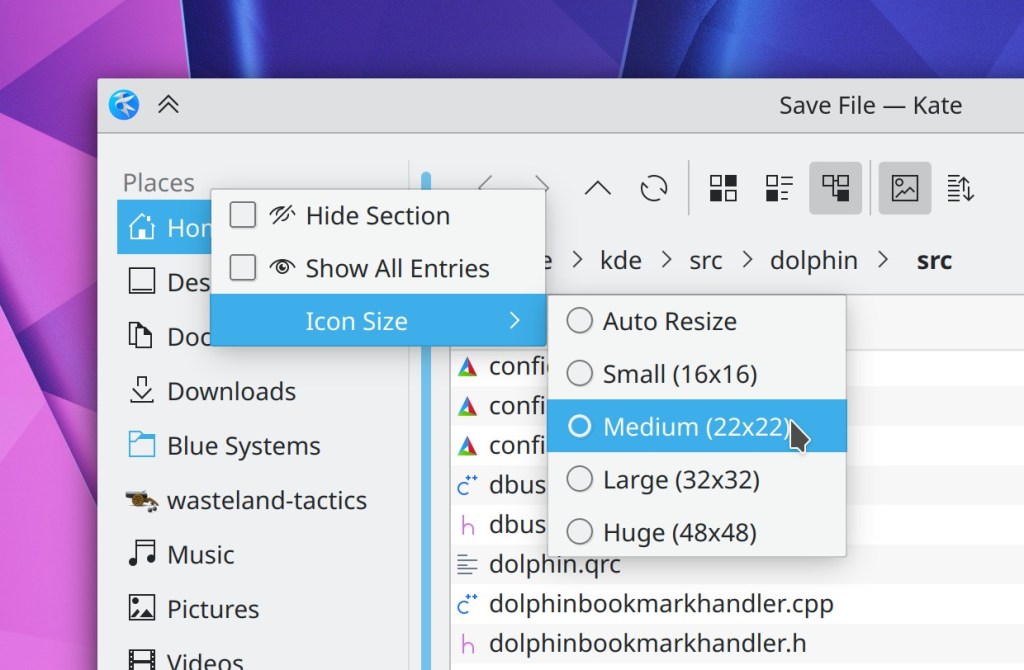
Dolphin now lets you configure whether newly-opened tabs go at the end of the tab bar, or after the current tab (Anthony Fieroni, Dolphin 21.04):
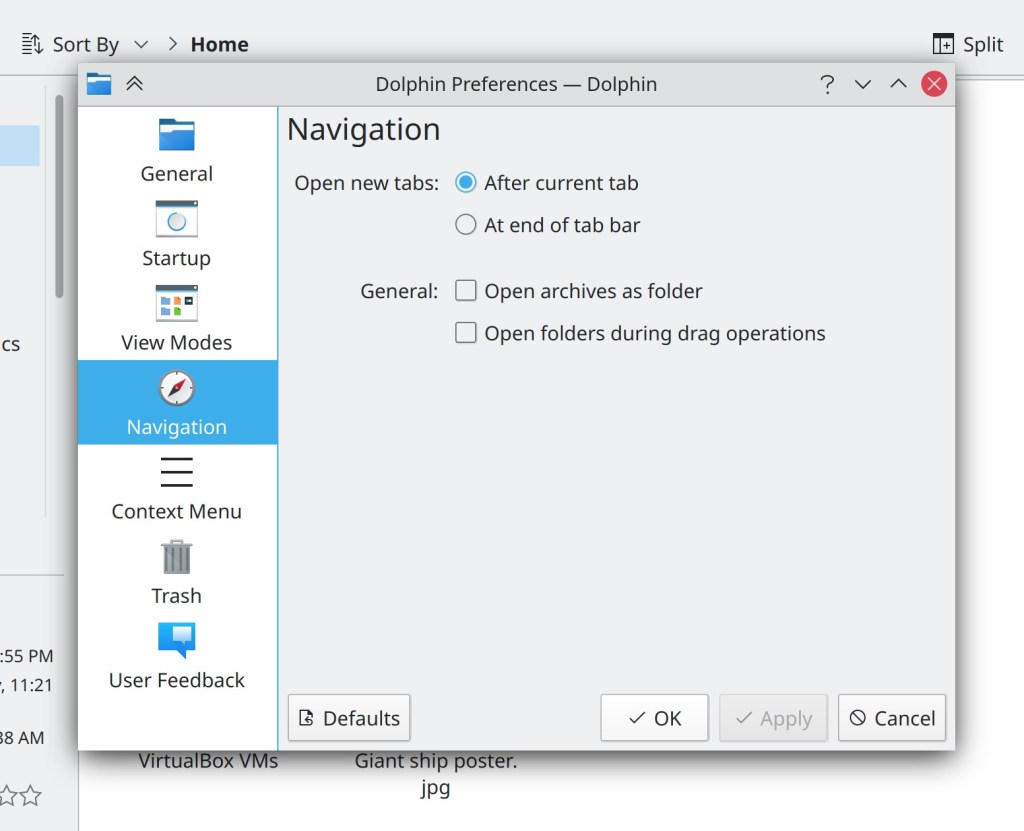
Ark now supports ARJ archives (Natsumi Higa, Ark 21.04)
Bugfixes & Performance Improvements
Spectacle now lets you change the default screenshot file format when using a non-English language (Nicolas Fella, Spectacle 20.12.2)
Elisa no longer crashes when you enqueue a song accessed using the filesystem browser view (Matthieu Gallien, Elisa 20.12.2)
Adding radio streams in Elisa now works again (Sven Marquardt, Elisa 20.12.2)
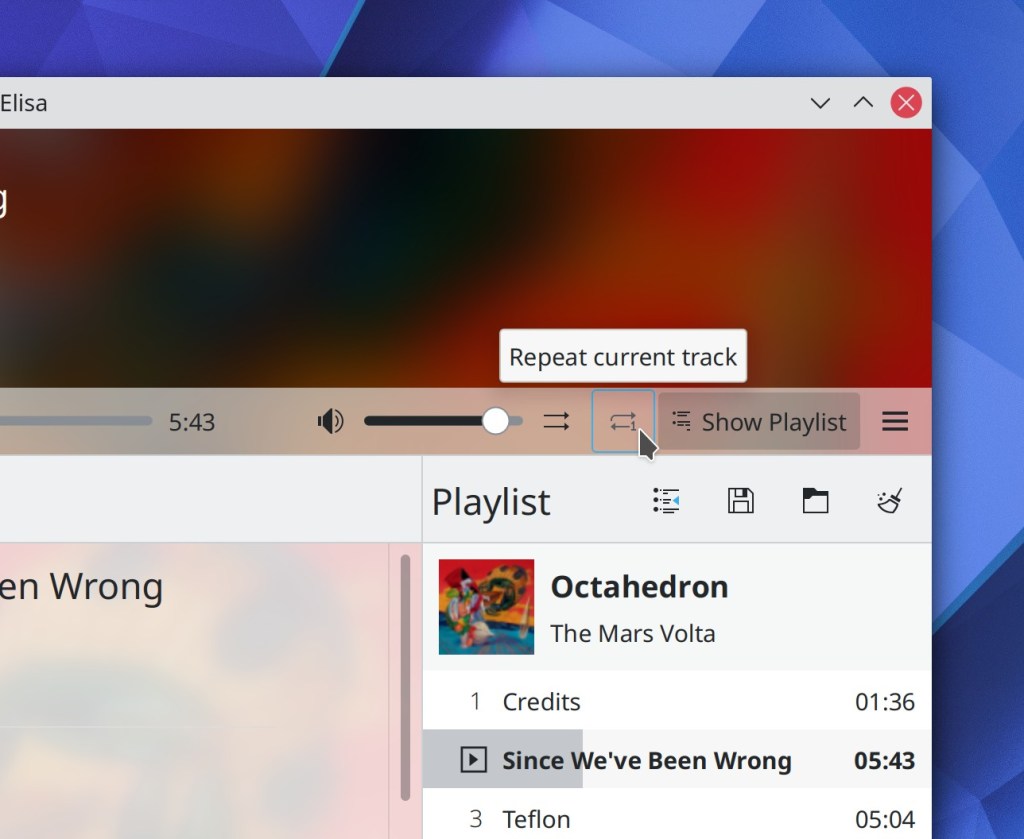
Elisa’s “Show current track” button once again works (me: Nate Graham, Elisa 20.12.2)
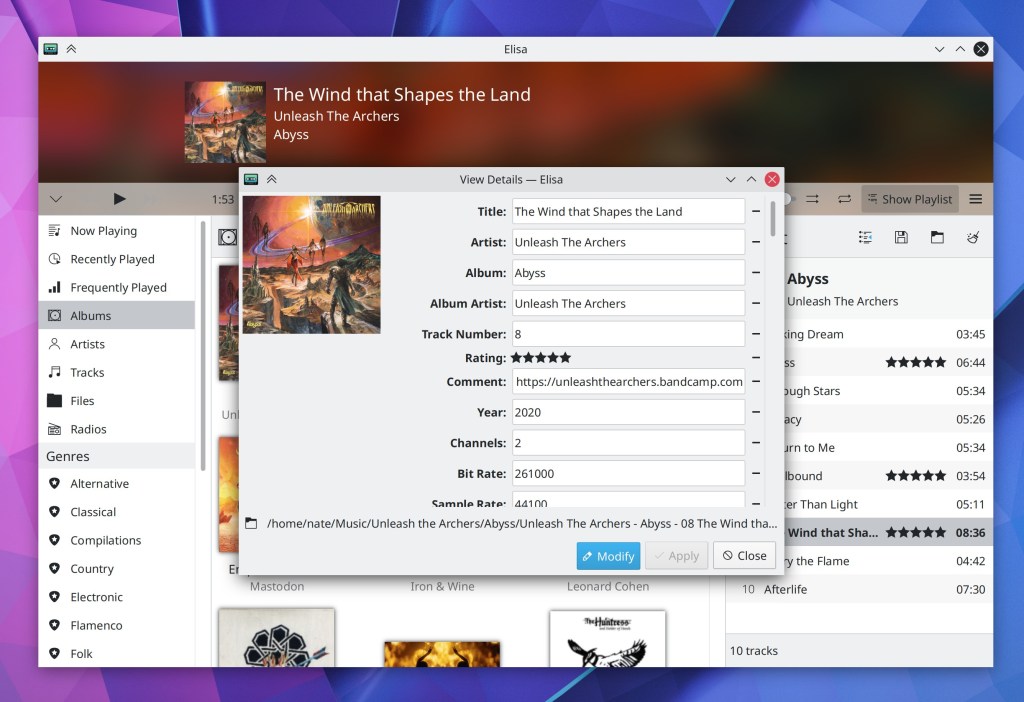
The “Apply” button of Elisa’s settings window now activates and deactivates at the correct times (Matthieu Gallien, Elisa 21.04)
When using a vertical panel, the date displayed below the clock no longer sometimes becomes huge (Marco Martin, Plasma 5.21)
Plasma no longer freezes when an app sends many notifications in quick succession (Kai Uwe Broulik, Plasma 5.21)
Fixed various issues with Breeze theme context menu borders sometimes being invisible or pure black (David Redondo, Plasma 5.21)
The Global Menu applet now updates properly when focus is changed to or from a GTK app (David Edmundson, Plasma 5.21)
When pulling up the virtual keyboard on the login or lock screen, the password field now remains focused, so the characters you type no longer disappear into the void without manually re-focusing it first (me: Nate Graham, Plasma 5.21)
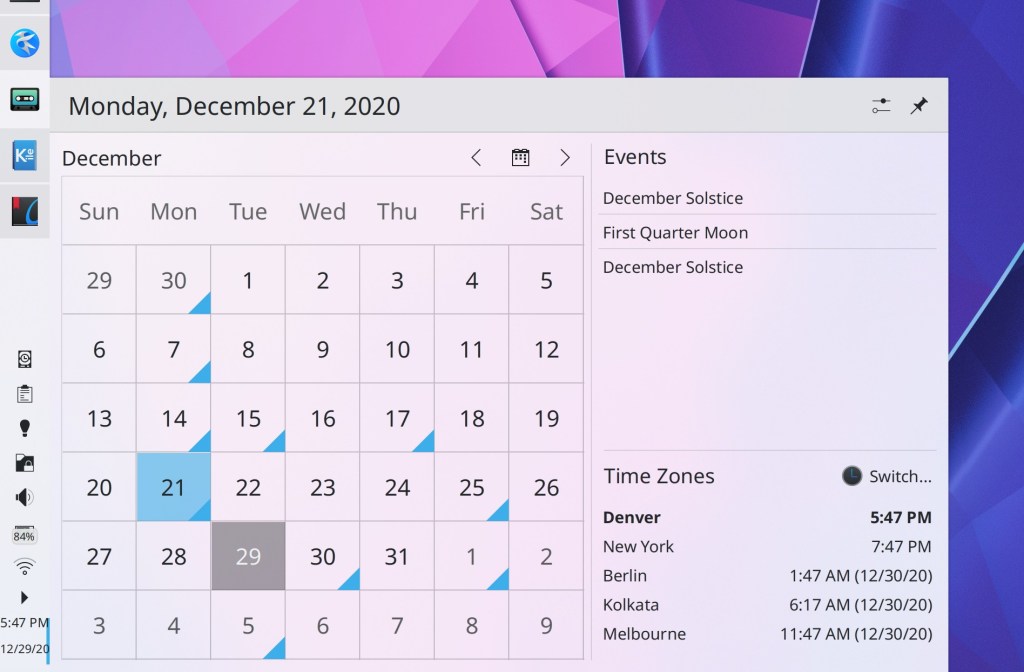
After enabling any calendar plugins in the Digital Clock, the calendar panel now appears instantly, rather than requiring Plasma to be restarted first (Nicolas Fella, Plasma 5.21)
Discover’s sidebar header no longer sometimes overlaps the contents after resizing the window (Marco Martin, Plasma 5.21)
Fixed a case where a newly-created panel could be placed on the wrong screen in a multi-screen setup (Xaver Hugl, Plasma 5.21)
KRunner once again parses and interprets hexadecimal input correctly (Alexander Lohnau, Plasma 5.21)
Country code labels in System Settings’ Keyboard page are now legible when using a light color scheme with a Dark Plasma theme (or the reverse) (me: Nate Graham, Plasma 5.21)
Aborting a change in System Setting’ Users page by canceling the authentication dialog no longer causes the changes to be applied anyway (Nicolas Fella, Plasma 5.21)
KDE Connect no longer sometimes crashes when it gets spammed with notifications (Nicolas Fella, Frameworks 5.79)
Kirigami icons in apps now consume a bit less memory, which will appreciably reduce memory usage for apps that have a lot of icons (David Edmundson, Frameworks 5.79)
User Interface Improvements
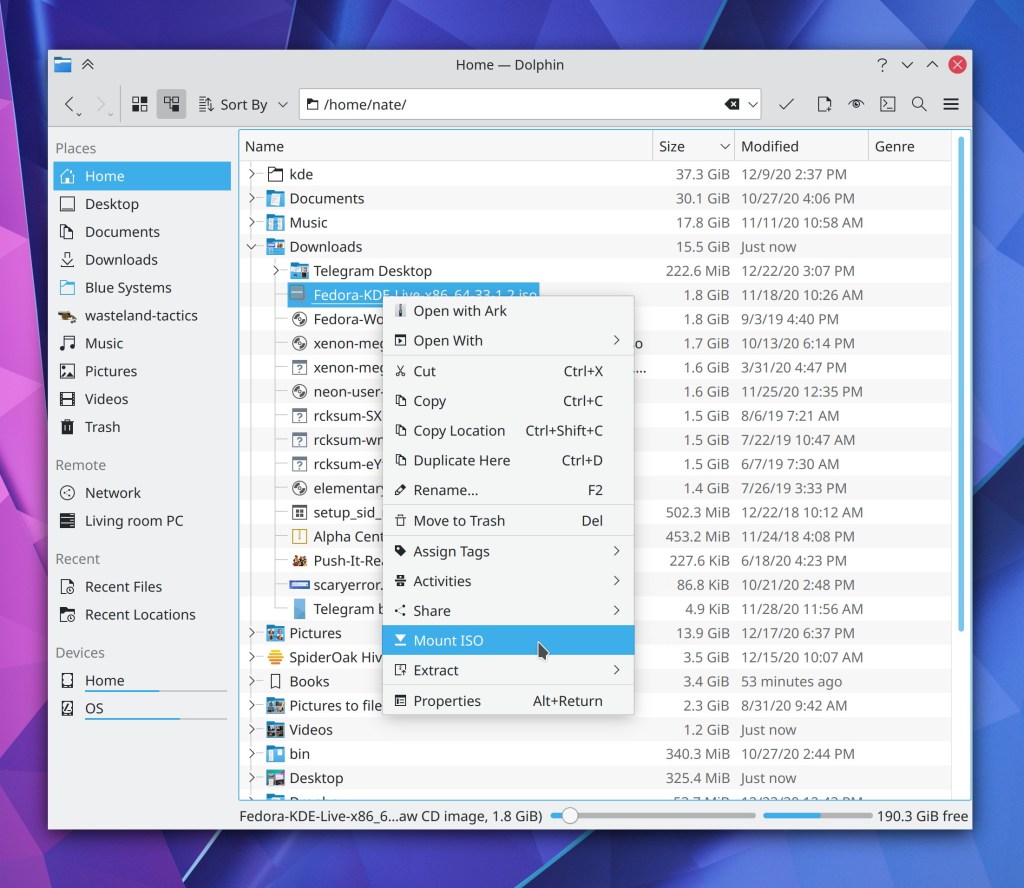
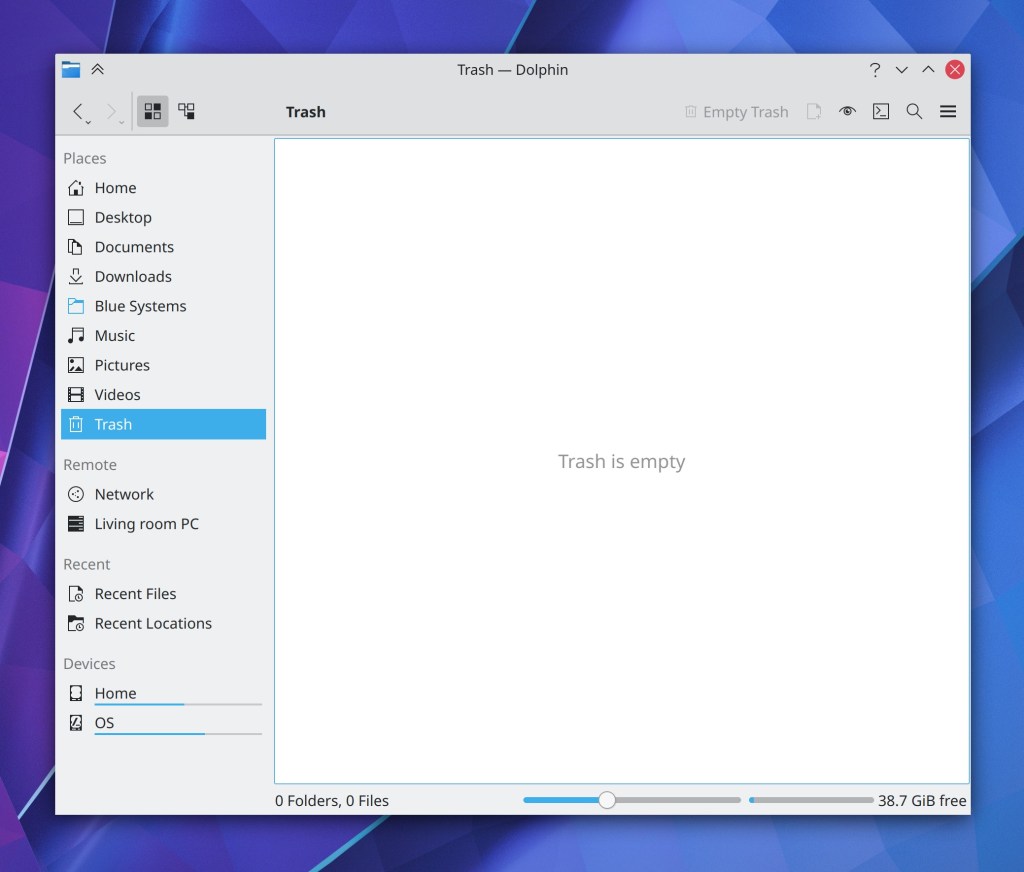
Dolphin now lets you decompress multiple archive files at a time via the context menu item (Elvis Angelaccio, Ark 20.12.2)
Ark’s preview window now closes when you hit the default “close window” shortcut (typically Ctrl+W) (Méven Car, Ark 21.04)
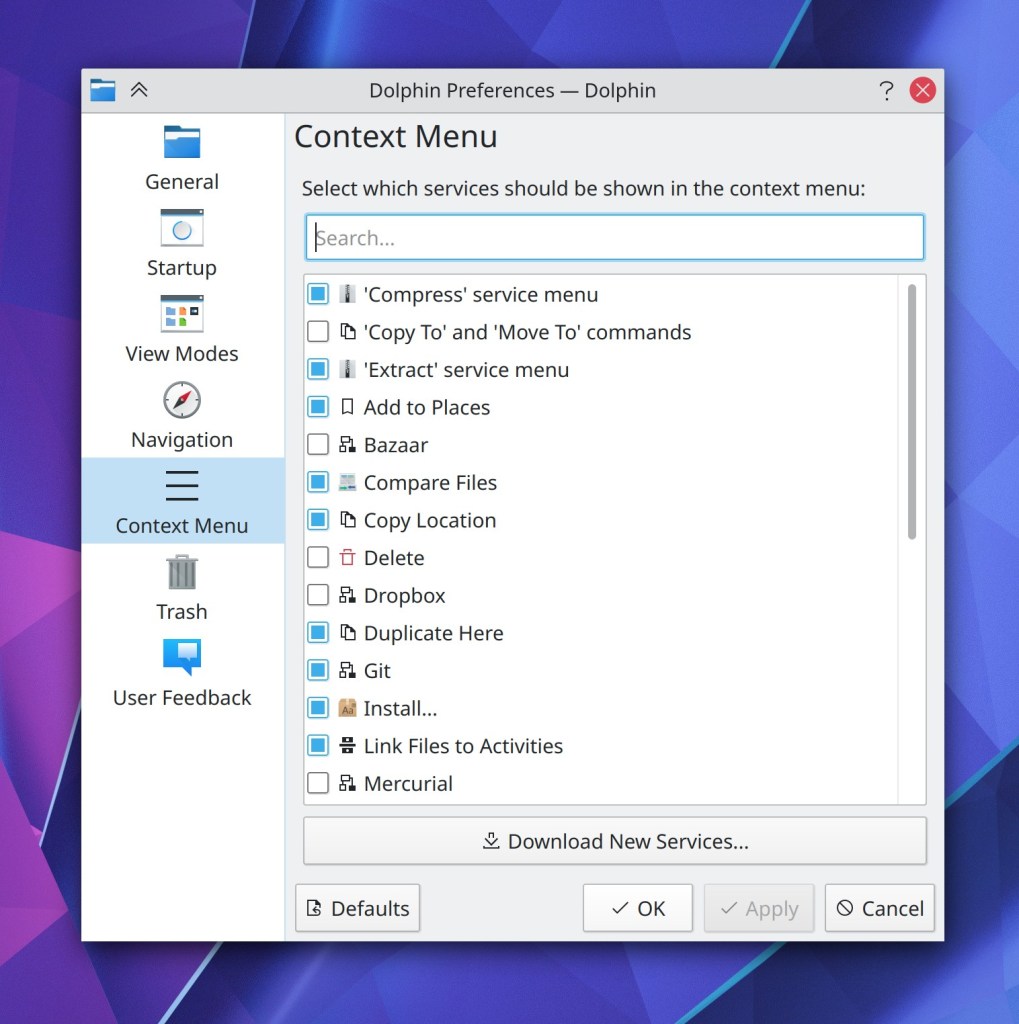
Ctrl+clicking on a Places panel item in Dolphin now opens it in a new tab (Kai Uwe Broulik, Dolphin 21.04)
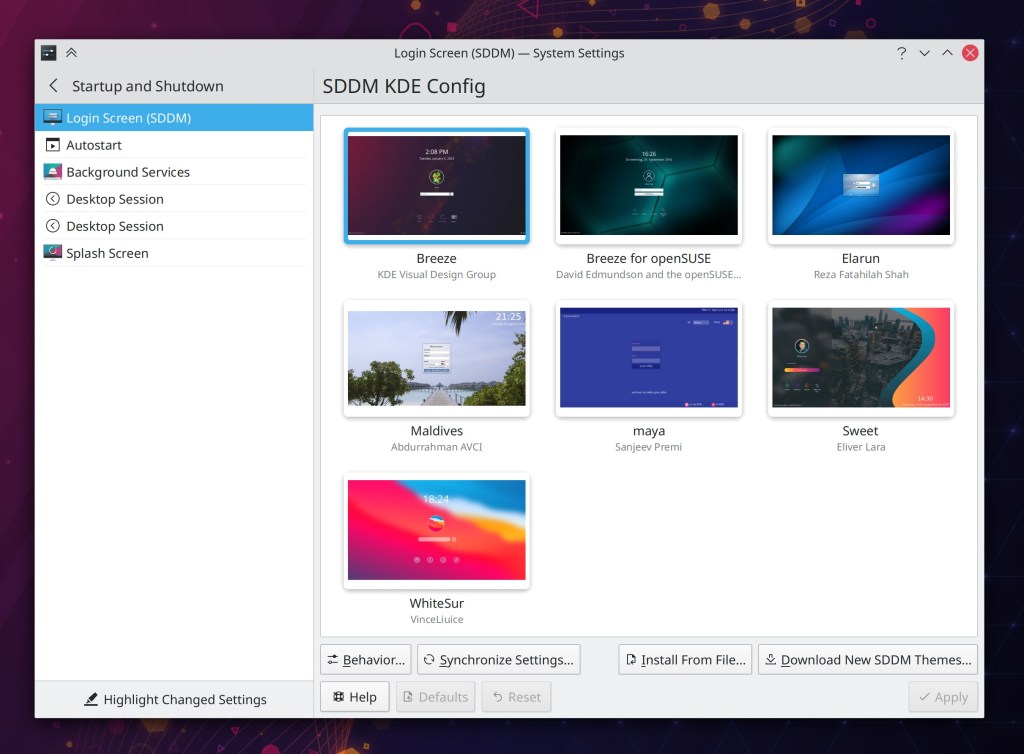
System Settings’ Login Screen (SDDM) page has been rewritten which fixes a bunch of bugs and makes it look nicer and more consistent (David Redondo, Plasma 5.21):
It’s now possible to drag QML-based apps from empty areas of their headers and backgrounds, just like QWidgets-based apps (Marco Martin, Frameworks 5.79 with Plasma 5.21)
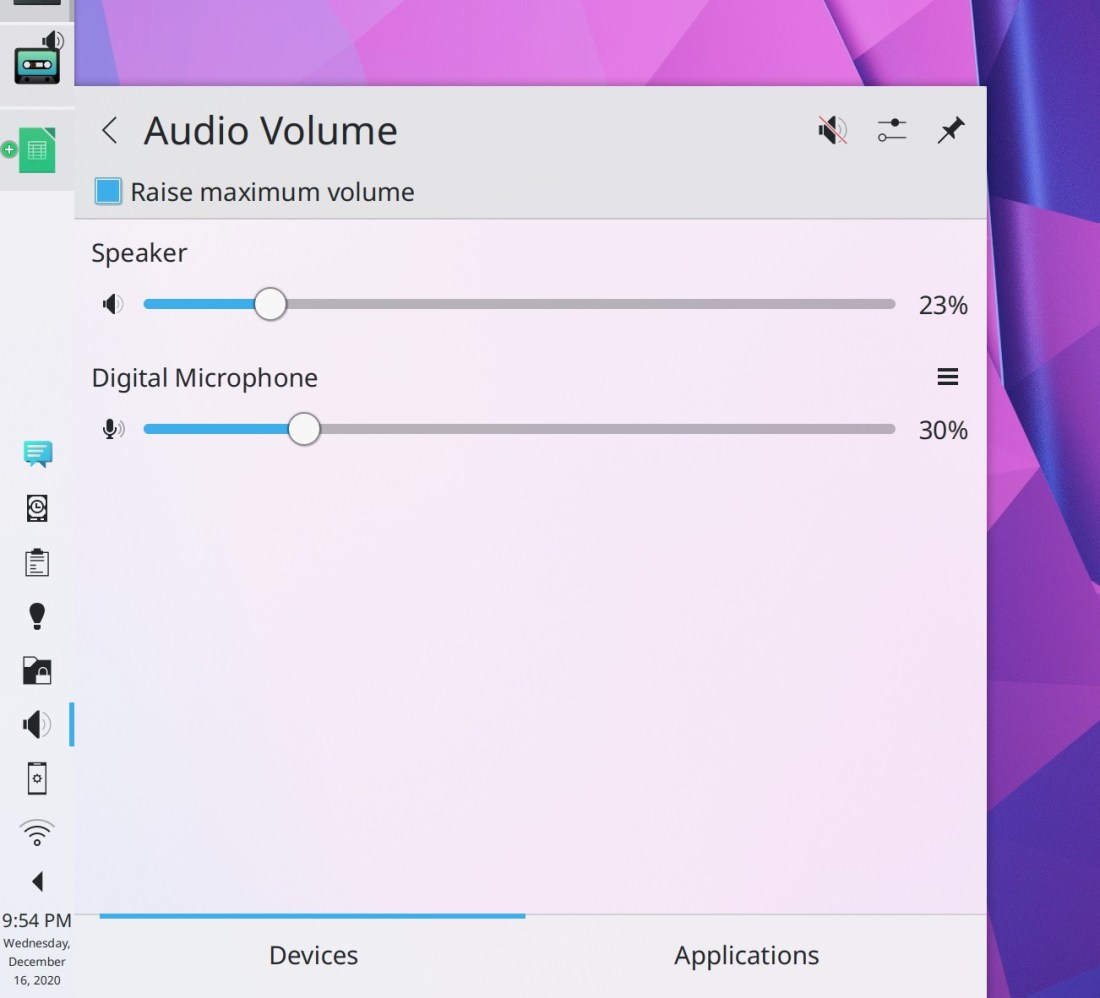
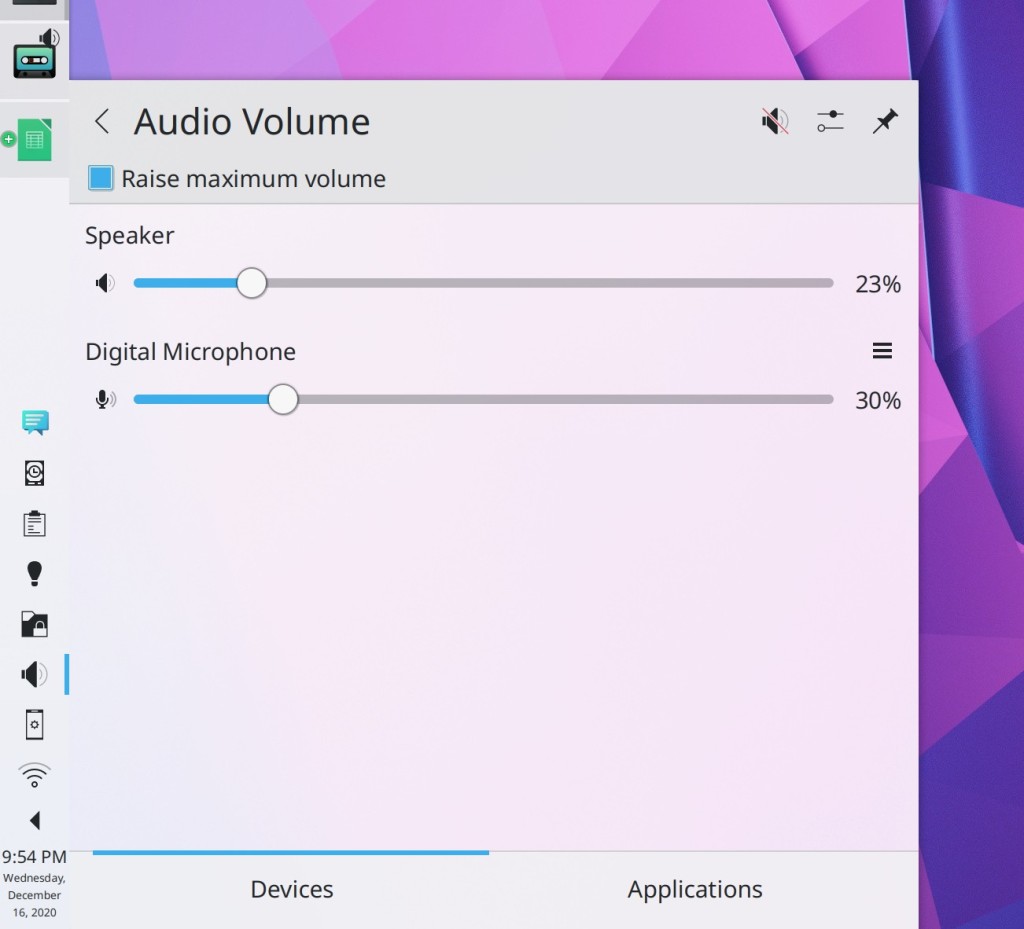
Plasma’s “microphone is being used” indicator now tells you which microphone is being used in its tooltip (Kai Uwe Broulik, Plasma 5.21)
System Settings’ Default Applications page now supports the “Highlight default settings” feature (Cyril Rossi, Plasma 5.21)
The Global Menu applet now respects Fitts’ law by allowing you to slide your cursor from one menu to another one on the row of pixels that is touching the screen edge (Jan Blackquill, Plasma 5.21)
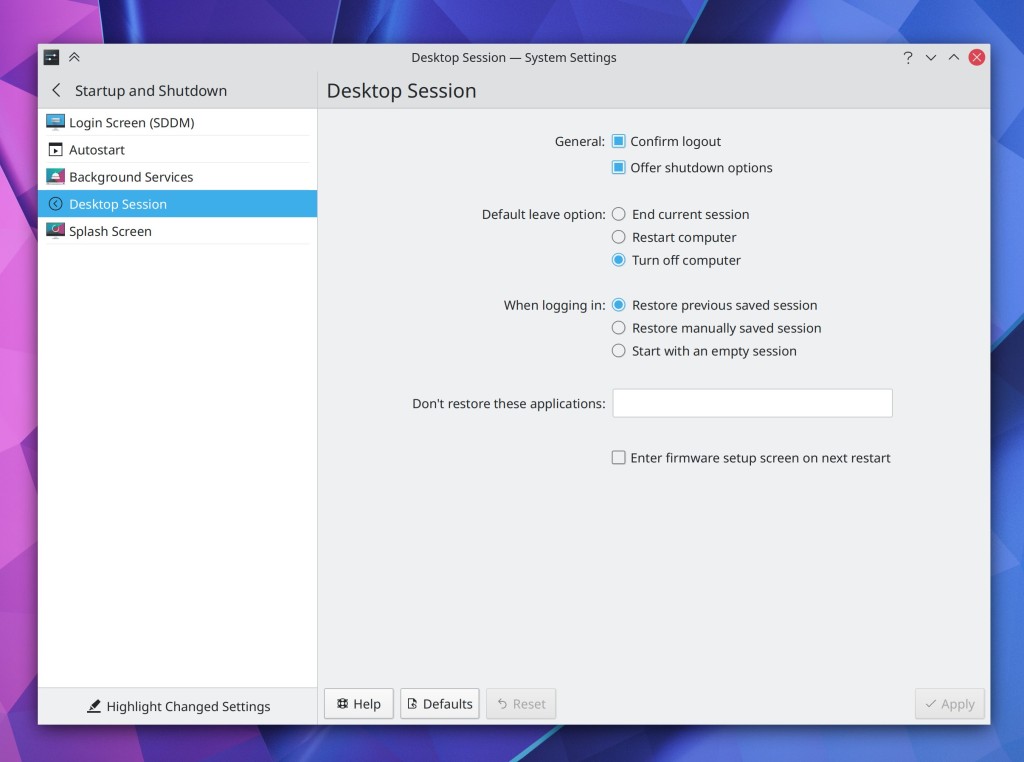
System Settings’ Splash Screen page now lives in the Appearance category (me: Nate Graham, Plasma 5.21):

The “Get new Plasma Widgets” dialog now uses the much nicer new-style version (Alexander Lohnau, Plasma 5.21):

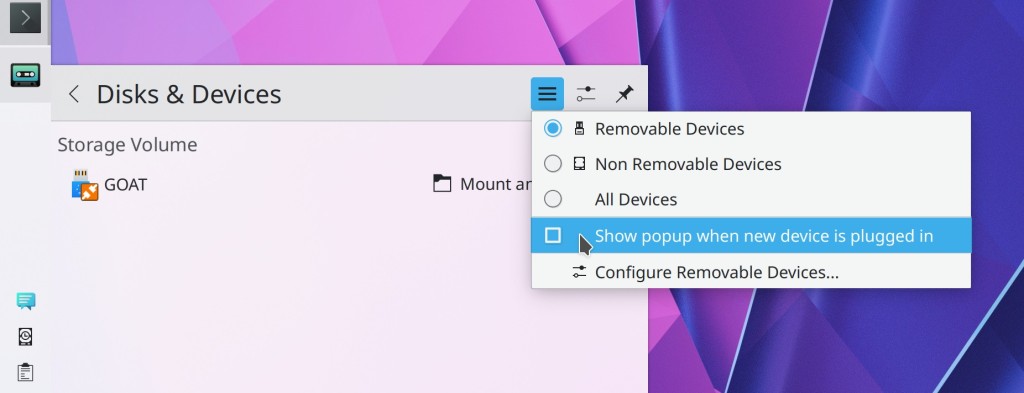
KDE apps no longer show Docker volumes in their Places panels (Méven Car, Frameworks 5.79)
How You Can Help
Have a look at https://community.kde.org/Get_Involved to discover ways to be part of a project that really matters. Each contributor makes a huge difference in KDE; you are not a number or a cog in a machine! You don’t have to already be a programmer, either. I wasn’t when I got started. Try it, you’ll like it! We don’t bite!
Finally, consider making a tax-deductible donation to the KDE e.V. foundation.