
This was another really really big week in KDE!
First we got support for hot-plugging GPUs and FreeSync/Adaptive Sync/variable screen refresh rates on Wayland in Plasma 5.22, thanks to Xaver Hugl!
Next, thanks to Aleix Pol, Gonzalez, we got a new Wayland protocol for tracking app activation and hand-off which will eventually allow KDE apps to display visual feedback when launching, and bring forward existing windows of already-open apps when asked to display new content!
And then there’s the rest of this cool stuff! See if you can count how many of your longstanding annoyances have been addressed below:
Other New Features
Konsole now lets you save your current layout to a file, and load saved layouts at will (Lucas Biaggi, Konsole 21.08)
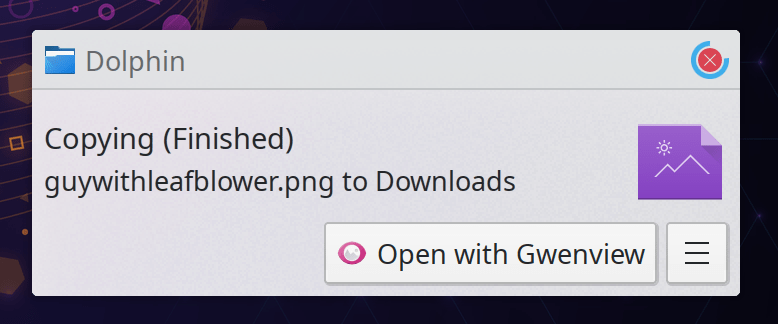
Spectacle now lets you copy the image’s path to the clipboard right there from the main UI, and performs whatever action is necessary to make that possible (e.g. saving the image if you ask for the path) (Srevin Saju, Spectacle 21.08):

KHelpCenter now has a “Full Screen” mode (Yuri Chornoivan, KHelpCenter 5.7.6.21080)
In the Plasma Wayland session, you can now choose which virtual keyboard to use, or disable it entirely if that’s your thing (Aleix Pol Gonzalez, Plasma 5.22)
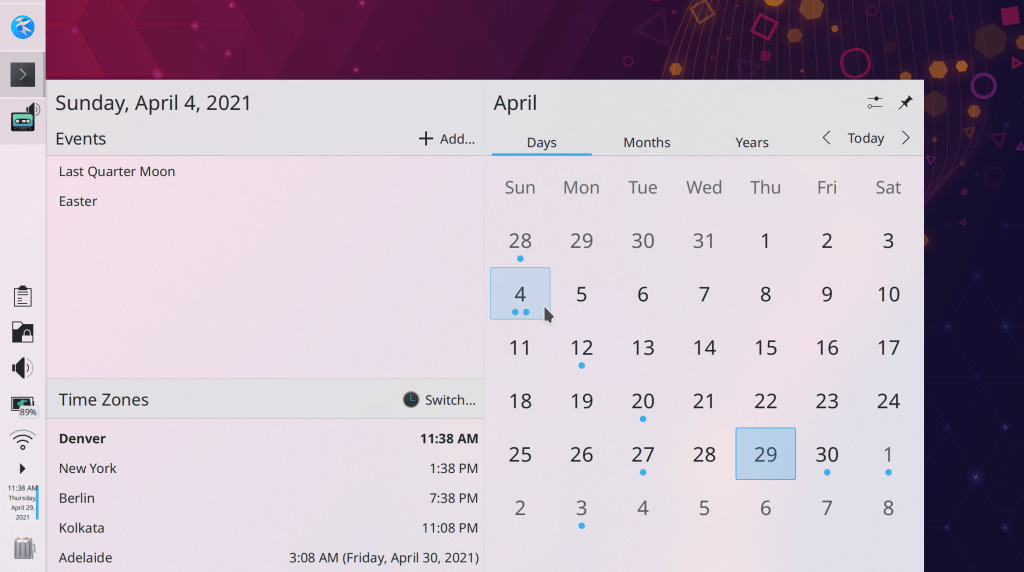
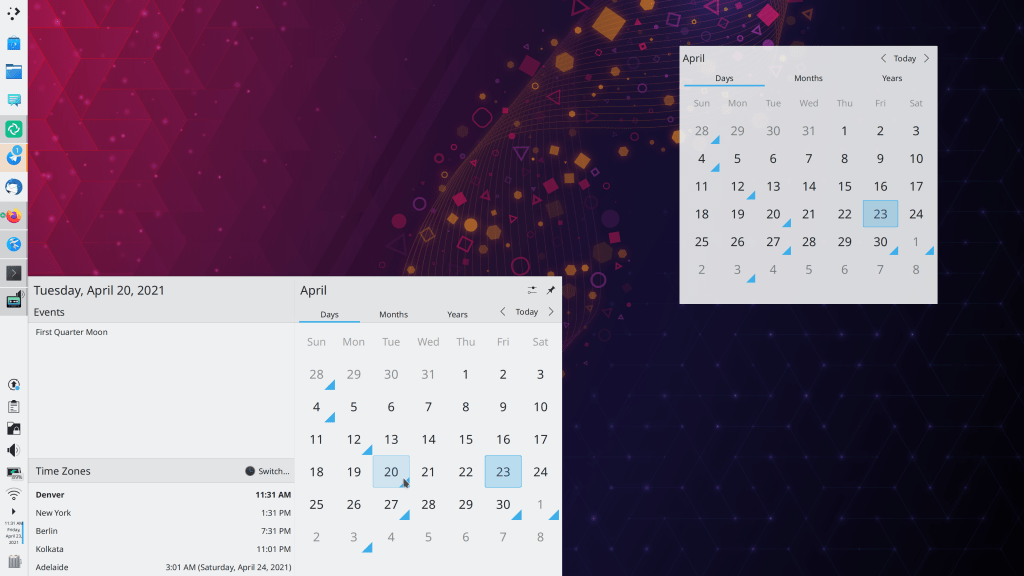
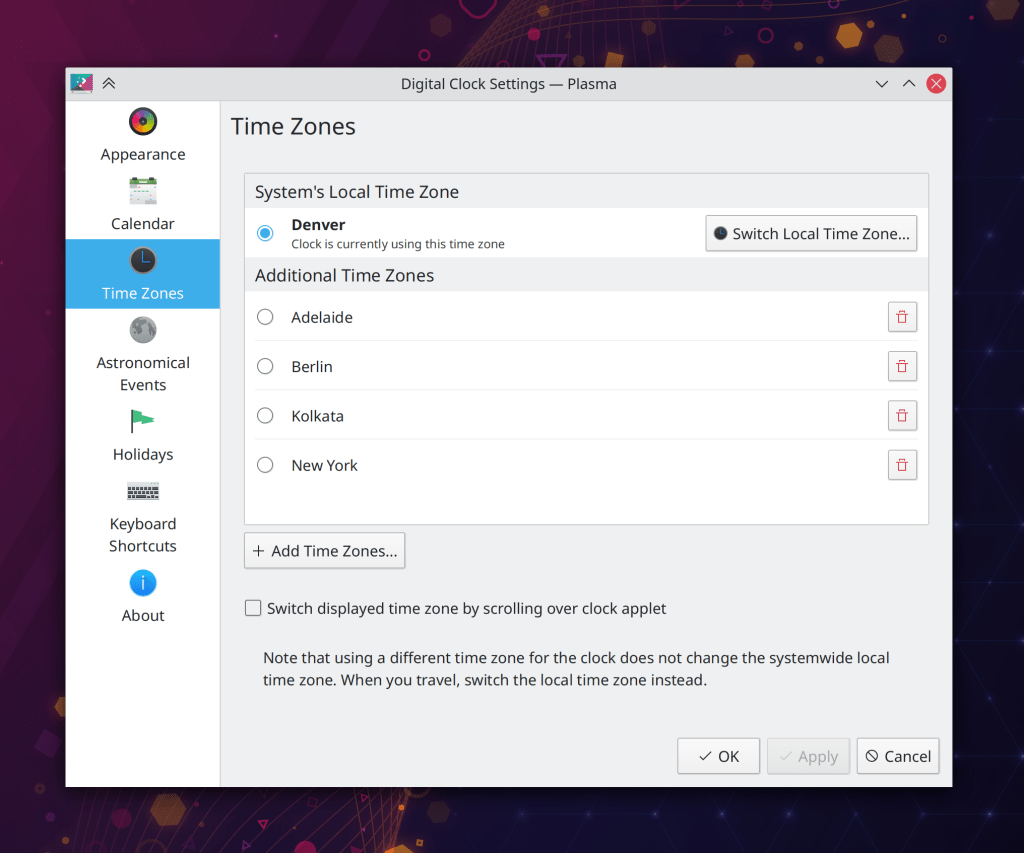
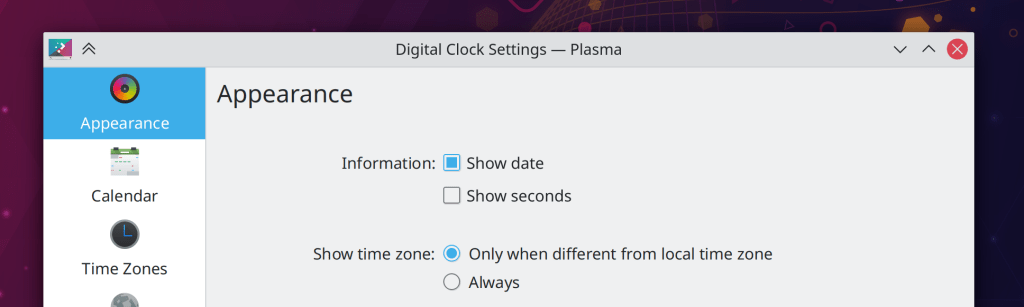
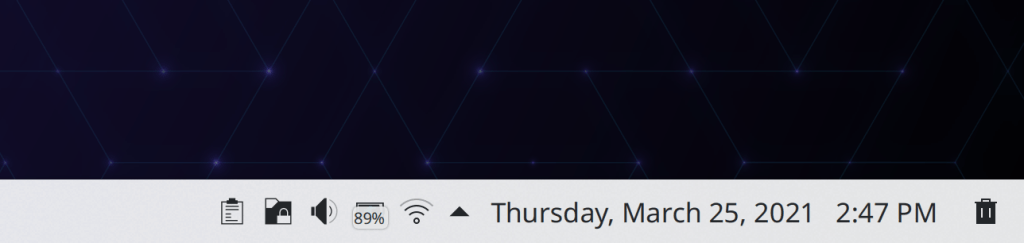
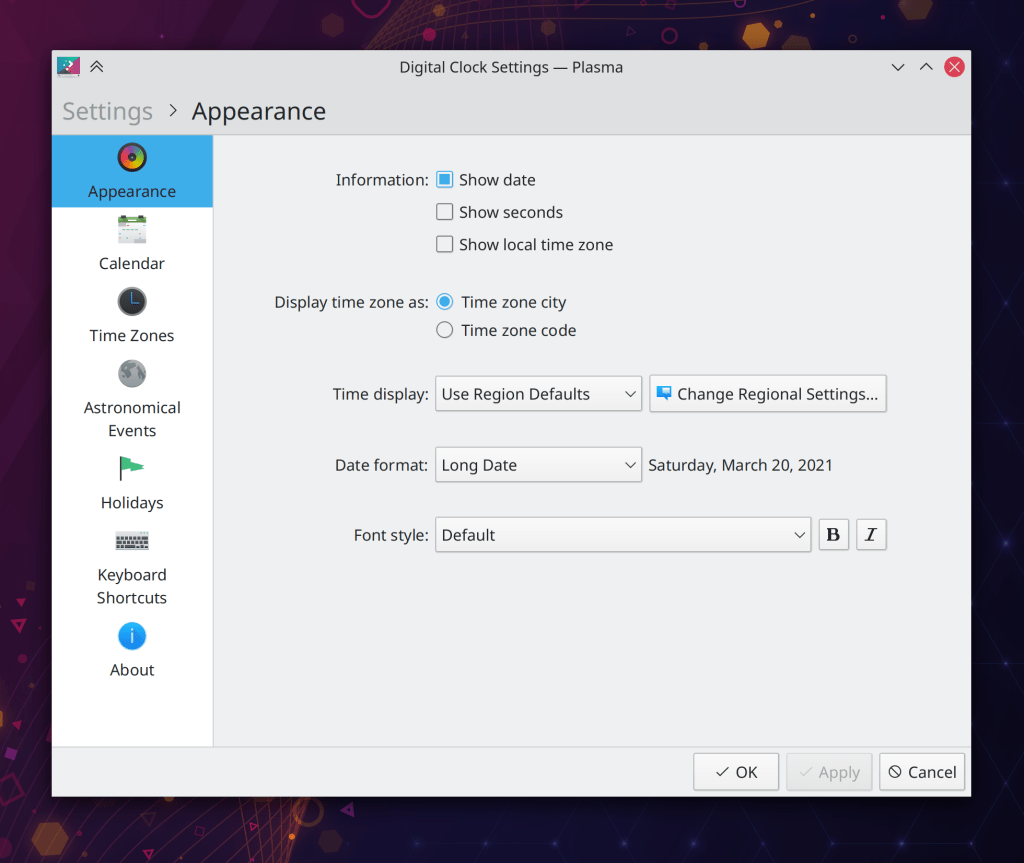
The Digital Clock’s pop-up now displays an “Add…” button that opens Kontact so you can add events, and also shows days with any events using pretty dots rather than ugly triangles (Carl Schwan, Plasma 5.22 and Frameworks 5.82):
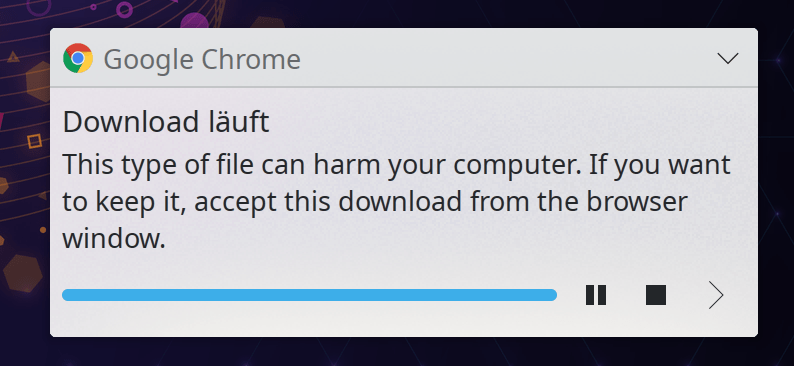
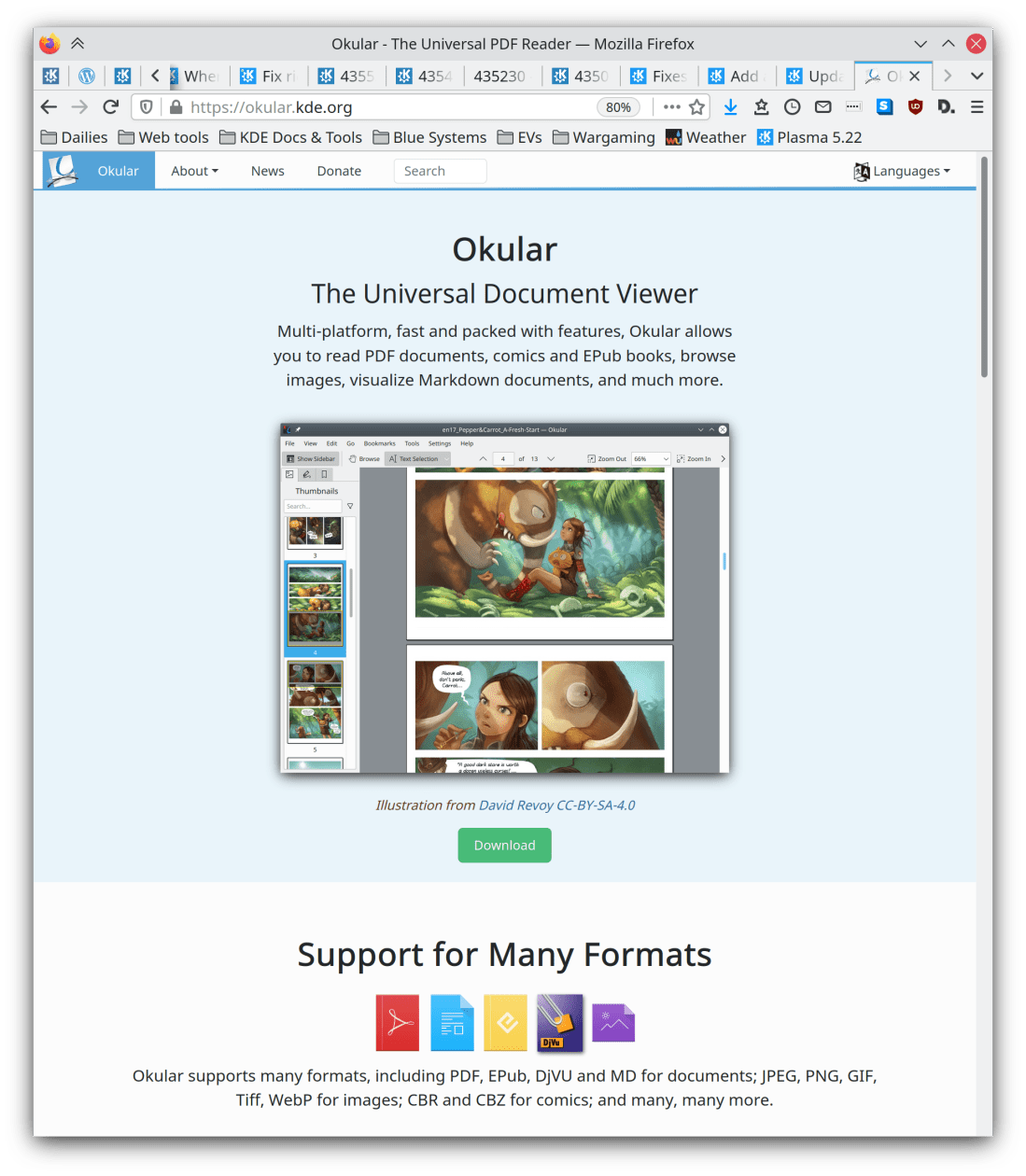
It’s now possible to configure normal-priority notifications to appear in your full-screen windows, so for example you can (optionally, of course) still see them while watching fullscreen video or reading documents in Okular’s fullscreen view (Oleksandr Popel, Plasma 5.22)
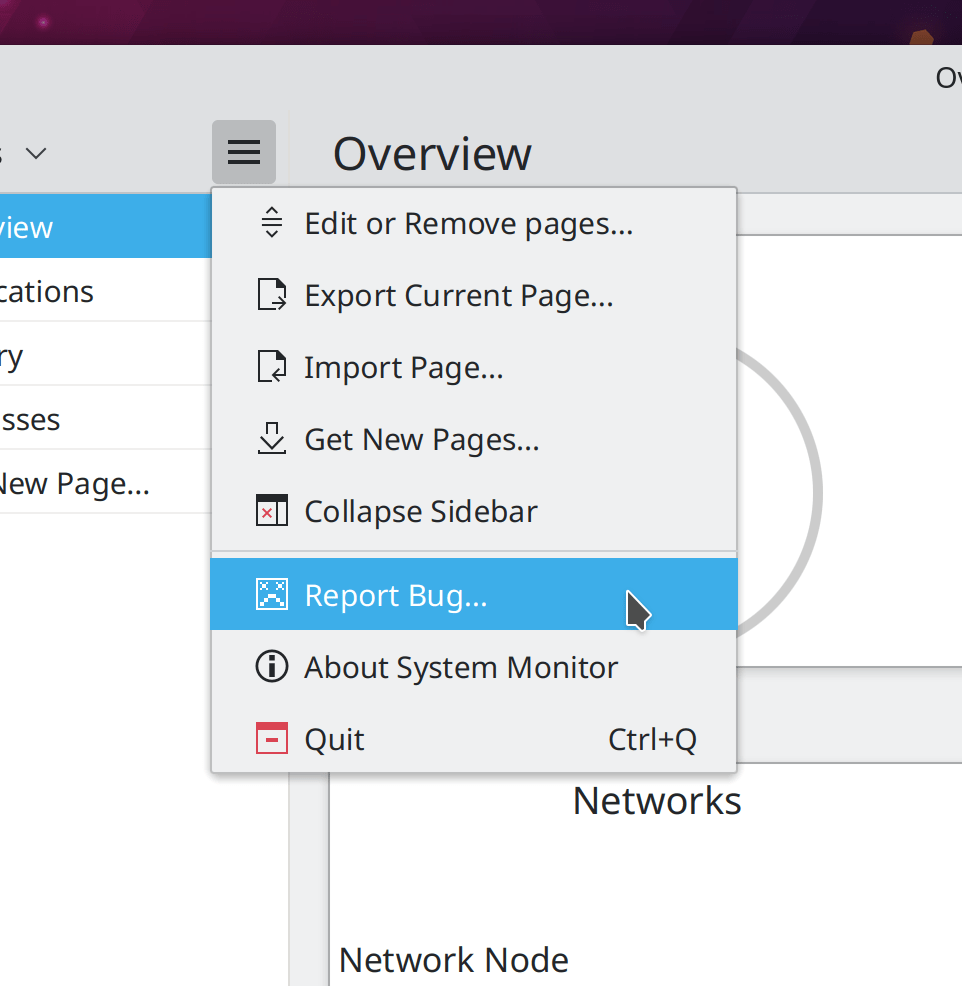
The new Plasma System Monitor app now remembers the last page you were viewing by default, but if you want, you can instead set it to open a specific page every time (David Redondo, Plasma 5.22)
Bugfixes & Performance Improvements
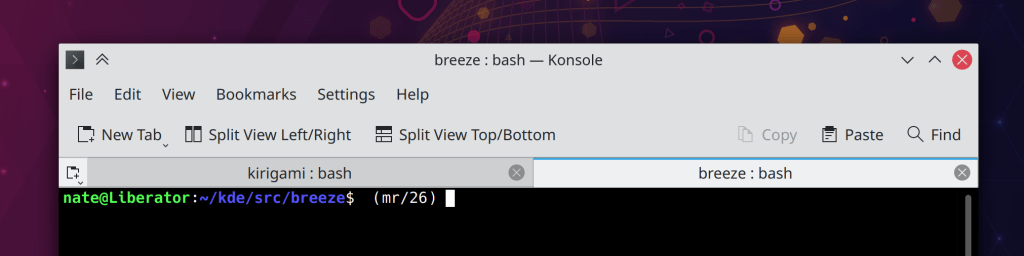
Improved the visibility of selected text in Konsole (Jan Blackquill, Konsole 21.04.1)
Konsole no longer crashes when you enter an absurdly long string into it (like 6000 characters long) and then immediately maximize the window (Carlos Alves, Konsole 21.04.1)
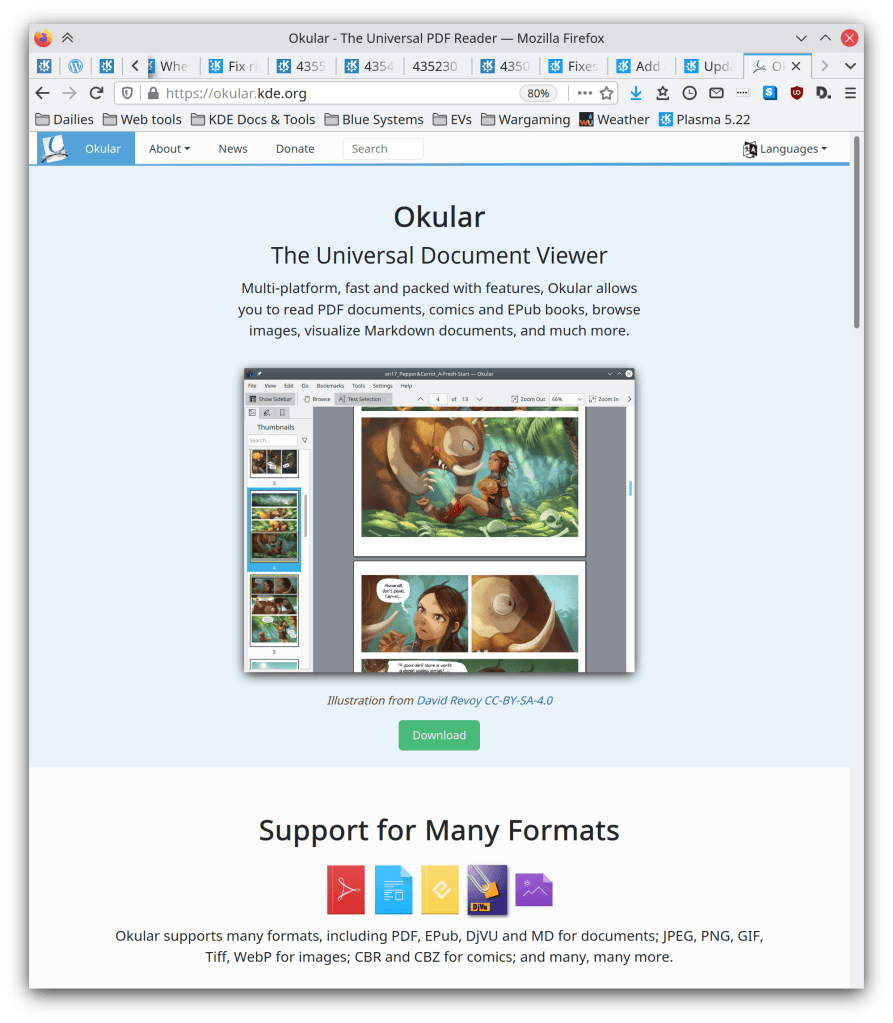
After using the Trim to Selection tool in Okular, the Browse tool is once again automatically activated (Gerd Wachsmuth, Okular 21.04.1)
Video thumbnails now work again when using distro packages with ffmpeg 3 but not 4 (Xuetian Weng, KDE Gear 21.04.1)
Plasma’s Folder View widget (which handles desktop icons) now calculates icon positions correctly from the top-left corner of the top-left-most screen, which fixes various bugs such as icons on the last column moving over to the left-most column after a reboot or after creating new icons, or icons on non-left-most screens being mis-positioned out of the view and making the whole desktop scrollable (Oleg Solovyov, Plasma 5.21.5)
Renaming items on the desktop using the keyboard shortcut (F2 by default) now works in the case when the icon was selected using its little plus sign button that appear when you hover the mouse over it while using the default single-click mode (Tobias Fella, Plasma 5.21.5)
The Plasma Wayland session no longer hangs at login when booting in basic/fallback graphics mode (Aleix Pol Gonzalez, Plasma 5.22)
In the Plasma Wayland session, KWin no longer crashes when you apply firmware updates (using Discover or just with the fwupdmgr command-line tool) with a touchscreen laptop or a graphics tablet connected (David Edmundson, Plasma 5.22)
Konsole no longer hangs when using the top/bottom split feature and the Oxygen application style (Vlad Zahorodnii, Plasma 5.22)
Plasma can no longer freeze by viewing year 0 in the calendar (Alois Wohlschlager, Plasma 5.22)
Login scripts now run as expected when using systemd startup mode (Henri Chain, Plasma 5.22)
Opening an audio or video file from Dolphin no longer causes the “now playing audio” indicator to appear on Dolphin as well as the app that’s actually playing it (Méven Car, Plasma 5.22)
Changing your system icon theme or using an AppImage no longer sometimes causes all System Tray icons to temporarily become invisible (Konrad Materka, Plasma 5.22)
Removed recently-accidentally-added default global shortcuts for the “Reboot/Halt/Log Out Without Confirmation” actions, because actions like these are too dangerous to have default global shortcuts (me: Nate Graham, Plasma 5.22)
KWin now has better support for the Panfrost Mali driver (Tomasz Gajc, Plasma 5.22)
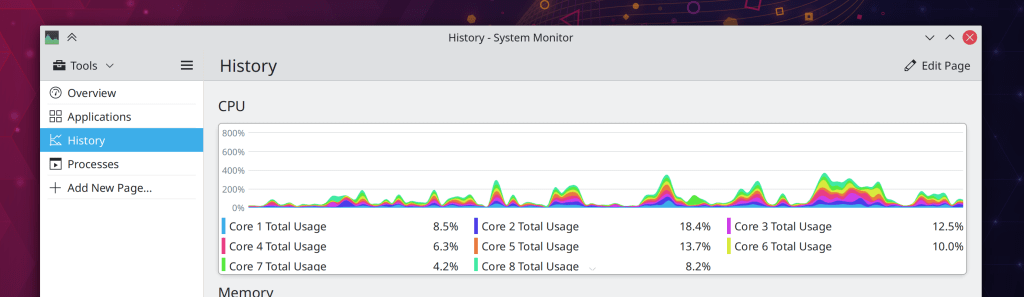
System monitor widgets and the new app by the same name no longer indicate that you have no CPUs under certain circumstances (lol) (Arjen Hiemstra, Plasma 5.22)
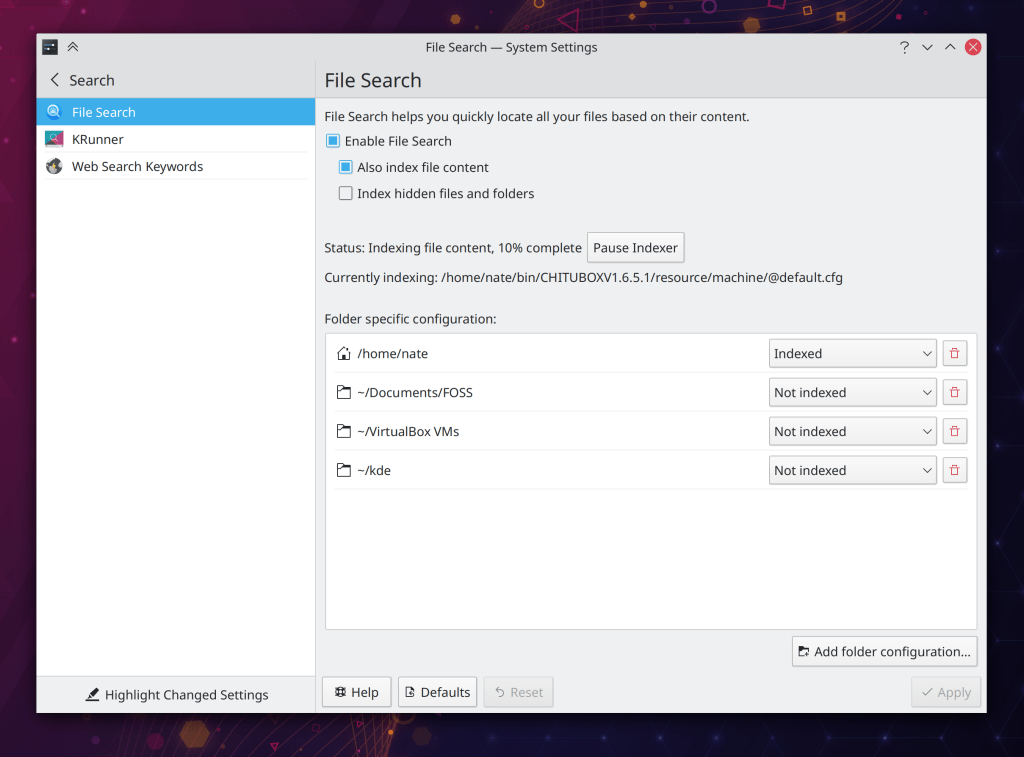
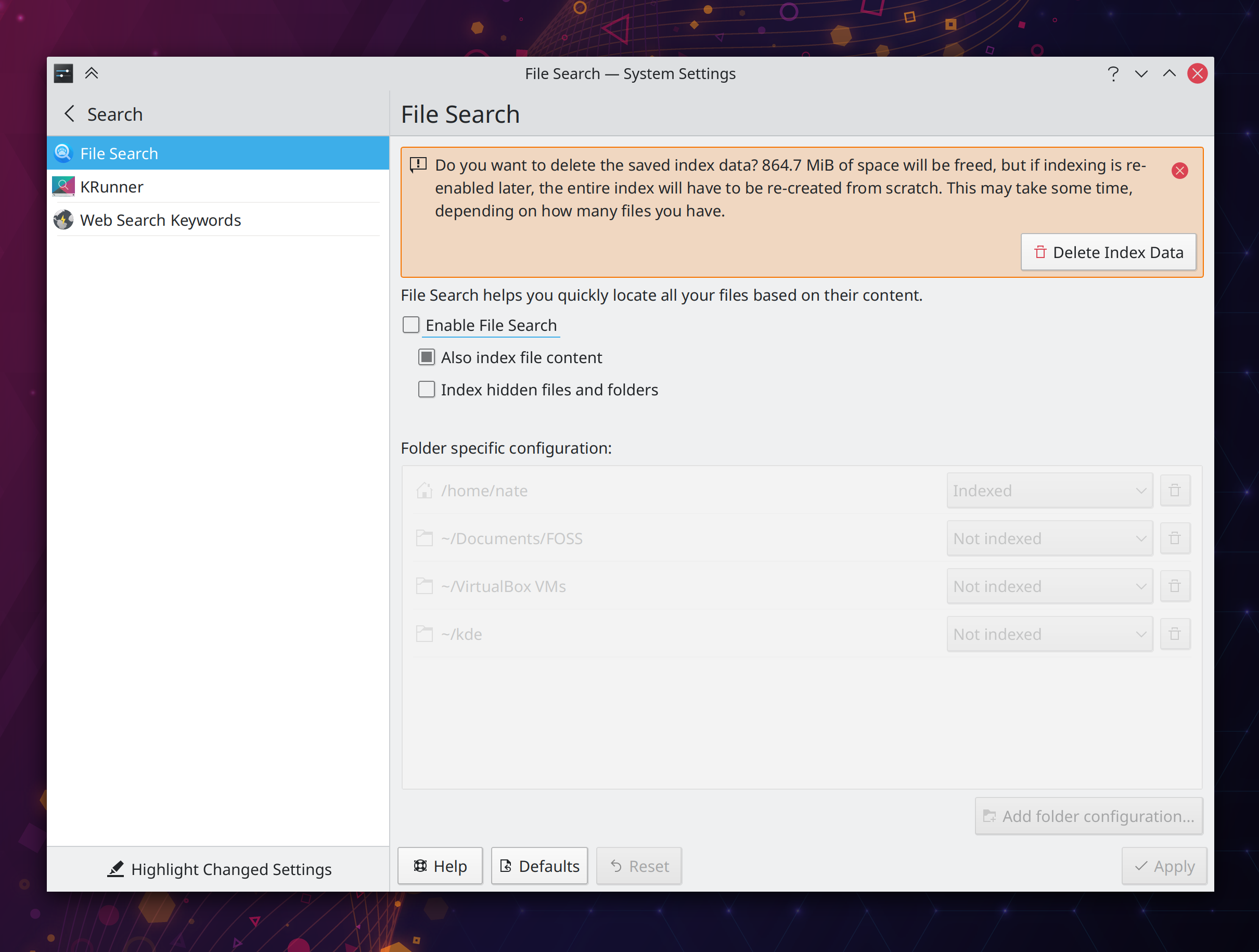
It’s no longer possible to try to remove the entry for your home folder in the System Settings File Indexing page, because this isn’t a valid action and doing so doesn’t work (me: Nate Graham, Plasma 5.22)
In the Plasma Wayland session, sub-menus of context menus for Plasma applets no longer bizarrely appear as separate windows with their own titlebars and everything (lol) (David Redondo, Frameworks 5.82)
The “Get new Plugins” window no longer displays spurious error messages when you cancel the installation of a plugin (Alexander Lohnau, Frameworks 5.82)
Fixed one of the ways that Kirigami-based apps could crash when displaying icons (Aleix Pol Gonzalez, Frameworks 5.82)
User Interface Improvements
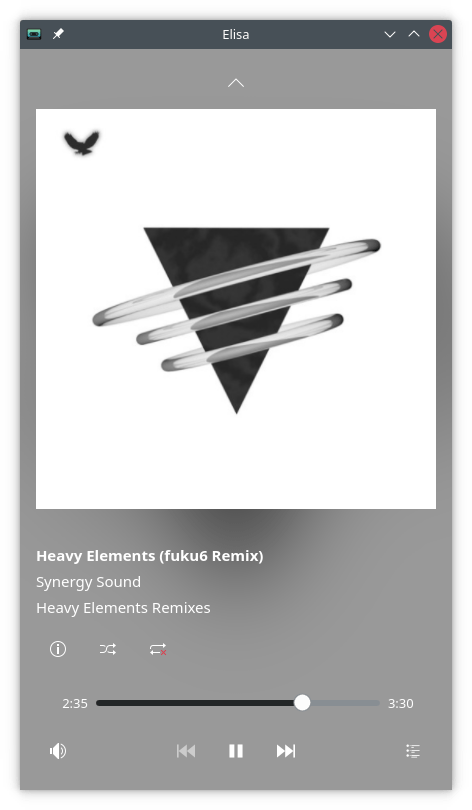
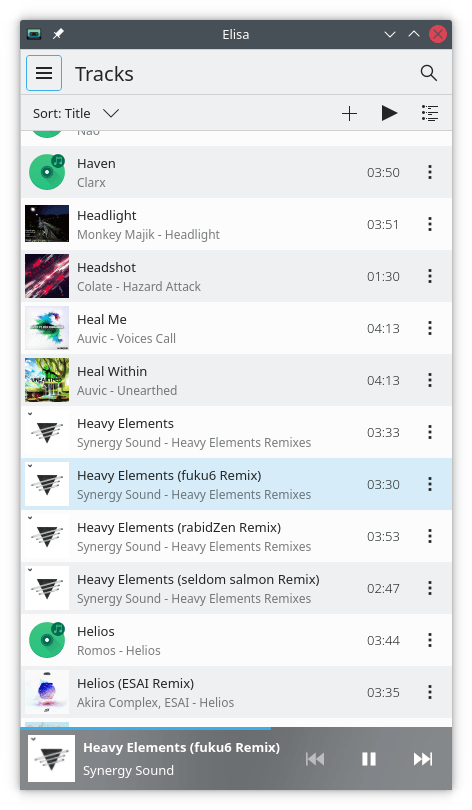
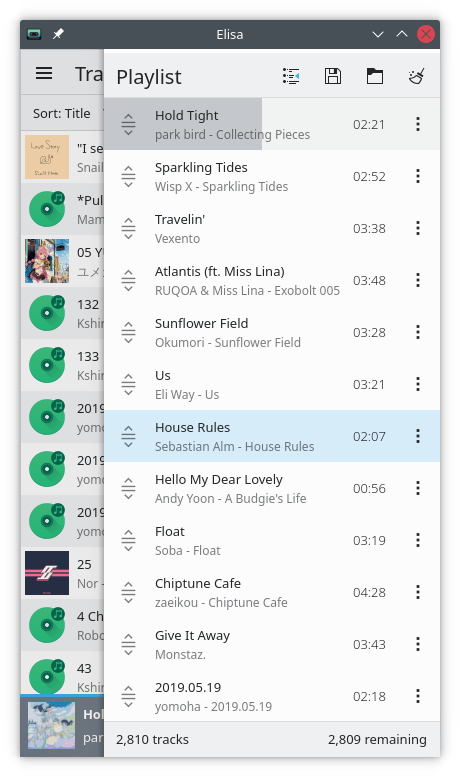
Elisa’s Now Playing page has undergone a UI overhaul which sees the introduction of a two-column layout in widescreen mode, collapsing to a multi-view one-column layout in narrow mode. You can also turn off the blurred album art background on that page if you don’t like it (Tranter Madi, Elisa 21.08):
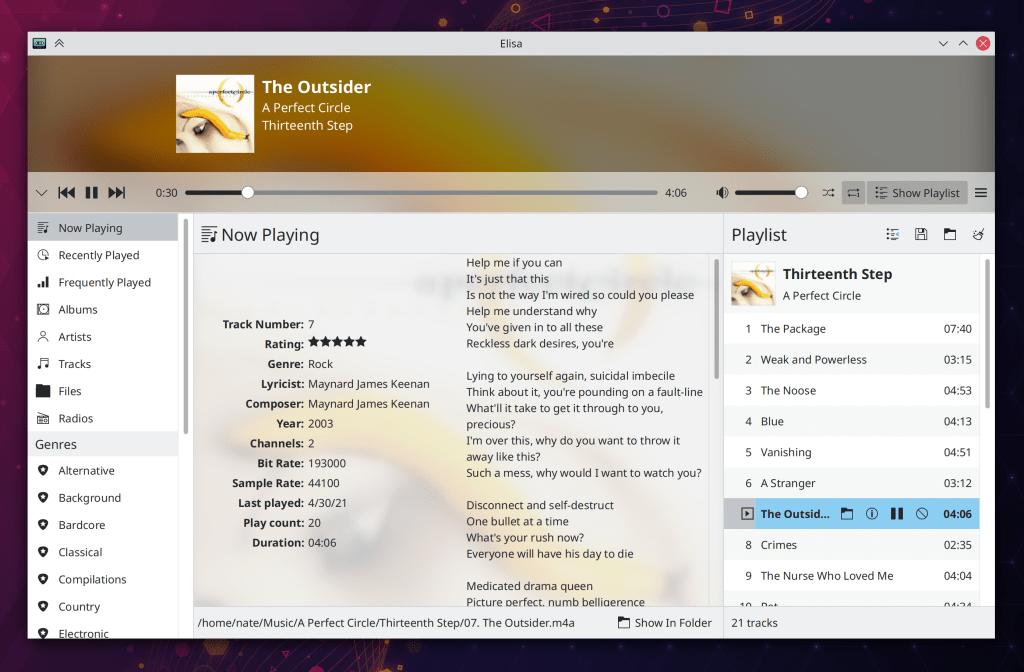
Elisa’s Shuffle and Repeat buttons are now a bit more comprehensible by showing their checked states when active and making the tooltip clear that it is describing the current state, not the action that will be performed when you click on the button (Tranter Madi, Elisa 21.08)
Dolphin’s Information Panel now updates in real-time as the file for which it is displaying information gets updated by any other apps and when the size changes for a folder for which it is displaying information (Méven Car, Dolphin 21.08)
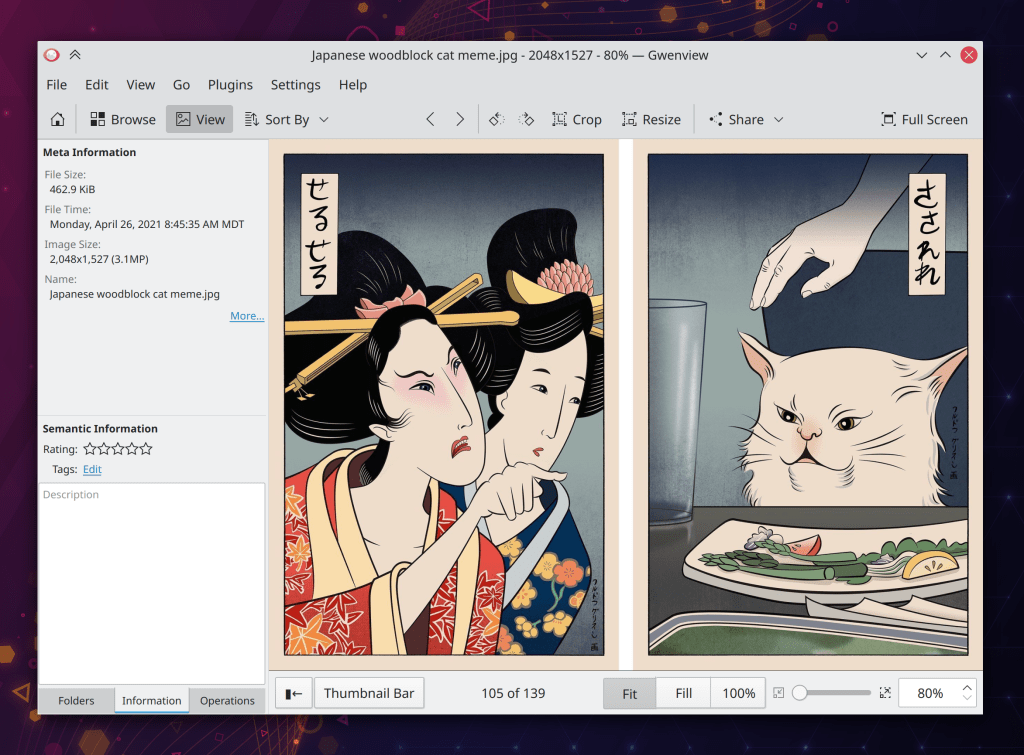
The Buttons in Gwenview’s status bar now have correct sizing and outside margins (Noah Davis, Gwenview 21.08):
The “Go up” button in Filelight is now disabled when you’re viewing the root level of your filesystem (Burak Hancerli, Filelight 21.08)
The Kickoff application launcher menu now implements a Triangle Menu Filter, which means that you can move the cursor diagonally over the categories list to reach the items in the view without accidentally switching categories! So we have also removed the irritating hover delay when moving the cursor vertically to switch categories! (David Edmundson, Plasma 5.22)
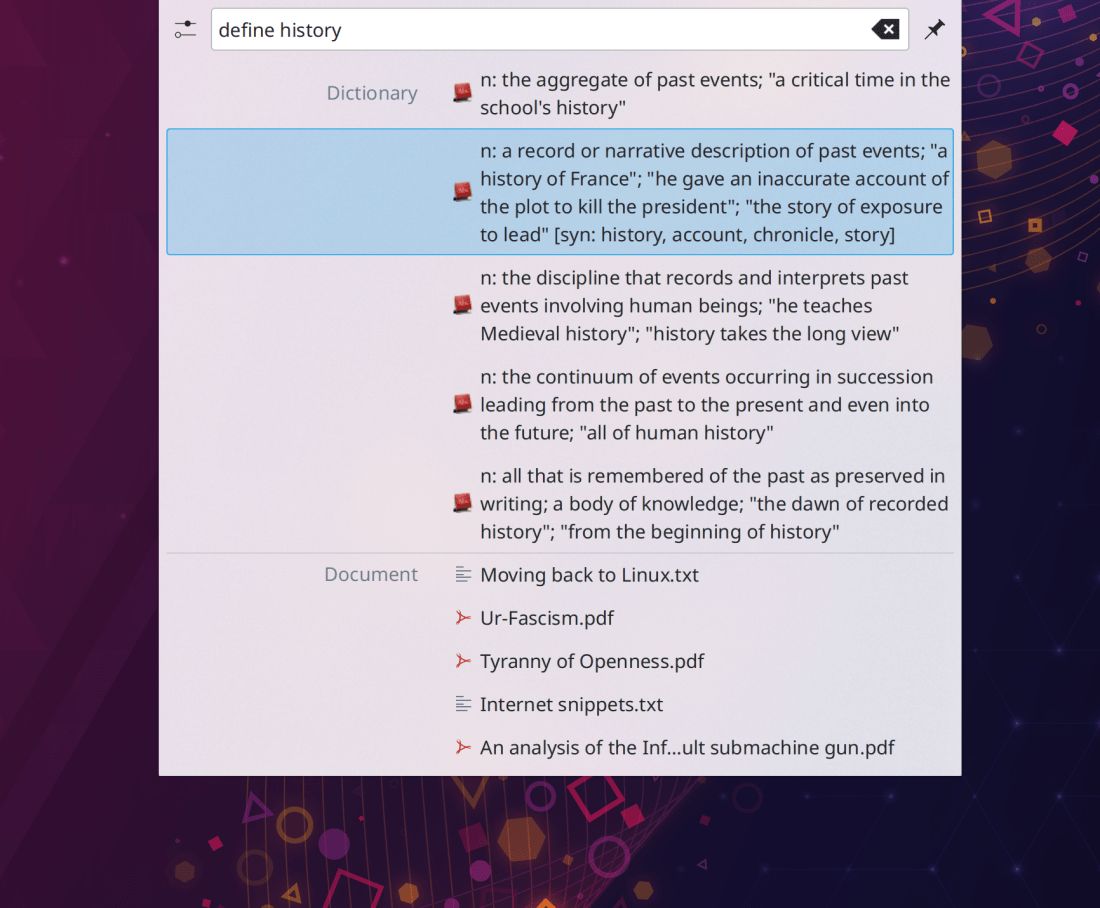
KRunner now shows multi-line text for long dictionary definitions! (Alexander Lohnau, Plasma 5.22):
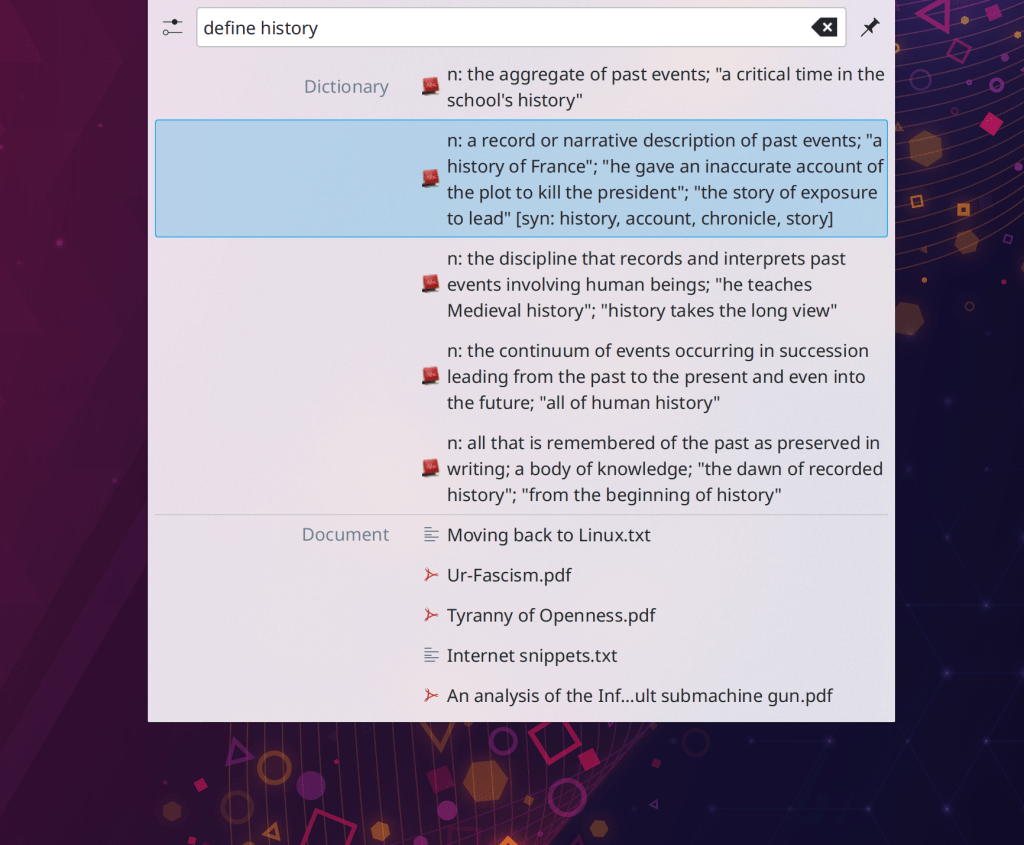
KRunner no longer returns duplicate or pseudo-duplicate search results, such as “Launch Firefox” and also “launch firefox” (the terminal command) (Alexander Lohnau, Plasma 5.22)
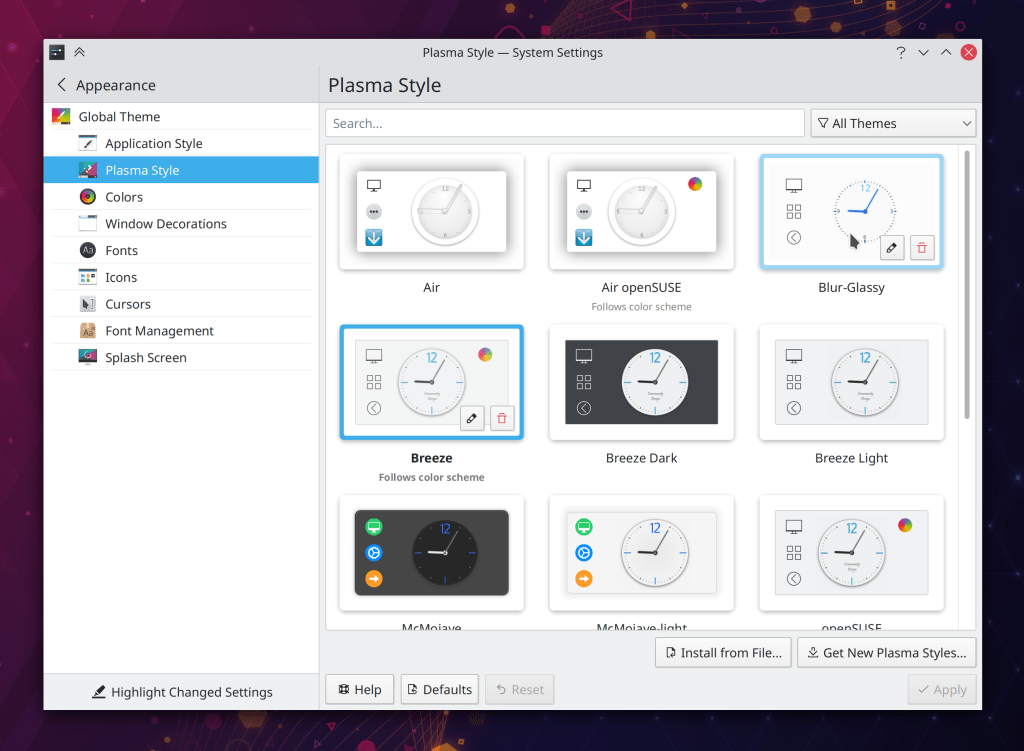
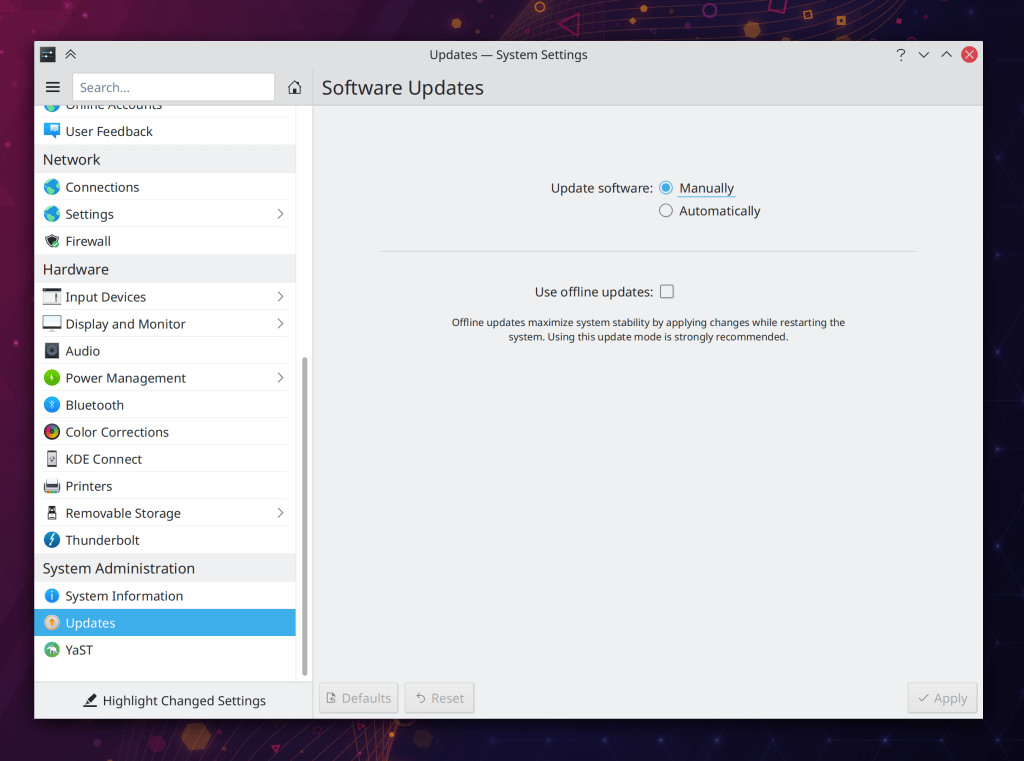
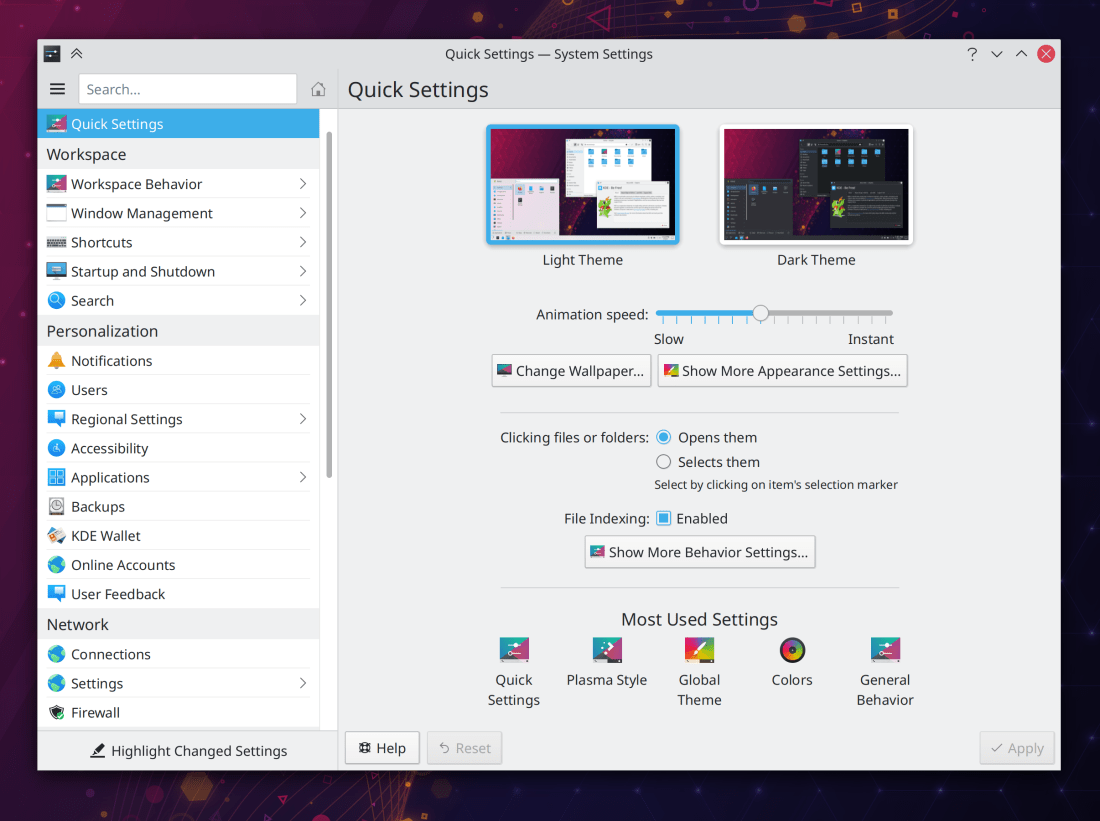
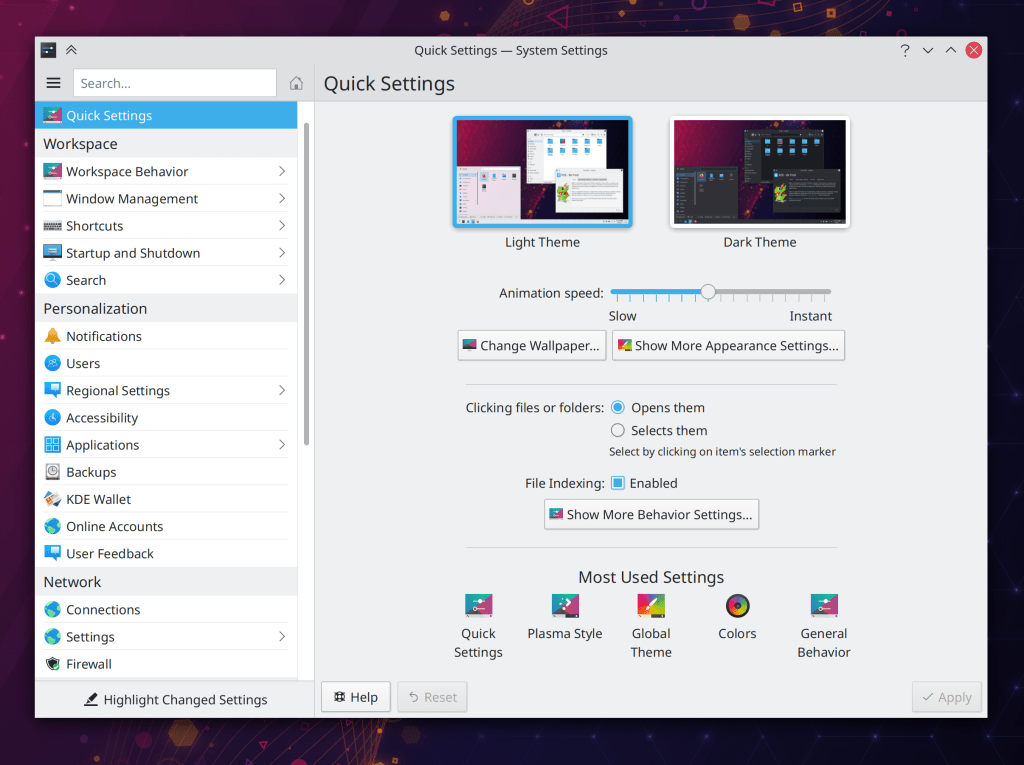
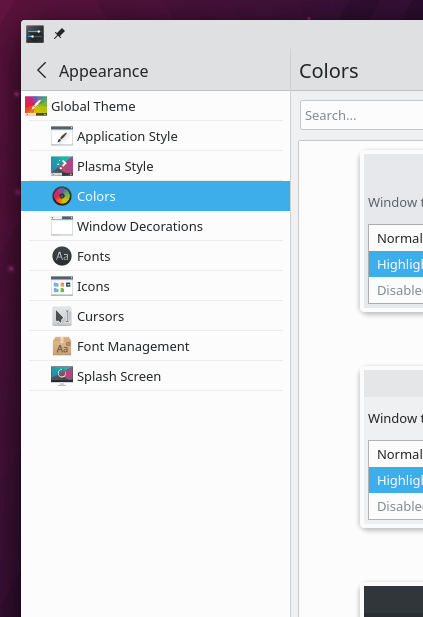
What counts as a default setting in System settings now takes into account the settings of the active Global theme; for example when using the Breeze Dark Global Theme, the Breeze Dark color scheme is considered the default color scheme (Henri Chain, Plasma 5.22)
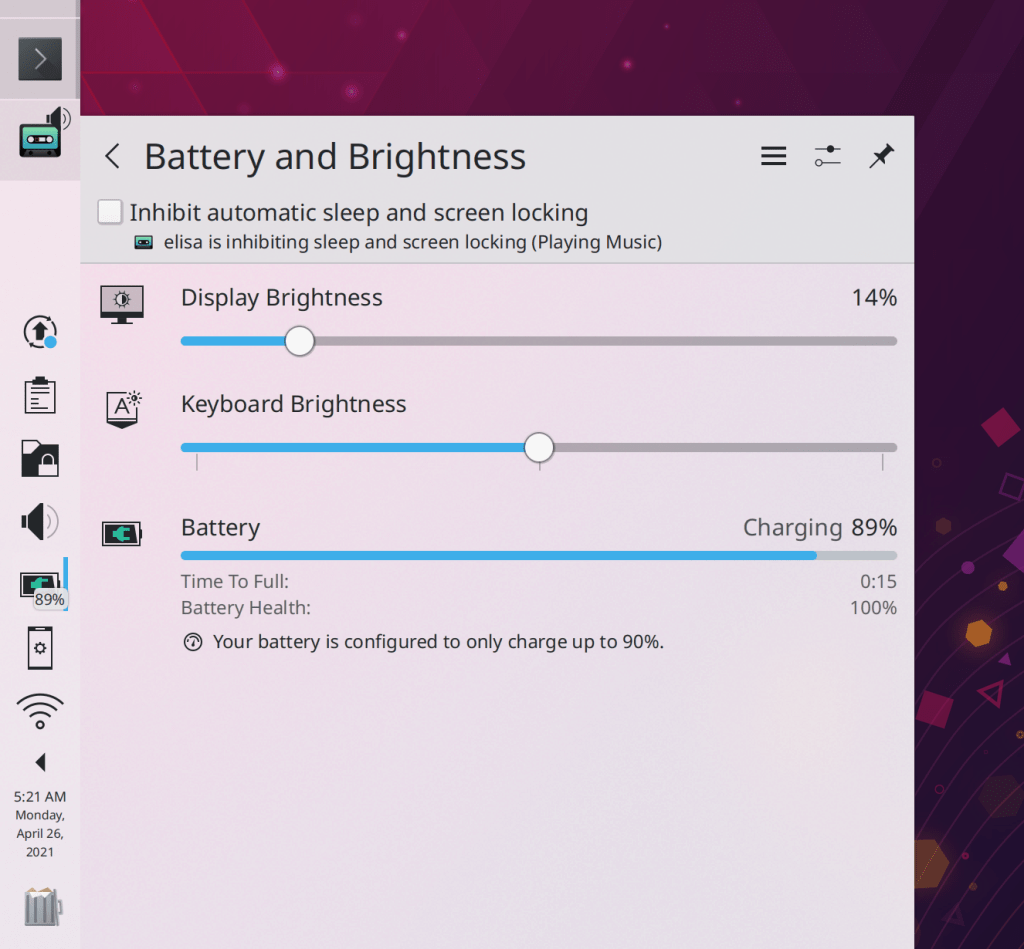
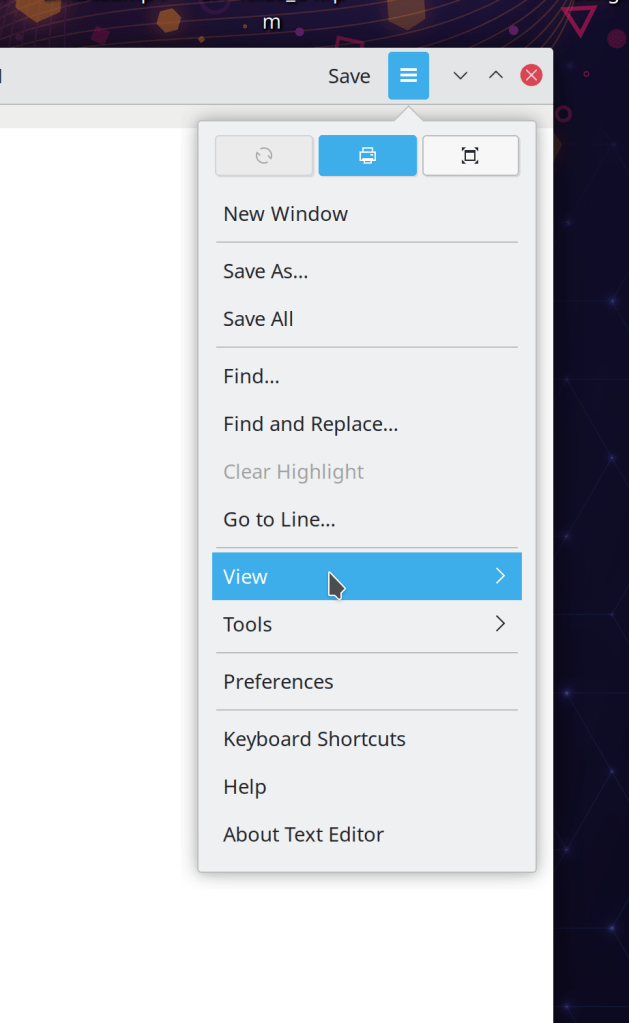
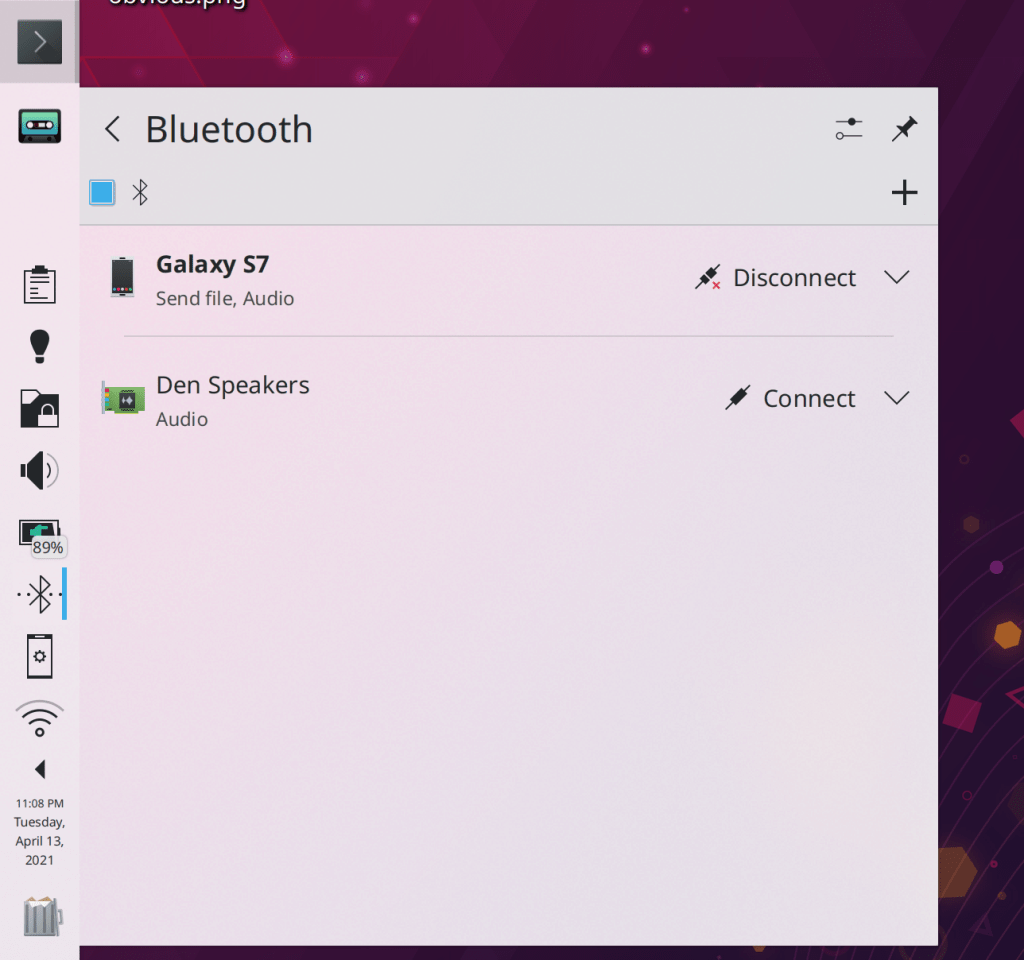
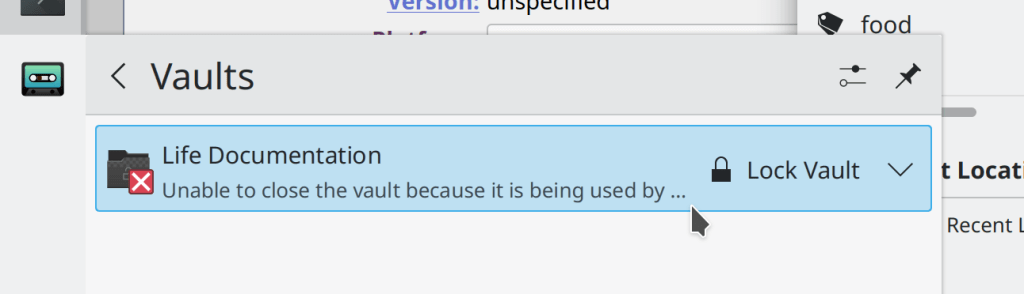
The Battery & Brightness applet’s user interface for communicating the ability to temporarily inhibit sleep and screen locking has hopefully been made much more comprehensible, and also takes up less space (me: Nate Graham, Plasma 5.22):
When using a multi-screen setup, apps and windows are now opened by default on the screen containing the cursor (Xaver Hugl, Plasma 5.22)
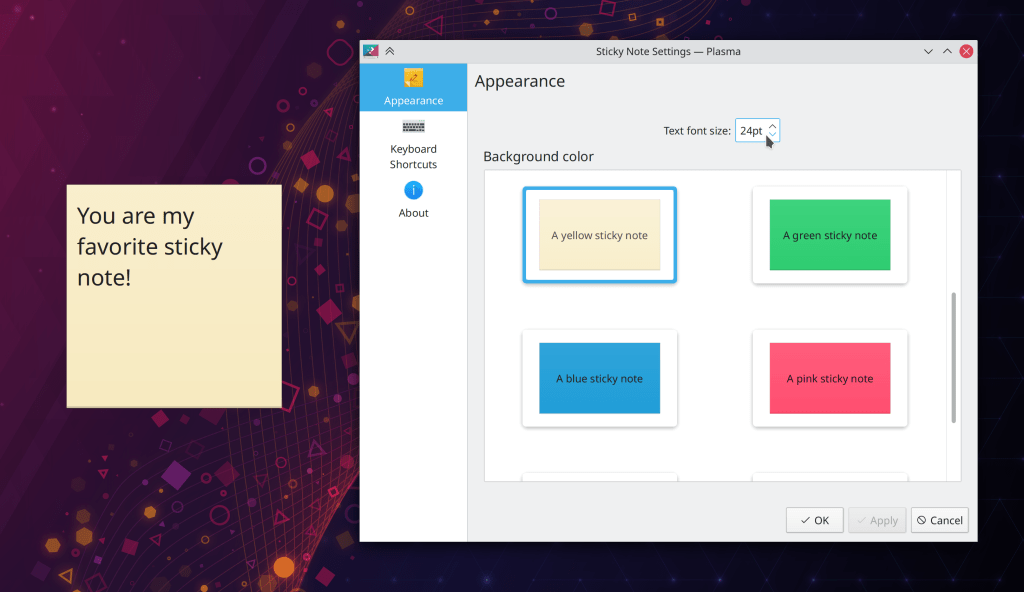
You can now double-click on the grid items in System Settings to quickly apply the settings for the double-clicked-upon item without having to reach down and hit the Apply button (Wael Chlouftou and me: Nate Graham, Plasma 5.22)
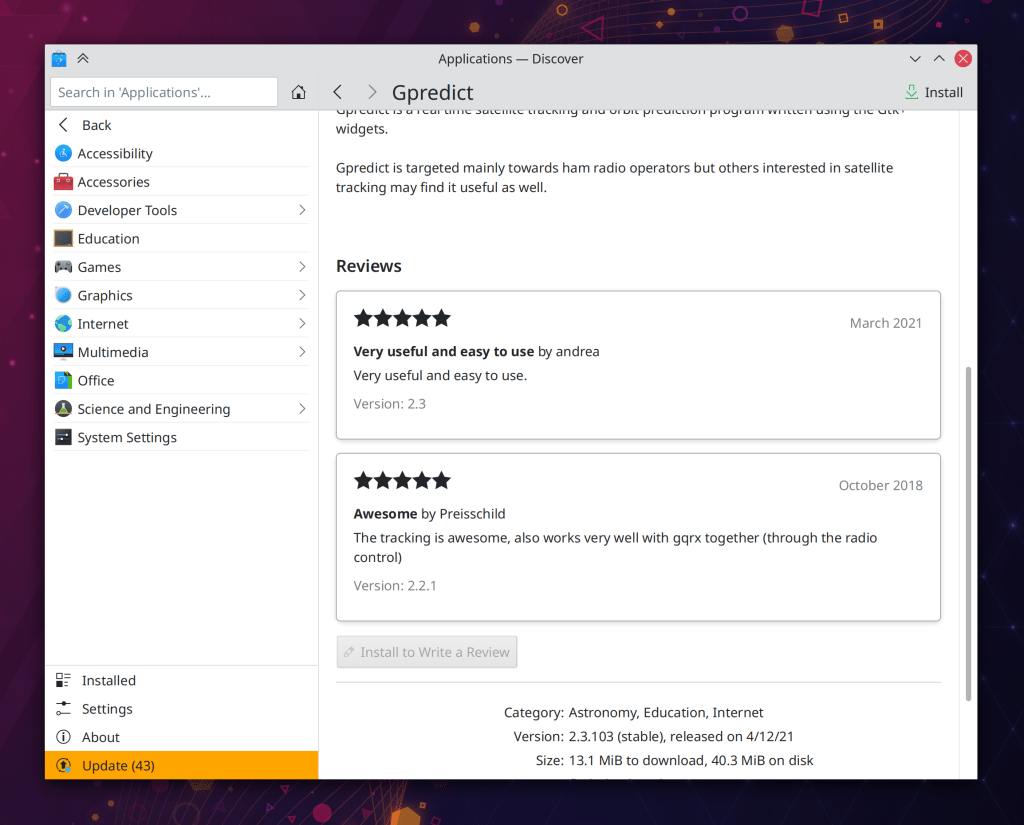
Discover’s application page now has an improved layout including more standard-style cards for reviews (Carl Schwan, Plasma 5.22):
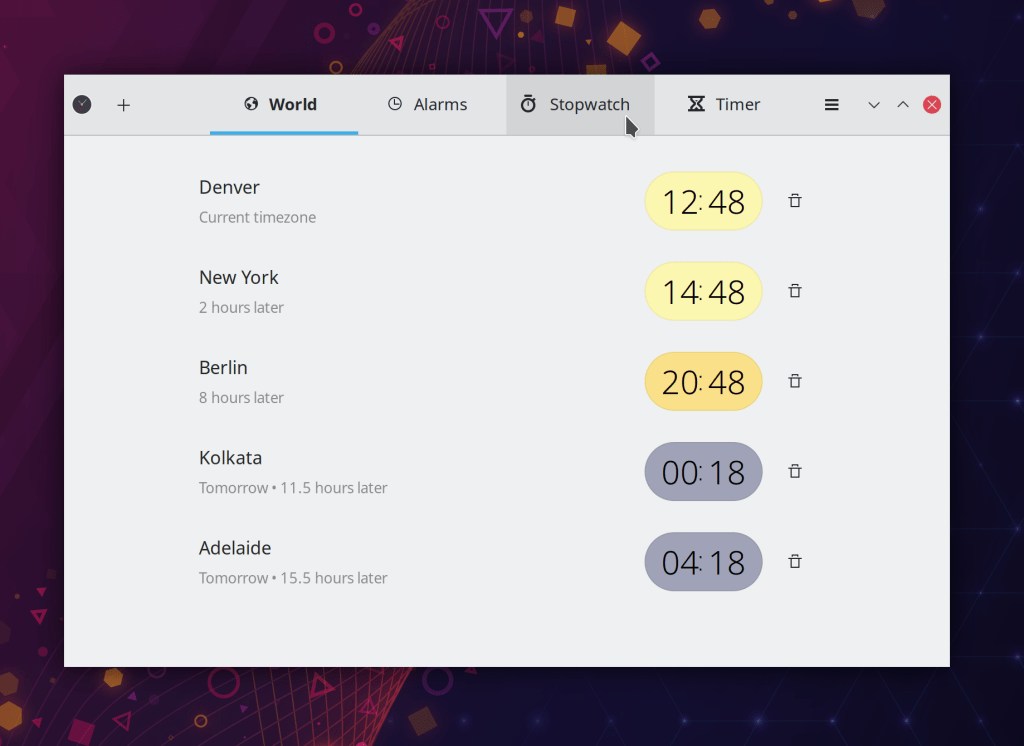
GTK apps using the libhandy library–particularly for its tab bars–now look more native when run on Plasma (Jacob Kauffmann, Plasma 5.22):
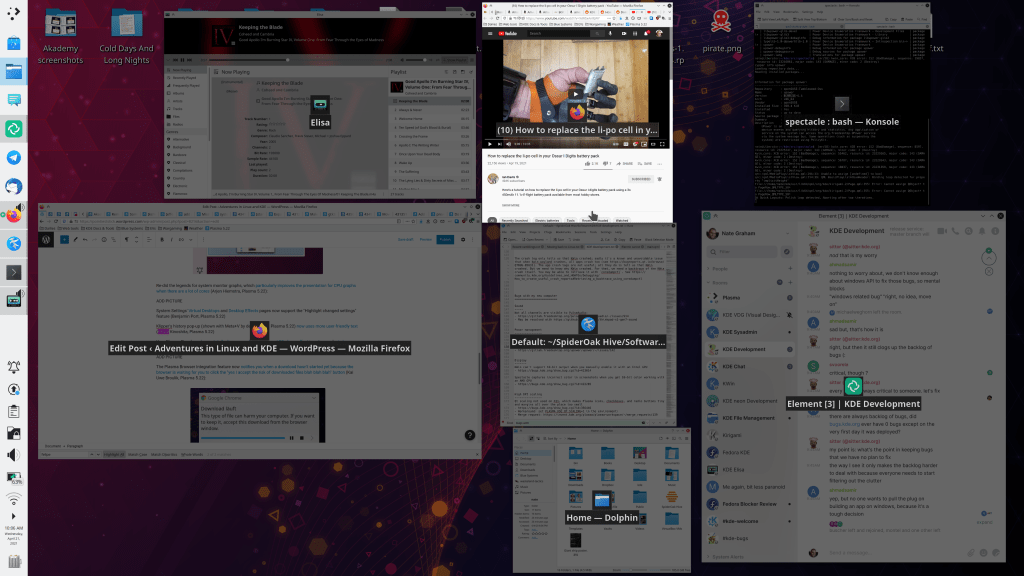
The now-visible-by-default Panel in the Present Windows effect is now darkened along with the background to communicate that it’s non-interactive (Felipe Kinoshita, Plasma 5.22)
The Audio Volume applet’s tooltip now shows the user-friendly name of the current audio output rather than its technical name (Nicolas Fella, Plasma 5.22)
GTK apps now use Breeze-style arrows in menus and various other places (me: Nate Graham, Plasma 5.22):
Middle-clicking System Monitor applets now opens the new Plasma System Monitor app (David Redondo, Plasma 5.22)
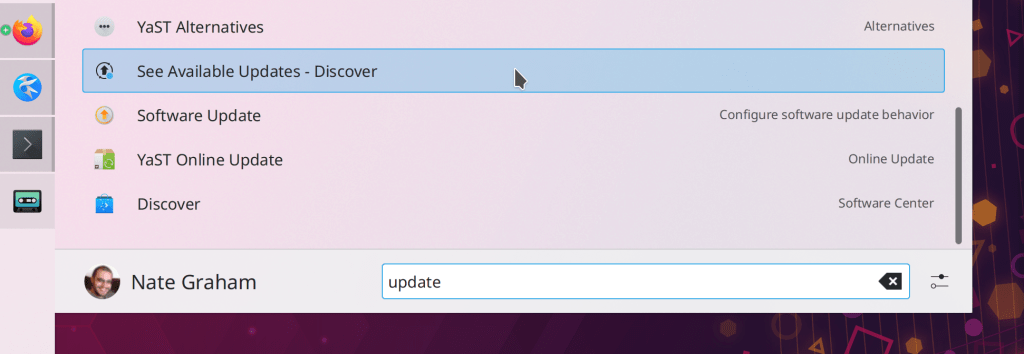
Discover’s “Updates” jump list action has been clarified so that it no longer seems identical to other similar actions in search results (me: Nate Graham, Plasma 5.22):
Various keyboard shortcuts can now be used to manipulate the volume of the currently focused stream in the Audio Volume applet: the numbers 0-9 to change the volume, M to mute, Enter/Return to make it the default one, and Menu Key to open the menu (Chris Holland, Plasma 5.22)
The Clipboard applet no longer features a “Quit” action, because you can’t actually quit it (Eugene Popov, Plasma 5.22)
Scrolling over the Battery & Brightness applet to change the brightness now works more consistently and predictably with both a high-resolution touchpad as well as a traditional mouse wheel (Bernhard Sulzer, Plasma 5.22)
Shadows behind the clock text in the lock and login screens has been slightly lightened when displayed above light backgrounds so that it doesn’t appear so sharp and harsh (me: Nate Graham, Plasma 5.22)
A variety of QWidgets-based KDE apps will no longer have absurdly small 640×480 pixel default window sizes (me: Nate Graham, Frameworks 5.82)
Web shortcuts now display their icons by default (Ismael Asensio, Frameworks 5.82)
…And everything else
Keep in mind that this blog only covers the tip of the iceberg (though this week it was perhaps a bigger tip than usual)! Tons of KDE apps whose development I don’t have time to follow aren’t represented here, and I also don’t mention backend refactoring, improved test coverage, and other changes that are generally not user-facing. If you’re hungry for more, check out https://planet.kde.org/, where you can find blog posts by other KDE contributors detailing the work they’re doing.
How You Can Help
Have a look at https://community.kde.org/Get_Involved to discover ways to be part of a project that really matters. Each contributor makes a huge difference in KDE; you are not a number or a cog in a machine! You don’t have to already be a programmer, either. I wasn’t when I got started. Try it, you’ll like it! We don’t bite!
Finally, consider making a tax-deductible donation to the KDE e.V. foundation.






 Adventures in Linux and KDE