
Plasma 5.23’s beta period is half over, and we’re busy fixing issues found by our wonderful users. One thing to note is that I don’t mention fixes for regressions that never shipped to users in final releases, and this includes beta versions. If I included those, the list below would be much longer! Because rest assured, we have been fixing tons and tons of the bugs and regressions that all your faithful QA has caught during the beta period. All those bug reports are really valuable. So please do keep filing them! Bug reporting isn’t a black hole!
New Features
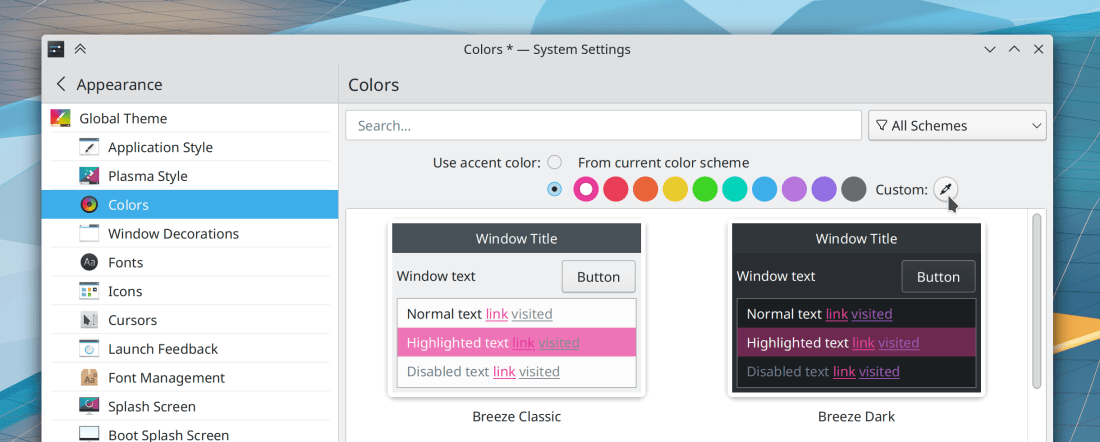
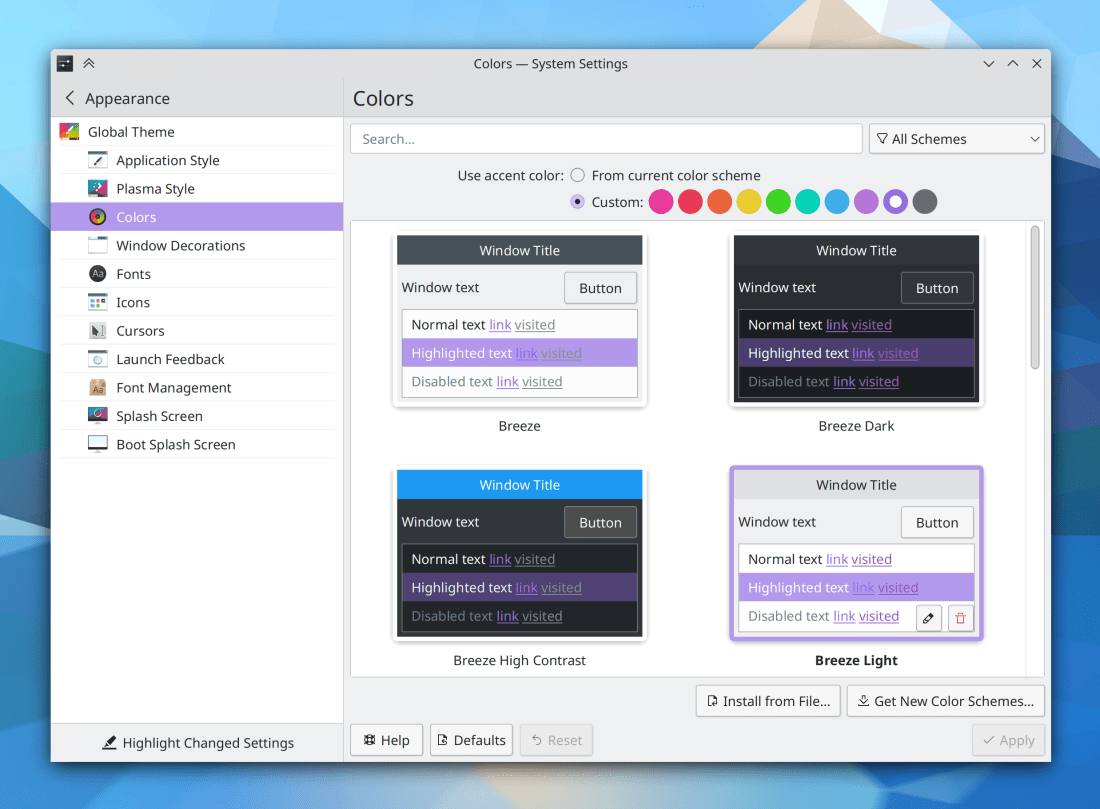
You can now pick your own custom accent color on System Settings’ Colors page (Tanbir Jishan, Plasma 5.24):
In the Plasma Wayland session, KWin now supports “DRM leasing”, which allows us to re-add support for VR headsets and let them achieve optimal performance (Xaver Hugl, Plasma 5.24)
KWin now lets you optionally set a global keyboard shortcut to move a window to the center of its screen (Kristen McWilliam, Plasma 5.24)
The Open dialog now gives you a context menu item to open the selected file in a different external app, in case you want or need to preview it before opening it in the app that asked for the file, and the small preview offered in the dialog itself isn’t big enough (Ahmad Samir, Frameworks 5.87)
Bugfixes & Performance Improvements
When you print a document in Okular and choose a scaling mode that requires the “Force rasterization” setting to be active in order to work, that setting is now enabled automatically so you don’t need to know this and remember to do it manually (me: Nate Graham, Okular 21.08.2)
Kate no longer crashes when quitting while the Replicode plugin is active (Waqar Ahmed, Kate 21.08.2)
Dolphin no longer secretly remains open in the background after compressing/archiving files using the context menu and then quitting the app (Andrey Butirsky, Ark 21.08.2)
Konsole’s tab bar now instantly responds to changes in the systemwide color scheme or font size, rather than having to be restarted (Ahmad Samir, Konsole 21.12)
The background of Elisa’s “Now Playing” page no longer flickers when the window is resized (Fushan Wen, Elisa 21.12)
Fixed a crash in KWin that could bring down the whole Plasma Wayland session (Vlad Zahorodnii, Plasma 5.23)
Installing sandboxed Snap apps in the Plasma Wayland session no longer sometimes makes KWin crash (Vlad Zahorodnii, Plasma 5.23)
In the Plasma Wayland session, the cursor is no longer invisible after a screen turns off and then back on (Xaver Hugl, Plasma 5.23)
The audio balance feature in System Settings’ Audio Volume page now works again (Nicolas Fella, Plasma 5.23)
In the Plasma Wayland session, text copied from a GTK app can now be pasted into other apps after closing the GTK app (David Edmundson, Plasma 5.23)
In the Plasma Wayland session, copying text from apps should insert broken empty items into the clipboard a lot less (hopefully not at all!) (David Edmundson, Plasma 5.23)
In the Plasma Wayland session, screen edges now work correctly in multi-screen setups with auto-hiding panels (Lewis Lakerink, Plasma 5.23)
In the Plasma Wayland session, you can now type numbers into the spinbox used to choose the thickness of a Panel (David Edmundson, Plasma 5.23)
The user picture/avatar element of the Kickoff Application Launcher now shows your initials when you haven’t set a custom picture (Fabian Vogt, Plasma 5.23)
Text in System Settings’ Activities page is now translatable and should be translated soon (Nicolas Fella, Plasma 5.23)
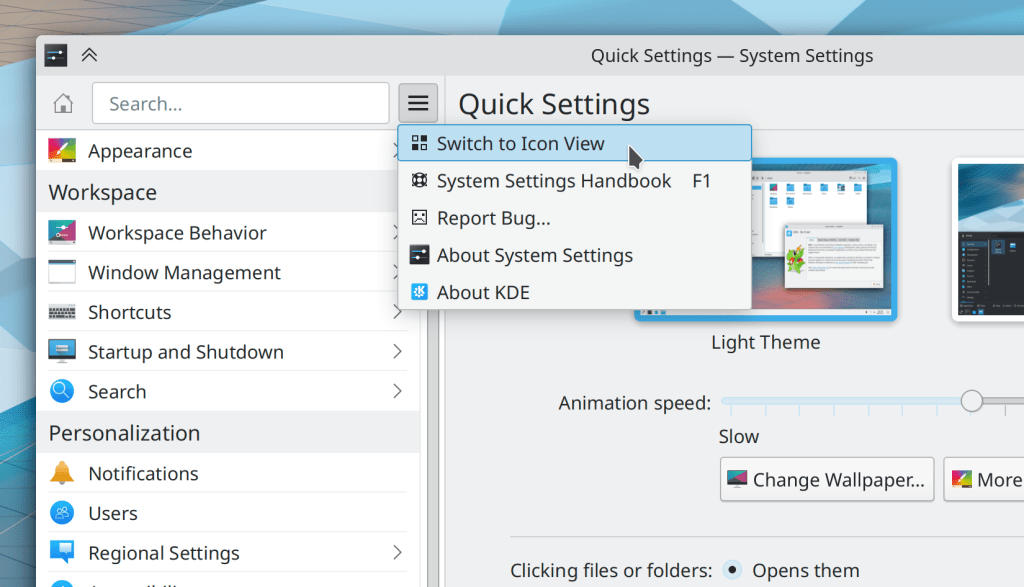
System Settings’ KWin Scripts page no longer has a help button that does nothing (me: Nate Graham, Plasma 5.23)
The slider handle for a volume control in the System Tray Audio Volume applet no longer exhibits visual glitches while its stream is playing audio (Derek Christ, Plasma 5.23)
The “Only automatically mount removable media that has been manually mounted before” setting (what a mouthful) in System Settings’ Removable Devices page now works (Méven Car, Plasma 5.24)
The startup sound (if you have enabled it) now plays as expected when using Plasma’s “Systemd startup” feature (Henri Chain, Plasma 5.24)
Discover is now faster to check for updates (Aleix Pol Gonzalez, Frameworks 5.87)
Files copied using a KDE app now fully respect the system’s umask value and therefore get created in the destination folder with the correct permissions (Ahmad Samir, Frameworks 5.87)
The header bars on the top of many Plasma applets now respect your color scheme for the full width of the line on the bottom (Remi Larroumets, Frameworks 5.87)
User Interface Improvements
Skanlite now remembers the last-used scanner (Alexander Stippich, Skanlite 21.12)
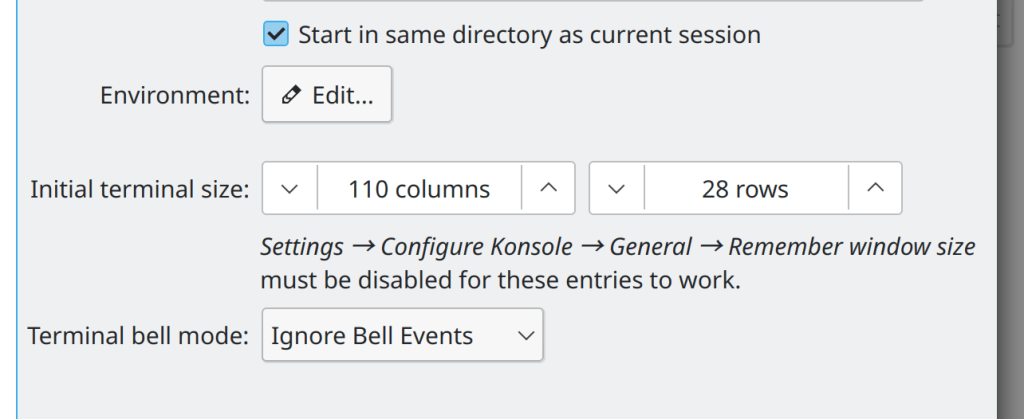
Konsole now has only one option to control menubar visibility and it always works–rather than two options in different places that conflict with one another (Eugene Popov, Konsole 21.12)
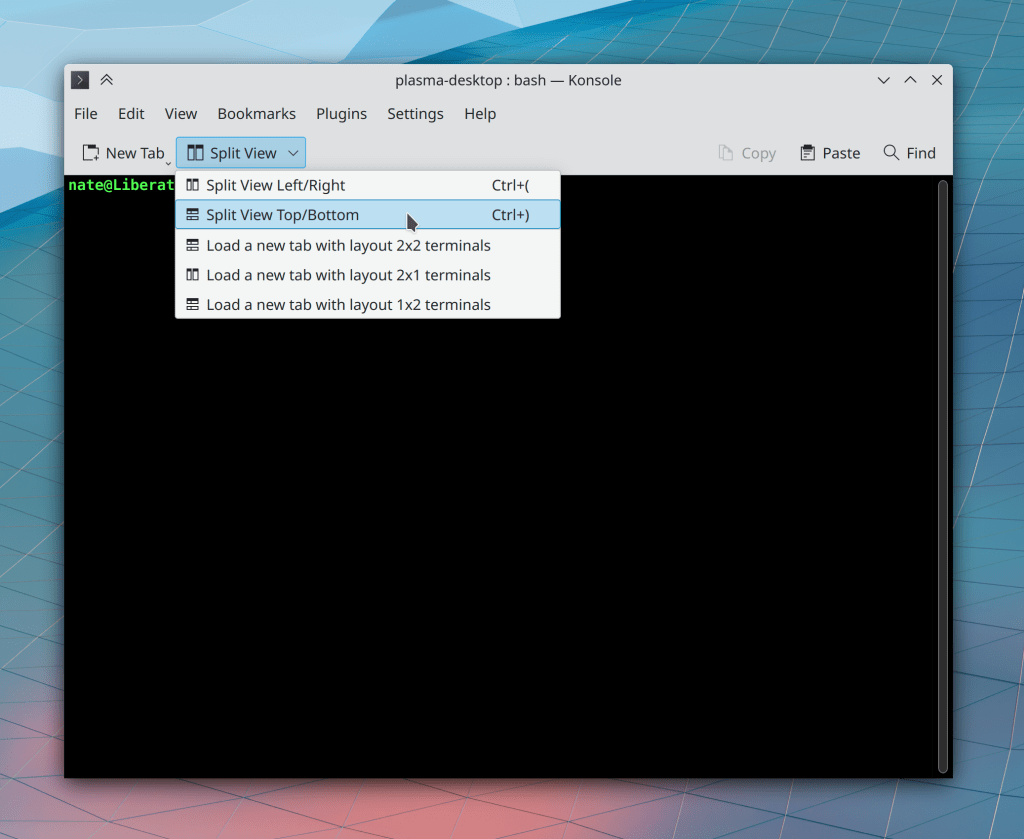
Double-clicking on the splitter between two adjacent split views in Konsole now resizes the views so that each one has the same amount of space, just like in Dolphin (Thomas Surrel, Konsole 21.12)
Okular now displays a sensible message when asking you to enter the name of the author for an annotation (Albert Astals Cid, Okular 12.12)
“Positive”, “Neutral”, and “Negative” text colors in KDE apps are now easier to read when they appear within a selected list item (me: Nate Graham, Plasma 5.23)
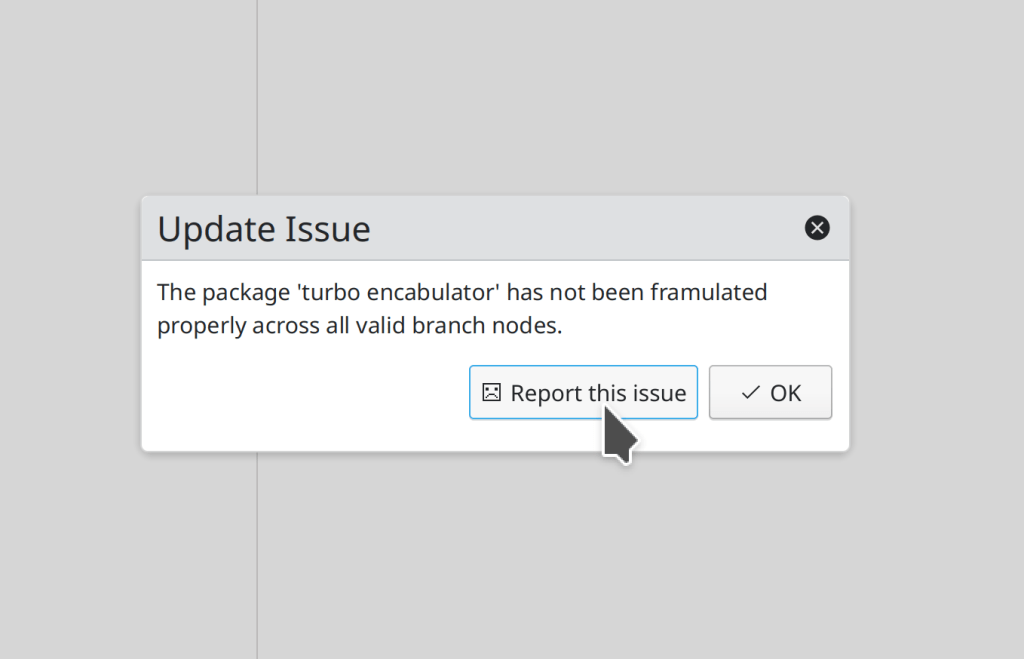
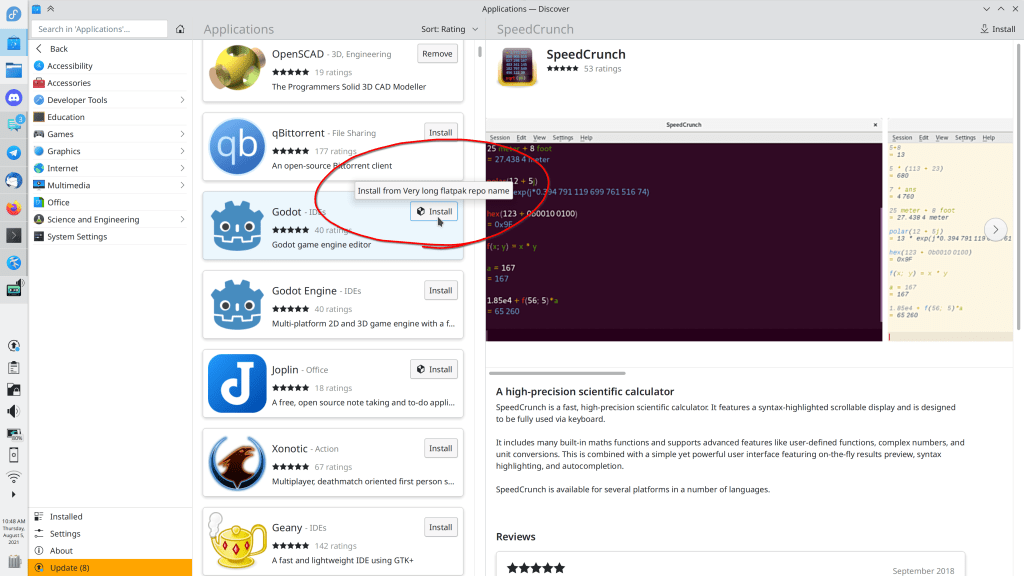
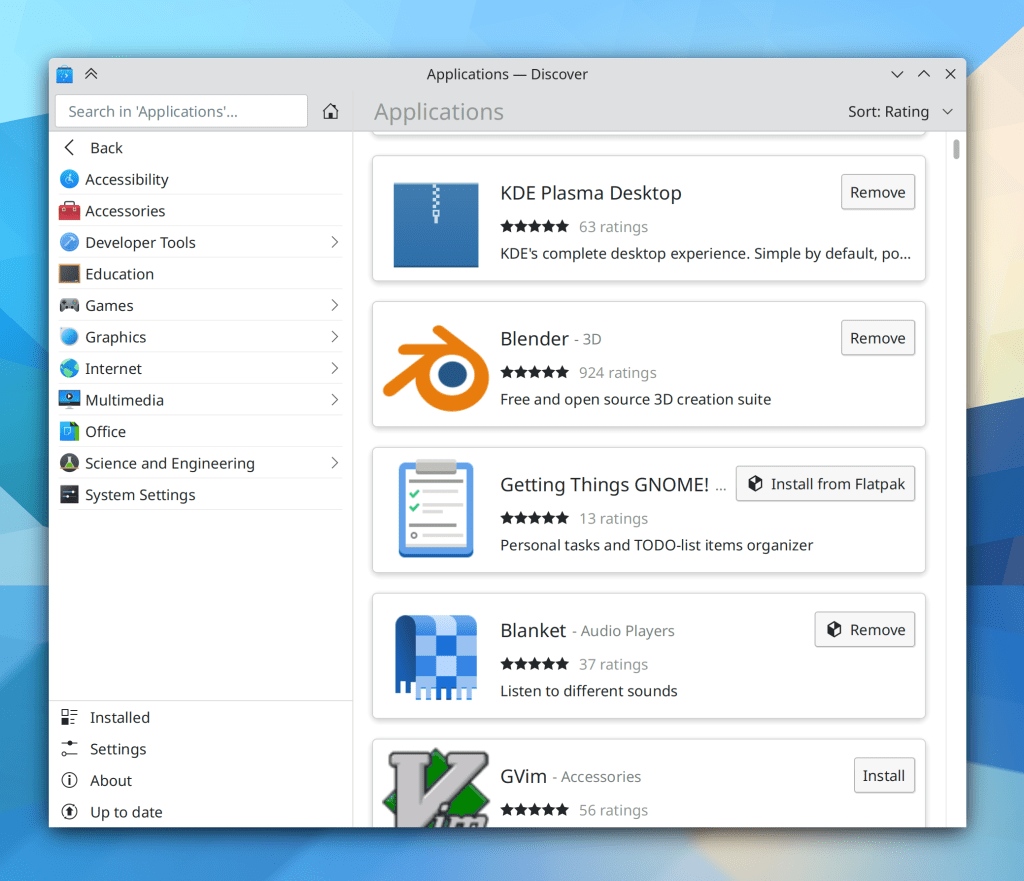
Discover now makes it more obvious how to file a bug report on your distro when it presents you with an issue that is caused by faulty distro packaging, because there is now a nice big “Report this issue” button that takes you straight to your distro’s bug tracker (me: Nate Graham, Plasma 5.24):
The “Breeze High Contrast” color scheme has been deleted, because it actually offered lower contrast than the most similar-looking color scheme, Breeze Dark. Existing users will be migrated to Breeze Dark (me: Nate Graham, Plasma 5.24)
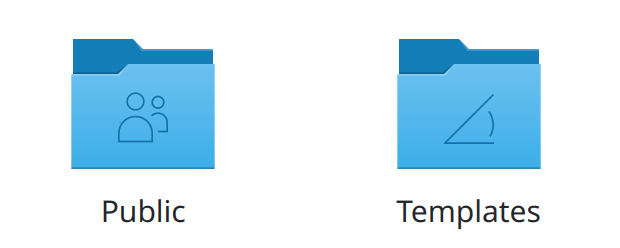
The Breeze color scheme has been renamed to “Breeze Classic”, to better distinguish it from the Breeze Light and Breeze Dark color schemes (me: Nate Graham, Plasma 5.24)
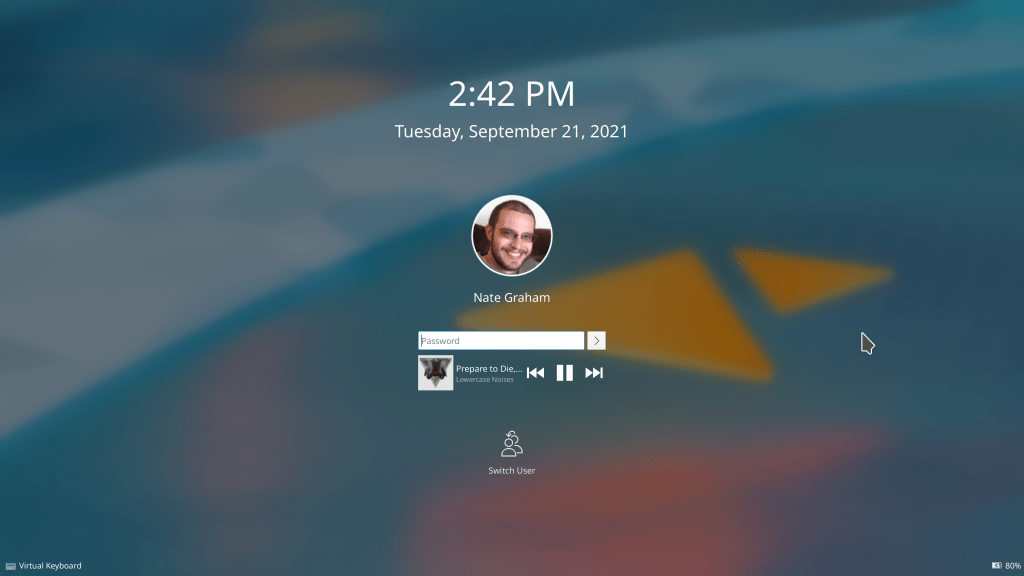
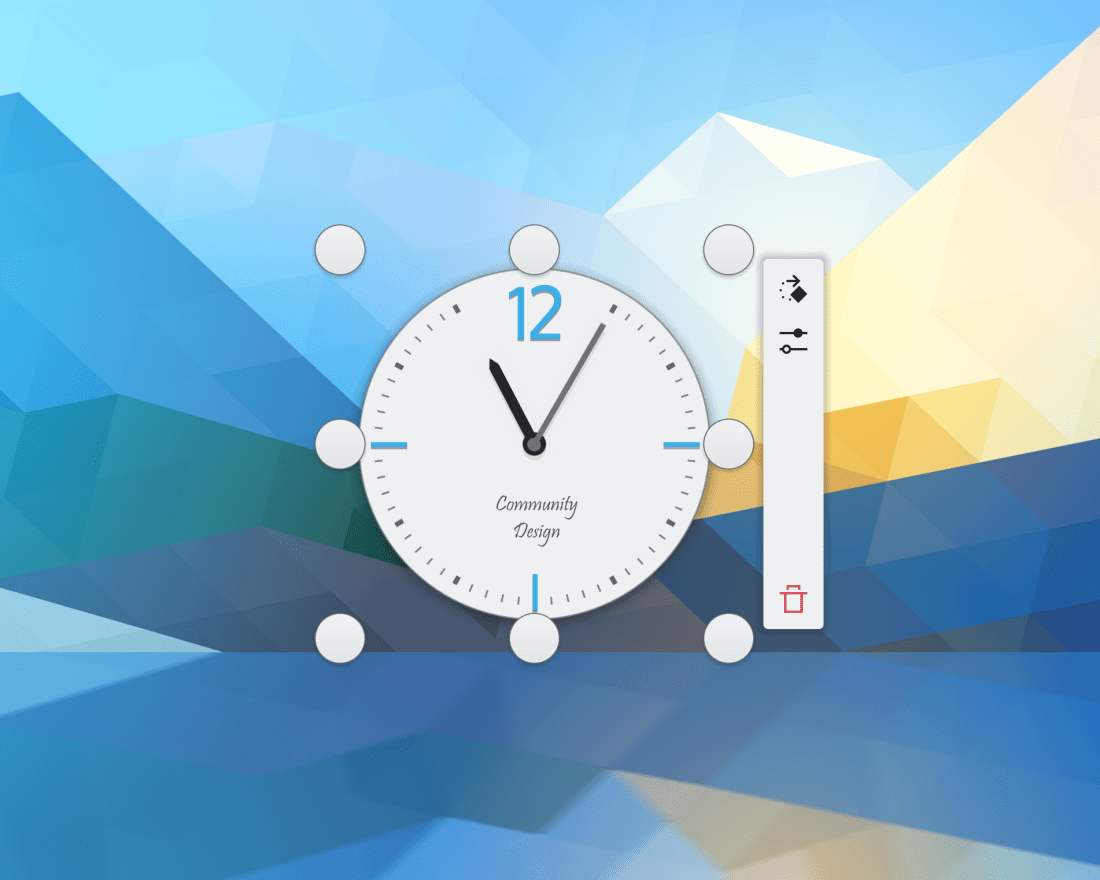
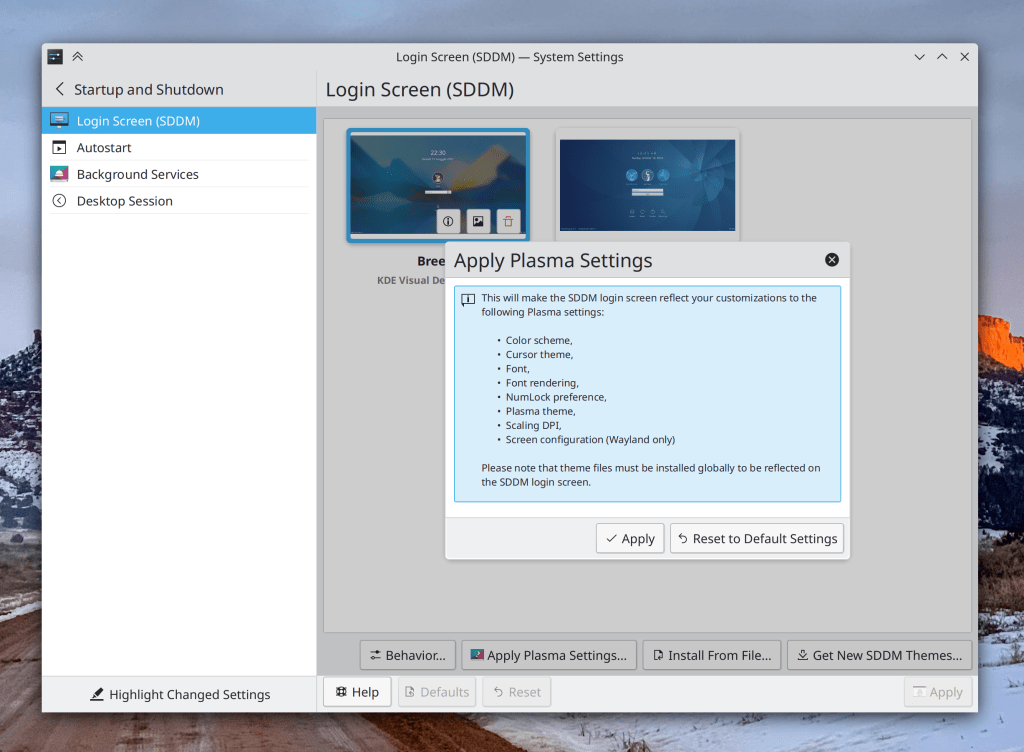
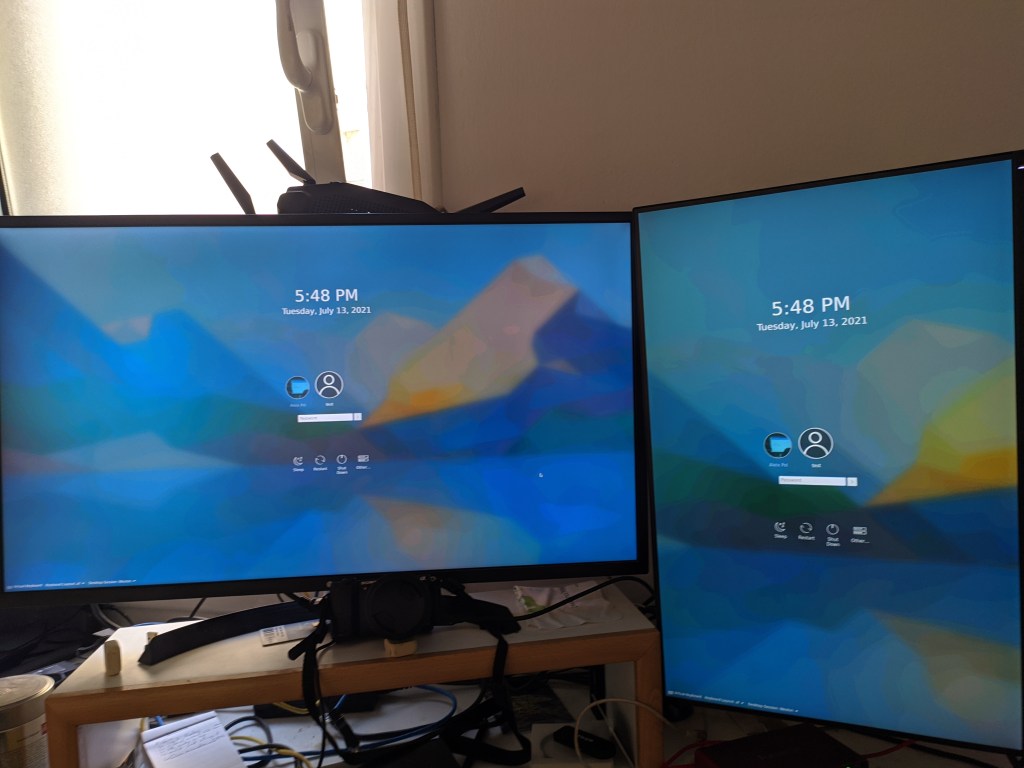
Usernames below avatar images in the login, lock, and logout screens have been made a bit bigger to provide a better scale with the size of the avatar images (me: Nate Graham, Plasma 5.24):
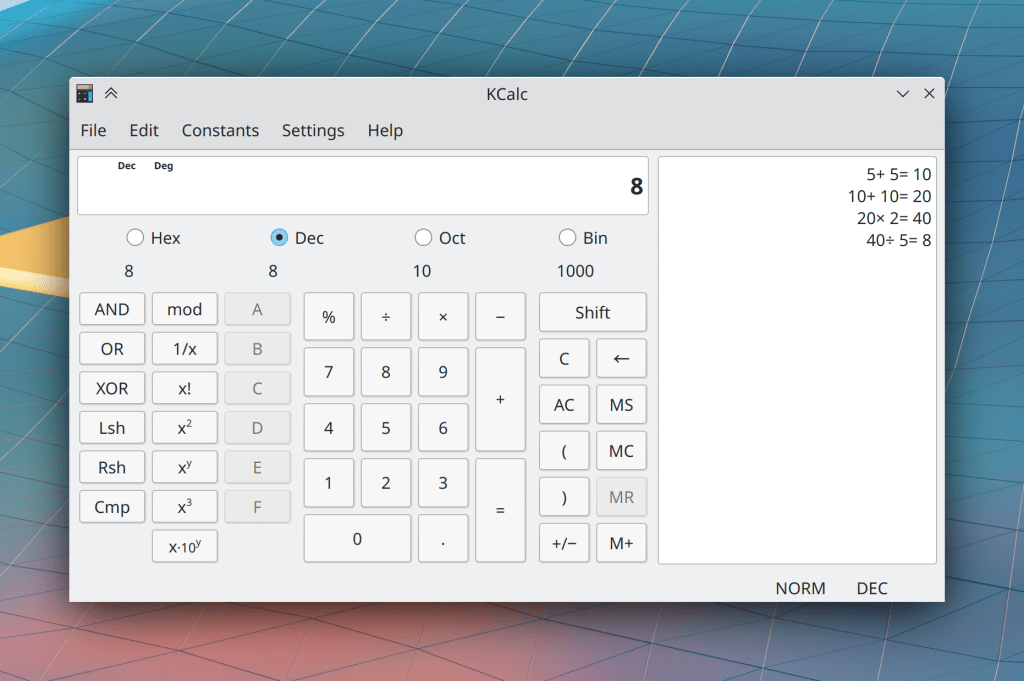
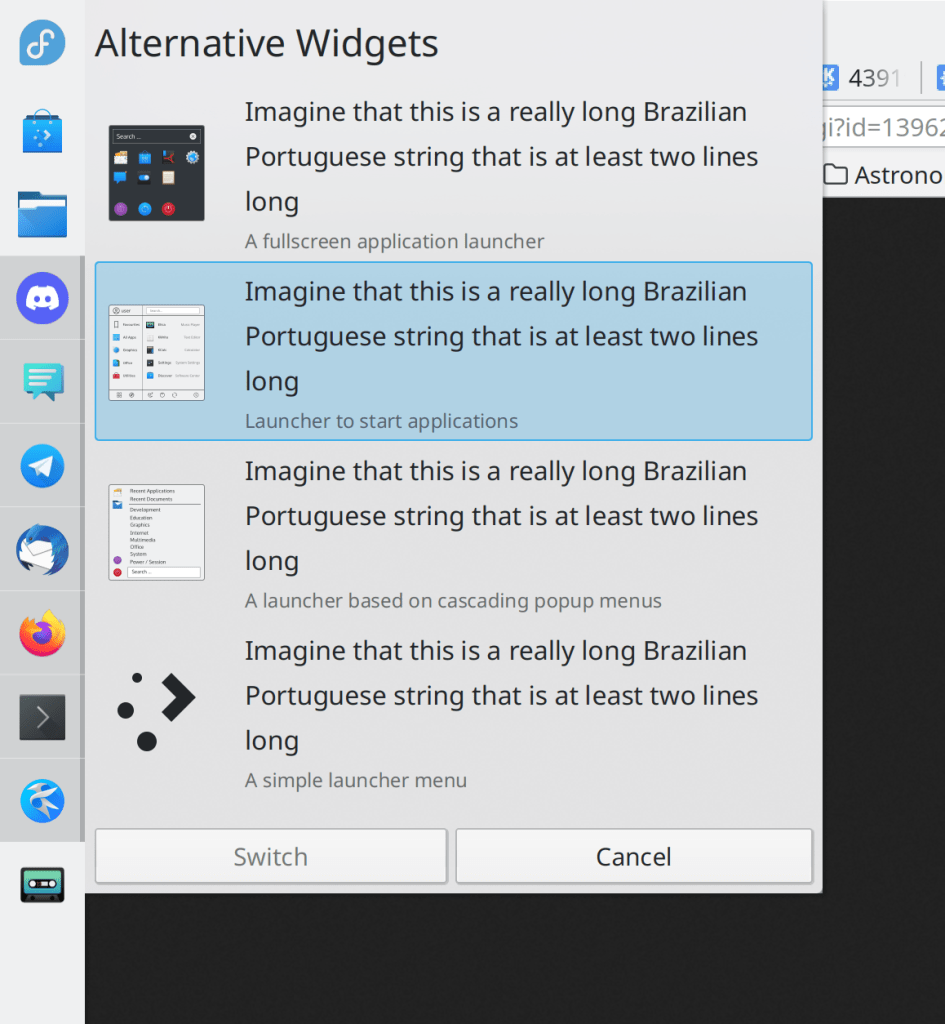
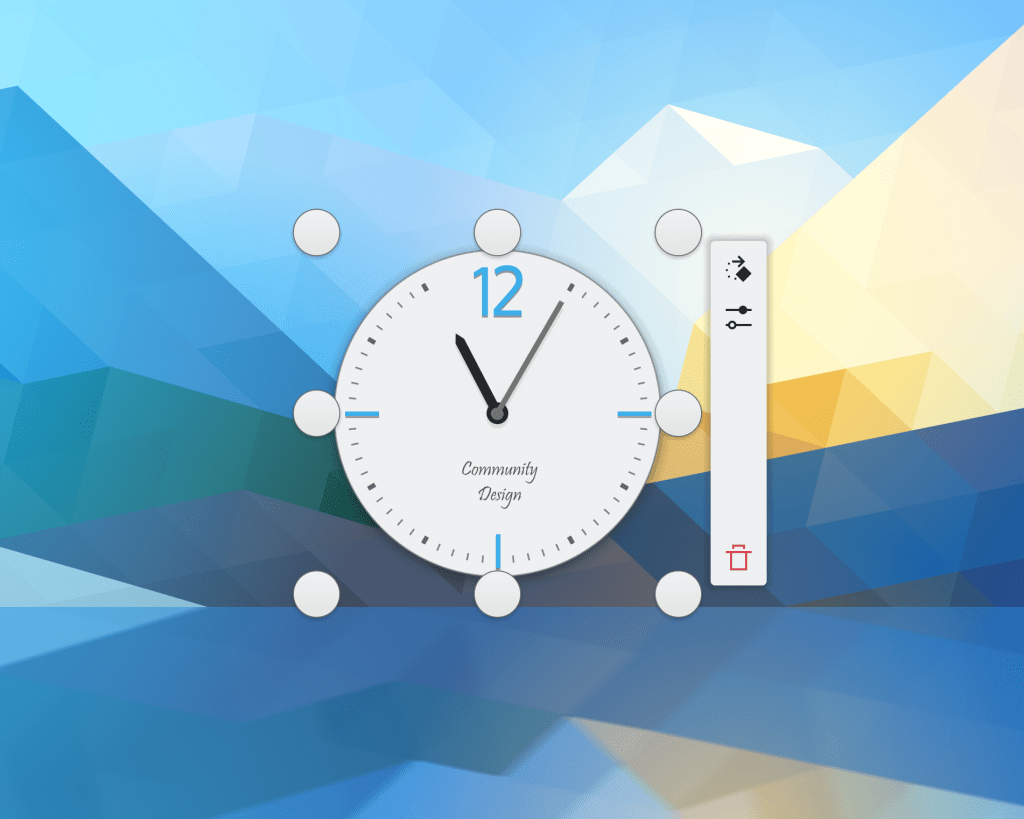
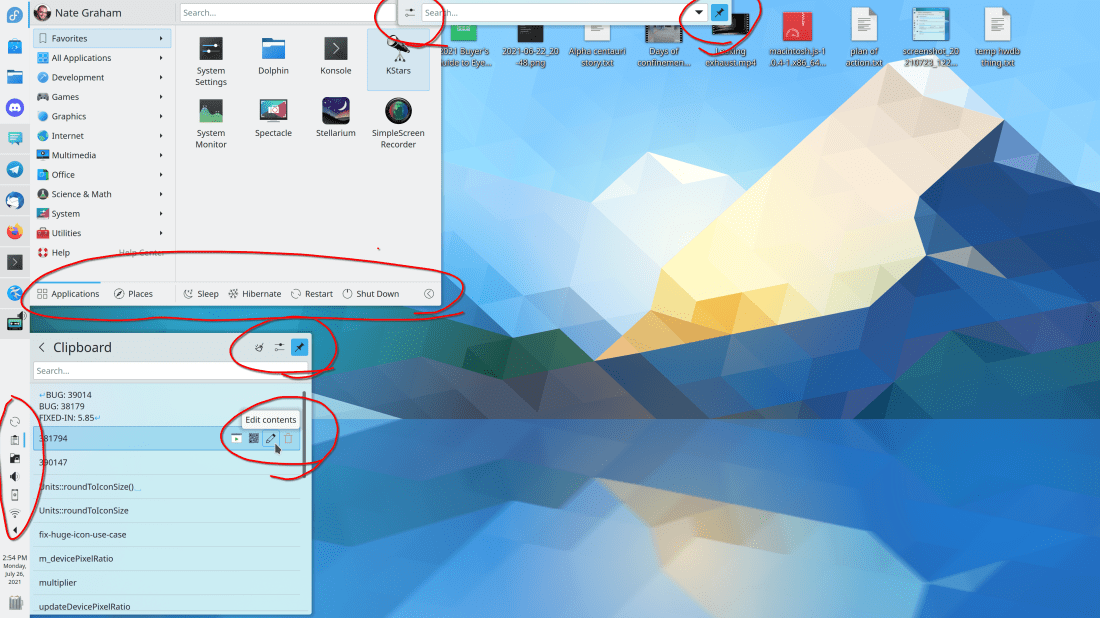
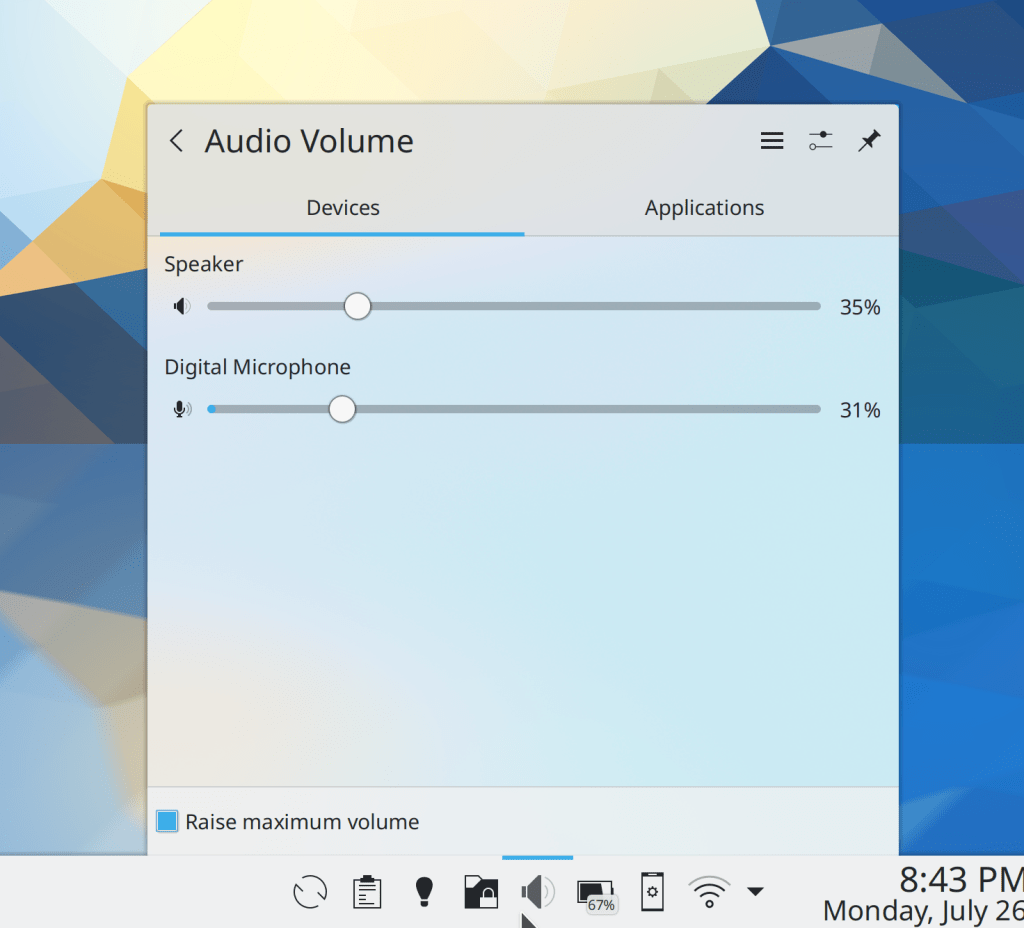
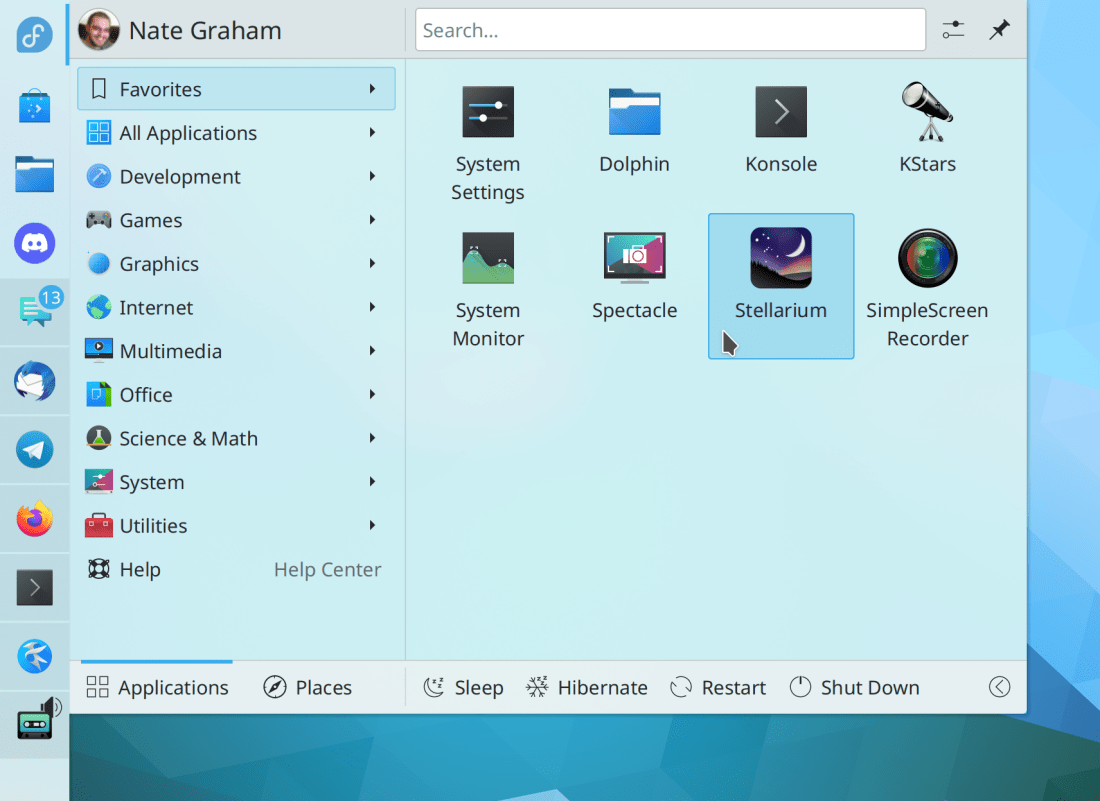
Header text in Kirigami app toolbars is now smaller and matches the scale of everything around it a bit better (Devin Lin, Frameworks 5.87):


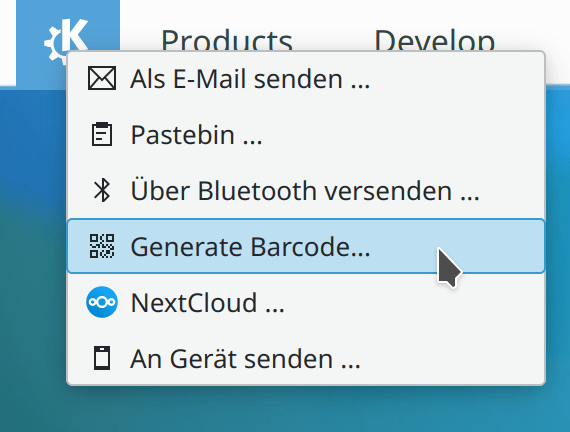
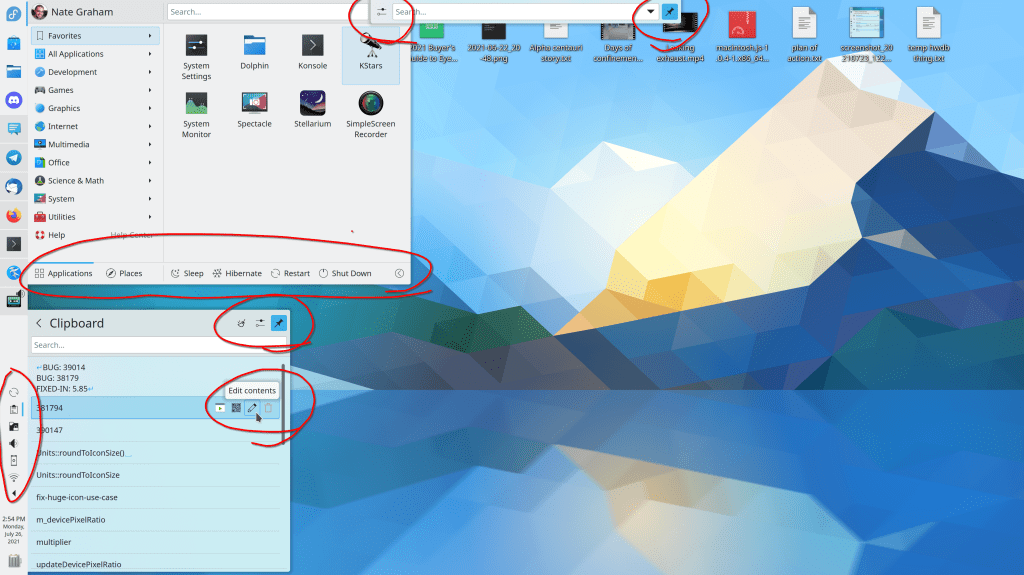
In the Clipboard applet and “Share” menu, when you can generate a QR code from some text, it is now referred to as a QR code, not a barcode (me: Nate Graham, Plasma 5.24 and Frameworks 5.87)
…And everything else
Keep in mind that this blog only covers the tip of the iceberg! Tons of KDE apps whose development I don’t have time to follow aren’t represented here, and I also don’t mention backend refactoring, improved test coverage, and other changes that are generally not user-facing. If you’re hungry for more, check out https://planet.kde.org/, where you can find blog posts by other KDE contributors detailing the work they’re doing.
How You Can Help
If you are an experienced developer or even a novice, work on these Plasma 5.23 regressions. If you are a non-developer and you can reproduce any of those bugs which are not yet marked as CONFIRMED, comment on this and mark the bug as CONFIRMED. We have two weeks to fix these regressions as well as all the other ones that people are continuously reporting, and every little bit of help… helps!
Have a look at https://community.kde.org/Get_Involved to discover ways to be part of a project that really matters. Each contributor makes a huge difference in KDE; you are not a number or a cog in a machine! You don’t have to already be a programmer, either. I wasn’t when I got started. Try it, you’ll like it! We don’t bite!
Finally, consider making a tax-deductible donation to the KDE e.V. foundation.













 Adventures in Linux and KDE