
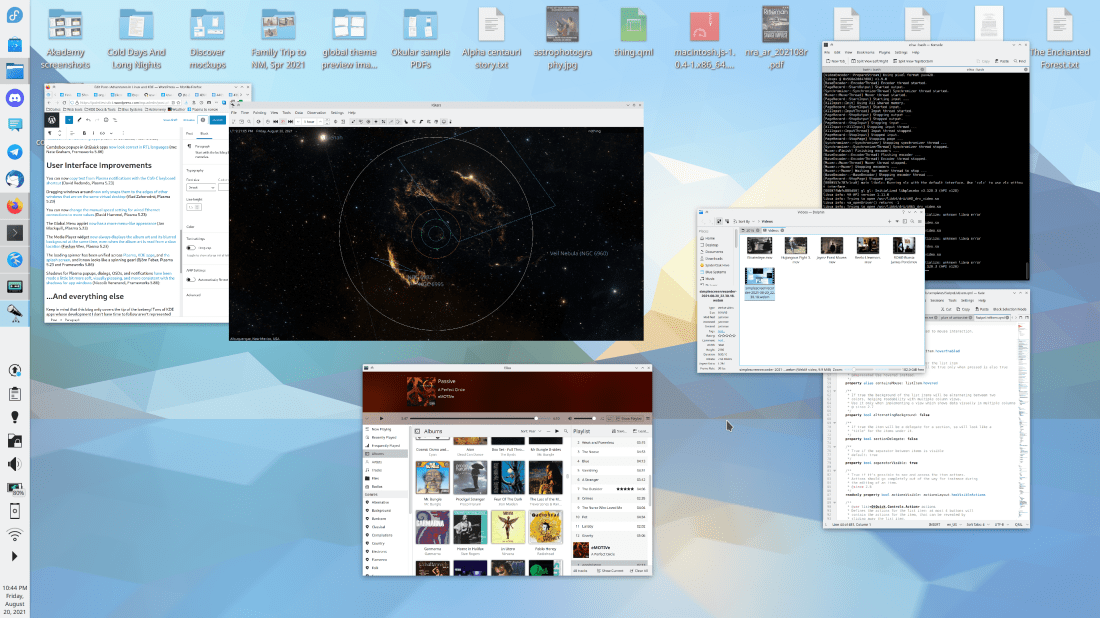
I have exciting news: this week the long-awaited new QML-based Overview effect has been merged! Currently it shows you all your open windows, just like the existing Present Windows effect–which it will eventually replace. And it does not dim the inactive/un-hovered windows. :)The visuals are not final, but here’s what it looks like so far:
Vlad Zahorodnii has been doing this work and it is still in the latter stages of development, but will eventually replace the existing Present Windows effect and probably the Desktop Grid effect as well, unifying them both into a full-screen overview of windows, Virtual Desktops and perhaps Activities too! The idea is to show you all your relevant window-related functionality in one place, similar to the popular 3rd-party Parachute KWin script, or macOS’s Mission Control overlay. It will ship in Plasma 5.23 and will need plenty of testing! So I would encourage everyone to try it out! To test it, install git master packages from your distro’s unstable repo or build everything from source or use KDE Neon Unstable or openSUSE Krypton. Then enable the Overview effect in the System Settings Desktop Effects page and invoke it with Meta+Ctrl+D.
New Features
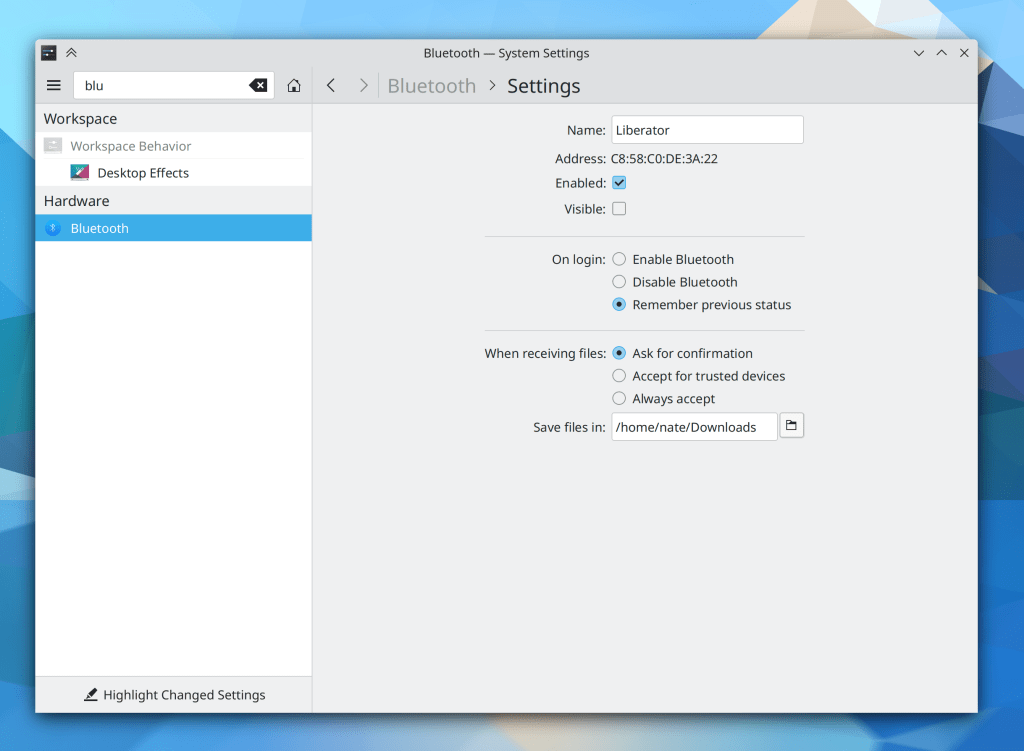
You can now choose the status of your Bluetooth adapter on login: powered on, powered off, or remember the state it was in the last time the system was rebooted (the latter option is the new default) (me: Nate Graham, Plasma 5.23):
Bugfixes & Performance Improvements
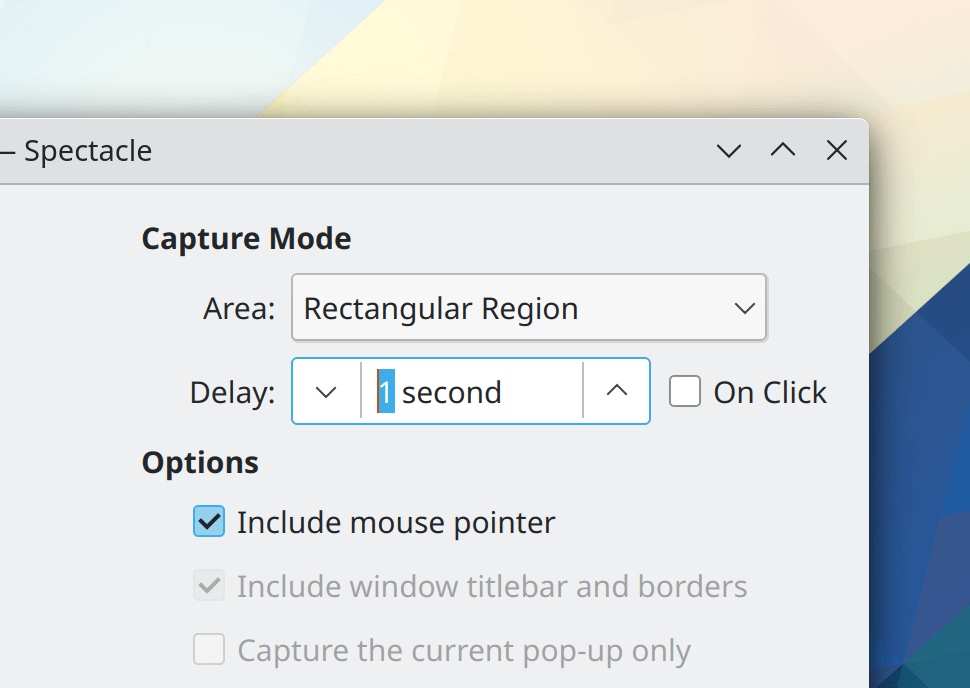
Spectacle once again takes screenshots with the correct resolution in a Plasma Wayland session using a fractional scale factor such as 125% (Méven Car, Spectacle 21.08.1)
Fixed a regression in how Breeze theme window decoration buttons were rendered in GTK CSD headerbar windows (Emilio Cobos Álvarez, Plasma 5.22.5)
System Monitor no longer fails to display IPv4 address information when IPv6 has been disabled (David Edmundson, Plasma 5.22.5)
Fixed one of the ways that the lock screen could get broken on Wayland (David Edmundson, Plasma 5.23)
In the Plasma Wayland session, middle-click-paste now works between native Wayland and XWayland apps! (David Redondo, Plasma 5.23)
In the Plasma Wayland session, copying text from notifications using any means now works (David Redondo, Plasma 5.23)
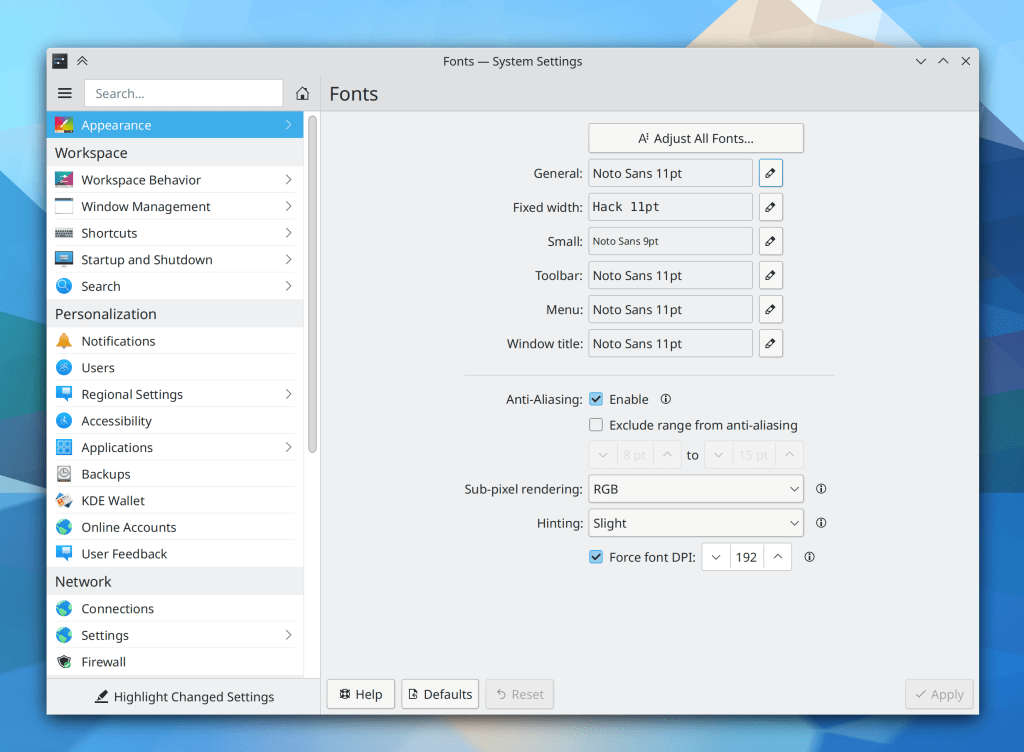
In the Plasma Wayland session, DPI-based scaling once again works (David Edmundson, Plasma 5.23)
In the Plasma Wayland session, the cursor now shows animated icon feedback when launching apps (Aleix Pol Gonzalez, Plasma 5.23)
Combobox popups in QtQuick apps now look correct in RTL languages (me: Nate Graham, Frameworks 5.86)
User Interface Improvements
You can now copy text from Plasma notifications with the Ctrl+C keyboard shortcut (David Redondo, Plasma 5.23)
Dragging windows around now only snaps them to the edges of other windows that are on the same virtual desktop (Vlad Zahorodnii, Plasma 5.23)
You can now change the manual speed setting for wired Ethernet connections to more values (David Hummel, Plasma 5.23)
The Global Menu applet now has a more menu-like appearance (Jan Blackquill, Plasma 5.23)
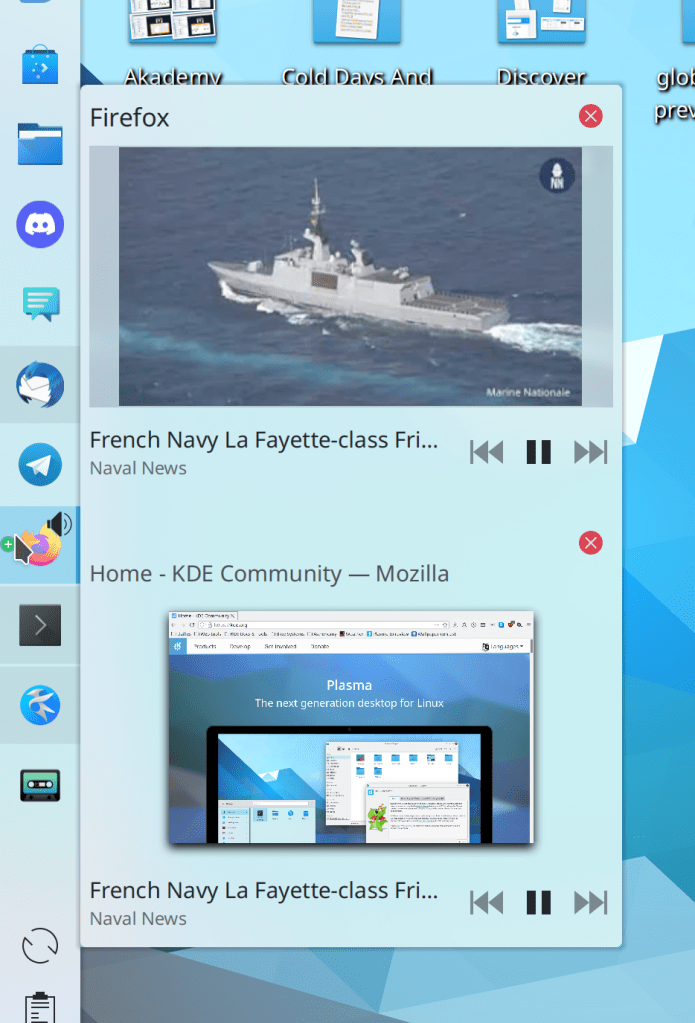
The Media Player widget now always displays the album art and its blurred background at the same time, even when the album art is read from a slow location (Fushan Wen, Plasma 5.23)
The loading spinner has been unified across Plasma, KDE apps, and the splash screen, and it now looks like a spinning gear! (Björn Feber, Plasma 5.23 and Frameworks 5.86)
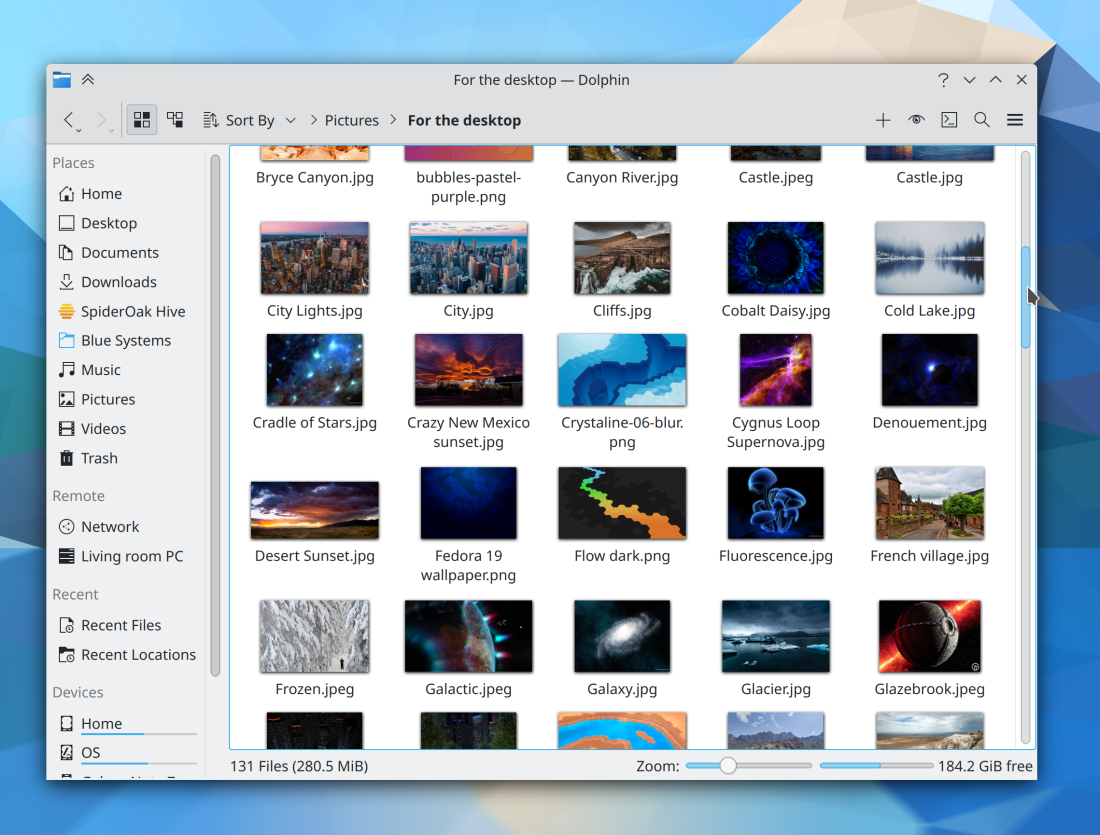
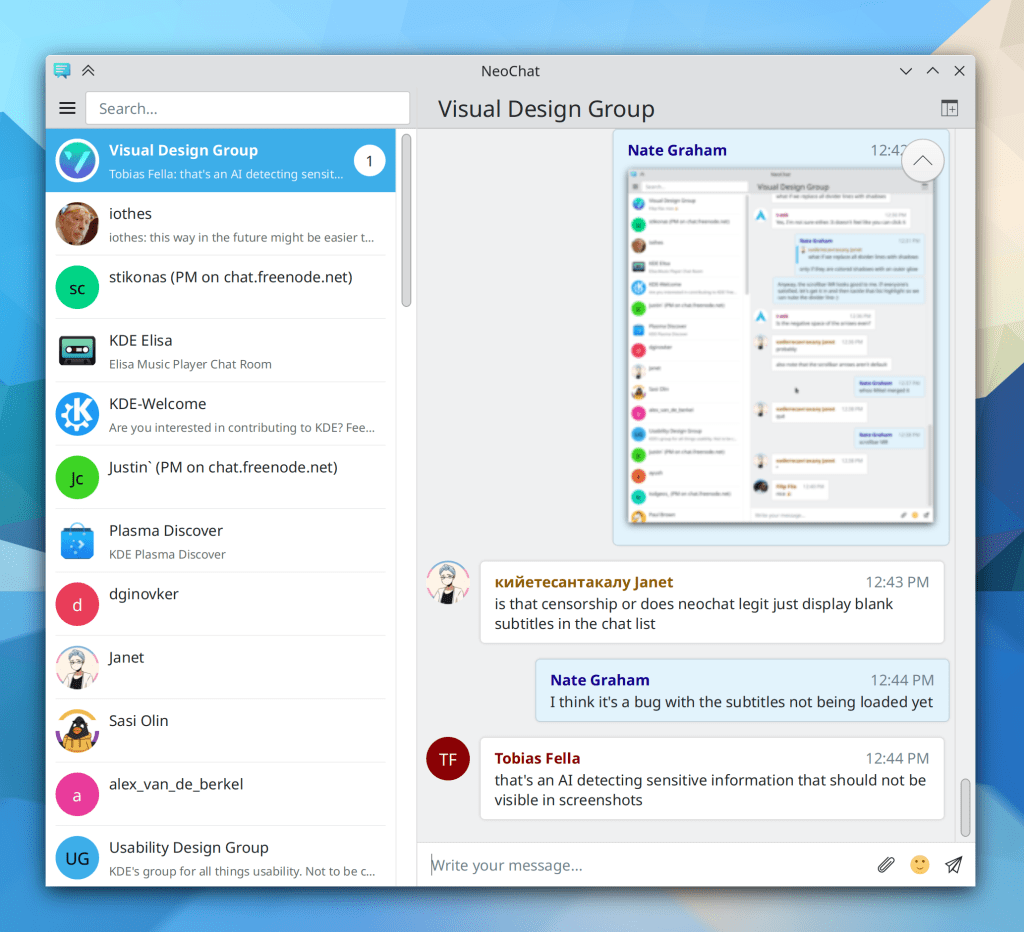
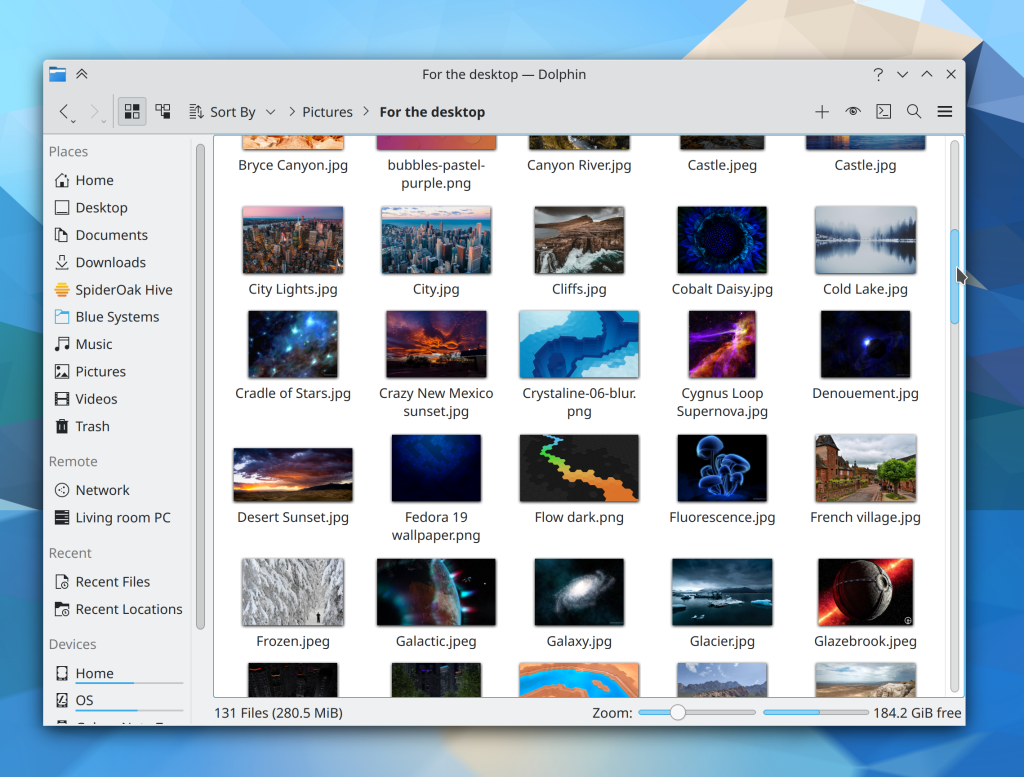
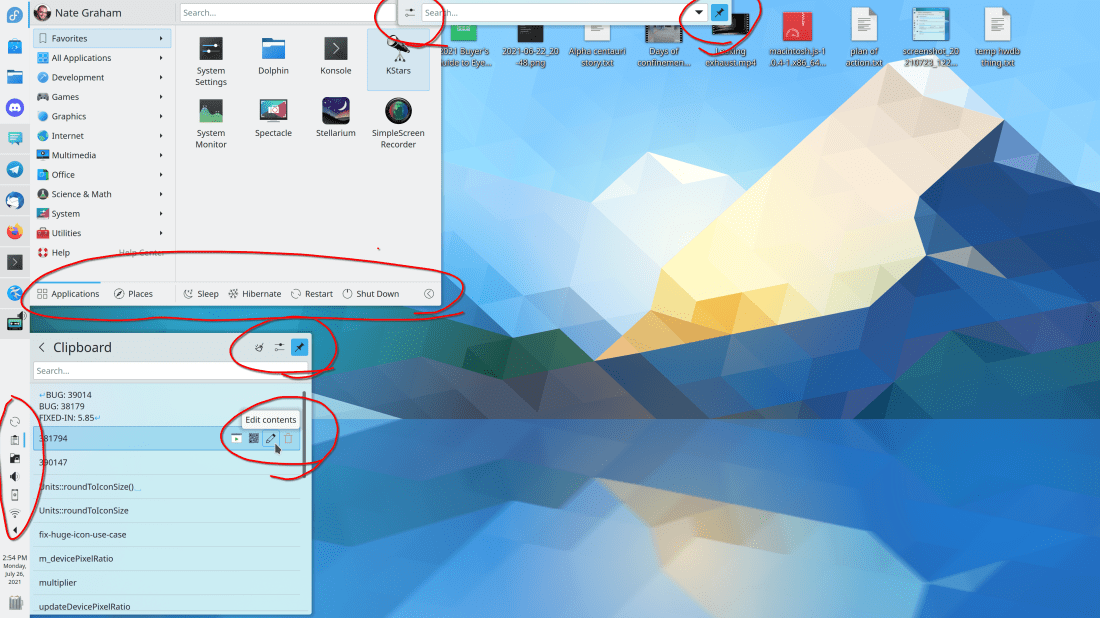
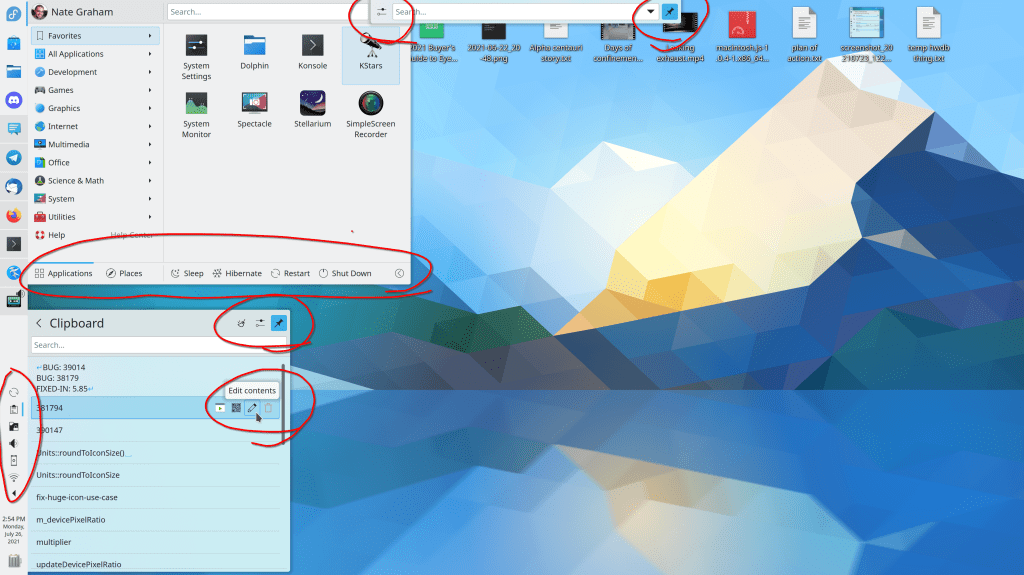
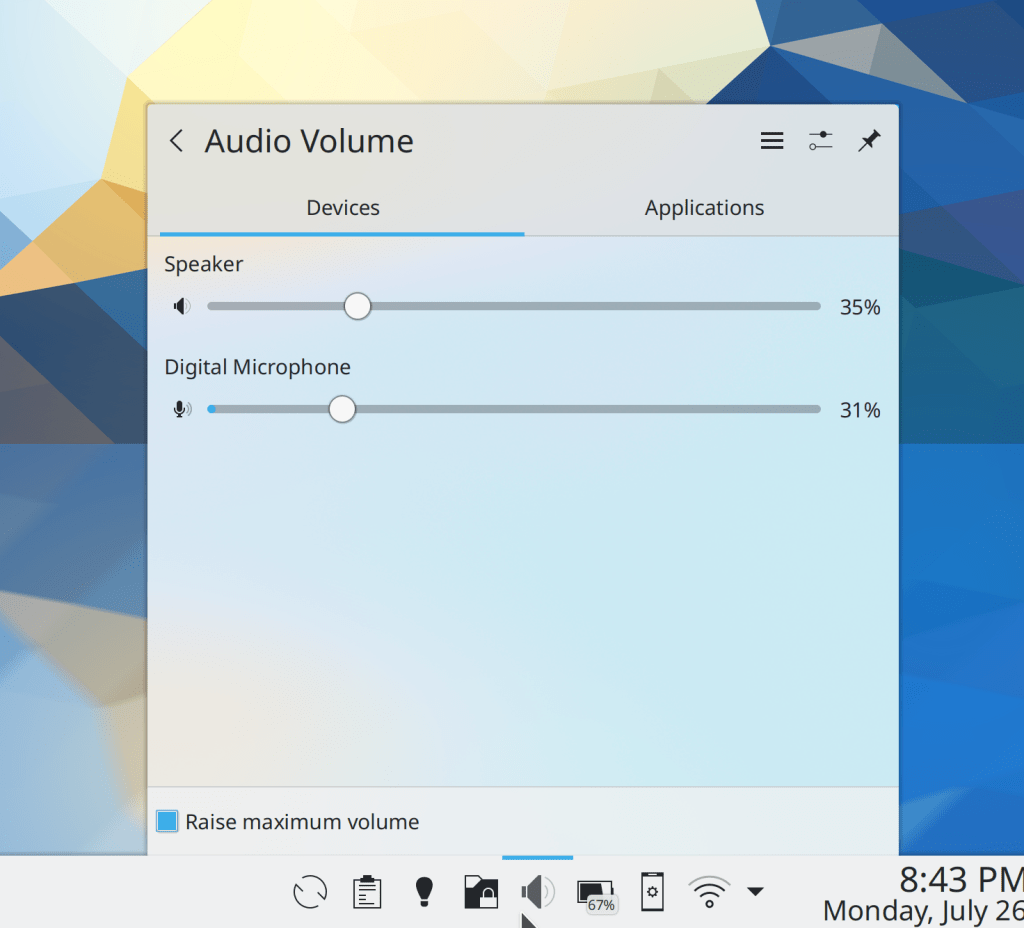
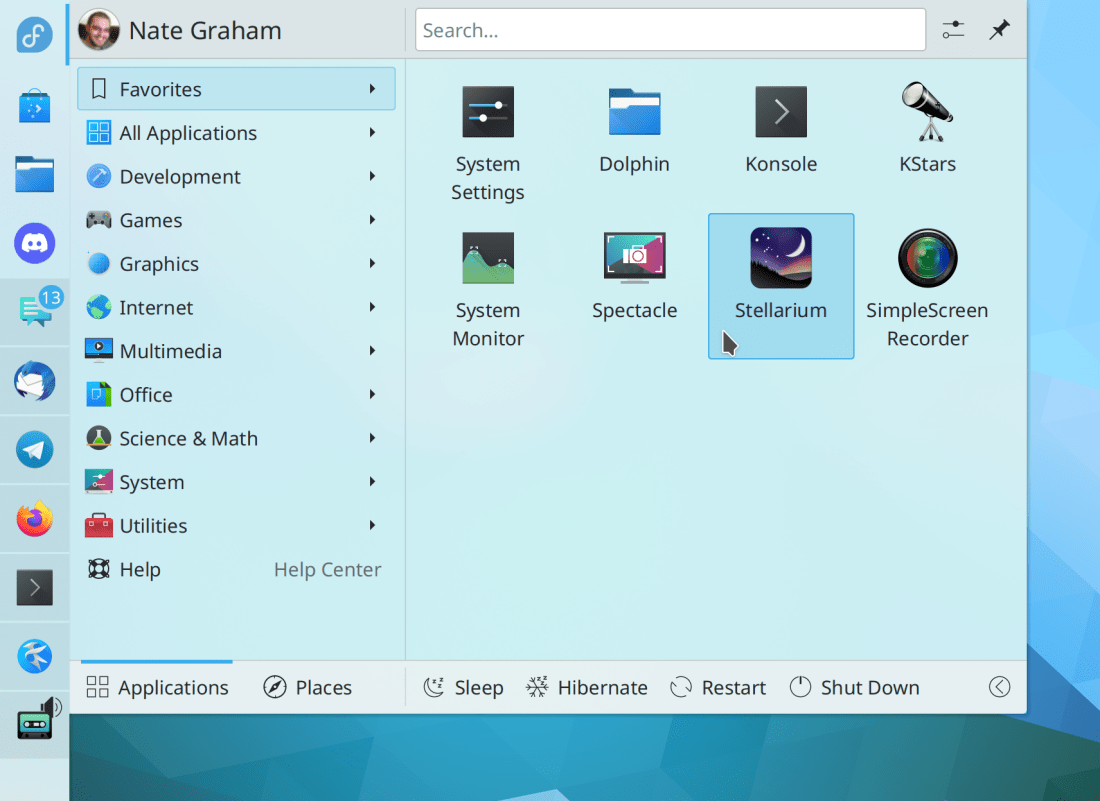
Shadows for Plasma popups, dialogs, OSDs, and notifications have been made a little bit more soft, visually pleasing, and more consistent with the shadows for app windows (Niccolò Venerandi, Frameworks 5.86):
…And everything else
Keep in mind that this blog only covers the tip of the iceberg! Tons of KDE apps whose development I don’t have time to follow aren’t represented here, and I also don’t mention backend refactoring, improved test coverage, and other changes that are generally not user-facing. If you’re hungry for more, check out https://planet.kde.org/, where you can find blog posts by other KDE contributors detailing the work they’re doing.
How You Can Help
Have a look at https://community.kde.org/Get_Involved to discover ways to be part of a project that really matters. Each contributor makes a huge difference in KDE; you are not a number or a cog in a machine! You don’t have to already be a programmer, either. I wasn’t when I got started. Try it, you’ll like it! We don’t bite!
Finally, consider making a tax-deductible donation to the KDE e.V. foundation.













 Adventures in Linux and KDE