
This week we merged support for re-binding the buttons of your multi-button mouse! You can assign buttons to keystrokes or keyboard shortcuts. Thanks to David Redondo, who implemented this for Plasma 5.26!
But that’s not all: we have much more, including a ton of work on Discover!
Other New Features
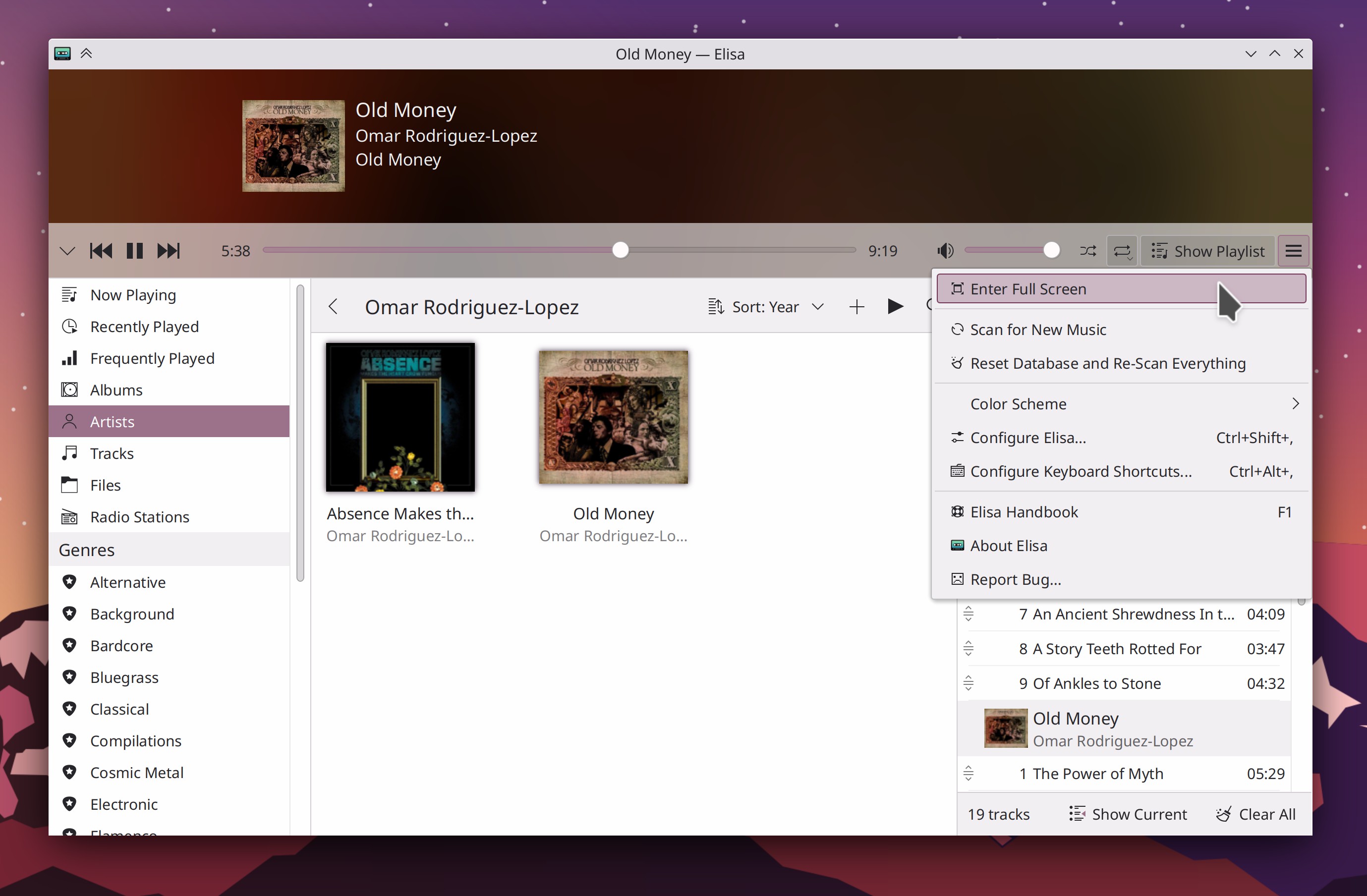
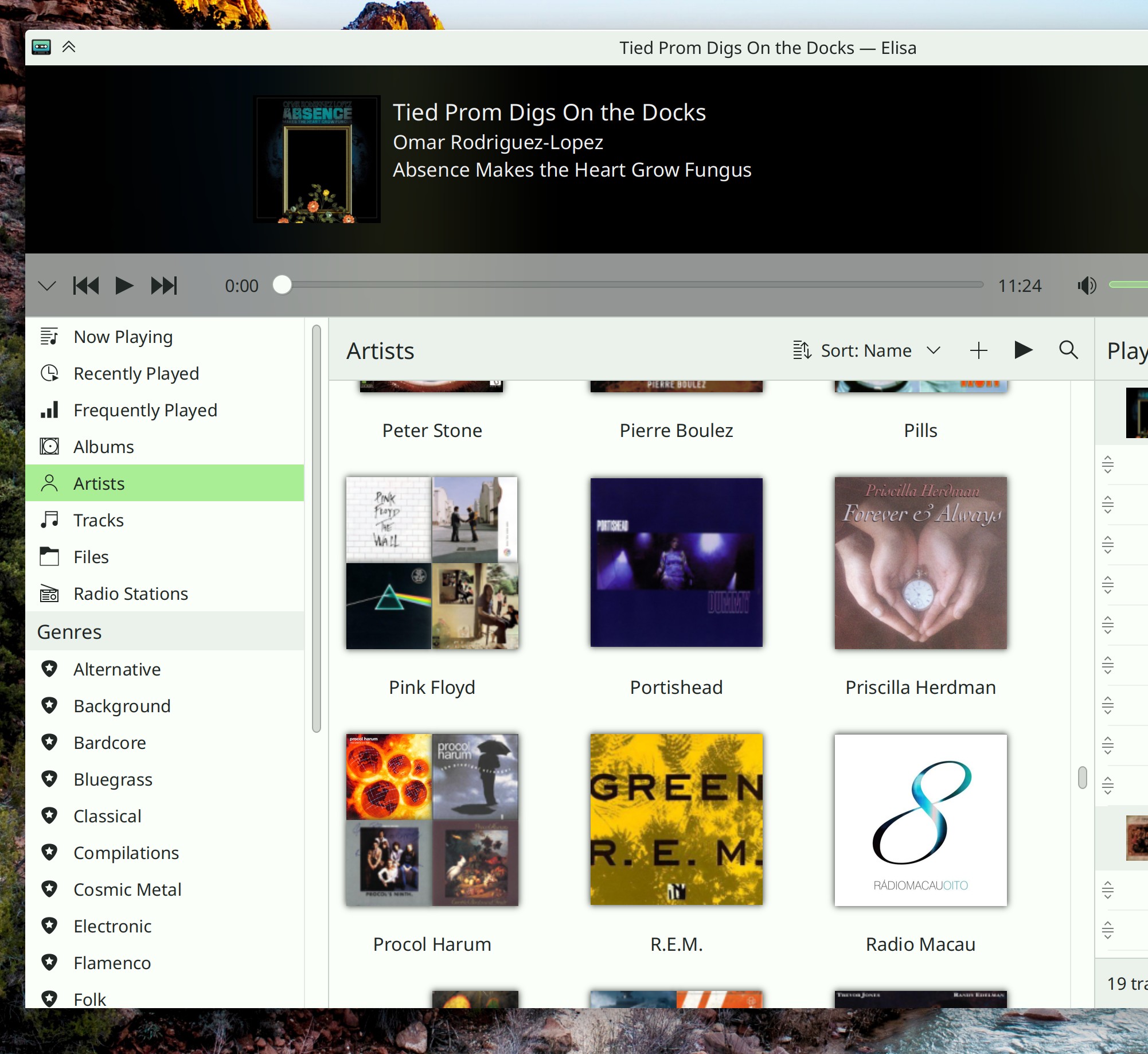
Elisa now defaults to saving playlist files with relative paths internally when the music files they reference live in the same folder–which is what most other music players do–but this can be changed if you prefer your playlist files to always contain absolute paths (Yerrey Dev, Elisa 22.12. Link)
Kate now has a keyboard macro feature! (Pablo Rauzy, Kate 22.12. Link)
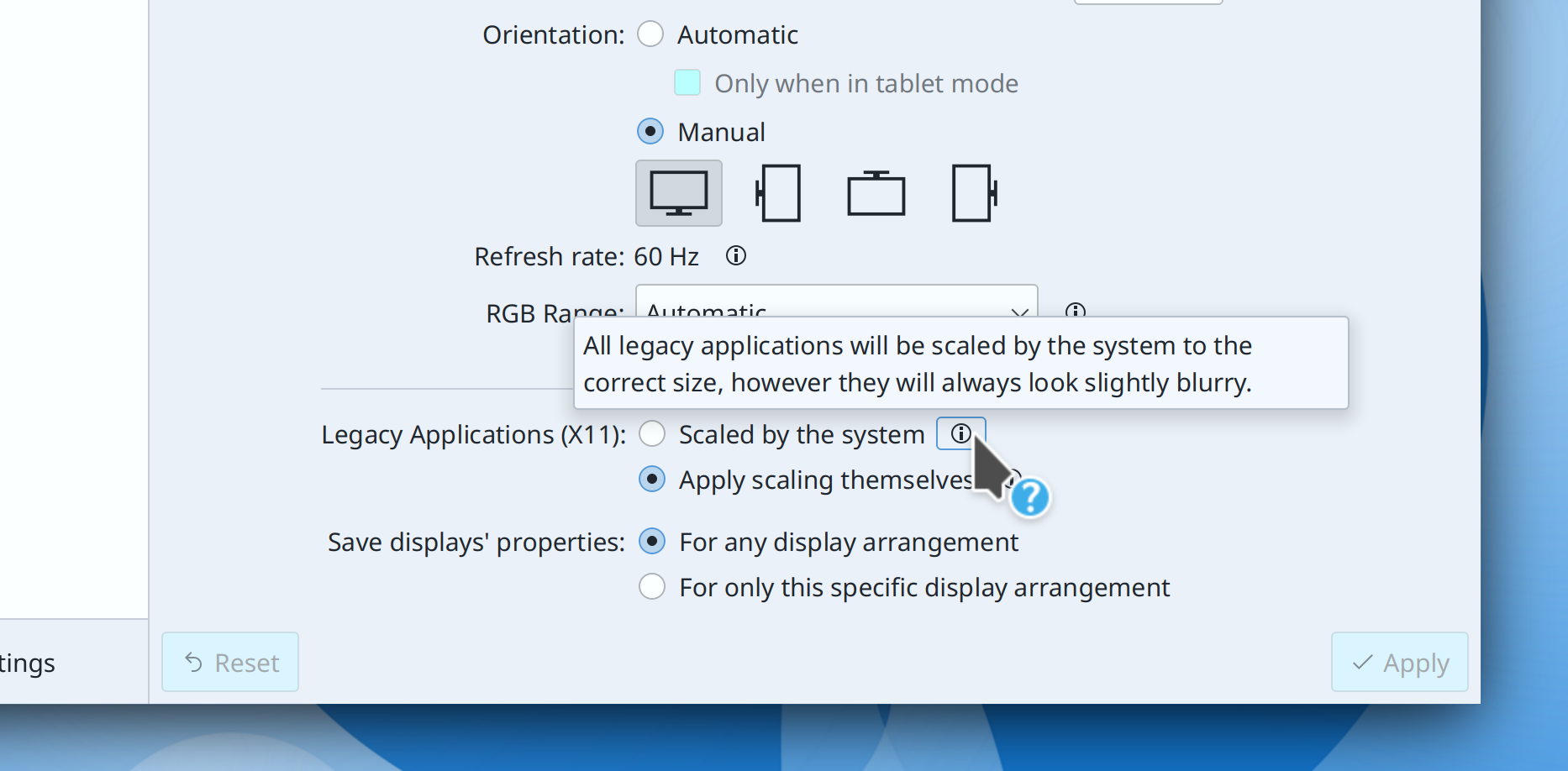
Discover now lets you choose the frequency with which it notifies you about new updates! And within those frequencies, it’s now less aggressive about notifying you; no longer will you have the experience of updating, rebooting, and then immediately getting a notification about another update! Finally, this frequency UI also controls the frequency of automatic updates, if you’ve got those enabled. (Aleix Pol Gonzalez, Plasma 5.26. Link 1 Link 2 Link 3):

User Interface Improvements
Dolphin no longer pointlessly tells you “User canceled action” when you canceled an operation before confirming or completing it (Kai Uwe Broulik, Dolphin 22.08.1. Link)
When using Discover in mobile/narrow mode, clicking on a non-parent category in the drawer now automatically closes the drawer (me: Nate Graham, Plasma 5.25.5. Link)
System Settings’ Audio page now features a streamlined layout with smaller list items so that the whole view isn’t consumed by just a few audio devices (Oliver Beard, Plasma 5.26. Link):

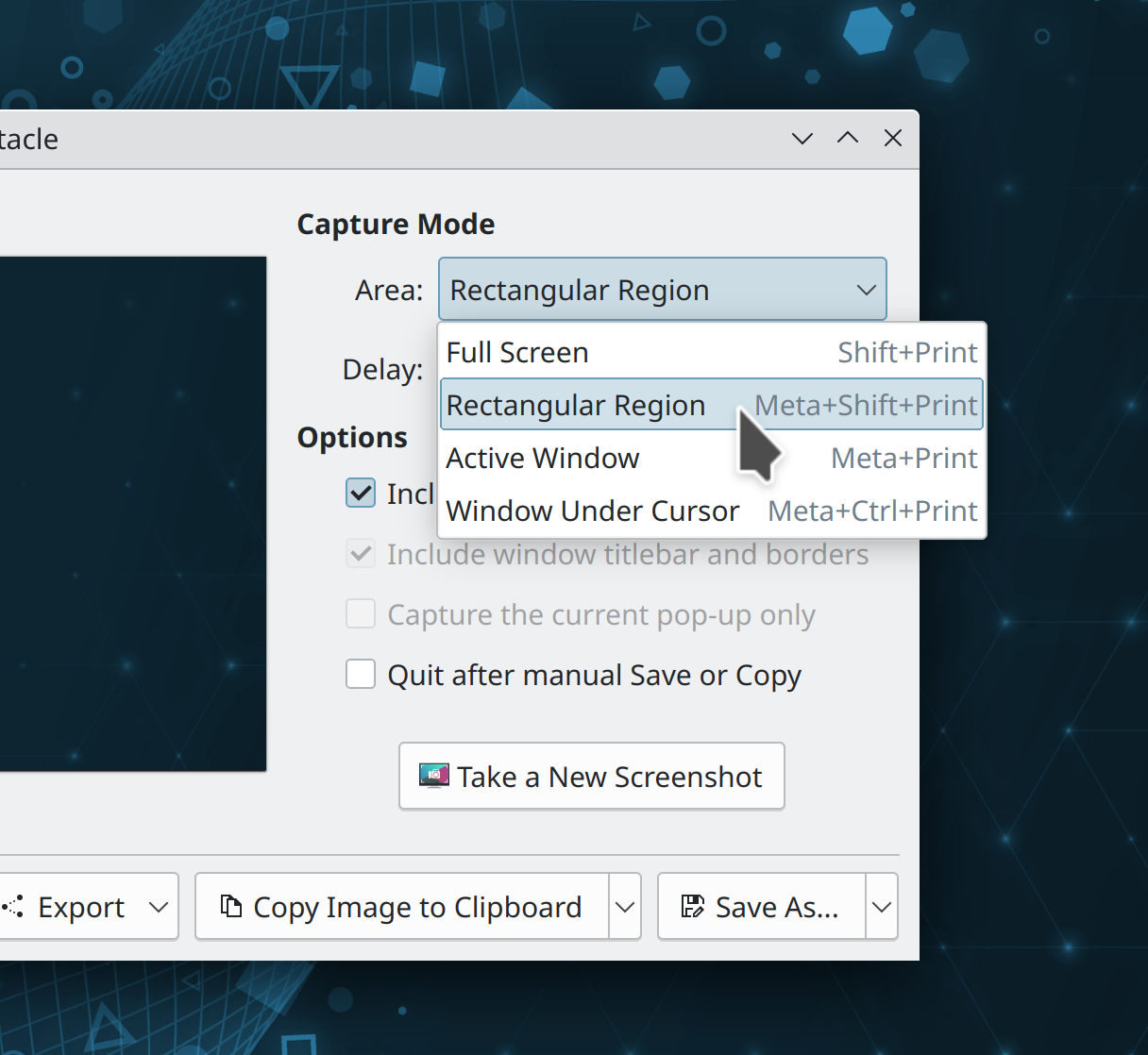
The app selection dialog for sandboxed/portal-using apps now has significantly improved keyboard navigation (me: Nate Graham, Plasma 5.26. Link):
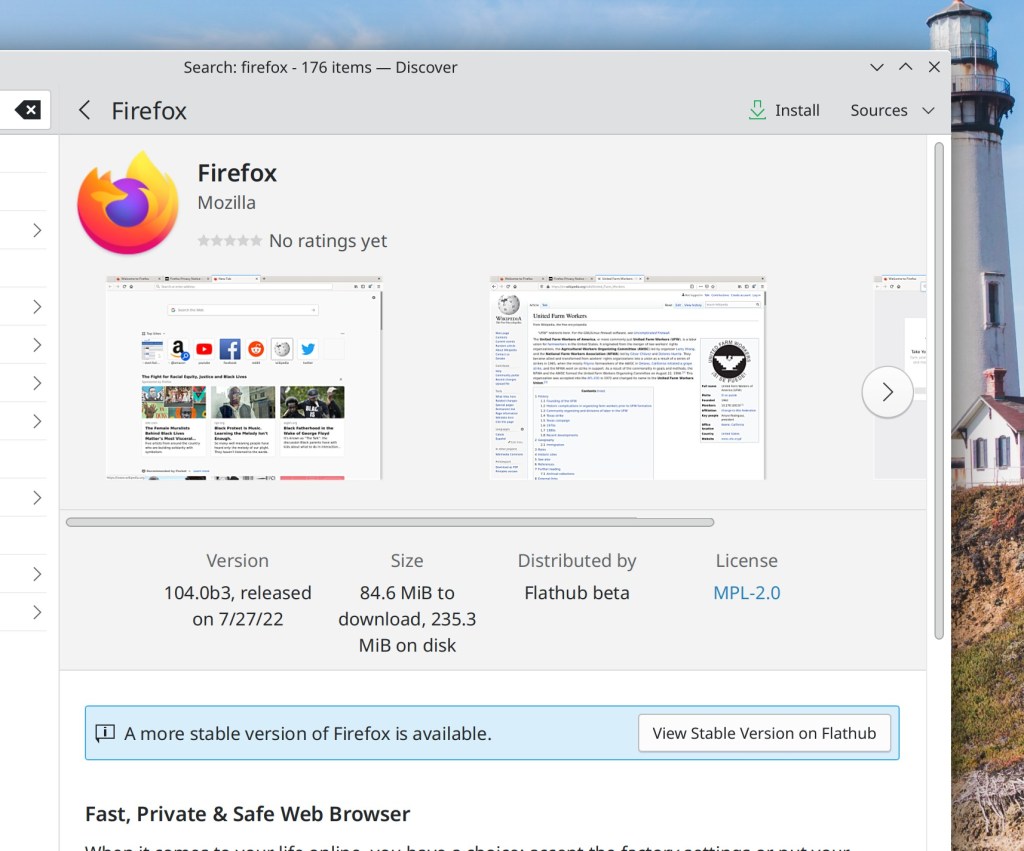
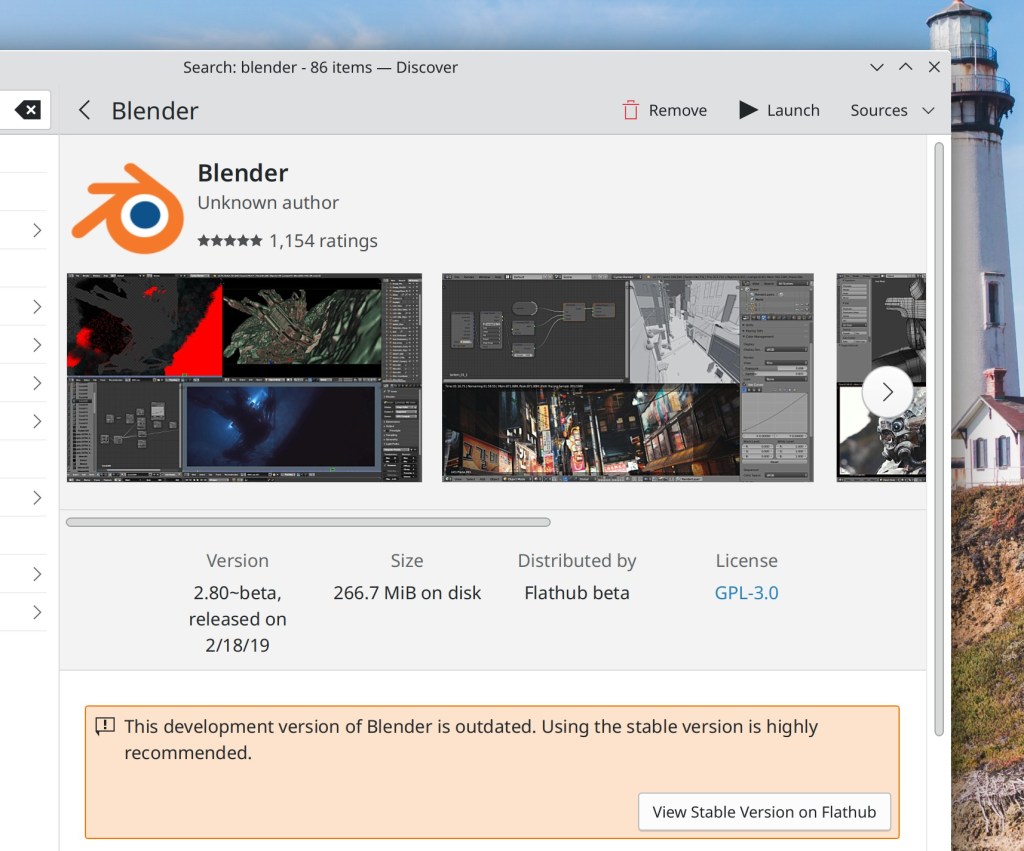
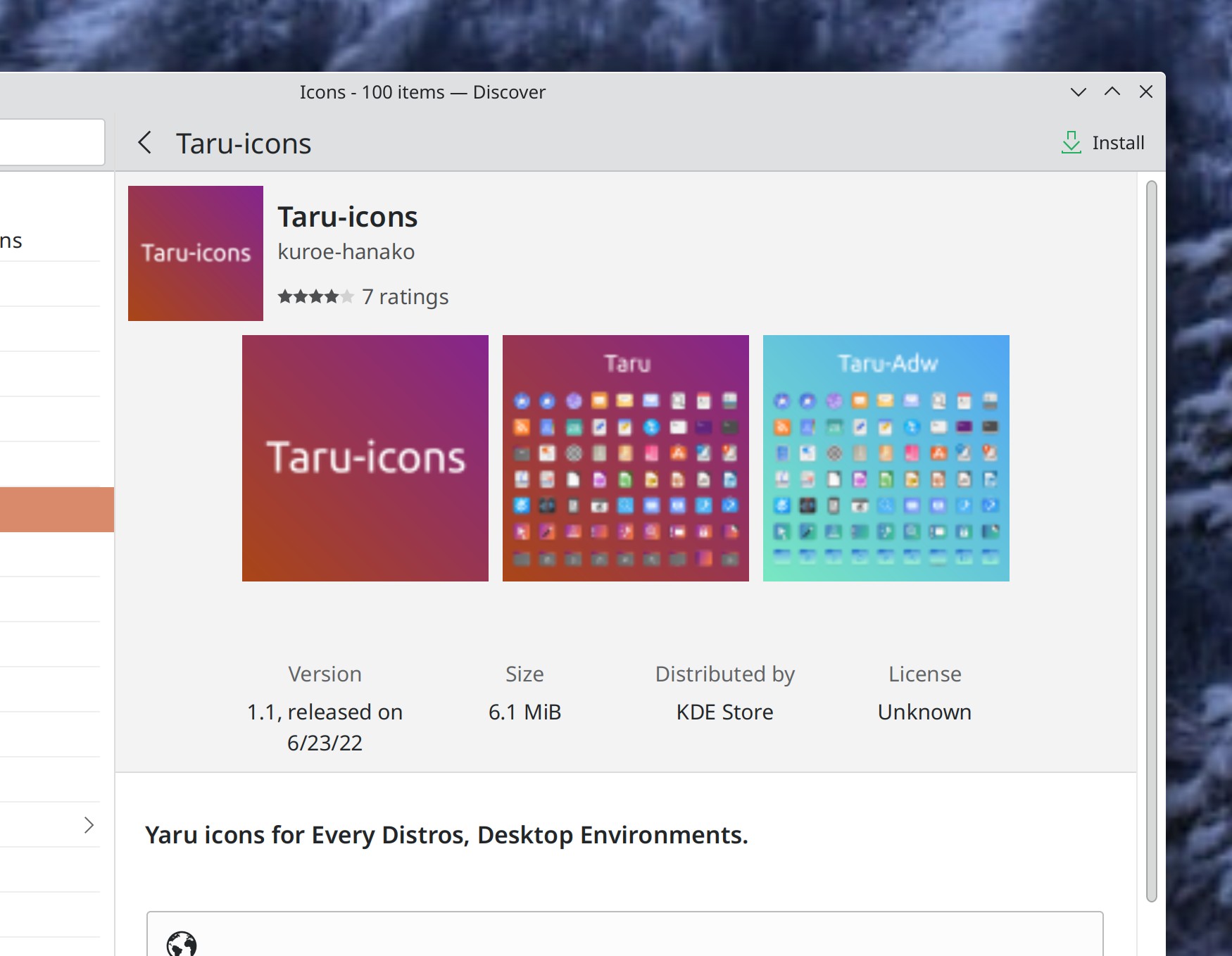
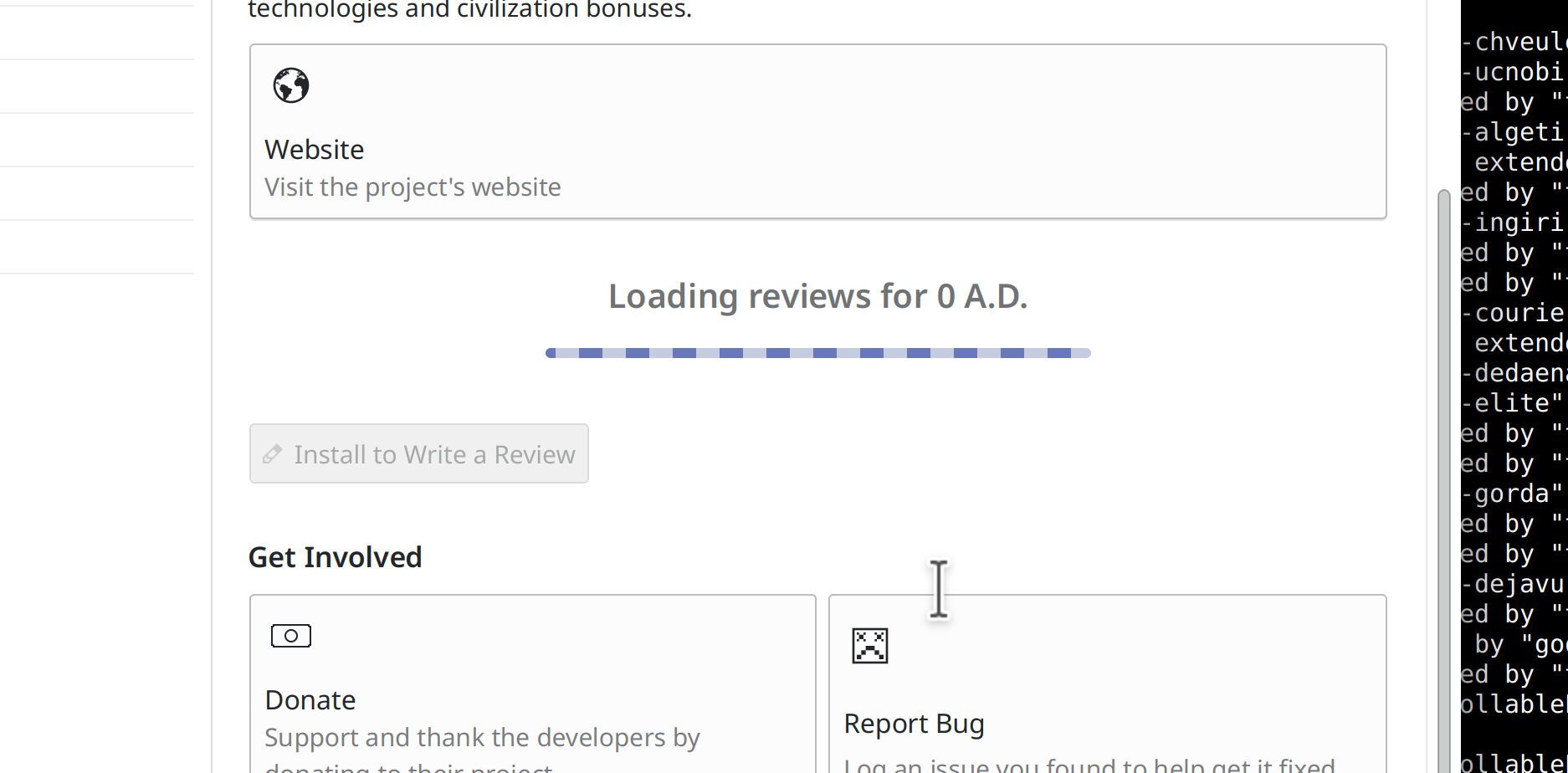
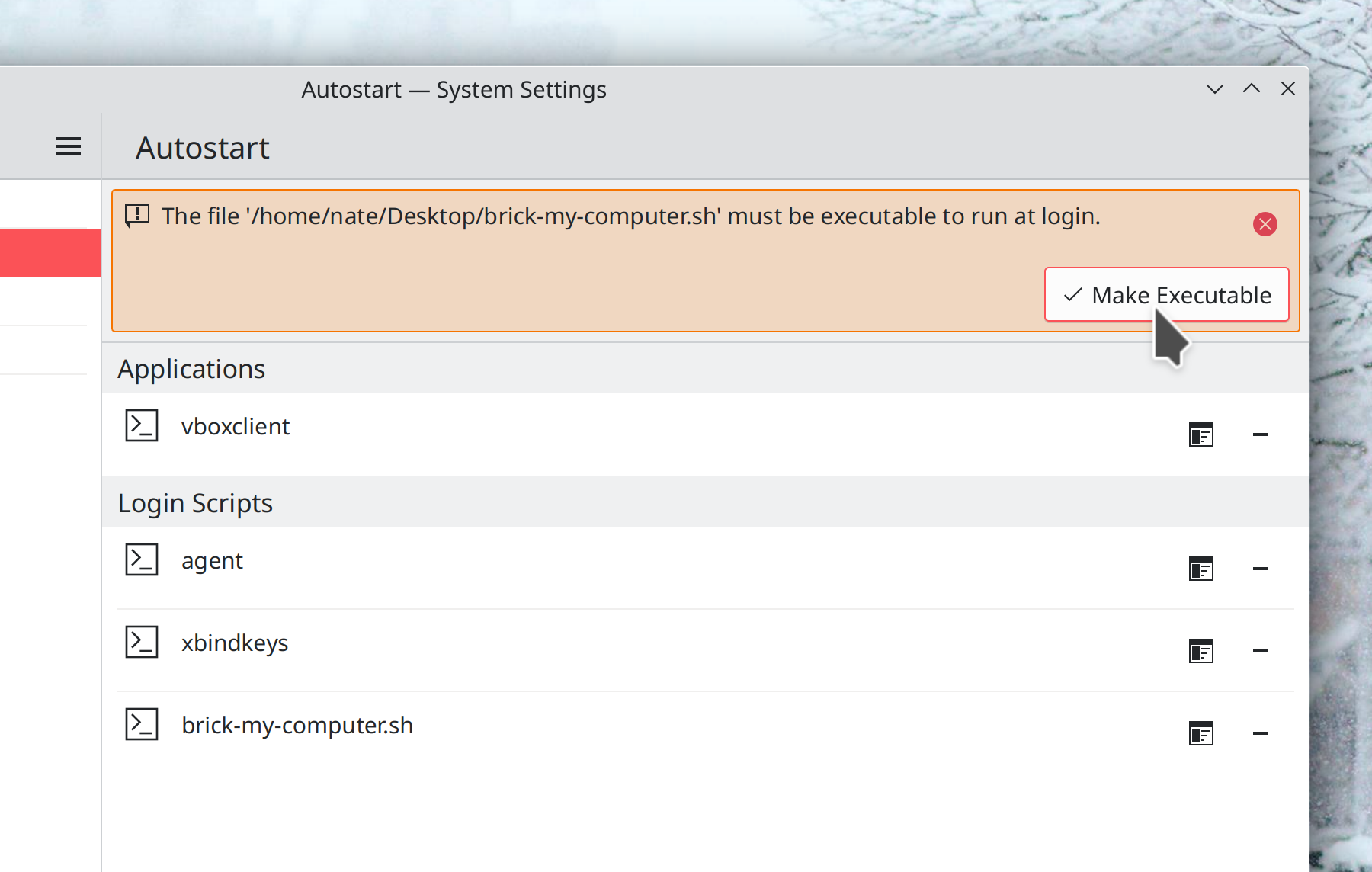
Discover’s Updates page now shows you the correct installed version for Firmware updates and no longer shows you both the version number and branch name for Flatpak apps and runtimes, which was confusing in the case when the app’s branch name looked like a version number so it seemed like the app had two version numbers (me: Nate Graham, Plasma 5.26. Link 1 Link 2):

Discover’s screenshots now also support animated images (Ellie Dent, Plasma 5.26. Link)
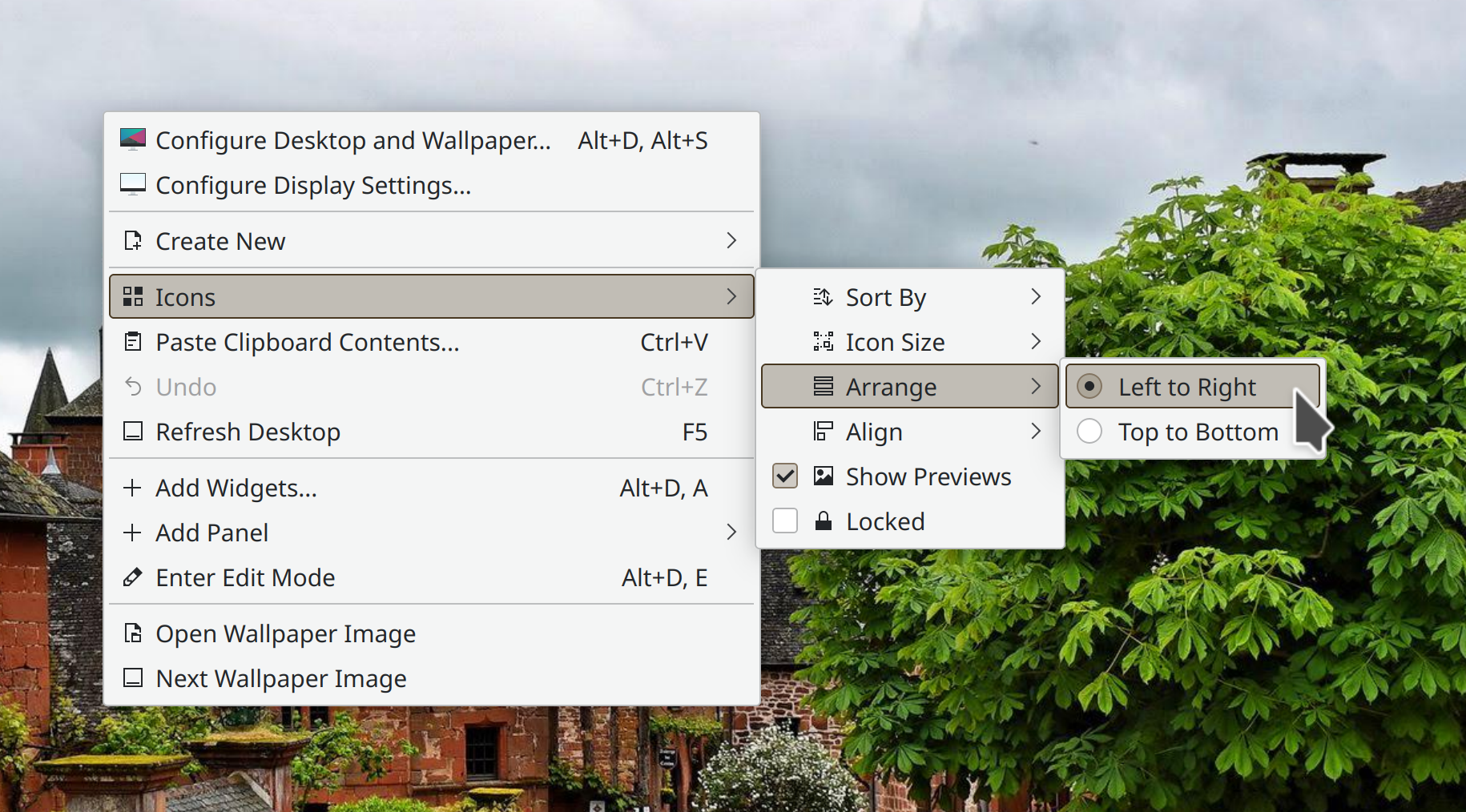
Your cursor position is now remembered across screen arrangements (Xaver Hugl, Plasma 5.26. Link)
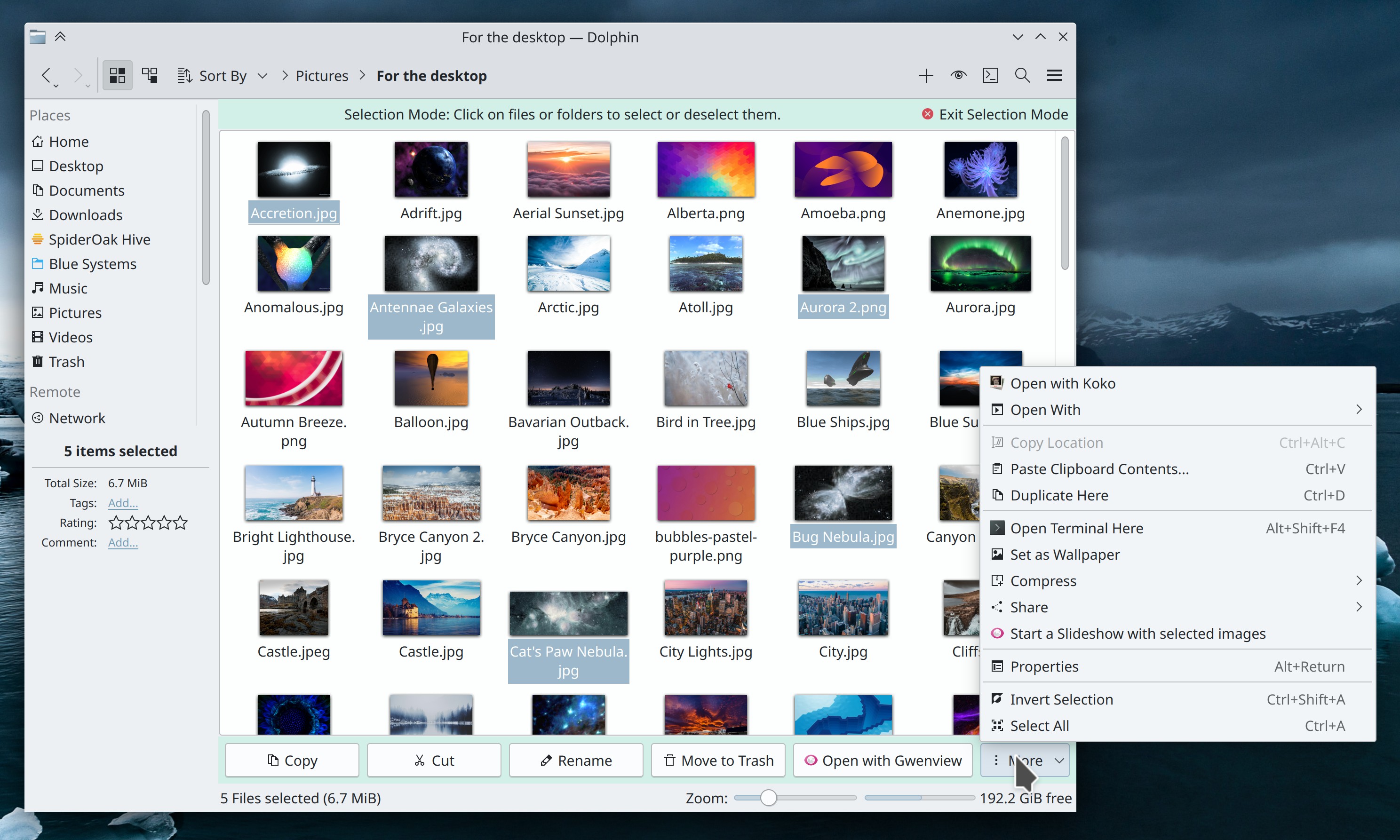
The path bars in various KDE apps like Dolphin and Gwenview now accept relative paths (Ahmad Samir, Frameworks 5.98. Link)
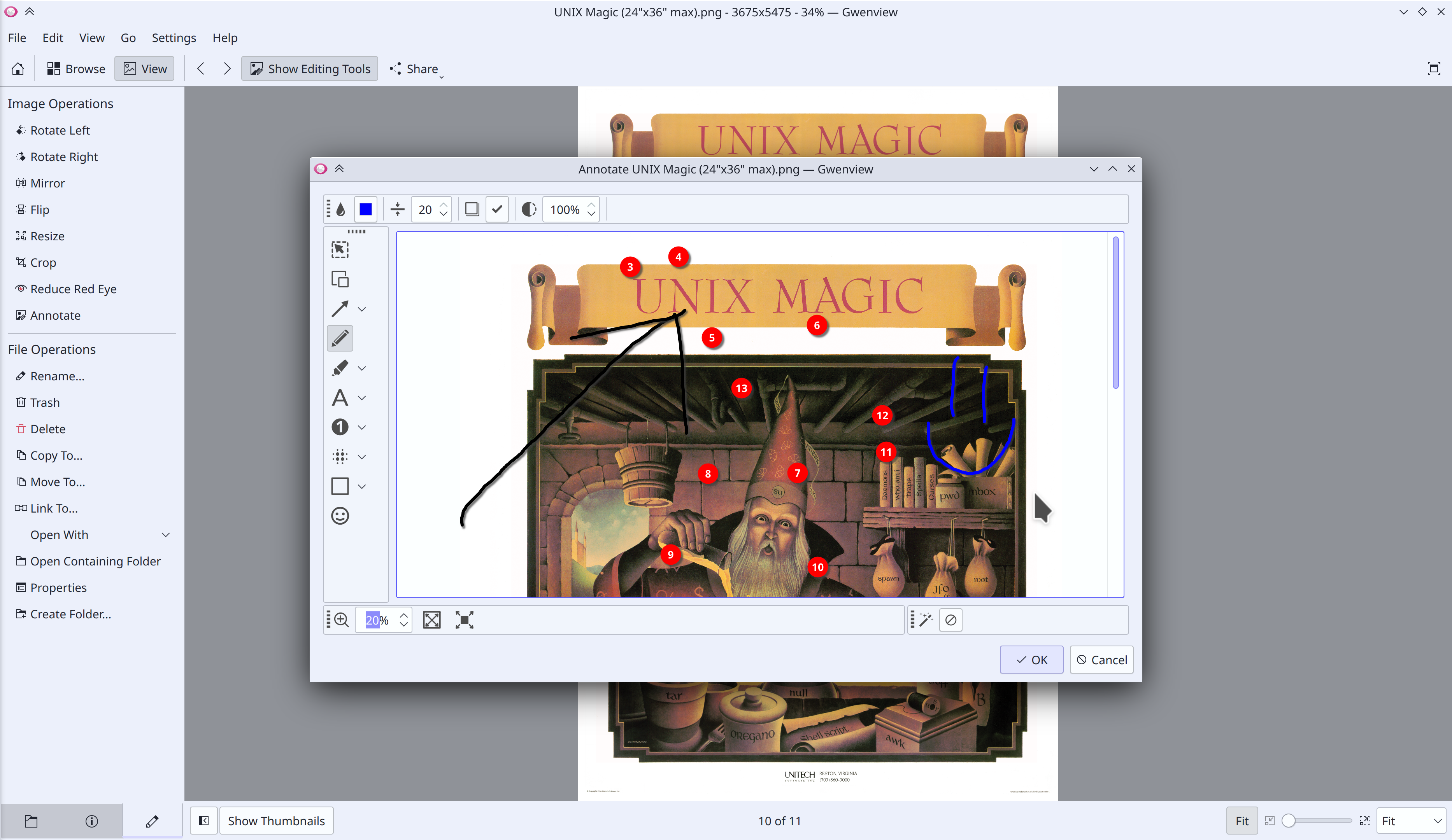
Kate and other KTextEditor-based apps now support various mouse-based methods of adding more cursors using the multicursor feature (Waqar Ahmad, KDE Frameworks 5.98. Link)
Significant Bugfixes
(This is a curated list of e.g. HI and VHI priority bugs, Wayland showstoppers, major regressions, etc.)
Filelight once again uses correct text colors with a dark color scheme and looks fine when using a fractional scale factor (Harald Sitter, Filelight 22.08.1. Link 1 Link 2)
Discover now inhibits automatic sleep while it’s installing apps or updates (Aleix Pol Gonzalez, Plasma 5.24.7. Link)
Discover no longer freezes on launch if you launch it without a network connection (Aleix Pol Gonzalez, Plasma 5.25.5. Link)
System Settings’ Quick Settings page no longer sometimes shows duplicate items in the “Frequently Used” section (Alexander Lohnau, Plasma 5.25.5. Link)
On Discover’s Updates page, Flatpak apps or runtimes no longer sometimes show the wrong version number (Aleix Pol Gonzalez, Plasma 5.26. Link)
All KDE apps using KIO for file transfers now benefit from faster copy speeds, especially NFS which can be up to 3-4x faster! (Méven Car, Frameworks 5.98. Link)
Other bug-related information of interest:
- 46 15-minute Plasma bugs (down from 51 last week). Current list of bugs
- 21 Very high priority Plasma bugs (down from 22 last week). Current list of bugs
- 118 KDE bugs of all kinds fixed this week. Full list of bugs
Changes not in KDE that affect KDE
In the Plasma Wayland session, the standard Qt color picker dialog can now pick screen colors (Harald Sitter, Qt 6.5. Link)
Lowering the brightness to its lowest level when using an OLED with an Intel GPU screen no longer turns off the screen until restarting the machine (Jouni Högander, the next release of the Intel GPU drivers. Link)
…And everything else
This blog only covers the tip of the iceberg! If you’re hungry for more, check out https://planet.kde.org, where you can find more news from other KDE contributors.
How You Can Help
If you’re a developer, check out our 15-Minute Bug Initiative. Working on these issues makes a big difference quickly! Otherwise, have a look at https://community.kde.org/Get_Involved to discover ways to be part of a project that really matters. Each contributor makes a huge difference in KDE; you are not a number or a cog in a machine! You don’t have to already be a programmer, either. I wasn’t when I got started. Try it, you’ll like it! We don’t bite!
Finally, consider making a tax-deductible donation to the KDE e.V. foundation.








 Adventures in Linux and KDE