
Here’s another big one, folks!
Regular readers might have noticed that I’ve stopped the weekly Discover posts. I’ve decided to centralize that information here, and so I’d like to highlight several weeks’ worth of awesome new features and improvements for Discover:
Discover
- Discover now shows star ratings on lists and detail pages (Me, Nate Graham, KDE Plasma 5.13.0):
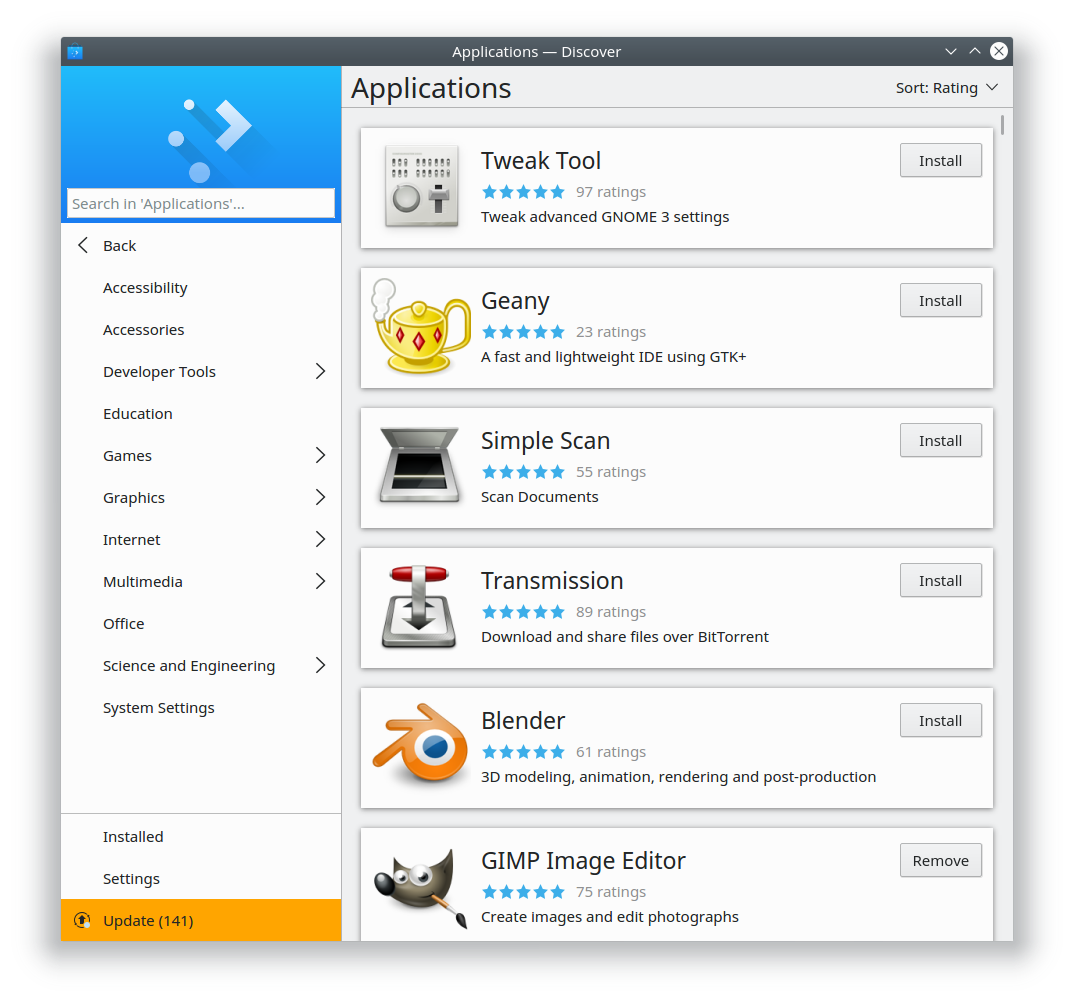

- Discover now displays app icons in conformance with the active icon theme, which also fixes the issue of Discover showing Nautilus’s icon for Dolphin in Debian-based distros (Aleix Pol, KDE Plasma 5.13.0):

- In Discover, when an app is available from multiple Flatpak repos, it’s now possible to choose and change which version is shown first by default (Aleix Pol, KDE Plasma 5.13.0)
- In Discover, apps are no longer sorted by reverse alphabetical order under certain circumstances (Aleix Pol, KDE Plasma 5.12.5)
- Discover’s Flatpak transactions are now cancellable (Aleix Pol, KDE Plasma 5.12.5)
- Discover no longer crashes when Flatpak transactions are canceled (Aleix Pol, KDE Plasma 5.12.5)
- When using Discover to perform system updates, unchecked items no longer ever become spontaneously re-checked when the “Update” button is clicked (Aleix Pol, KDE Plasma 5.12.5)
- Discover now always displays the same number of updates on both the sidebar and on the updates page (Aleix Pol, KDE Plasma 5.12.6)
- Discover’s sort order chooser (added in 5.13.0) now shows what the current sort order is without having to click on it (Aleix Pol, KDE Plasma 5.13.0)
- Lists in Discover (and all other Kirigami apps) now have vastly better scrolling performance (Marco Martin, KDE Frameworks 5.45)
- List items on the Settings page in Discover (and all other Kirigami apps) now have a more appropriate desktop-specific UI for the hidden buttons: rather than demanding that you swipe or drag the item to the left, they appear on mouse hover (Marco Martin, KDE Frameworks 5.46):

In future posts, Discover improvements will be shown inline along with all the other changes.
Next up, here’s the week’s process on the Open/save dialog project:
Open/Save dialog project
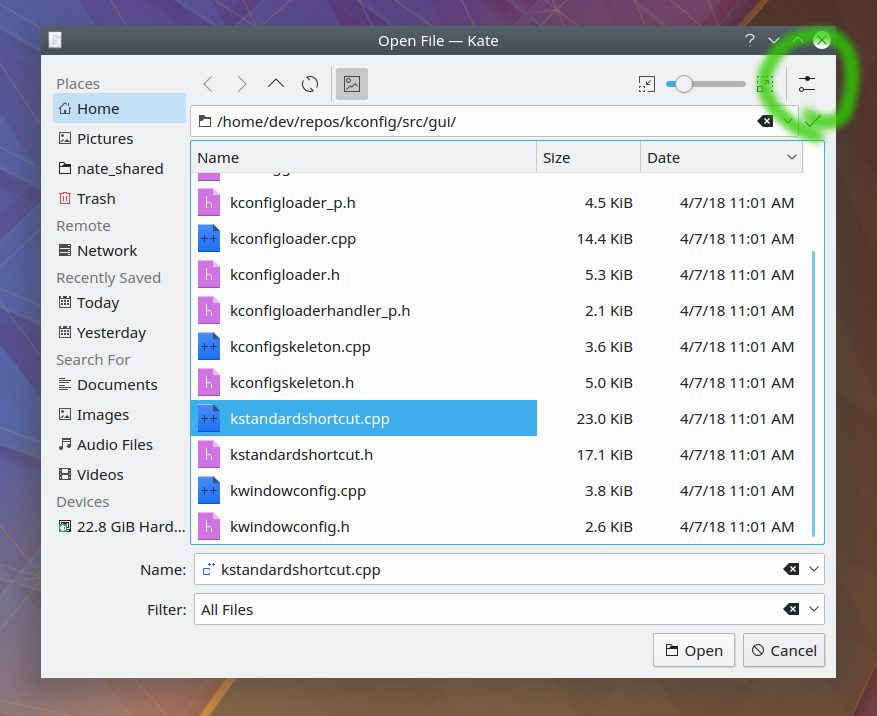
- When a file name is highlighted, the extension now remains unselected (Alex Nemeth)
- The zoom slider now has a minimum size so it can’t become uselessly tiny when the window is small, and the zoom buttons disable themselves when the maximum or minimum zoom levels have been reached (Henrik Fehlauer)
- The Places Panel no longer grows in width by 1px every time an open or save dialog is opened, and its width is now saved if you opt to hide it (Henrik Fehlauer)
- The “Name” and “Filter” boxes are now perfectly aligned with the view above them (Henrik Fehlauer)
- Inline previews are now smooth and pretty just like Dolphin’s (Alex Nemeth):

These improvements will land in KDE Frameworks 5.46.
And of course that’s not all; here’s the usual assortment of miscellaneous goodies:
New Features
- Spectacle’s Rectangular Region mode now has a magnifier effect to help you capture pixel-perfect screenshots (Tao Guo, KDE Applications 18.04.09):

- Okular now supports intelligently changing the focus in editable forms to the “next” form field (Andre Heinecke, KDE Applications 18.08.0)
- Okular now supports form fields that become visible conditionally–e.g. only after another form field is filled in, or a warning is read and acknowledged (Andre Heinecke, KDE Applications 18.08.0)
Bugfixes
- The device notifier no longer erroneously claims that it cannot mount a USB device that it’s in fact just mounted (David Edmundson, KDE Frameworks 5.46)
- Custom login sounds now play as expected (Wolfgang Bauer, KDE Plasma 5.12.5)
- Baloo (the file indexing service) no longer stalls and consumes excessive CPU resources when the index database has become corrupted (Stefan Brüns, KDE Frameworks 5.46)
UI Polish & Improvement
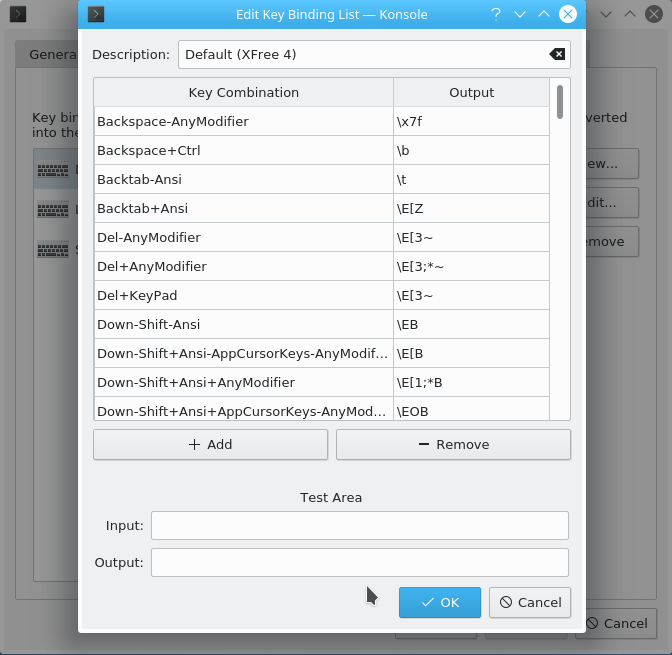
- When you drag a file or folder to Konsole, it always pastes the path into the terminal window instead of showing a menu of options (the old menu behavior can be brought back with Settings > Edit Current Profile > Mouse > Uncheck “Disable drag and drop menu for URLs and files”
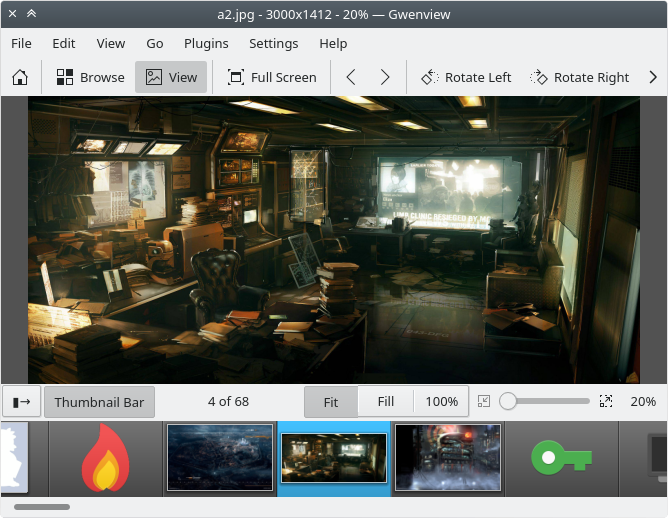
- Gwenview now remembers and restores the width of the sidebar (Peter Mühlenpfordt, KDE Applications 18.08.0)
- Gwenview’s video player icons are now intelligible (Huon Imberger, KDE Applications 18.08.0):

- Confirmation dialogs for file operations that are not undoable now emphasize this fact with bold text (Me, Nate Graham, KDE Frameworks 5.46):

- Confirmation dialogs for deleting or trashing single files now use a regular dialog rather than a list-style dialog:

- Messages in Spectacle’s Rectangular Region mode now indicate the available shortcuts more clearly, and respect the active color theme (Henrik Fehlauer, KDE Applications 18.08.0):

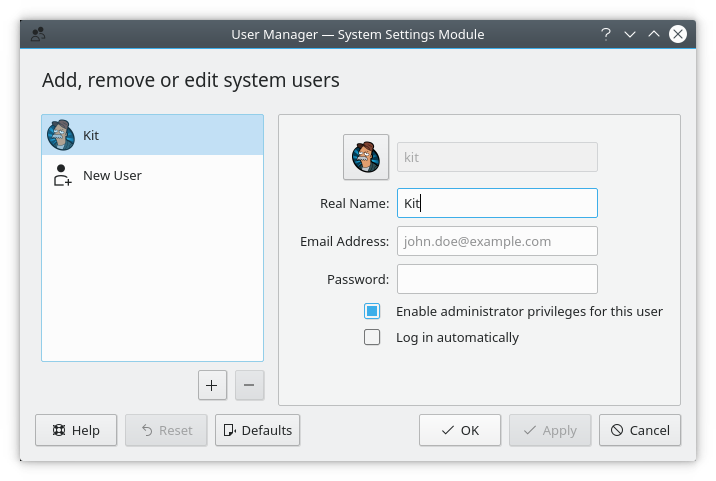
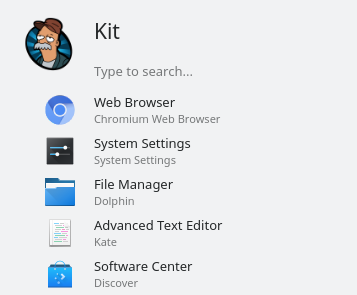
- User pictures displayed in the User Manager and Kickoff (the systemwide application launcher) are now rendered more clearly and retain their aspect ratio if they’re not square (Kirill Tatunov, KDE Plasma 5.13):
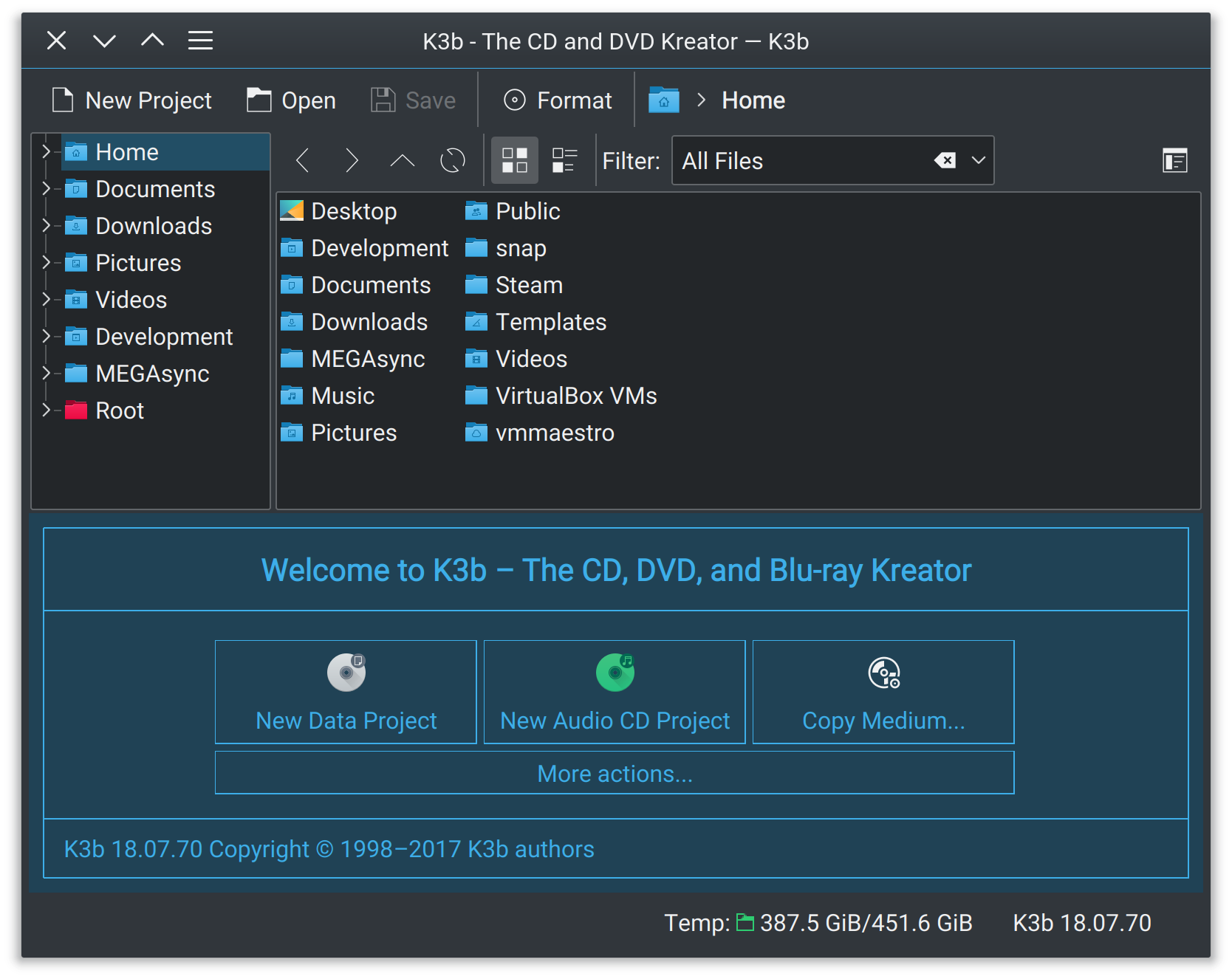
- K3B gained HiDPI support (Andrew Crouthamel, KDE Applications 18.04.1):
If my efforts to perform, guide, and document this work seem useful and you’d like to see more of them, then consider becoming a patron on Patreon, LiberaPay, or PayPal.












 Adventures in Linux and KDE