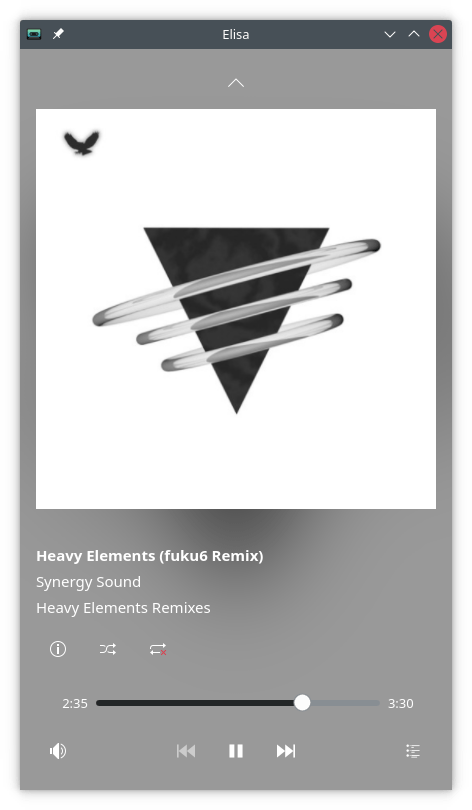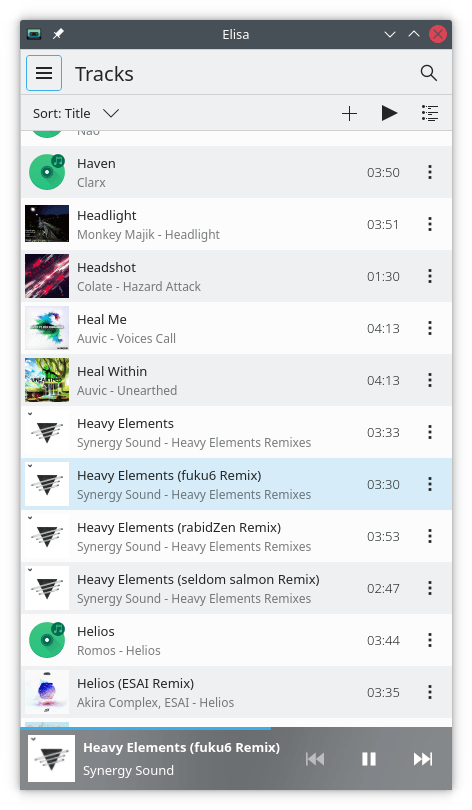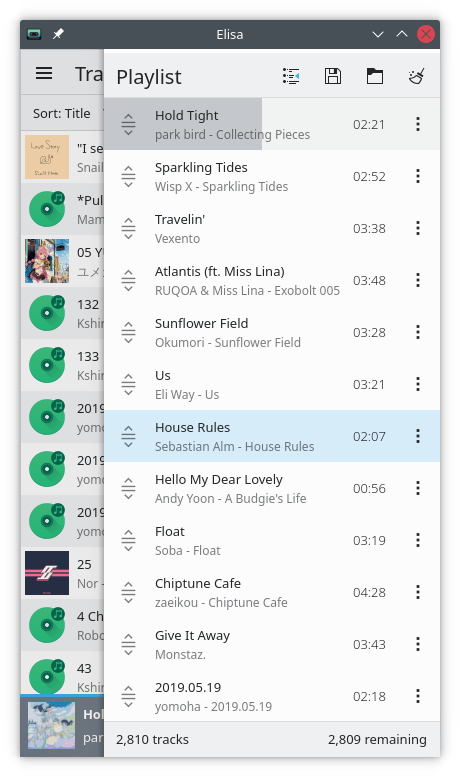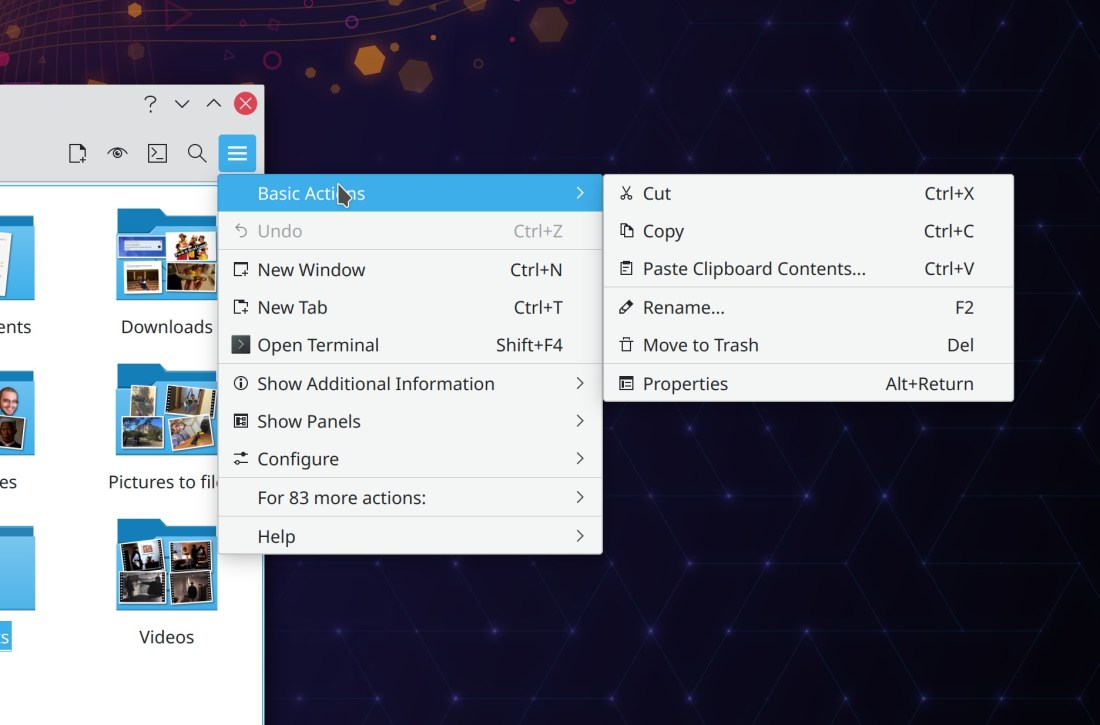
Today I’d like to introduce an interesting new component that will eventually be rolled out in many KDE apps with menubars: KHamburgerMenu. This re-usable component allows QWidgets-based apps to show a custom hamburger menu w2hen the main menubar is hidden, like Dolphin already does. In fact, we are in the process of porting Dolphin’s custom implementation to use KHamburgerMenu. Here’s a sneak peek of the early alpha work:
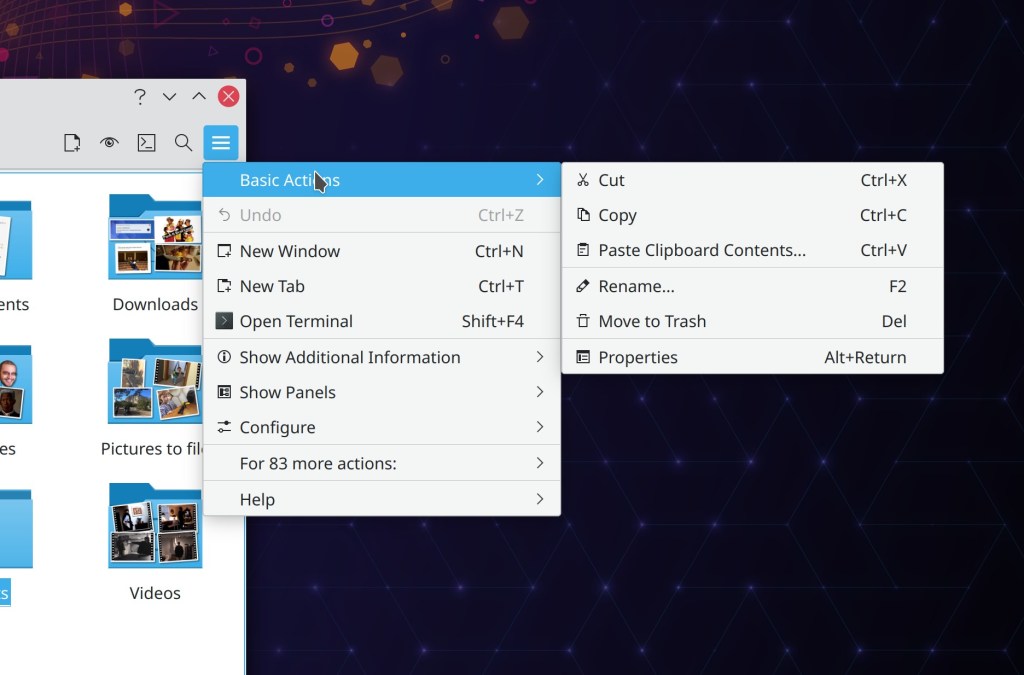
Adopting KHamburgerMenu offers KDE apps many features and advantages:
- It offers an escape valve for users who hide the menubar by accident! This is a surprisingly serious problem, and KDE’s bugtracker is littered with reports from users who did not figure out how to show their menubar again!
- It allows users who want maximum vertical space to choose to hide the menubar without losing GUI access to the menu items, or having to activate the titlebar-based menubar or global menubar (maybe they don’t like those; we’re all about choice in KDE after all!).
- Being a re-usable framework, KHamburgerMenu can be applied to KDE apps besides just Dolphin.
- Though the hamburger menu shows a curated assortment of items from the main menubar, the app’s full menu structure is available from a sub-menu on the bottom (See “For 83 more actions:”, in the screenshot above) so nothing is ever completely hidden. This means that the curation of items can be more selective because there is no longer a need to cram everything into the main level to make sure it isn’t totally invisible to the user. This will result in hamburger menus whose contents are short and relevant.
- The new hamburger button is just a regular toolbar item like all others, so you can relocate it, rename it, change its icon, or remove it entirely if you really do want to hide the menubar and not use a hamburger menu.
Big thanks to Felix Ernst for this work! It has been merged for Frameworks 5.81, and we are working on porting Dolphin and Gwenview to use it, hopefully to land in their 21.08 releases. And hopefully more will be coming too.
Some of you may be wondering, “Does KDE plan to kill off the menubar the way GNOME did? Have your feelings on this matter changed since you wrote a scathing criticism of headerbars and hamburger menus back in 2018?” My answers would be 1) no, we have no intention of killing off traditional menubars especially for large and complex apps, and 2) yes, my personal feelings on Hamburger menus have changed somewhat over time, particularly because KHamburgerMenu is engineered to avoid what we see as the drawbacks of the GNOME-style hamburger menu. However, I’ll have to expand on that in another blog post because this intro section is getting waaaaay too long! So stay tuned.
Edit: here you go: https://pointieststick.com/2021/04/03/how-i-learned-to-stop-worrying-and-love-the-hamburger-menu
Anyway, here’s the rest:
Bugfixes & Performance Improvements
When Dolphin is configured to restore history on launch (as it does by default), if it is launched with a URL corresponding to a location that was already open last time, it now opens and focuses that location, rather than opening a redundant new tab for it (me: Nate Graham, Dolphin 21.04)
It’s no longer possible to use Dolphin’s “Mount ISO” action to mount the same ISO image multiple times (Kwon-Young Choi, Dolphin 21.04)
The FortiSSLVPN networkmanager plugin now works (Pedro Gomes, Plasma 5.21.4)
Single-keyboard-layout setups in the Plasma Wayland session no longer fail to load your keyboard options and variants (e.g. alternative Caps Lock behaviors) (Andrey Butirsky, Plasma 5.21.4)
Task Manager entries for apps capable of showing a numbered badge in the corner no longer sometimes pointlessly show a badge with the number zero in it (Bharadwaj Raju, Plasma 5.21.4)
Syncing your font size to the SDDM login screen now works in the case where the system is using its default font size, but that size differs from the default font size of the login screen (Eugene Popov, Plasma 5.21.4)
You can once again create new files on a writable FTP share using Dolphin’s “Create New…” menu (Méven Car, Frameworks 5.81)
The image thumbnailer no longer sometimes crashes when taking a screenshot (Méven Car, Frameworks 5.81)
The Baloo file indexer is now more reliably able to notice when files have been renamed or moved (Stefan Brüns, Frameworks 5.81)
User Interface Improvements
Gwenview’s initial window size the first time you launch it is now a more reasonable 1020×700 (me: Nate Graham, Gwenview 21.04)
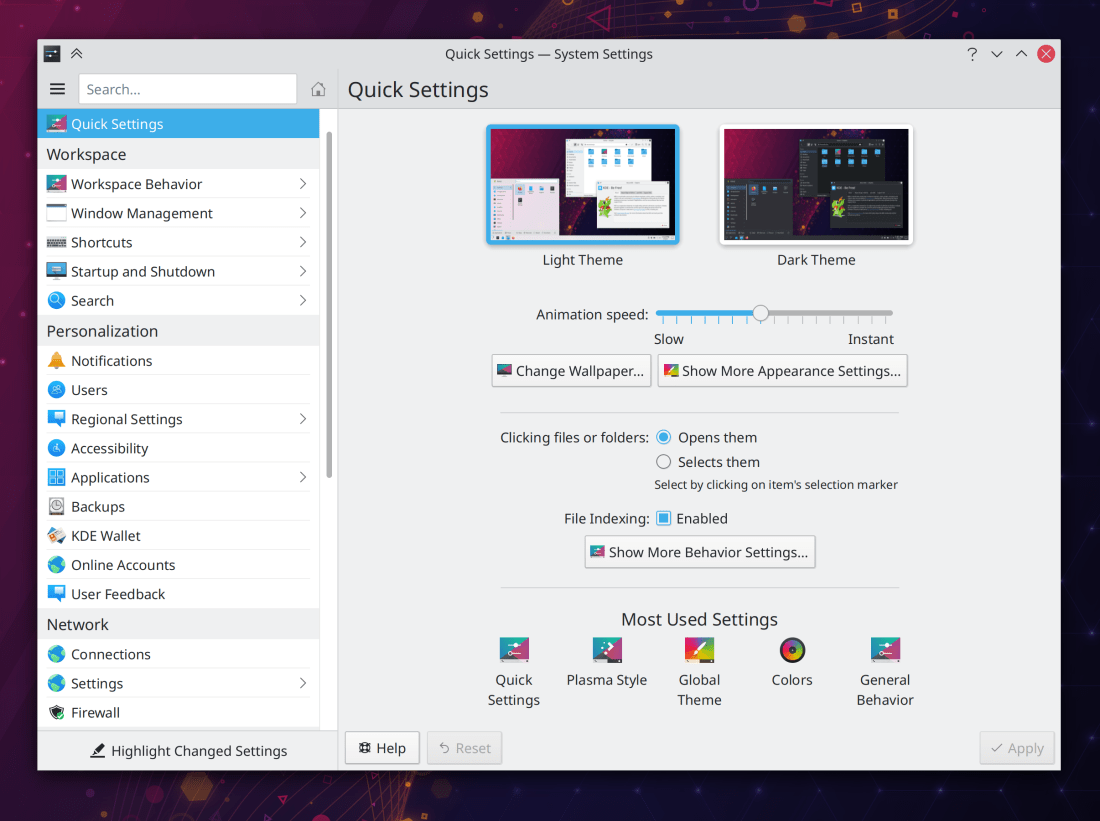
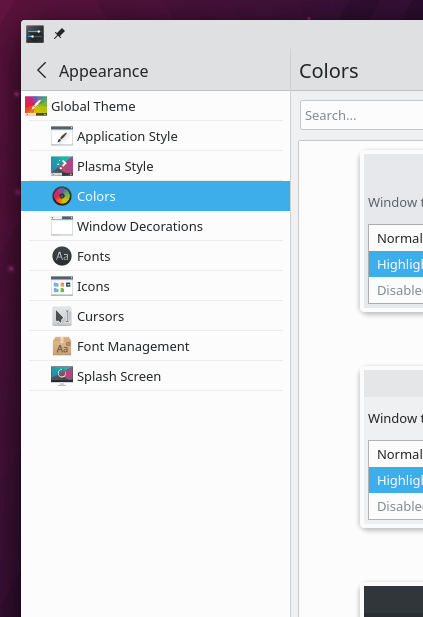
Taking into account user feedback from last week regarding the new Plasma applet config dialog appearance, we decided to revert the changes and go back to the customary KDE style in the absence of consensus and work to simultaneously change all settings dialogs to use a new style (Marco Martin, Plasma 5.22):
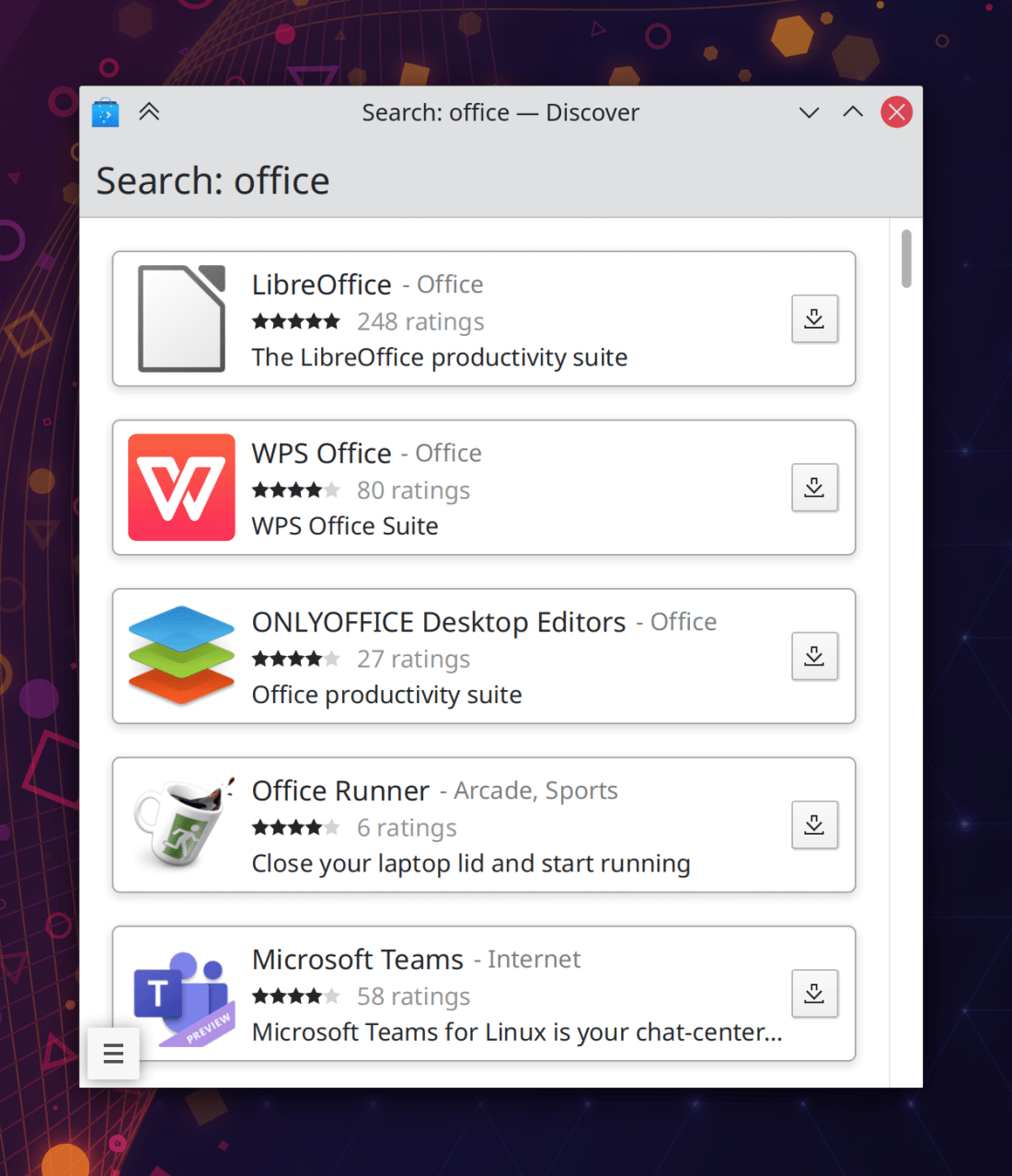
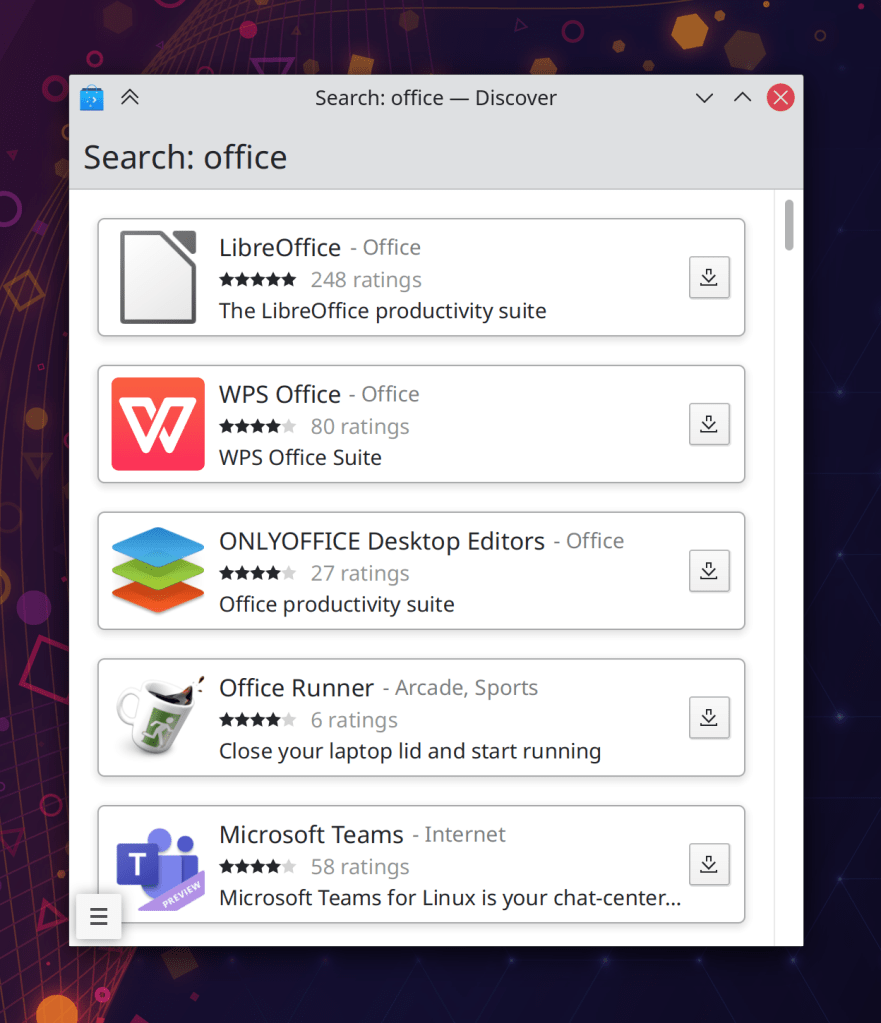
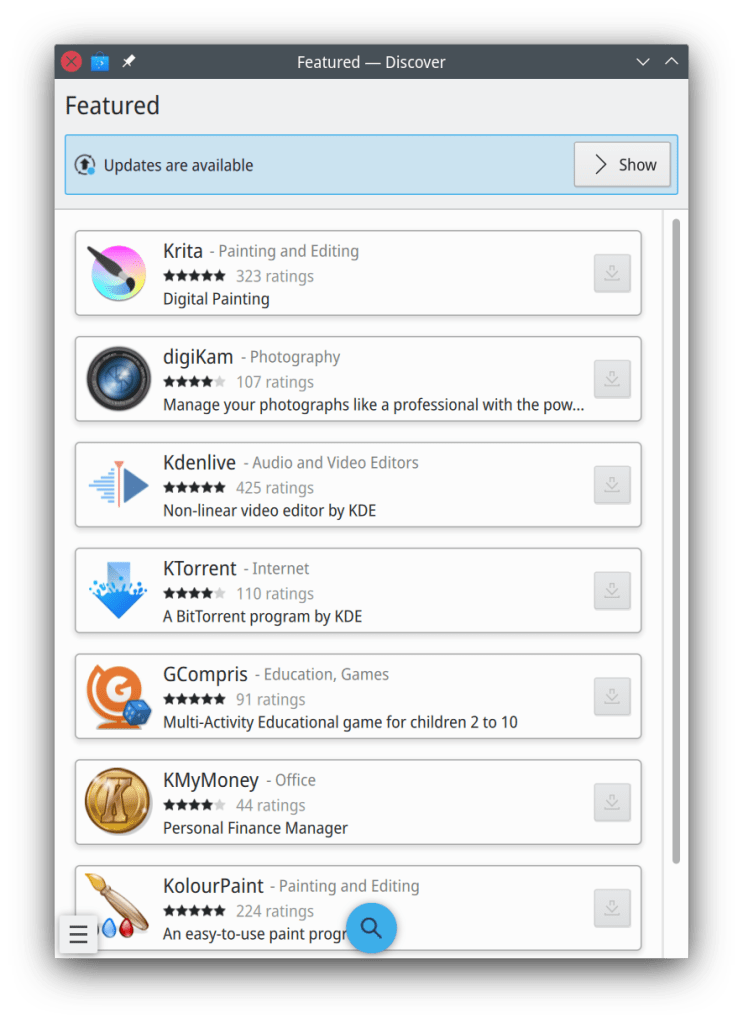
Search fields in Discover and the “Get New [thing]” dialogs now automatically initiate a search a few seconds after you finish typing, if you haven’t already pressed the Enter key by that point (Dan Leinir Turthra Jensen and me: Nate Graham, Frameworks 5.81 and Plasma 5.22)
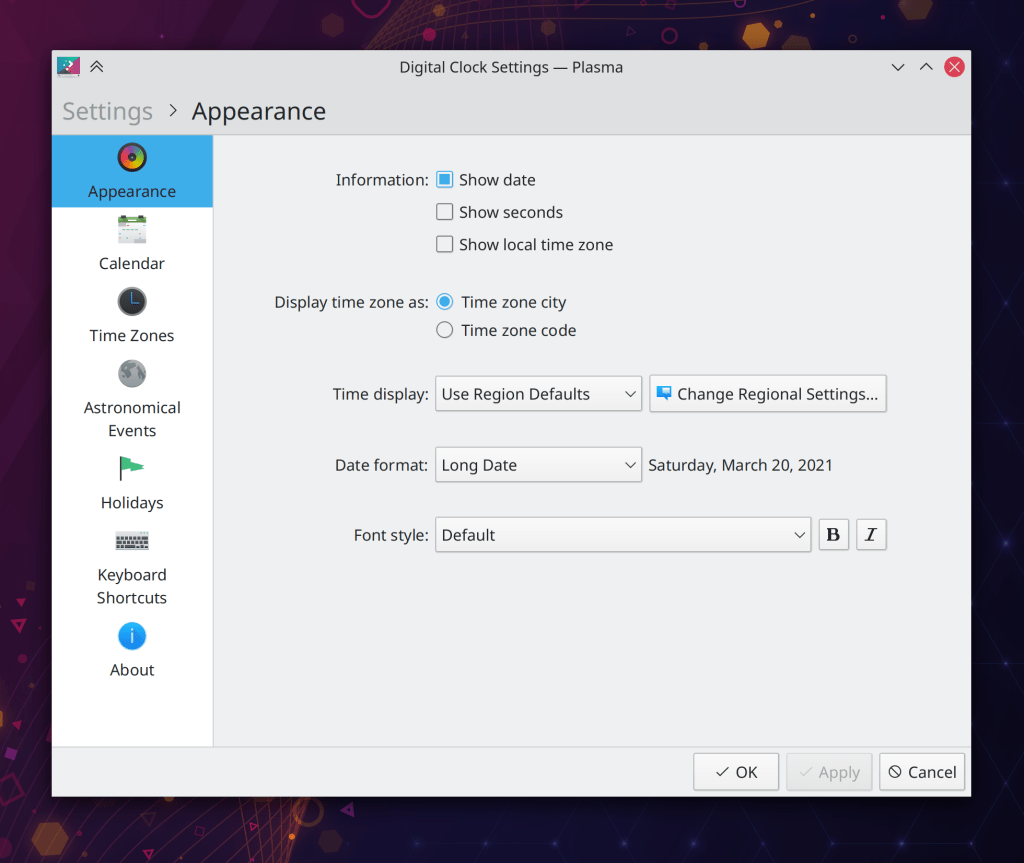
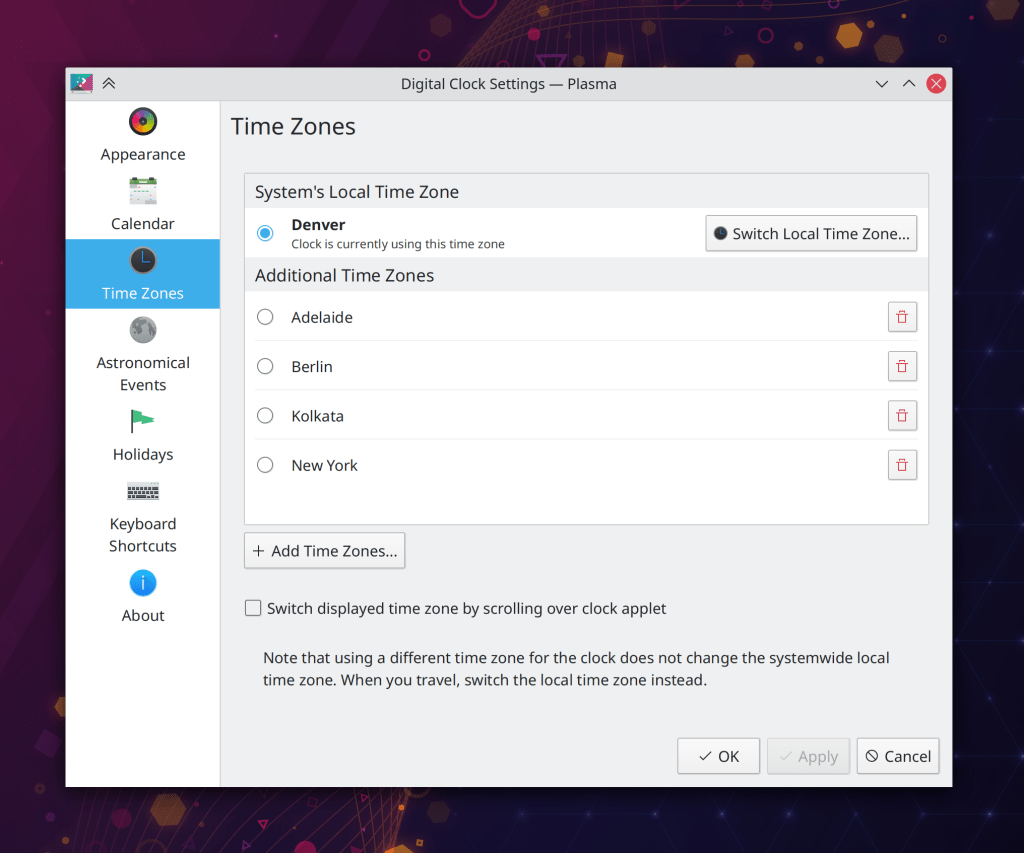
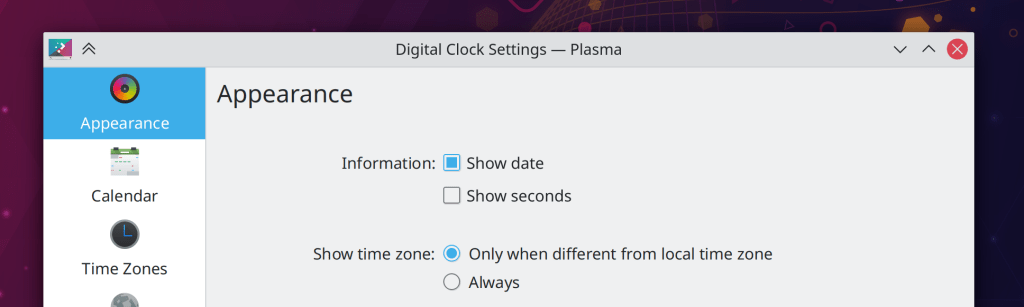
The Digital Clock Applet’s option to always display the local timezone is now presented in a clearer way in the settings window (Momo Cao, Plasma 5.22):
When using our Breeze GTK theme, scrollbars in ancient GTK2 apps now look more similar to Breeze-style scrollbars in Qt apps (Marco Rebhan, Plasma 5.22)
…And everything else
Keep in mind that this blog only covers the tip of the iceberg! Tons of KDE apps whose development I don’t have time to follow aren’t represented here, and I also don’t mention backend refactorings, improved test coverage, and other changes that are generally not user-facing. If you’re hungry for more, check out https://planet.kde.org/, where you can find blog posts by other KDE contributors detailing the work they’re doing.
How You Can Help
Have a look at https://community.kde.org/Get_Involved to discover ways to be part of a project that really matters. Each contributor makes a huge difference in KDE; you are not a number or a cog in a machine! You don’t have to already be a programmer, either. I wasn’t when I got started. Try it, you’ll like it! We don’t bite!
Finally, consider making a tax-deductible donation to the KDE e.V. foundation.