
This was a major bugfix week, with many important fixes to our core apps as well as the touchscreen experience. More of these are in the pipeline too! We are really trying to improve the stability of our software now that it’s starting to be used in more 3rd-party products like the Steam Deck. The idea is that this will become a virtuous circle of better more stable products leading to more use leading to even better more stable products! So check it out:
New Features
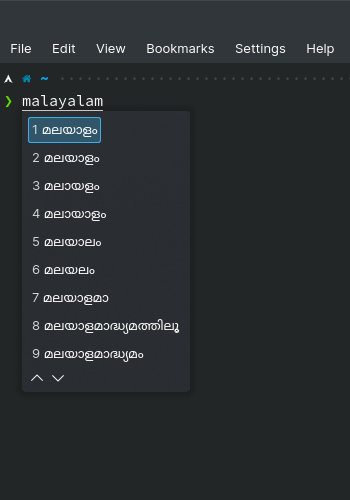
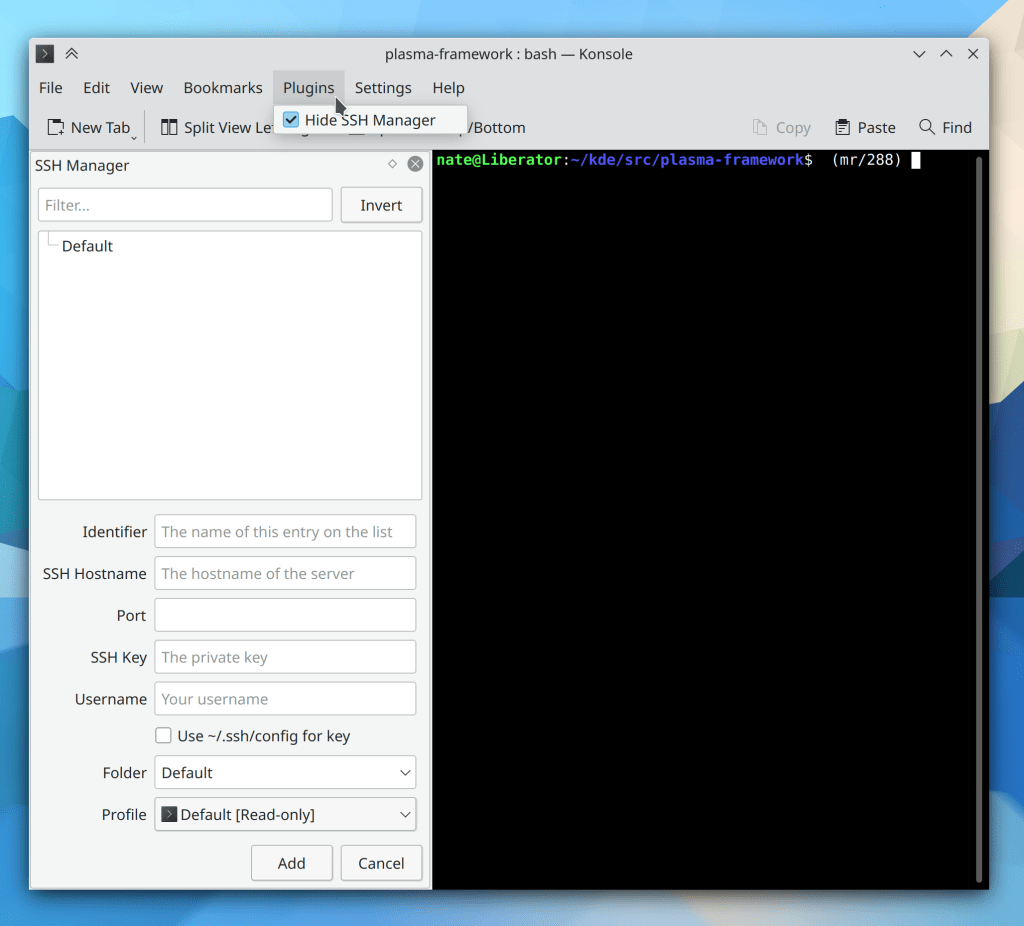
Kate now lets you open multiple tabs in its embedded terminal views (Waqar Ahmed, Kate 21.12)
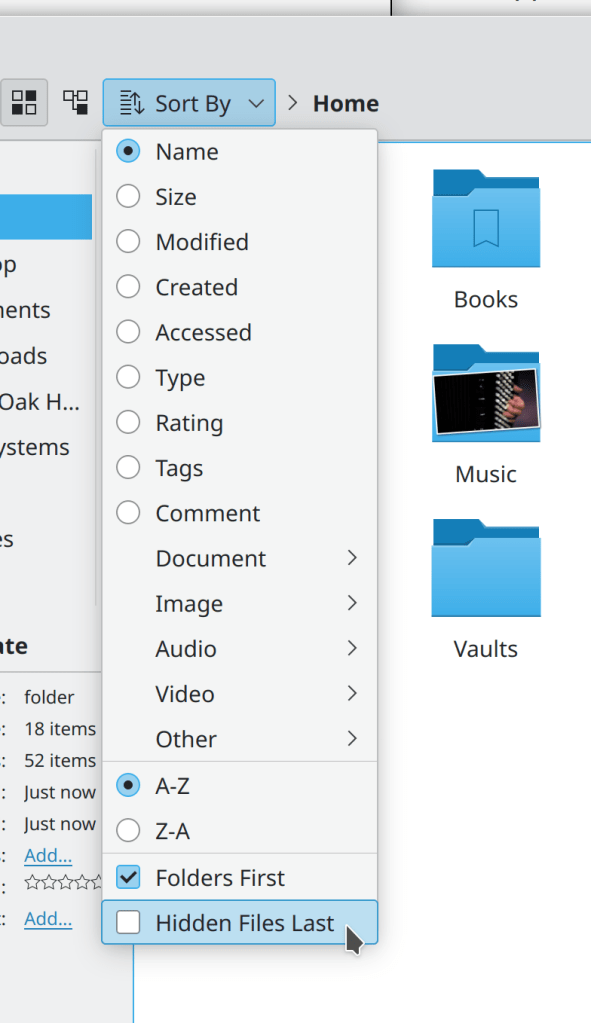
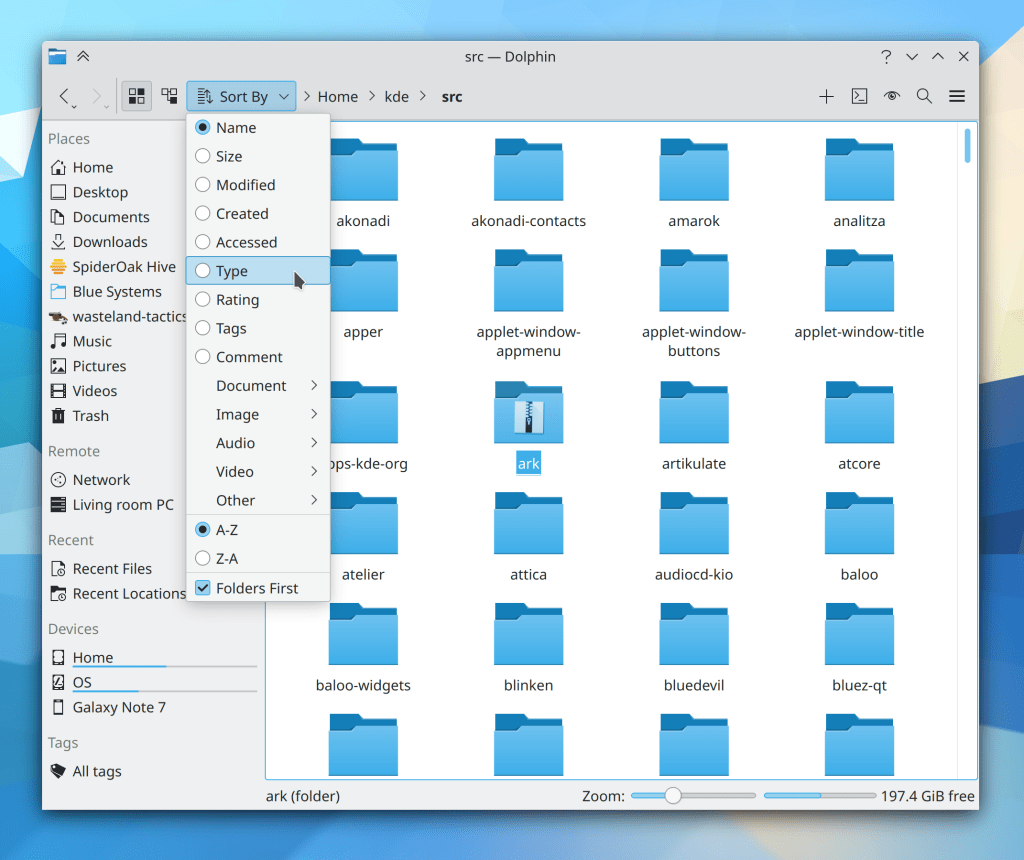
It’s now possible to configure whether hidden files are shown before or after other files in Dolphin, and the default is “before”, as it used to be (Chris Holland, Dolphin 21.12):
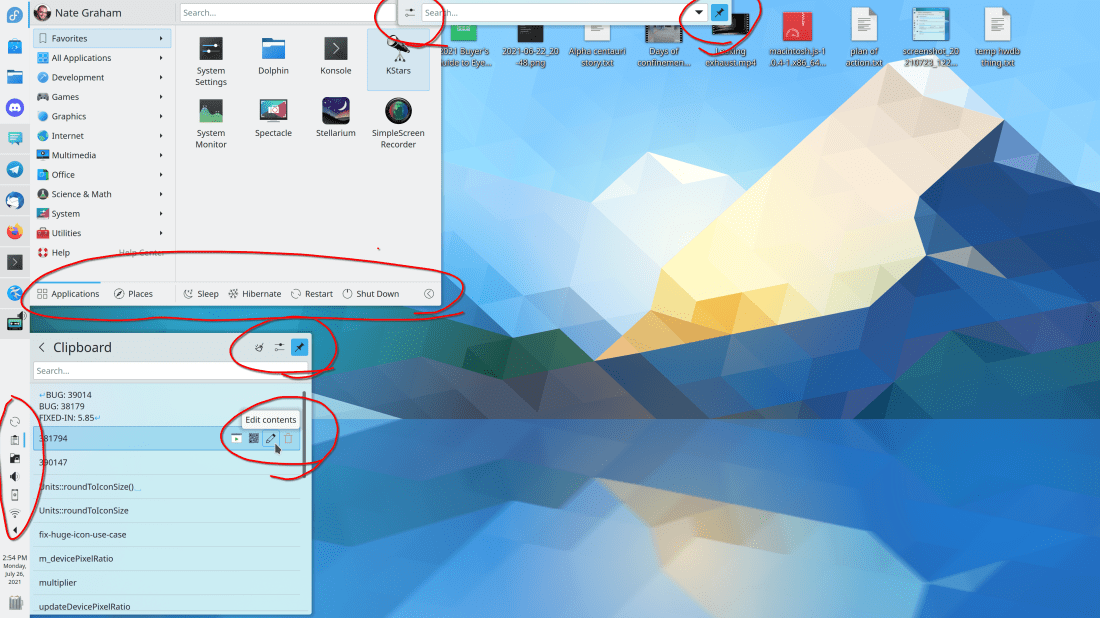
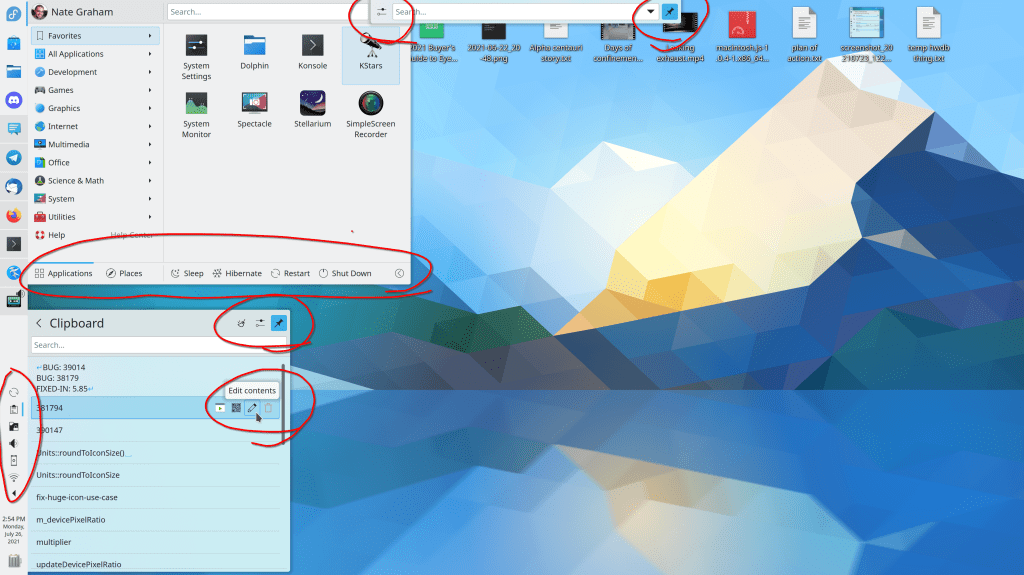
You can now delete selected items in the Clipboard applet’s popup by pressing the Delete key on the keyboard (me: Nate Graham, Plasma 5.23)
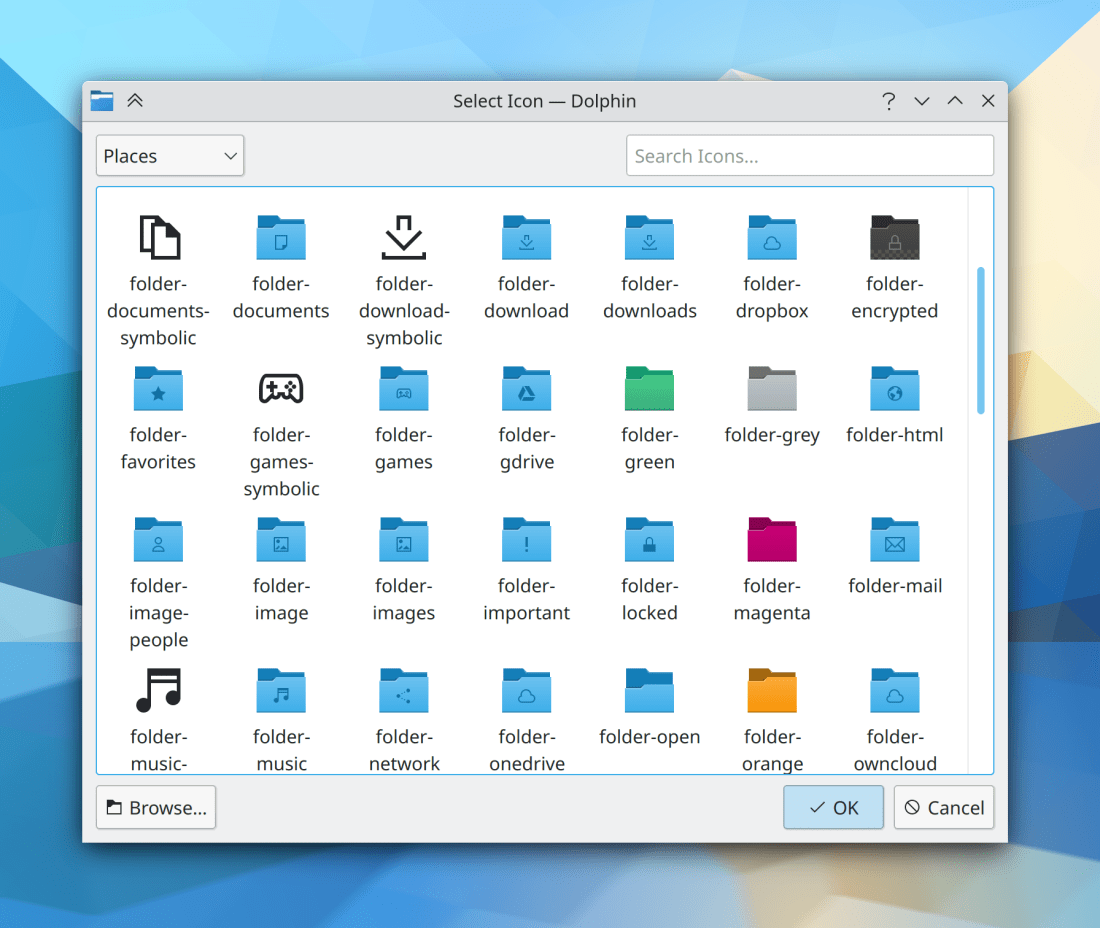
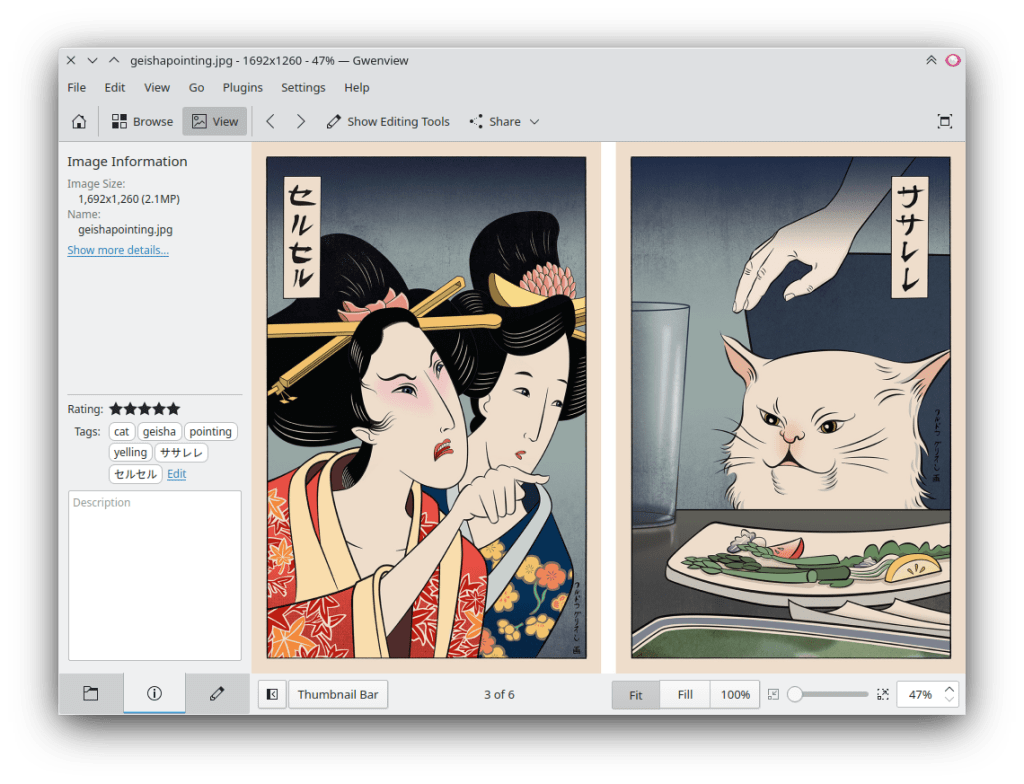
The “Get new [thing]” window now has a feature to let you begin the process of uploading your own contributions to store.kde.org! (Dan Leinir Turthra Jensen, Frameworks 5.85):

Bugfixes & Performance Improvements
Dolphin once again restores the window and sidebar to the correct sizes after being un-maximized (Felix Ernst, Dolphin 21.08)
Dolphin’s --select argument now does what you expect: it selects the file in the window rather than opening it and showing Dolphin with an empty window (Jordan Bucklin, Dolphin 21.08)
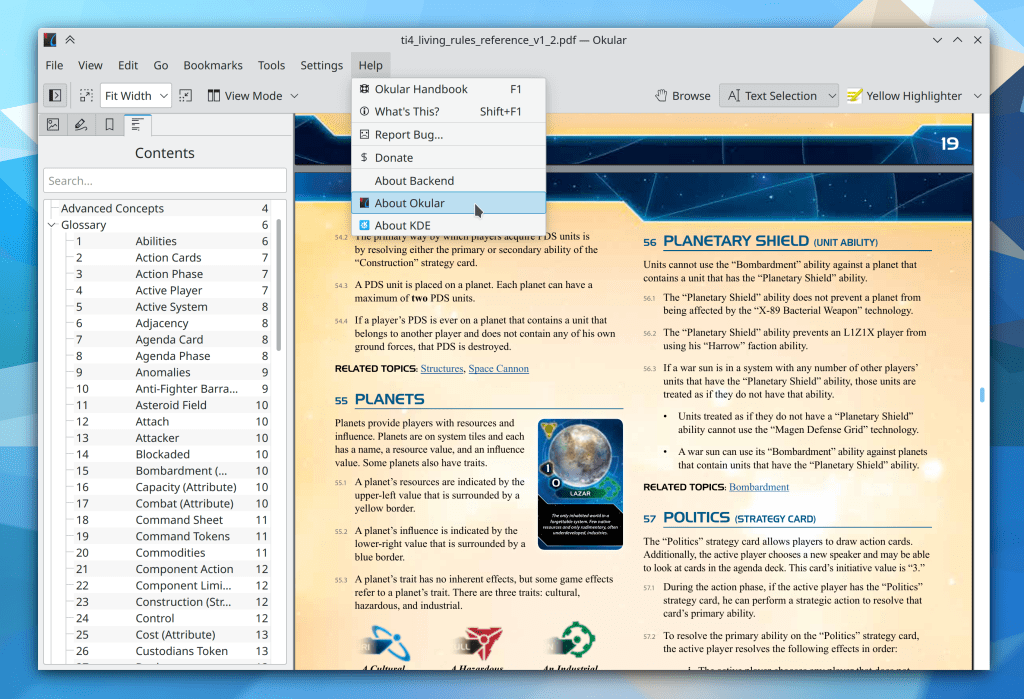
Okular’s page number counter now always has enough space to display the full page number no matter how many pages the document has (Kishore Gopalakrishnan, Okular 21.08)
Elisa’s desktop config window is now able to scroll vertically in situations where this would be required, for example due to long translated test or many configured search locations for the music library (me: Nate graham, Elisa 21.08)
Konsole no longer sometimes crashes when closing a tab (Ahmad Samir, Konsole 21.12)
Konsole’s “Show Statusbar” menu item now works (Ahmad Samir, Konsole 21.12)
Fixed various recent regressions affecting Yakuake: it once again slides out properly and no longer flashes blue while closing (Vlad Zahorodnii, Plasma 5.22.5)
System Monitor’s “Export Page” function now works (David Redondo, Plasma 5.22.5)
Some of Discover’s user interface elements now show their shortcut keys in their tooltips, rather than showing random numbers (Aleix Pol Gonzalez and me: Nate Graham, Plasma 5.22.5)
The header in the Digital Clock’s calendar popup now looks correct in right-to-left text mode (me: Nate Graham, Plasma 5.22.5)
When you have a lot of different timezones defined in the Digital Clock’s calendar popup, the list is now scrollable when needed (me: Nate Graham, Plasma 5.22.5)
The window maximization and full screen effects now cross-fade again (Vlad Zahorodnii, Plasma 5.22.5)
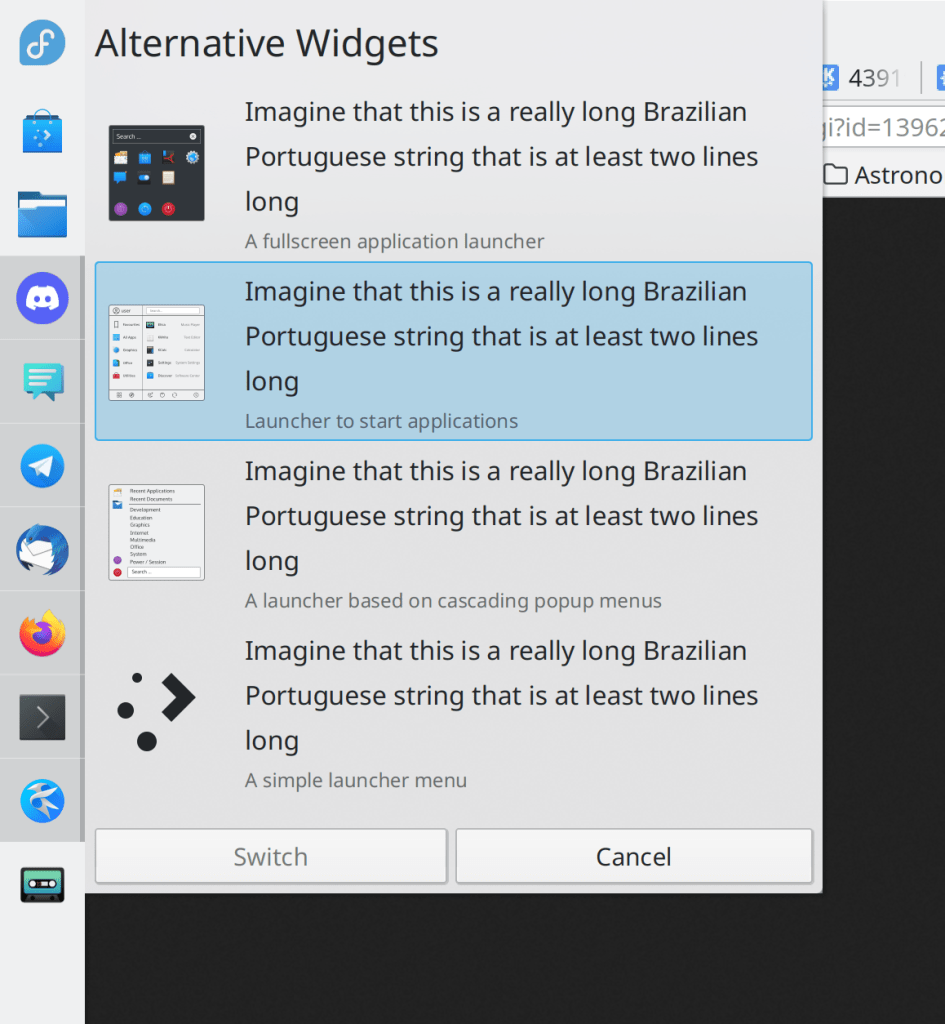
Plasma’s “Alternatives” popup no longer lets long labels visually overflow; now list items become as tall as is needed to contain them (me: Nate Graham, Plasma 5.22.5):
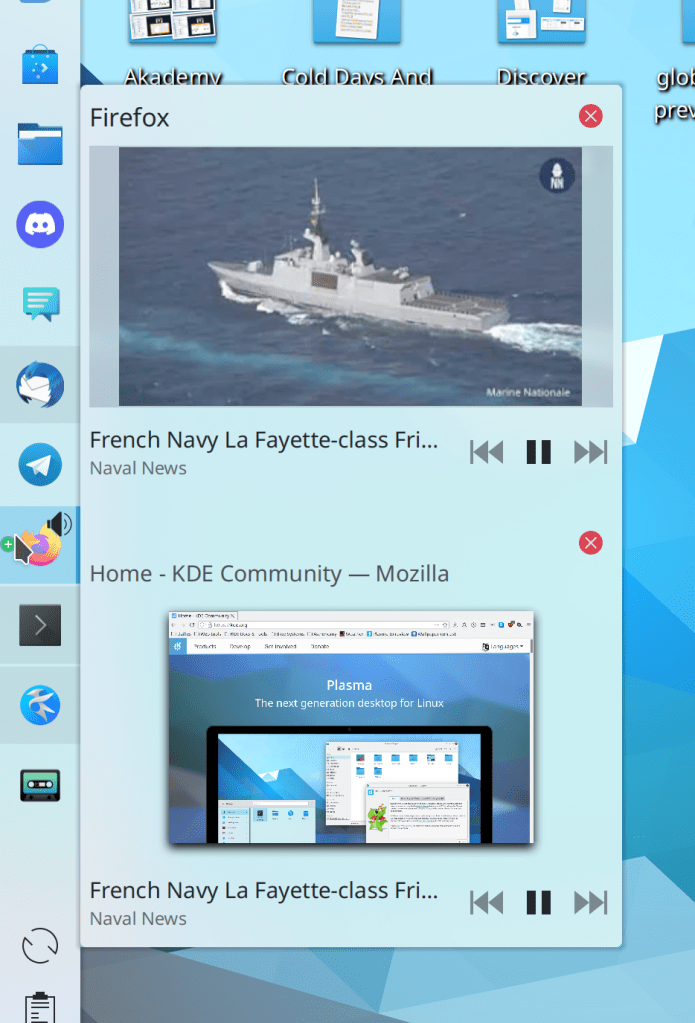
Task Manager tooltips for pinned apps now disappear when you move the cursor over them, just like all other tooltips do (me: Nate Graham, Plasma 5.22.5)
Fixed a case where KWin could crash when pressing Alt+Tab to activate the Task Switcher (David Edmundson, Plasma 5.23)
In the Plasma X11 session, touchscreen input now works properly when the Wacom System Settings module is installed (me: Nate Graham, Plasma 5.23)
In the Plasma Wayland session, clicking in a virtual machine window now results in the click targeting the correct region of the screen in the guest OS (Andrey Butirsky, Plasma 5.23)
Discover is now faster to launch, especially on low-resource devices like the PinePhone (Aleix Pol Gonzalez, Plasma 5.23)
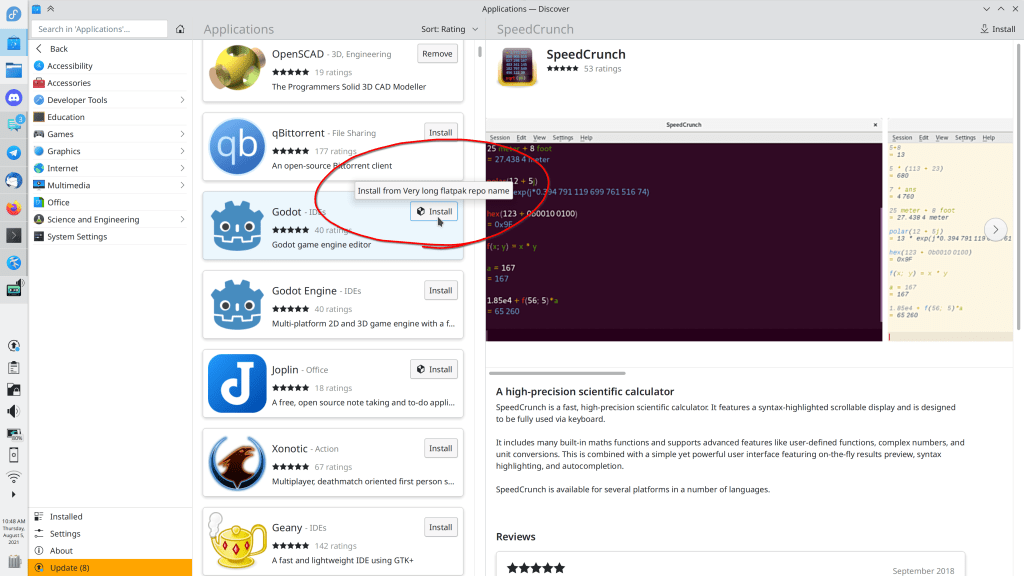
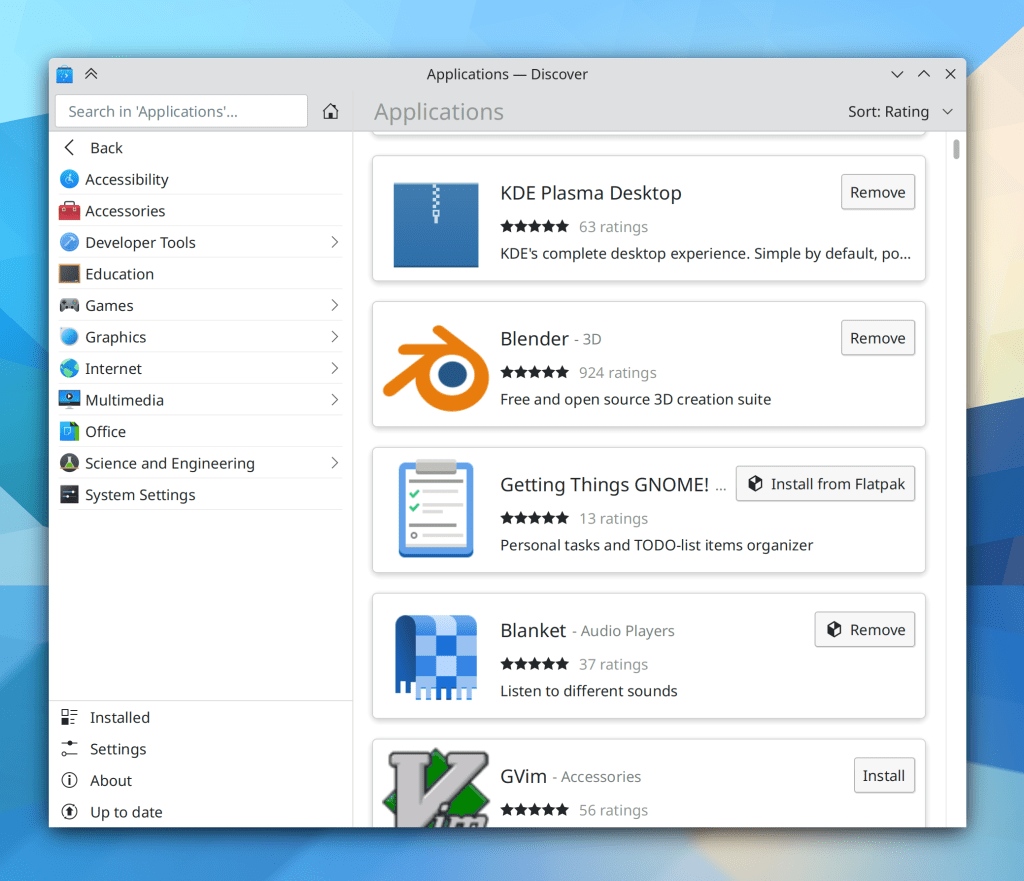
Discover’s “Install” buttons no longer sometimes overflow from their parent layout when the application in question comes from a non-default backend with a very long name; now the name is shown in a tooltip rather than in the button text when it is very long (me: Nate Graham, Plasma 5.23):
Discover’s app screenshots view no longer shows arrow buttons to navigate left and right when the view is non-scrollable (me: Nate Graham, Plasma 5.23)
You can now enter decimal values for manual chart data ranges in System Monitor (Arjen Hiemstra, Plasma 5.23)
Items on the desktop once again get thumbnails automatically generated for them (Marcin Gurtowski, Frameworks 5.85)
Kirigami apps and views that are non-scrollable no longer awkwardly teleport the view contents to the bottom of the view when the down arrow button is pressed (me: Nate Graham, Frameworks 5.85)
Plasma text fields now always have the correct text color even when using themes which use strongly contrasting colors for the window background vs the view background, such as Oxygen (me: Nate Graham, Frameworks 5.85)
Close buttons in Kirigami inline messages no longer overlap the action button beneath them when using certain font sizes (me: Nate Graham, Frameworks 5.85)
The Breeze icon theme is no longer missing network and hibernation-related icons when used in XFCE (me: Nate Graham, Frameworks 5.85)
User Interface Improvements
When Dolphin is launched with any tabs showing paths that are not accessible, it now returns to the previous behavior of telling you that the path is not available rather than discarding the path data and showing you your home folder instead (me: Nate Graham, Dolphin 21.08)
When selecting an online account to log into on the System Settings Accounts page, now nothing is pre-selected, and clicking on one of the accounts in the list no longer leaves it selected if you cancel the authentication prompt (Mufeed Ali, kaccounts-integration 21.12)
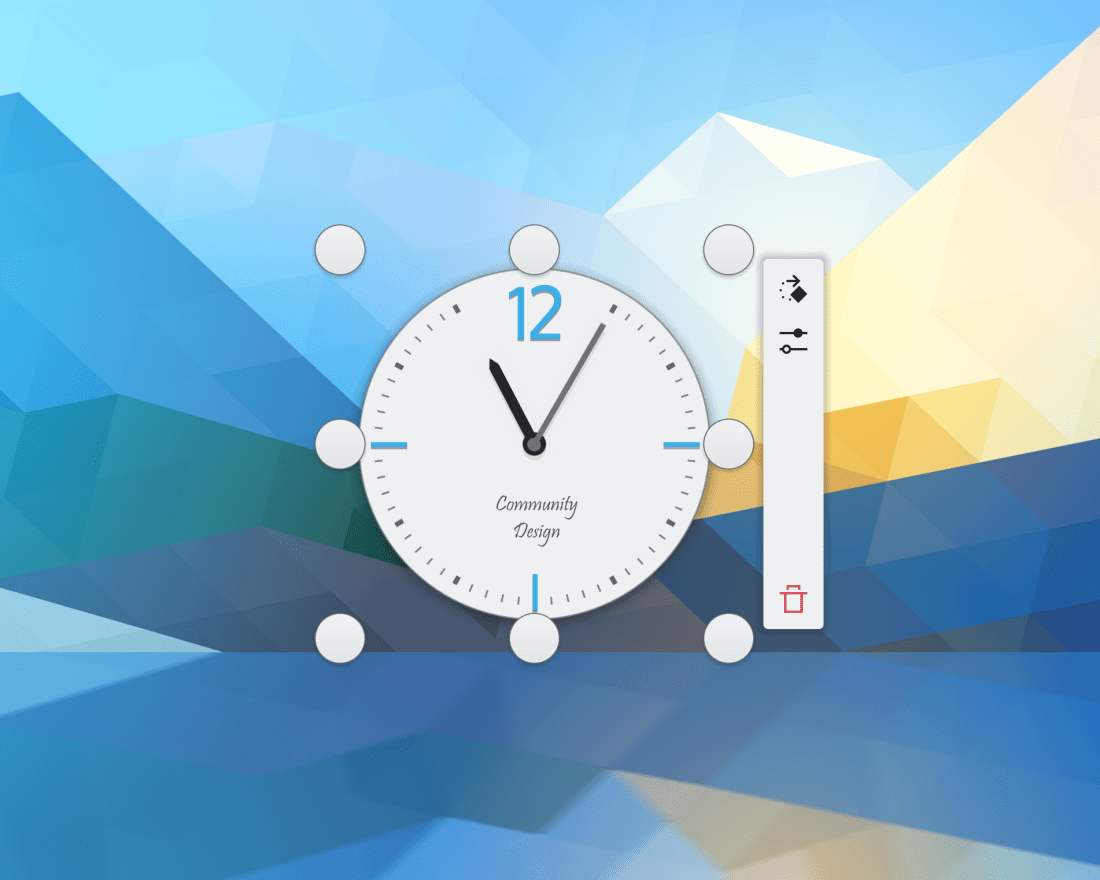
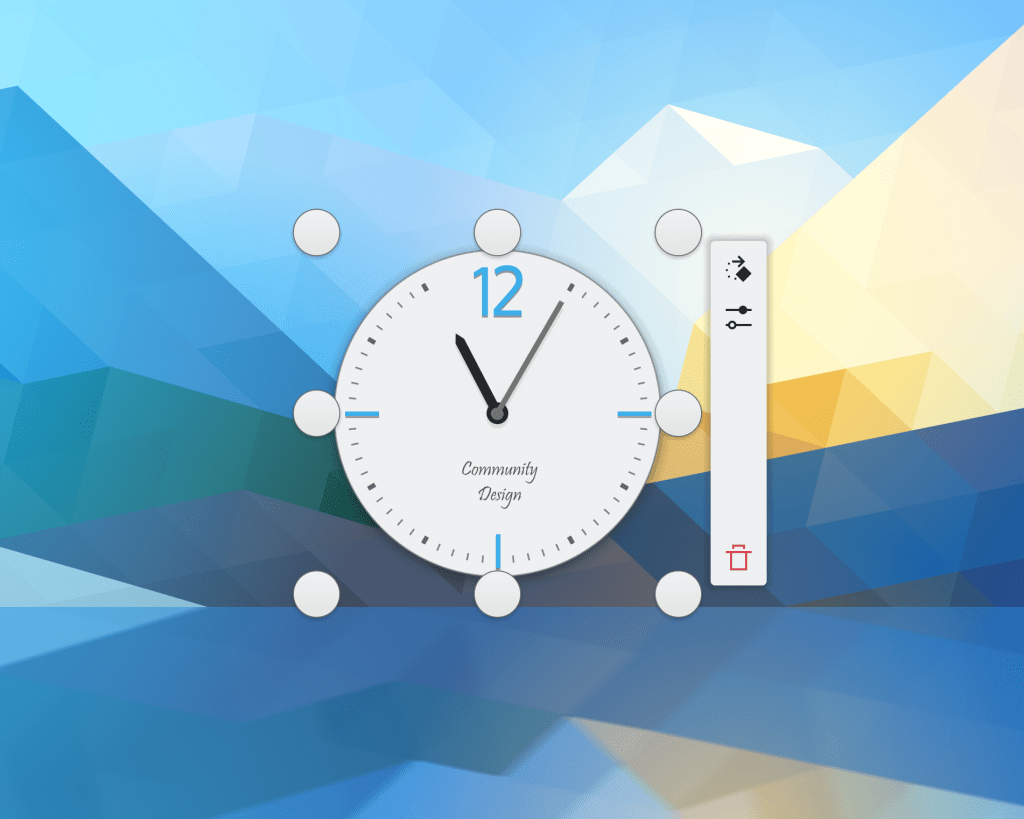
When you press-and-hold on a desktop widget with a finger on the touchscreen, the icons in the overlay are now sized in a manner appropriate for touch interaction (me: Nate Graham, Plasma 5.22.5):
The DrKonqi crash reporter no longer lets users waste their own time by filing worthless bug reports against unmaintained apps and ancient unmaintained versions of developed apps, and instead recommends that they find a new app or upgrade, respectively (Harald Sitter, Plasma 5.23)
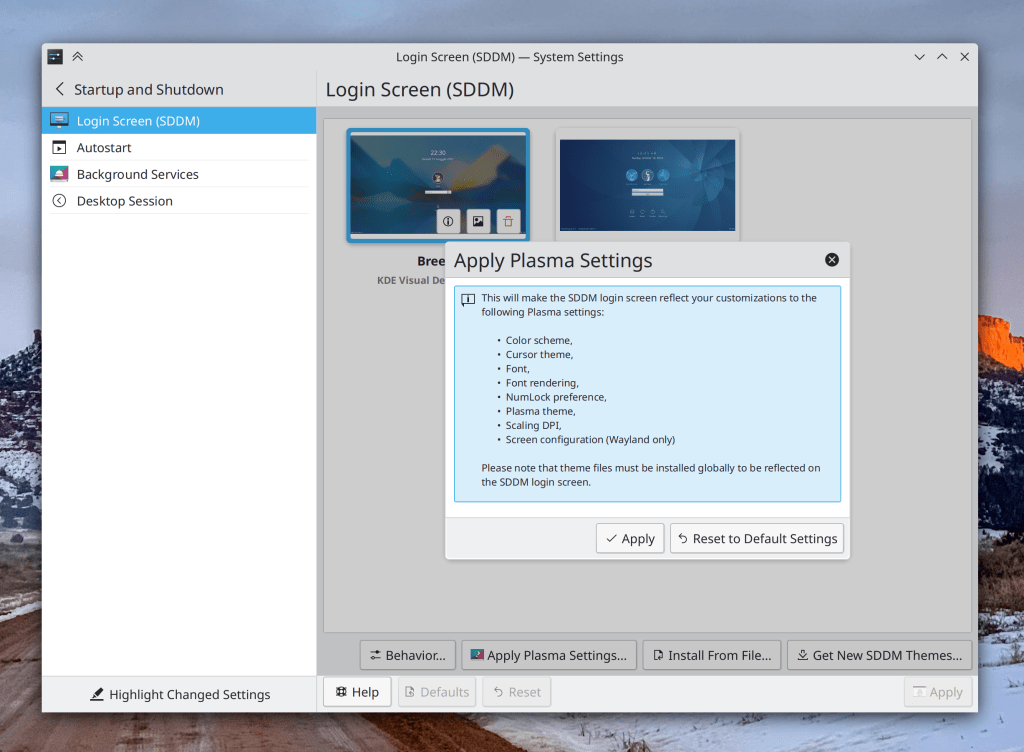
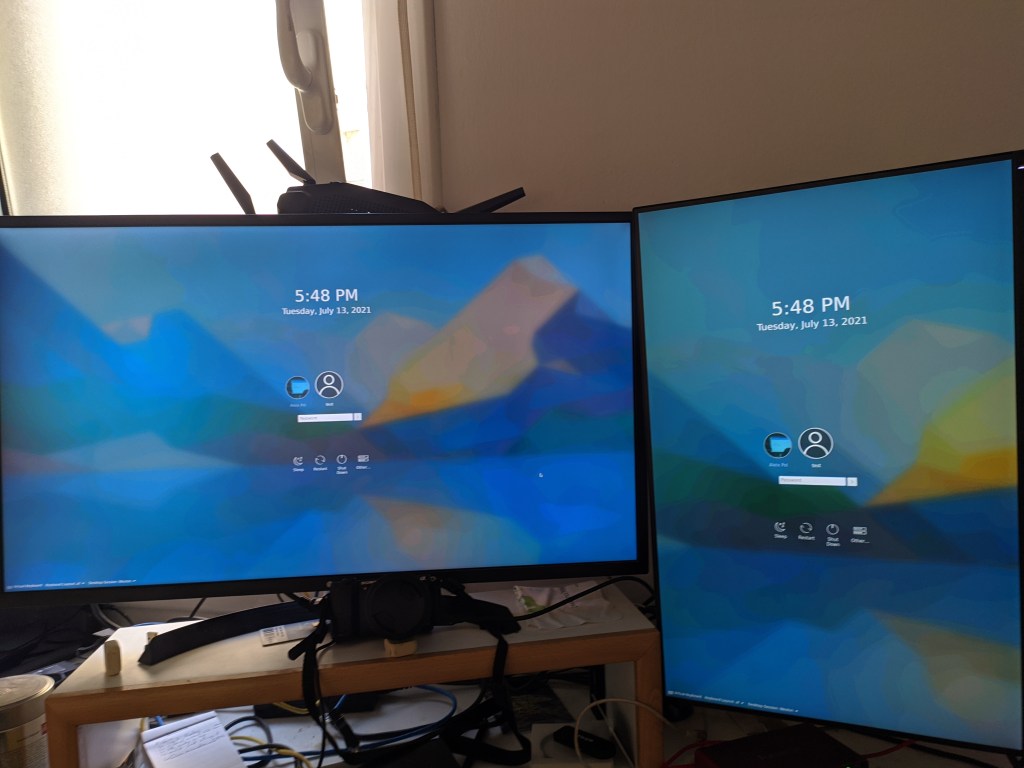
The System Settings Login Screen page’s settings synchronization feature has now been renamed to “Apply Plasma Settings” to clarify what it does (me: Nate Graham, Plasma 5.23):
Dialogs for various file operations now word-wrap the text so they never become too wide and get cut off when displaying extremely long file paths (Ahmad Samir, Frameworks 5.85)
…And everything else
Keep in mind that this blog only covers the tip of the iceberg! Tons of KDE apps whose development I don’t have time to follow aren’t represented here, and I also don’t mention backend refactoring, improved test coverage, and other changes that are generally not user-facing. If you’re hungry for more, check out https://planet.kde.org/, where you can find blog posts by other KDE contributors detailing the work they’re doing.
How You Can Help
Have a look at https://community.kde.org/Get_Involved to discover ways to be part of a project that really matters. Each contributor makes a huge difference in KDE; you are not a number or a cog in a machine! You don’t have to already be a programmer, either. I wasn’t when I got started. Try it, you’ll like it! We don’t bite!
Finally, consider making a tax-deductible donation to the KDE e.V. foundation.













 Adventures in Linux and KDE