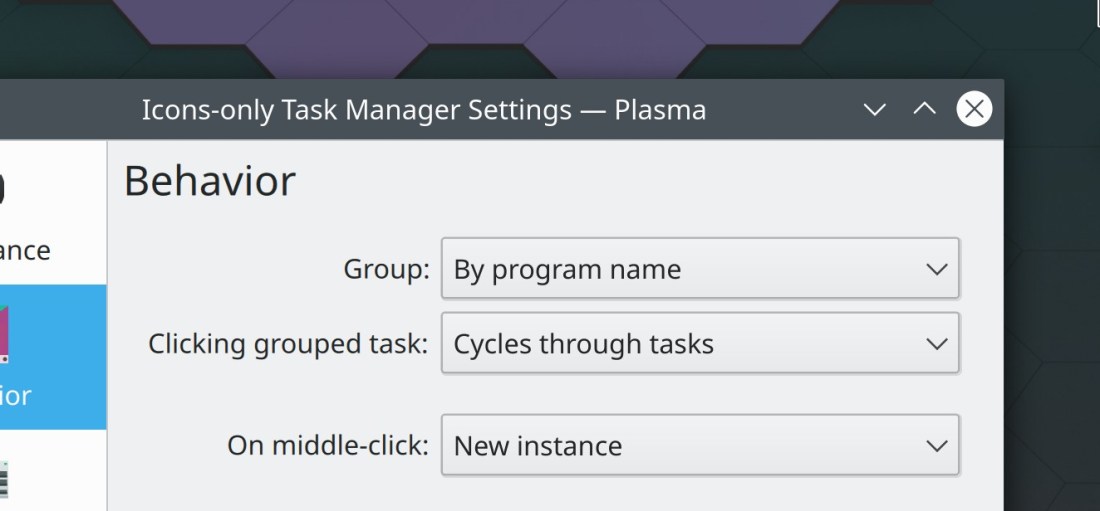
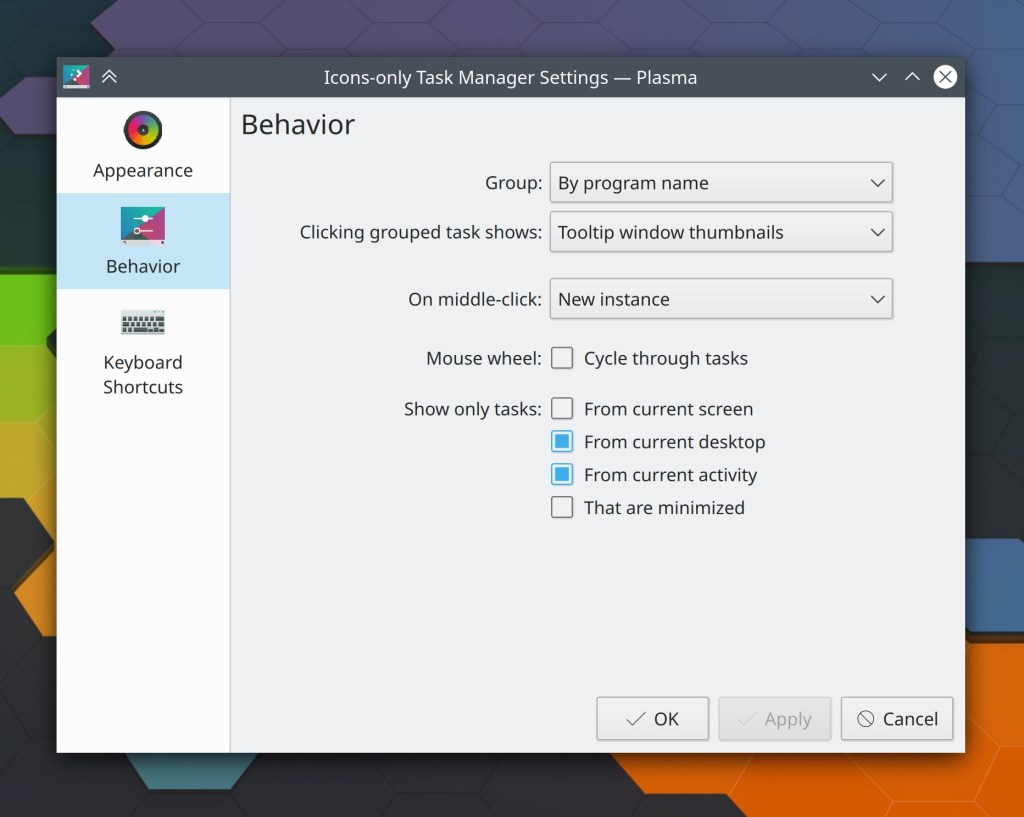
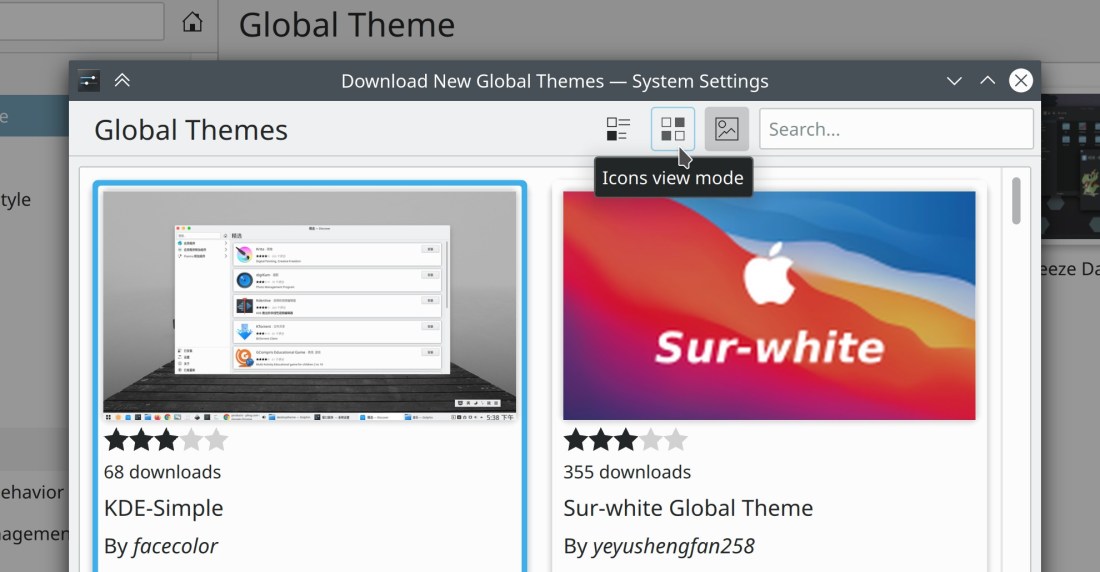
This week we got a big improvement in how the Task Manager handles grouped tasks: by default, it activates the last-used task and then cycles through other tasks if you continue to click on it. There are also some more welcome improvements for the “Get New [Thing]” system, as well as a nice smattering of miscellany. Take a look:
If you are an experienced developer who would like to make a gigantic impact very quickly, fix some recent Plasma regressions or longstanding bugs. Everyone will love you forever! No really. Sometimes people will mail you beer and everything. It’s happened before!
Beyond that, have a look at https://community.kde.org/Get_Involved to discover ways to help be part of a project that really matters. Each contributor makes a huge difference in KDE; you are not a number or a cog in a machine! You don’t have to already be a programmer, either. I wasn’t when I got started. Try it, you’ll like it! We don’t bite!
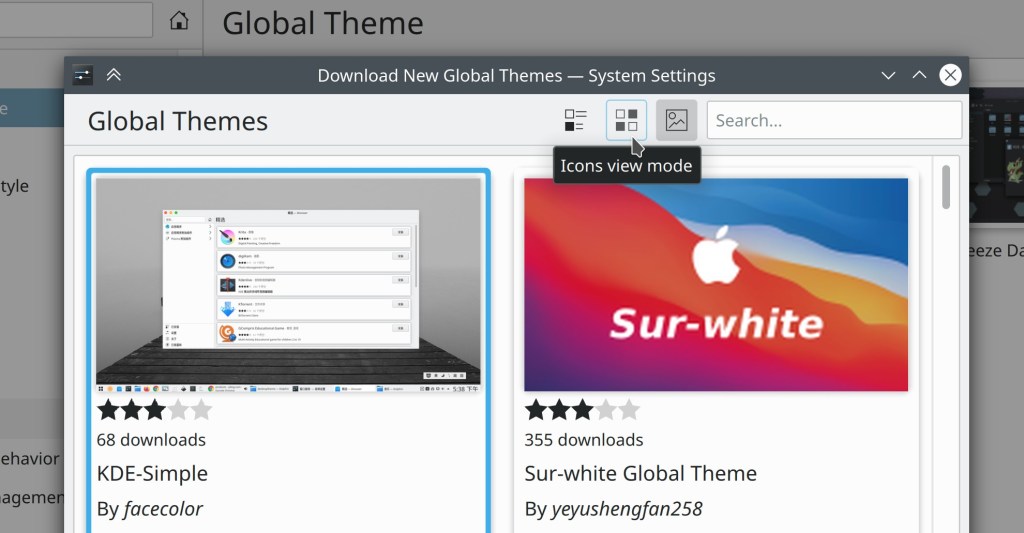
This week has seen more fixes and improvements to the Get New Stuff system, as well as speeding up Discover. But they may be overshadowed by Major Enormous Exciting Amazing new Wayland features such as screencasting and Klipper/shared clipboard support!
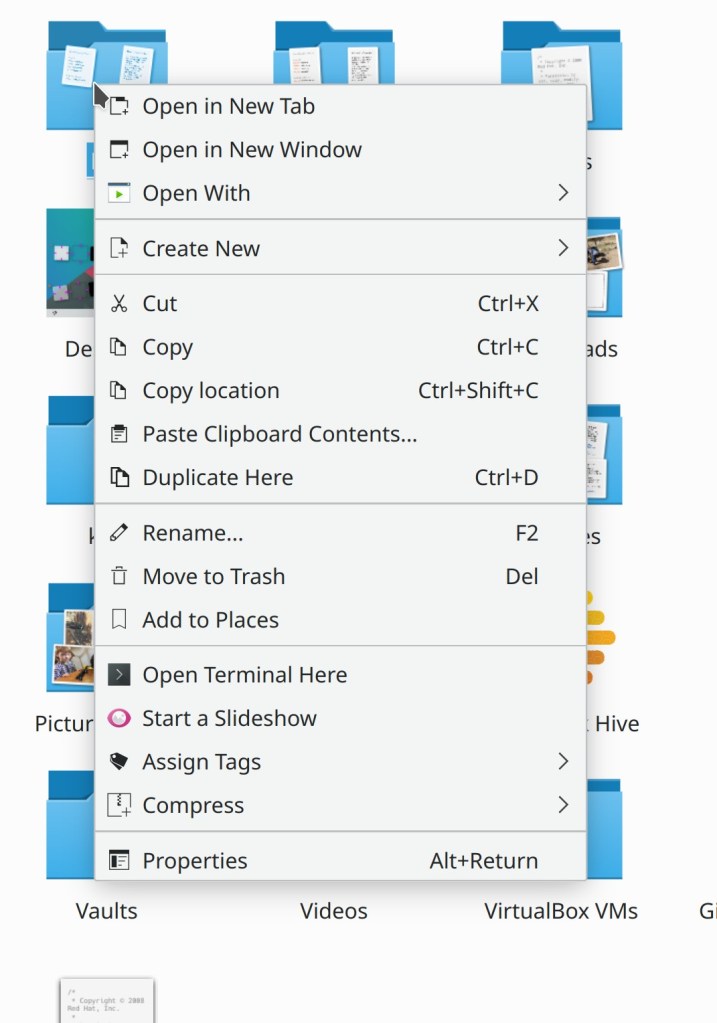
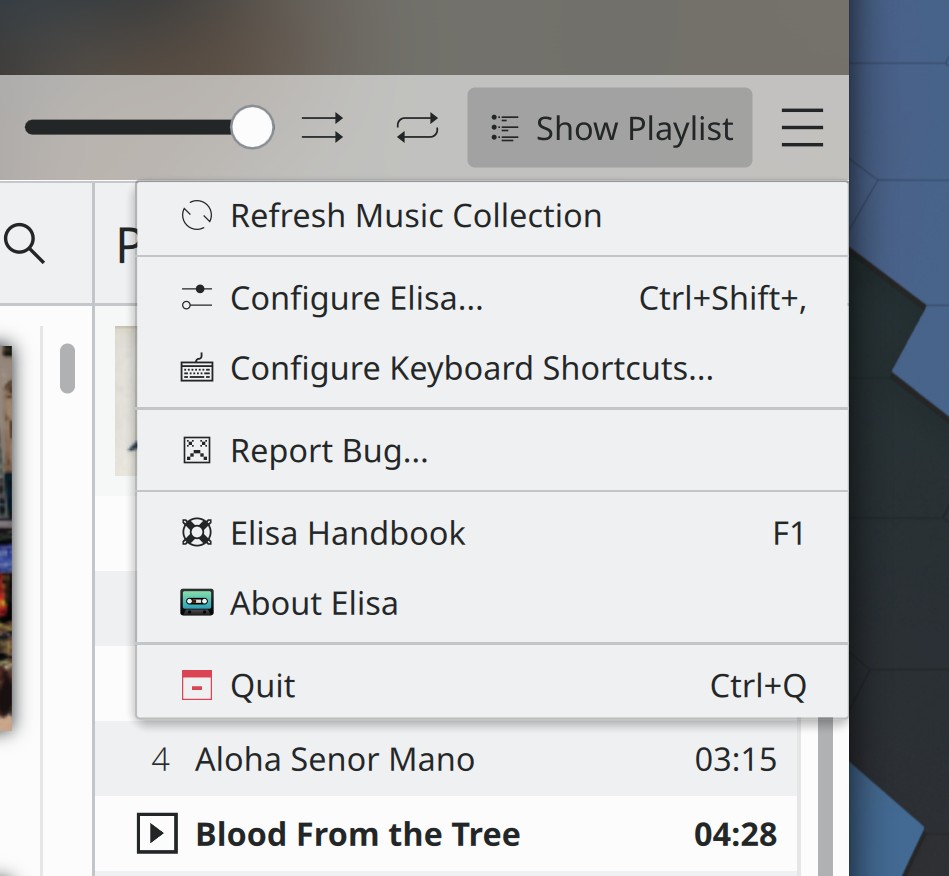
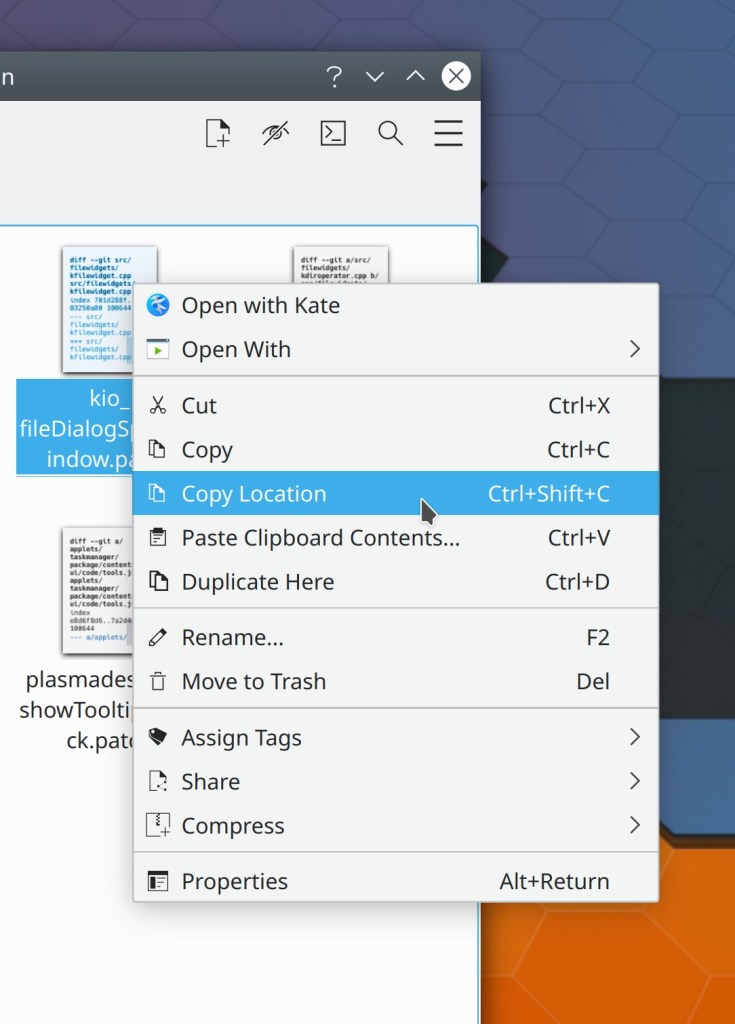
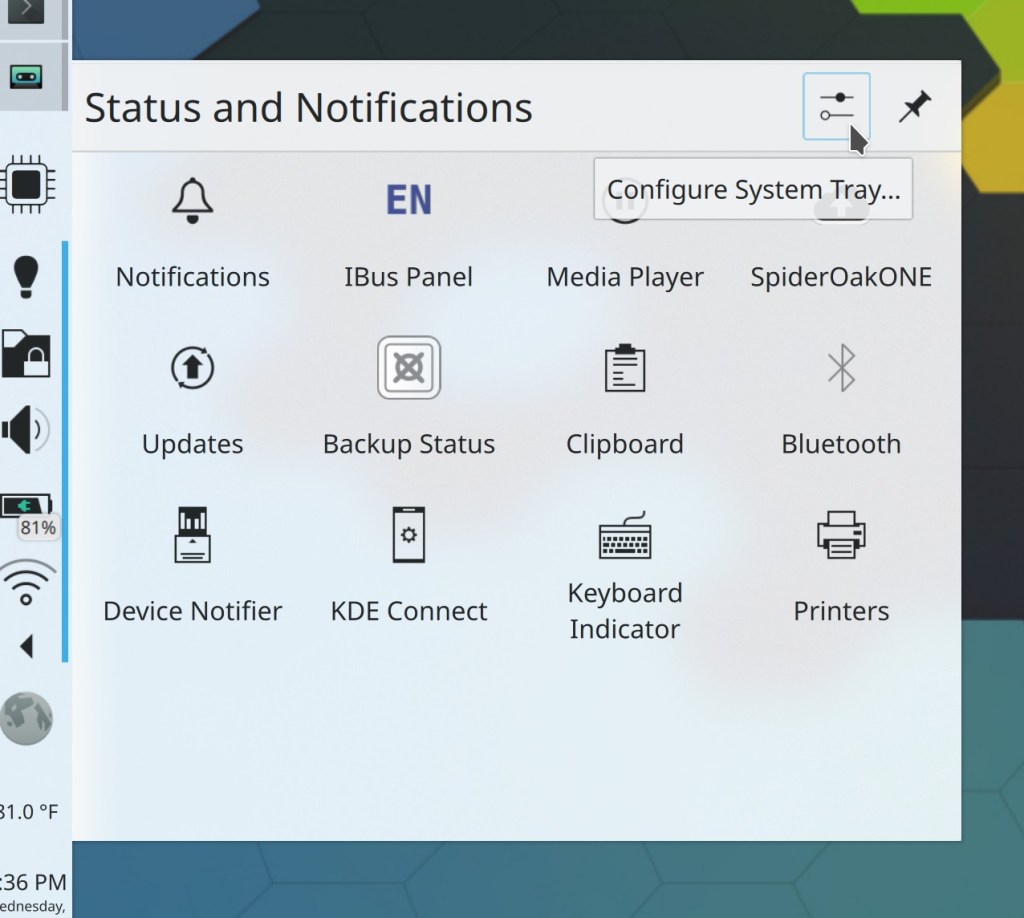
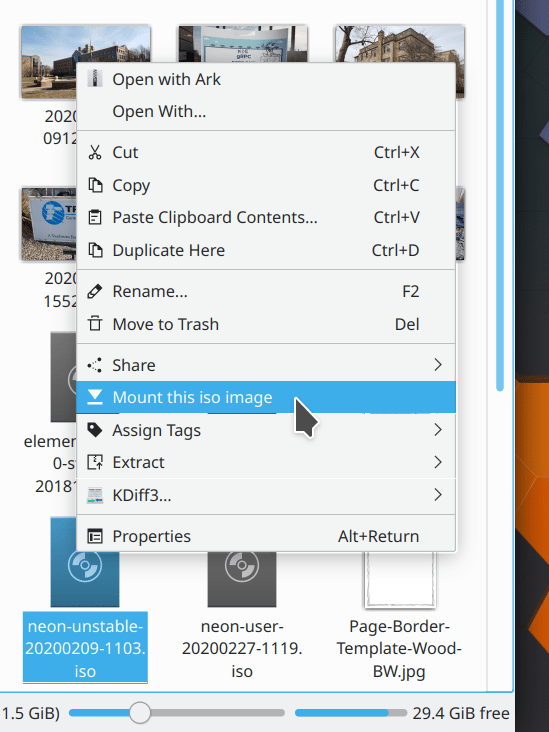
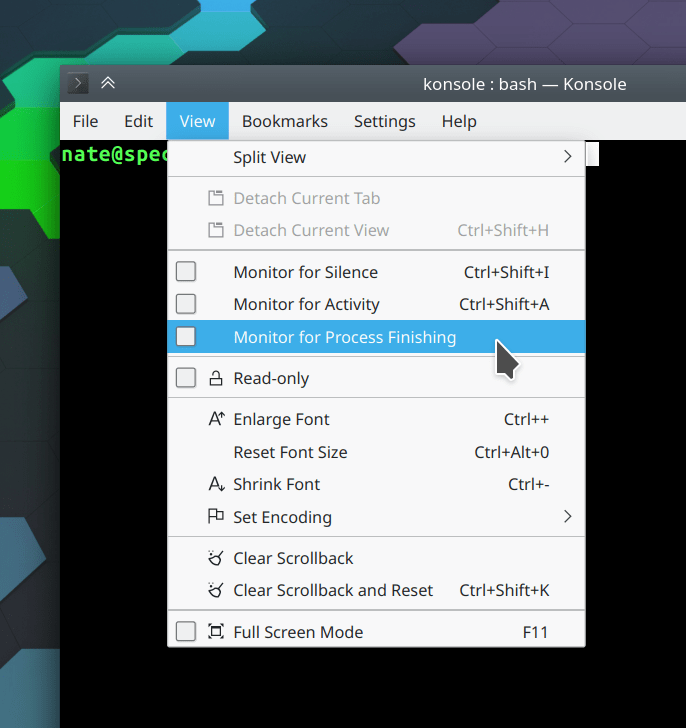
Wow, this menu is getting pretty huge; I guess we should do something about that next
How You Can Help
If you are an experienced developer who would like to make a gigantic impact very quickly, fix some recent Plasma regressions or longstanding bugs. Everyone will love you forever! No really. Sometimes people will mail you beer and everything. It’s happened before!
Beyond that, have a look at https://community.kde.org/Get_Involved to discover ways to help be part of a project that really matters. Each contributor makes a huge difference in KDE; you are not a number or a cog in a machine! You don’t have to already be a programmer, either. I wasn’t when I got started. Try it, you’ll like it! We don’t bite!
Do you like more features, fewer bugs, and a better UI? I do. So as I look over this week’s update, I smile. In particular, some much-needed fixes for the Get New [thing] system have landed, and more are on the way. We realize this is a pain point and we’re working on it.
In Plasma, we’ve been actually using Bugzilla’s priority feature to prioritize bugfixes, beginning with recent regressions. Every day I triage all new bugs and mark any recent regressions accordingly, then try to try to track down people who can fix things, or do it myself if I’m able to. Hopefully over time we’ll have fewer regressions, and the ones that do slip through will get fixed faster.
If you are an experienced developer who would like to make a gigantic impact very quickly, fix some recent Plasma regressions or longstanding bugs. Everyone will love you forever!
Beyond that, have a look at https://community.kde.org/Get_Involved to discover ways to help be part of a project that really matters. Each contributor makes a huge difference in KDE; you are not a number or a cog in a machine! You don’t have to already be a programmer, either. I wasn’t when I got started. Try it, you’ll like it! We don’t bite!
Eagle-eyed viewers will notice that despite the above fix, some of these separator lines are 1px tall and others are 2px. This is a so far unavoidable artifact caused by my using a fractional scale factor on X11. It’s already better on Wayland and I’m investigating whether there’s anything we can do there on X11 too, but this caption is already way too long for any more explanation than that!
Have a look at https://community.kde.org/Get_Involved to discover ways to help be part of a project that really matters. Each contributor makes a huge difference in KDE; you are not a number or a cog in a machine! You don’t have to already be a programmer, either. I wasn’t when I got started. Try it, you’ll like it! We don’t bite!
Several Breeze icons which had subtle pixel mis-alignments that could make them appear blurry no longer suffer from this issue (Maksym Hazevych, Frameworks 5.72)
Have a look at https://community.kde.org/Get_Involved to discover ways to help be part of a project that really matters. Each contributor makes a huge difference in KDE; you are not a number or a cog in a machine! You don’t have to already be a programmer, either. I wasn’t when I got started. Try it, you’ll like it! We don’t bite!
Fix Plasma 5.19 regression: The logout action in the Lock/Logout widget now works again (David Edmundson, Plasma 5.19.3)
Fix Plasma 5.19 regression: window rules using the WM_CLASS property now work again (Ismael Asensio, Plasma 5.19.3)
Fix Plasma 5.19 regression: window rules created from the rule dialog accessible by right-clicking on a window’s titleabar are now saved and applied properly (Ismael Asensio, Plasma 5.19.3)
That incredibly annoying bug whereby scrolling with a scroll wheel mouse in a GTK app stops working when a Plasma notification appears has just been fixed!!! (Vlad Zahorodnii, Plasma 5.19.3)
Plasma’s Emoji picker window(which you can open with the Meta+period keyboard shortcut) now closes when you hit the escape key (Alexander Lohnau, Plasma 5.20)
Have a look at https://community.kde.org/Get_Involved to discover ways to help be part of a project that really matters. Each contributor makes a huge difference in KDE; you are not a number or a cog in a machine! You don’t have to already be a programmer, either. I wasn’t when I got started. Try it, you’ll like it! We don’t bite!
This week we plunged into fixing issues in Plasma 5.19 that slipped through QA as well as some older ones–a truly enormous number in all! We are taking to heart your pleas to focus on stability and polish. But of course we also worked on some new features too, because we can walk and chew bubblegum at the same time!
New Features
Spectacle’s timer feature and Shift+Printscreen (take full screen screenshot) and Meta+Shift+Printscreen (take rectangular region screenshot) shortcuts now work on Wayland (Méven Car, Plasma 5.20 and Spectacle 20.08.0)
Apps removed from the favorites list shared across Kickoff, Kicker, and Application Dashboard now always stay removed after you reboot (Alexander Lohnau, Plasma 5.18.7)
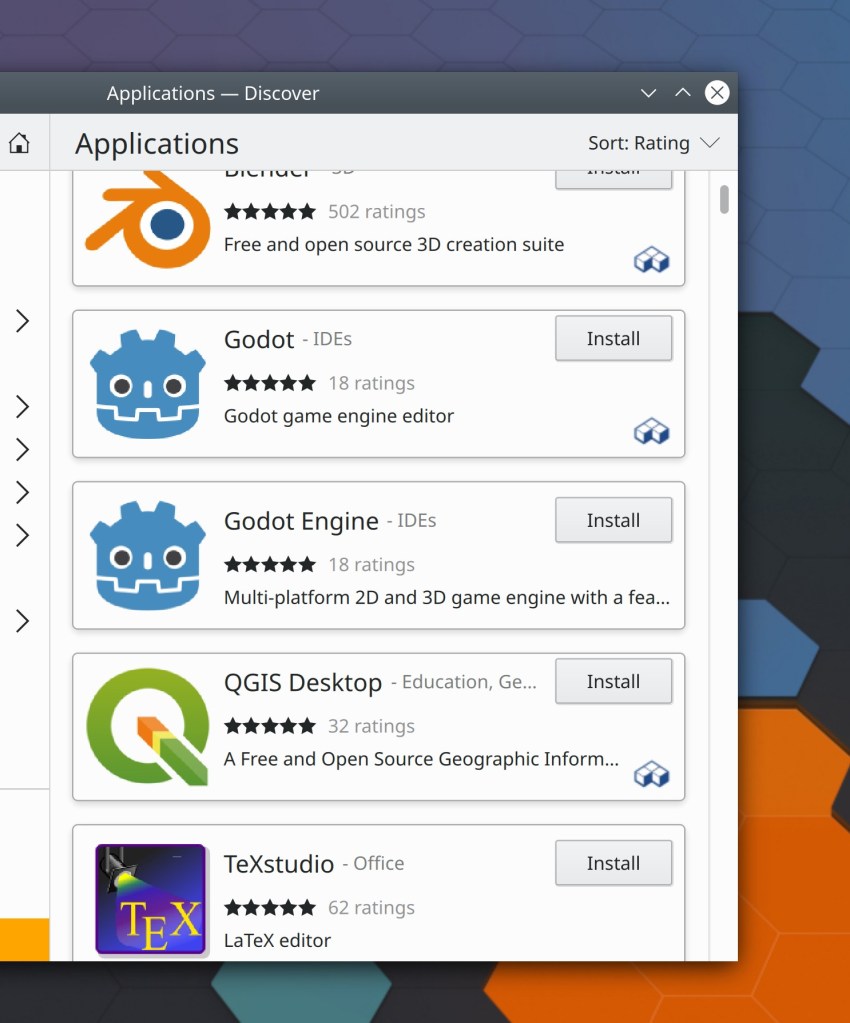
Notice the little Flatpak icons in the corner? I know this presentation isn’t ideal; I was planning to polish it up and add text but didn’t have time this week, sorry. Maybe next week!
Have a look at https://community.kde.org/Get_Involved to discover ways to help be part of a project that really matters. Each contributor makes a huge difference in KDE; you are not a number or a cog in a machine! You don’t have to already be a programmer, either. I wasn’t when I got started. Try it, you’ll like it! We don’t bite!
When you search for an application in the Kickoff Application Launcher and then right-click on the search result, the “Edit Application…” menu item now works (Alexander Lohnau, Plasma 5.19.1)
The activities database now has backup and self-repair mechanisms, which should reduce (if not eliminate) the occurrences of favorites and recent items being corrupted or forgotten (Ivan Čukić, Plasma 5.20.0)
Have a look at https://community.kde.org/Get_Involved to discover ways to help be part of a project that really matters. Each contributor makes a huge difference in KDE; you are not a number or a cog in a machine! You don’t have to already be a programmer, either. I wasn’t when I got started. Try it, you’ll like it! We don’t bite!
It’s early in the Plasma 5.20 development cycle and some very nice new features landed this week! Various KDE apps–in particular Okular and Konsole–also got new features. It’s a feature-palooza!
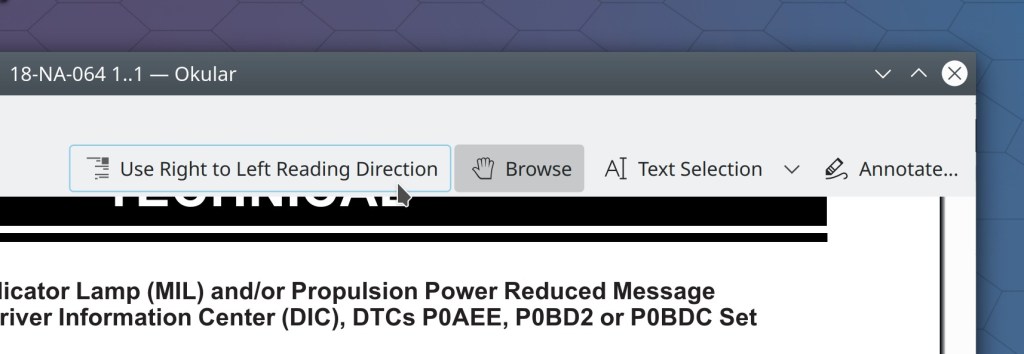
Yes, yes, I know what some of you are thinking: “Why are you writing new features while there’s still so much buggy stuff?” In this case, one of the answers is that new features can often solve bugs. For example the Okular work you’ll read about below resulted in a dozen bug reports getting closed! Sometimes you really can have your cake and eat it, too. 🙂 And of course the Wayland work continues as well…
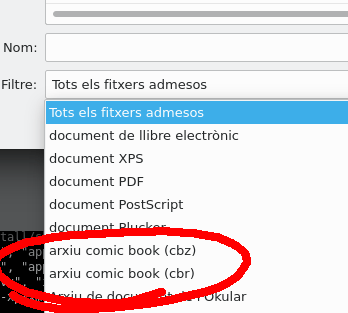
The Properties actions/menu items in Okular and Gwenview are now triggerable using the standard Alt+Return keyboard shortcut, just like in Dolphin (me: Nate Graham, Okular 1.11.0 and Gwenview 20.08.0)
Have a look at https://community.kde.org/Get_Involved to discover ways to help be part of a project that really matters. Each contributor makes a huge difference in KDE; you are not a number or a cog in a machine! You don’t have to already be a programmer, either. I wasn’t when I got started. Try it, you’ll like it! We don’t bite!
This week we landed a lot of nice improvements for KDE’s apps, which I’ve highlighted below! Of course we didn’t forget about Plasma, so have a look-see:
Okular’s sidebar user interface has been overhauled, with the result that it now takes up less horizontal space, is easier to show and hide quickly, has a more consistent appearance overall, and fixes many bugs (me: Nate Graham, Okular 1.11.0):
Have a look at https://community.kde.org/Get_Involved to discover ways to help be part of a project that really matters. Each contributor makes a huge difference in KDE; you are not a number or a cog in a machine! You don’t have to already be a programmer, either. I wasn’t when I got started. Try it, you’ll like it! We don’t bite!
















 Adventures in Linux and KDE