
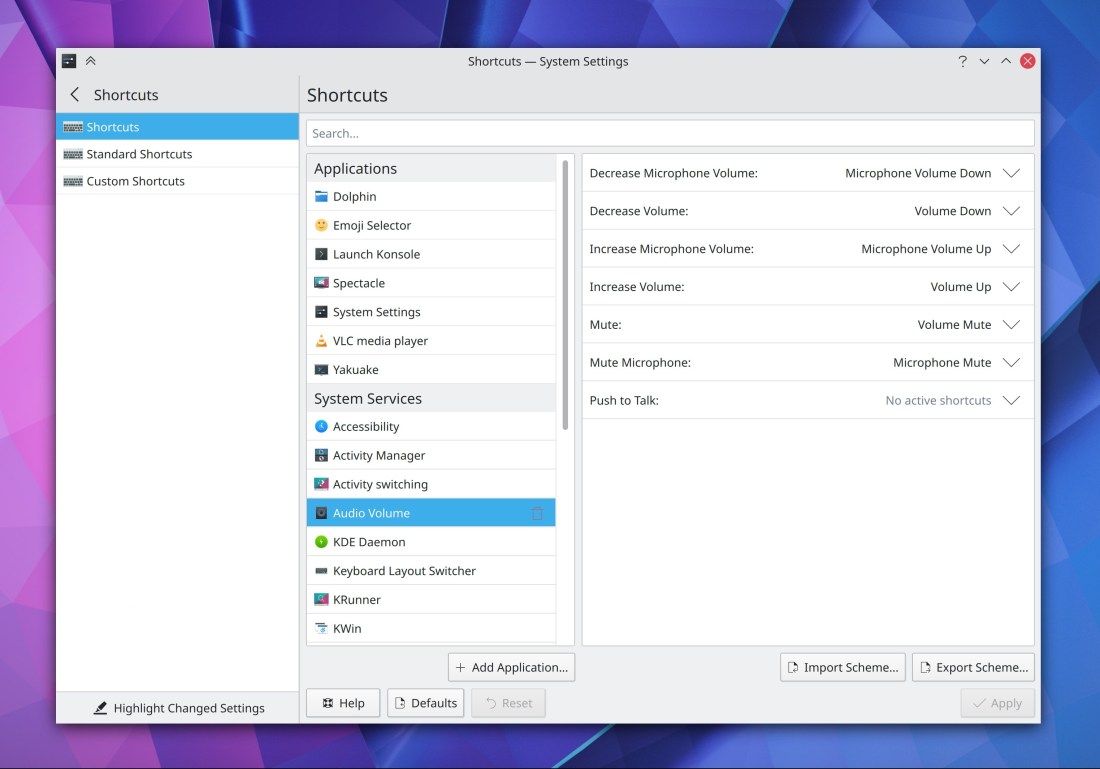
We spent a ton of time this week polishing up Plasma 5.20 and fixing the last few regressions that were reported during the beta period. Hopefully this release should be much smoother and more stable than the last few have been! We’ve really been trying to up our QA game lately. And of course, we’re already looking to the next version, and new features are starting to land…
New Features
Gwenview now has an option to not auto-play videos in browse mode (Madhav Kanbur, Gwenview 20.12)
On Wayland, KWin now supports the “iGPU multi-monitor” feature and therefore allows you to simultaneously drive multiple monitors from both a dedicated and internal Intel GPU! (Xaver Hugl, Plasma 5.21)
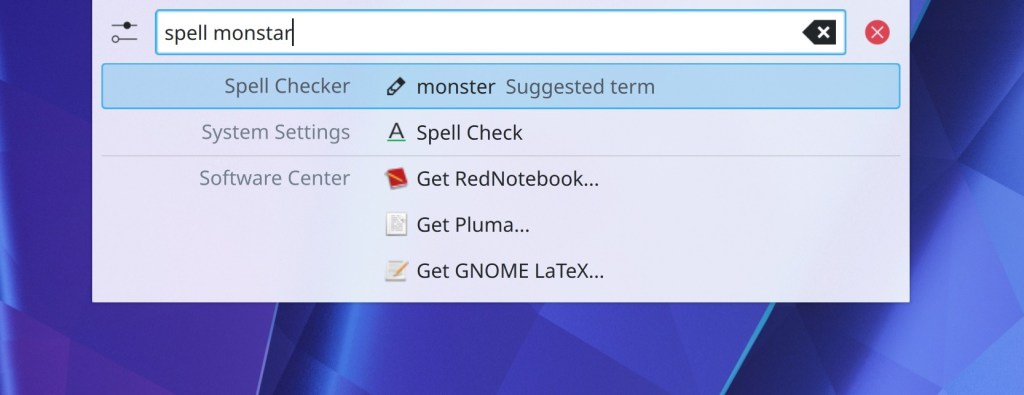
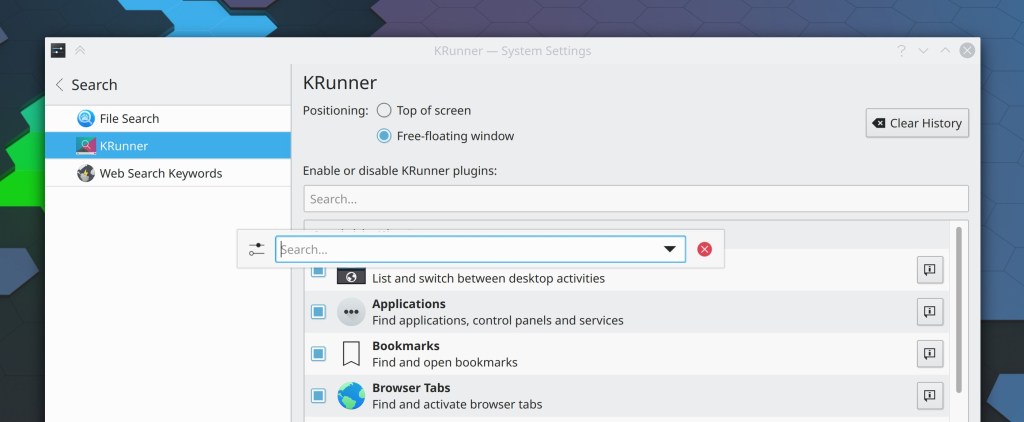
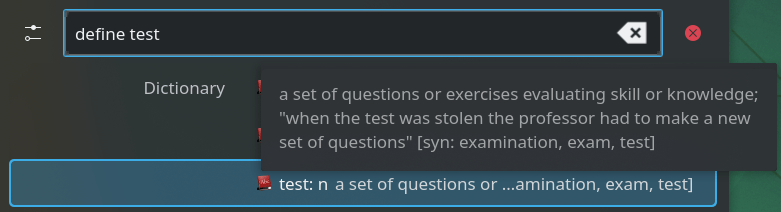
KRunner now has an optional “keep open” feature which causes it to stay open when focus is lost, just like how the System Tray and Clock popups can (Alexander Lohnau, Plasma 5.21):

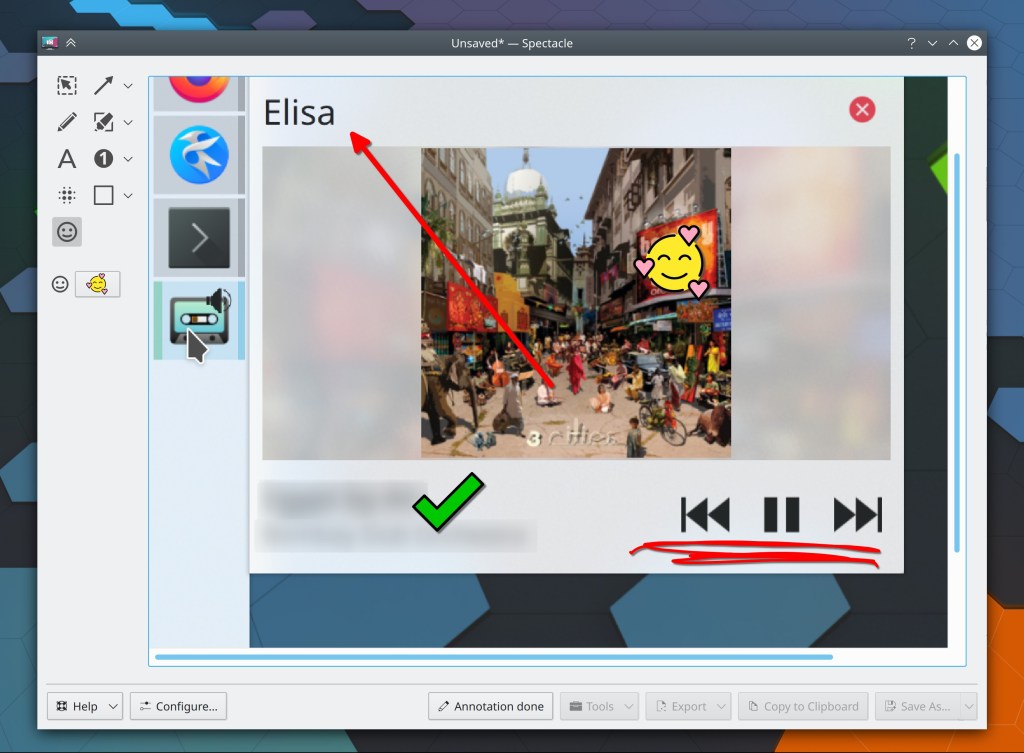
Plasma will now display a notification when your network connection becomes flaky and you’re about to lose internet access (Kai Uwe Broulik, Plasma 5.21):

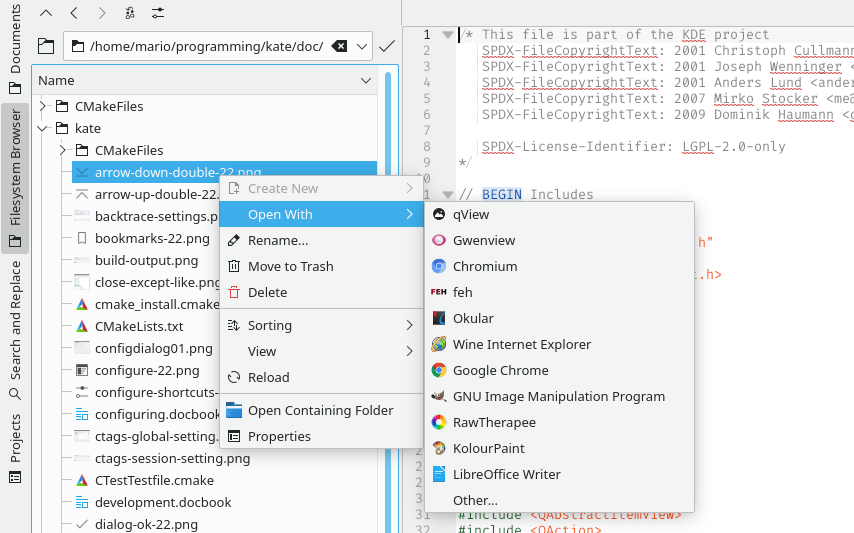
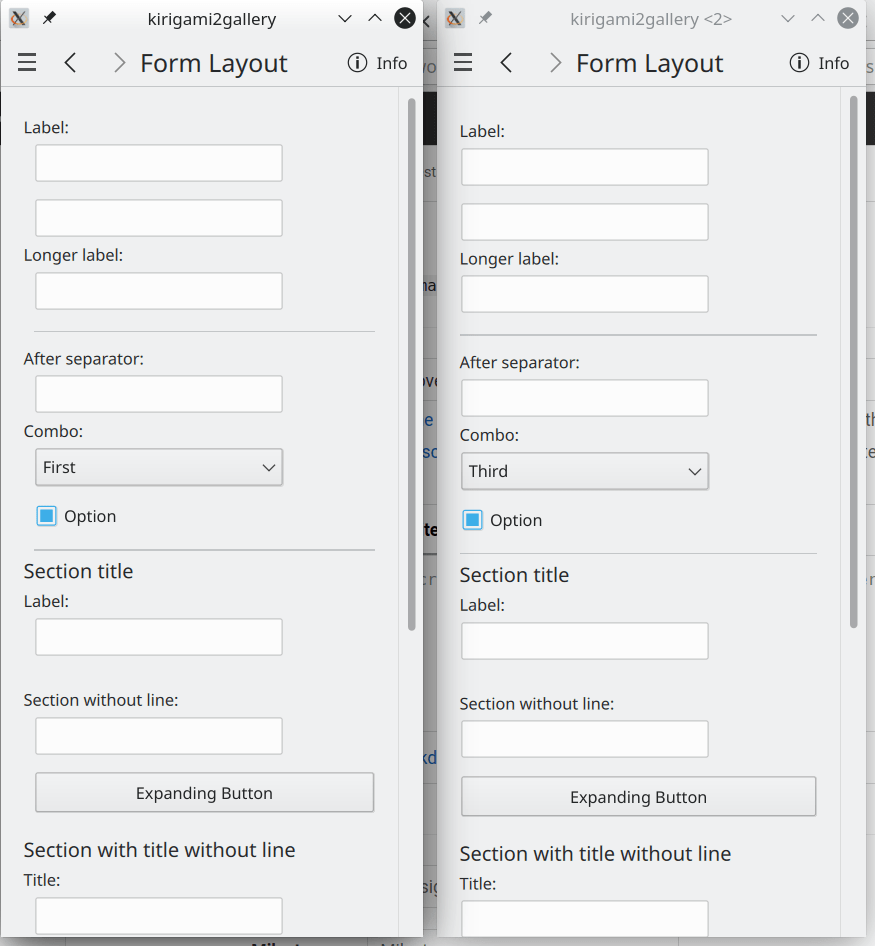
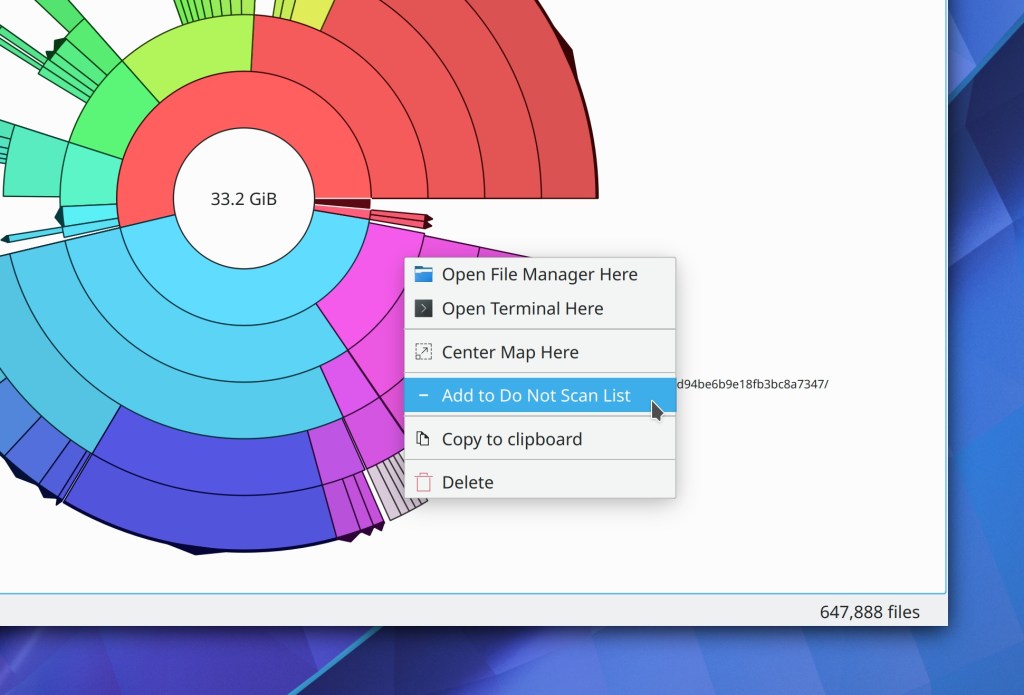
Text fields in Kirigami and QML-based desktop apps now display appropriate context menus when you right-click on them (Yeah yeah yeah I know, it’s 2020 and we’re only now getting this… but still, now we have it!) (Devin Lin, Frameworks 5.75):

Bugfixes & Performance Improvements
Krfb now saves and remembers user settings such as settings “Enable desktop sharing”, “Enable Unattended Access” and “Password” (Alexey Min, Krfb 20.08.2)
Mounting an ISO image using the ISO mounter Dolphin plugin now results in it actually being mounted if you have automounting globally disabled (Kwon-Young Choi, Dolphin 20.12)
Spectacle’s background mode now auto-saves images as expected when that option is set in the settings window (Antonio Prcela, Spectacle 20.12)
Partition Manager now recognizes devices without a partition table (Andrius Štikonas, Partition Manager 4.2.0)
KWin no longer sometimes crashes when exiting or re-launching (Vlad Zahorodnii, Plasma 5.20)
Plasma no longer sometimes leaks memory and crashes when exiting or re-launching (David Edmundson, Plasma 5.20)
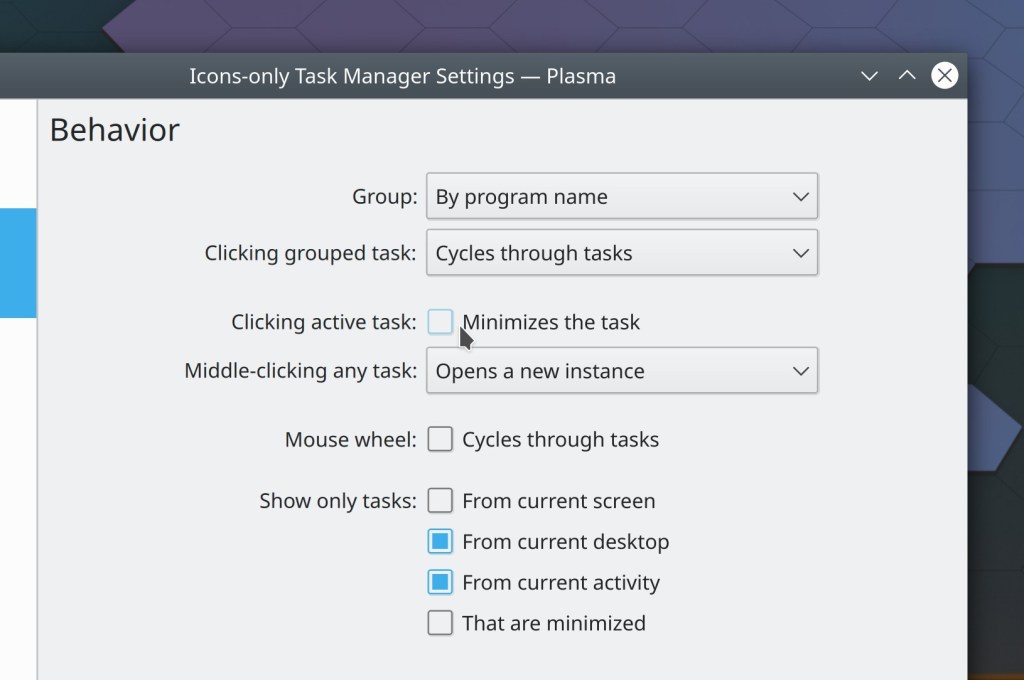
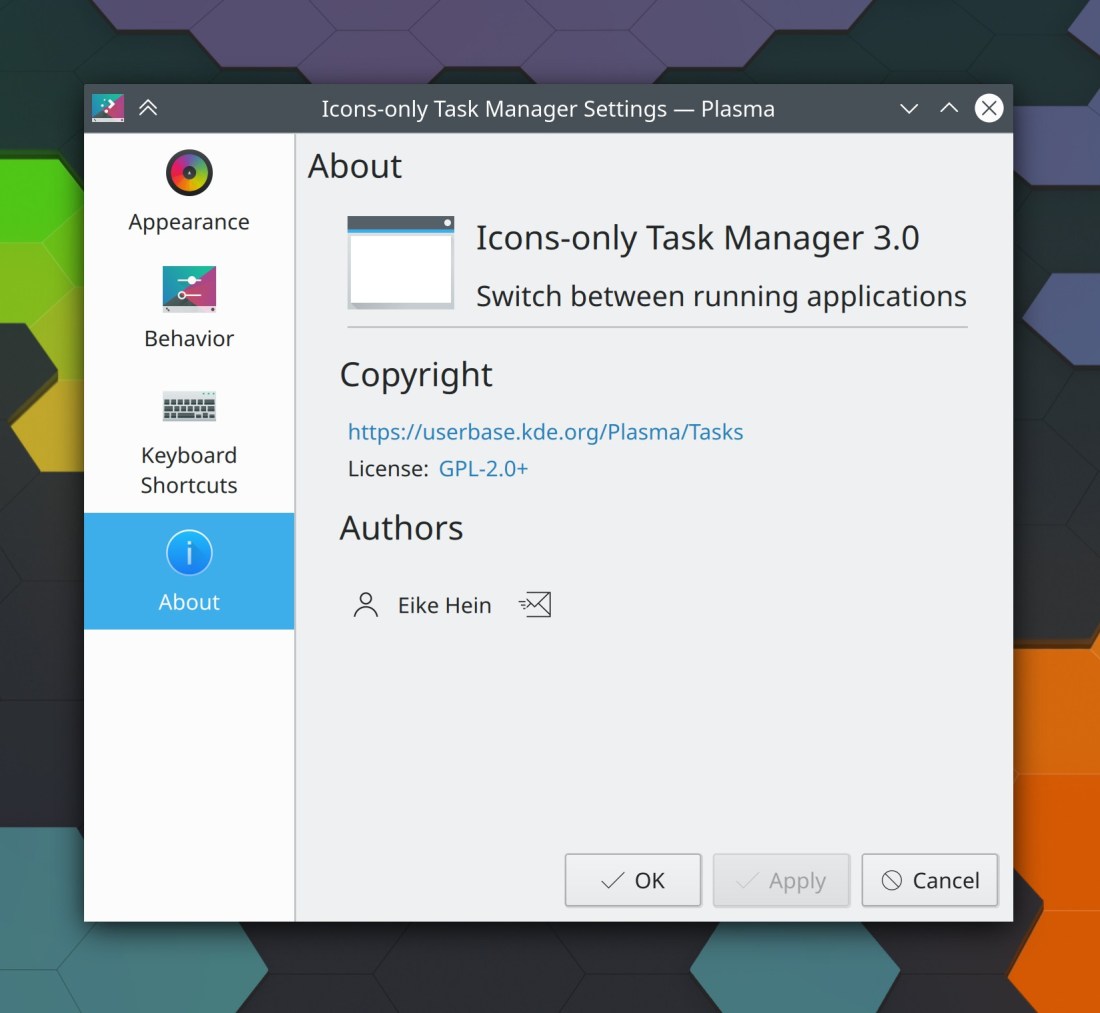
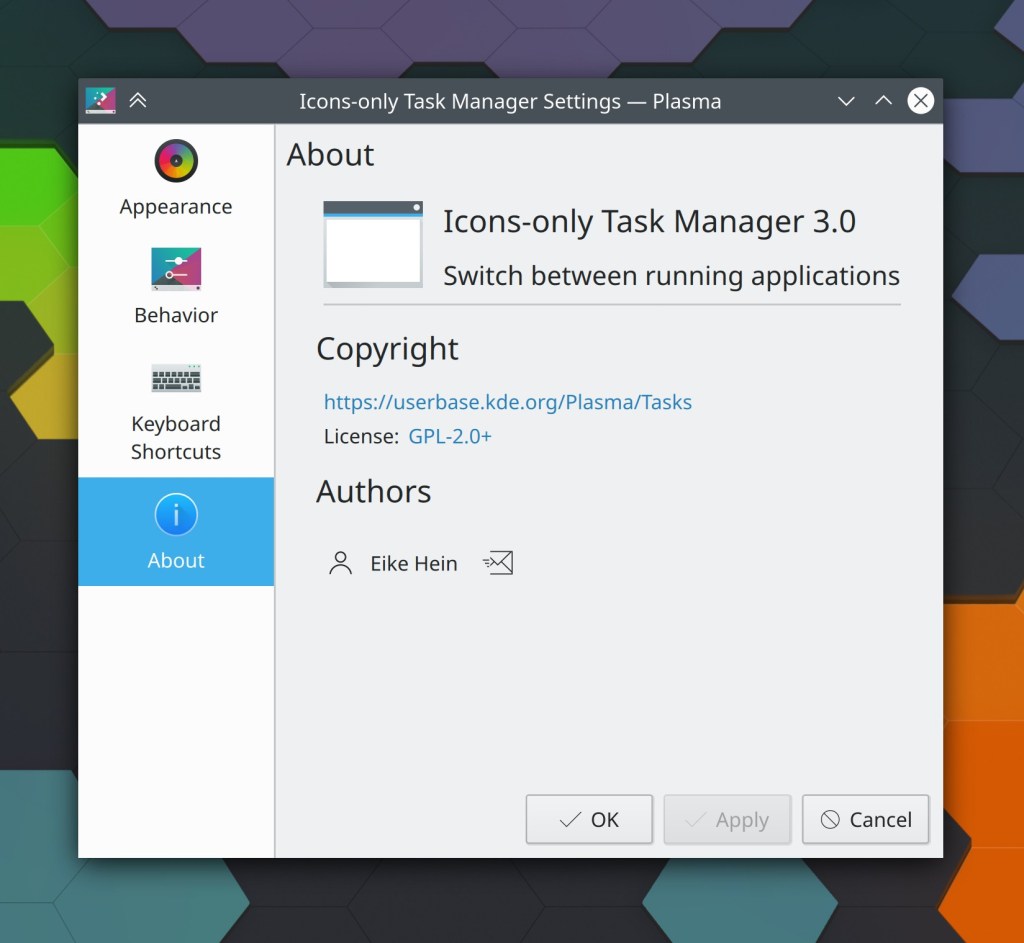
Pinned Icons-Only Task Manager apps no longer randomly jump around when any of the apps come from Flatpak, Snap, Steam, or have a URL scheme beginning with “preferred://", as two of the four default items do (Eike Hein, Plasma 5.20)
Fixed the initialization of dmabuf textures in KWin on Wayland, which in practical terms should ensure that videos played Firefox no longer sometimes display garbage instead of the video (Vlad Zahorodnii, Plasma 5.20)
The functionality in the System Settings Shortcuts page to import an existing shortcut scheme now works again (David Redondo, Plasma 5.20)
The Disks & Devices applet no longer ever shows the “Remove All” button when there are any non-removable devices in the list (me: Nate Graham, Plasma 5.20)
Events in the event list on the Digital Clock pop-up are no longer all scrunched up together (me: Nate Graham, Plasma 5.20)
KRunner is now more responsive to typed text on Wayland (Aleix Pol Gonzalez, Plasma 5.20)
Dragging a webp or tiff image onto the desktop now shows the option to set the image as the current wallpaper, just like it already does for images in other formats (me: Nate Graham, Plasma 5.20)
Plasma’s System Monitor widgets no longer leak memory (Arjen Hiemstra, Frameworks 5.75)
When a Plasma Vault is in an error state, its System Tray icon no longer disappears (Alexander Stippich, Frameworks 5.75)
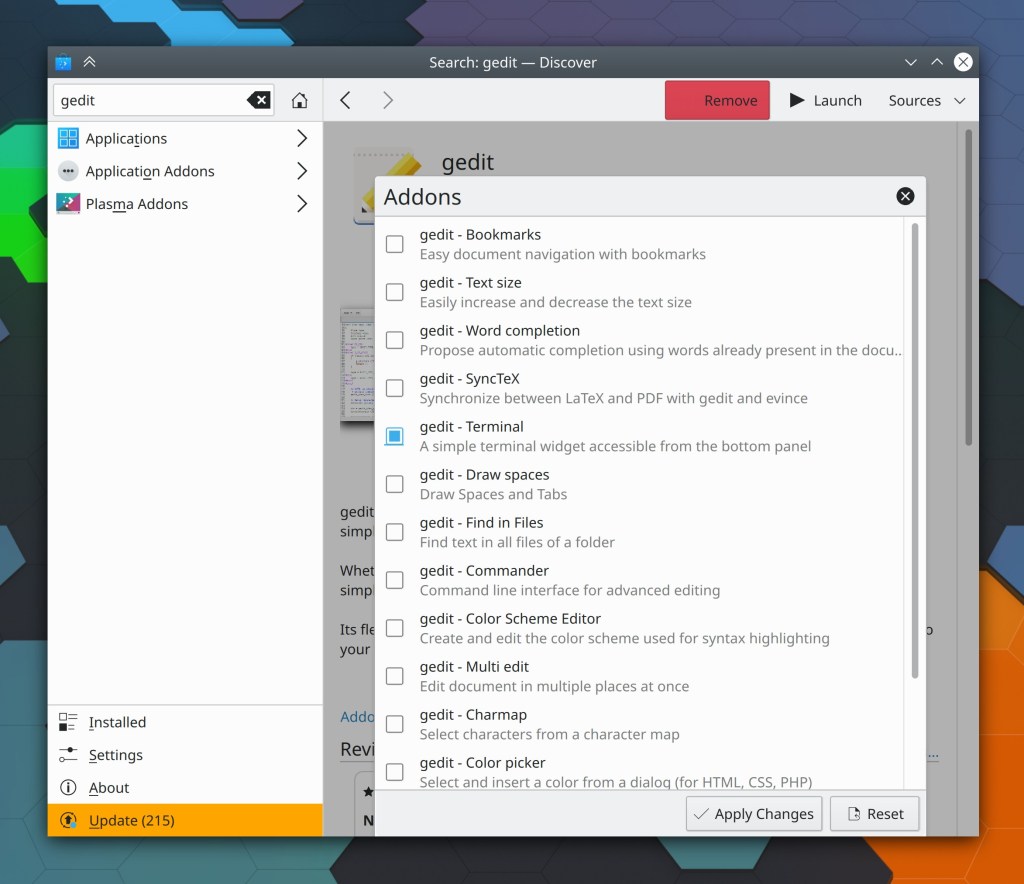
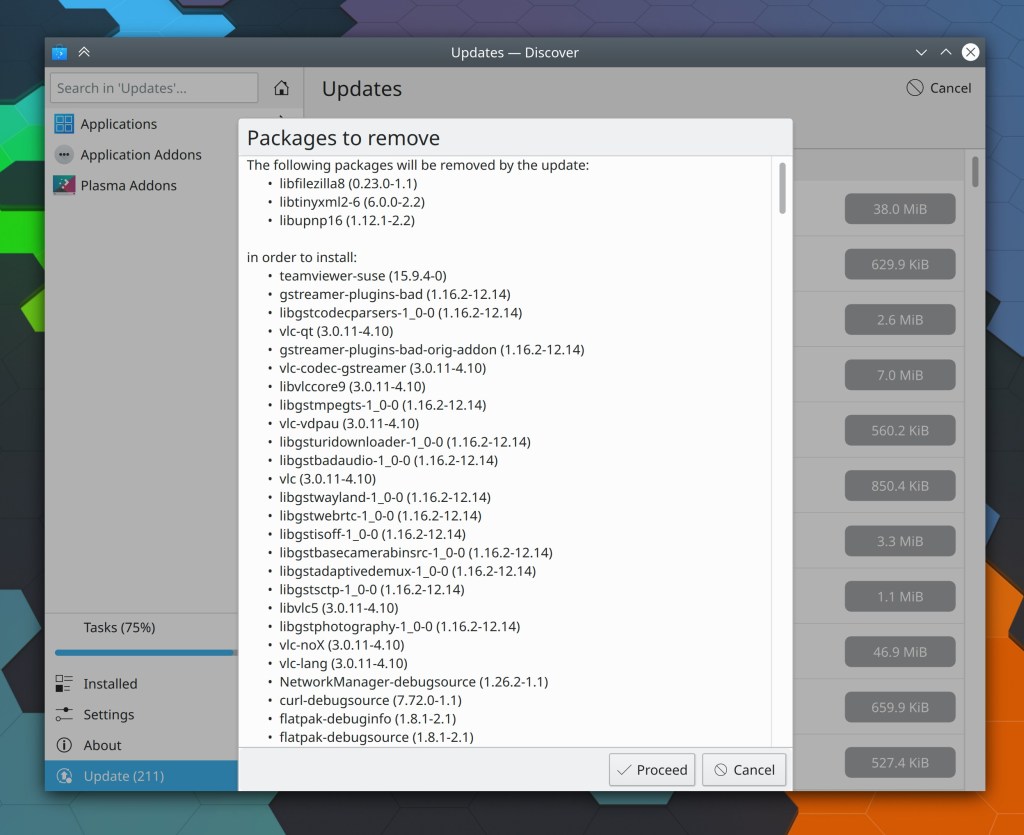
Discover should no longer sometimes crash when canceling the password dialog (Dan Leinir Turthra Jensen, Frameworks 5.75)
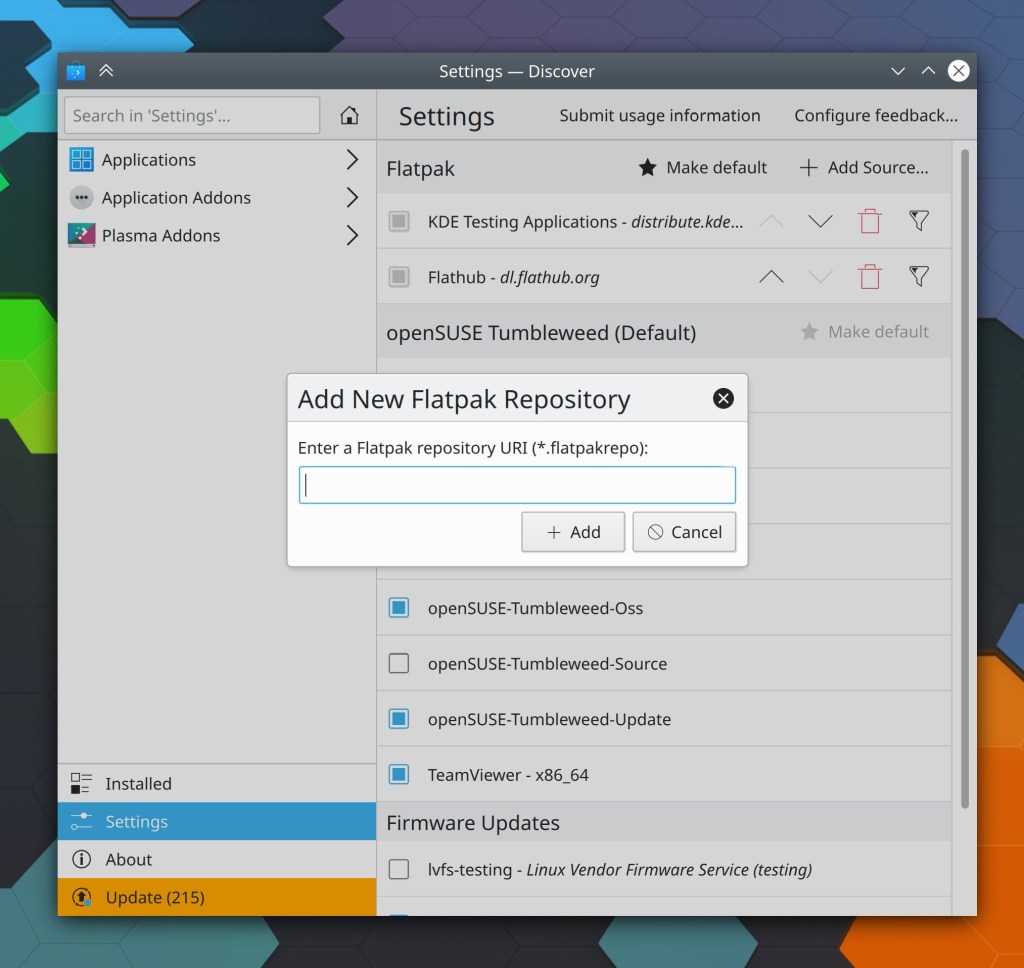
KDE Neon now adds the Flathub repo to Discover by default (Harald Sitter, in the next update)
User Interface Improvements
Dolphin no longer bugs you with an “are you sure you want to close multiple tabs?” dialog when you’re using its (on by default) “remember window state” feature (me: Nate Graham, Dolphin 20.08.2)
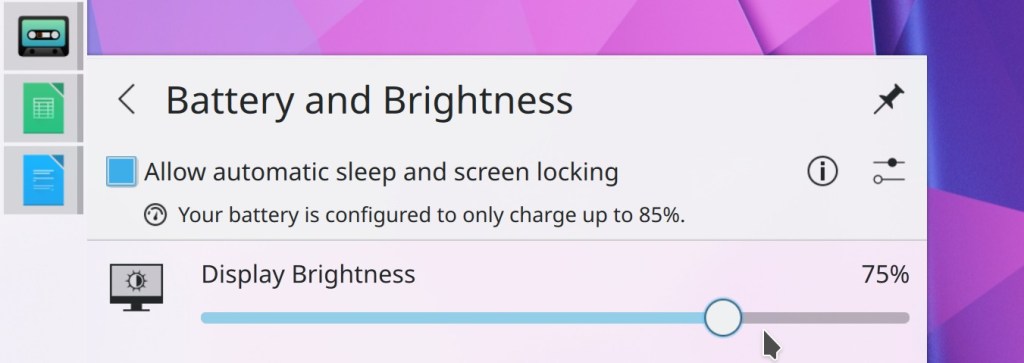
Plasma 5.20’s new feature to smoothly animate brightness changes is now only enabled when your screen exposes enough levels of brightness to make it look good (Kai Uwe Broulik, Plasma 5.20)
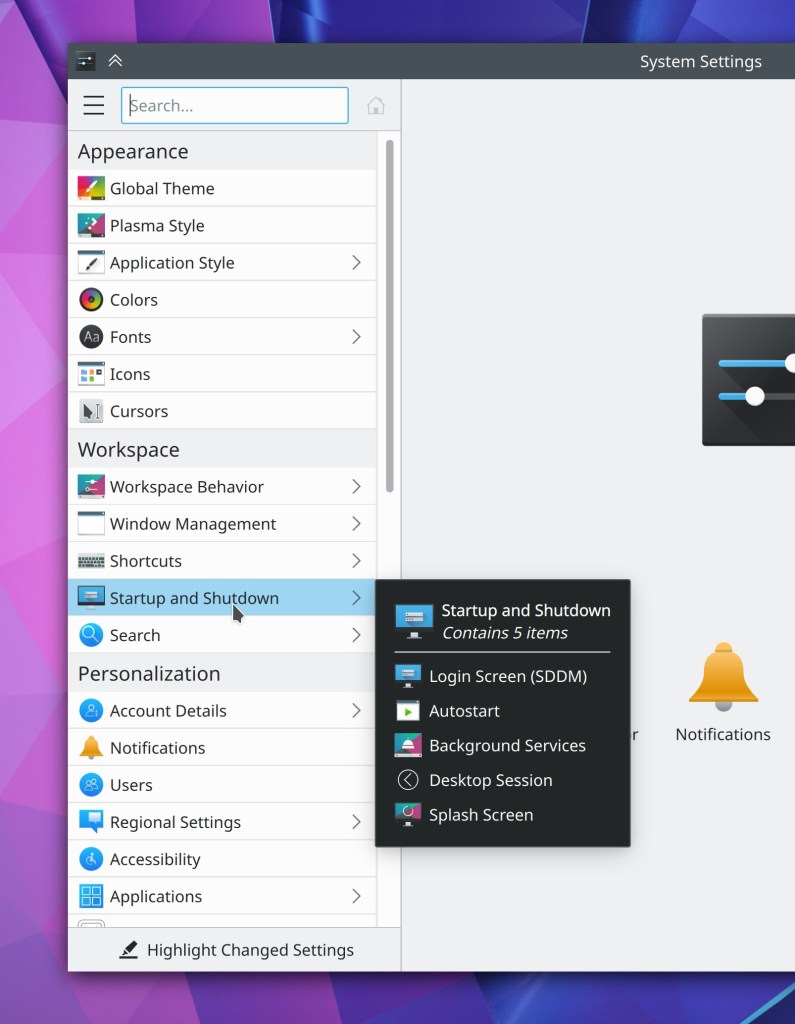
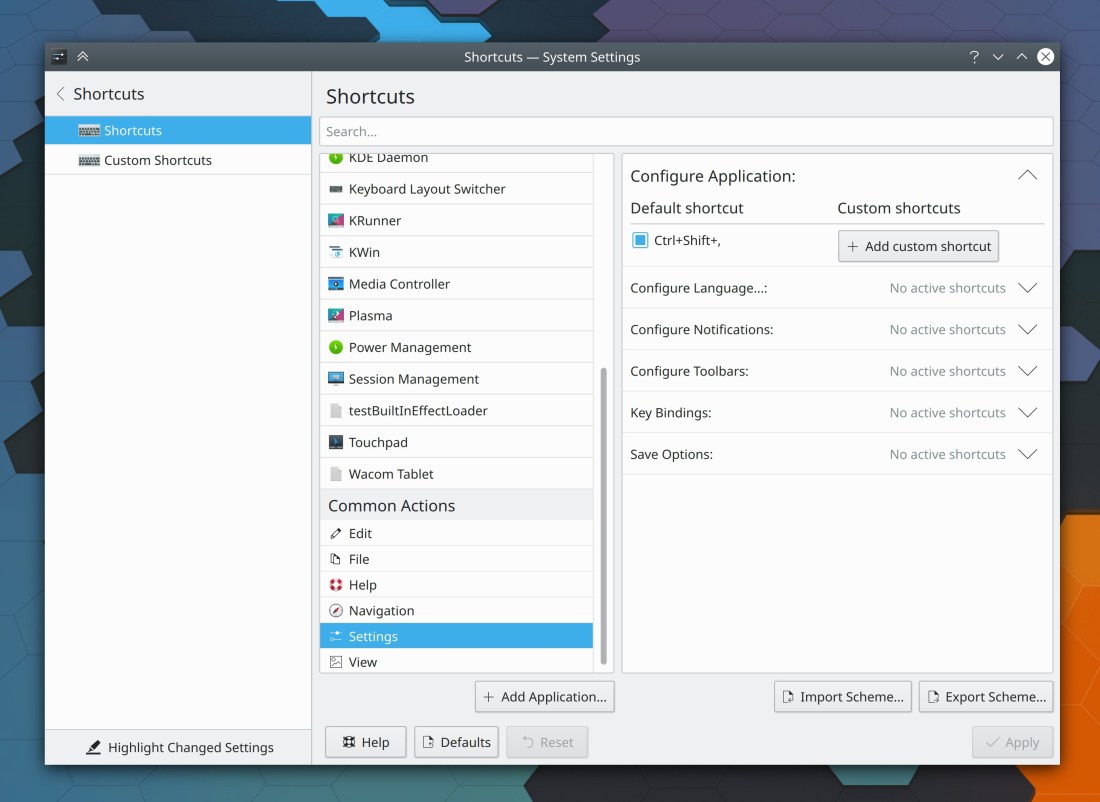
The System Settings Window Decorations page now supports the “Highlight Changed Settings” feature (Benjamin Port, Plasma 5.21)
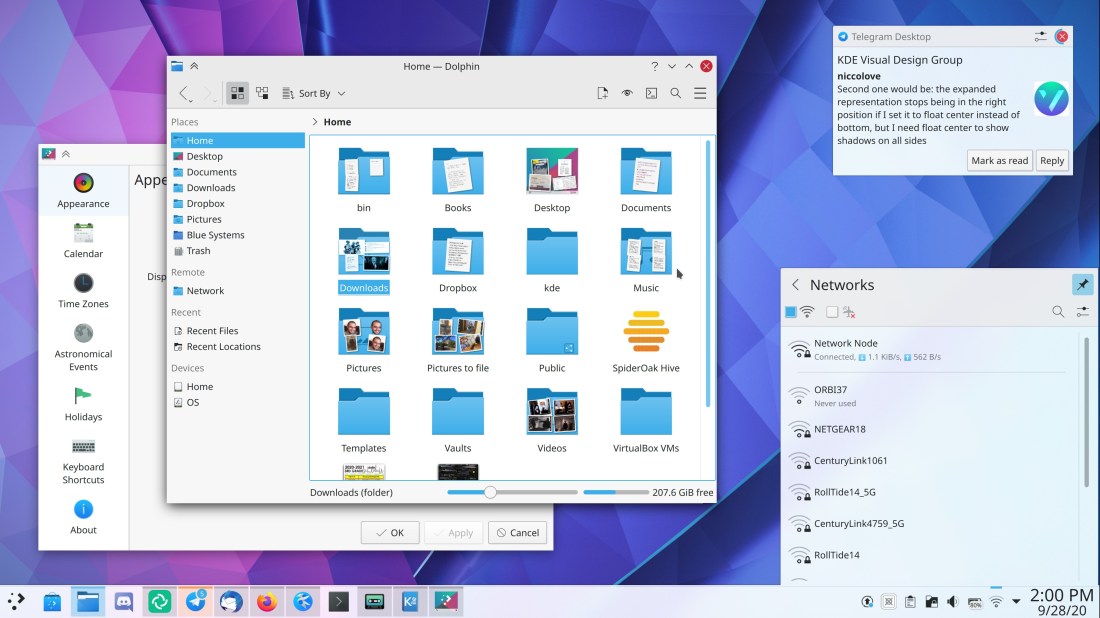
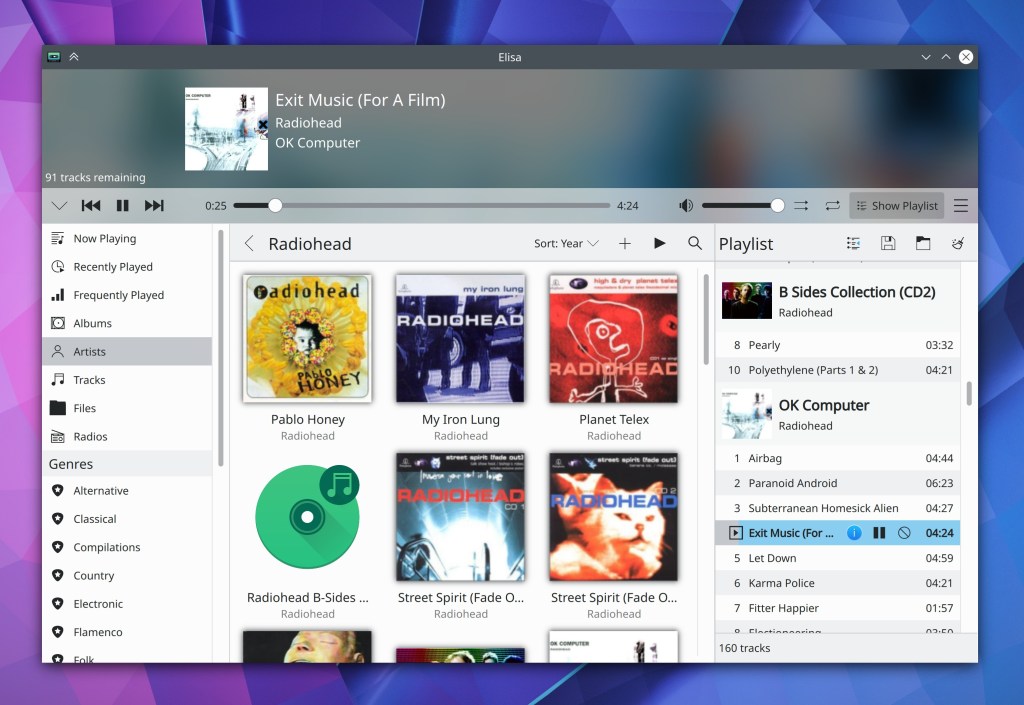
The background highlight effect for Task Manager items now extends to the edges of the panel (Niccolò Venerandi, Plasma 5.21):

When selecting new properties in the System Settings Windows Rules page, the property selection sheet now closes immediately after you’ve used it to select a property so you can immediately configure it (Ismael Asensio, Plasma 5.21)
After installing a 3rd-party applet which adds a System Tray item, the item now appears in the System Tray immediately, without having to restart Plasma (Konrad Materka, Plasma 5.21)
System Settings pages now have perfectly consistent margins on all sides (Ismael Asensio and me: Nate Graham, Plasma 5.20 and Frameworks 5.75)
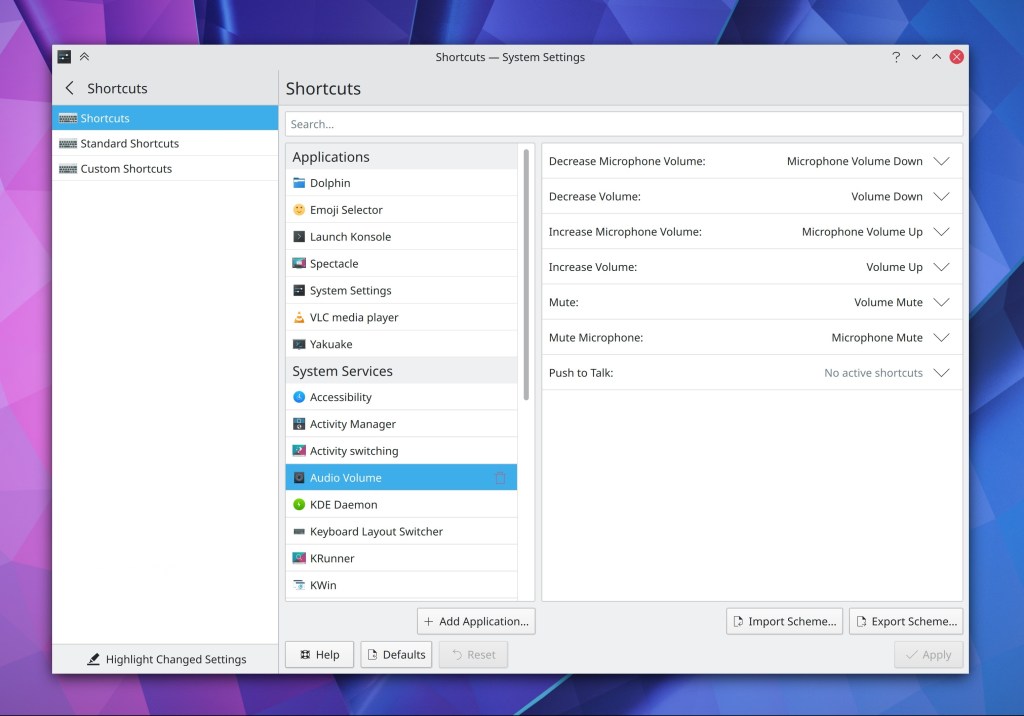
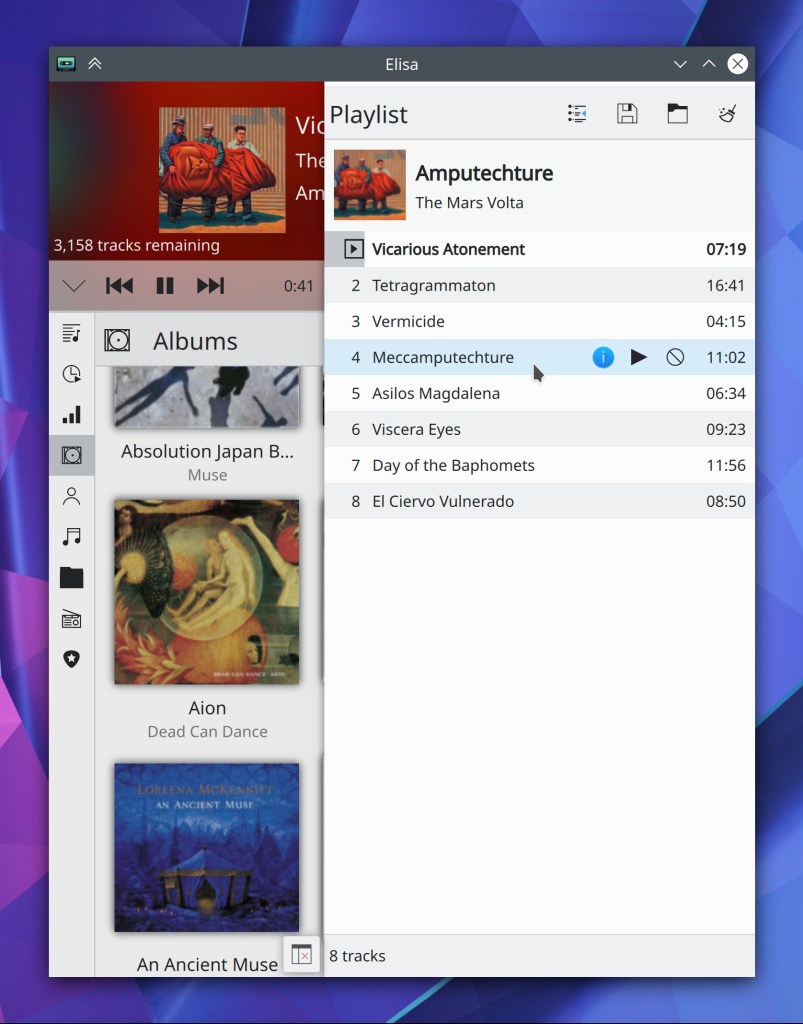
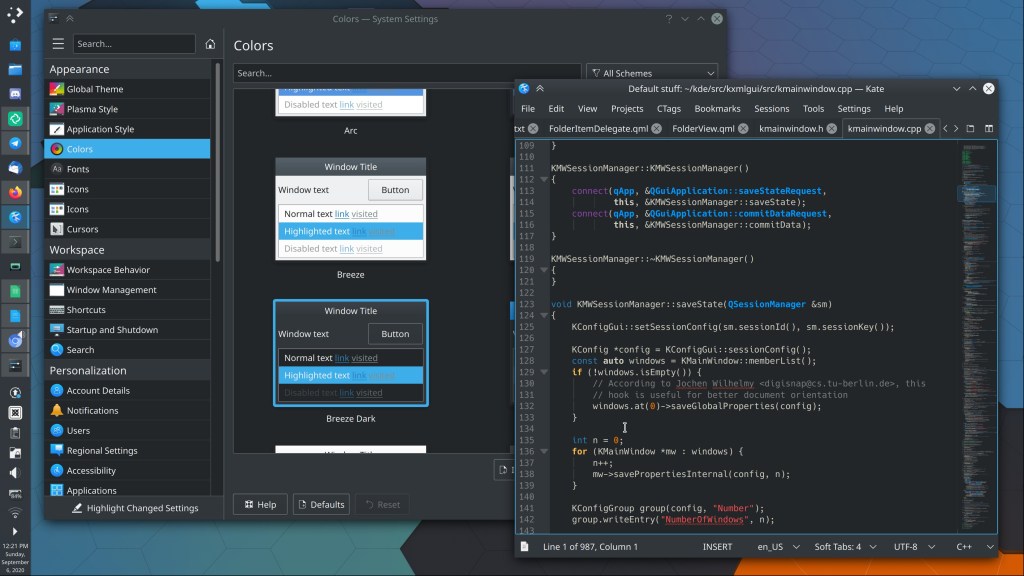
System Settings now has a unified titlebar/header appearance when using a compatible color scheme (i.e. one of the ones used in the Breeze Evolution work, like the new Breeze Light and Breeze Dark color schemes) (Marco Martin, Frameworks 5.75):
ToolButtons in Kirigami and QML-based desktop apps now visually indicate when they have keyboard focus (Arjen Hiemstra, Frameworks 5.76)
Applets which have been given a keyboard shortcut to make them activate will now deactivate when that shortcut is pressed again (…except for the System Tray, which needs extra work that’s coming soon) (Alexander Lohnau, Frameworks 5.76)
Red subtitle text for almost-full devices in the Disks & Devices System Tray applet is now more readable (me: Nate Graham, Frameworks 5.76)
Comboboxes in Kirigami and other QML-based desktop apps which have enough items to be scrollable now draw the scrollbar part using the correct color (George Florea Bănuș, Frameworks 5.76)
Editable comboboxes in Plasma and Plasma applets now close their popups when clicking outside of then (Chris Holland, Frameworks 5.76)
How You Can Help
Have a look at https://community.kde.org/Get_Involved to discover ways to be part of a project that really matters. Each contributor makes a huge difference in KDE; you are not a number or a cog in a machine! You don’t have to already be a programmer, either. I wasn’t when I got started. Try it, you’ll like it! We don’t bite!
Finally, consider making a tax-deductible donation to the KDE e.V. foundation.











 Adventures in Linux and KDE