
This week we got tons and tons of stuff done, including window thumbnails on Wayland! This much-awaited feature brings our Wayland session ever closer to parity with the X11 session. But wait, there’s more:
New Features
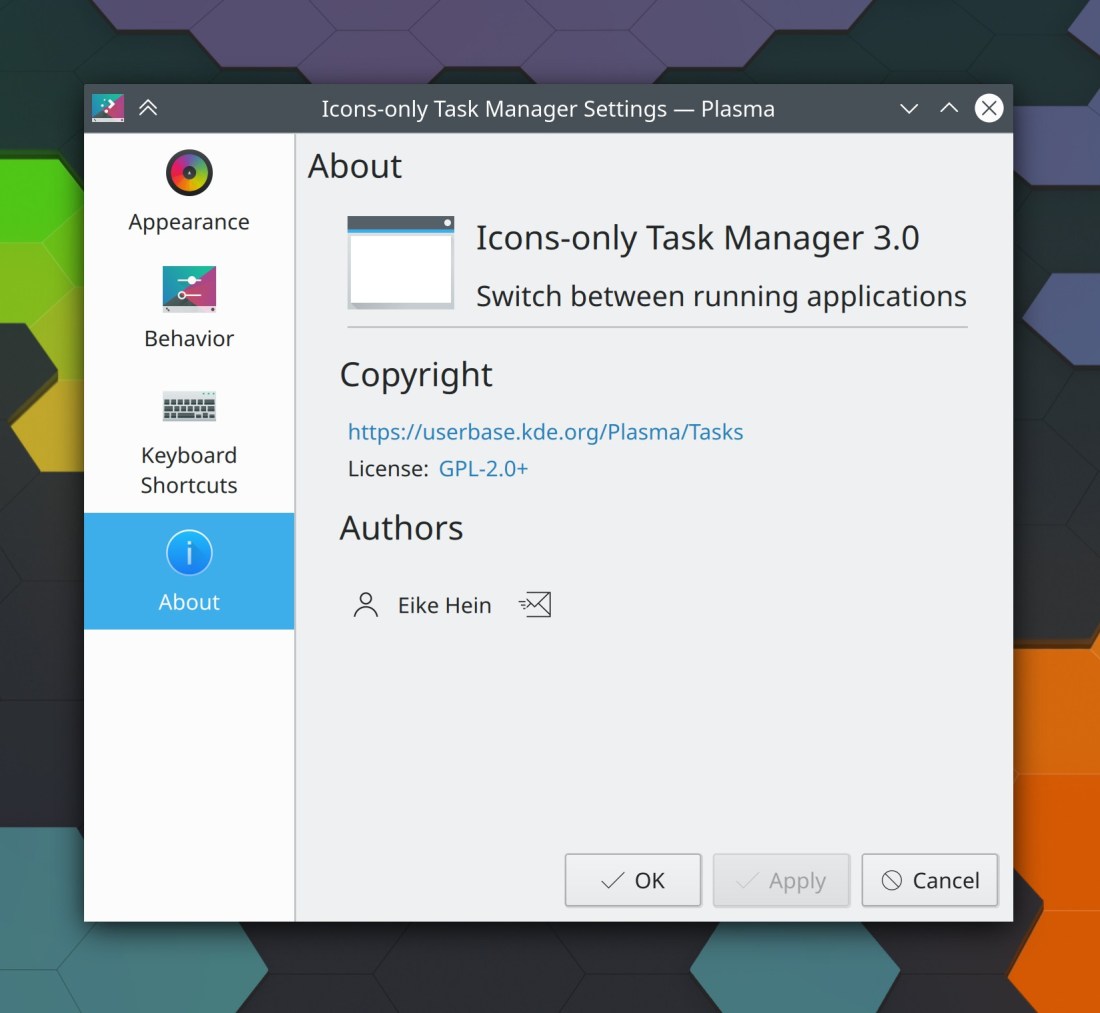
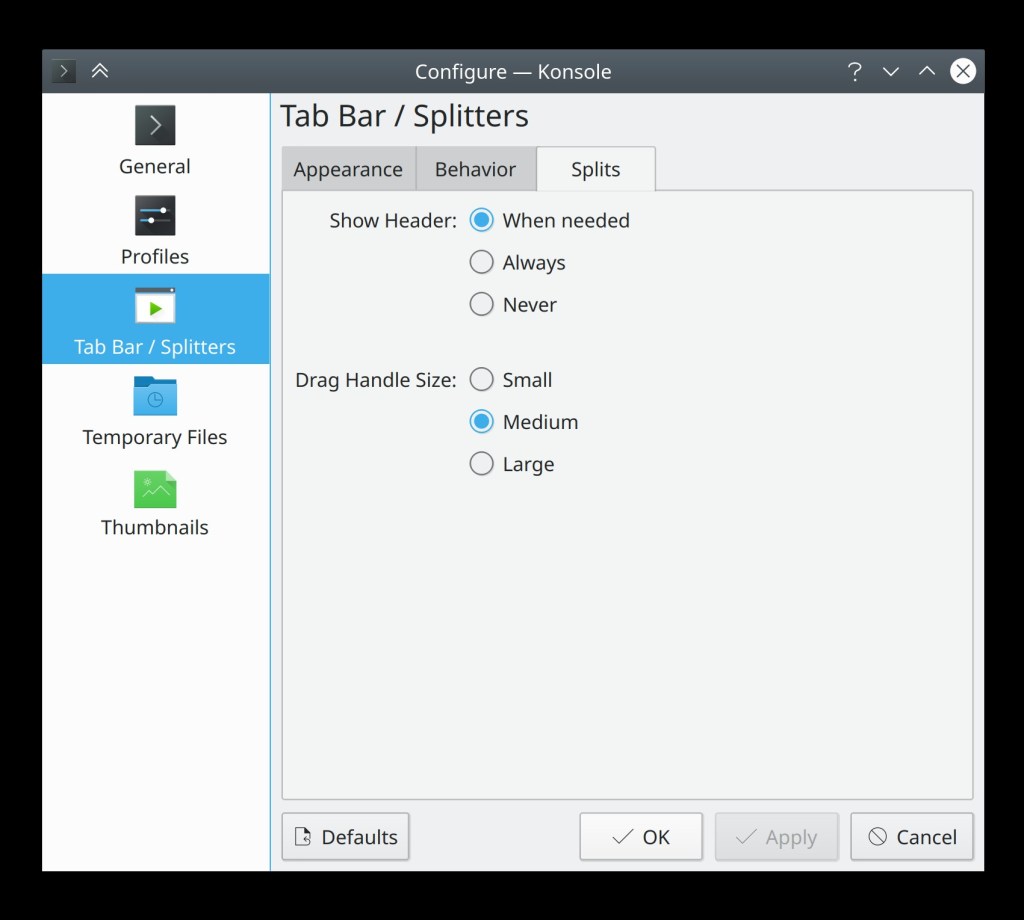
Konsole now lets you configure how dark inactive terminals become when using the “darken inactive terminals” feature (Tomaz Canabrava, Konsole 20.12.0)
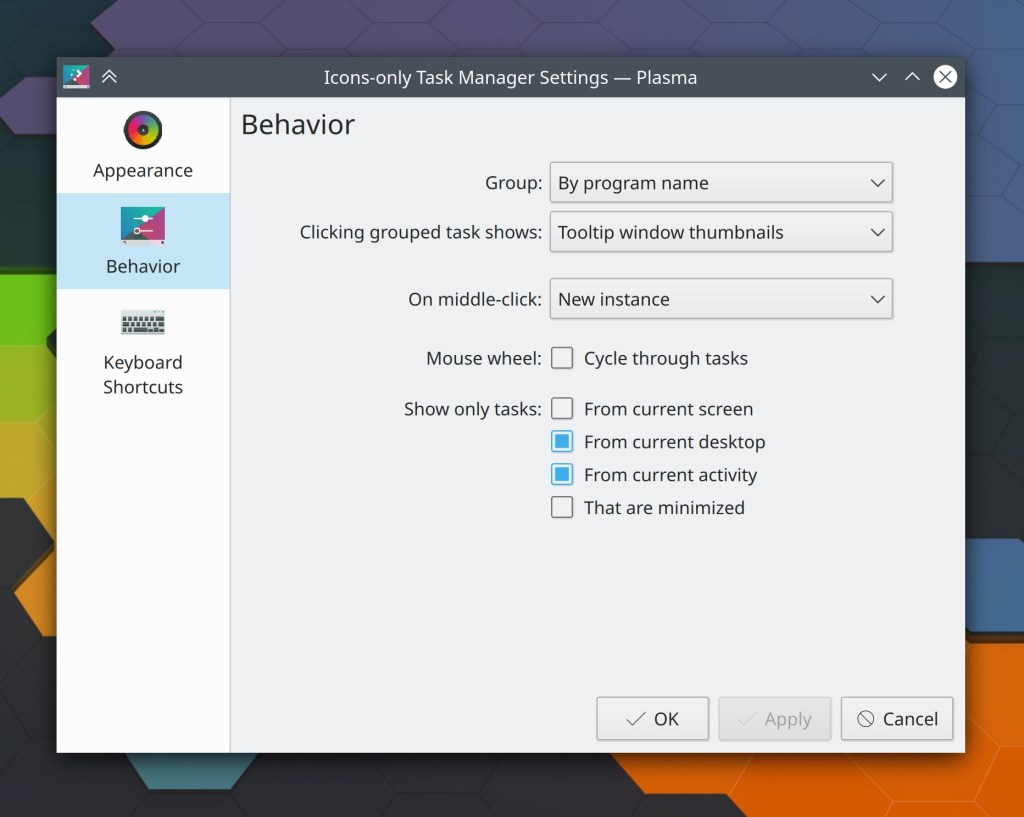
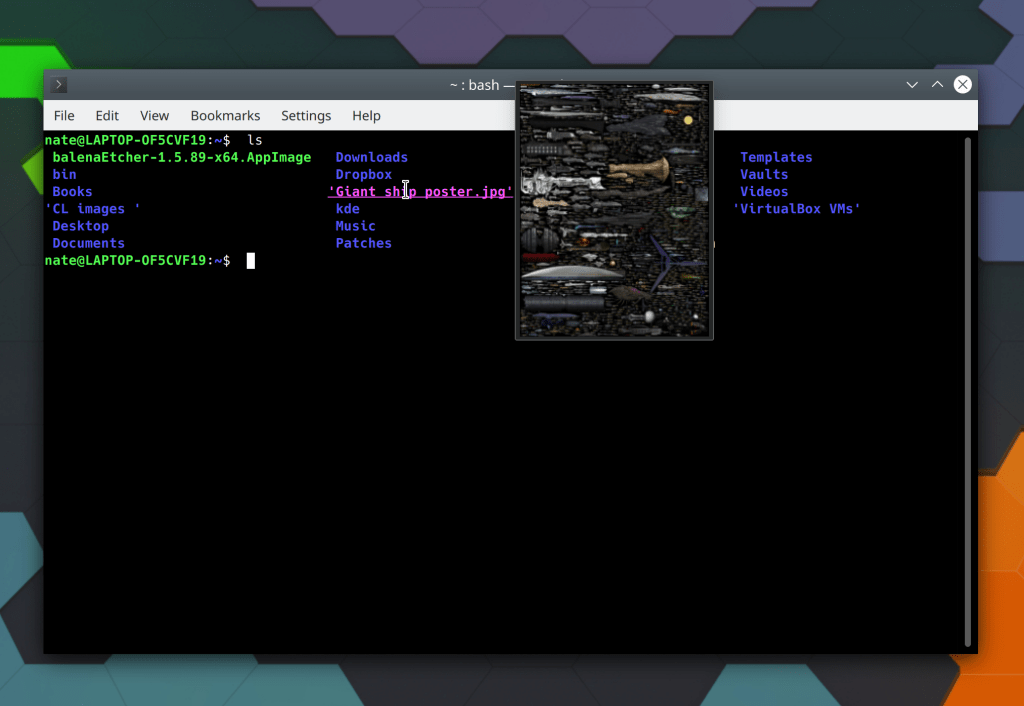
Task Manager window thumbnails now work on Wayland! (Aleix Pol Gonzalez, Plasma 5.20)
Discover can now be used to perform updates of content downloaded through the Get New Stuff dialogs (Dan Leinir Turthra Jensen, Plasma 5.20)
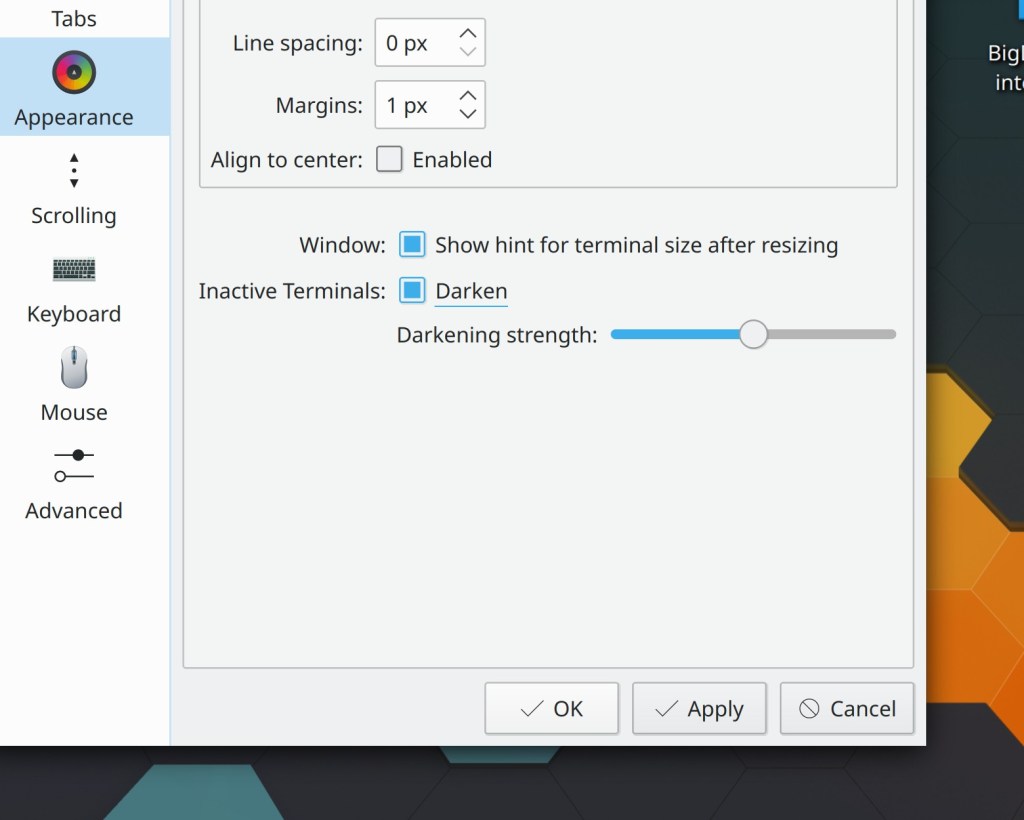
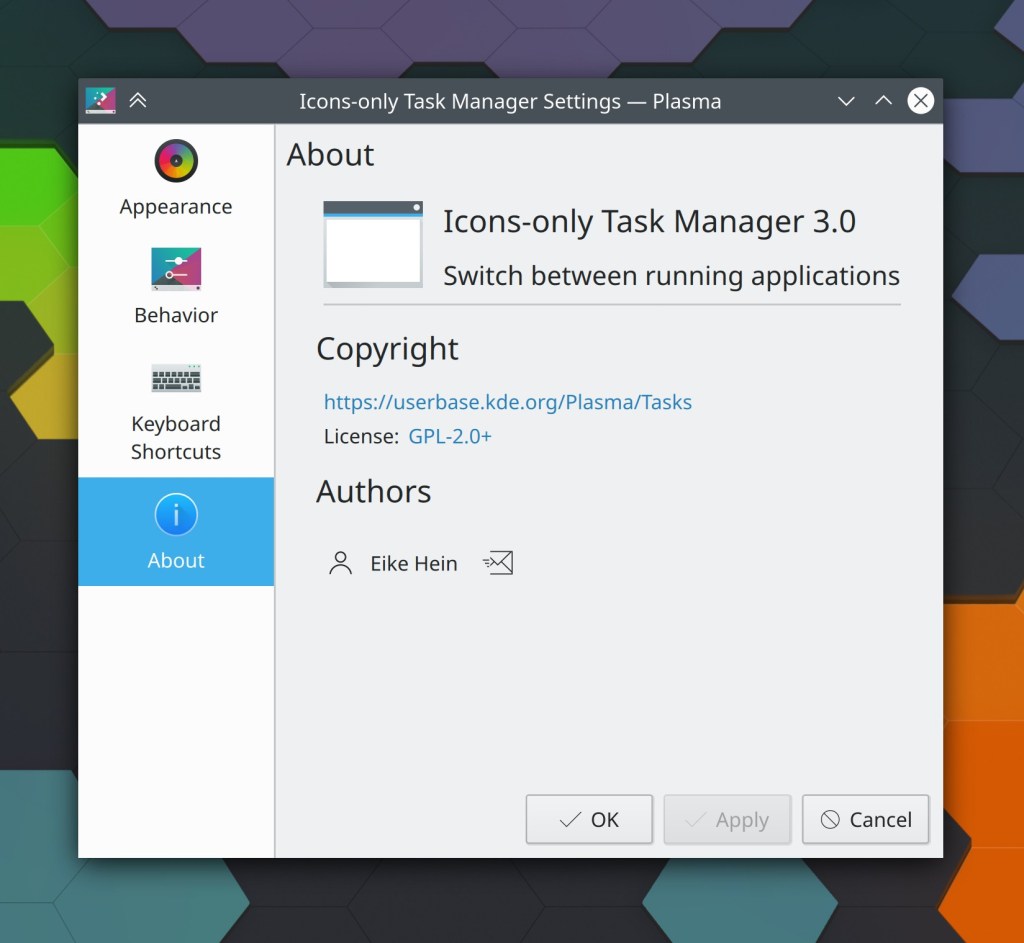
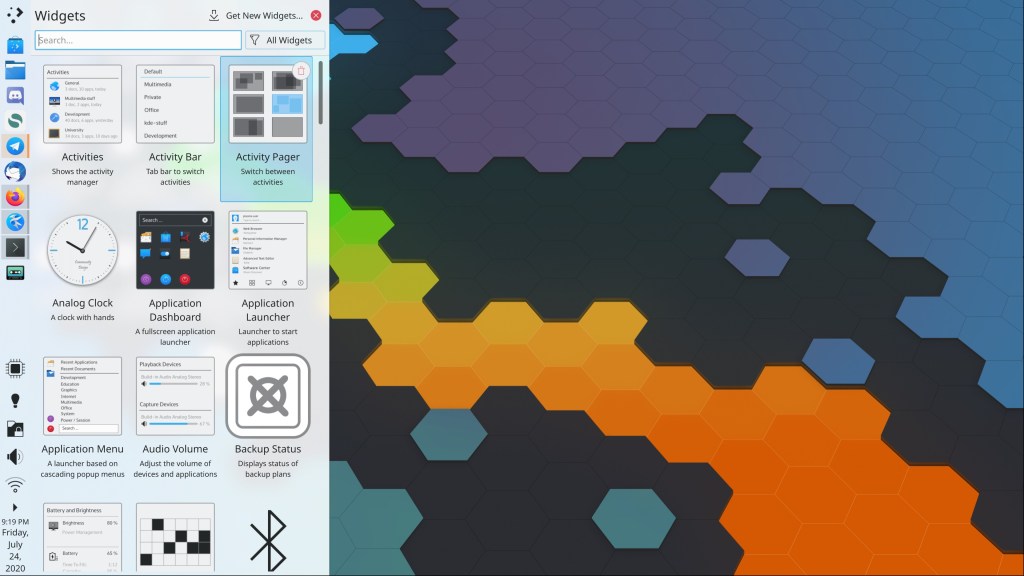
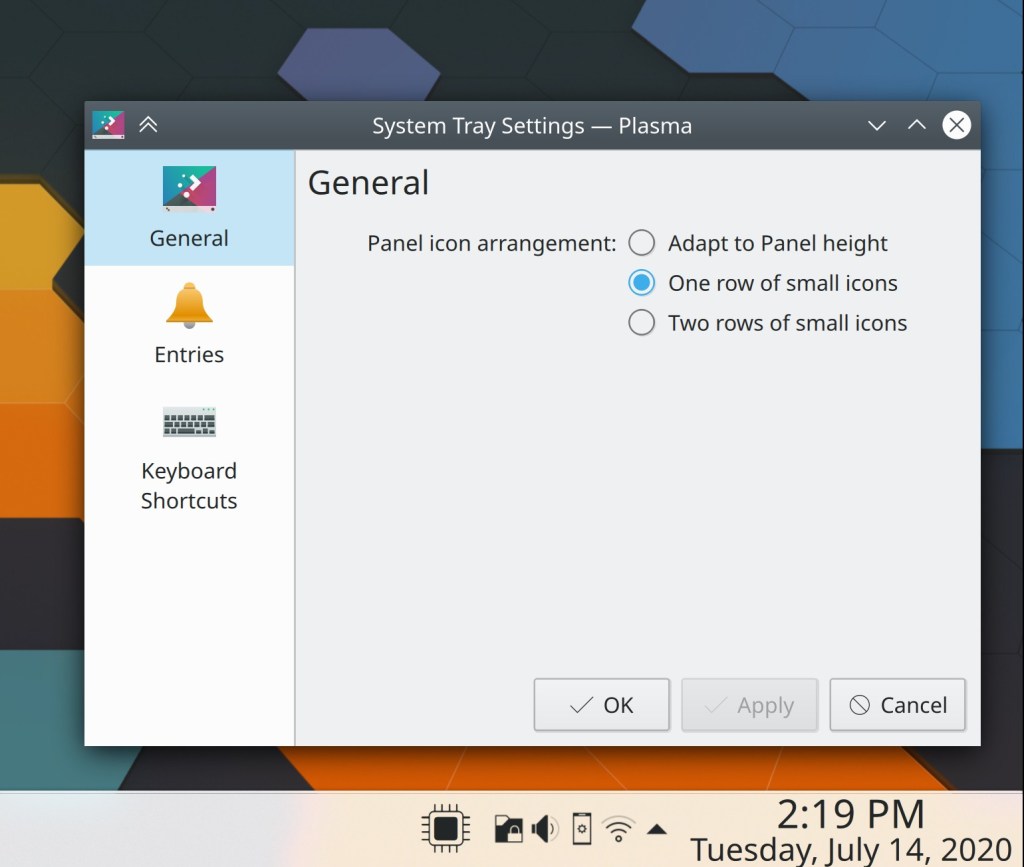
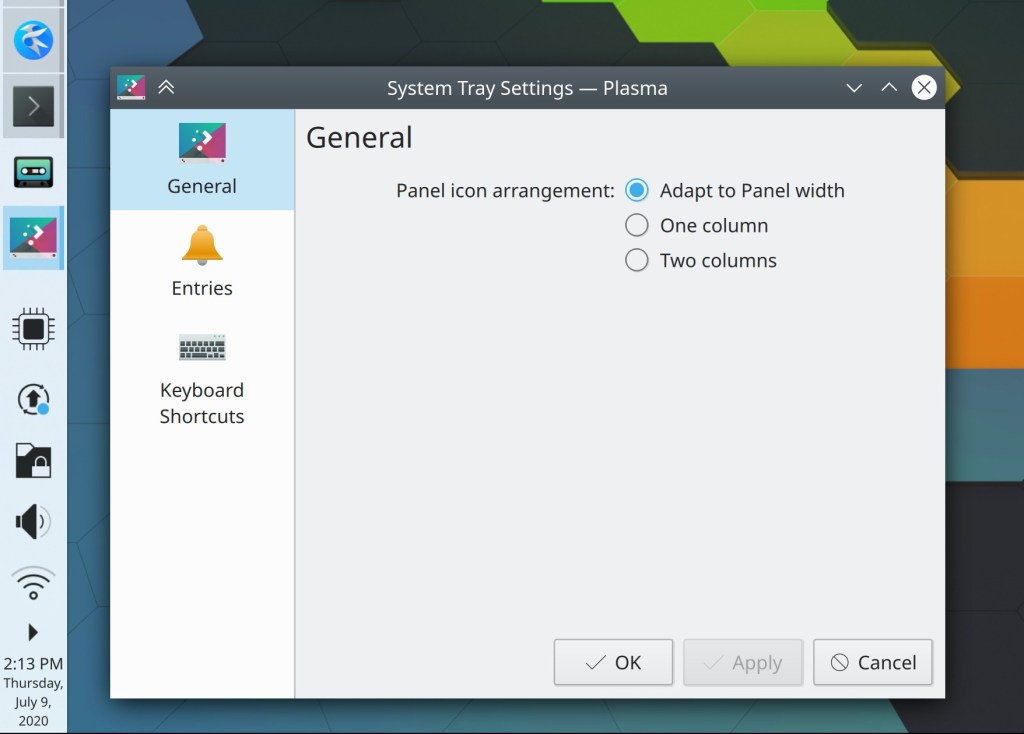
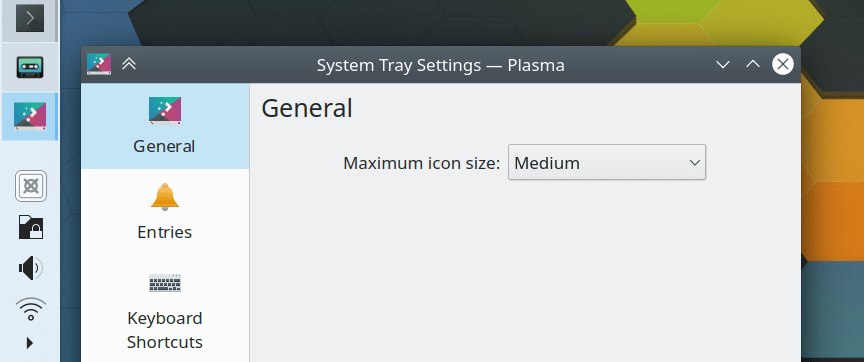
Plasma applets now feature an “About” page in their settings windows (David Redondo, Plasma 5.20)
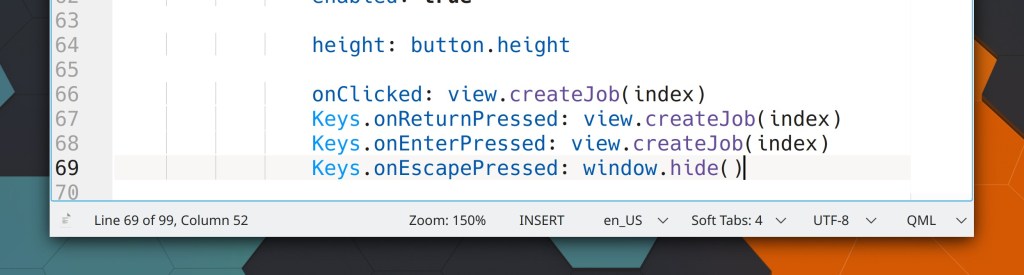
Kate and other KTextEditor-based apps now show a zoom indicator in the status bar when the current zoom level is not 100% (Jan Paul Batrina, Frameworks 5.74)
Bugfixes & Performance Improvements
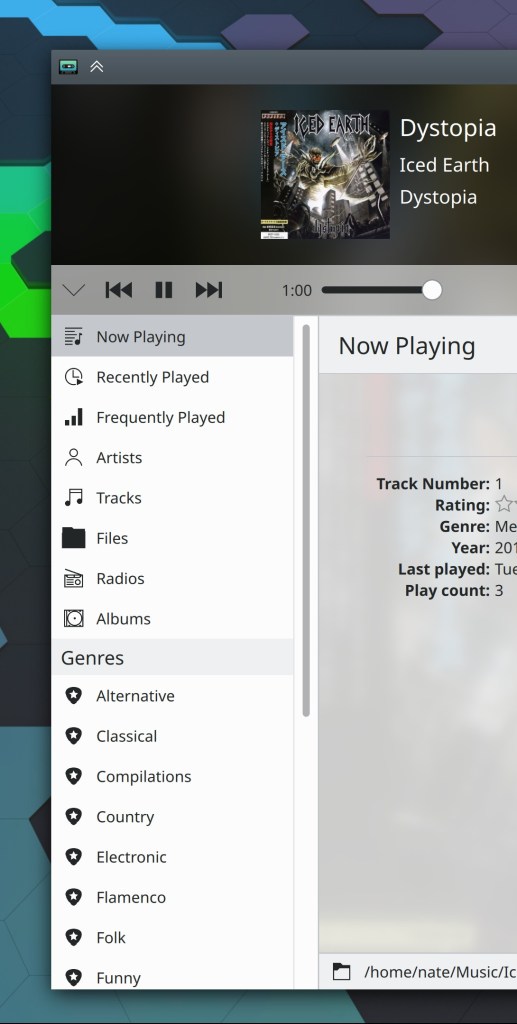
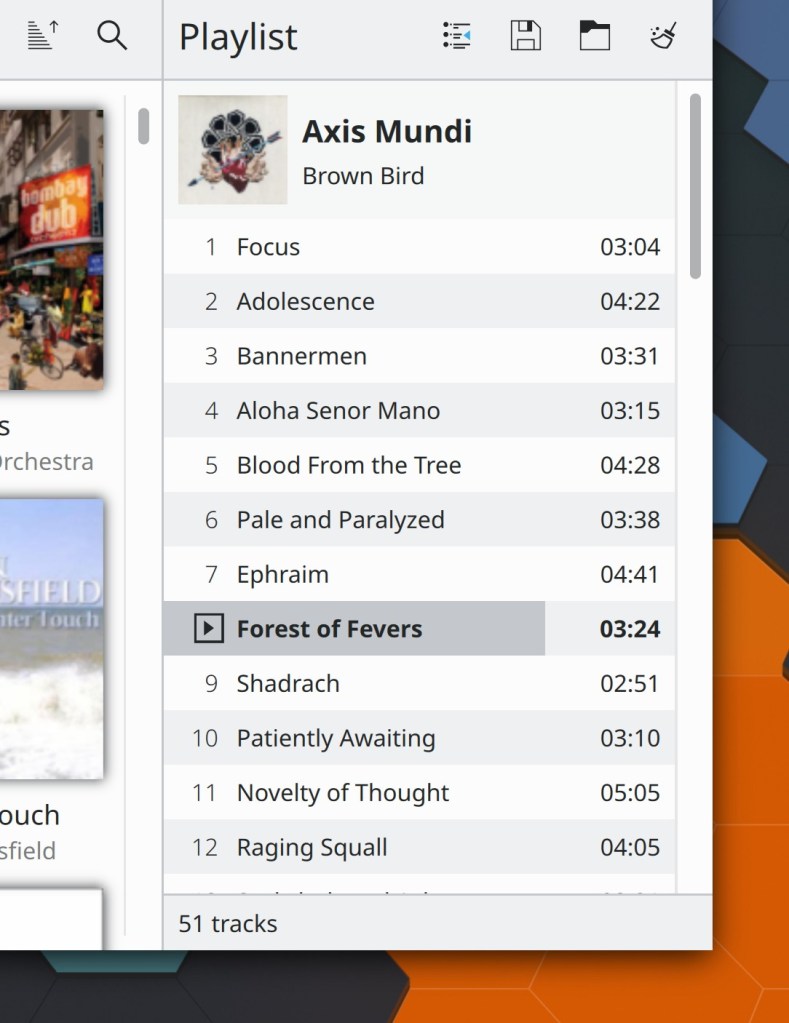
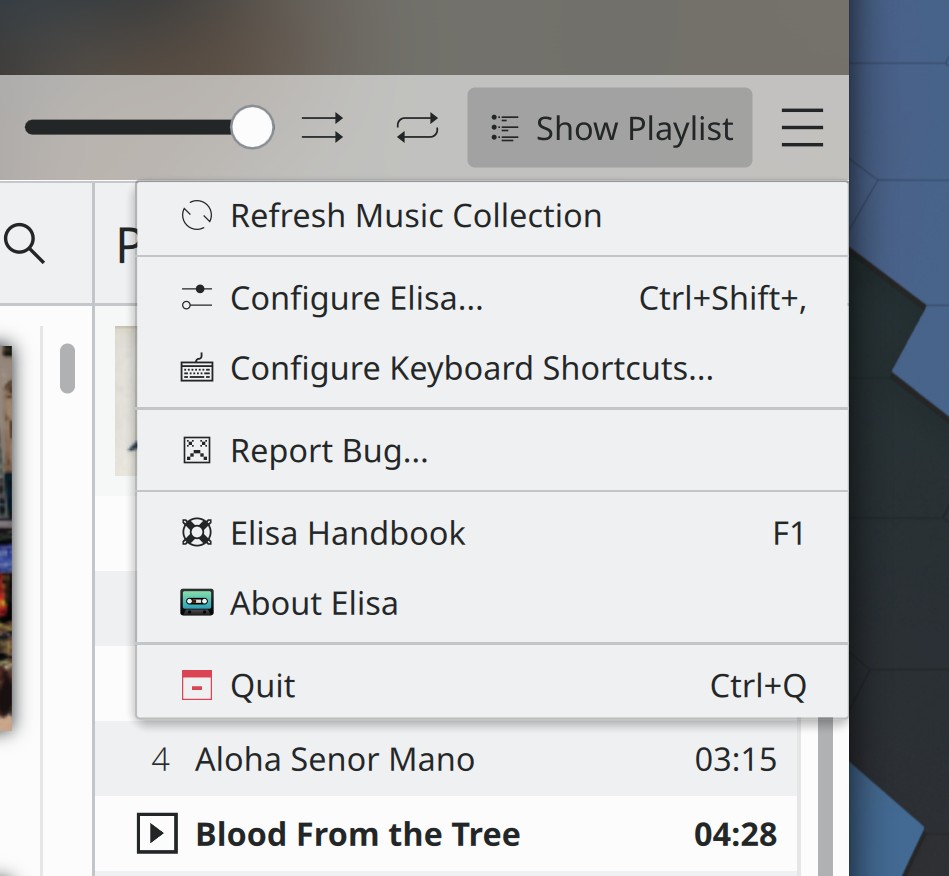
Opening an audio file from the filesystem in Elisa from Dolphin or KRunner or another app now works (Matthieu Gallien, Elisa 20.08.0)
Switching screens while in Okular’s Presentation Mode now works (David Hurka, Okular 20.08.0)
Fixed a case where KWin could crash when logging out of a Wayland session (Andrey Butirsky, Plasma 5.20)
In a Plasma Wayland session, XWayland no longer brings down the whole session when it crashes; it just restarts normally (Vlad Zahorodniy, Plasma 5.20)
Changing the list of active KRunner plugins now takes effect immediately rather than requiring KRunner to be restarted (Alexander Lohnau, Plasma 5.20)
The Search widget now respects the current list of active KRunner plugins (Alexander Lohnau, Plasma 5.20)
The mouse cursor no longer sometimes gets stuck when using screen rotation on Wayland (Aleix Pol Gonzalez, Plasma 5.20)
Edge swipe gestures and showing a hidden panel by tapping the screen edge now work on Wayland (Xaver Hugl, Plasma 5.20)
Adding a new network interface no longer messes up the display in the Networks system monitor (David Edmundson, Plasma 5.20)
Changing the systemwide scale factor now invalidates the Plasma SVG cache, causing SVG-based user interface elements throughout Plasma to be re-drawn with the correct scale, which should fix a wide variety of minor graphical glitches seen after changing the scale factor (David Edmundson, Frameworks 5.74)
The Baloo file indexer now skips files that repeatedly fail to index rather than repeatedly trying to re-index them anyway and failing in a loop that trashes your CPU (Stefan Brüns, Frameworks 5.74),
User Interface Improvements
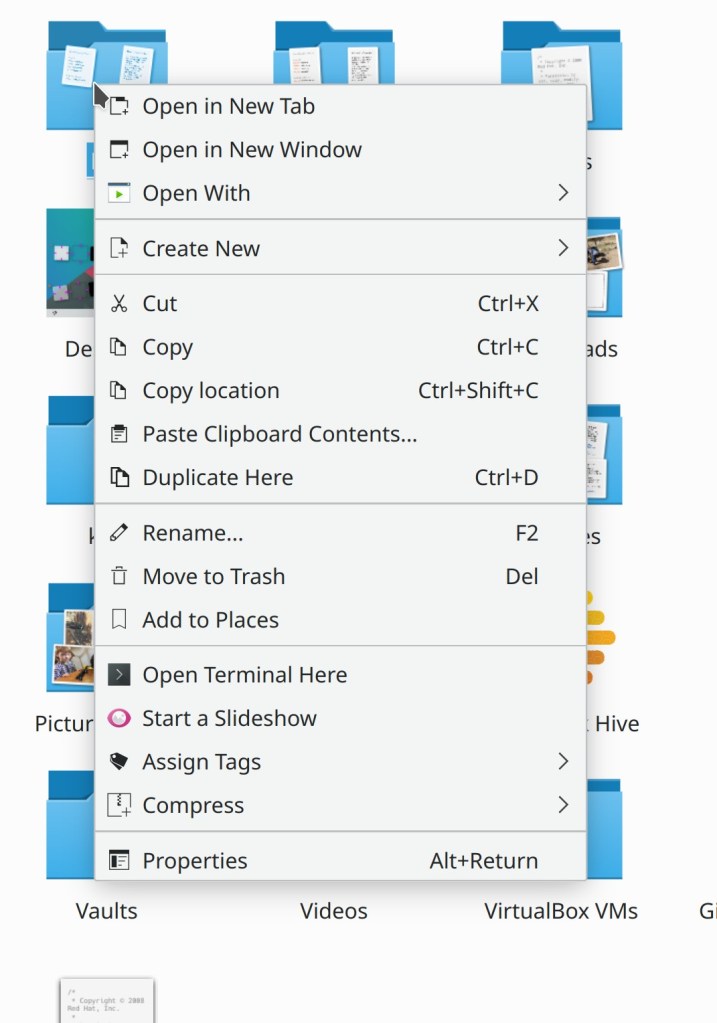
When applying a tag to a file in Dolphin, if the tags menu only had one item in it, it now automatically closes after applying the tag (Ismael Asensio, Dolphin 20.08.0)
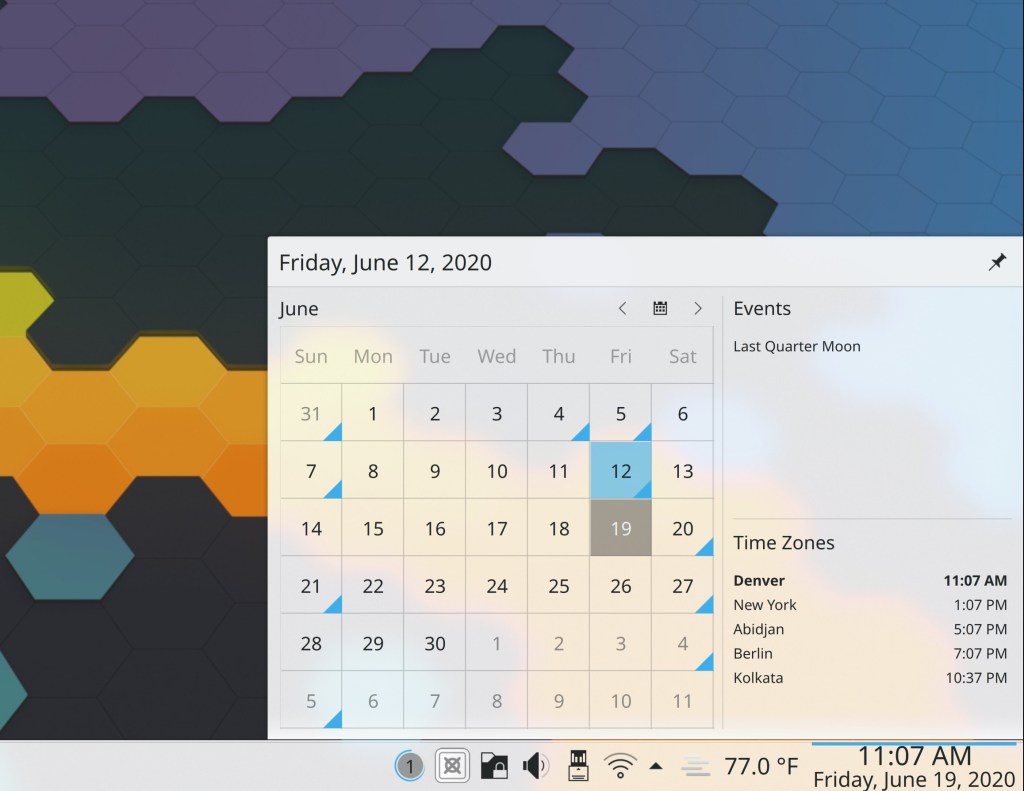
The current date is now shown in the Digital Clock applet by default (Claudius Ellsel, Plasma 5.20)
Animation speeds throughout the Breeze Widgets and Decoration themes now respect the global animation speed (Martin Sandsmark and Marco Martin, Plasma 5.20)
It’s now possible to do multiplication in KRunner using “x” as the multiplication operator, not just “*” (Alexander Lohnau, Plasma 5.20)
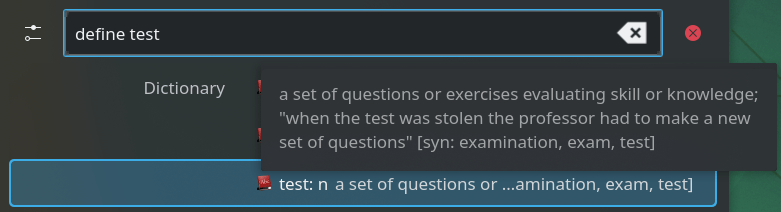
KRunner now shows tooltips for entries that don’t entirely fit, so you now have a way to read the dictionary text (Alexander Lohnau, Plasma 5.20)
Minimizing a window no longer puts it at the very end of the Task Switcher; it now moves to the next position and there is no special handling (me: Nate Graham, Plasma 5.20)
Made various fixes and improvements to the Breeze GTK theme: Sidebars in GTK Assistant are now readable, floating status bars are no longer transparent, the window shadow now matches that of KDE apps, and pop-up shadows now look nicer (Carson Black, Plasma 5.20)
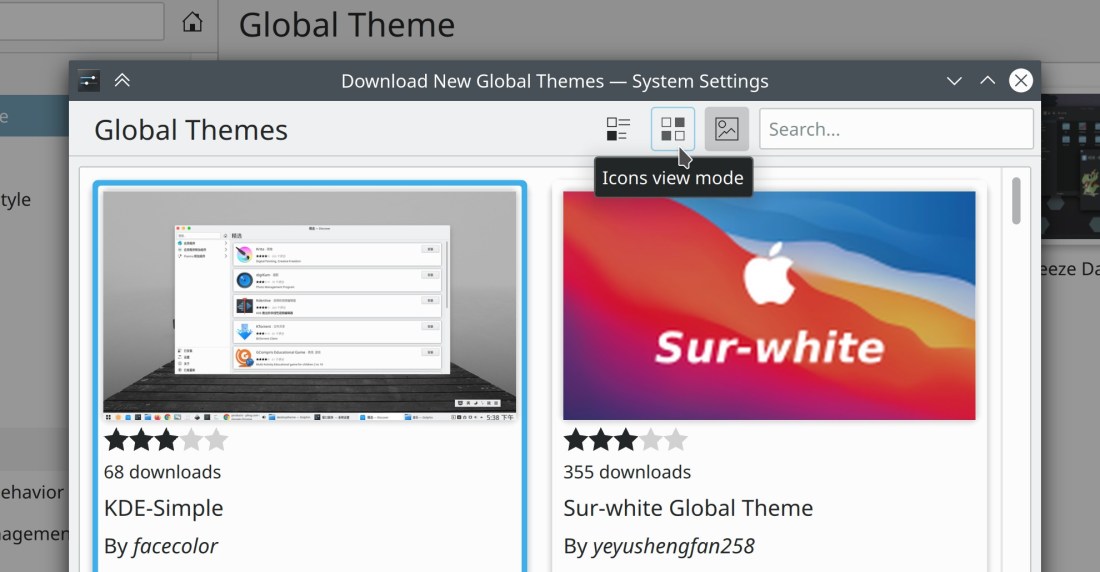
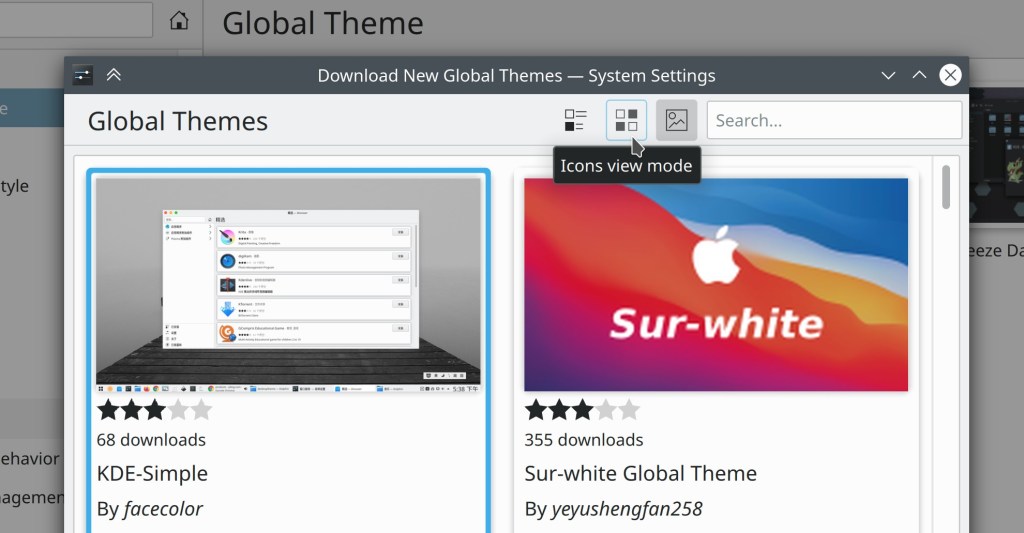
The Get New [Thing] Windows now display more appropriate icons for their Update and Uninstall actions (me: Nate Graham, Frameworks 5.74)
How You Can Help
Have a look at https://community.kde.org/Get_Involved to discover ways to be part of a project that really matters. Each contributor makes a huge difference in KDE; you are not a number or a cog in a machine! You don’t have to already be a programmer, either. I wasn’t when I got started. Try it, you’ll like it! We don’t bite!
Finally, consider making a tax-deductible donation to the KDE e.V. foundation.












 Adventures in Linux and KDE