
Plasma 5.22 is just around the corner, and we put the finishing touches on some UI improvements to it, as well as our apps! Check it out:
New Features
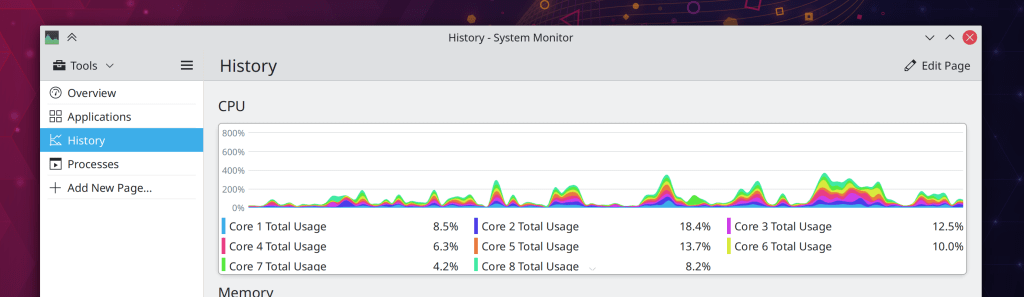
You can now limit the update interval of System Monitor graphs (Arjen Hiemstra, Plasma 5.22)
Bugfixes & Performance Improvements
Fixed an obscure way that Konsole could crash when opening its Settings window (Carlos Alves, Konsole 21.04.1)
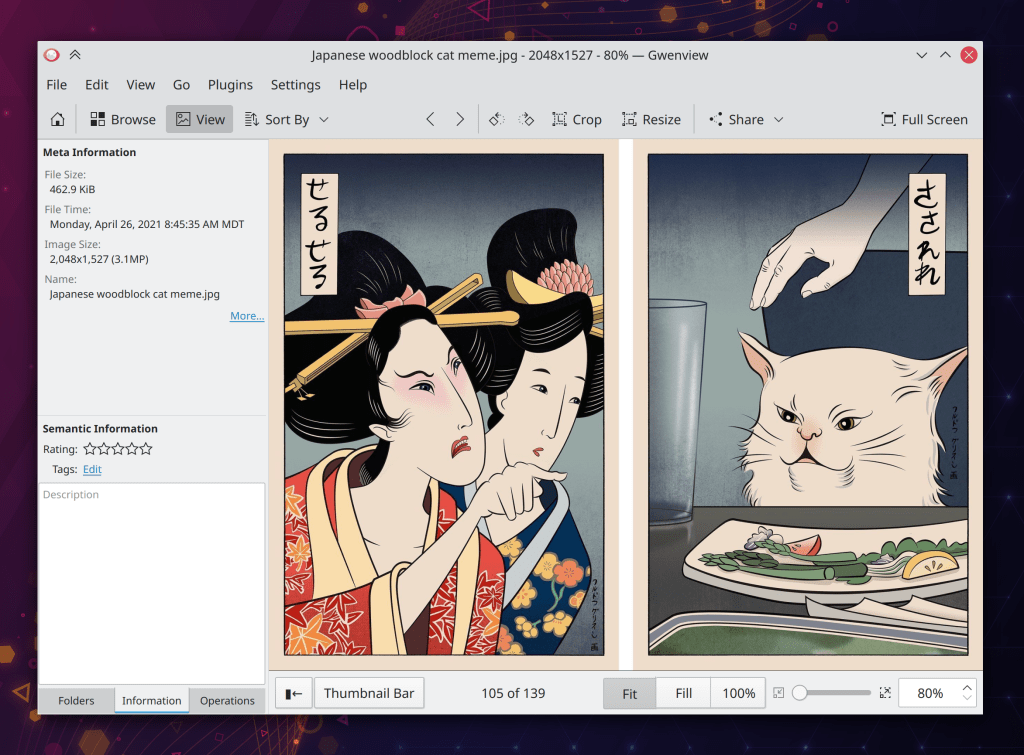
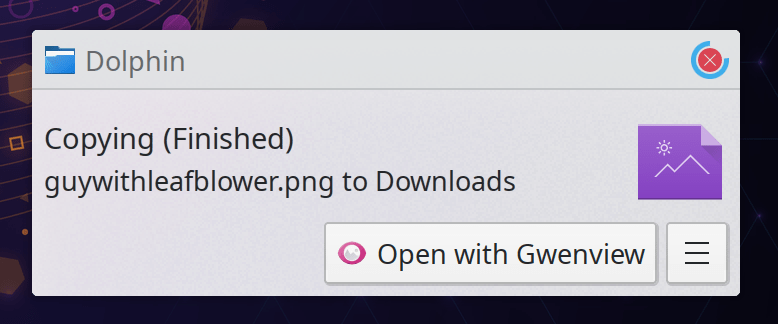
Gwenview no longer gets confused and sad when asked to open a document whose mimetype does not match its filename extension (Arjen Hiemstra, Gwenview 21.08)
Fixed a way that Plasma could crash immediately upon login when using certain System Tray items, or when switching keyboard layouts (Konrad Materka, Plasma 5.22)
Clicking the “Sleep” button when using Systemd startup mode with an older Systemd version no longer turns the computer off instead of putting it to sleep (Yaroslav Sidlovsky, Plasma 5.22)
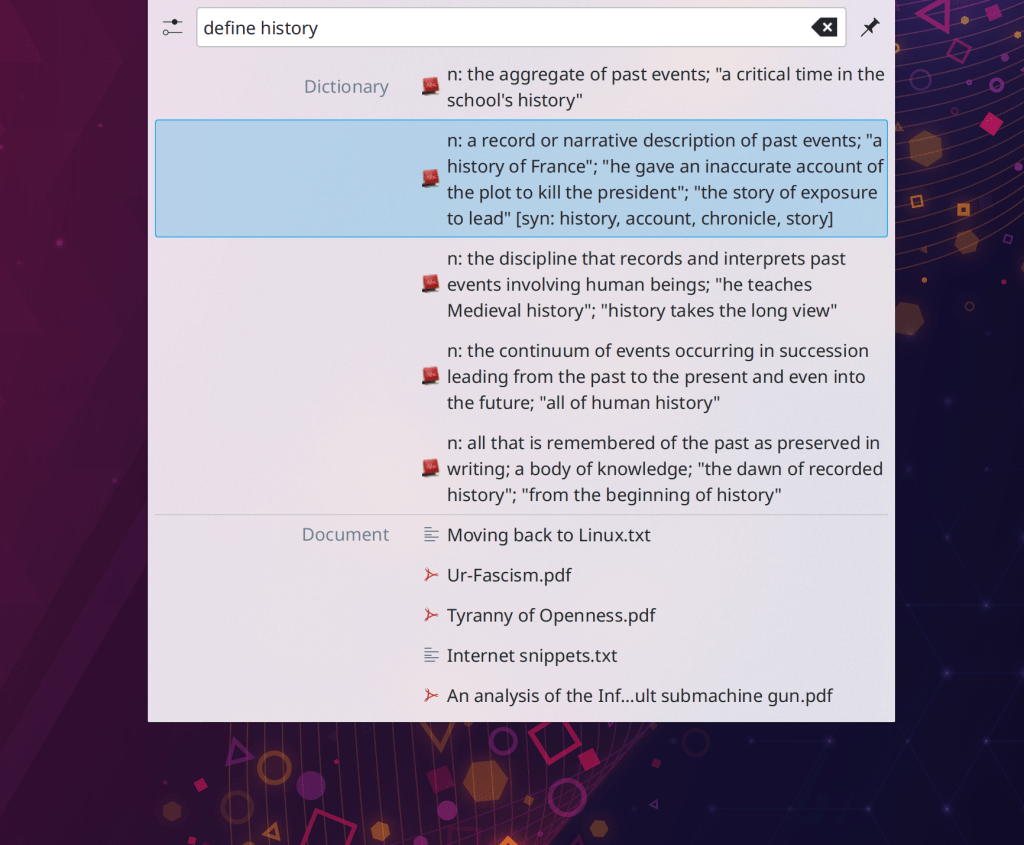
Fixed an odd bug that could occasionally cause KRunner to not activate or deactivate when pressing its global shortcut (Fabian Vogt, Plasma 5.22)
When you tell the Clipboard applet to clear history and it asks you if you really want to proceed, clicking “No” after checking the “don’t ask again” checkbox no longer breaks the “clear History” functionality forever; it will now ask you again the next time! (Bharadwaj Raju, Plasma 5.22)
Used swap space is now visible in the new Plasma System Monitor app’s Memory graph (David Redondo, Plasma 5.22)
Opening a .flatpakref file in Discover for an already-installed app no longer presents an odd error (Aleix Pol Gonzalez, Plasma 5.22)
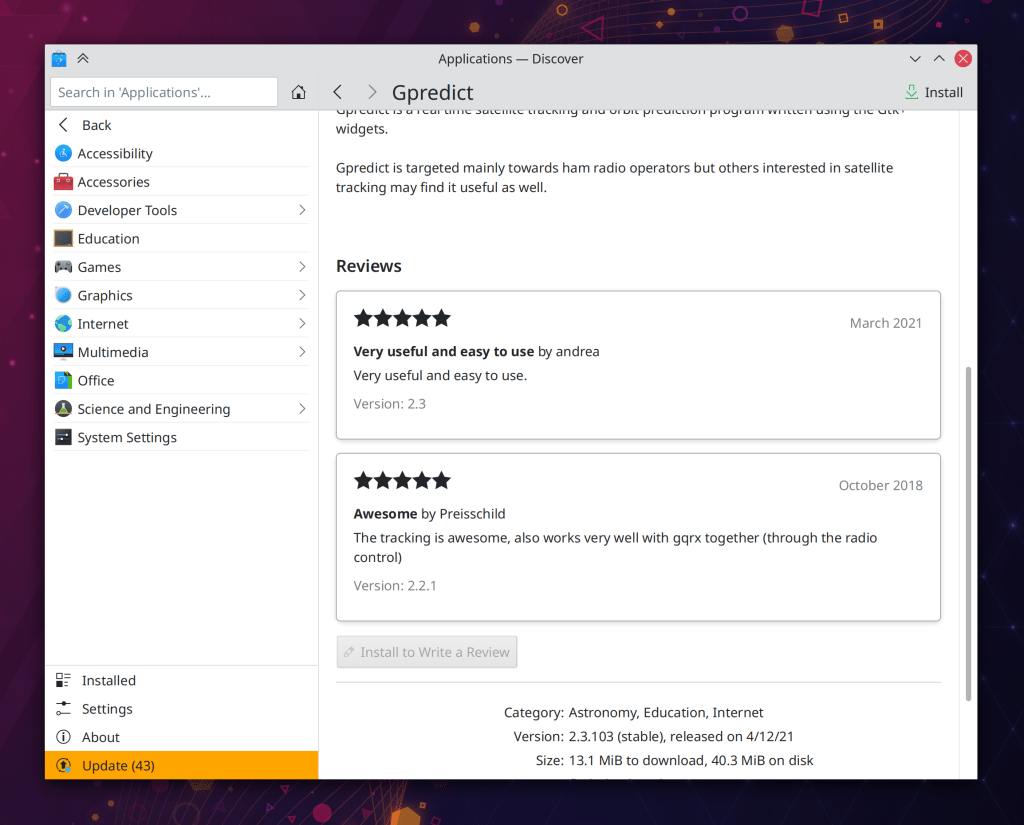
Discover no longer shows an “Uninstall” button on update pages where it doesn’t make sense (Aleix Pol Gonzalez, Plasma 5.22)
The button to configure your screen reader in System Settings’ Accessibility page now actually uh works (how embarrassing) (Carl Schwan, Plasma 5.22)
The kdeinit5 process no longer crashes either randomly or constantly when trying to generate thumbnails during semi-common operations like taking screenshots, copying files, etc (Fabian Vogt, Frameworks 5.82)
User Interface Improvements
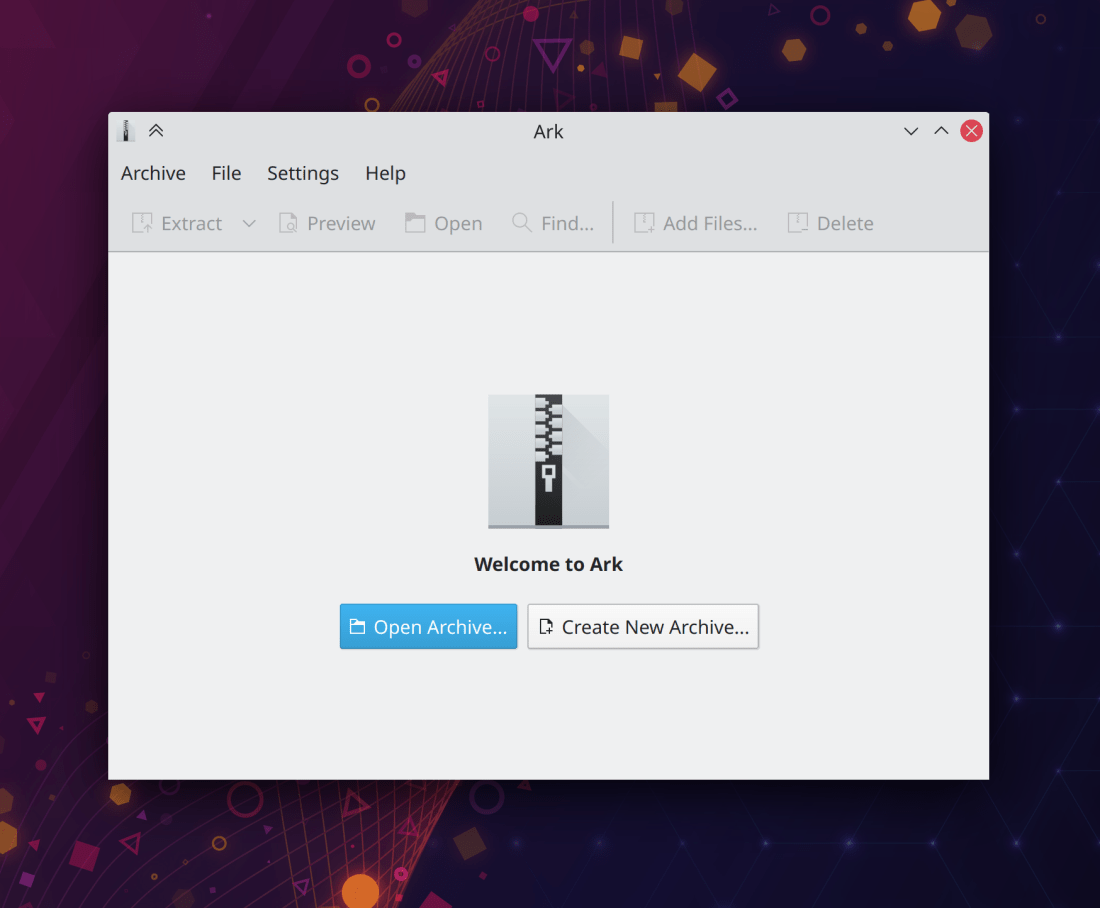
Ark now shows a “welcome screen” of sorts if you open it without an archive, and also opens to a saner window size (Jiří Wolker and me: Nate Graham, Ark 21.08):
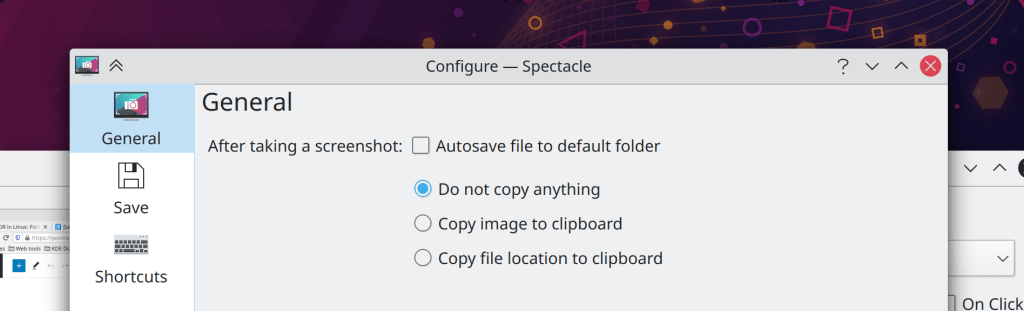
Spectacle’s options for what to copy after taking a screenshot (if anything) have been substantially clarified in the settings window, and the setting to copy the file path to the clipboard now works even if autosave is turned off (it saves the file to a temp path) (Srevin Saju, Spectacle 21.08):
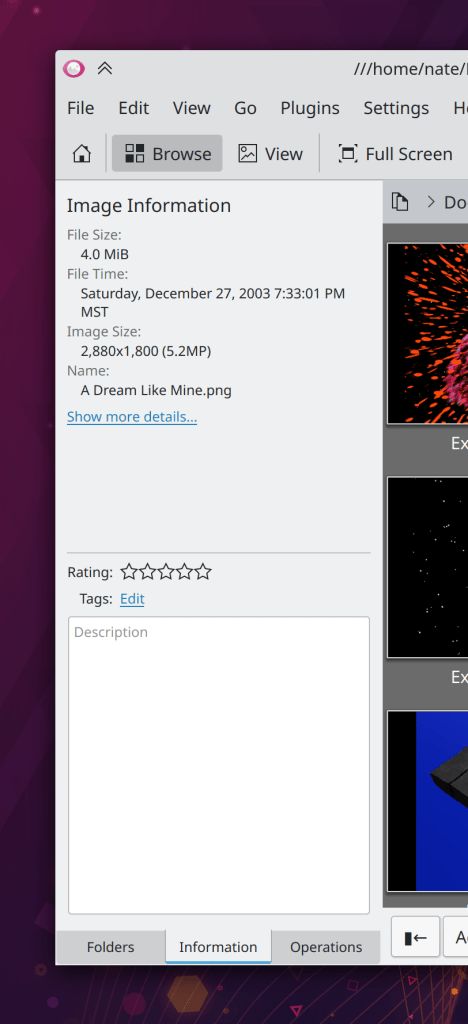
Gwenview’s sidebar has received a visual refresh to be more in line with current KDE user interface guidelines (Noah Davis, Gwenview 21.08):

Dolphin’s tags menu in the search view now has a “Clear selection” button so those of you who make extensive use of tags can more easily start a new tag-based search (Ismael Asensio, Dolphin 21.08)
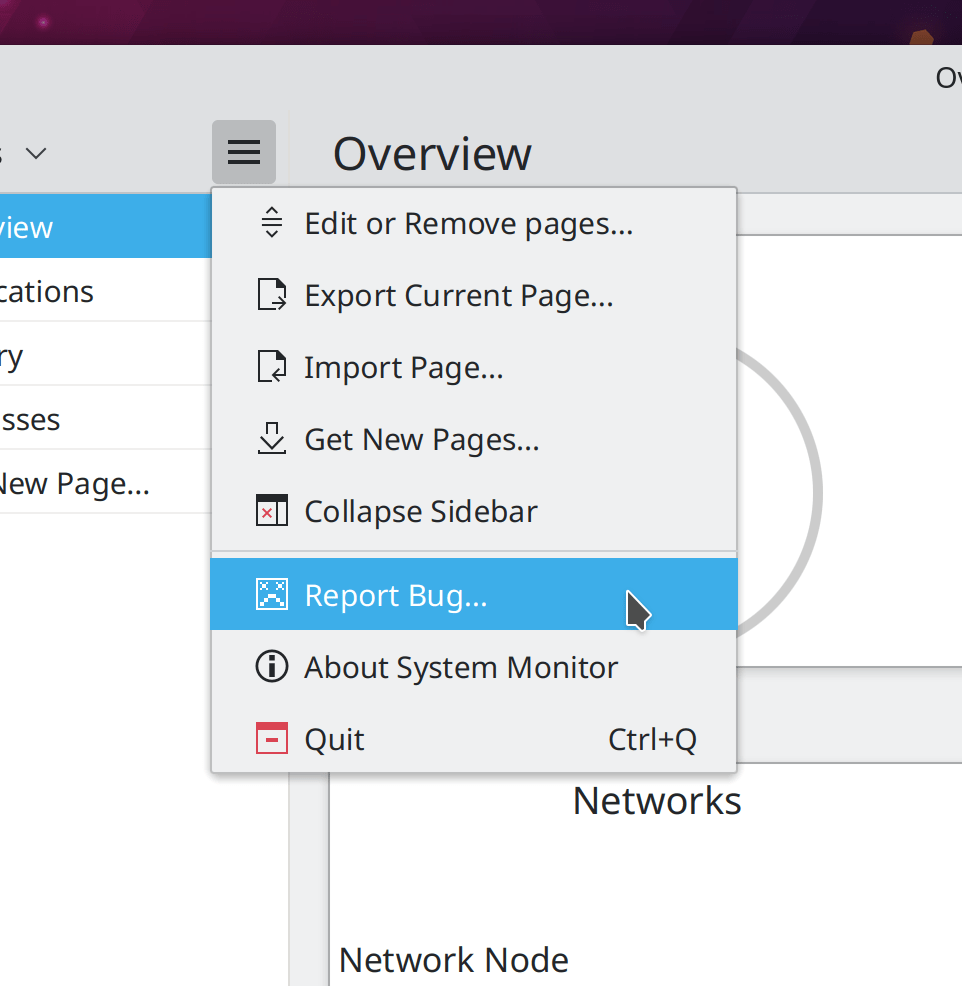
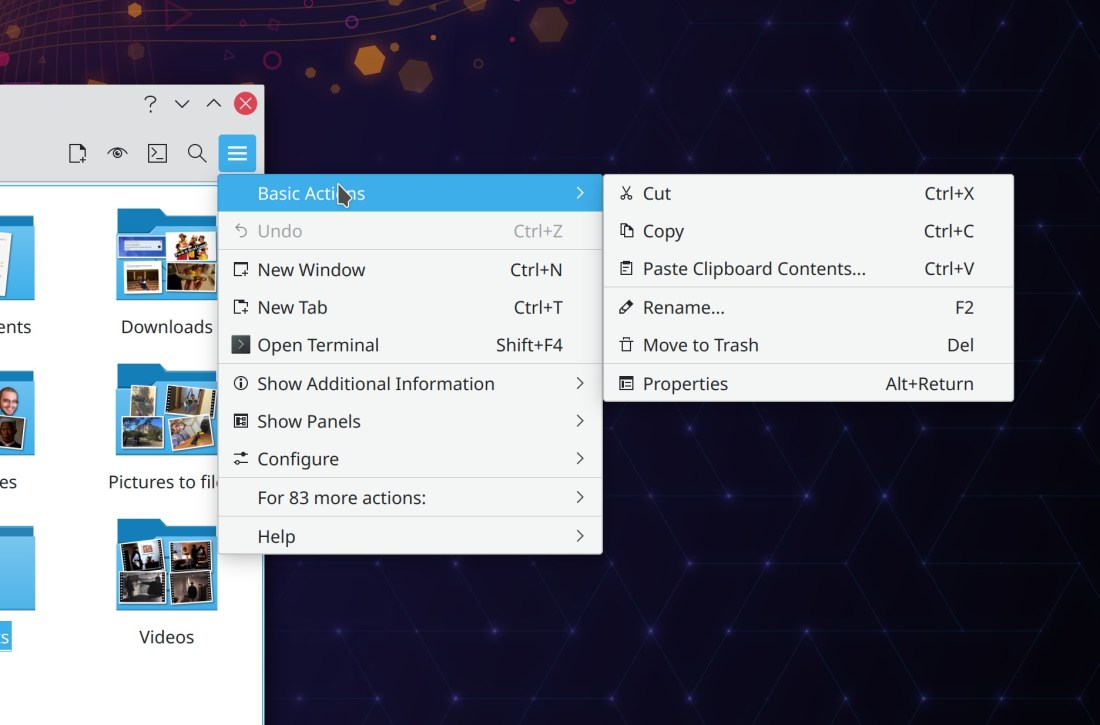
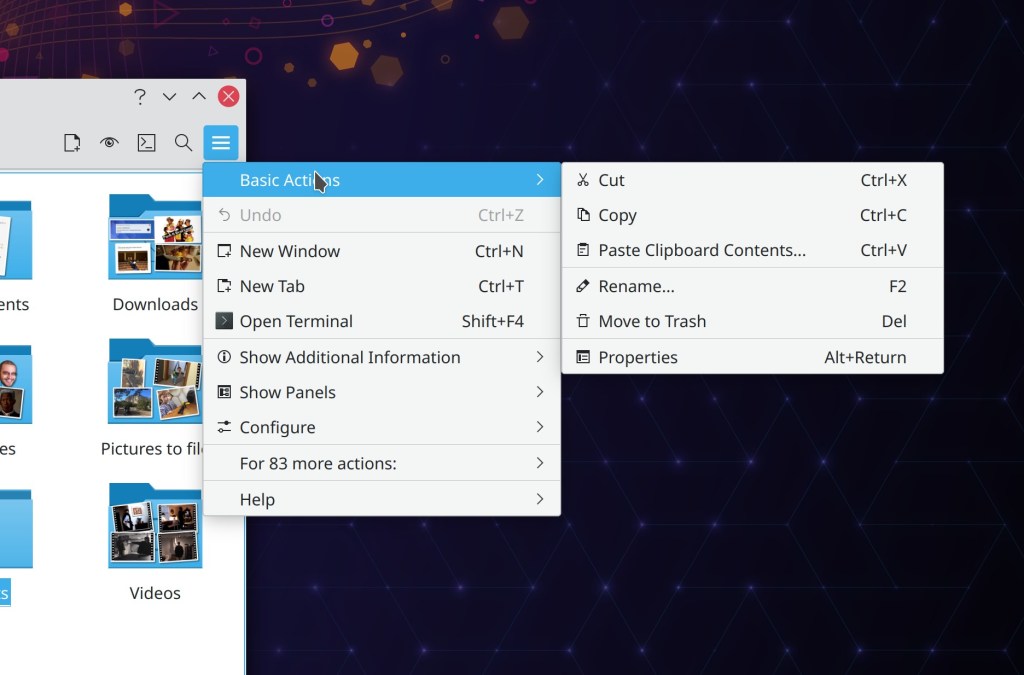
The Notifications applet’s “Clear all notifications” action has been moved out of the hamburger menu to make it more accessible, and the applet’s “Configure” button now opens the System Settings Notifications page rather than a mostly empty applet configuration window (me: Nate Graham, Plasma 5.22):
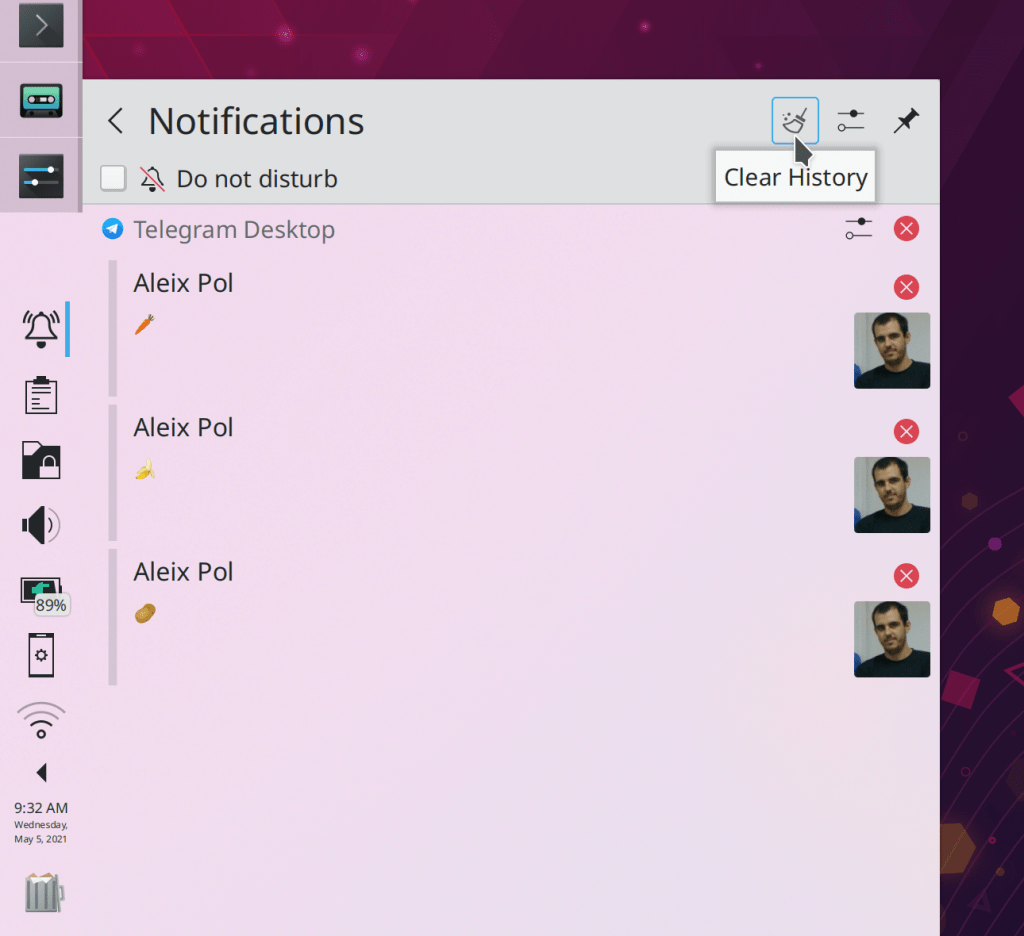
The System Tray Notifications pop-up now closes when the last notification is cleared by using the manual close buttons in the view instead of the “Clear all Notifications” button (Eugene Popov, Plasma 5.22)
Discover’s Sources menu is now accessible and usable with the keyboard (Carl Schwan, Plasma 5.22)
System Settings’ Audio Volume page no longer shows unused and inapplicable settings when the system is using the new PipeWire-PulseAudio compatibility system (Nicolas Fella, Plasma 5.22)
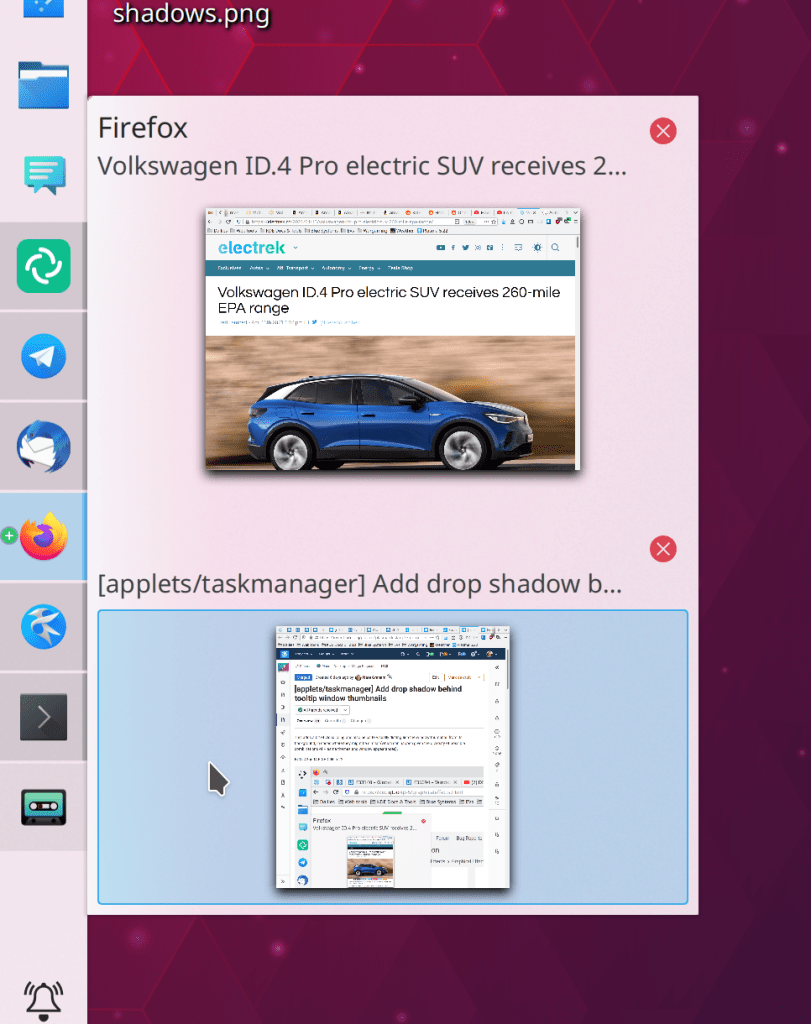
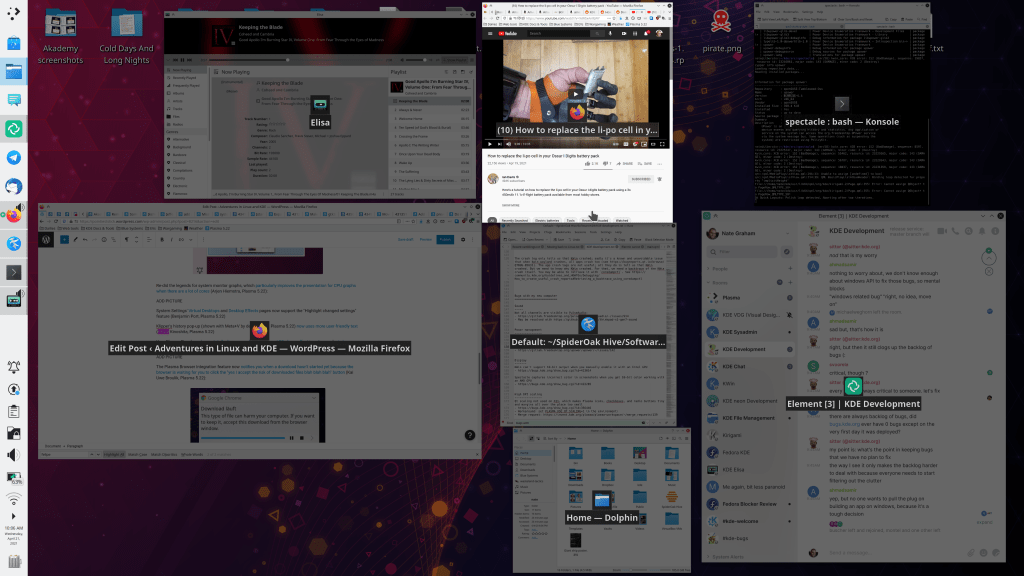
The Task Manager’s “Highlight windows” feature now only triggers when you hover the cursor over a window thumbnail, which makes it useful and not annoying, so we turned it on by default (Bharadwaj Raju, Plasma 5.22)
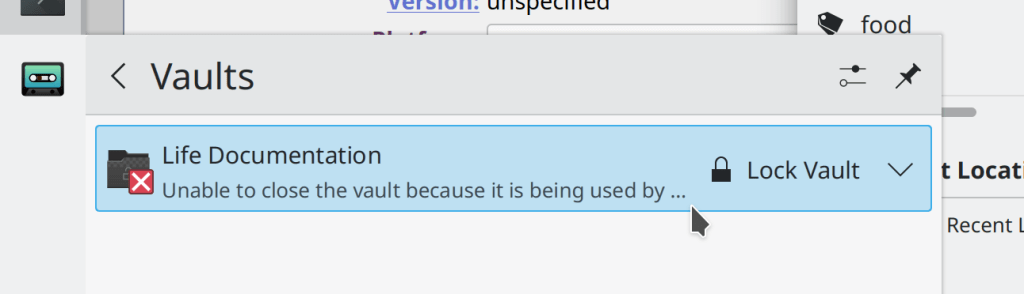
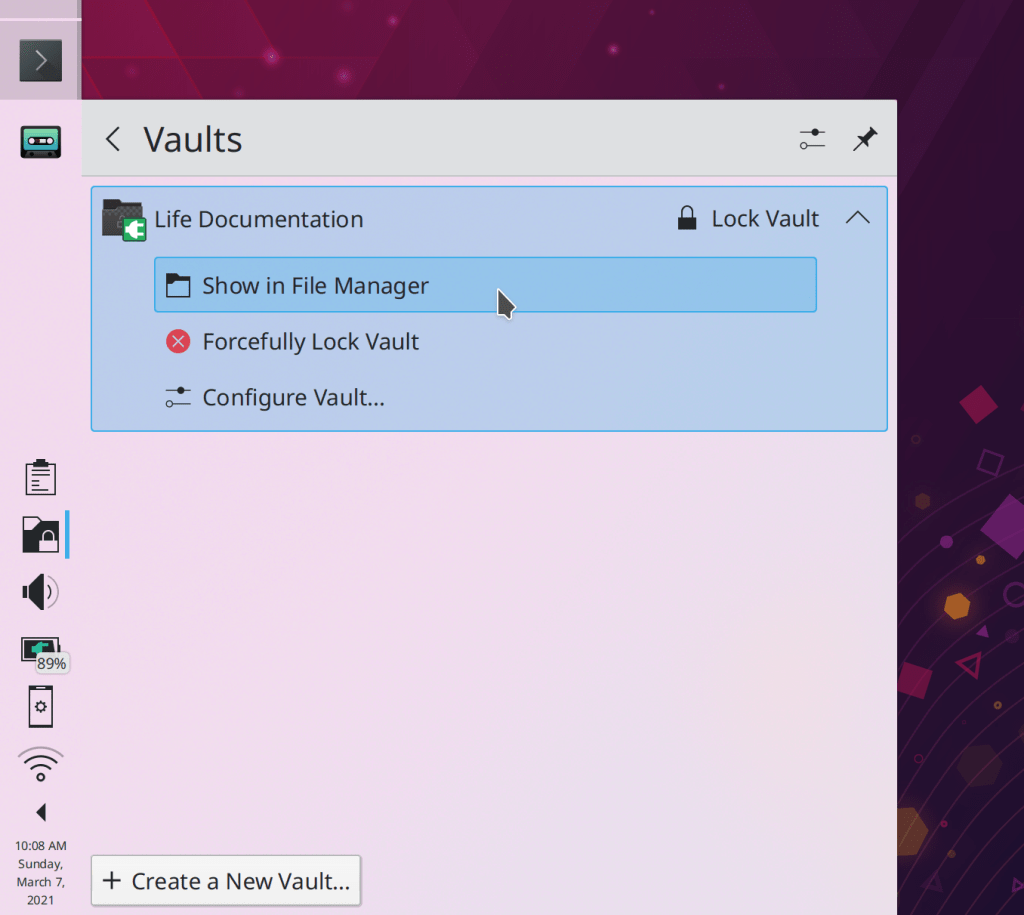
The System Tray Vaults applet’s “Create new Vault” button now lives in the header, to match the design of other System Tray applets (me: Nate Graham, Plasma 5.22):

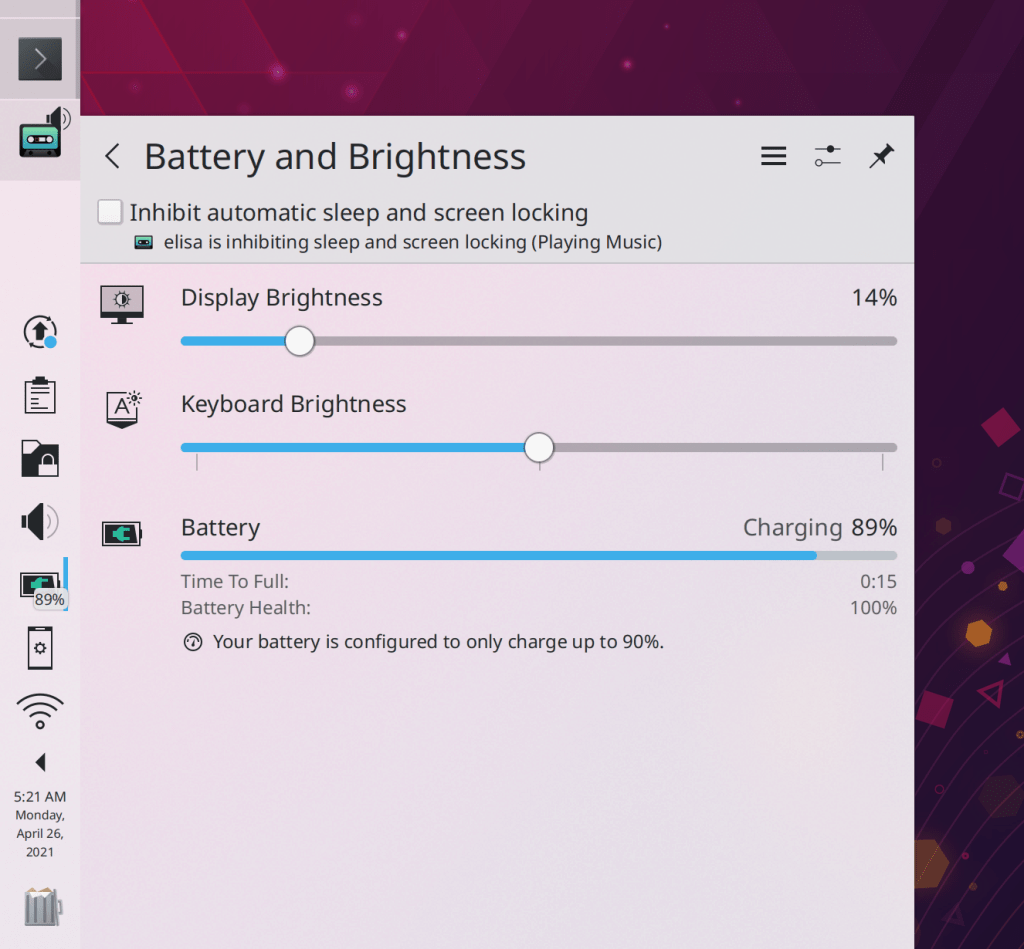
The System Tray Battery & Brightness System applet’s header has received an overhaul: the “Configure” button now opens the relevant System Settings page rather than a mostly-empty applet config window, and that window’s only option has been made into a checkable item in the Hamburger menu (me: Nate Graham, Plasma 5.22):

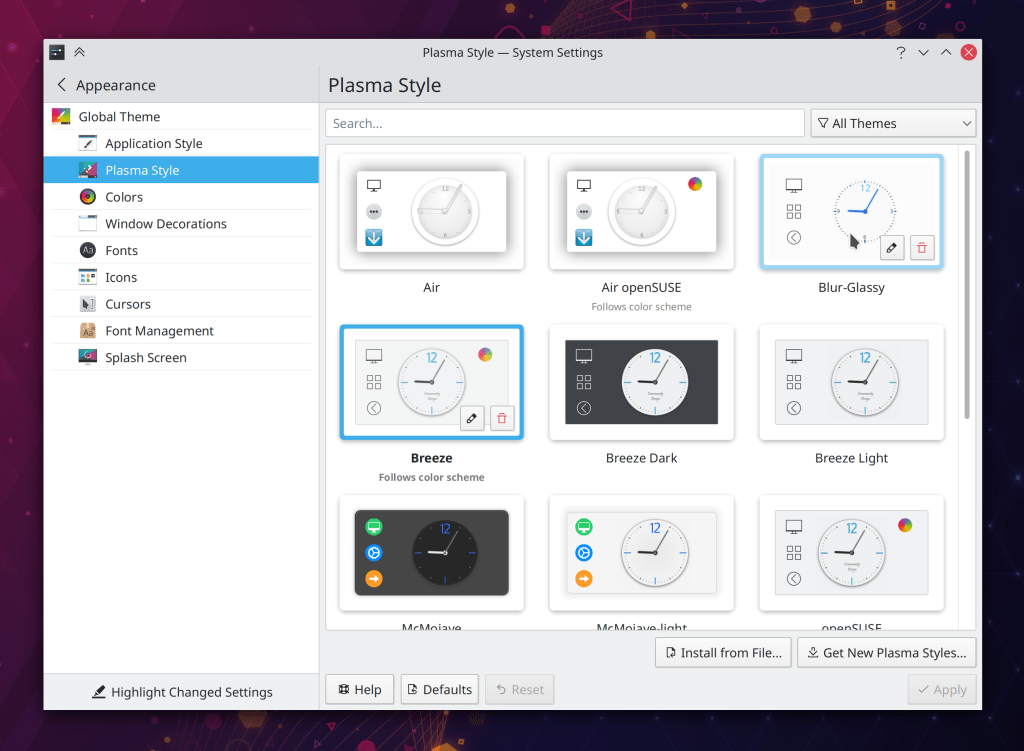
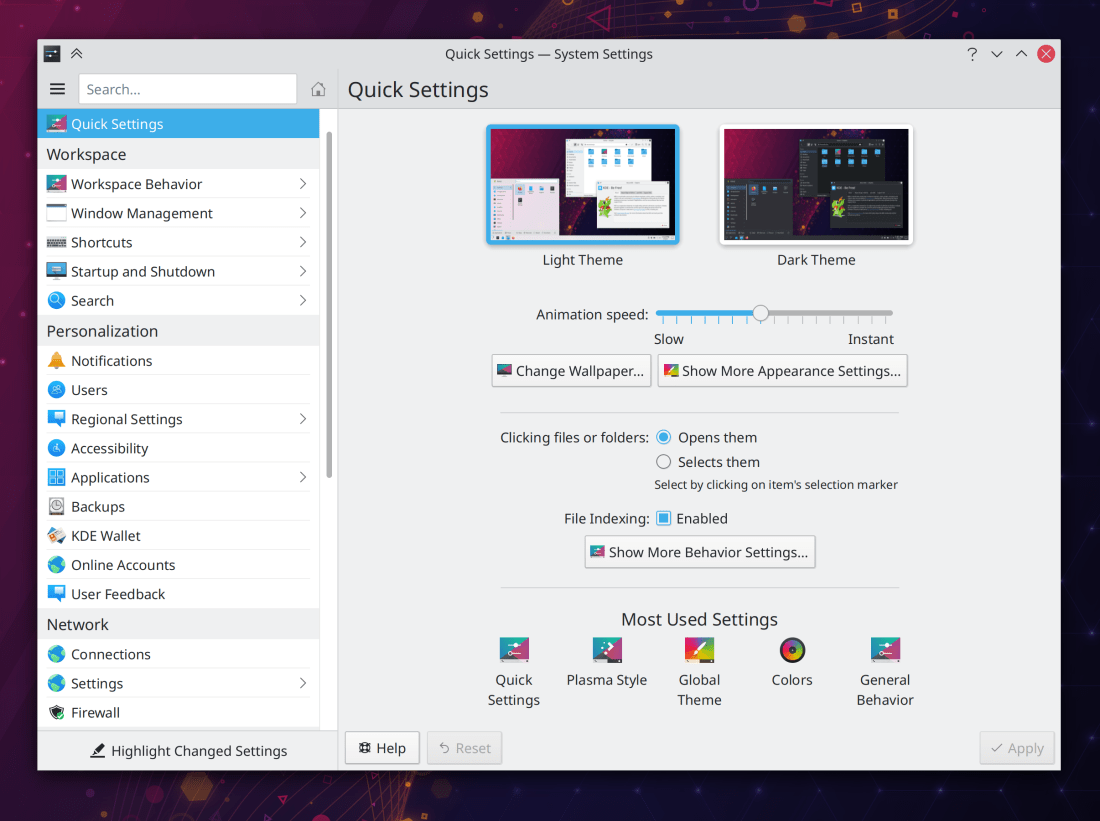
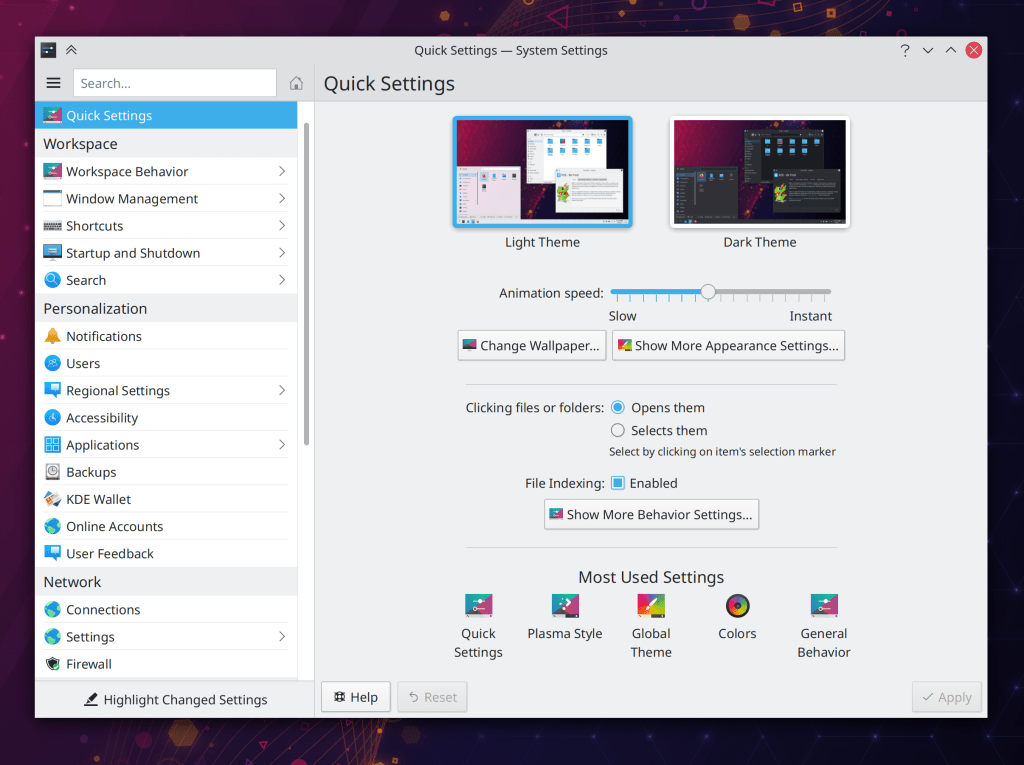
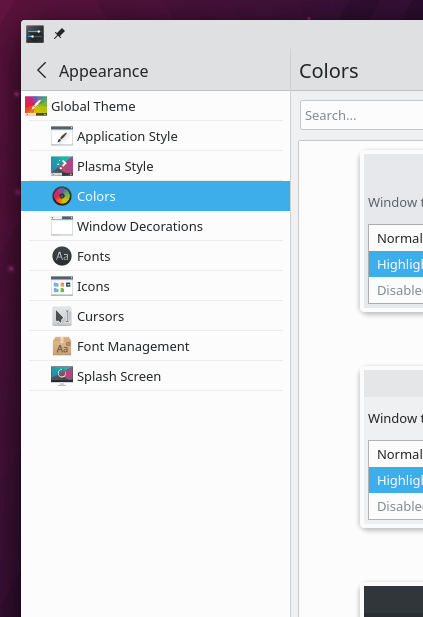
System Settings’ own settings window is no longer too small (me: Nate Graham, Plasma 5.22)
The corner radius of KWin-drawn titlebars now respects the scale factor on X11 (Paul McAuley, Plasma 5.22)
There’s no longer a little empty space on the right edge of a non-maximized panel (Jan Blackquill, Plasma 5.22)
Dolphin’s breadcrumbs bar now displays more user-friendly text for search results (Kai Uwe Broulik, Frameworks 5.83)
The System Settings Browser Identification page has been removed because it was almost completely pointless in this day and age (Nicolas Fella, Frameworks 5.83)
…And everything else
Keep in mind that this blog only covers the tip of the iceberg! Tons of KDE apps whose development I don’t have time to follow aren’t represented here, and I also don’t mention backend refactoring, improved test coverage, and other changes that are generally not user-facing. If you’re hungry for more, check out https://planet.kde.org/, where you can find blog posts by other KDE contributors detailing the work they’re doing.
How You Can Help
Have a look at https://community.kde.org/Get_Involved to discover ways to be part of a project that really matters. Each contributor makes a huge difference in KDE; you are not a number or a cog in a machine! You don’t have to already be a programmer, either. I wasn’t when I got started. Try it, you’ll like it! We don’t bite!
Finally, consider making a tax-deductible donation to the KDE e.V. foundation.




 Adventures in Linux and KDE