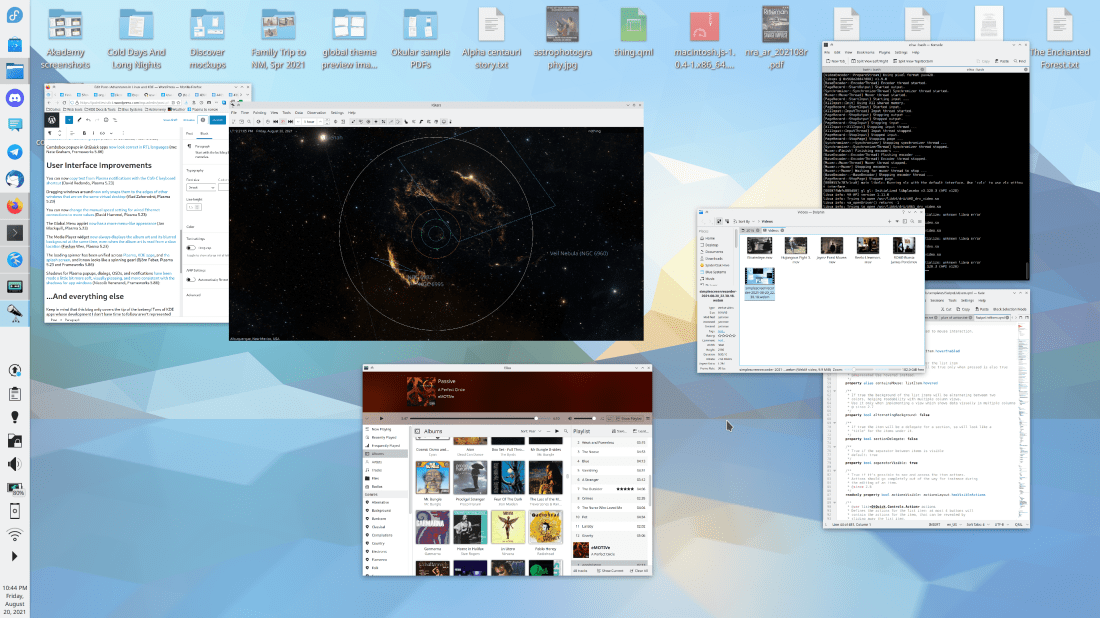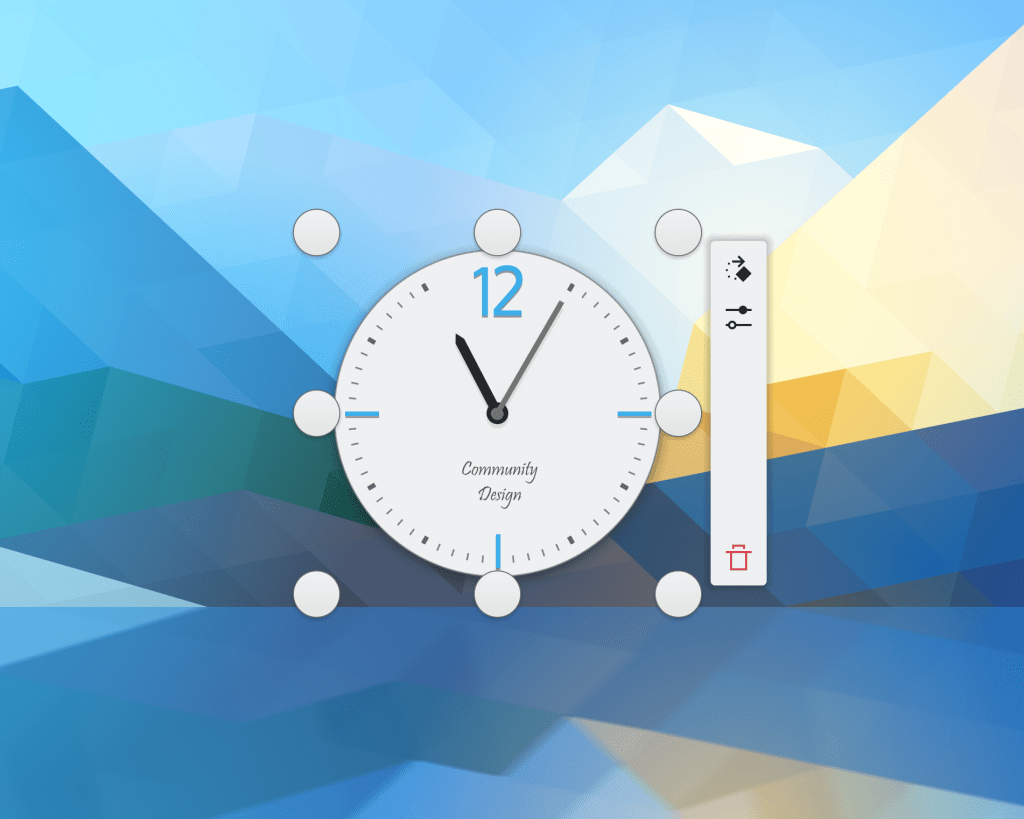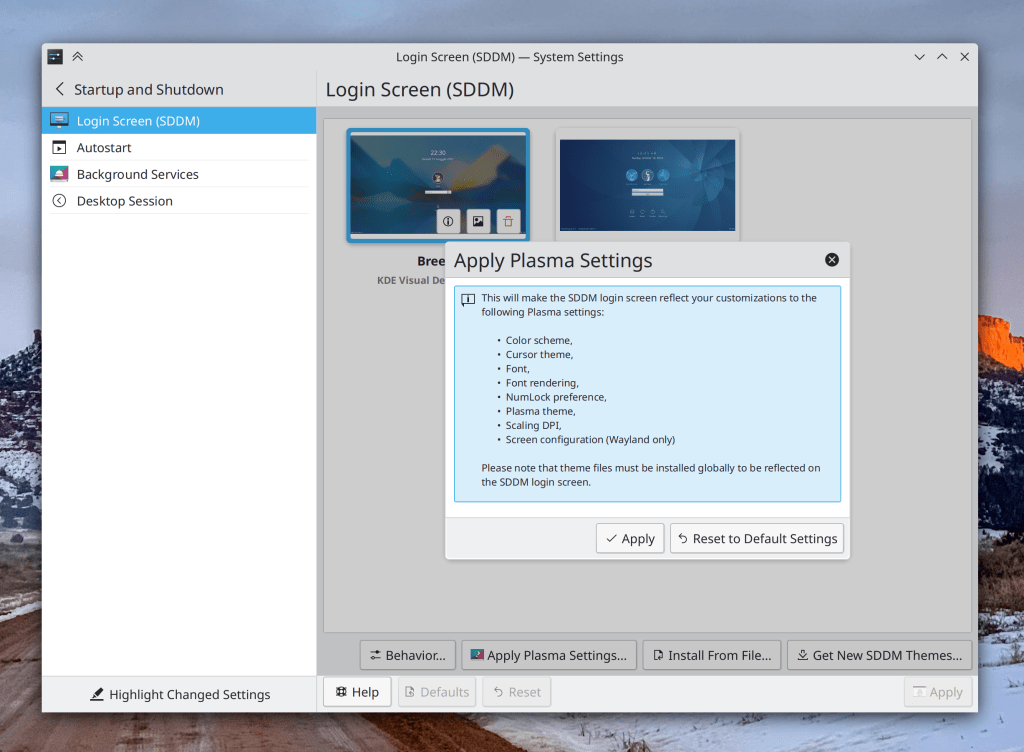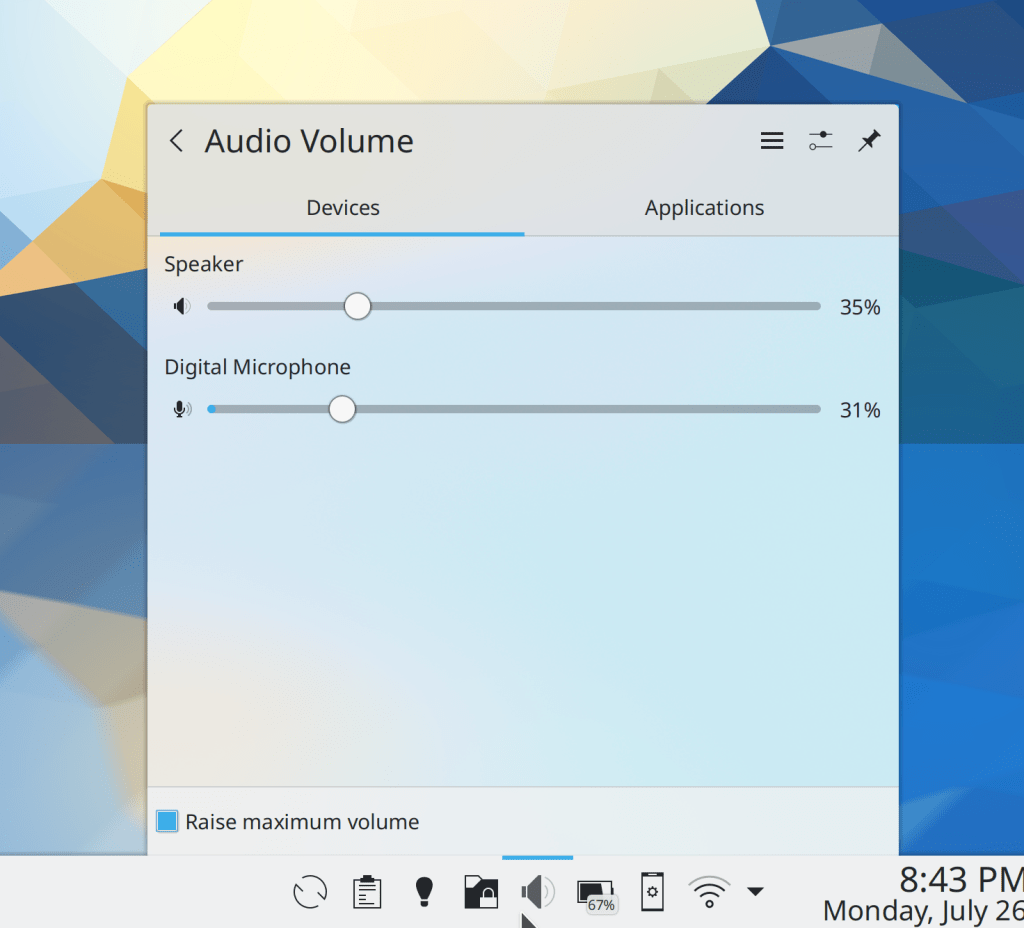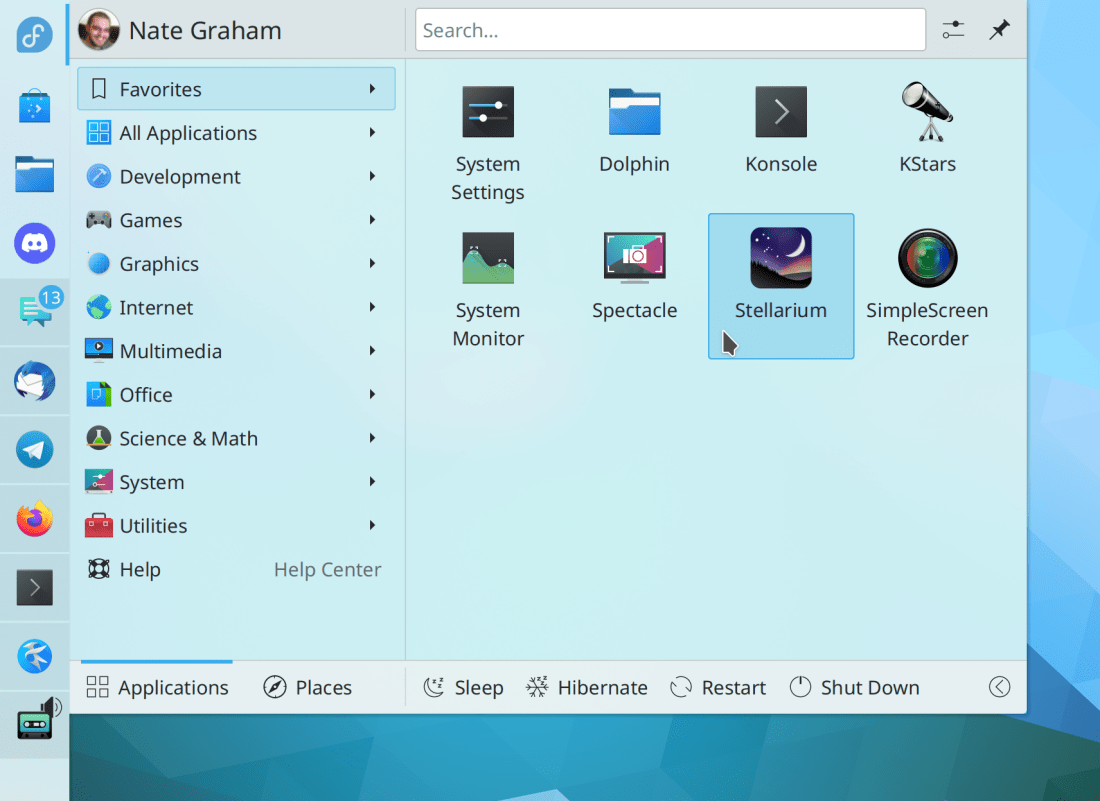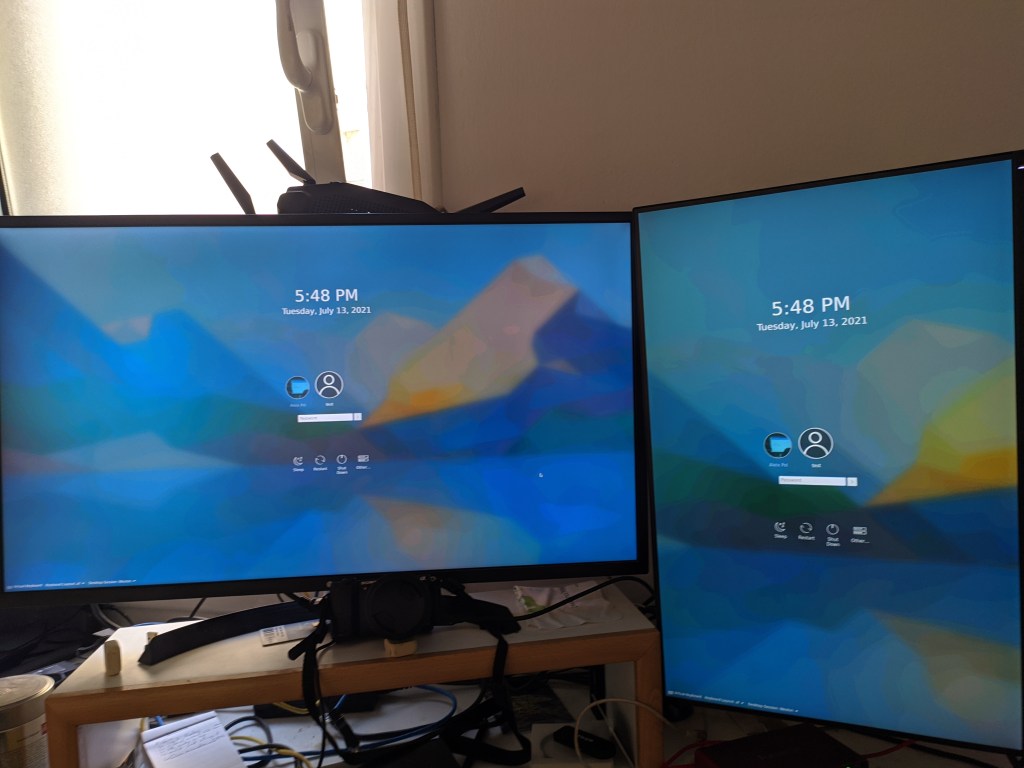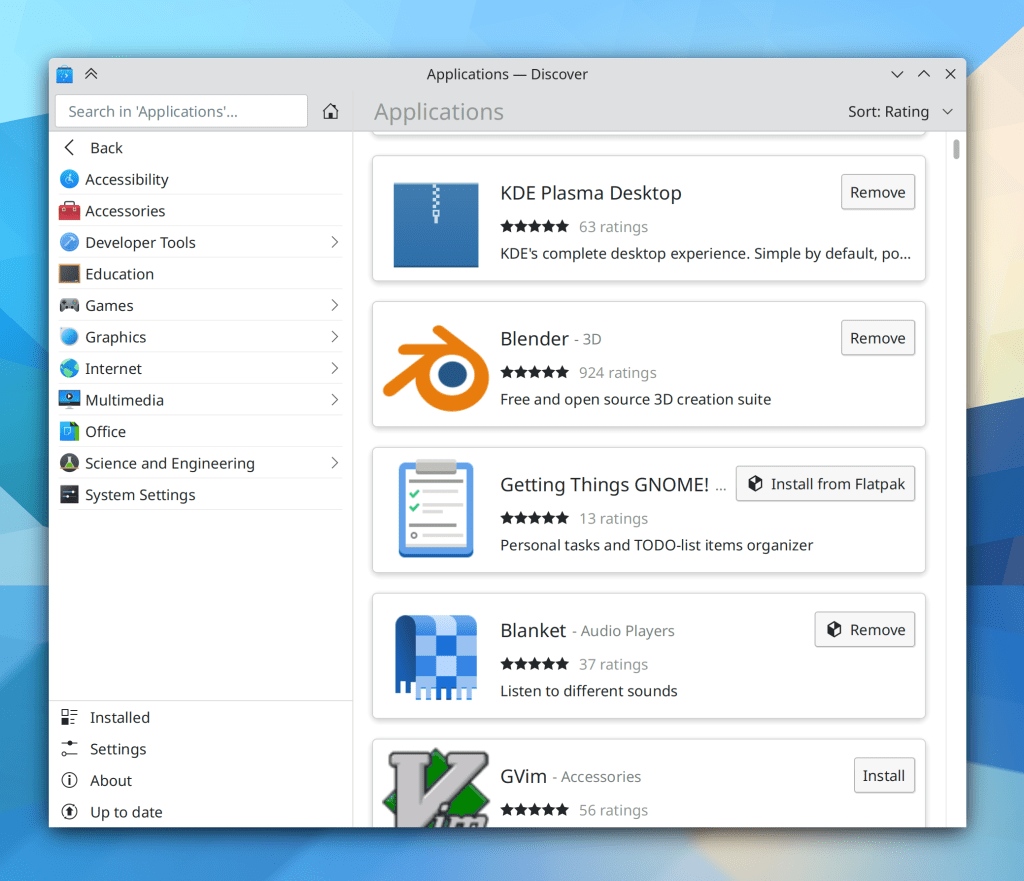
The Plasma 5.23 beta has been released, so go test it! We’ve got a month to fix all the bugs you find and report, so please do so. 🙂 Many of the improvements already made this week pertain to Plasma’s Wayland session which is rapidly becoming usable for more and more people’s daily usage. I’m using it myself as my primary session, and this is pretty painless now. I’m so impressed by how KDE developers have managed to whip it into shape over the last year! The future truly is now, or something.
Lots of other non-Wayland improvements were made as well:
New Features
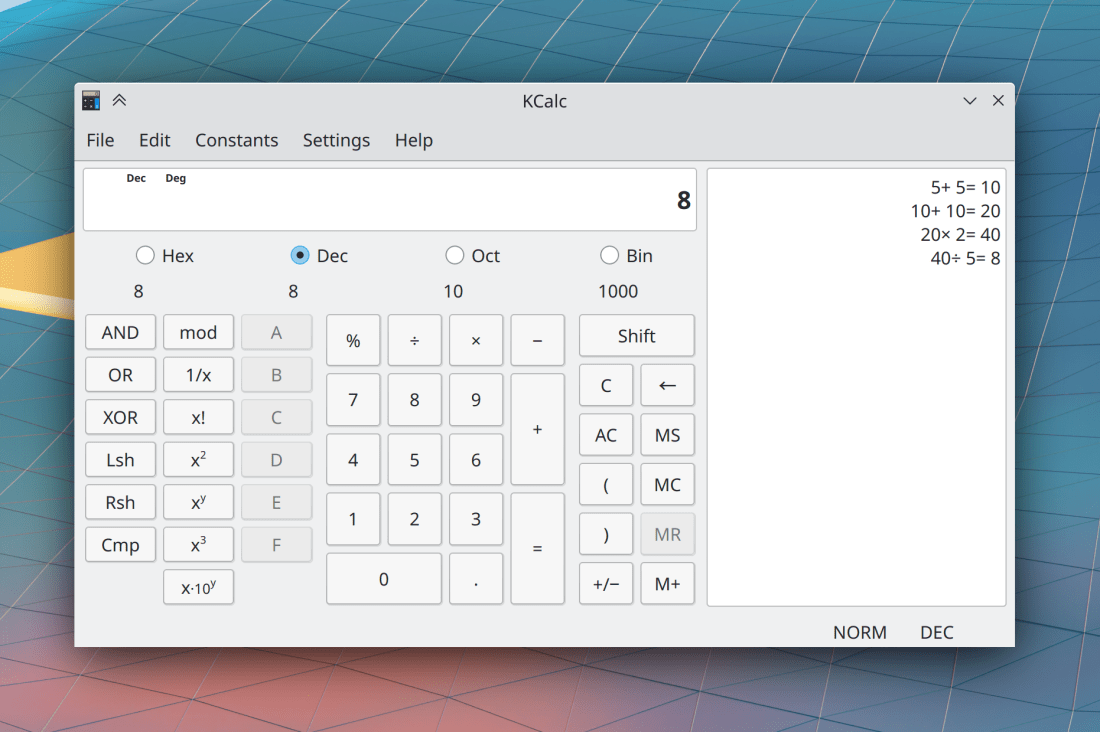
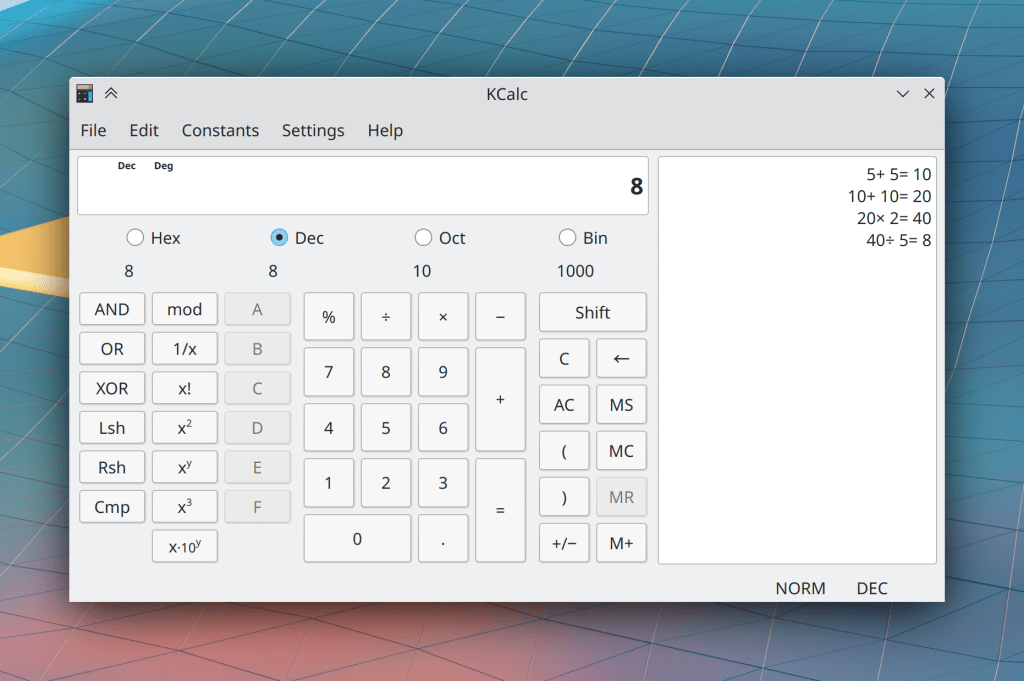
KCalc now has a history view where you can see all recently-run calculations! (Antonio Prcela, KCalc 21.12):
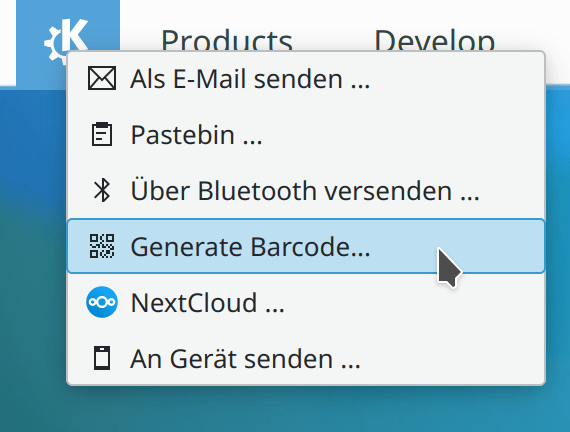
The standard “Share” menu found in various KDE apps now offers the possibility of generating a QR code when the thing being shared is a URL (Kai Uwe Broulik, Frameworks 5.87):
Bugfixes & Performance Improvements
In Gwenview, you can once again switch between the zoom modes with keyboard shortcuts after this broke recently (Eugene Popov, Gwenview 21.08.2)
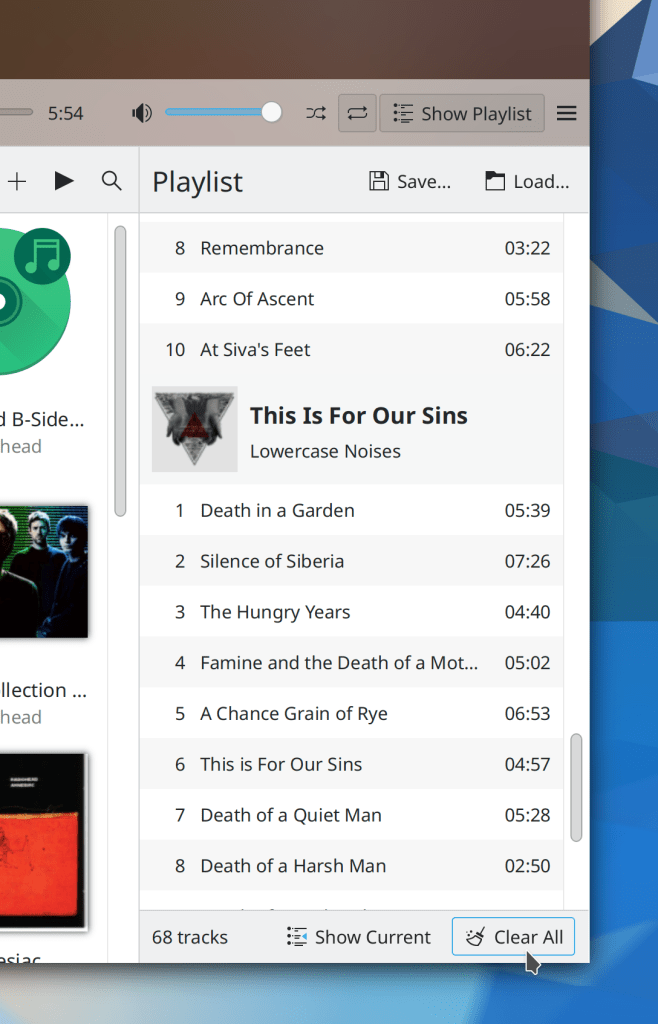
The Previous and Next buttons in Elisa’s player control bar no longer inappropriately become disabled while the current track is paused (me: Nate Graham, Elisa 21.08.2)
Okular no longer lets you try to save over a read-only file, and instead prompts you to save the file elsewhere (Albert Astals Cid, Okular 21.08.2)
In the Plasma Wayland session, KWin no longer crashes when you disconnect a Bluetooth drawing tablet (Aleix Pol Gonzalez, Plasma 5.23)
System Settings no longer sometimes crashes when deleting certain cursor themes (David Edmundson, Plasma 5.23)
System Settings is now much faster to open top-level categories that have several sub-pages in them (Bharadwaj Raju, Plasma 5.23)
In the Plasma Wayland session, copying text from XWayland apps while Klipper’s “Prevent empty selection” setting is in use now works (David Edmundson, Plasma 5.23)
In the Plasma Wayland session, long menus in apps and sub-menus of the Kicker menu are no longer covered up by Plasma Panels (Andrey Butirsky, Plasma 5.23)
In the Plasma Wayland session, full-screen Chrome web apps should now display properly (Vlad Zahorodnii, Plasma 5.23)
In the Plasma Wayland session, windows that open to a size which is larger than the area they would be maximized to now get resized down to fit in that area (Aleix Pol Gonzalez, Plasma 5.23)
In the Plasma Wayland session, transparent Plasma themes now display transparency correctly when using the proprietary NVIDIA driver (Severin van Wnuck, Plasma 5.23)
Plasma Vaults no longer fail to mount if the mountpoint has a hidden .directory file in it because you browsed that location when using per-directory view settings while the Vault was unmounted (Tom Zander, Plasma 5.23)
Cursor themes with only one size now cause only the size combobox on System Settings’ Cursors page to be disabled, rather than all of the controls on its row (Bharadwaj Raju, Plasma 5.23)
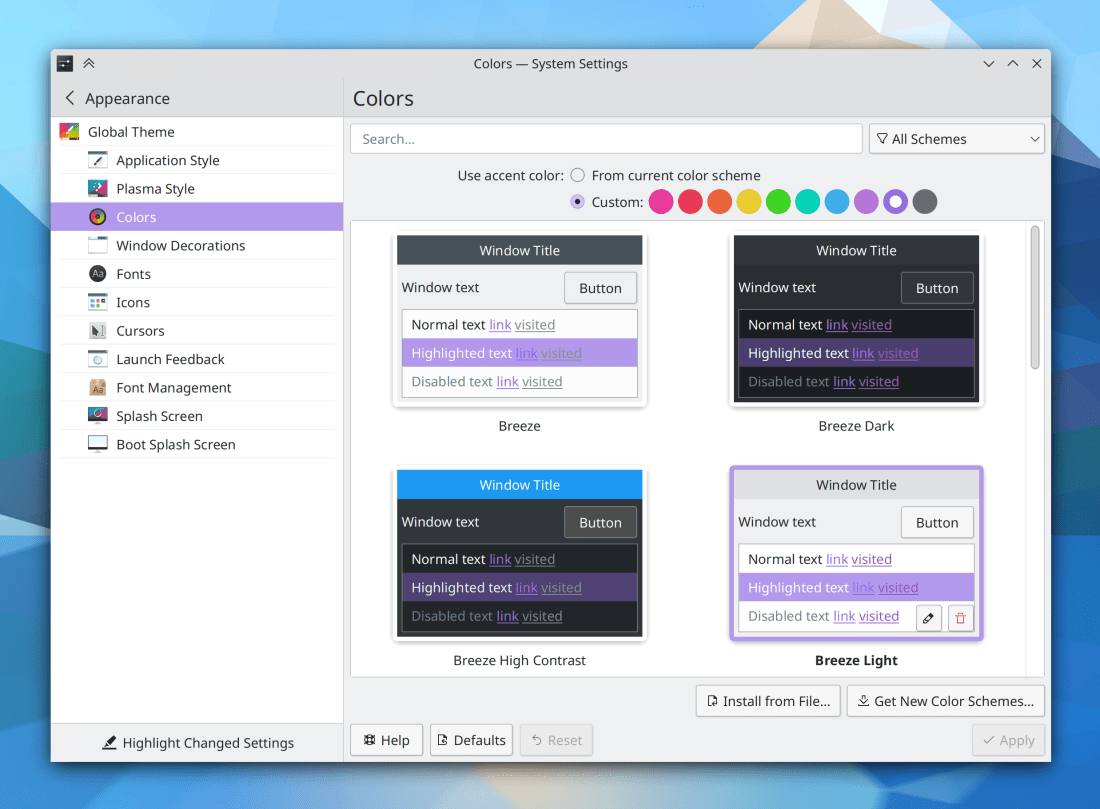
The Link and Active Text colors are now readable in all four Breeze color schemes, fixing issues of unreadable text for apps that were using this color role. Note that you will need to re-apply the color scheme manually to pick up the changes due to this issue (me: Nate Graham, Plasma 5.23)
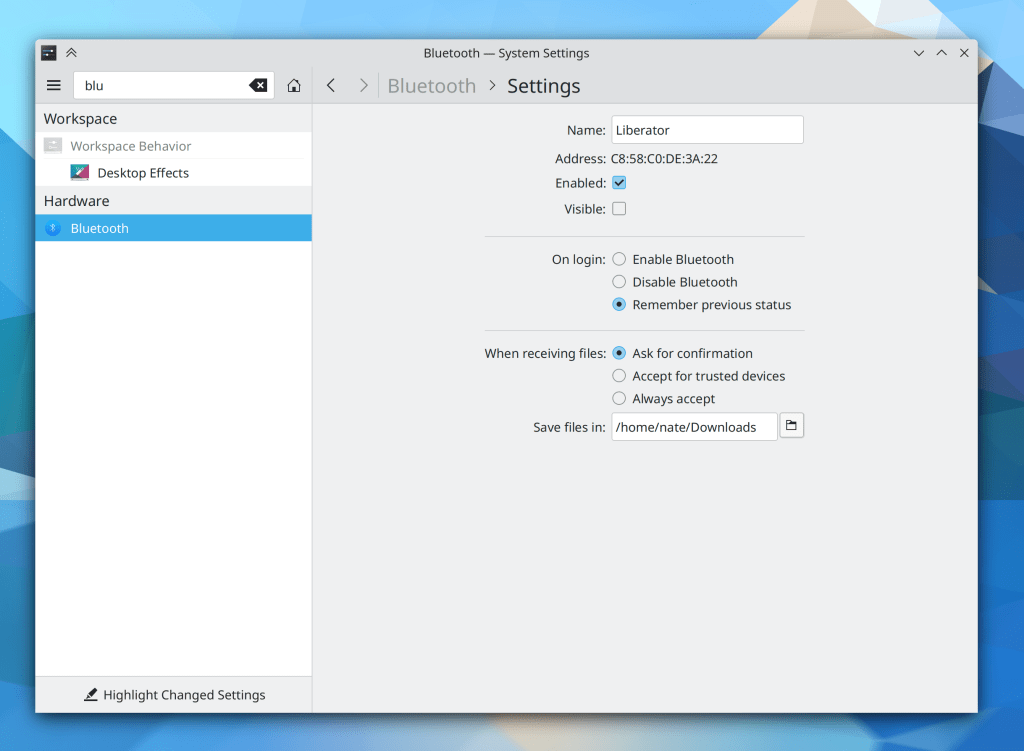
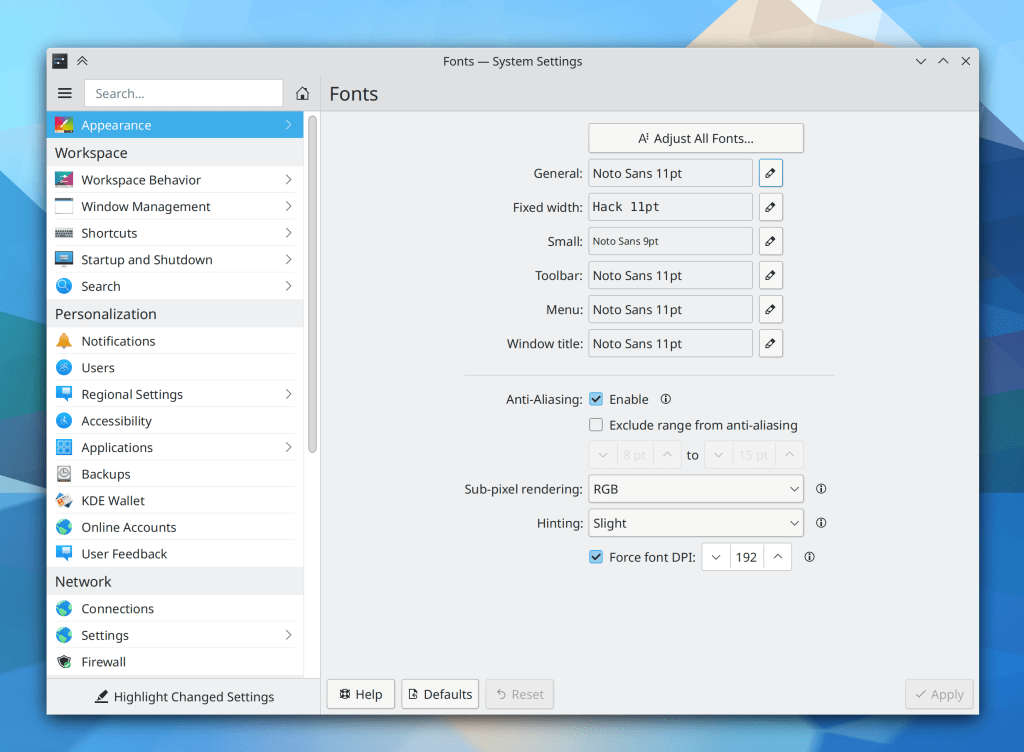
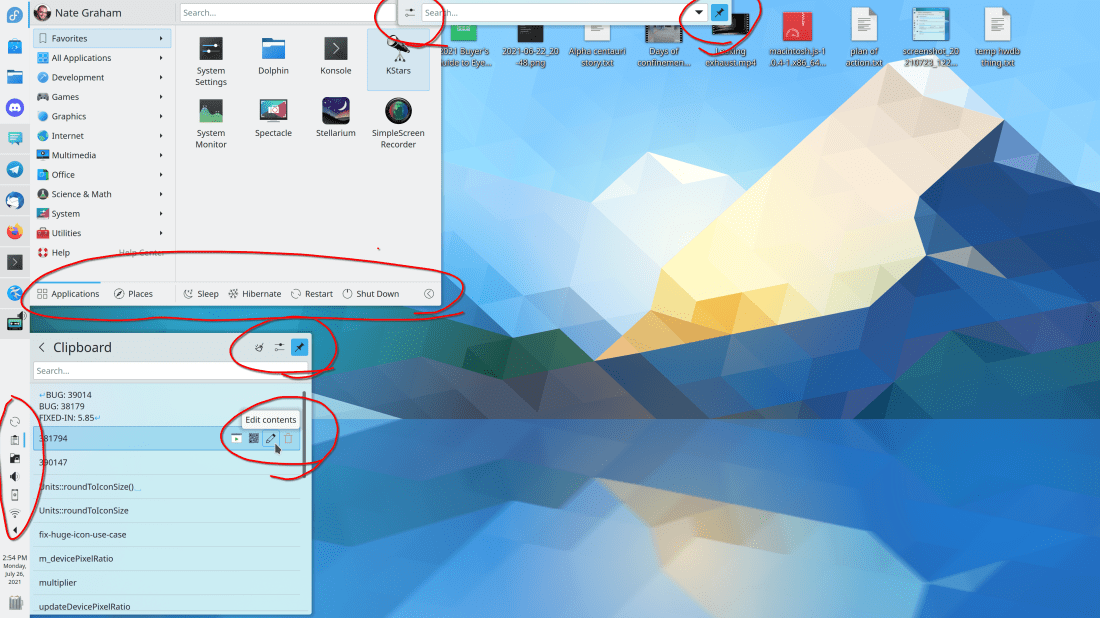
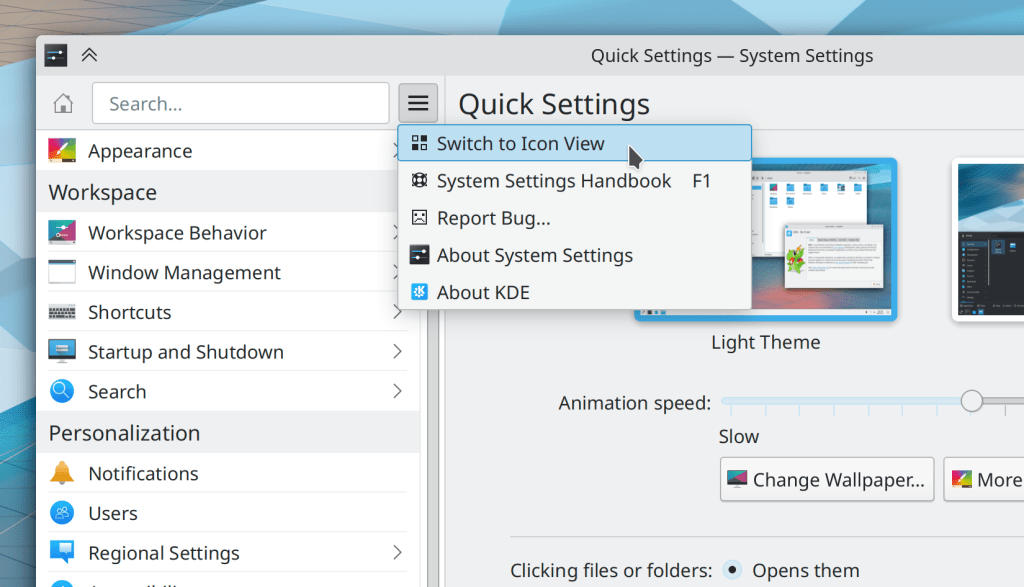
The very minimal contents of System Settings’ own settings window has been moved into its hamburger menu to make access more direct (Ismael Asensio, Plasma 5.24):
The properties dialog once again shows the filename for read-only files (Ahmad Samir, Frameworks 5.87)
File ACLs set via the properties dialog now get applied correctly if you re-open the properties dialog right after changing them (Ahmad Samir, Frameworks 5.87)
Expandable list items in the System Tray once again reserve enough space in the highlight effect to show all of the buttons inside it (me: Nate Graham, Frameworks 5.87)
Some textual headers in Kirigami-based apps that were supposed to be hidden are once again hidden (Devin Lin, Frameworks 5.87)
Narrow and mobile-style form layouts in Kirigami apps now have the correct spacing between items within groups (Ismael Asensio, Frameworks 5.87)
User Interface Improvements
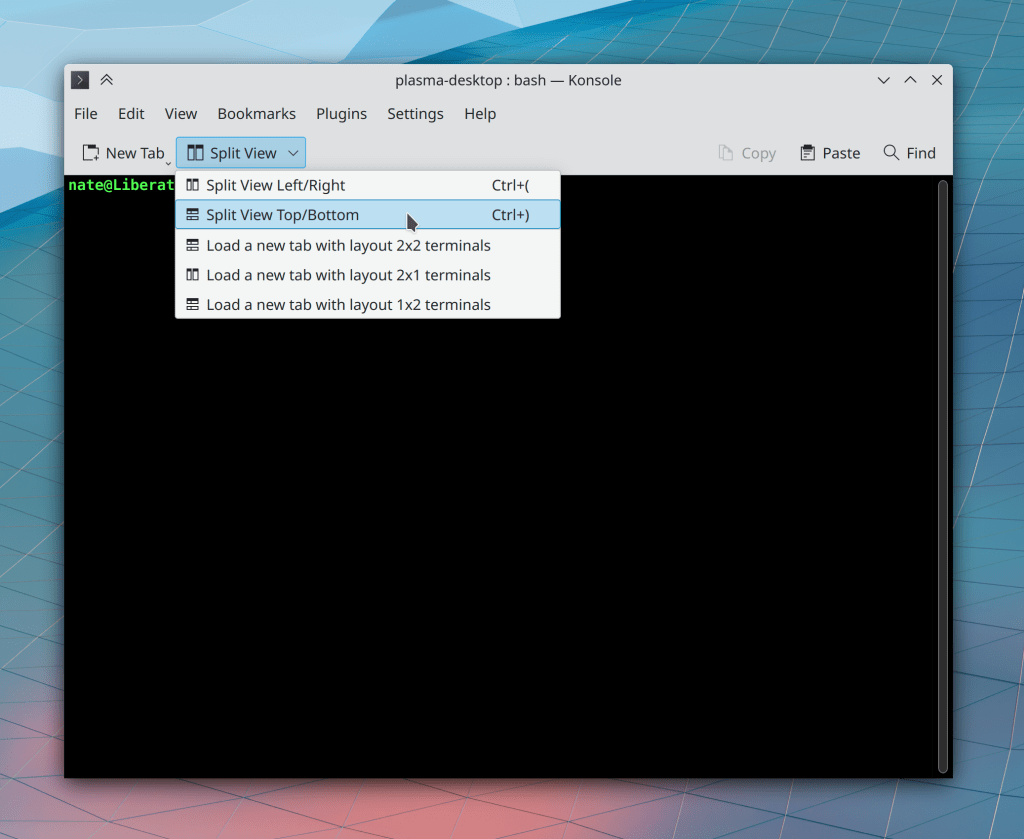
Konsole’s default toolbar has been drastically improved and simplified by putting all of the layout and split-related items into a dropdown menu button (Nathan Sprangers, Konsole 21.12):
Gwenview no longer inappropriately switches to Browse mode when you press the Escape key to close the zoom level combobox’s popup (Gleb Popov, Gwenview 21.12)
Info Center’s S.M.A.R.T. Status page now lets you see more detailed nerdy information if you want (Harald Sitter, Plasma 5.23)
System Settings’ sidebar is now fully keyboard navigable with just the arrow keys (Arjen Hiemstra, Plasma 5.23)
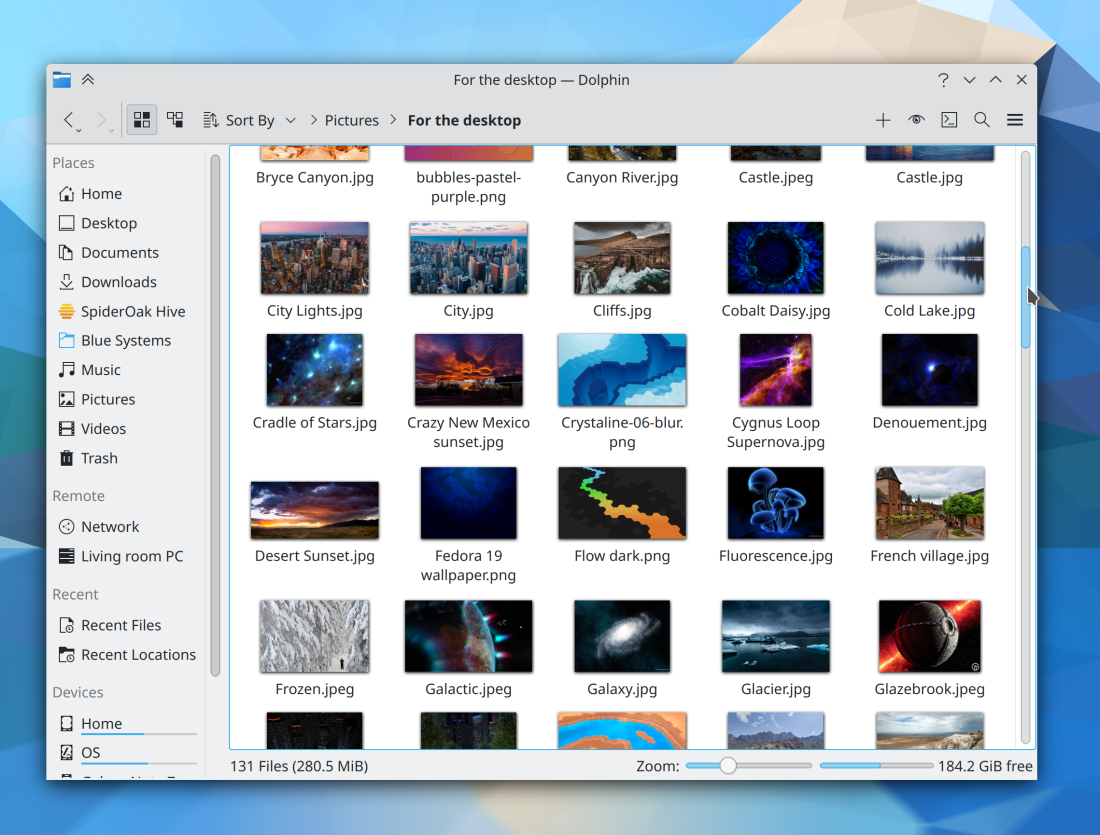
The Breeze application style has gained the ability to display views in older QtWidgets-based apps with a more “frameless” style, such that adjacent views are separated from one another with a single separator line rather than inset frames, just like they are in our more modern QtQuick apps. Apps will need to opt into this change, and they will start doing so over the course of the next year or so (Jan Blackquill, Plasma 5.24):

It’s now possible to navigate between sidebar list items in Kirigami-based apps using the arrow and enter/return keys (Arjen Hiemstra, Frameworks 5.87)
We have reverted the recent change to use a gear-style spinner in Plasma for app loading and other spinning progress indicators. It looked okay in some contexts, but not others. We will find a better way (me: Nate Graham, Frameworks 5.87)
The Breeze icon theme now features icons for all of the different types of Godot Engine files (Michael Alexsander, Frameworks 5.87):

…And everything else
Keep in mind that this blog only covers the tip of the iceberg! Tons of KDE apps whose development I don’t have time to follow aren’t represented here, and I also don’t mention backend refactoring, improved test coverage, and other changes that are generally not user-facing. If you’re hungry for more, check out https://planet.kde.org/, where you can find blog posts by other KDE contributors detailing the work they’re doing.
How You Can Help
Have a look at https://community.kde.org/Get_Involved to discover ways to be part of a project that really matters. Each contributor makes a huge difference in KDE; you are not a number or a cog in a machine! You don’t have to already be a programmer, either. I wasn’t when I got started. Try it, you’ll like it! We don’t bite!
Finally, consider making a tax-deductible donation to the KDE e.V. foundation.