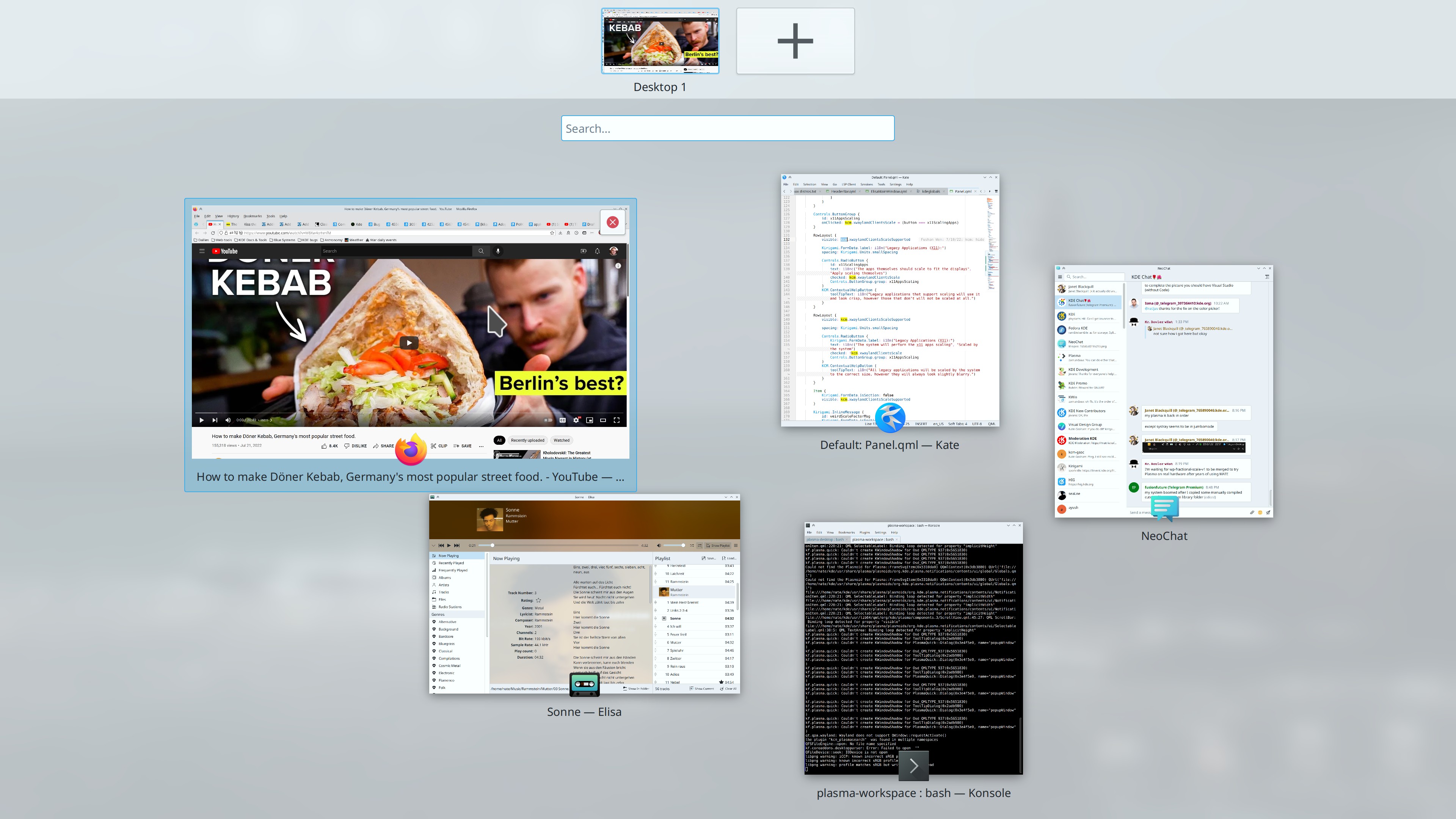
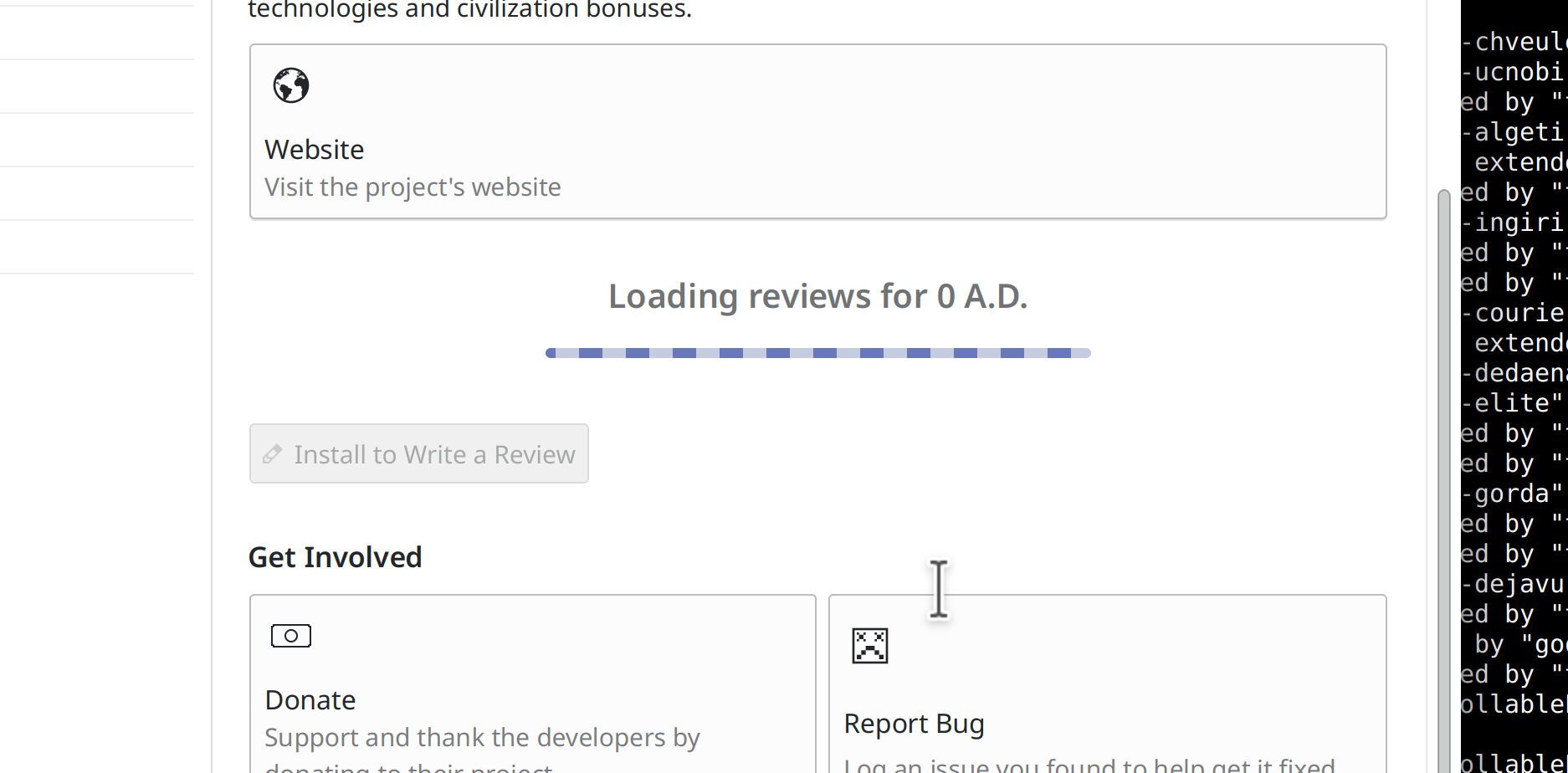
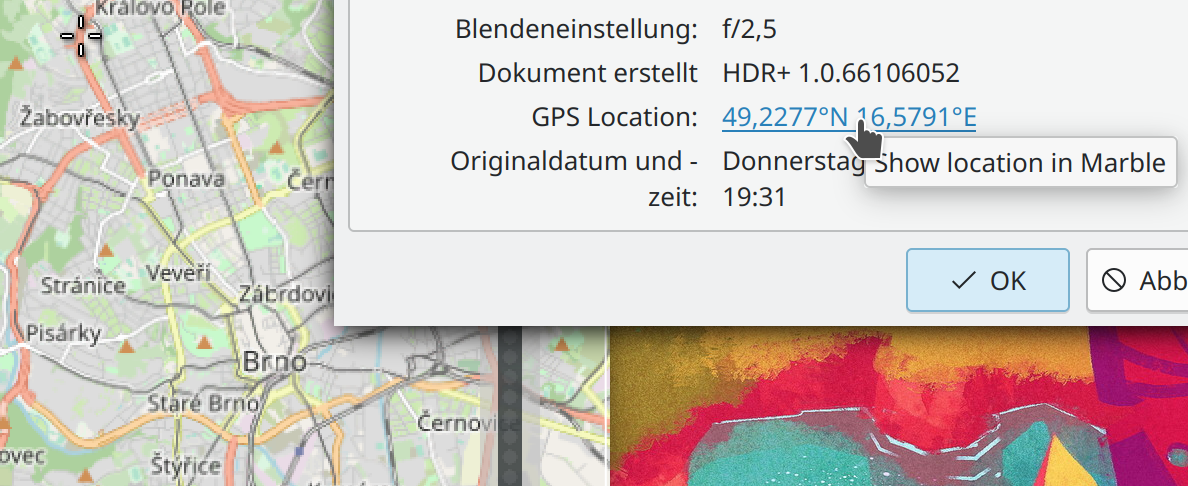
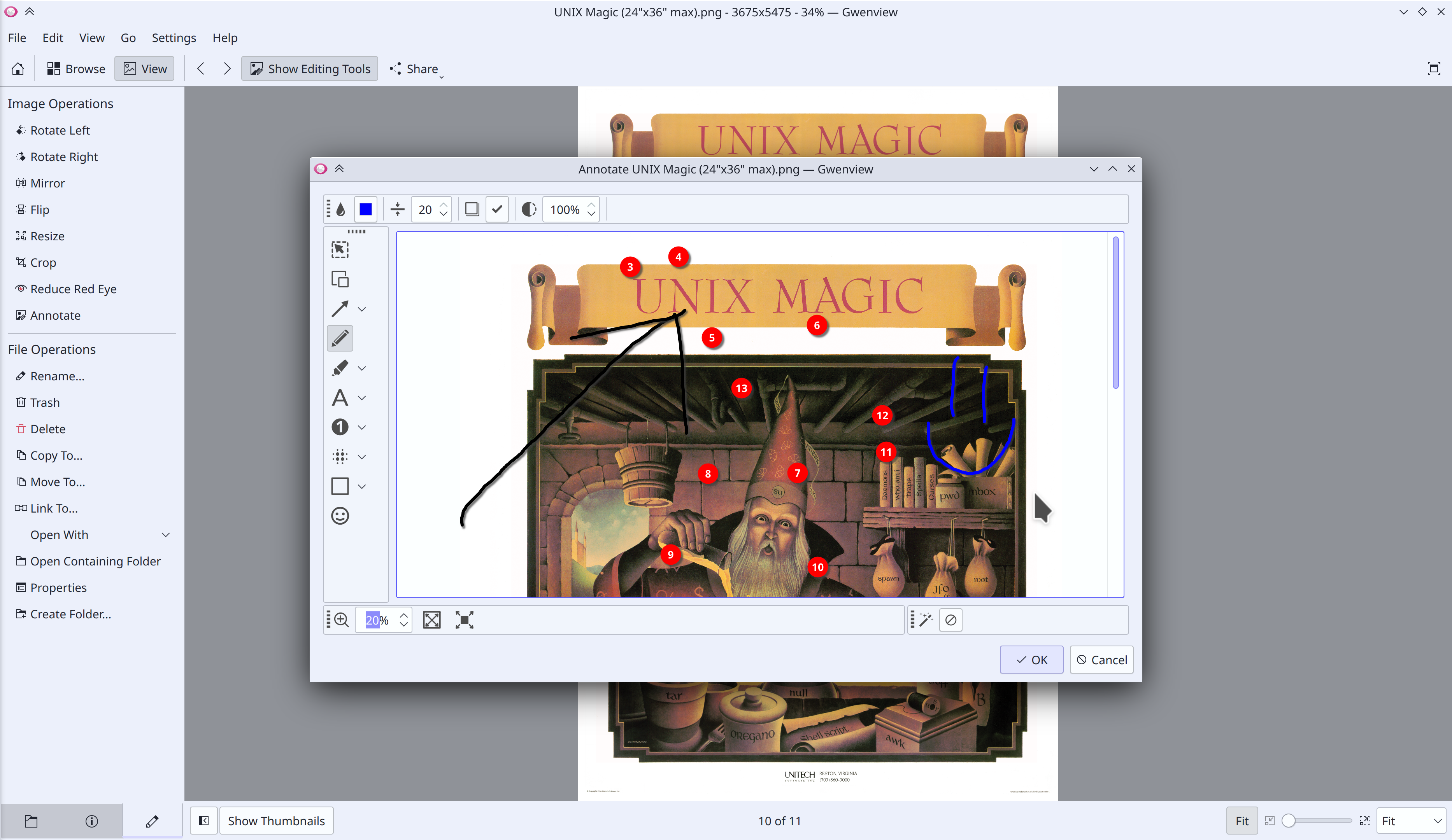
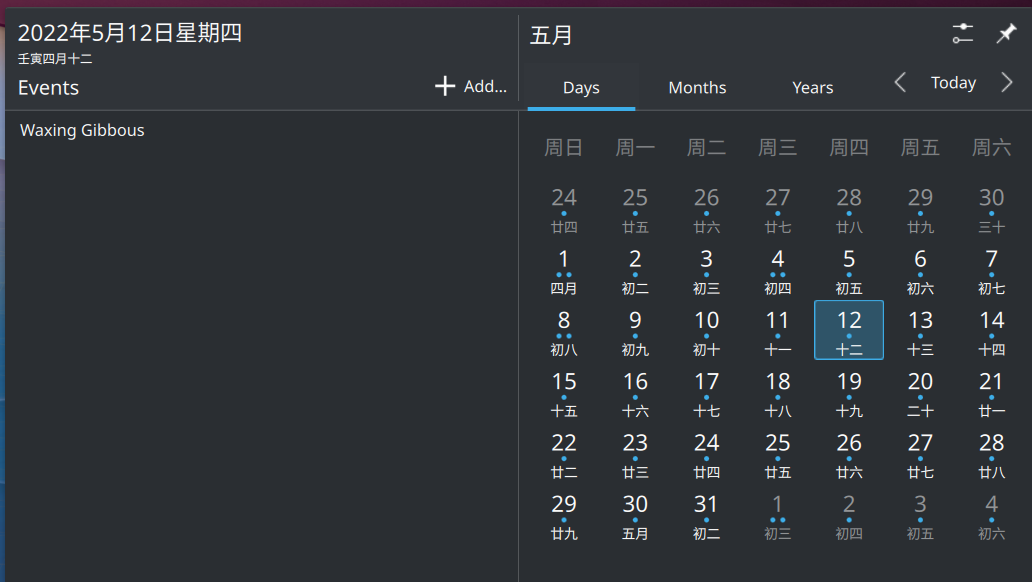
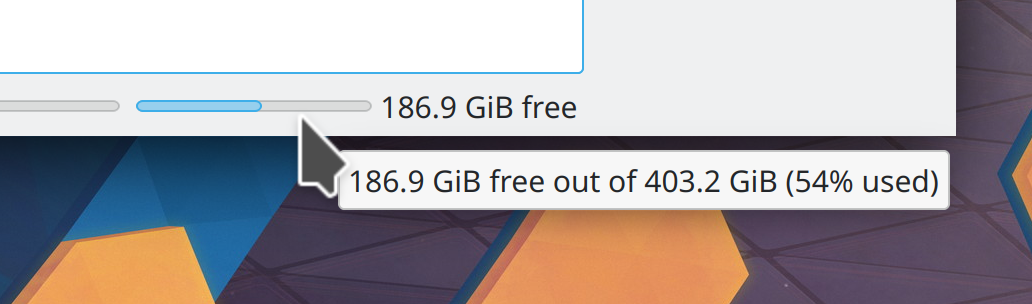
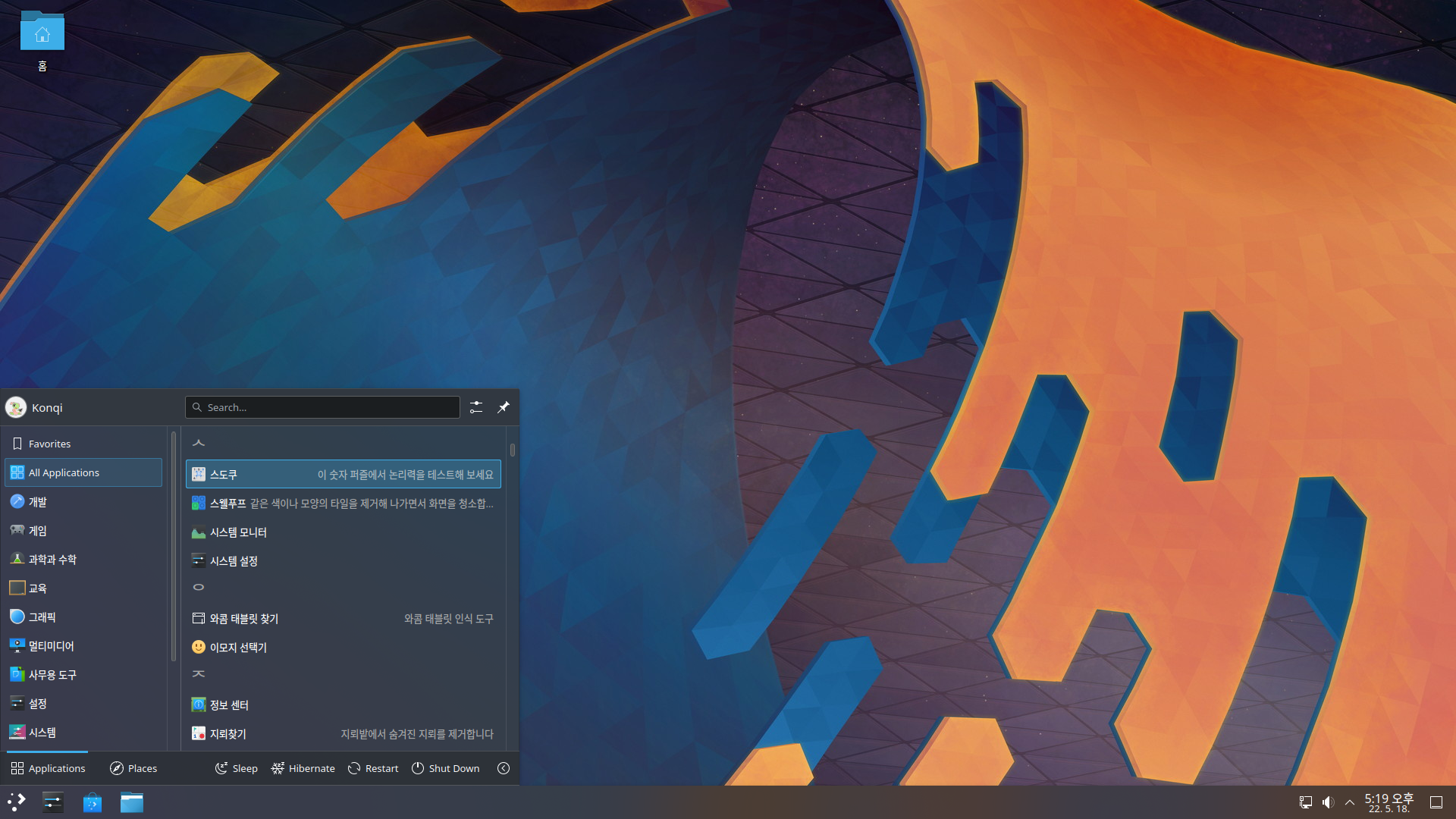
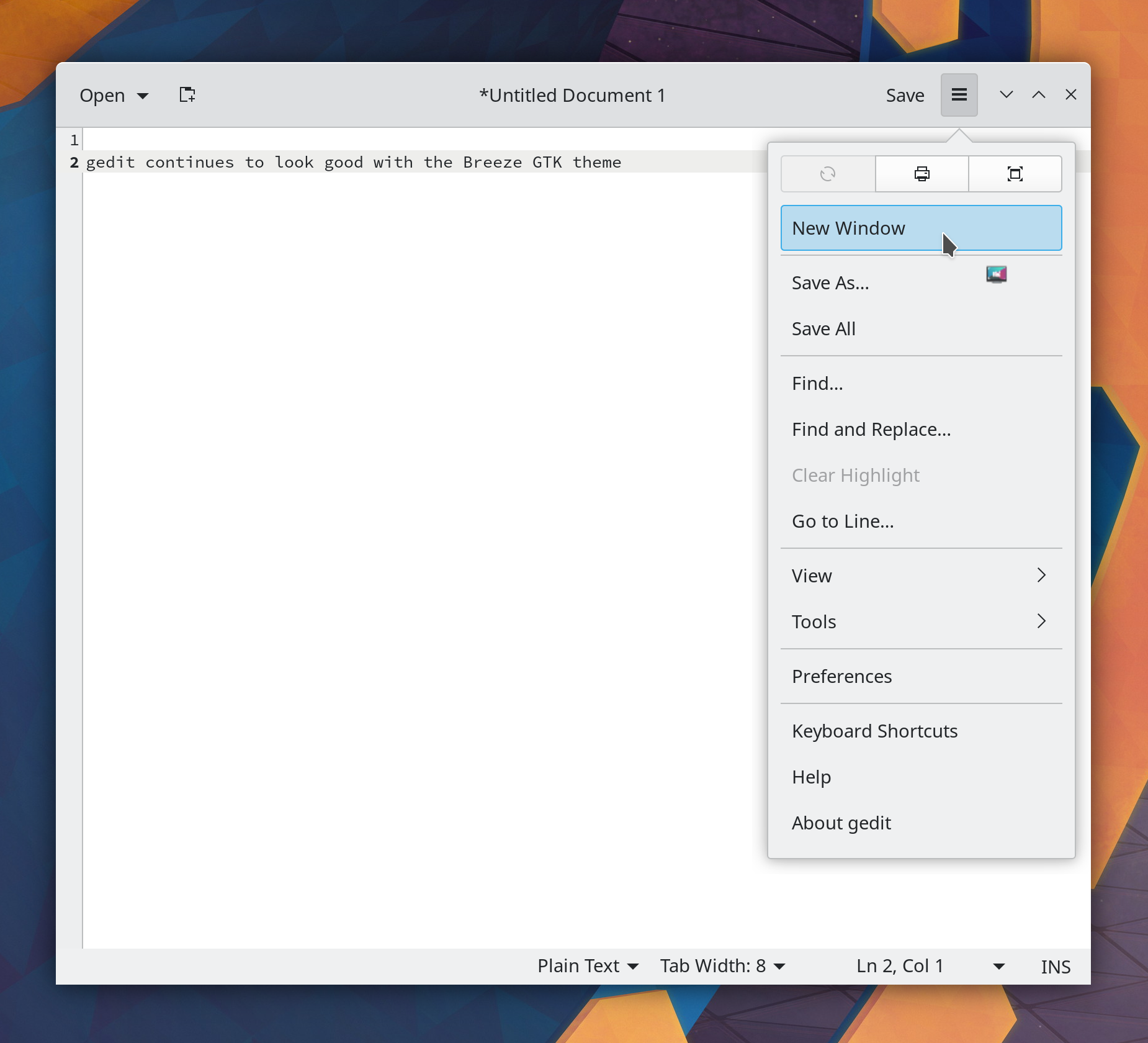
We can ignore the argument to which this is a response, and forgive alcade for confusing the name of the community with the desktop environment. Regardless, “KDE is normal and it works” is in a nutshell what I think makes KDE Plasma such a unique and shining point of light in the FOSS world.
Plasma uses a normal, familiar layout: Panel on the bottom with an app launcher, pinned apps, system tray, and clock; desktop icons; visible buttons that mostly have text labels; minimize/maximize/close buttons on windows. You know, normal stuff. You can change everything, but it starts out normal, unlike other desktop environment projects that are explicitly abnormal–being controversially opinionated about matters of design or having an unusual component layout. This is fine! Their departures from what’s normal may in fact be better, and their developers and users they certainly think so. But tons of people out there don’t want “may be better”, they want “normal.” And that’s fine too. Our software is for them.
And KDE Plasma works. It has its bugs, but it is basically a solid and reliable piece of technology that isn’t missing major features, either because of a lack of resources or because design decisions preclude supporting them. It is not a hobbyist science project missing key functionality that might break entirely. It doesn’t re-invent itself every year or two and become something different that might stop meeting your needs or tastes. It has actionable plans for adapting to industry changes surrounding it that are actively being carried out; it is not on a path to become obsolete or a technical dead end. No, it’s just it’s an imperfect and boring piece of infrastructure you can nonetheless rely on.
I think the world needs something with those characteristics, and and that’s why I like it and work on it.
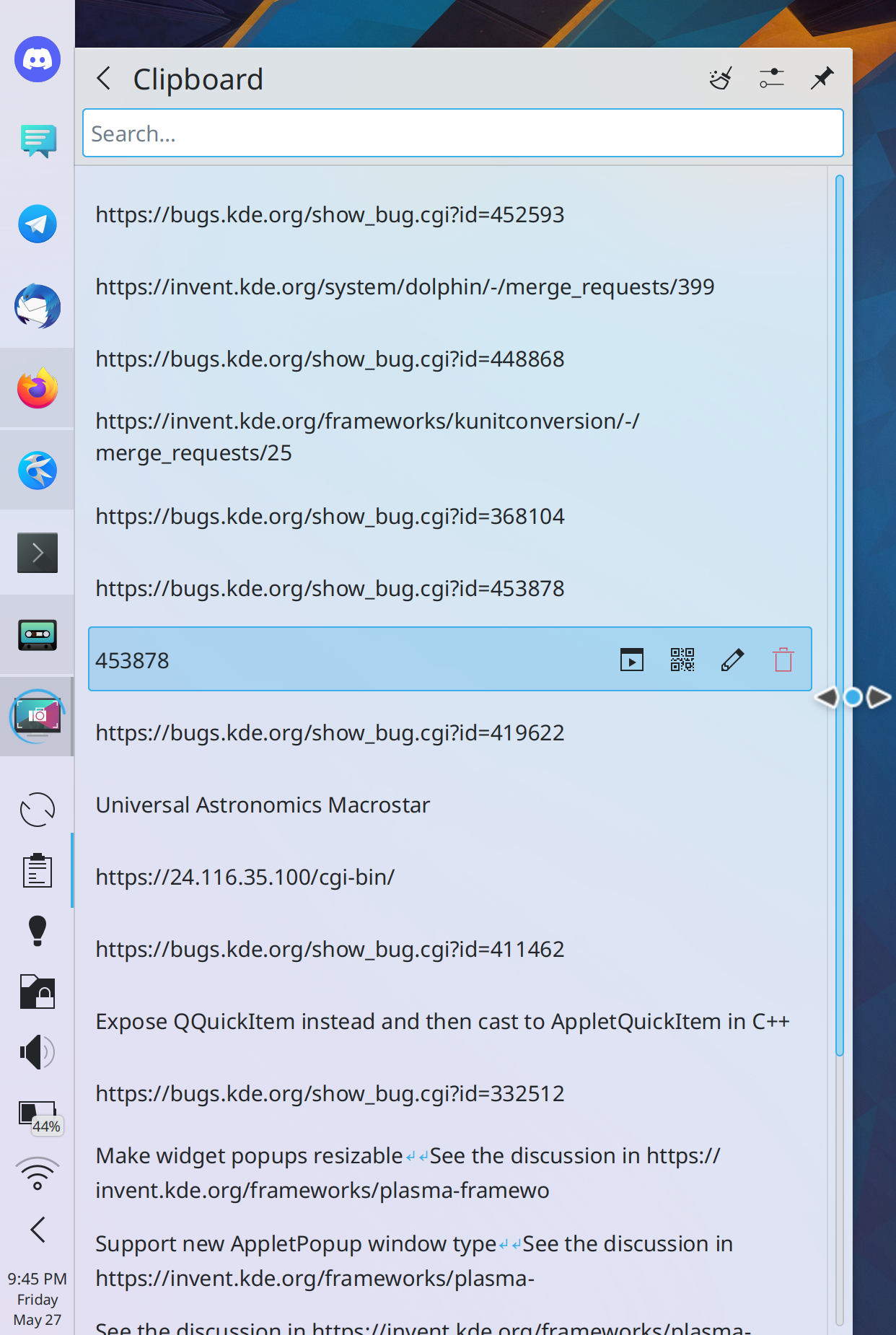
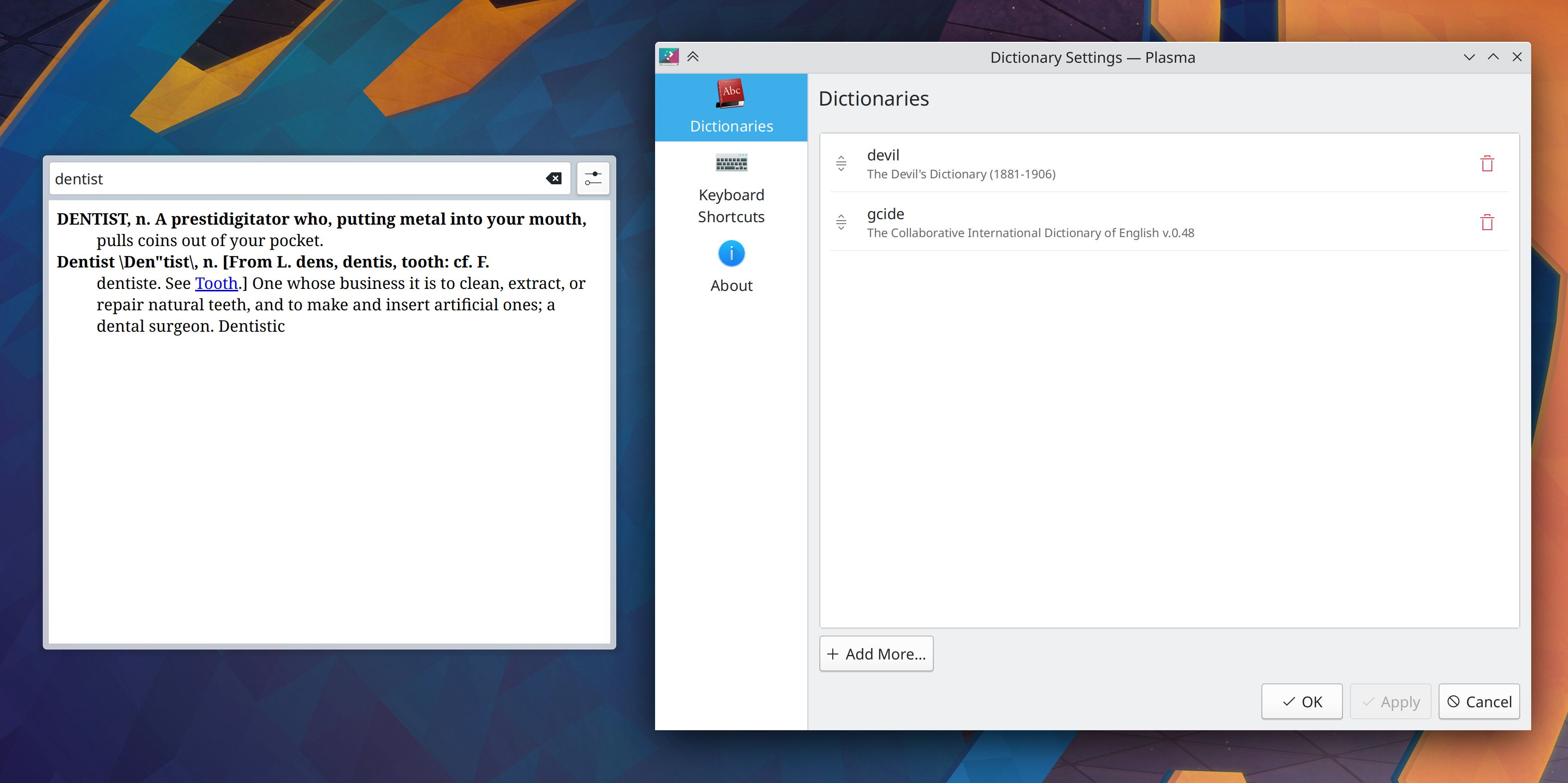
While we work on Plasma 5.24 bugs (and you can see many of them fixed below), we’ve also started to work on many improvements for Plasma 5.25 and KDE apps! Check it out:
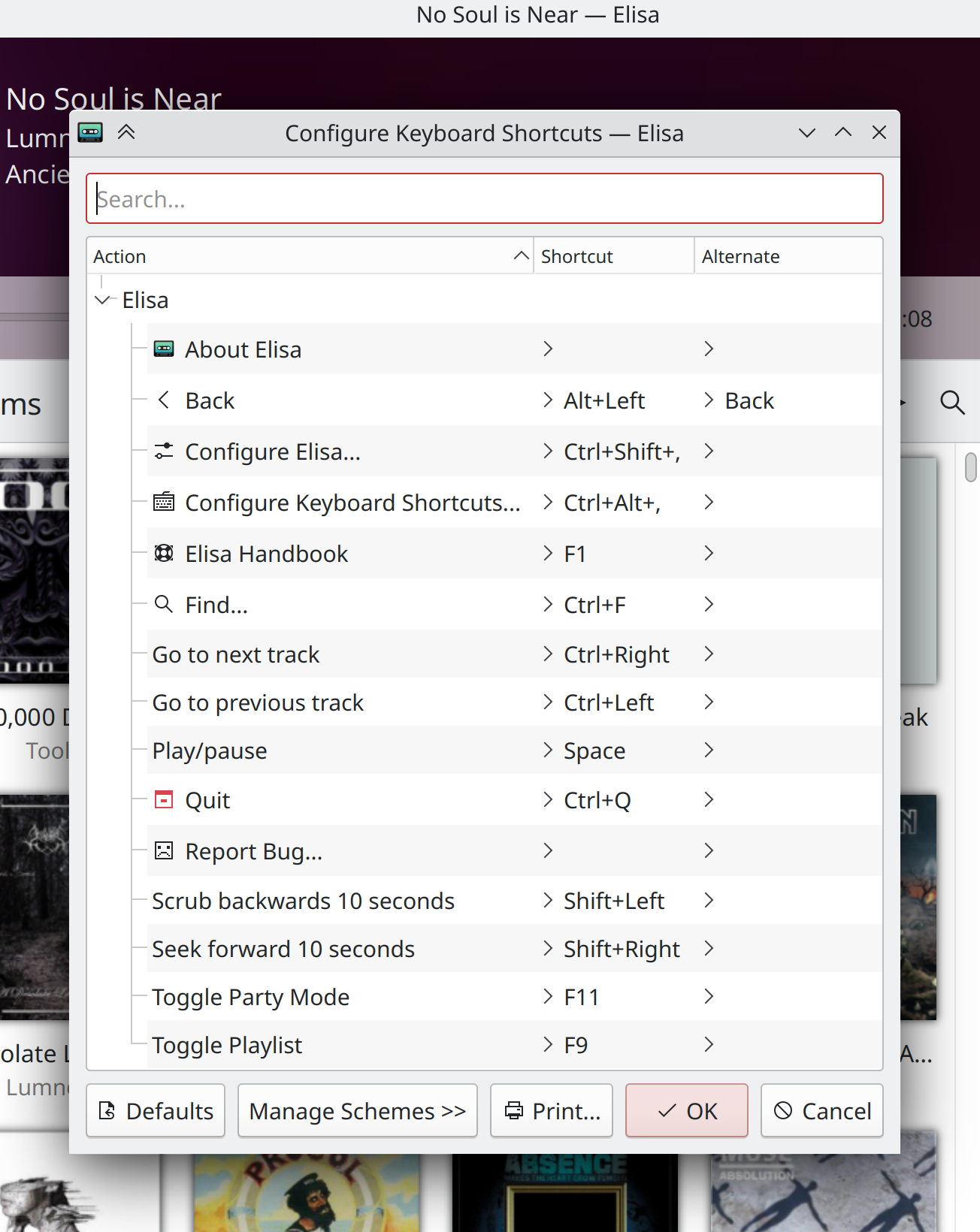
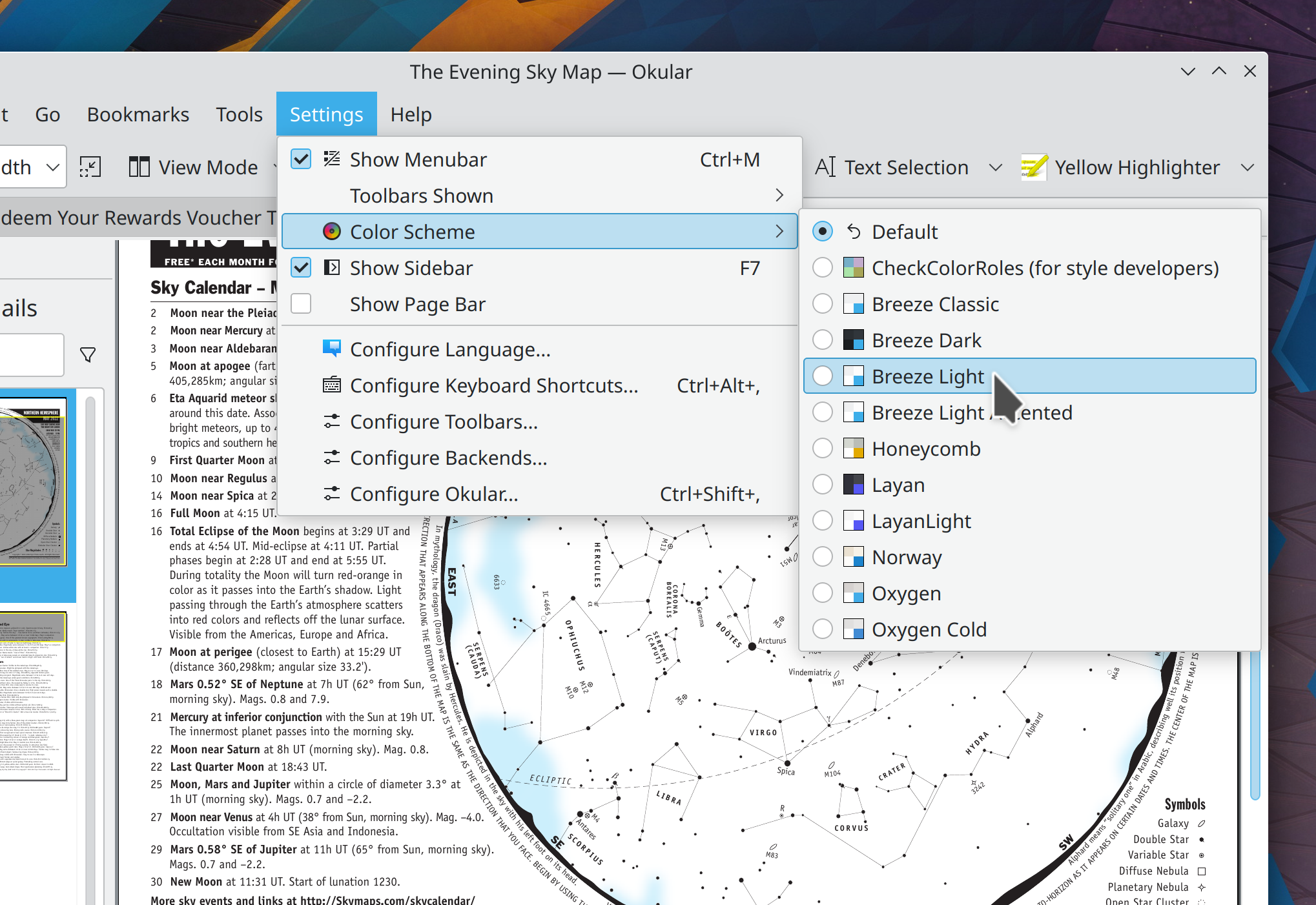
Note that this giant blue header appearance in Breeze Light is non-default; you would have to enable the new “Apply accent color to titlebar” option for Breeze Light for make it use the accent color like this. But it does show what’s possible!
In the Plasma Wayland session, when a native Wayland app is launches with its window maximized, its titlebar “Maximize/Restore” button now visually shows the correct state (Vlad Zahorodnii, Plasma 5.24.1)
In the Plasma X11 session, toggling a window’s the “Show Borders” functionality no longer makes it smaller (Vlad Zahorodnii, Plasma 5.24.1)
This blog only covers the tip of the iceberg! Tons of KDE apps whose development I don’t have time to follow aren’t represented here, and I also don’t mention backend refactoring, improved test coverage, and other changes that are generally not user-facing. If you’re hungry for more, check out https://planet.kde.org, where you can find more news from other KDE contributors.
How You Can Help
If you’re a developer, check out our 15-Minute Bug Initiative. Working on these issues makes a big difference quickly!
Otherwise, have a look at https://community.kde.org/Get_Involved to discover ways to be part of a project that really matters. Each contributor makes a huge difference in KDE; you are not a number or a cog in a machine! You don’t have to already be a programmer, either. I wasn’t when I got started. Try it, you’ll like it! We don’t bite!
Plasma 5.24 was released a few days ago, and so far it’s been the smoothest release in memory. There have been a few regressions, but fewer than other recent releases. I’m sure all of you who have experienced new issues will speak up in the comments, of course. 🙂 But overall it has gone quite well!
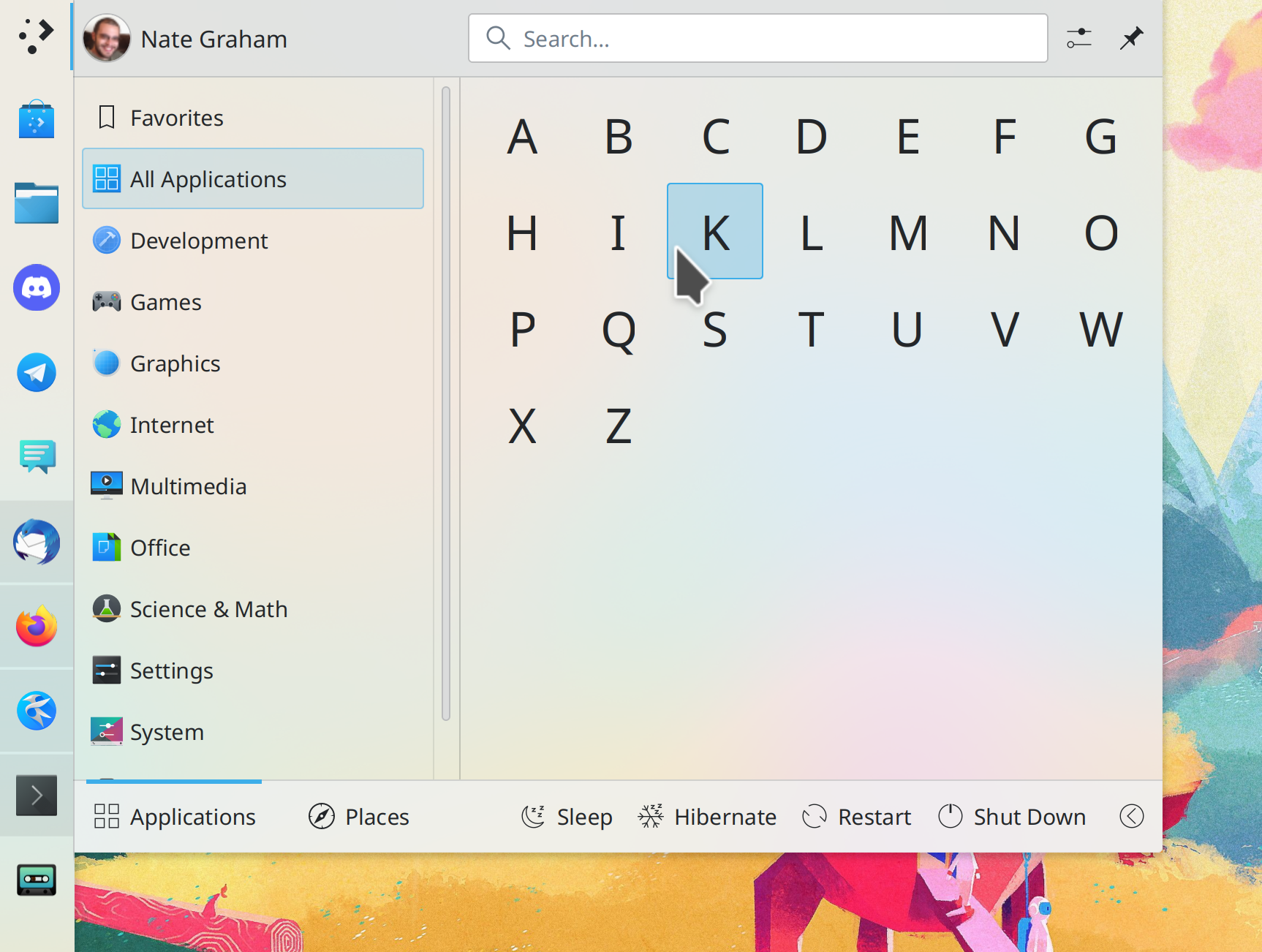
When an app is installed more than once from different sources (e.g. one version from distro repos, and another version from Flatpak), The context menu for that app in Kickoff no longer has multiple entries saying, “Uninstall or manage add-ons” (Alexander Lohnau, Plasma 5.24.1)
Keep in mind that this blog only covers the tip of the iceberg! Tons of KDE apps whose development I don’t have time to follow aren’t represented here, and I also don’t mention backend refactoring, improved test coverage, and other changes that are generally not user-facing. If you’re hungry for more, check out https://planet.kde.org/, where you can find blog posts by other KDE contributors detailing the work they’re doing.
How You Can Help
If you’re a developer, check out our 15-Minute Bug Initiative. Working on these issues makes a big difference quickly!
Otherwise, have a look at https://community.kde.org/Get_Involved to discover ways to be part of a project that really matters. Each contributor makes a huge difference in KDE; you are not a number or a cog in a machine! You don’t have to already be a programmer, either. I wasn’t when I got started. Try it, you’ll like it! We don’t bite!
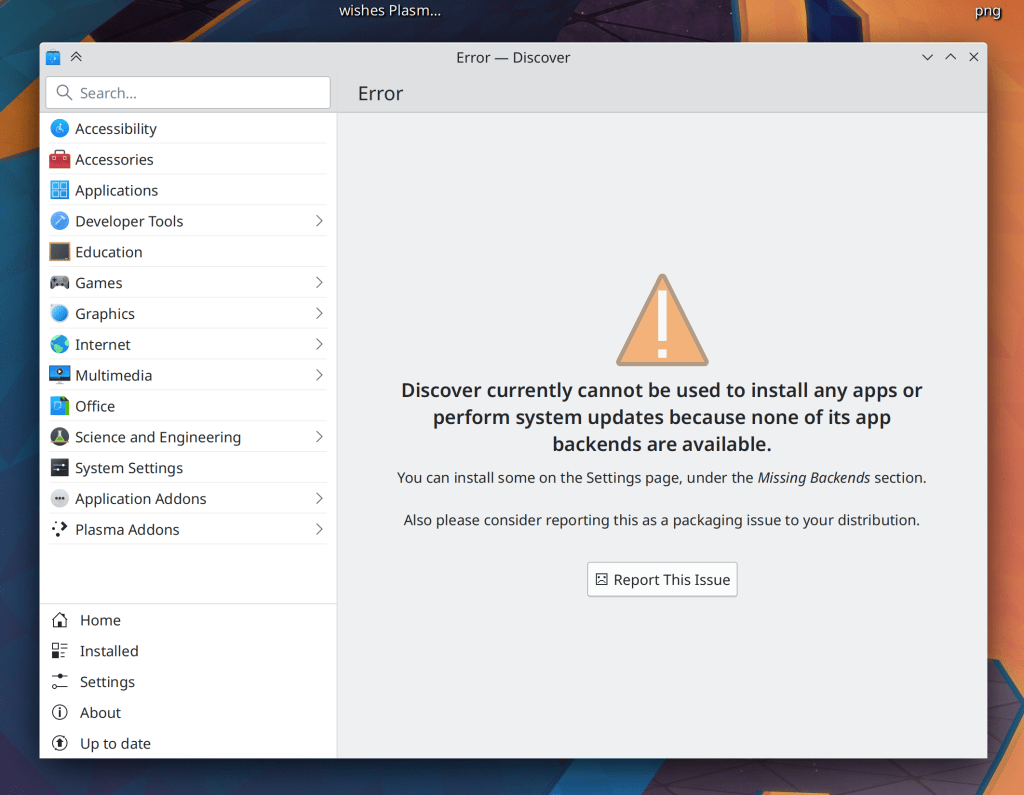
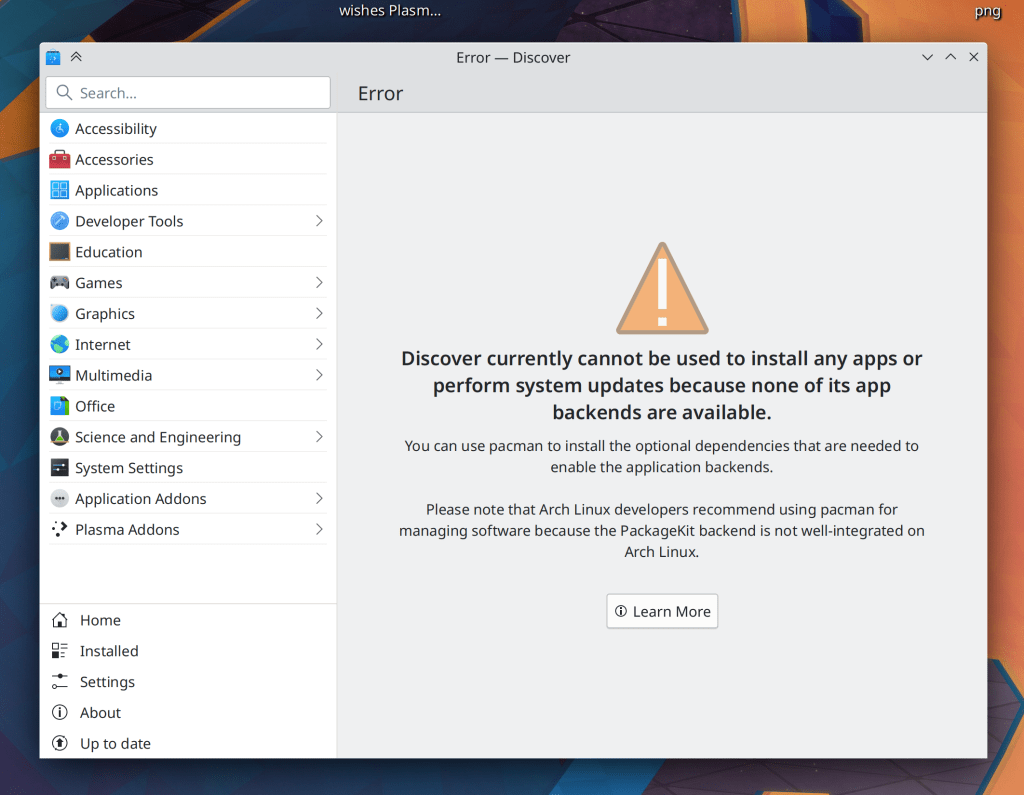
We have put the finishing touches on Plasma 5.24 and started to work on 5.25 stuff, with two big improvements already merged: keyboard navigation for Panels, and the start of Discover’s UI redesign! Check those out below:
Keep in mind that this blog only covers the tip of the iceberg! Tons of KDE apps whose development I don’t have time to follow aren’t represented here, and I also don’t mention backend refactoring, improved test coverage, and other changes that are generally not user-facing. If you’re hungry for more, check out https://planet.kde.org/, where you can find blog posts by other KDE contributors detailing the work they’re doing.
How You Can Help
If you’re a developer, check out our 15-Minute Bug Initiative. Working on these issues makes a big difference quickly!
Otherwise, have a look at https://community.kde.org/Get_Involved to discover ways to be part of a project that really matters. Each contributor makes a huge difference in KDE; you are not a number or a cog in a machine! You don’t have to already be a programmer, either. I wasn’t when I got started. Try it, you’ll like it! We don’t bite!
I mentioned last week that I haven’t been posting about fixes for regressions in 5.24 that never got released, because there would be too many. Nonetheless people have been working very hard on this, and we’re down to only 7, with two of them having open merge requests! Working on those is appreciated, as it helps improve the stability of the final release in a week and a half.
In the Plasma Wayland session, when you unplug and re-plug an external screen, XWayland apps that want to launch on the primary screen (such as many games) no longer to get confused and open on the wrong screen (Aleix Pol Gonzalez, Plasma 5.24)
Custom icons that use SVG images referred to by their path rather than their name once again appear correctly on folders and apps on the desktop (Fushan Wen, Frameworks 5.91)
Keep in mind that this blog only covers the tip of the iceberg! Tons of KDE apps whose development I don’t have time to follow aren’t represented here, and I also don’t mention backend refactoring, improved test coverage, and other changes that are generally not user-facing. If you’re hungry for more, check out https://planet.kde.org/, where you can find blog posts by other KDE contributors detailing the work they’re doing.
Otherwise, have a look at https://community.kde.org/Get_Involved to discover ways to be part of a project that really matters. Each contributor makes a huge difference in KDE; you are not a number or a cog in a machine! You don’t have to already be a programmer, either. I wasn’t when I got started. Try it, you’ll like it! We don’t bite!
Regressions in the Plasma 5.24 beta (which I have not mentioned here because they never got released, and there would be so many of them that it would make your head spin and your eyes would gloss over!)
General bugs not related to those
I think everyone should find something to like here! So let’s take a look:
A few were found to be already fixed recently and will be available in the next release, or caused by upstream or downstream issues (many of which are also already fixed in the next release). The following were fixed in KDE code this week:
Breeze-themed menu items in QtQuick-based apps now become bigger and more tappable when you’re in Tablet Mode (Me: Nate Graham, Frameworks 5.91):
NOTE FOR PEOPLE WHO HATE WHITESPACE: This is only in Tablet Mode! Only in Tablet Mode! Not in regular mode! You won’t ever have to see this density reduction! So don’t complain about it! 🙂
And yes, there is indeed a bit more fat we can trim here, which will be happening shortly
Kate, KDevelop, and other KTextEditor-based apps now automatically detect the whitespace style of files you open, so you’ll never again have the experience of opening a file that uses tabs instead of spaces and you hit the tab key and it inserts spaces and you only notice this later when you run git diff on your changes and see that you’ve ruined the whitespace (Waqar Ahmed, Frameworks 5.91)
Keep in mind that this blog only covers the tip of the iceberg! Tons of KDE apps whose development I don’t have time to follow aren’t represented here, and I also don’t mention backend refactoring, improved test coverage, and other changes that are generally not user-facing. If you’re hungry for more, check out https://planet.kde.org/, where you can find blog posts by other KDE contributors detailing the work they’re doing.
How You Can Help
If you’re a developer, check out our 15-Minute Bug Initiative. Working on these issues makes a big difference quickly!
Otherwise, have a look at https://community.kde.org/Get_Involved to discover ways to be part of a project that really matters. Each contributor makes a huge difference in KDE; you are not a number or a cog in a machine! You don’t have to already be a programmer, either. I wasn’t when I got started. Try it, you’ll like it! We don’t bite!
In my 2022 roadmap, I mentioned something called the “15-Minute Bug Initiative.” Today I’d like to flesh it out and request participation! This blog post is not only informational, but I really hope any developers reading along will get excited and decide to participate. 🙂
KDE software has historically been accused of being resource-intensive, ugly, and buggy. Over the years we’ve largely resolved the first two, but the issue of bugginess persists.
Have you ever had that experience where you’re introducing someone to a KDE Plasma system and to your horror, they run into multiple bugs within moments? These are the issues we need to fix first: those that can be easily encountered within 15 minutes of basic usage. They leave a bad taste in people’s mouths and provide the impression that the system is a house of cards. It’s time to remedy this final strategic weakness of KDE, starting with Plasma itself. So I’d like to present our initial list of bugs:
If you have any software development skills, working on these bugs is a super impactful way to make a difference with code!! Every fixed bug is a huge deal, and brings Plasma meaningfully closer to a position of true stability.
Likely-to-be-frequently-asked questions
1. What are the criteria for being a 15-minute bug?
It’s an inherently squishy thing, but I look for the following:
Affects the default setup
100% reproducible
Something basic doesn’t work (e.g. a button doesn’t do anything when clicked)
Something basic looks visually broken
Causes Plasma or the full session to crash
Requires a reboot or terminal commands to fix
The bug report has more than 5 duplicates
The more of those conditions apply, the more likely that any Plasma user will run into it quickly during normal usage, and the more I feel like it qualifies.
2. Who determines what gets to be a 15-minute bug?
KDE developers and bug triagers make the call.
3. I’m a developer or bug triager; how do I add a bug to this list?
4. I’m not a developer or a bug triager; how can I help?
You can go through the list and try to reproduce or confim the bugs, and do investigation into root causes and triggering factors for the ones where this isn’t already known. Those are important because a skilled developer can usually quickly fix a bug they can reproduce. But if they can’t, then they may never be able to. So if you can help developers reproduce bugs, that’s extremely valuable.
5. I’m experiencing this annoying issue that’s not on the list! Can you add it?
Maybe. Mention the 15-minute bug initiative in the bug report for it, and KDE’s bug triagers will see if it makes the cut.
6. Why are you only doing Plasma bugs right now?
Lack of resources. The list currently has almost 100 bugs, and I don’t anticipate that we’ll get it down to zero in a year. A lot of the issues there are quite challenging to fix. But if I’m wrong and we blaze through everything, then I’ll absolutely broaden the initiative to include first frameworks, and then apps! Stabilize all the things!
So that’s the 15-Minute Bug Initiative. Let’s get cracking and make Plasma rock solid in 2022!
This week we released the Plasma 5.24 beta, so go check it out and file bug reports! We spent most of the week preparing for it and fixing bugs, which we’ll continue to do for the next month in preparation for the final release.
Downloading “Get New <stuff>” items with dependencies once again works (Alexander Lohnau, Frameworks 5.91, though distros should be backporting the fix ASAP for 5.90)
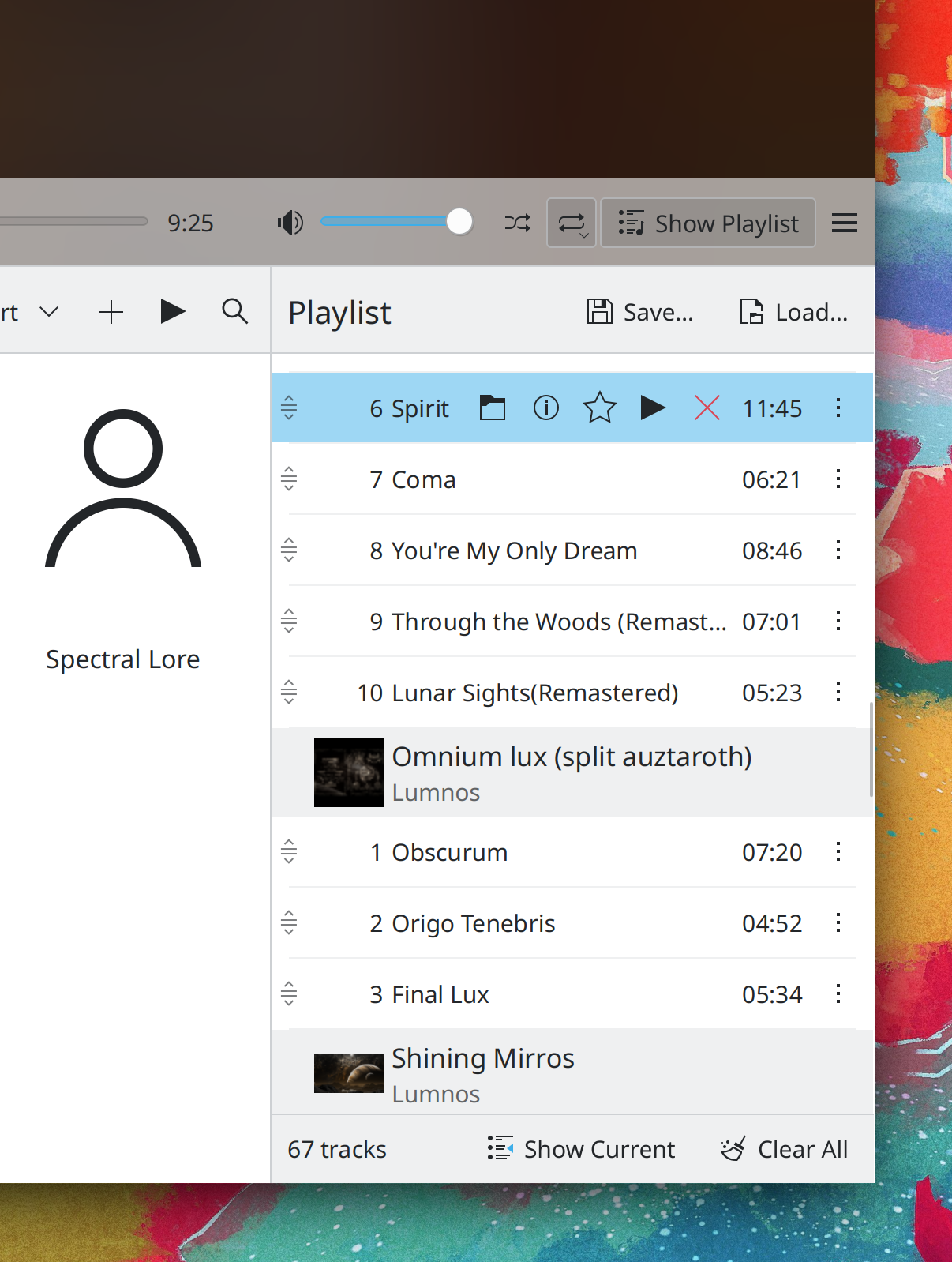
KHamburgerMenu menus now have a simpler design for the bottom items: there is now a “More” item at the very end that shows you all the rest of the menu items, and the “Help” item is right above it, and both have proper icons (Mufeed Ali, Frameworks 5.91):
Keep in mind that this blog only covers the tip of the iceberg! Tons of KDE apps whose development I don’t have time to follow aren’t represented here, and I also don’t mention backend refactoring, improved test coverage, and other changes that are generally not user-facing. If you’re hungry for more, check out https://planet.kde.org/, where you can find blog posts by other KDE contributors detailing the work they’re doing.
How You Can Help
Have a look at https://community.kde.org/Get_Involved to discover ways to be part of a project that really matters. Each contributor makes a huge difference in KDE; you are not a number or a cog in a machine! You don’t have to already be a programmer, either. I wasn’t when I got started. Try it, you’ll like it! We don’t bite!
In the Plasma Wayland session, the System Tray item for showing and hiding the virtual keyboard now becomes active only in tablet mode (me: Nate Graham, Plasma 5.24)
Scrollable controls in Plasma and other QtQuick-based apps now only change their contents when you scroll on them if the cursor began over them, not when the cursor happened to pass over them because the view they live on moved while scrolling (Noah Davis, Frameworks 5.90 with Plasma 5.24)
Keep in mind that this blog only covers the tip of the iceberg! Tons of KDE apps whose development I don’t have time to follow aren’t represented here, and I also don’t mention backend refactoring, improved test coverage, and other changes that are generally not user-facing. If you’re hungry for more, check out https://planet.kde.org/, where you can find blog posts by other KDE contributors detailing the work they’re doing.
How You Can Help
Have a look at https://community.kde.org/Get_Involved to discover ways to be part of a project that really matters. Each contributor makes a huge difference in KDE; you are not a number or a cog in a machine! You don’t have to already be a programmer, either. I wasn’t when I got started. Try it, you’ll like it! We don’t bite!