Holy moley, there are 50 of these Usability & Productivity reports?! Time sure flies when you’re having fun!
Speaking of having fun, this week is going to be a bit light what with the run-up to Christmas. Folks are spending some time with their families and recharging batteries!
Nevertheless, it was quite a week for some of the core KDE applications, which received a number of nice improvements and new features. More are on the way too, and the upcoming KDE Applications 19.04 release promises to be packed with much-requested goodies!
New Features
- Okular’s print dialog now has scaling options (Oliver Sander, KDE Applications 19.04.0):

Bugfixes & Performance Improvements
- Improved the speed with which HTTP and HTTPS links are opened in a browser when the browser has been set as the default browser in ~/.config/mimeapps.list but not ~/.config/kdeglobals, which can happen when the browser received permission from the user to set itself as the default browser rather than the user specifically marking it as the default browser in System Settings (me: Nate Graham, KDE Frameworks 5.54)
- Python 3 script files now get the correct icon (me: Nate Graham, KDE Frameworks 5.54)
- The backend code for Spectacle’s Rectangular Region mode has been completely rewritten, which hugely improves performance and fixes a variety of bugs such as being unable to easily escape from Rectangular Region mode under certain circumstances and capturing the mouse pointer too late (Ambareesh Balaji, KDE Applications 19.04.0)
- In Konsole, inactive tabs that receive a notification and have their title text color changed now reset the color to the normal tab title text color when the tab is activated (Tomaz Canabrava, KDE Applications 19.04.0)
User Interface Improvements
- Konsole’s Edit Profile dialog received a huge user interface overhaul (Mariusz Glebocki, KDE Applications 19.04.0):


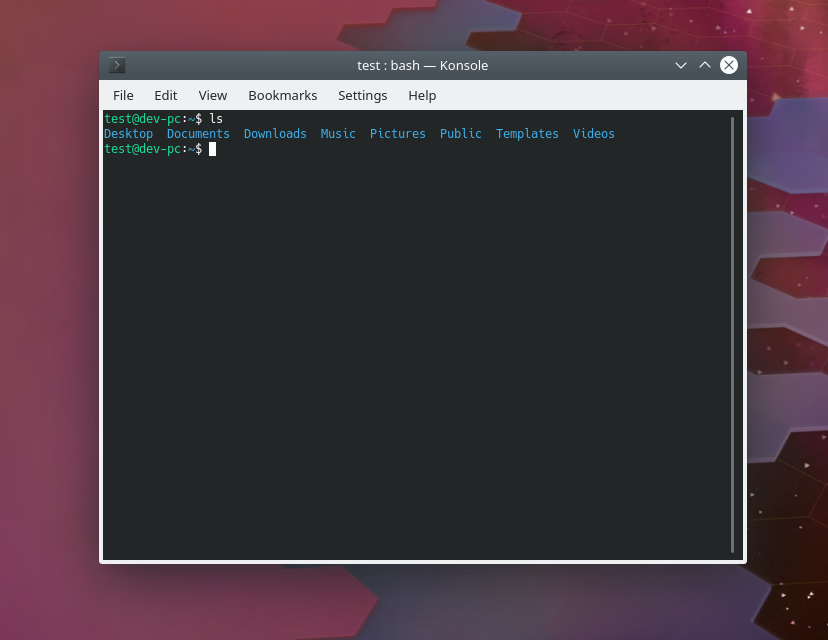
- Konsole’s Breeze color scheme is now used as the default Konsole color scheme, and has better contrast and consistency with the systemwide Breeze theme (me: Nate Graham, KDE Applications 19.04.0):
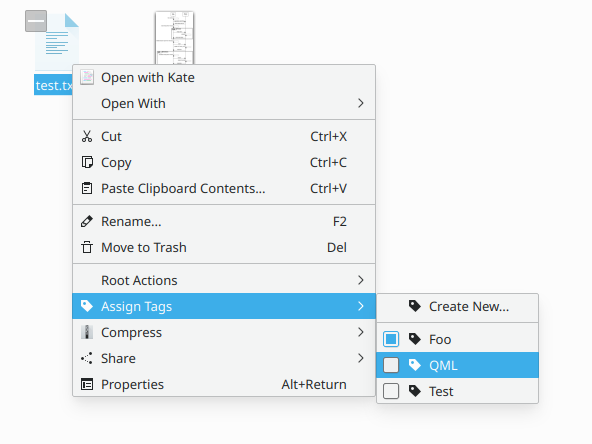
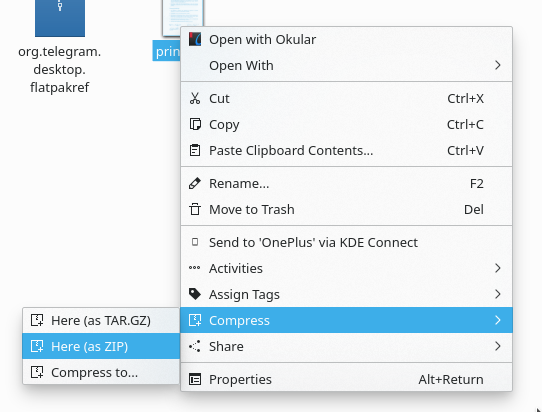
- Dolphin’s “Compress” and Extract context menu items now display appropriate icons (Nicolas Fella, KDE Applications 19.04.0):
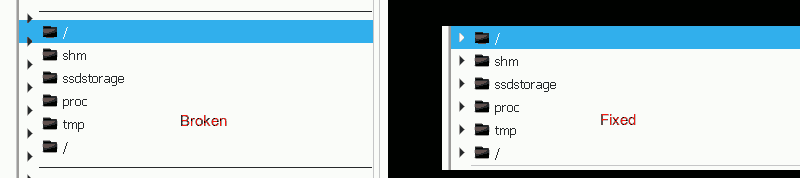
- It’s now possible to open an item in the breadcrumbs bar from its context menu (Aleix Pol Gonzalez, KDE Frameworks 5.54):

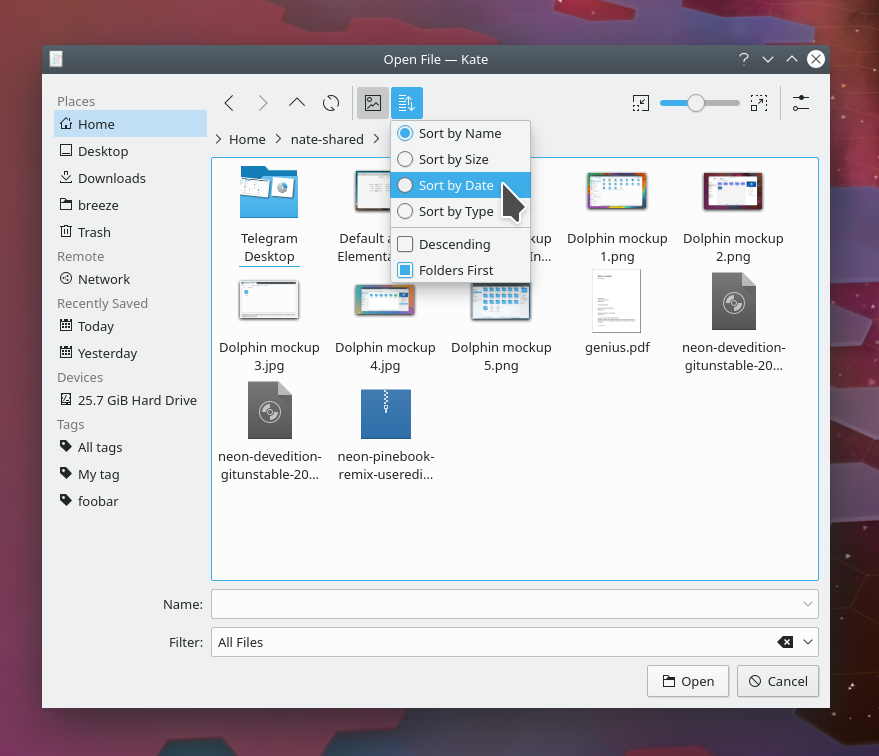
- Improved the behavior and consistency of the URL navigator/path bar in Dolphin and the open/save dialogs: now ctrl+L makes the location bar editable and focused and selects all the text; however when all of those are already true it instead returns it to breadcrumbs mode (me: Nate Graham, KDE Frameworks 5.54 and KDE Applications 19.04.0)
Next week, your name could be in this list! Not sure how? Just ask! I’ve helped mentor a number of new contributors recently and I’d love to help you, too! You can also check out https://community.kde.org/Get_Involved, and find out how you can help be a part of something that really matters. You don’t have to already be a programmer. I wasn’t when I got started. Try it, you’ll like it! We don’t bite!
If my efforts to perform, guide, and document this work seem useful and you’d like to see more of them, then consider becoming a patron on Patreon, LiberaPay, or PayPal. Also consider making a donation to the KDE e.V. foundation.