
We released Plasma 5.20 this week and I think our QA generally paid off–it seems to have been one of the smoothest releases I can remember despite all of the changes! That said, Neon experienced some packaging issues that affected users on the release day, which we’re investigating, and we’ll figure out how to make sure this doesn’t happen again. those issues have all been fixed now, so it should be safe to upgrade, if you haven’t done so yet. And of course we spent a lot of time fixing the few regressions in Plasma 5.20 that did manage to slip through, but also working on the next versions!
New Features
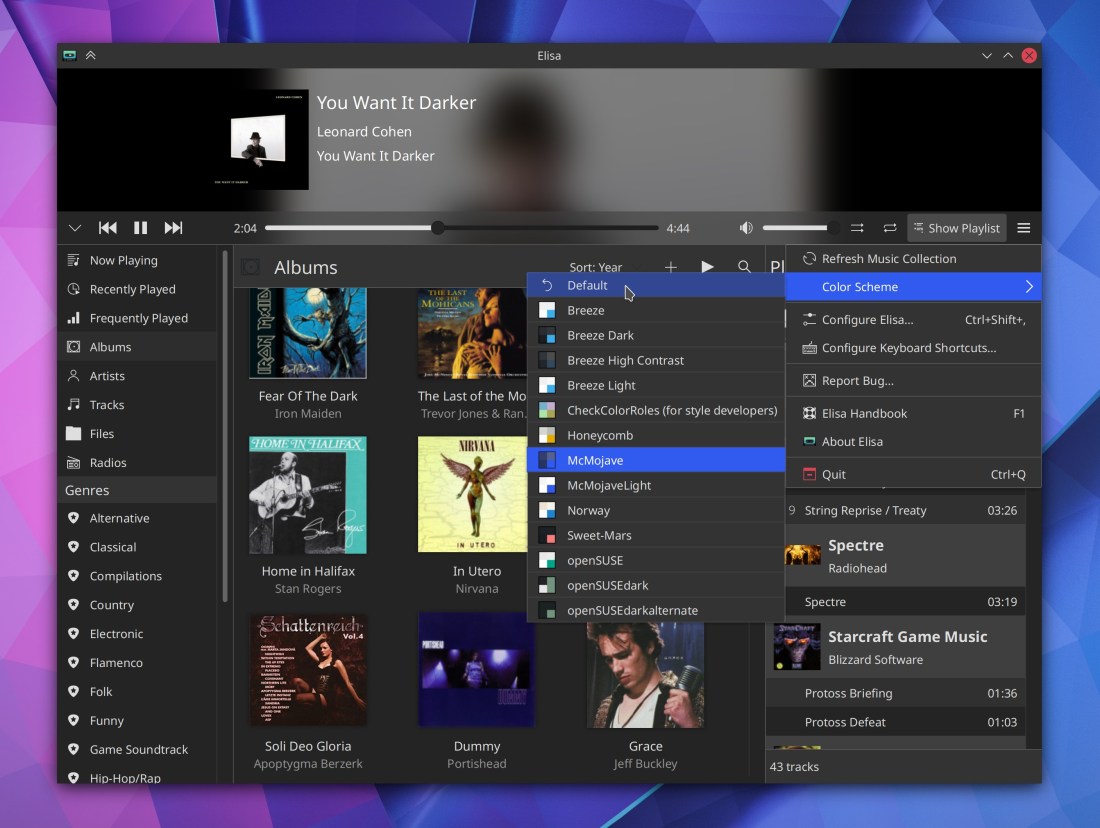
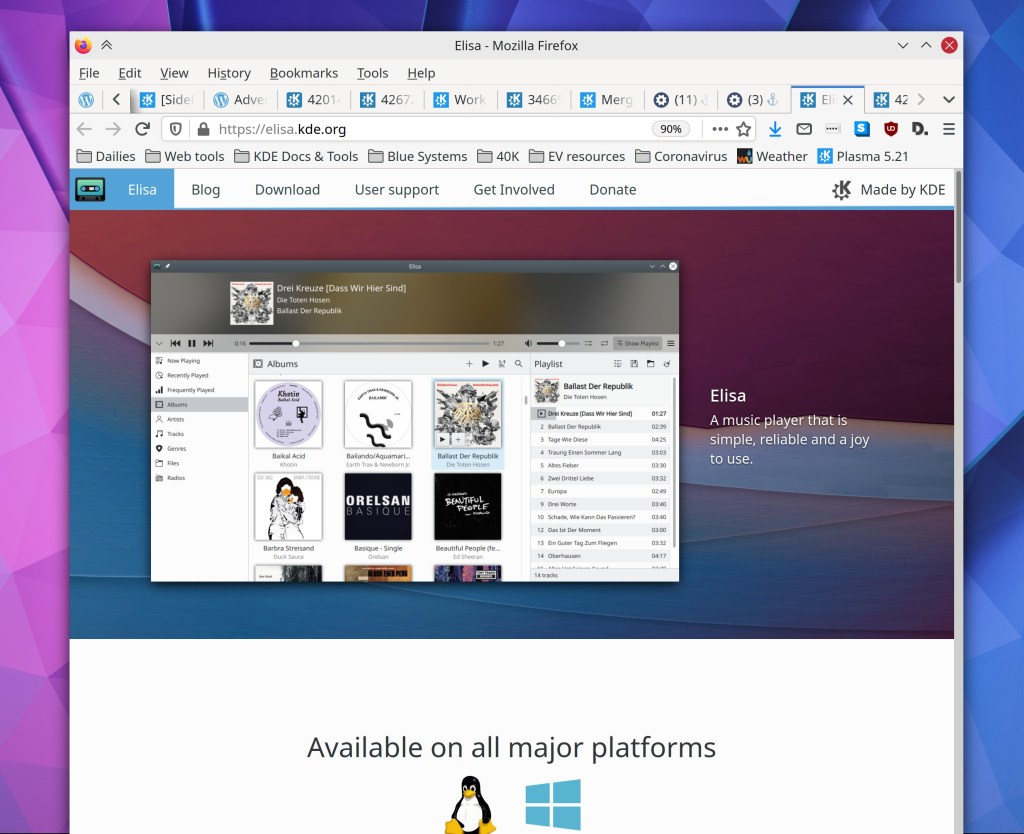
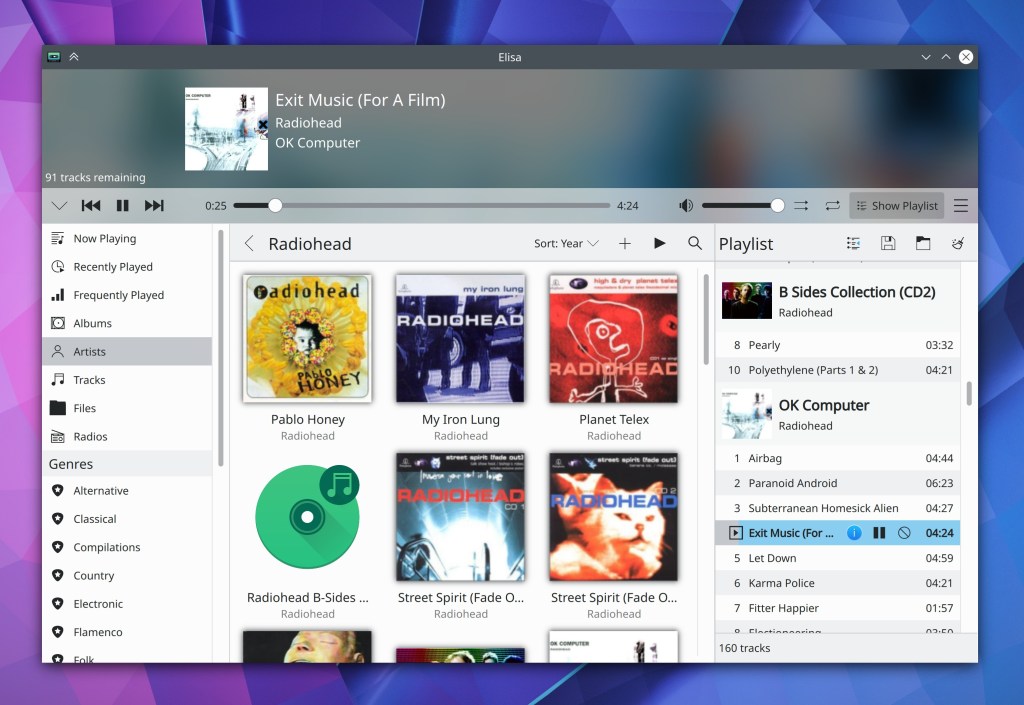
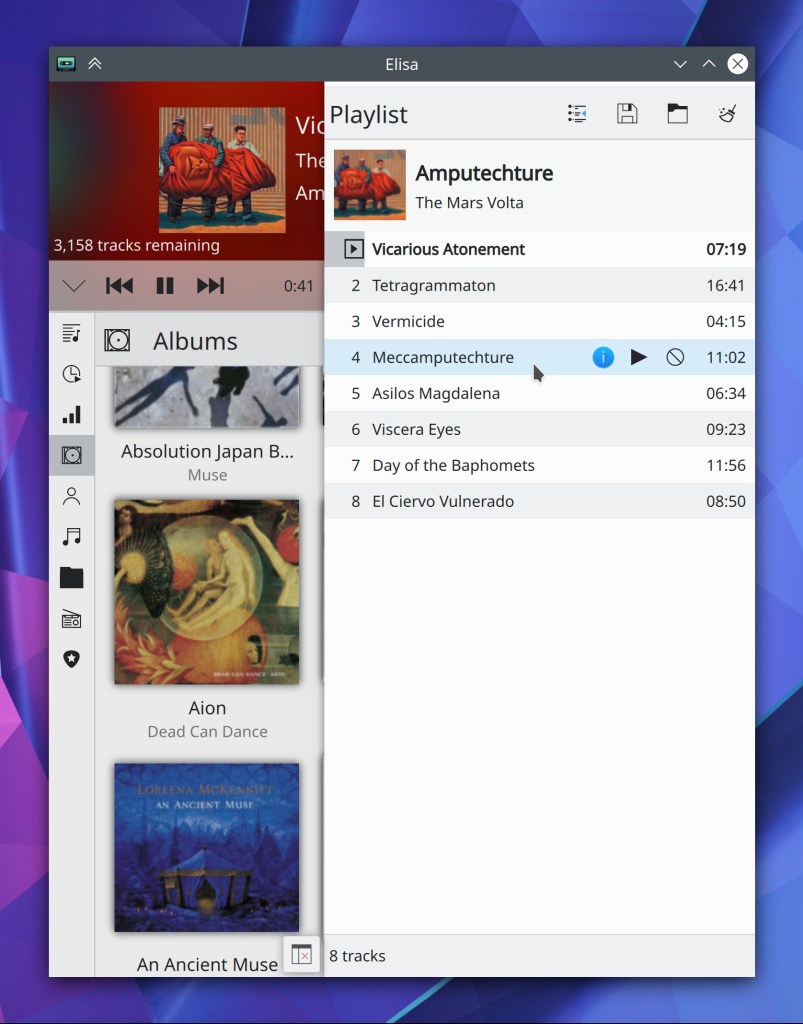
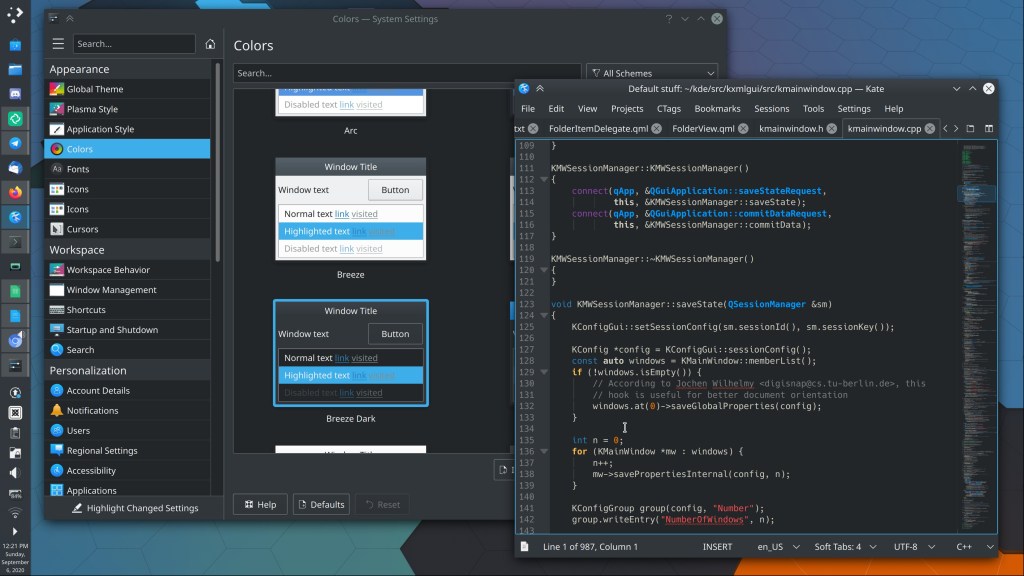
Elisa now lets you change the color scheme of the app independent of the systemwide color scheme (George Florea Bănuș, Elisa 20.12):

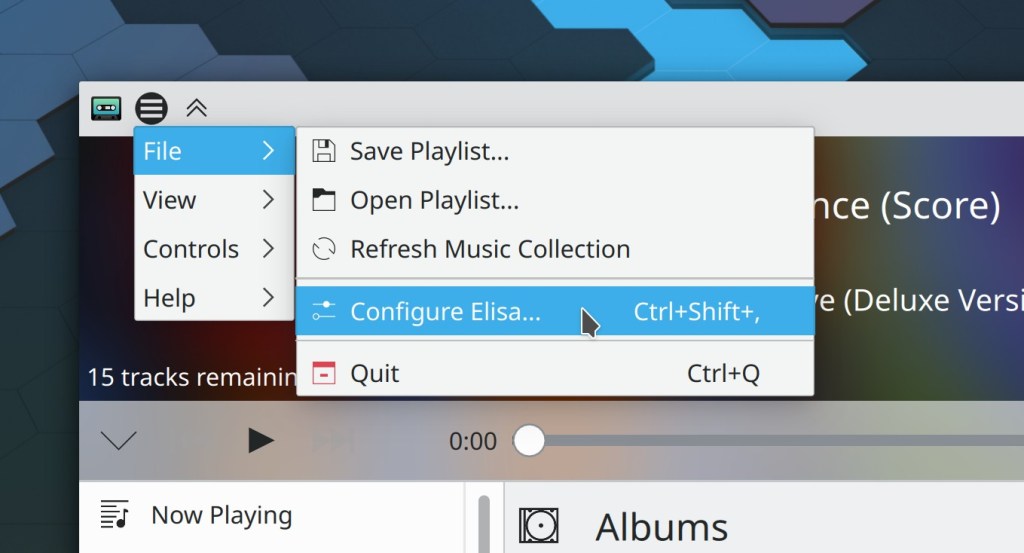
Elisa now lets you choose which view to display when the app launches (Matthieu Gallien, Elisa 20.12)
Ark now supports archives with zstd compression (Alexey Ivanov, Ark 20.12)
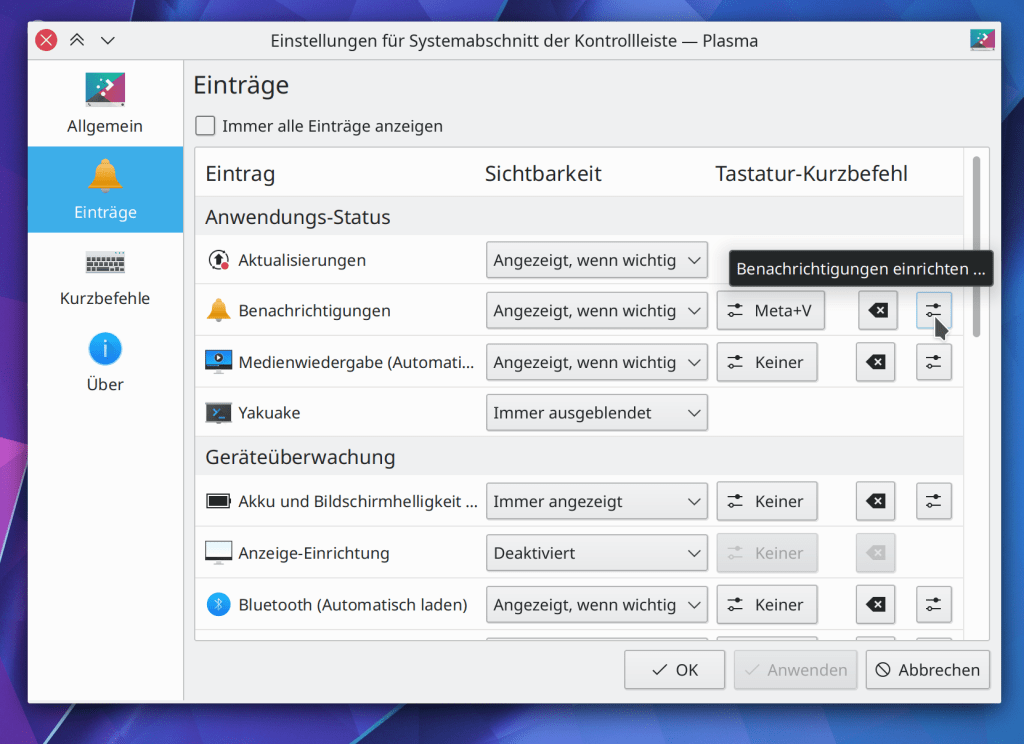
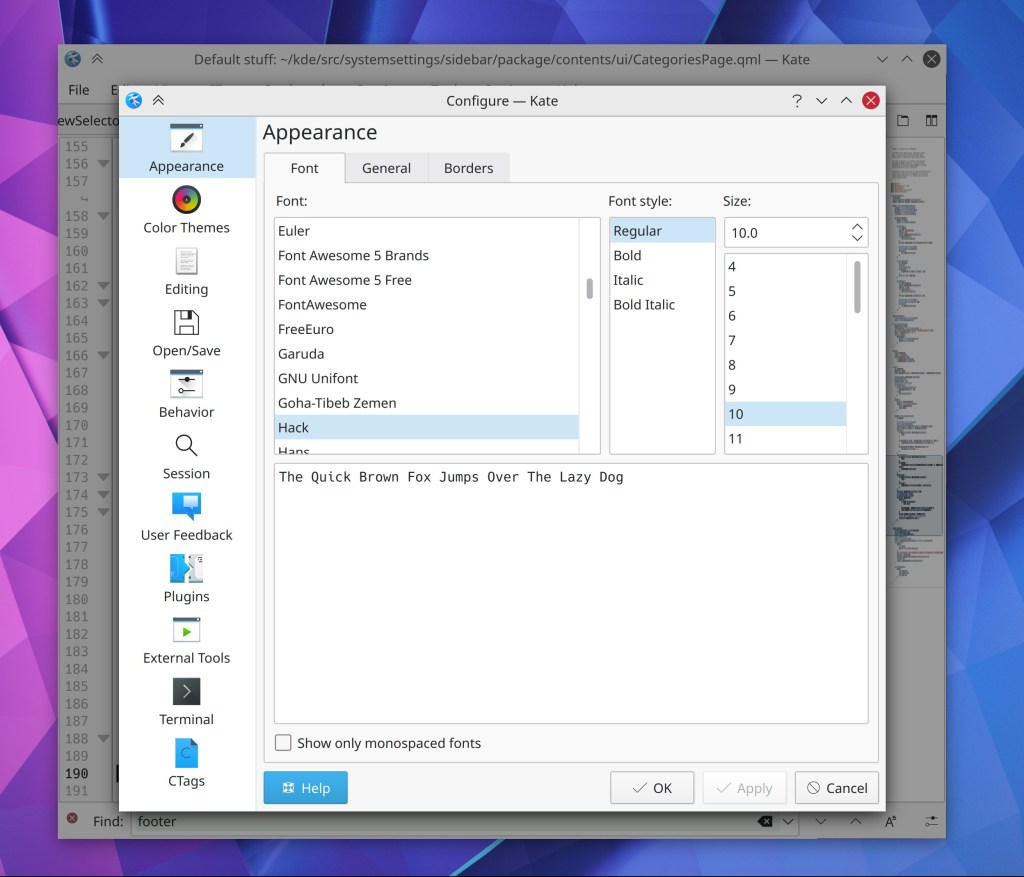
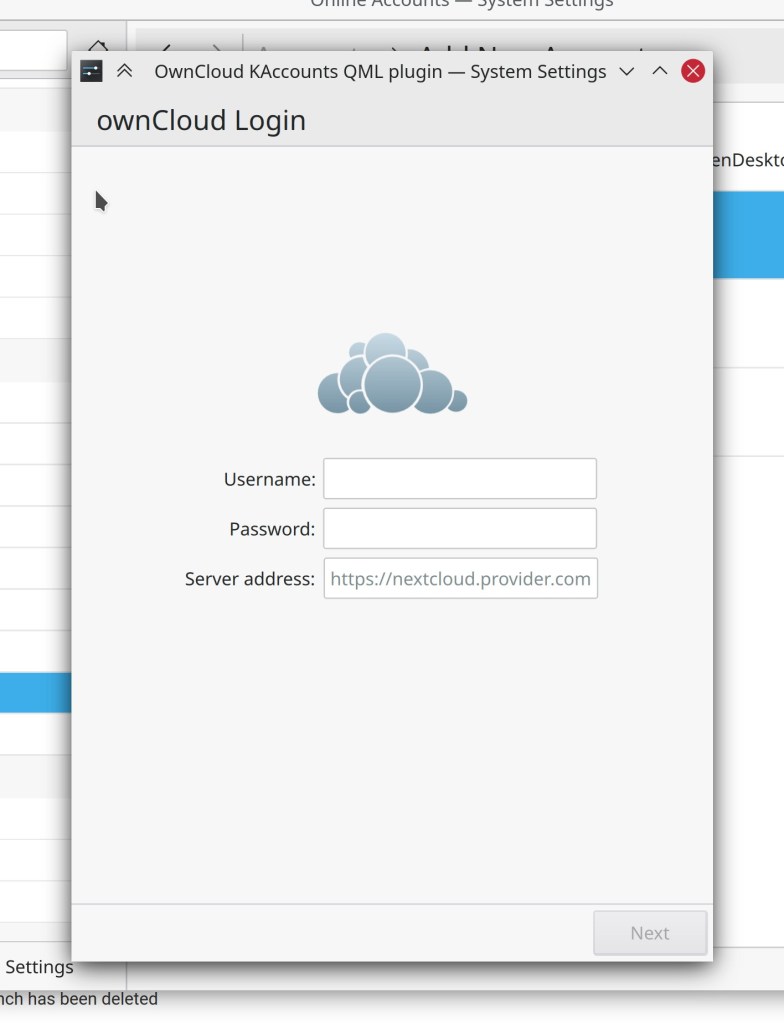
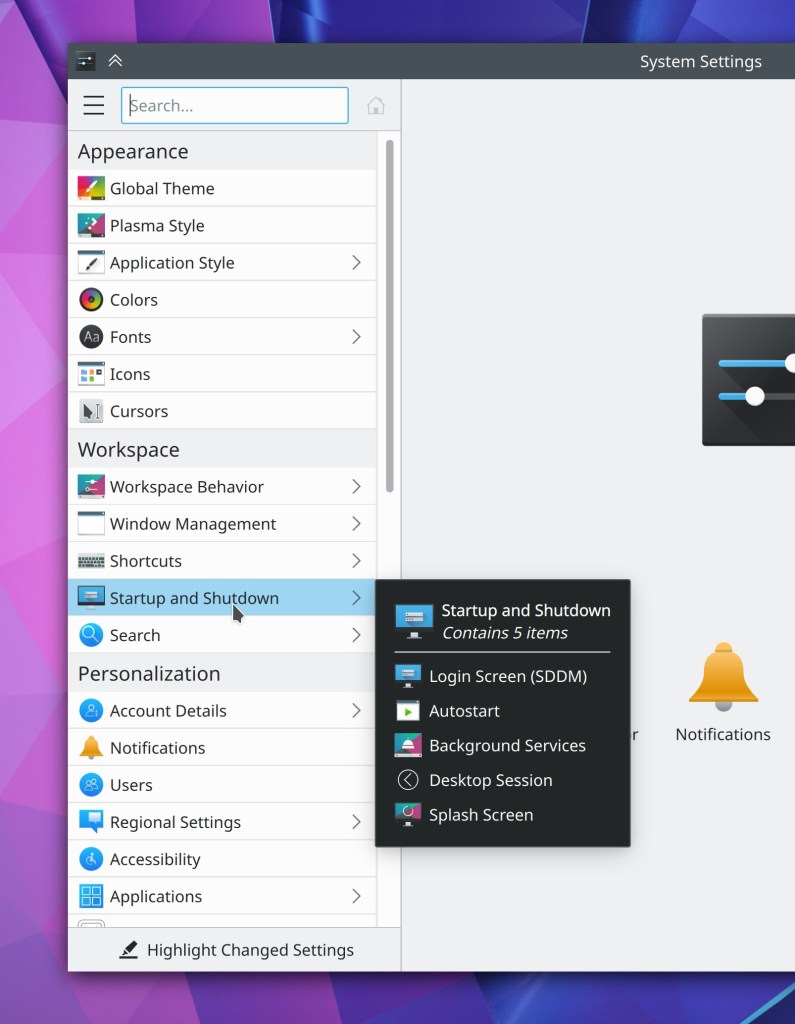
The System Tray config window’s Entries page now displays configure buttons for individual configurable applets, so you can configure them from one place (Kai Uwe Broulik, Plasma 5.21):
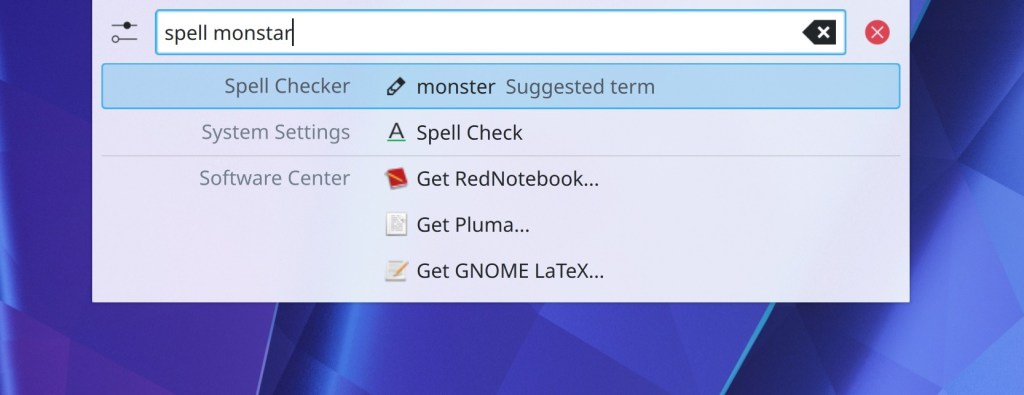
KRunner can now use DuckDuckGo-style “bangs” to invoke web shortcuts. For example, instead of typing “wiki: battleship” to search Wikipedia for an article called “Battleship”, you can also now type “battleship !wiki” or “battleship!wiki” (Alexander Lohnau, Plasma 5.21)
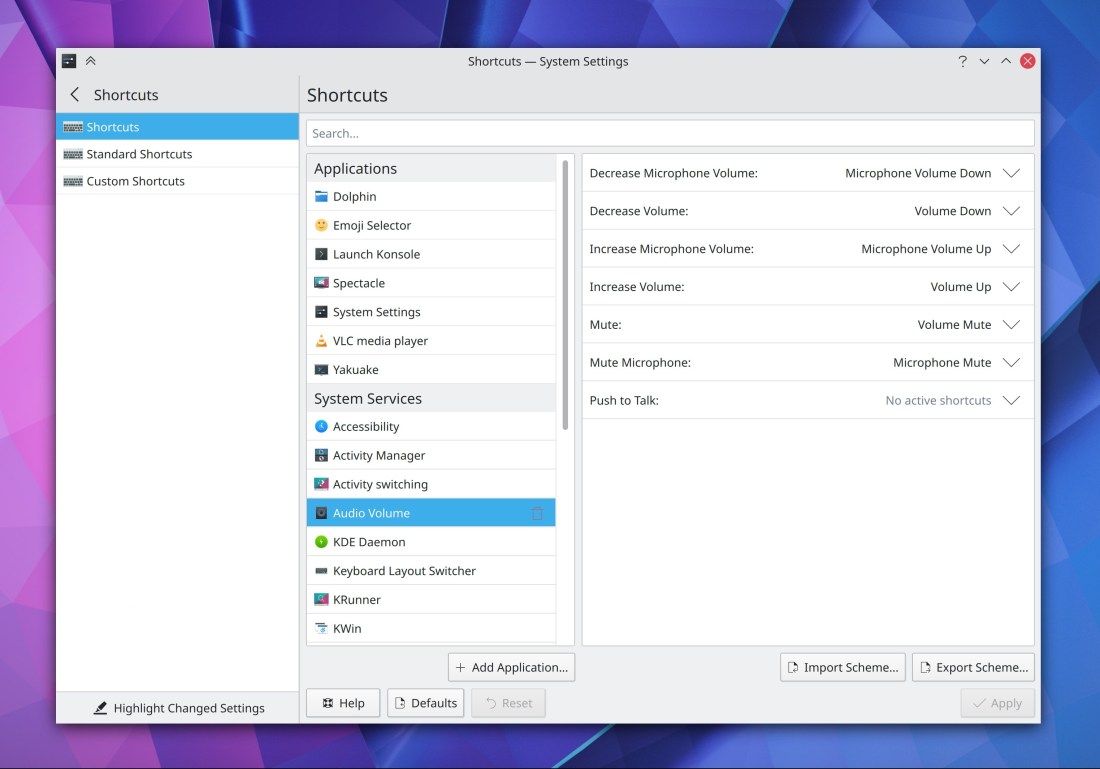
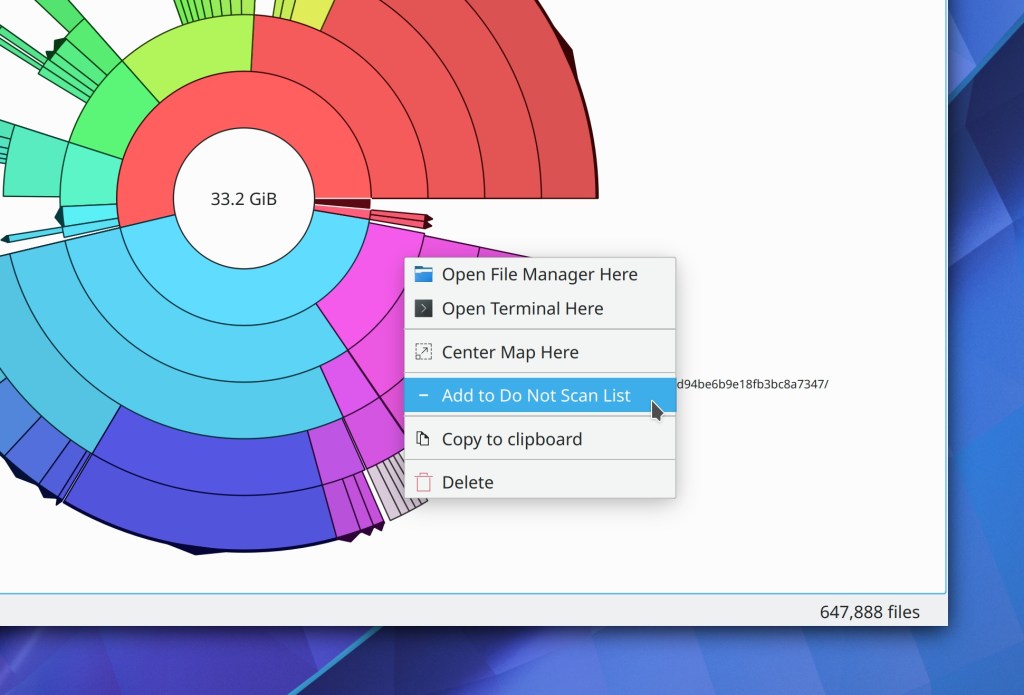
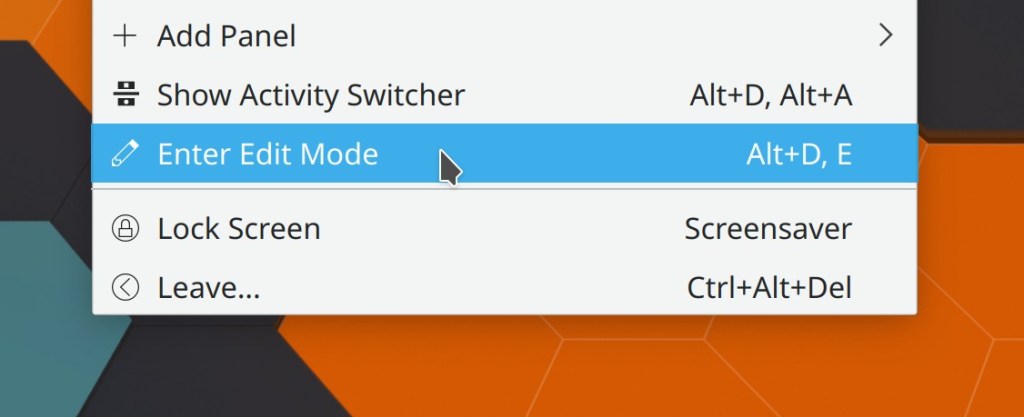
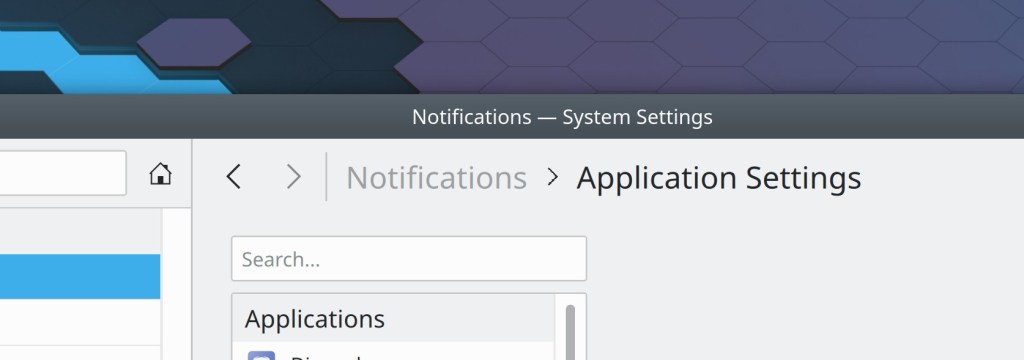
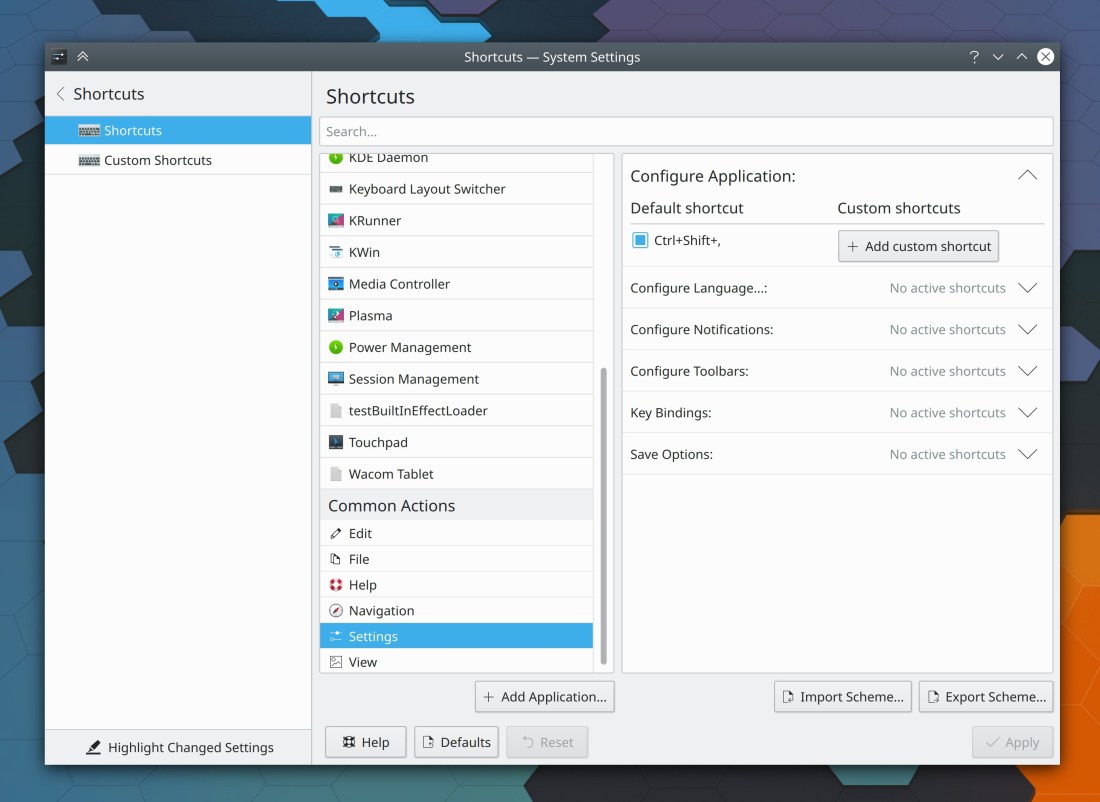
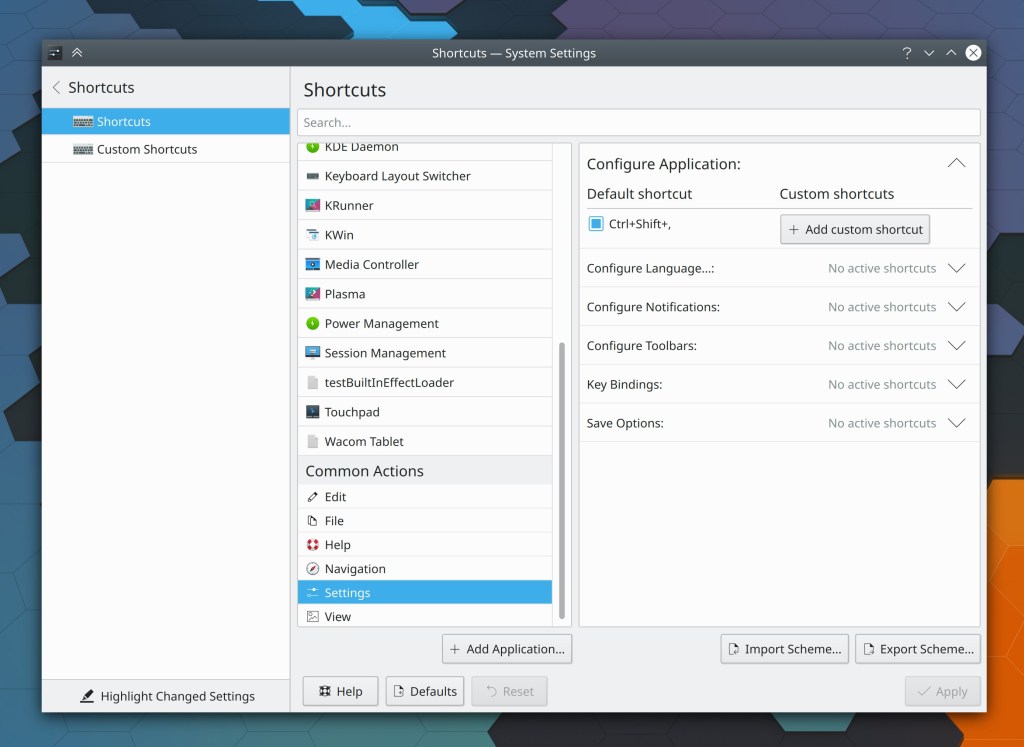
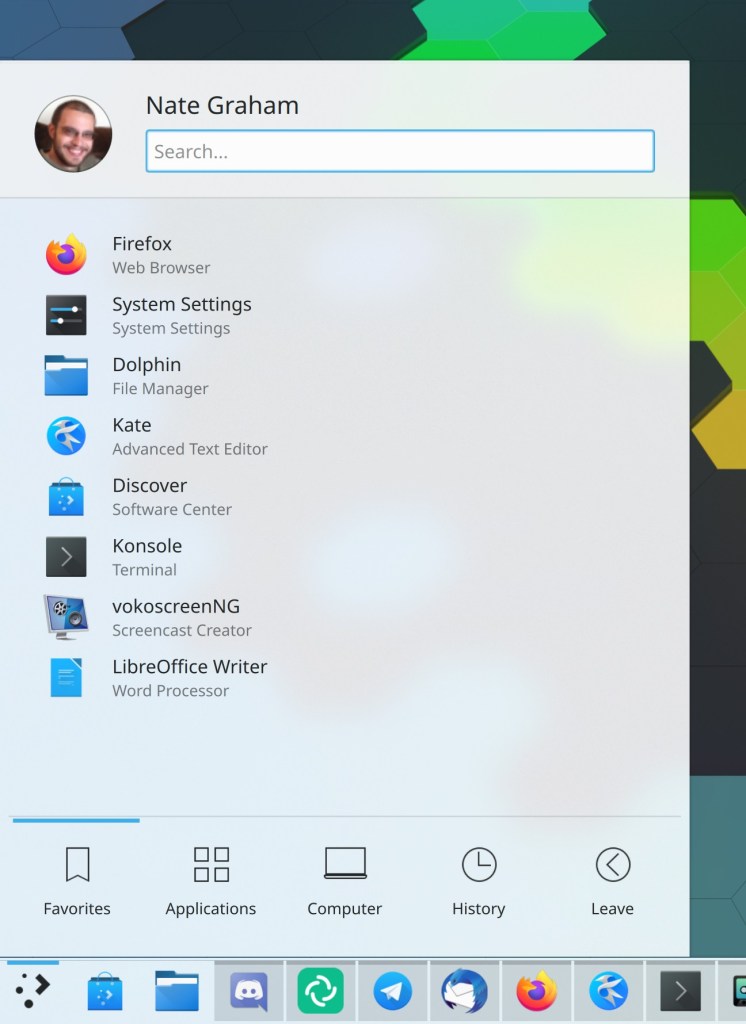
System Settings now displays the same set of frequently-used items that are shown on the home screen in the app’s context menu in the Task Manager and Kickoff/Kicker/Application Dashboard/SimpleMenu etc. (Kai Uwe Broulik, Plasma 5.21):

Bugfixes & Performance Improvements
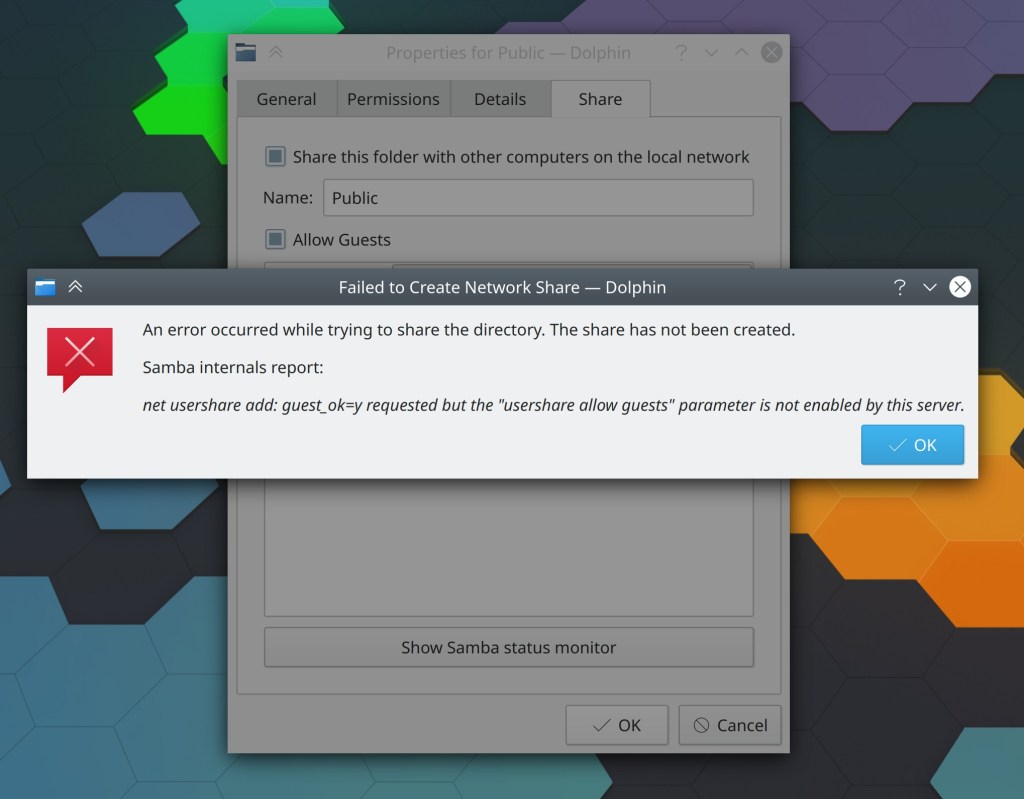
When accessing a large Samba share, Dolphin no longer sometimes displays only part of the contents (Harald Sitter, Dolphin 20.08.3)
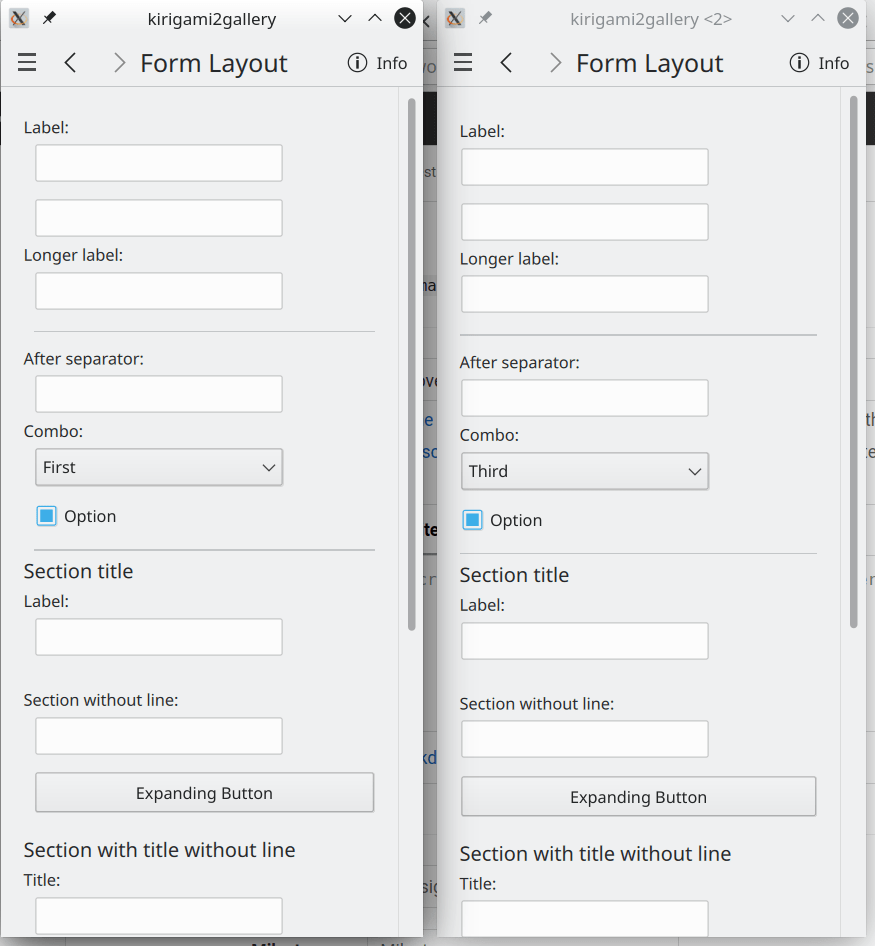
Gwenview no longer sometimes displays the thumbnail strip in a second window when using recent versions of of Qt (Yichao Yu, Gwenview 20.08.3)
Clicking in Okular’s scroll track to scroll the view no longer causes the scrollbar to become de-synced when scrolling over the main view itself using a mouse wheel or touchpad or click-and-drag or touchscreen gesture (David Hurka, Okular 1.11.3)
Elisa’s “Now Playing” view no longer displays an erroneous “Nothing is playing” message when there is in fact something playing, but that thing only has a title and no other metadata (Fabian Baumanis, Elisa 20.12)
Fixed a case where the kactivitymanagerd daemon could crash over and over again (Ivan Čukić, Plasma 5.20.1)
Blurred and partially transparent Breeze theme menus are no longer sometimes affected by a weird graphical glitch that causes the background to look ugly (Andreas Haratzis, Plasma 5.20.1)
In a Wayland session, windows that were closed when in a maximized state now re-open in the same maximized state (Vlad Zahorodnii, Plasma 5.20.1)
In a Wayland session, deliberately killing XWayland also no longer crashes the whole session (Vlad Zahorodnii, Plasma 5.20.1)
In a Wayland session, the cursor is no longer sometimes oddly clipped (Vlad Zahorodnii, Plasma 5.20.1)
The hamburger menu for individual applications in the Audio Volume applet now works again, and the relevant System Settings page once again shows the correct output for a multi-output device in the device’s output combobox (David Redondo, Plasma 5.20.1)
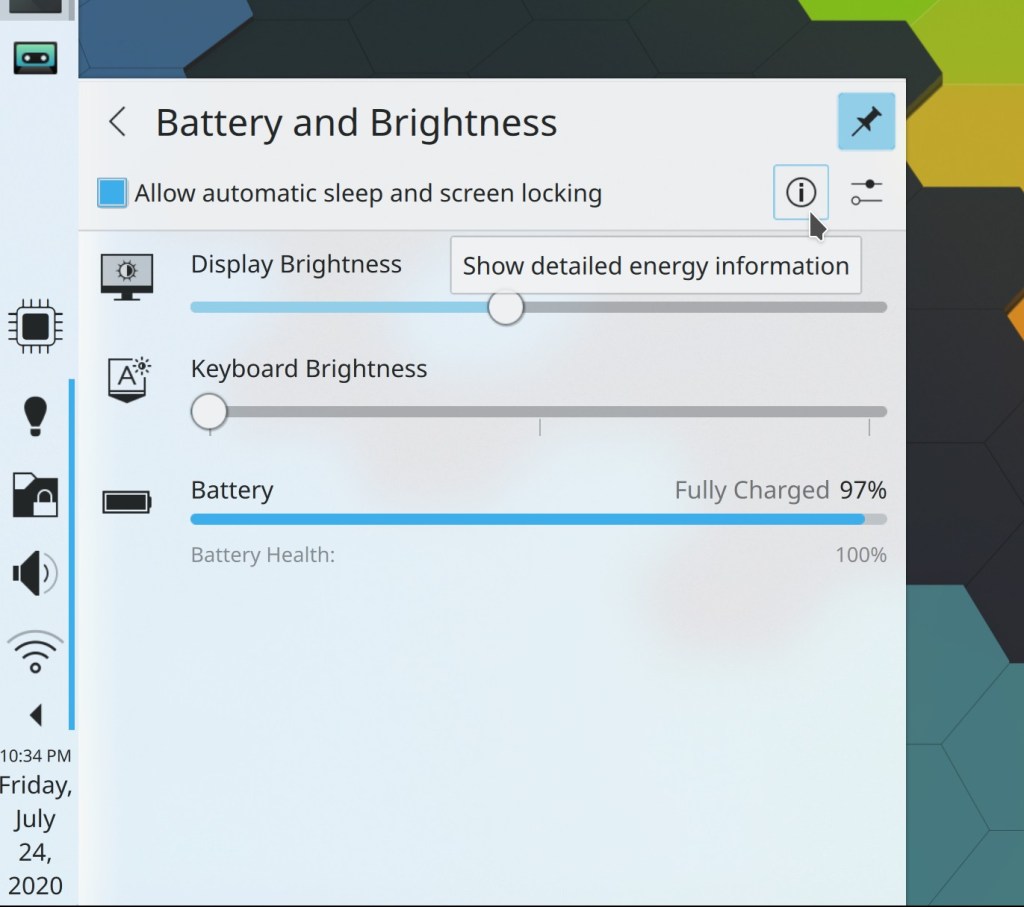
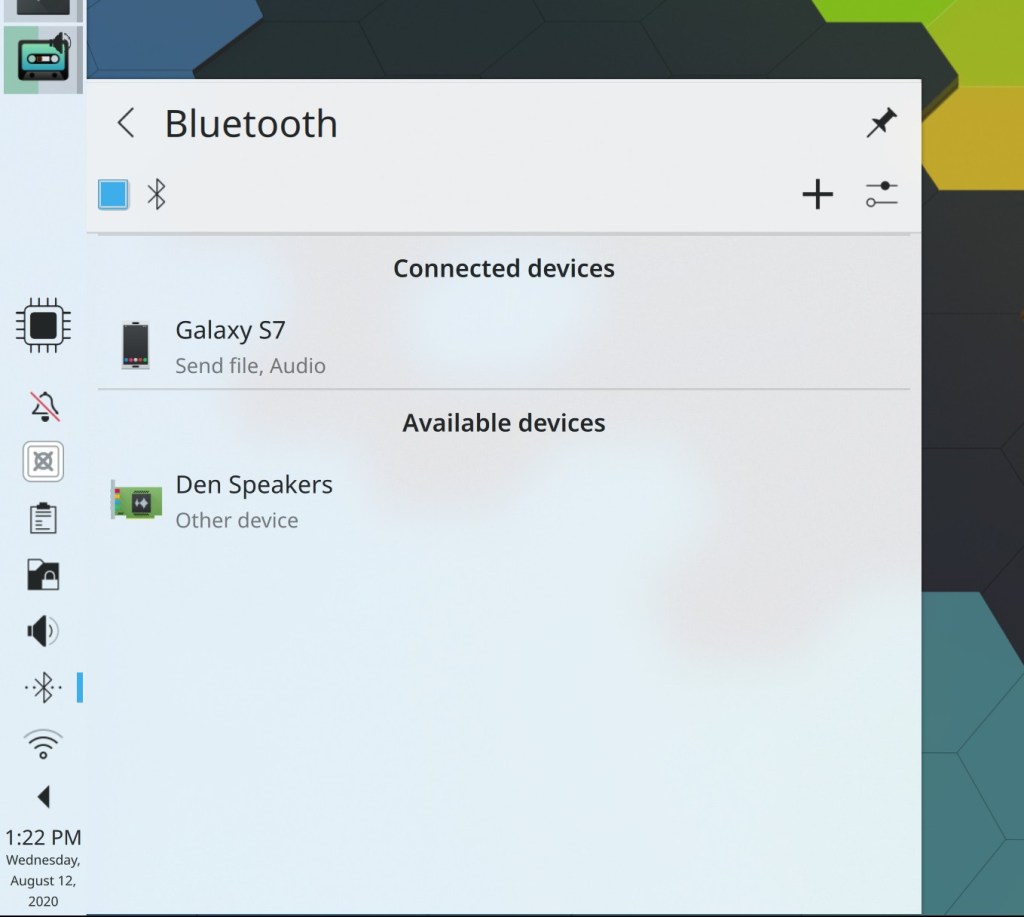
Non-removable devices displayed in the Disks & Devices applet no longer let you try to unmount them and instead display a button to open them with the file manager (me: Nate Graham, Plasma 5.20.1)
Tooltips for pinned Icons-Only Task Manager apps all of whose windows are on another virtual desktop are no longer visually corrupted (Arjen Hiemstra, Plasma 5.20.1)
The notification popup’s circular timeout indicator is once again correctly positioned when using a HiDPI scale factor (me: Nate Graham, Plasma 5.20.1)
24px thick panels no longer have the wrong size and spacing for System Tray items (me: Nate Graham, Plasma 5.20.1)
The properties window for the trash now indicates the correct amount of free space when using the trash’s “Unlimited” size option (Ahmad Samir, Frameworks 5.75)
Slider handles in Plasma no longer have blurry outlines (David Redondo, Frameworks 5.76)
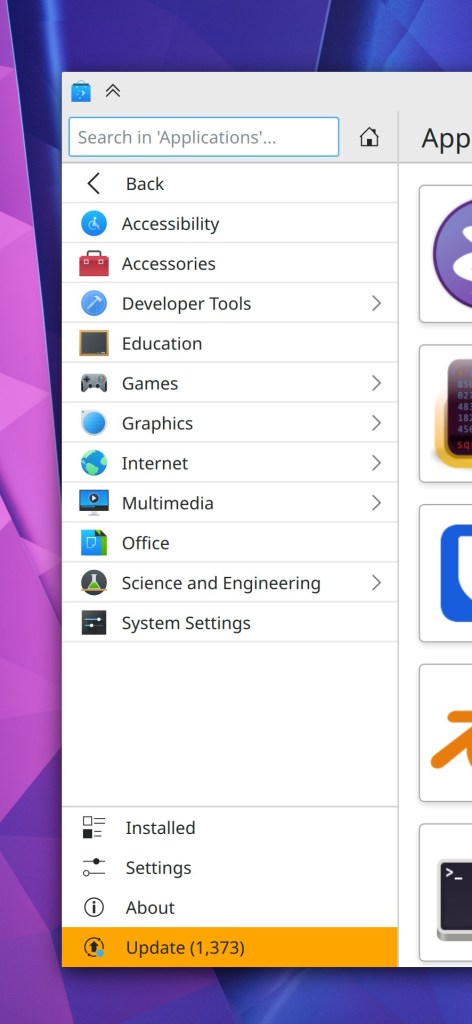
Discover’s sidebar header no longer sometimes partially covers up the first few items in the sidebar list (Carson Black, Frameworks 5.76)
User Interface Improvements
When using Dolphin’s “remember previous window state” feature, opening Dolphin with a specific location when it’s closed now causes the resulting window to append the newly-opened location to the set of tabs in the old window, rather than replacing them (me: Nate Graham, Dolphin 20.12)
Hovering the cursor over a tab in Dolphin now displays a tooltip with the full path (Tolu Schr, Dolphin 20.12)
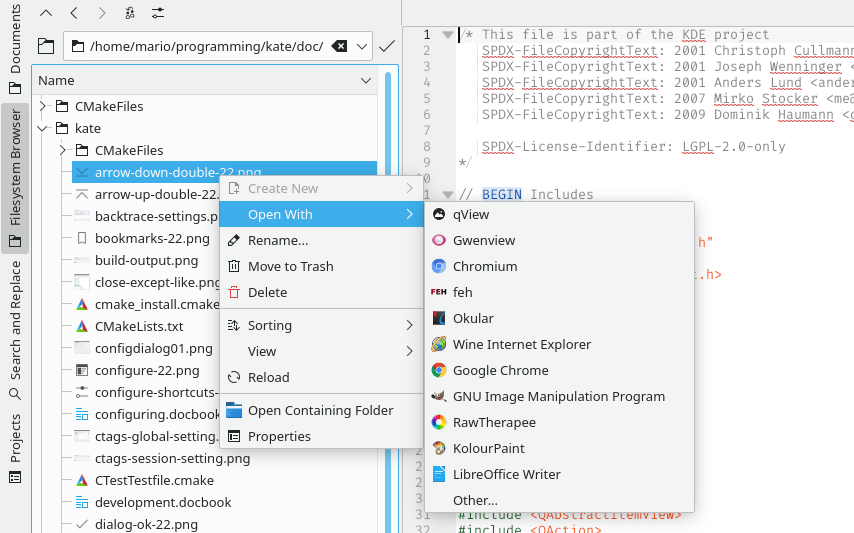
Dolphin’s context menu now shows the “Open With…” menu items even for empty directories, as we found some legitimate use cases for this (me: Nate Graham, Dolphin 20.12)
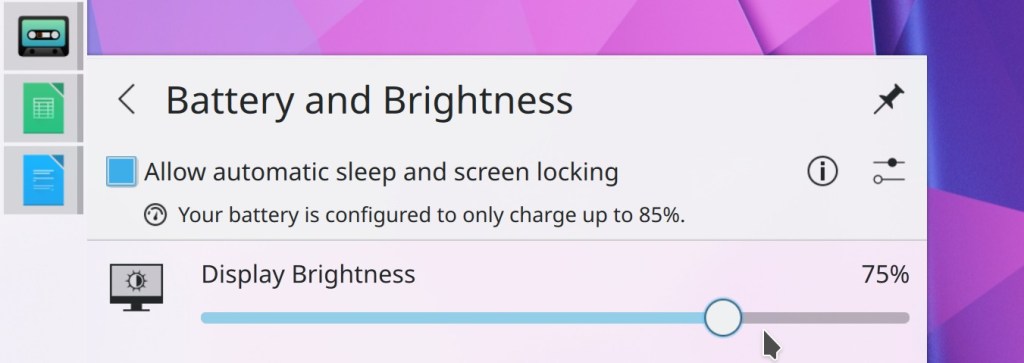
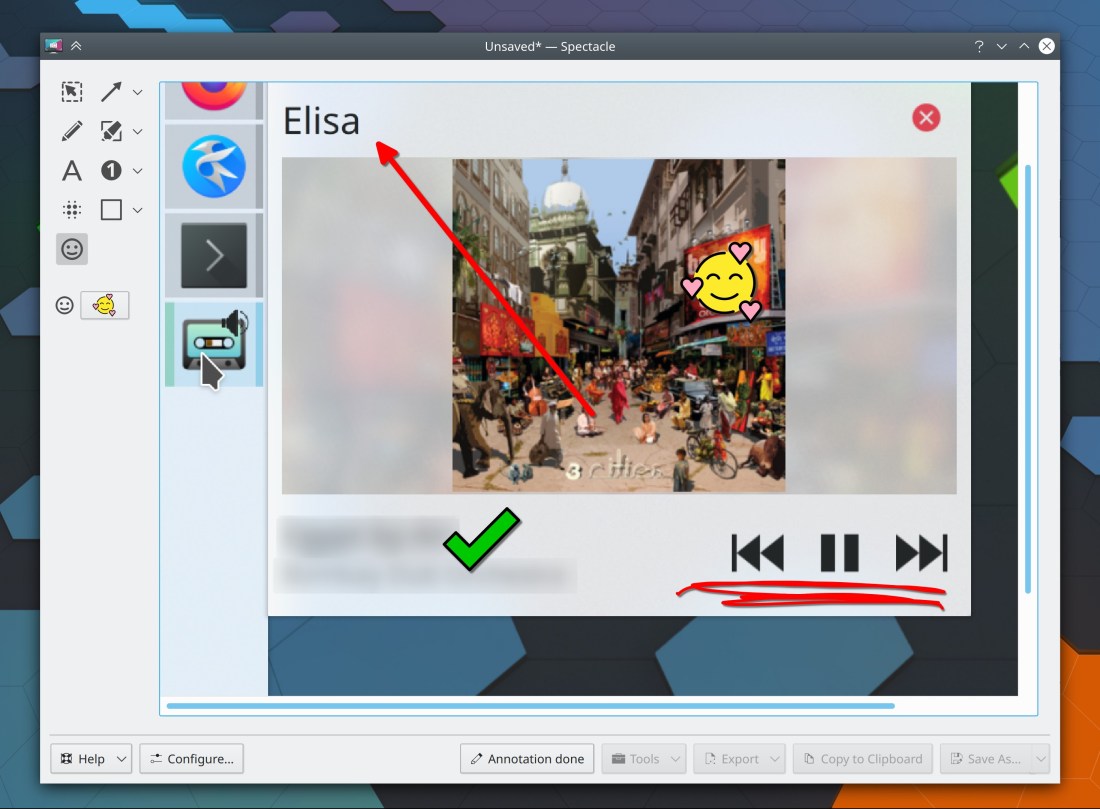
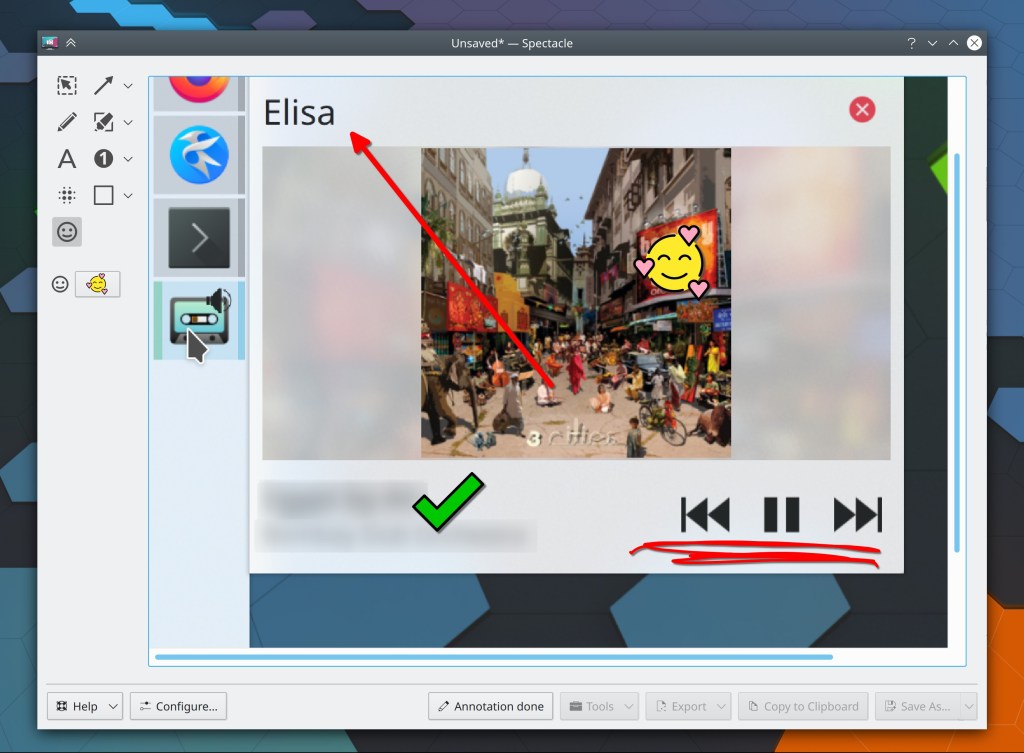
The Media Player applet now uses a tab bar in the footer to let you quickly choose which of the available audio streams it’s controlling (Ismael Asensio, Plasma 5.21):

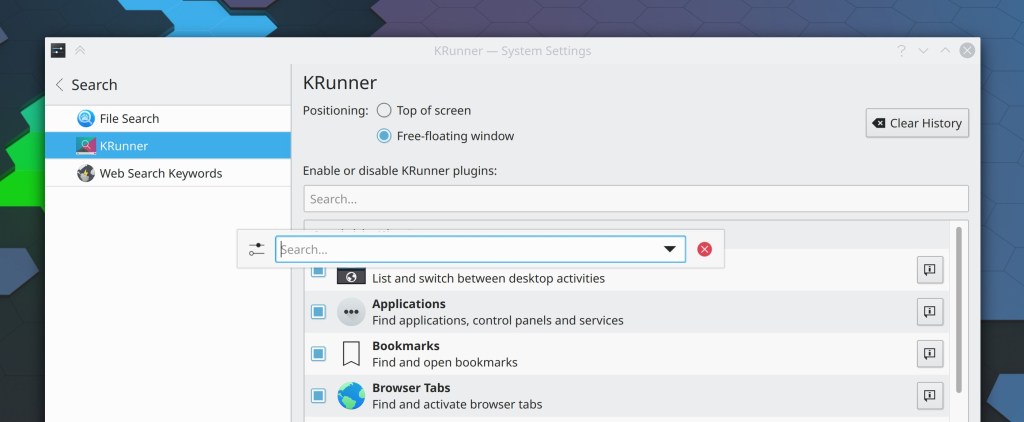
KRuner now closes if you hit the return or enter key while the text field has no text in it (Alexander Lohnau, Plasma 5.21)
When you try to create a folder that already exists in the open/save dialogs, now it will just take you right there, instead of showing an error message (Ahmad Samir, Frameworks 5.76)
How You Can Help
Have a look at https://community.kde.org/Get_Involved to discover ways to be part of a project that really matters. Each contributor makes a huge difference in KDE; you are not a number or a cog in a machine! You don’t have to already be a programmer, either. I wasn’t when I got started. Try it, you’ll like it! We don’t bite!
Finally, consider making a tax-deductible donation to the KDE e.V. foundation.














 Adventures in Linux and KDE