Linus Sebastian of Linus Tech Tips recently did a long-form chat about the Steam Deck and Linux in general. A major complaint was that Linux is too hard to install, and this gets to the heart of why I believe pre-installing our software on devices like the Steam Deck is so important.
The truth is that Linus is right; a Linux-based OS is too hard to install. Only huge nerds can manage it or even have the courage to try in the first place, and it’s easy to be overwhelmed in the process. But let’s face it: this would be the case for Windows or macOS as well. Imagine if every computer was bought as an empty shell and the user needed to choose an operating system, research compatibility, flash a USB drive with the selected OS or buy a DVD or something, and then install it. You think grandma is gonna do that? I don’t think so. How about a busy professional? Forget it.
The only way this works is if the OS comes pre-installed on the physical hardware that people can buy. Then the overwhelming selection process and the technical fiddliness are gone, and people can just start using what they bought. …Like they can when they get a Steam Deck, which comes with Plasma. Or one of the other devices with Plasma pre-installed.
Pre-installation is the only way to grow Plasma out of the clubhouse of the uber-nerds like us. Which means we need to focus on the kinds of issues that are barriers to vendors wanting to ship their hardware with Plasma, or to regular people using the system normally.
At long last, KDE software is now covered by a GitLab-based continuous integration system, replacing the old Jenkins-based system used until now. The new one is much better and runs automatically on every merge request, making it much less likely that faulty code that fails to compile or regresses unit tests will be committed. The system is still its infancy and has not yet reached its full potential, but already it is helping us to save time and improve the quality of KDE software. Big thanks to KDE’s sysadmins for rolling out this system!
Another thing: Plasma 5.23 has been named the “Plasma 25th anniversary edition“, to commemorate 25 years of KDE! At this point, KDE is older than some of its users and contributors. Such longevity in a project lead largely by volunteers is quite impressive, if you ask me!
But wait, there’s more! A lot more. We’ve got new features, big improvements to the Breeze theme, Wayland bugfixes, keyboard navigation improvements… it’s been a big week!
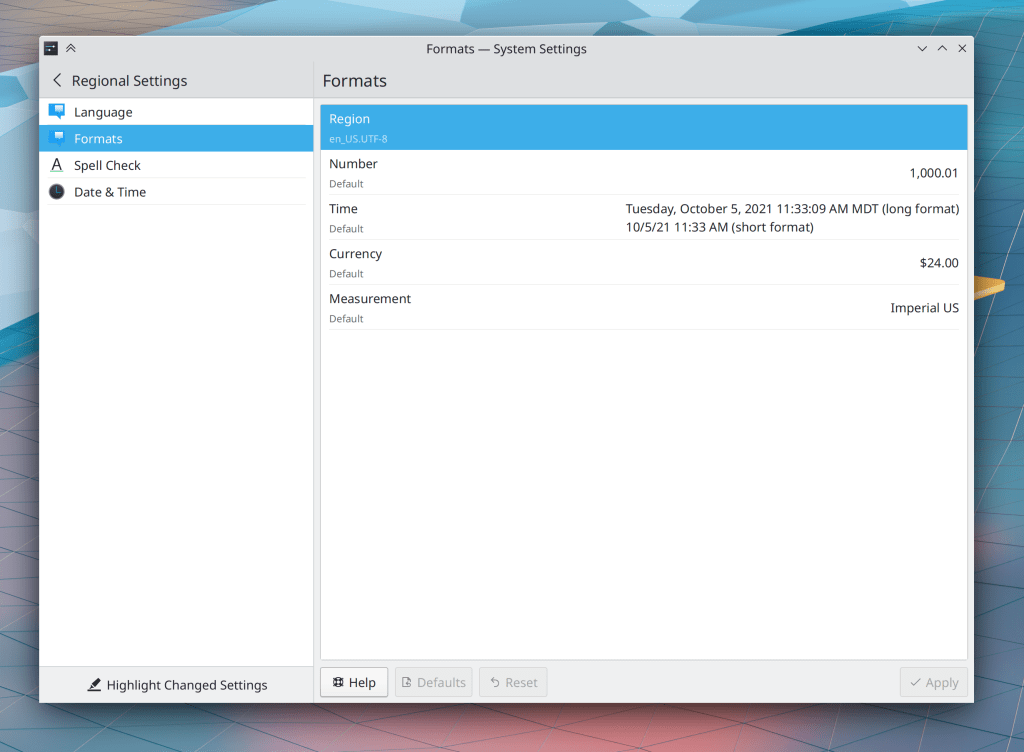
System Settings’ Formats page has been rewritten in QtQuick, which fixes many UI-related issues with the old one and allows us to begin work on a large-scale overhaul of how locales are presented and configured–which will likely include merging the Languages page into this one to finally make the process of changing the system’s language easy, obvious, and reliable (Han Young, Plasma 5.24):
System Tray applets with expandable list items are now more keyboard-friendly: you can trigger an item’s default button with the Return/Enter key, expand it with the spacebar, collapse it with the Escape key, and show its context menu (if present) using the Menu Key on your keyboard, if it has one (Bharadwaj Raju, Frameworks 5.88)
Keep in mind that this blog only covers the tip of the iceberg! Tons of KDE apps whose development I don’t have time to follow aren’t represented here, and I also don’t mention backend refactoring, improved test coverage, and other changes that are generally not user-facing. If you’re hungry for more, check out https://planet.kde.org/, where you can find blog posts by other KDE contributors detailing the work they’re doing.
How You Can Help
Have a look at https://community.kde.org/Get_Involved to discover ways to be part of a project that really matters. Each contributor makes a huge difference in KDE; you are not a number or a cog in a machine! You don’t have to already be a programmer, either. I wasn’t when I got started. Try it, you’ll like it! We don’t bite!
We continue to squash bugs in the Plasma 5.23 beta release with the aim of getting it into great shape for general release in about two weeks! As with last week, I’ll again strongly encourage anyone with the skills to do so to focus on fixing these bugs! Every little bit helps.
The Window Rules window accessed from a window’s titlebar context menu (and other System Settings pages displayed standalone in their own windows) once again display their footer content/controls correctly (Ismael Asensio, Frameworks 5.87)
Keep in mind that this blog only covers the tip of the iceberg! Tons of KDE apps whose development I don’t have time to follow aren’t represented here, and I also don’t mention backend refactoring, improved test coverage, and other changes that are generally not user-facing. If you’re hungry for more, check out https://planet.kde.org/, where you can find blog posts by other KDE contributors detailing the work they’re doing.
How You Can Help
In addition to fixing Plasma beta bugs as mentioned above, have a look at https://community.kde.org/Get_Involved to discover ways to be part of a project that really matters. Each contributor makes a huge difference in KDE; you are not a number or a cog in a machine! You don’t have to already be a programmer, either. I wasn’t when I got started. Try it, you’ll like it! We don’t bite!
Plasma 5.23’s beta period is half over, and we’re busy fixing issues found by our wonderful users. One thing to note is that I don’t mention fixes for regressions that never shipped to users in final releases, and this includes beta versions. If I included those, the list below would be much longer! Because rest assured, we have been fixing tons and tons of the bugs and regressions that all your faithful QA has caught during the beta period. All those bug reports are really valuable. So please do keep filing them! Bug reporting isn’t a black hole!
In the Plasma Wayland session, KWin now supports “DRM leasing”, which allows us to re-add support for VR headsets and let them achieve optimal performance (Xaver Hugl, Plasma 5.24)
The “Only automatically mount removable media that has been manually mounted before” setting (what a mouthful) in System Settings’ Removable Devices page now works (Méven Car, Plasma 5.24)
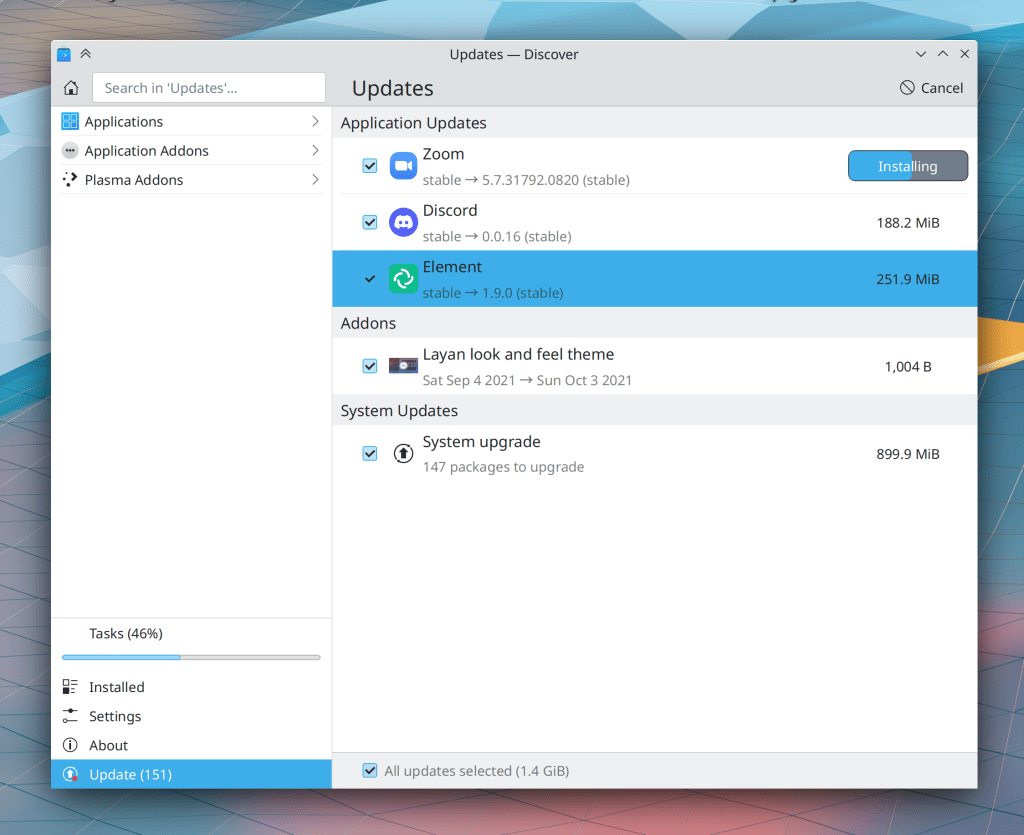
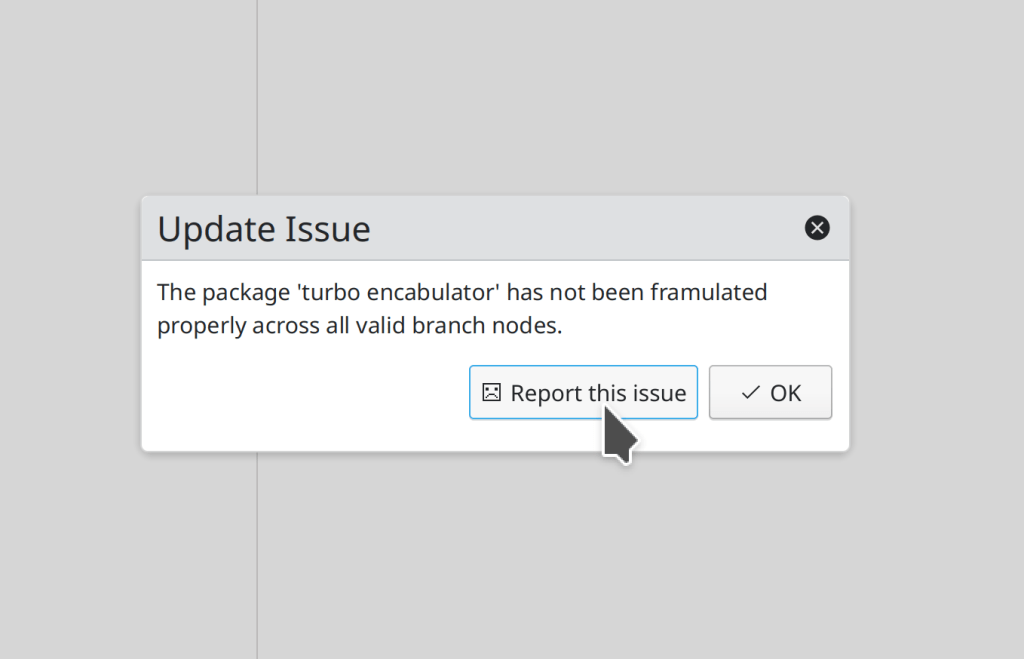
The error message in this screenshot is simulated, since I use a distro that doesn’t ever have update issues 😎
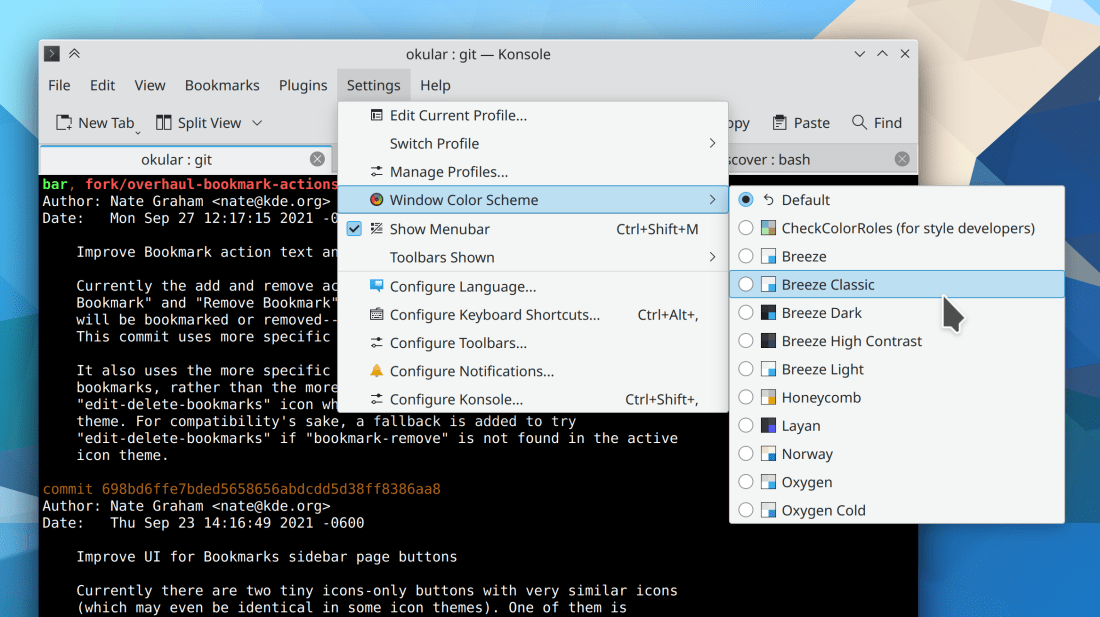
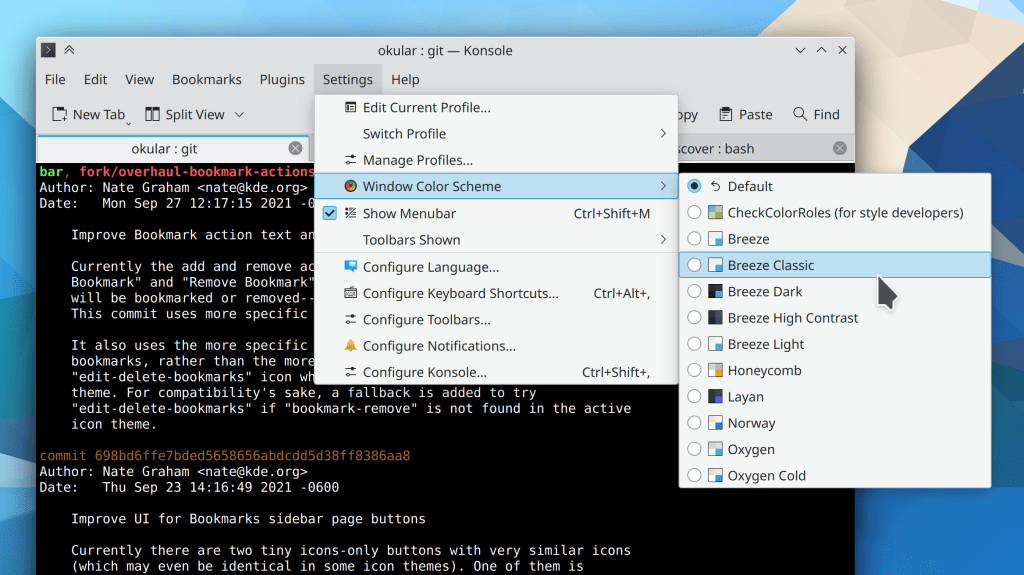
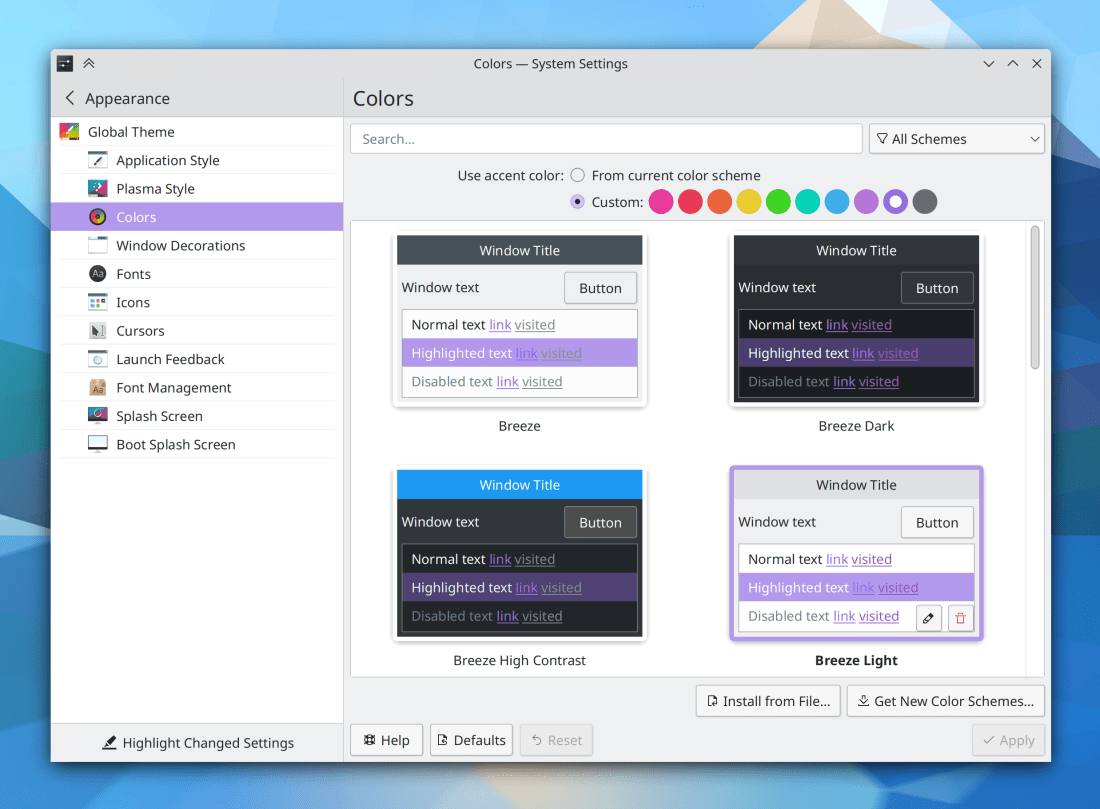
The “Breeze High Contrast” color scheme has been deleted, because it actually offered lower contrast than the most similar-looking color scheme, Breeze Dark. Existing users will be migrated to Breeze Dark (me: Nate Graham, Plasma 5.24)
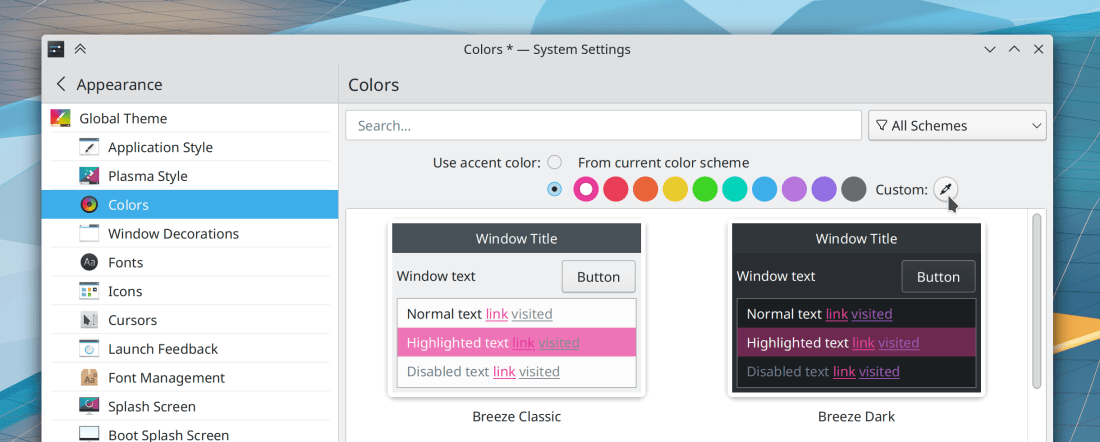
The Breeze color scheme has been renamed to “Breeze Classic”, to better distinguish it from the Breeze Light and Breeze Dark color schemes (me: Nate Graham, Plasma 5.24)
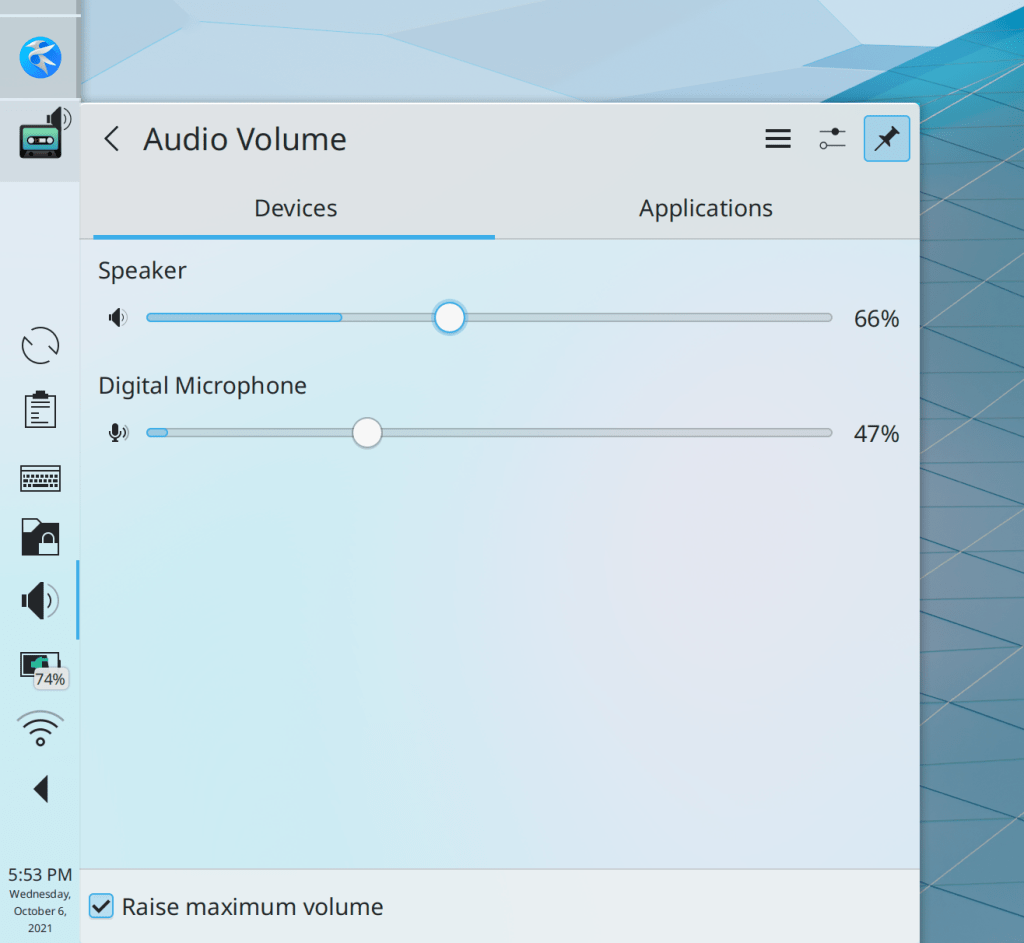
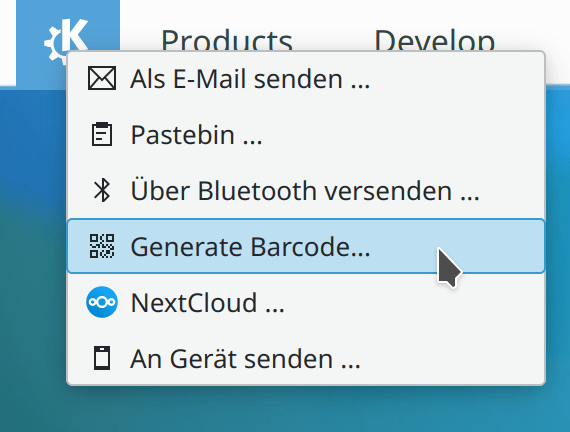
In the Clipboard applet and “Share” menu, when you can generate a QR code from some text, it is now referred to as a QR code, not a barcode (me: Nate Graham, Plasma 5.24 and Frameworks 5.87)
…And everything else
Keep in mind that this blog only covers the tip of the iceberg! Tons of KDE apps whose development I don’t have time to follow aren’t represented here, and I also don’t mention backend refactoring, improved test coverage, and other changes that are generally not user-facing. If you’re hungry for more, check out https://planet.kde.org/, where you can find blog posts by other KDE contributors detailing the work they’re doing.
How You Can Help
If you are an experienced developer or even a novice, work on these Plasma 5.23 regressions. If you are a non-developer and you can reproduce any of those bugs which are not yet marked as CONFIRMED, comment on this and mark the bug as CONFIRMED. We have two weeks to fix these regressions as well as all the other ones that people are continuously reporting, and every little bit of help… helps!
Have a look at https://community.kde.org/Get_Involved to discover ways to be part of a project that really matters. Each contributor makes a huge difference in KDE; you are not a number or a cog in a machine! You don’t have to already be a programmer, either. I wasn’t when I got started. Try it, you’ll like it! We don’t bite!
The Plasma 5.23 beta has been released, so go test it! We’ve got a month to fix all the bugs you find and report, so please do so. 🙂 Many of the improvements already made this week pertain to Plasma’s Wayland session which is rapidly becoming usable for more and more people’s daily usage. I’m using it myself as my primary session, and this is pretty painless now. I’m so impressed by how KDE developers have managed to whip it into shape over the last year! The future truly is now, or something.
Lots of other non-Wayland improvements were made as well:
In the Plasma Wayland session, copying text from XWayland apps while Klipper’s “Prevent empty selection” setting is in use now works (David Edmundson, Plasma 5.23)
The Link and Active Text colors are now readable in all four Breeze color schemes, fixing issues of unreadable text for apps that were using this color role. Note that you will need to re-apply the color scheme manually to pick up the changes due to this issue (me: Nate Graham, Plasma 5.23)
Keep in mind that this blog only covers the tip of the iceberg! Tons of KDE apps whose development I don’t have time to follow aren’t represented here, and I also don’t mention backend refactoring, improved test coverage, and other changes that are generally not user-facing. If you’re hungry for more, check out https://planet.kde.org/, where you can find blog posts by other KDE contributors detailing the work they’re doing.
How You Can Help
Have a look at https://community.kde.org/Get_Involved to discover ways to be part of a project that really matters. Each contributor makes a huge difference in KDE; you are not a number or a cog in a machine! You don’t have to already be a programmer, either. I wasn’t when I got started. Try it, you’ll like it! We don’t bite!
Bit of a short list this week, but there’s much more still happening, with merge requests aplenty going through review! Plasma 5.23 is now in “soft feature freeze” and we are working hard to stabilize it for the release next month.
Unchecking the “Inhibit automatic sleep and screen locking” checkbox in the Battery and Brightness System Tray applet now works properly (Peifeng Yu, Plasma 5.23)
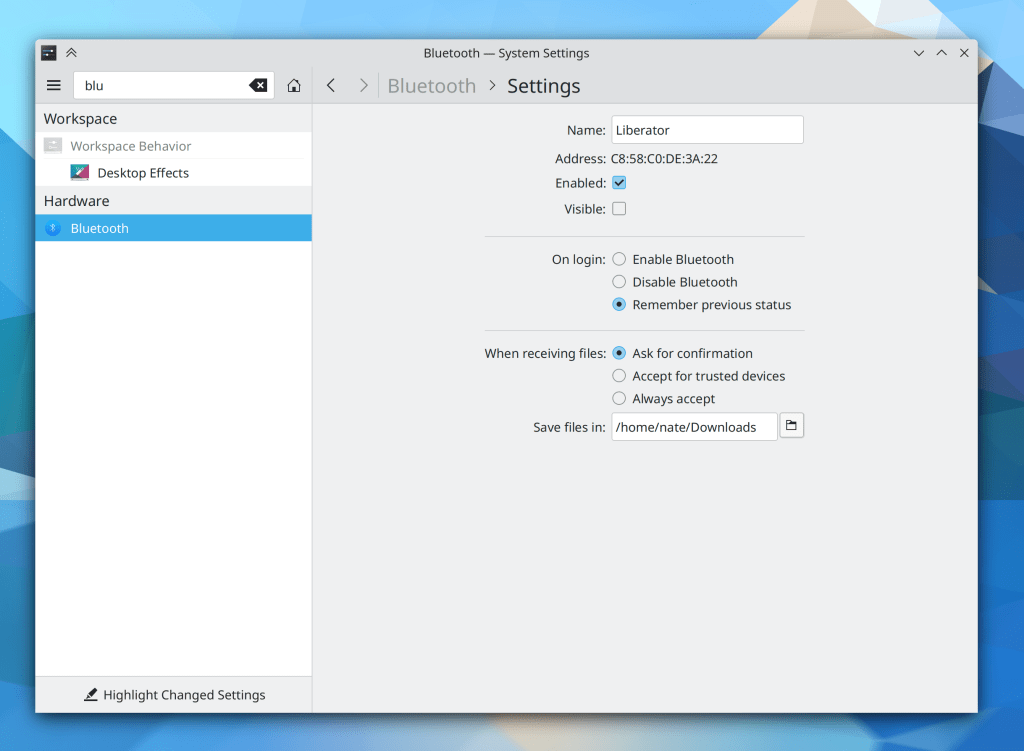
System Settings’ pages now havemany manymore keywords associated with them, so you can now find things more easily by searching for stuff in the search field (Guilherme Marçal Silva and Nayam Amarshe, Plasma 5.23)
Keep in mind that this blog only covers the tip of the iceberg! Tons of KDE apps whose development I don’t have time to follow aren’t represented here, and I also don’t mention backend refactoring, improved test coverage, and other changes that are generally not user-facing. If you’re hungry for more, check out https://planet.kde.org/, where you can find blog posts by other KDE contributors detailing the work they’re doing.
How You Can Help
Have a look at https://community.kde.org/Get_Involved to discover ways to be part of a project that really matters. Each contributor makes a huge difference in KDE; you are not a number or a cog in a machine! You don’t have to already be a programmer, either. I wasn’t when I got started. Try it, you’ll like it! We don’t bite!
…Including many for the Plasma Wayland session! It’s finally reaching stability. I’m using it myself as a daily driver now. At this point my biggest annoyances are all with 3rd-party apps, not any KDE software. I know it’s taken a while, but I think we’re very nearly there!
When using offline updates (the style of update where everything is applied on the next reboot), Discover no longer irritatingly and aggressively asks you to reboot, since you can safely take your time about it (me: Nate Graham, Plasma 5.23)
Keep in mind that this blog only covers the tip of the iceberg! Tons of KDE apps whose development I don’t have time to follow aren’t represented here, and I also don’t mention backend refactoring, improved test coverage, and other changes that are generally not user-facing. If you’re hungry for more, check out https://planet.kde.org/, where you can find blog posts by other KDE contributors detailing the work they’re doing.
How You Can Help
Have a look at https://community.kde.org/Get_Involved to discover ways to be part of a project that really matters. Each contributor makes a huge difference in KDE; you are not a number or a cog in a machine! You don’t have to already be a programmer, either. I wasn’t when I got started. Try it, you’ll like it! We don’t bite!
The “clear text” button inside text fields throughout Plasma and QtQuick apps is now the same size that it is in QtWidgets apps (Devin Lin, Frameworks 5.86)
Keep in mind that this blog only covers the tip of the iceberg! Tons of KDE apps whose development I don’t have time to follow aren’t represented here, and I also don’t mention backend refactoring, improved test coverage, and other changes that are generally not user-facing. If you’re hungry for more, check out https://planet.kde.org/, where you can find blog posts by other KDE contributors detailing the work they’re doing.
How You Can Help
Have a look at https://community.kde.org/Get_Involved to discover ways to be part of a project that really matters. Each contributor makes a huge difference in KDE; you are not a number or a cog in a machine! You don’t have to already be a programmer, either. I wasn’t when I got started. Try it, you’ll like it! We don’t bite!
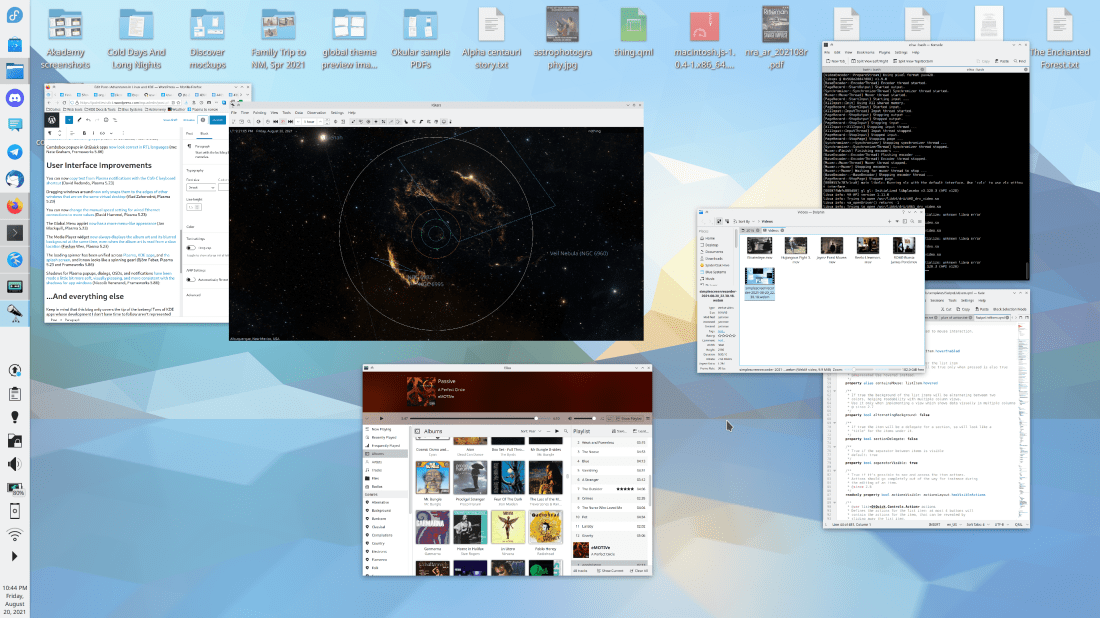
I have exciting news: this week the long-awaited new QML-based Overview effect has been merged! Currently it shows you all your open windows, just like the existing Present Windows effect–which it will eventually replace. And it does not dim the inactive/un-hovered windows. :)The visuals are not final, but here’s what it looks like so far:
Vlad Zahorodnii has been doing this work and it is still in the latter stages of development, but will eventually replace the existing Present Windows effect and probably the Desktop Grid effect as well, unifying them both into a full-screen overview of windows, Virtual Desktops and perhaps Activities too! The idea is to show you all your relevant window-related functionality in one place, similar to the popular 3rd-party Parachute KWin script, or macOS’s Mission Control overlay. It will ship in Plasma 5.23 and will need plenty of testing! So I would encourage everyone to try it out! To test it, install git master packages from your distro’s unstable repo or build everything from source or use KDE Neon Unstable or openSUSE Krypton. Then enable the Overview effect in the System Settings Desktop Effects page and invoke it with Meta+Ctrl+D.
The loading spinner has been unified across Plasma, KDE apps, and the splash screen, and it now looks like a spinning gear! (Björn Feber, Plasma 5.23 and Frameworks 5.86)
Keep in mind that this blog only covers the tip of the iceberg! Tons of KDE apps whose development I don’t have time to follow aren’t represented here, and I also don’t mention backend refactoring, improved test coverage, and other changes that are generally not user-facing. If you’re hungry for more, check out https://planet.kde.org/, where you can find blog posts by other KDE contributors detailing the work they’re doing.
How You Can Help
Have a look at https://community.kde.org/Get_Involved to discover ways to be part of a project that really matters. Each contributor makes a huge difference in KDE; you are not a number or a cog in a machine! You don’t have to already be a programmer, either. I wasn’t when I got started. Try it, you’ll like it! We don’t bite!
Continuing with our recent theme, this week KDE contributors squashed an astonishing number of bugs! In addition, we rolled out some nice UI changes that I think folks will enjoy and which make Plasma and KDE software more usable on those touchscreen devices that are becoming more ubiquitous all the time.
Please pardon the atrocious quality of this video; capturing something like this on camera is a bit hard! Look at the System Tray icons in the bottom left corner of the video.
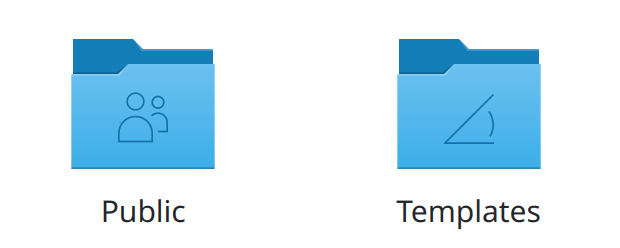
The “Public” and “Templates” folders now show nice new icons (Björn Feber, Frameworks 5.86):
…And everything else
Keep in mind that this blog only covers the tip of the iceberg! Tons of KDE apps whose development I don’t have time to follow aren’t represented here, and I also don’t mention backend refactoring, improved test coverage, and other changes that are generally not user-facing. If you’re hungry for more, check out https://planet.kde.org/, where you can find blog posts by other KDE contributors detailing the work they’re doing.
How You Can Help
Have a look at https://community.kde.org/Get_Involved to discover ways to be part of a project that really matters. Each contributor makes a huge difference in KDE; you are not a number or a cog in a machine! You don’t have to already be a programmer, either. I wasn’t when I got started. Try it, you’ll like it! We don’t bite!












 Adventures in Linux and KDE