Icons on the desktop!
The minimize button!
Visible Panels and docks!
Just kidding, don’t have a heart attack. 🙂 Well actually there are some things… just not those! The full list can be found at https://community.kde.org/Plasma/Plasma_6#Removals, and it’s public; we’re not hiding anything! Today I wanted today provide a bit of context and explain the why, since it may not be obvious how it makes sense to remove things. So let’s go through the list:
KHotkeys
This was an earlier implementation of a global shortcut system that eventually grew niche though much-loved features such as mouse gestures. Unfortunately those features did not work on Wayland, many other features were critically buggy, the configuration and data storage formats were non-standard and fragile, and the code in general was in an advanced state of bit-rotting after having been abandoned for many years. We already have global shortcuts working using the newer KGlobalAccel system, and we’d already hidden the KHotkeys config UI from System Settings on Wayland in Plasma 5. So we made the decision to double down on KGlobalAccel and just finally delete KHotkeys once and for all for Plasma 6, rather than awkwardly ship two parallel global shortcut systems, which was always very odd and really not justifiable at all. Mouse gestures can eventually be added to KGlobalAccel if someone takes an interest in doing so. No one’s opposed to it!
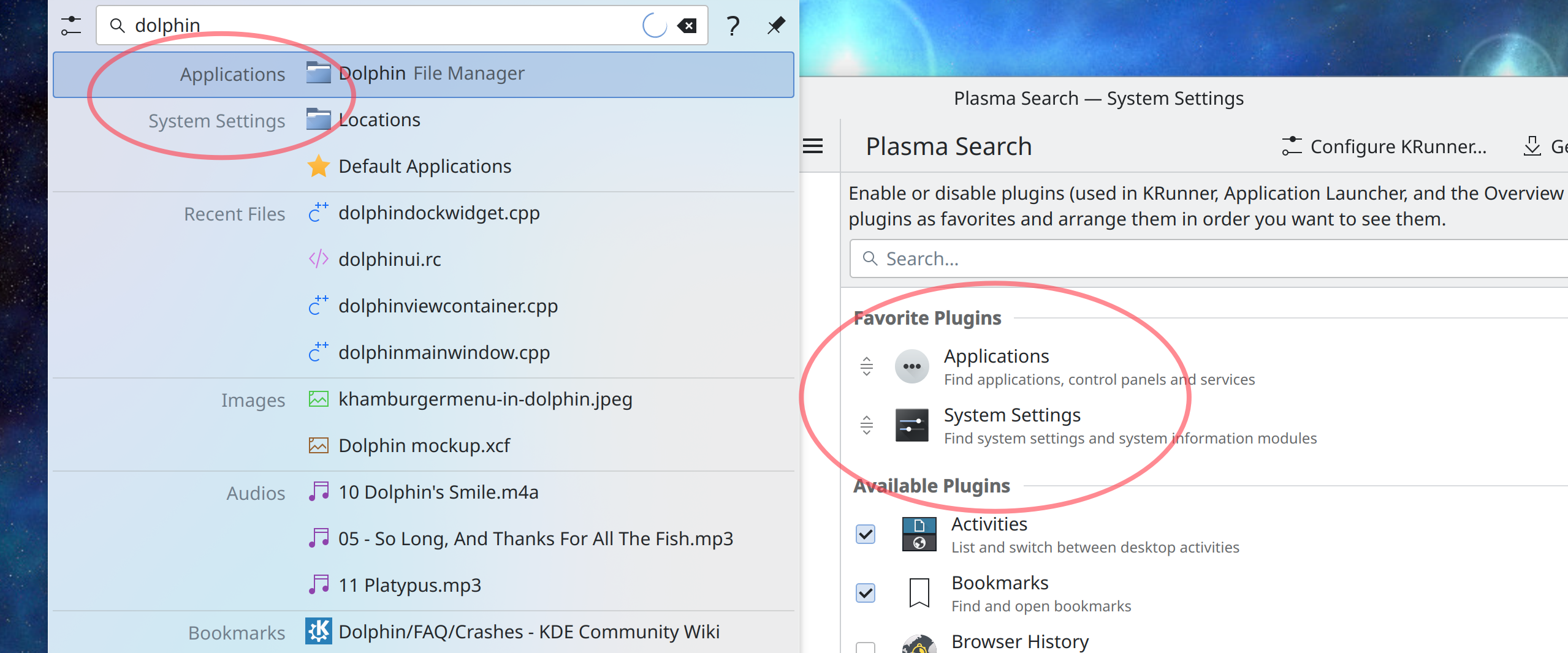
The “Windowed Widgets” KRunner runner
In Plasma 5, various widgets appear in search results, and activating them will make the widget appear on the desktop in windowed form. This was one of those “Becuase we can!” features that showed off some cool technology, but feedback indicated that it was confusing some users into believing that widgets were actually small apps, and they were using widgets as apps instead of using KDE’s more powerful apps, or even finding an app that met their needs better. Widgets are deliberately very small and limited and we didn’t want people to get the wrong impression about KDE apps. So we decided to remove the feature in Plasma 6.
The Wayland Force Font DPI and global “Icon size” settings
It’s been my experience that in general, users are very confused about how to adapt the UI to a particular screen’s resolution, or change the size of user interface elements on their systems to suit their preferences. This makes sense because there are no fewer than seven ways to do it, each with its own subtle pitfalls and drawbacks:
- Per-screen resolution setting in System Settings > Display and Monitor
- Global or per-screen scaling slider in System Settings > Display and Monitor
- Force Font DPI spinbox in System Settings > Appearance > Fonts
- Adjustable font size in System Settings > Appearance > Fonts (because lots–but not all–UI controls resize themselves in proportion to the font size)
- Adjustable icon sizes for many icons in many KDE apps in System Settings > Appearance > Icons
- Adjustable icon sizes in many individual KDE apps (e.g. Dolphin and Gwenview main view, Places Panel sidebar, etc)
- Whole-app scaling systems in various apps (e.g. scaling slider in Telegram, whole UI responsive to Ctrl+plus and Ctrl+minus in electron apps)
This is a major problem because such a DIY experience ensures that users will find and use random scaling settings that don’t interact well, introduce weird visual issues into their systems that cause other issues, look for and implement workarounds that can have even more bad effects, and so on. It’s just a mess. Speaking as KDE’s most prolific bug triager, this is something I see over and over and over again; I even have a canned response for it. It’s a real problem.
So for Plasma 6, we’re removing methods #3 (On Wayland) and #5 (everywhere) to simplify this situation and help people use supported and better-functioning ways to scale their systems.
A bunch of low-quality Task Switchers
While working on the now-completed project to ship with a better default Alt+Tab Task Switcher, we found that the “Grid”, “Informative”, “Small Icons”, “Text Only”, and “Thumbnails” Task Switchers were largely worse versions of other Task Switchers. So for Plasma 6, we have removed them, to steer people towards better options. Anyone who really loved any of these can feel free to put them up on https://store.kde.org.
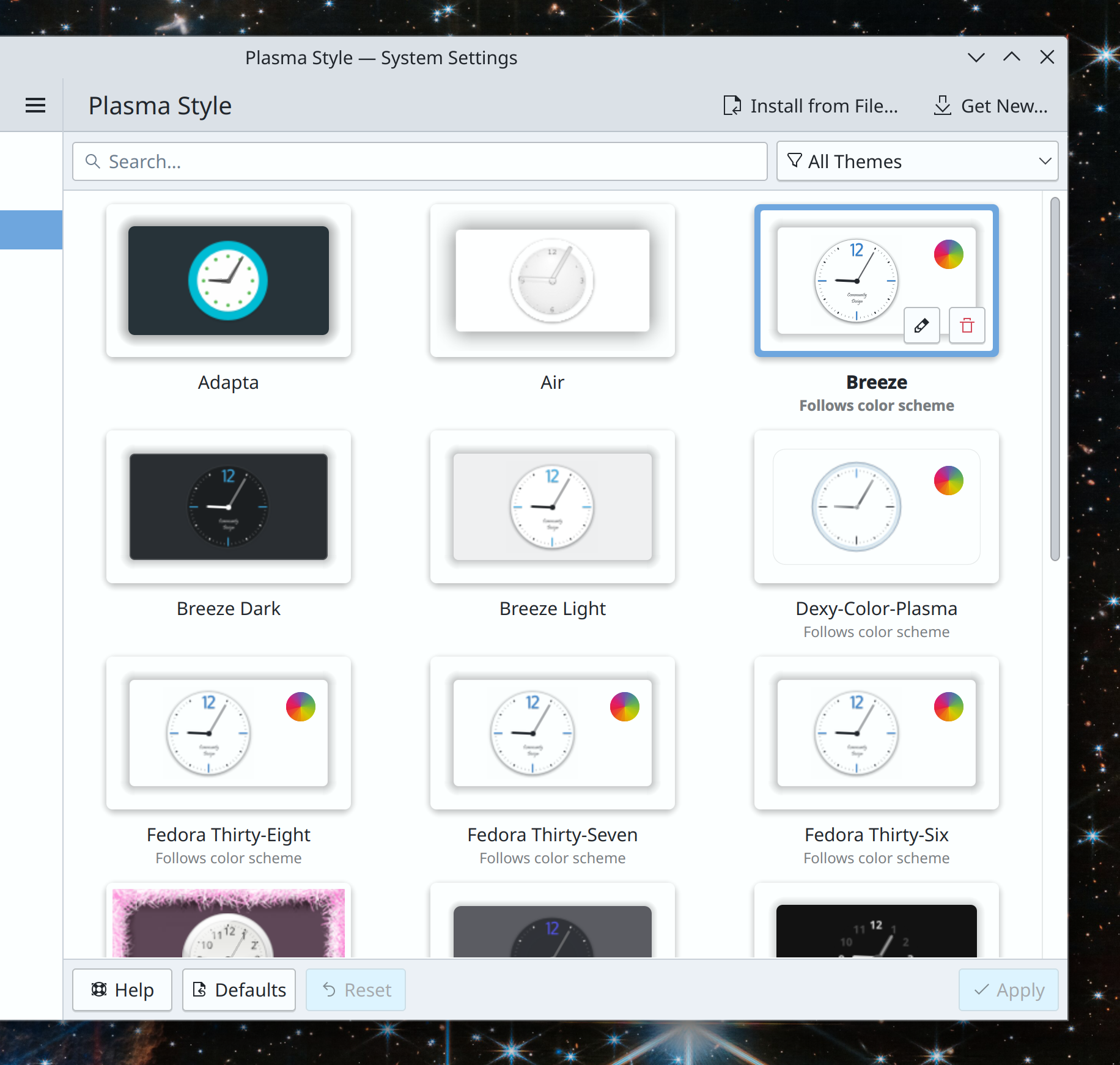
The Air Plasma style
This old Plasma style lived in the plasma-framework repo for a long time, but was abandoned and bit-rotting. It also didn’t really make sense to ship a non-default theme this way, when we already have the Get New [thing] system to let people find and download their own cool new stuff from https://store.kde.org. So we made the decision to remove it. As with the Task Switchers, anyone who loved it is encouraged to maintain it and stick it on https://store.kde.org.
Per-Activity power settings
These very niche and infrequently-used settings were mostly broken, but the infrastructure to support them increased the code complexity of a fragile part of the system. In the interest of improving Plasma 6’s stability and removing known-broken settings, we have removed them rather than putting in the substantial effort needed to fix them.
System Settings Icons view
This view has been superseded by the Sidebar view and abandoned code-wise for years. It’s missed important features such as the “Highlight changed settings” feature that the Sidebar view got years ago. Nevertheless, it was kept around because for a time it offered better keyboard navigability compared to Sidebar view. However following an accessibility push, this is no longer the case, so it doesn’t offer any real advantages anymore and we plan to delete it for Plasma 6. Offering multiple visualization options for something like a Settings app was always kind of weird anyway.
Icons in Plasma Styles
In Plasma 5, the icons shown in various parts of Plasma widgets (but not apps) can come from one of two places: the active icon theme, or the active Plasma style. How do you the user know which icons come from which place? You can’t, not easily. What can you do if you apply a Plasma style and it includes weird icons that make your Plasma widgets look visually inconsistent with the rest of your system–but only partially? Nothing!
Needless to say, this is not ideal.
The original purpose of the feature was to allow Plasma styles to ship monochrome System Tray icons even when the rest of the system is using a colorful icon theme, which even at the time was a questionable goal and amounted to the system visually fighting with itself and its users’ icon theme choices. Later it gradually increased in scope so that lots of other random icons were added to Plasma styles and overrode icon theme icons–but never all of them, only some of them. Some Plasma styles included very comprehensive sets of icons, others included none, and some included a random incomplete assortment of them. All in all it was very strange and very random-seeming.
For Plasma 6, we’re removing this questionable feature, and icons in Plasma widgets will always come from the systemwide icon theme. Much simpler, much more user-comprehensible, much better visual results 99% of the time.
If you’re a theme creator who’s worried about this change, just put the icons that are currently in your Plasma style into that style’s companion icon theme instead.
Unsplash Picture of the Day
This one is quite sad, as no one wanted to remove it. Alas, we had to because Unsplash changed their terms of service to preclude Plasma’s usage of it, as a way of fighting automated data scrapers for AI training models. With a heavy heart, we removed it. So the next time anyone asks you what AI can do for humanity, now you have a concrete answer: prevent Plasma 6 from shipping an Unsplash Picture of the Day wallpaper plugin. Thanks, AI!
The bottom line
You may have noticed some recurring themes: “doesn’t work well, not well integrated with anything else, unnecessarily duplicative, buggy, confusing, abandoned, obsolete.” And you wouldn’t be wrong! These removals have been carefully chosen because they don’t showcase the best of Plasma, and instead act as hidden minefields or make the system feel buggier. They represent common pain points for new users, sources of confusion and user support questions. Except for the Unsplash PotD thing; I’m still feeling salty about that. The robot apocalypse happened, and they took our pretty pictures!
“i don’t care, i still hate you for removing stuff”
I’m sorry you feel that way! But sometimes old things that don’t work very well have to be removed to make room and free up resources for new things that will work better. You’ll just have to trust us these are the right decisions—or at least, that they’ll be reverted if they turned out to be the wrong decisions. Or I guess you can go fork Plasma 5 and tell the internet how KDE is going down the tubes 🙂
…But hopefully not, because I think these removals really will improve the Plasma experience, and open up some space for making it even better in the future. Plasma has had a long, storied, and somewhat messy history, with ports to this toolkit and then that toolkit, with complexity and flexibility that didn’t end up used and caused bugs, with potentially cool features that didn’t pan out. By removing some of the old cruft from Plasma 6, we have an opportunity to build on the best of what we already had and make it even better, to finally converge the product from what has sometimes been a jumbled collection of tech-demo features into a cohesive whole. From DIY do DI-Whoa!