
At long last, KDE software is now covered by a GitLab-based continuous integration system, replacing the old Jenkins-based system used until now. The new one is much better and runs automatically on every merge request, making it much less likely that faulty code that fails to compile or regresses unit tests will be committed. The system is still its infancy and has not yet reached its full potential, but already it is helping us to save time and improve the quality of KDE software. Big thanks to KDE’s sysadmins for rolling out this system!
Another thing: Plasma 5.23 has been named the “Plasma 25th anniversary edition“, to commemorate 25 years of KDE! At this point, KDE is older than some of its users and contributors. Such longevity in a project lead largely by volunteers is quite impressive, if you ask me!
But wait, there’s more! A lot more. We’ve got new features, big improvements to the Breeze theme, Wayland bugfixes, keyboard navigation improvements… it’s been a big week!
New Features
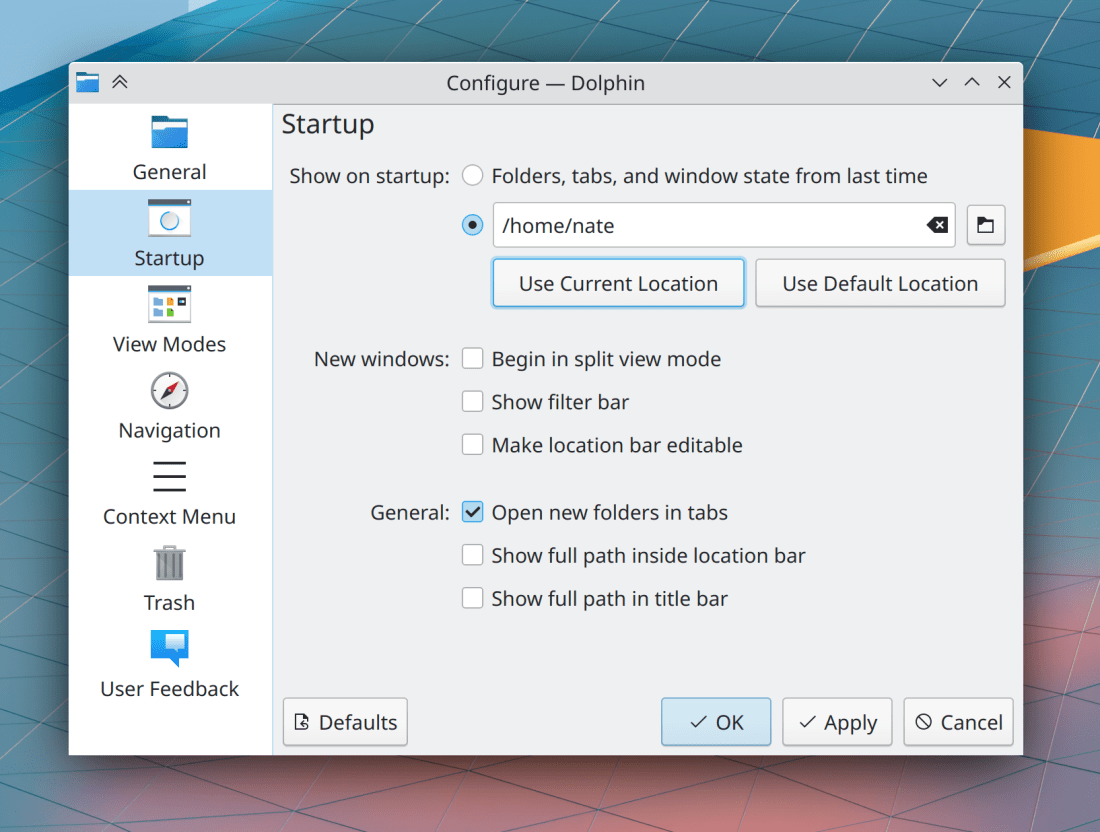
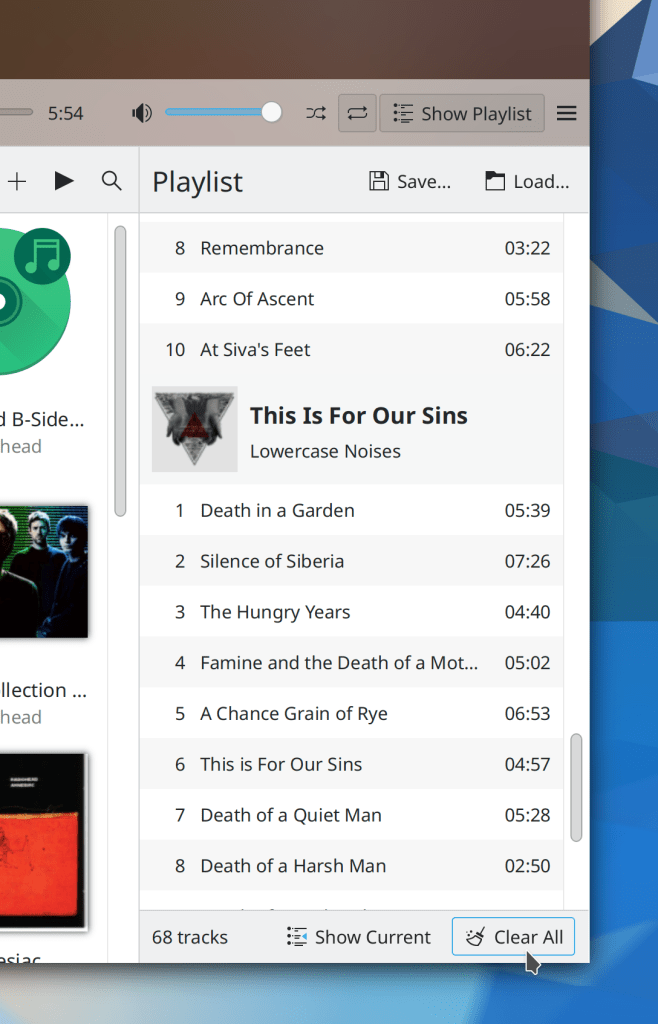
Elisa now lets you optionally use the “favorite/not favorite” style of ratings, where you mark songs as favorites rather than giving them a specific number of stars (me: Nate Graham, Elisa 21.12):

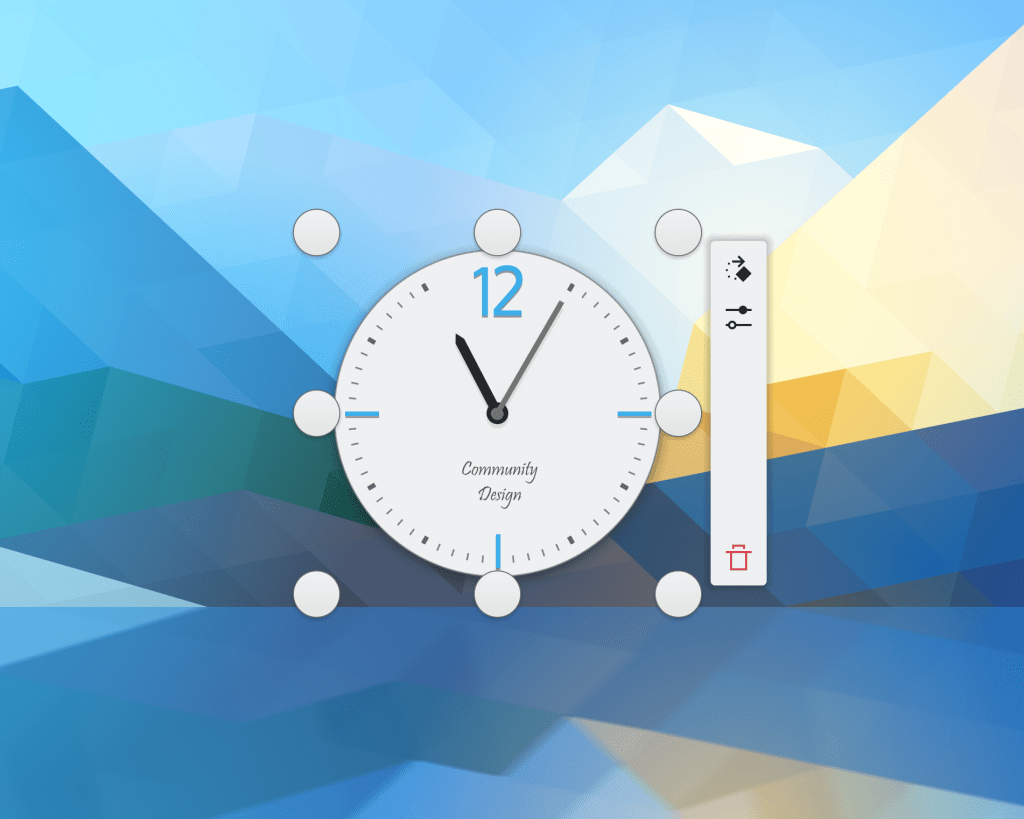
You can now scroll with a mouse wheel or touchpad over the Plasma calendar view to switch the month that is displayed (Tanbir Jishan, Frameworks 5.88)
Bugfixes & Performance Improvements
Okular no longer crashes when trying to display a Markdown file which includes an image that doesn’t have its alt text set (Albert Astals Cid, Okular 21.08.2)
Okular no longer crashes when opening a PDF with a malformed date value (Albert Astals Cid, Okular 21.08.3)
When using Dolphin’s filter feature in Details view, folders that lack any files that match the filter are no longer displayed (Eduardo Cruz, Dolphin 21.12)
In the Plasma wayland session, KWin no longer crashes when the computer wakes up but all screens have been marked as disabled; instead it now enabled the first connected but disabled screen so there’s at least one screen that can display things! (Xaver Hugl, Plasma 5.23)
In the Plasma Wayland session, XWayland apps no longer sometimes disappear when switching virtual desktops (Vlad Zahorodnii, Plasma 5.23)
In the Plasma Wayland session, text copied from within Plasma itself (e.g. from KRunner’s search field) now appears in the global clipboard as expected. This fixes the last of the major Wayland clipboard issues we’re aware of! (David Redondo, Plasma 5.23)
In the Plasma Wayland session, closing an app with a maximized window and then re-opening it now causes its window to be opened on the screen with the cursor on it, rather than always appearing on the left-most screen (Xaver Hugl, Plasma 5.23)
Right-clicking on desktop icons no longer shows the menu on the wrong screen of a multi-screen setup (David Redondo, Plasma 5.23)
Discover no longer sometimes shows the wrong installed version for Flatpak apps and runtimes with updates available (Aleix Pol Gonzalez, Plasma 5.23)
Pressing enter after entering a number in the spinbox to choose the thickness of a Plasma panel now makes the change take effect as you would expect (Fushan Wen, Plasma 5.23)
The Alt+O and Ctrl+Enter/Return keyboard shortcuts now work for closing the clipboard item editing window (Bharadwaj Raju, Plasma 5.23)
Right-clicking on the colors in the Color Picker widget’s expanded view now works (Bharadwaj Raju, Plasma 5.23)
In the Plasma Wayland session, the default Meta+Tab shortcut to switch between activities now always works (Andrey Butirsky, Plasma 5.23)
The screen edge highlighting effect now appears more reliably in certain situations (Andrey Butirsky, Plasma 5.23)
Task Manager tooltips that are displaying media controls no longer sometimes overlay a horizontal scrollbar on the bottom (Fushan Wen, Plasma 5.23 with Frameworks 5.88)
Dolphin and Plasma and other apps no longer crash when undoing a file copy (Ahmad Samir, Frameworks 5.87)
Copying files from FAT32-formatted volumes no longer sometimes just fails and hangs forever (Oliver Freyermuth, Frameworks 5.88)
The “B” in the “Background color” label on Gwenview’s status bar is no longer partially cut off (Julius Zint, Frameworks 5.88)
All Plasma applets should be slightly snappier and use less memory thanks to some backend code re-working that was done recently (Noah Davis, Frameworks 5.88)
Colored icons on colored backgrounds in KDE apps should now intelligently re-color themselves to never have the same color as the background (Aleix Pol Gonzalez, Frameworks 5.88)
Plasma now saves any changes you made while in Edit Mode as soon as you exit from that mode, so your changes will be preserved if Plasma later crashes (Jan Blackquill, Frameworks 5.88)
The “Trash is full” error message is now phrased better and no longer overflows in Dolphin (me: Nate Graham, Frameworks 5.88)
User Interface Improvements
Ark’s preview window no longer displays a redundant Close button at the bottom of the window (Eugene Popov, Ark 21.12)
Left-clicking on a desktop icon while multiple icons are selected now de-selects the un-clicked-on icons after opening the one that was clicked on (Bharadwaj Raju, Plasma 5.23)
In the Plasma Wayland session with on a multi-screen setup, the cursor now appears on login in the center of the screen that is itself closest to being in the center of the arrangement (Vlad Zahorodnii, Plasma 5.23)
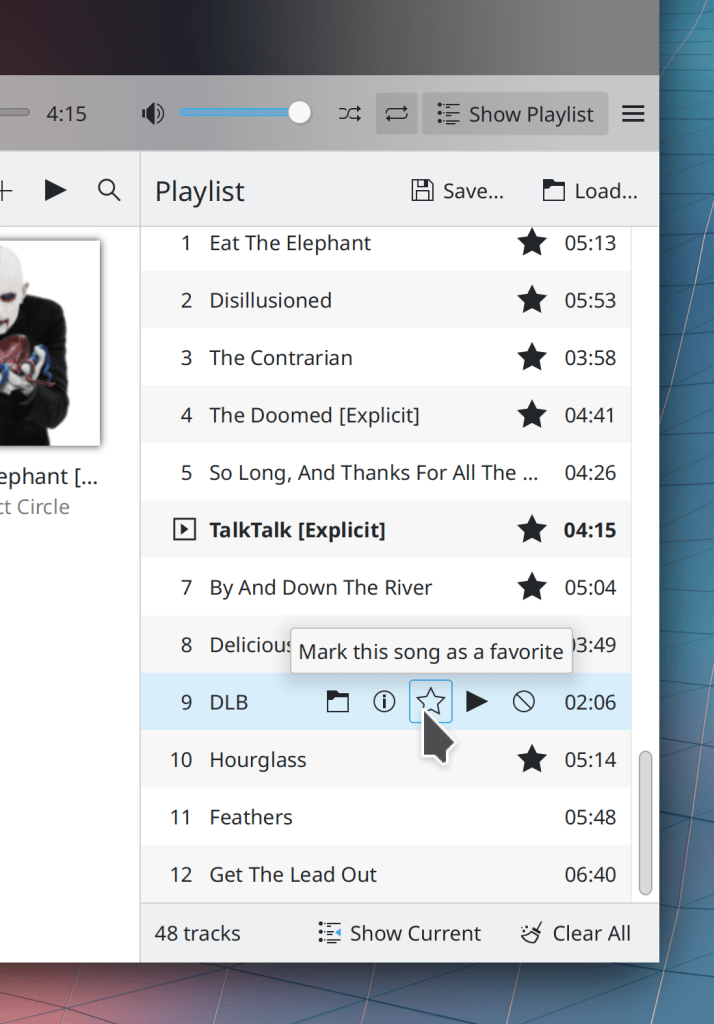
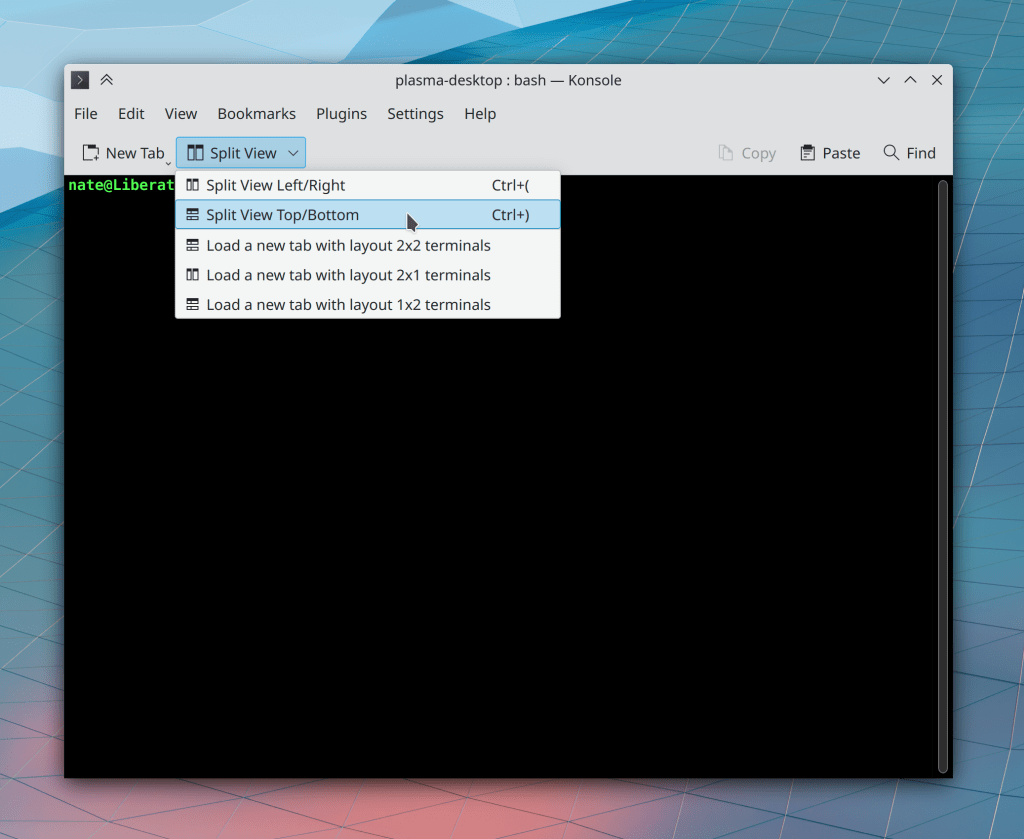
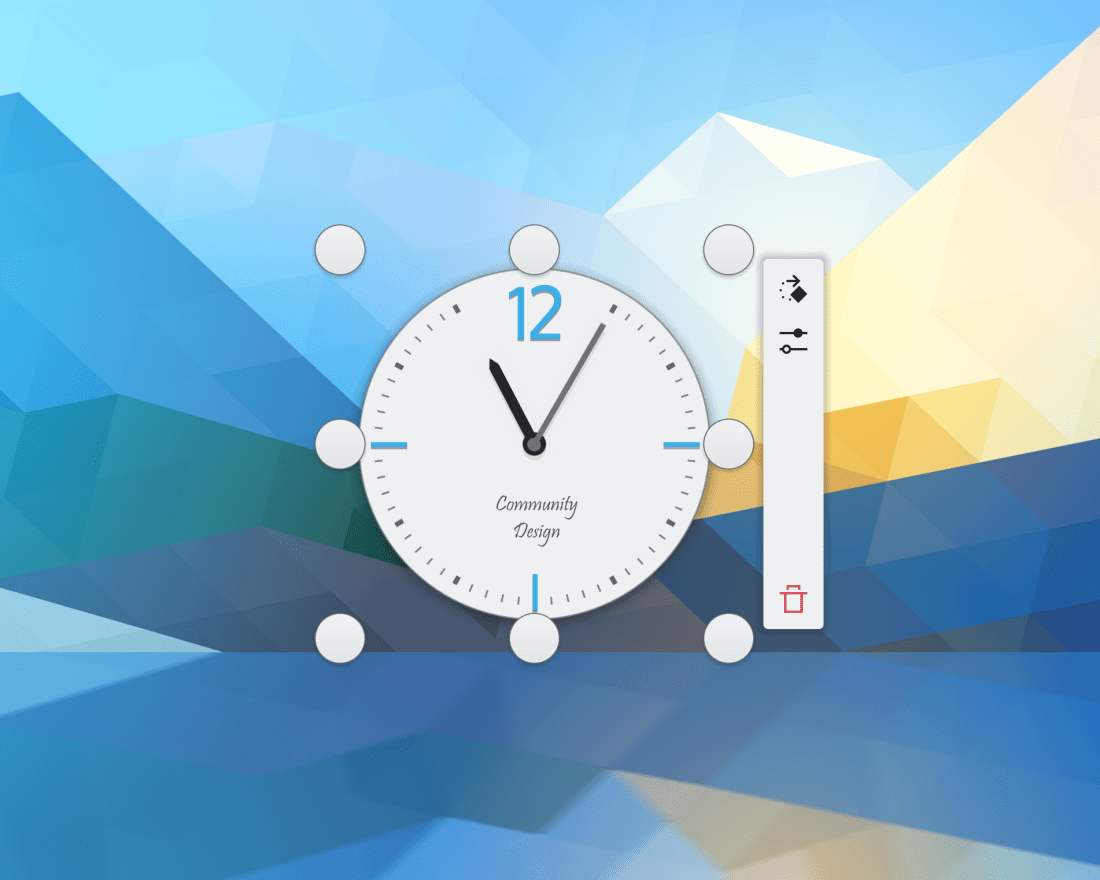
The focus effect for buttons, text fields, checkboxes, radio buttons, comboboxes, and spinboxes has been enlarged into a “focus ring” that should be much easier to visually distinguish at a glance (Noah Davis, Plasma 5.24):
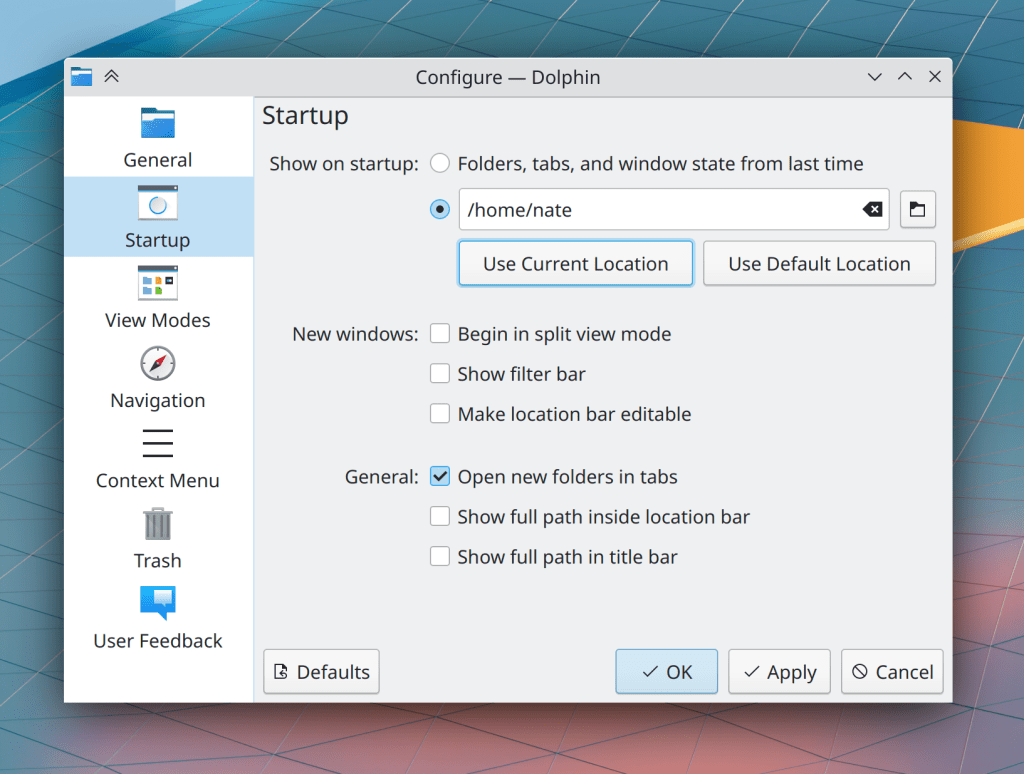
System Settings’ Formats page has been rewritten in QtQuick, which fixes many UI-related issues with the old one and allows us to begin work on a large-scale overhaul of how locales are presented and configured–which will likely include merging the Languages page into this one to finally make the process of changing the system’s language easy, obvious, and reliable (Han Young, Plasma 5.24):
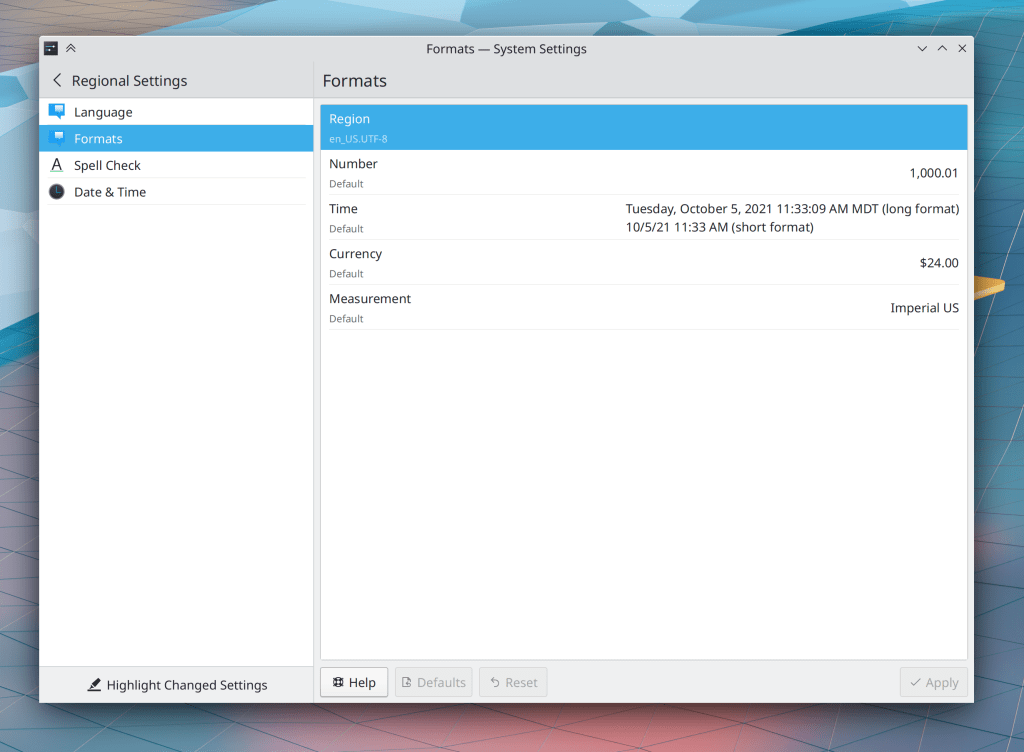
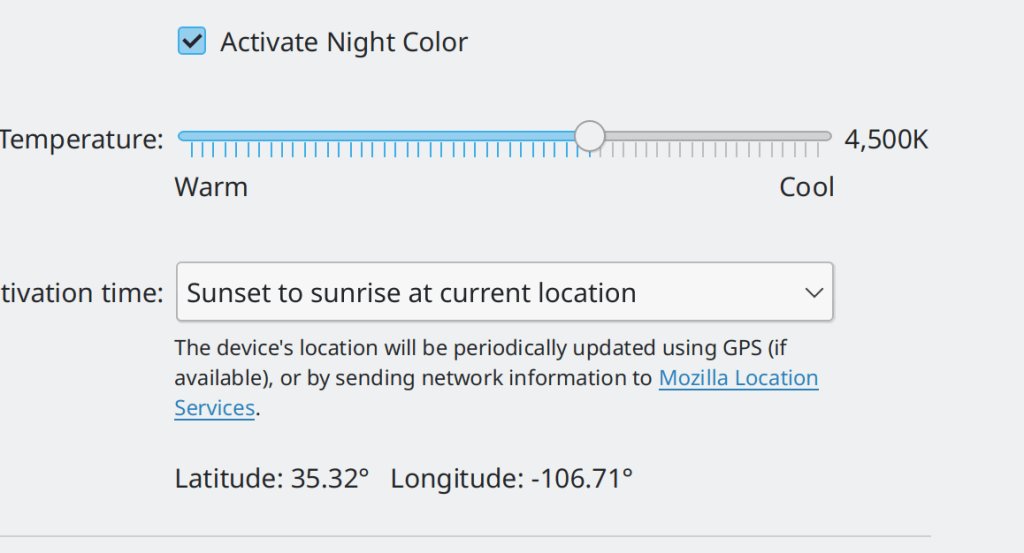
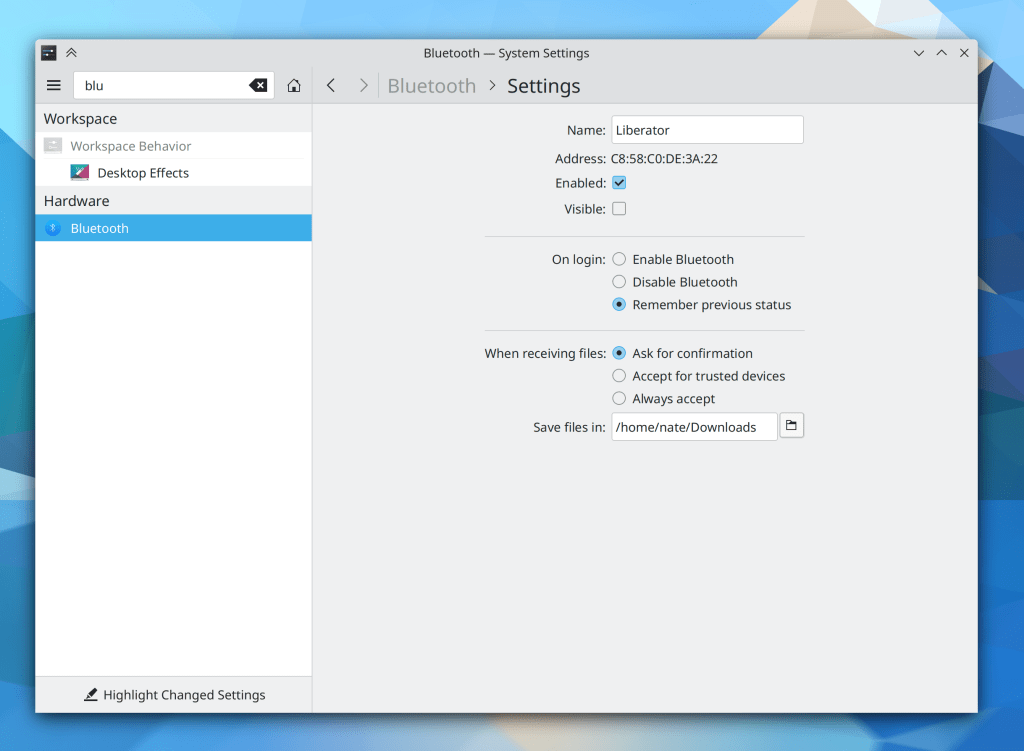
System Settings’ Night Color page now supports the “Highlight Changed Settings” feature (Benjamin Port, Plasma 5.24)
When you add the Weather applet to your panel or activate the built-in one in the System Tray, its popup now prompts you to configure it, rather than leaving it you you to figure out that this is needed (Bharadwaj Raju, Plasma 5.24):

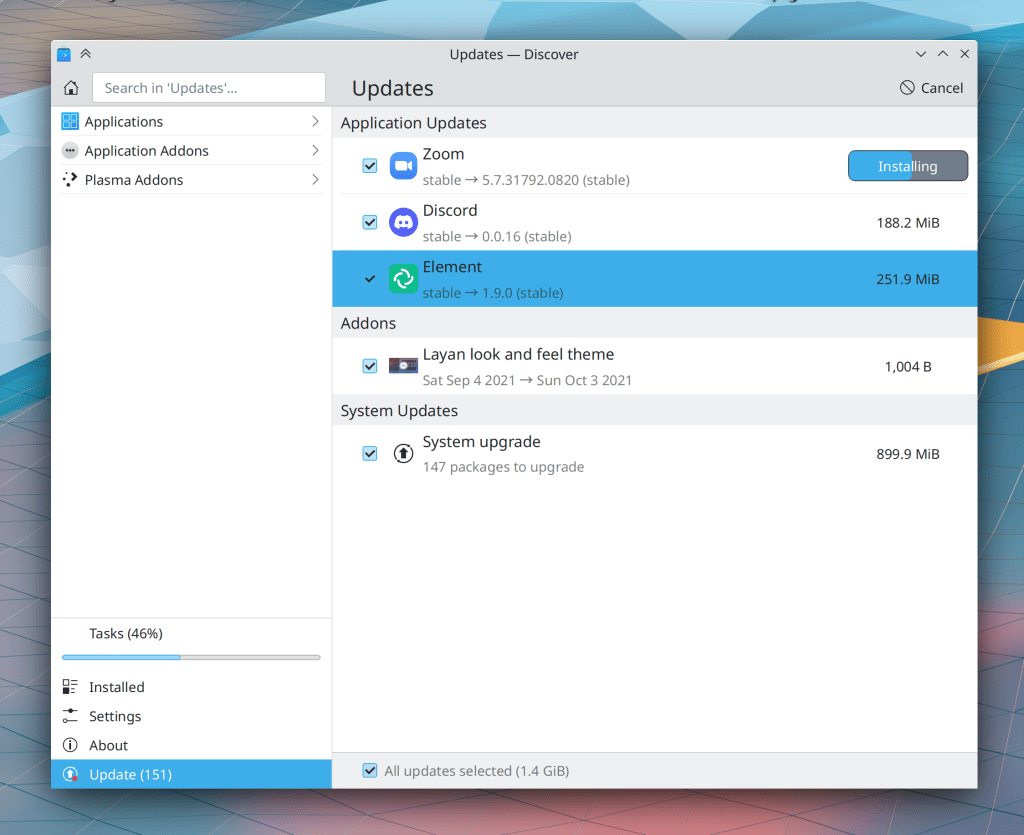
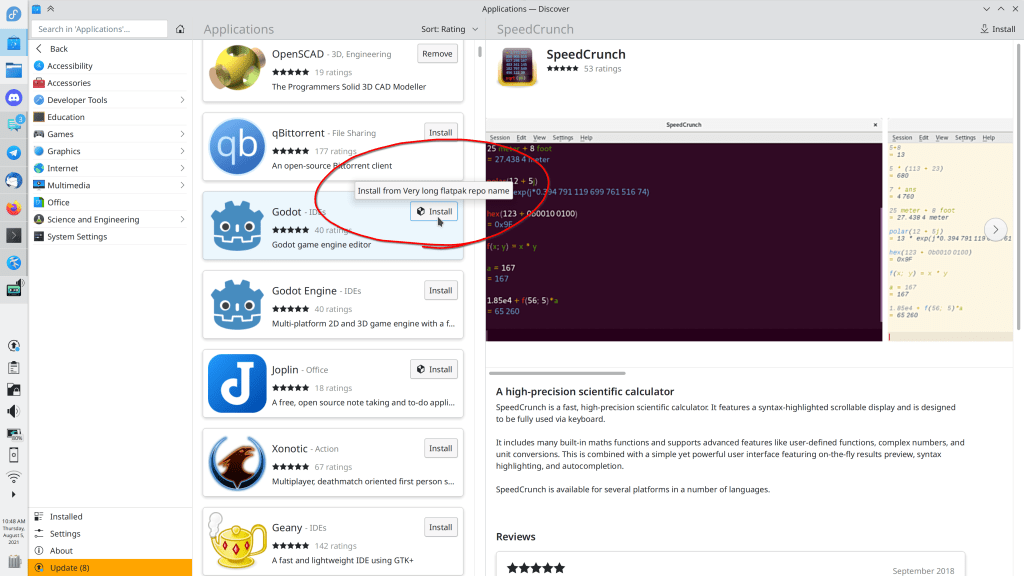
Discover’s Update page now has a lighter weight style by only showing those “pills” on the right side for items that are in progress; otherwise, the size text just appears floating on the right-side of the item (me: Nate Graham, Plasma 5.24):
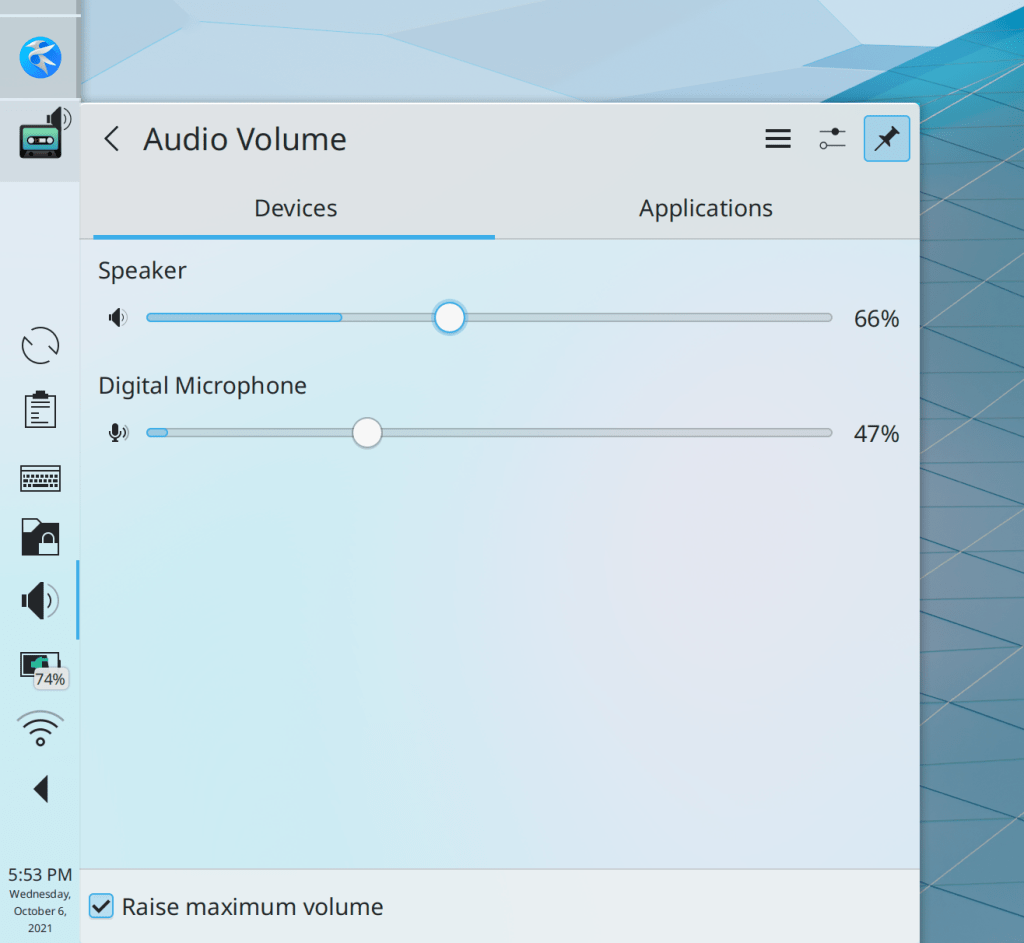
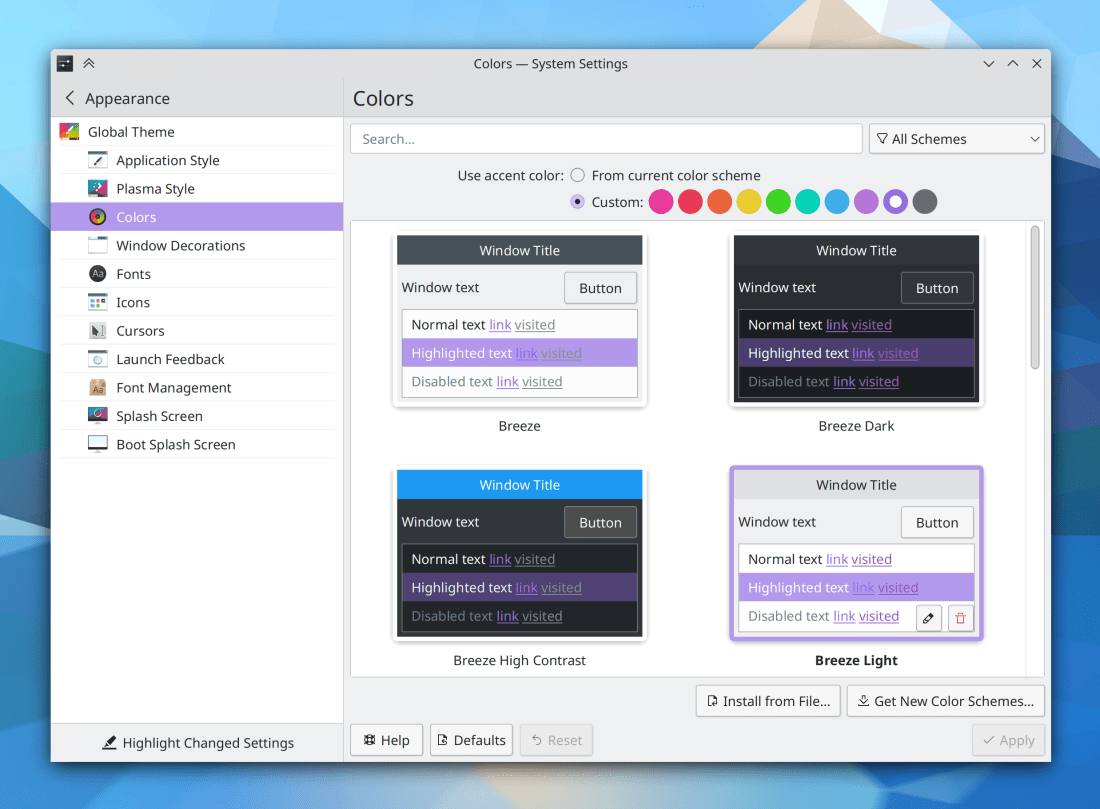
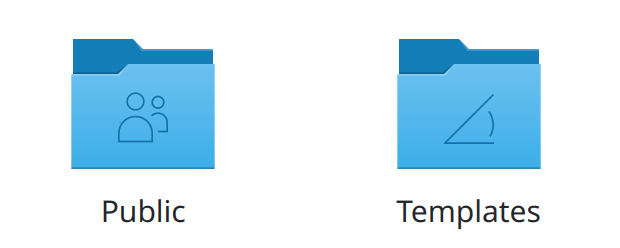
Basic UI elements in Plasma now follow the same style rolled out recently for KDE apps, which also improves the visibility of the focus effect particularly for sliders and checkboxes (Noah Davis, Frameworks 5.87):
By default, KTextEditor-based apps like KWrite, Kate, and KDevelop now let you enclose text in parentheses or brackets by selecting the text and typing the opening parenthesis/bracket/etc. character (Jan Blackquill, Frameworks 5.88)
System Tray applets with expandable list items are now more keyboard-friendly: you can trigger an item’s default button with the Return/Enter key, expand it with the spacebar, collapse it with the Escape key, and show its context menu (if present) using the Menu Key on your keyboard, if it has one (Bharadwaj Raju, Frameworks 5.88)
Grid items in System Settings grid view pages now visually indicate when they have keyboard focus (Arjen Hiemstra, Frameworks 5.88)
…And everything else
Keep in mind that this blog only covers the tip of the iceberg! Tons of KDE apps whose development I don’t have time to follow aren’t represented here, and I also don’t mention backend refactoring, improved test coverage, and other changes that are generally not user-facing. If you’re hungry for more, check out https://planet.kde.org/, where you can find blog posts by other KDE contributors detailing the work they’re doing.
How You Can Help
Have a look at https://community.kde.org/Get_Involved to discover ways to be part of a project that really matters. Each contributor makes a huge difference in KDE; you are not a number or a cog in a machine! You don’t have to already be a programmer, either. I wasn’t when I got started. Try it, you’ll like it! We don’t bite!
Finally, consider making a tax-deductible donation to the KDE e.V. foundation.










 Adventures in Linux and KDE