

KDE’s annual Akademy conference was held last week, and we’re all kind of still recovering. Nonetheless, we managed to do all kinds of useful work, including a major new Konsole feature and a number of Wayland bugfixes:
New Features
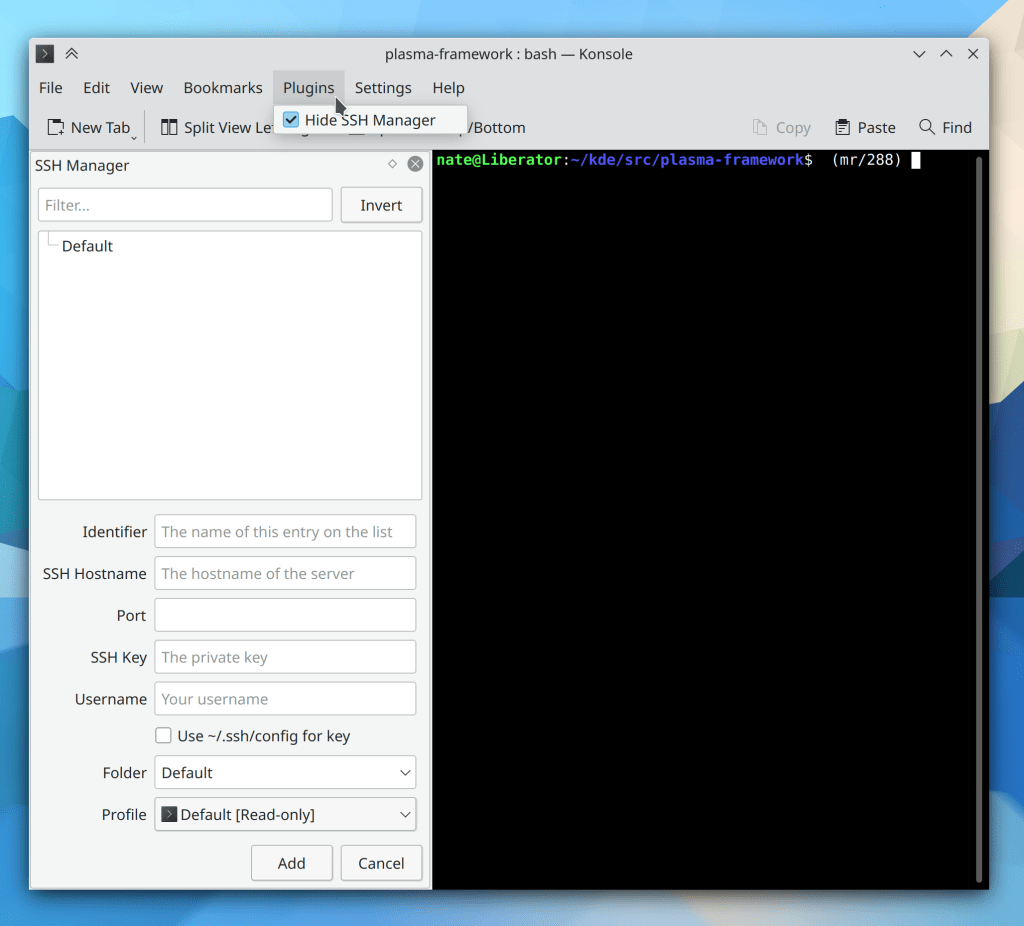
Konsole now has a new plugin system which ships with the inaugural plugin of an SSH bookmark/connection manager! (Tomaz Canabrava, Konsole 21.08):
Hitting Shift+Delete in the new Plasma System Monitor app now sends the selected process a SIGKILL signal, just like the old KSysGuard app did (Felipe Kinoshita, Plasma 5.23)
Bugfixes & Performance Improvements
Konsole no longer sometimes crashes when text is zoomed or reflowed (Luis Javier Merino Morán, Konsole 21.08)
System Settings’ new Quick Settings no longer gets truncated on the bottom when the screen size is very small; it now becomes scrollable instead (me: Nate Graham, Plasma 5.22.2)
When using Activities in the Plasma Wayland session, new windows are now created in the current Activity, rather than in all Activities (Xaver Hugl, Plasma 5.22.2)
Hitting the Meta+V shortcut to show the clipboard history in a pop-up menu no longer crashes Plasma when using certain multi-screen arrangements (Felipe Kinoshita, Plasma 5.22.3)
In the Plasma Wayland session, window rules related to Activities now work (Vlad Zahorodnii, Plasma 5.22.3)
In the Plasma Wayland session, the Activity Switcher sidebar now always works (David Redondo, Plasma 5.23)
Fixed the most common crash in the Plasma calendar (David Edmundson, Frameworks 5.84)
Significantly improved the SVG lookup performance in Plasma, which should result in slight speedups and energy efficiency improvements everywhere (Aleix Pol Gonzalez, Frameworks 5.84)
Clearing global shortcuts for Plasma applets now works properly (David Redondo, Frameworks 5.84)
Clicking on Places Panel entries for locations that have been bind-mounted now works correctly (Ahmad Samir, Frameworks 5.84)
User Interface Improvements
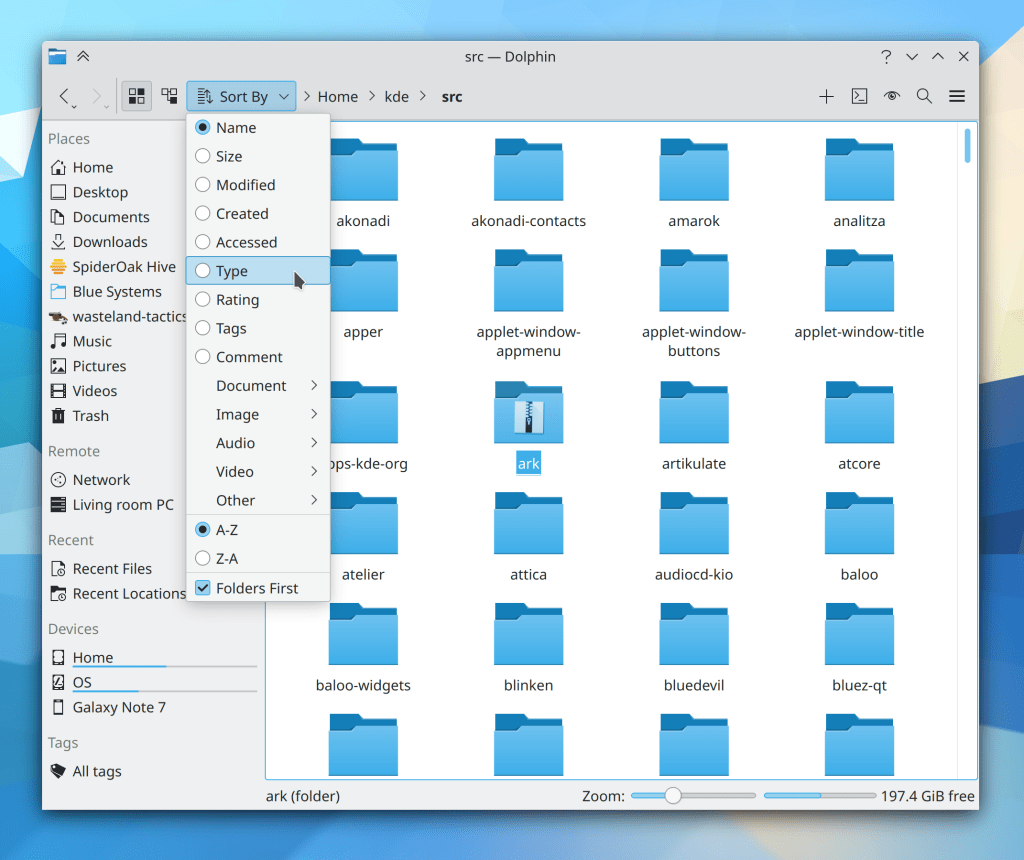
In Dolphin, pressing the Shift key while the context menu is open to access the semi-hidden “Delete” action now works when a sub-menu of the context menu is also open (Derek Christ, Dolphin 21.04.3)
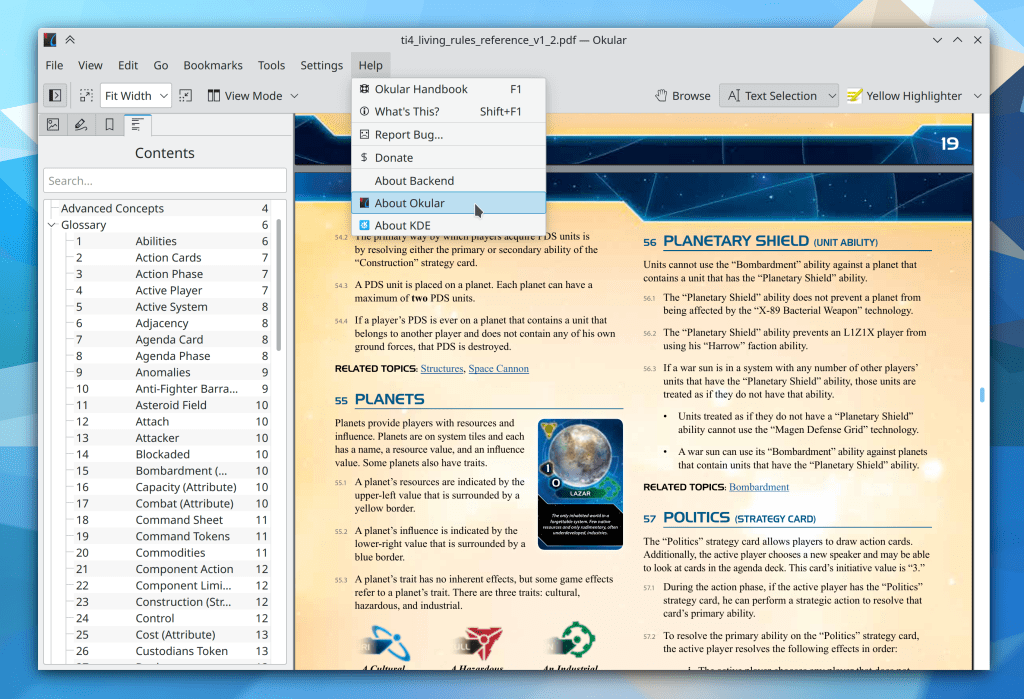
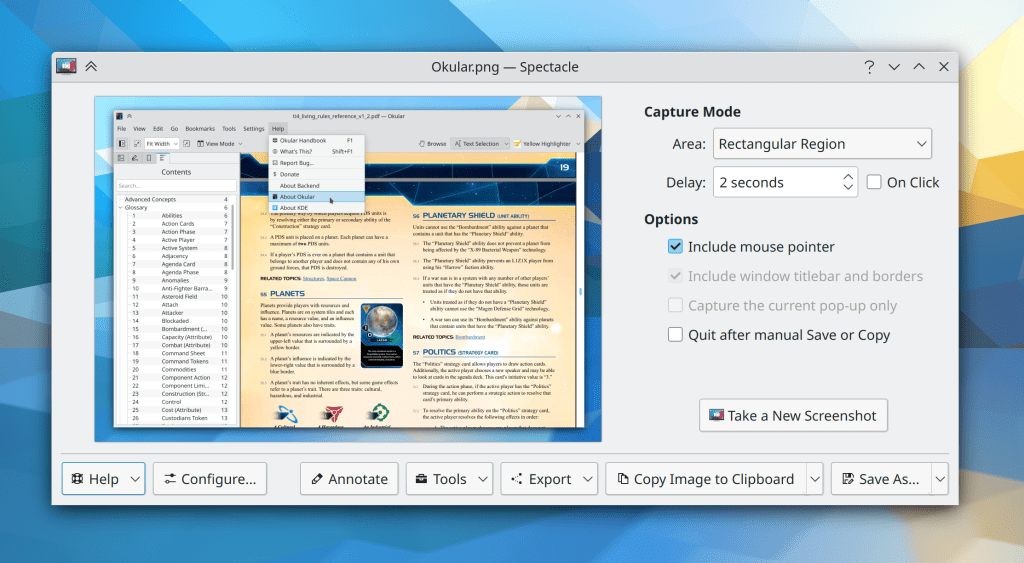
Okular’s annotations tool is now a mutually exclusive action, so activating it takes you out of Browse or Text Selection mode–or vice versa (Simone Gaiarin, Okular 21.08)
Those of you who hate Konsole’s smart text selection color choosing algorithm can now make use of a new option to always simply invert the color (which, depending on your terminal color scheme, may not always work–but in those cases, you can go back to using the smart color chooser algorithm, and vice versa) (Ahmad Samir, Konsole 21.08)
In the Plasma Wayland session, cursors are no longer pixelated when drawn over a GTK app window while using a high DPI scale factor (Emilio Cobos Álvarez, Plasma 5.23)
Unlabeled disks now have the name of the mountpoint (e.g. “sda1“) appended to their generic name, to help you identify them especially in the case where disks have the same size (Ahmad Samir, Frameworks 5.84)
Web Presence
In case you missed Akademy, everything was recorded, so you can check out the raw video here! It will eventually be edited into bite-sized videos, one per session/talk/whatever.
Also, I gave an interview on https://www.dedoimedo.com recently! If you’re interested, you can check it out here.
…And everything else
Keep in mind that this blog only covers the tip of the iceberg! Tons of KDE apps whose development I don’t have time to follow aren’t represented here, and I also don’t mention backend refactoring, improved test coverage, and other changes that are generally not user-facing. If you’re hungry for more, check out https://planet.kde.org/, where you can find blog posts by other KDE contributors detailing the work they’re doing.
How You Can Help
Have a look at https://community.kde.org/Get_Involved to discover ways to be part of a project that really matters. Each contributor makes a huge difference in KDE; you are not a number or a cog in a machine! You don’t have to already be a programmer, either. I wasn’t when I got started. Try it, you’ll like it! We don’t bite!
Finally, consider making a tax-deductible donation to the KDE e.V. foundation.



 Adventures in Linux and KDE