
This week a number of performance improvements landed for for areas as diverse as taking screenshots with Spectacle in the Plasma Wayland session, using the Plasma Wayland session in general with an Nvidia GPU, and entering or exiting Elisa’s “Party mode” and resizing the main window.
But that’s not all; we also added a bunch of nice new features and UI improvements:
New Features
Spectacle can now be invoked globally to take a screenshot of the window currently under the cursor using Meta+Ctrl+Print (Antonio Prcela, Spectacle 21.08)
Gwenview can now read embedded color profile information for image formats other than JPEG and PNG (Daniel Novomeský, Gwenview 21.08)
If your keyboard lacks a “mute microphone” key, you can now mute the default microphone using the Meta+speaker mute keyboard shortcut (David Edmundson, Plasma 5.22)
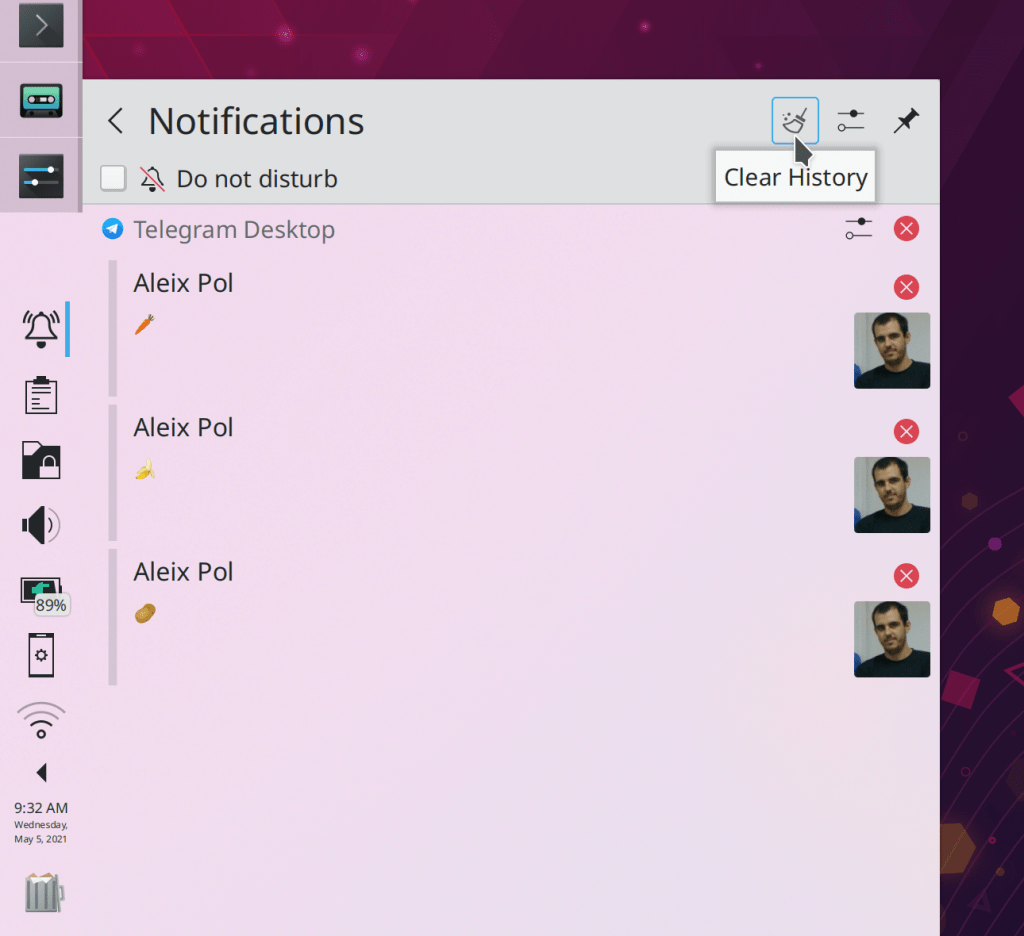
In the Plasma Wayland session, the System Tray now notifies you when something is recording the screen, and gives you the opportunity to cancel it (Aleix Pol Gonzalez, Plasma 5.23)
KCommandBar has been added to all KXMLGui-using KDE apps, so you can start using it by hitting Ctrl+Alt+I in Dolphin, Gwenview, Okular, Konsole, Krita, Kdenlive, and so on! (Waqar Ahmed, Frameworks 5.83)
Bugfixes & Performance Improvements
Spectacle is now much faster and more reliable in the Plasma Wayland Session (Vlad Zahorodnii, Spectacle 21.04.2)
Konsole no longer sometimes crashes when using the “random color scheme” setting (Luis Javier Merino Morán, Konsole 21.04.2)
Elisa’s fancy blur effects have been ported to use a lighter weight implementation, hugely improving the app’s visual performance when entering or exiting party mode or resizing the window (Tranter Madi, Elisa 21.08)
Dolphin no longer sometimes crashes when emptying the trash (Ömer Fadıl Usta) Dolphin 21.04.2)
In the Plasma Wayland session, disconnecting an external screen no longer causes all open Qt apps to crash (Vlad Zahorodnii, Plasma 5.22)
Majorly improved the reliability of the Plasma Wayland session for users of Nvidia hardware with the proprietary driver (David Edmundson, Plasma 5.22)
Fixed a case where the new Plasma System Monitor app could crash on launch (David Redondo, Plasma 5.22)
The new Plasma System Monitor app no longer sometimes crashes when its main window is de-focused (David Redondo, Plasma 5.22)
The new Plasma System Monitor app now displays fully accurate disk usage information (David Redondo, Plasma 5.22)
Launching an app using the Kickoff Application Launcher no longer shows an unnecessary left-slide animation inside the popup before it closes (Marco Martin, Plasma 5.22)
Fixed tons of issues in the System Settings Virtual Desktops page, including a case of broken text display, the “Apply” button not becoming activated when it should, the “Defaults” button not bringing back removed virtual desktops, and several problems with the animation duration chooser (Nicolas Fella and David Edmundson, Plasma 5.22)
On System Settings’ Global Themes page, the “Use desktop layout from theme” button now correctly activates the Apply and Reset buttons (Cyril Rossi, Plasma 5.22)
Fixed a recent regression that could cause Dolphin to crash when searching for files (Kai Uwe Broulik, Frameworks 5.83
User Interface Improvements
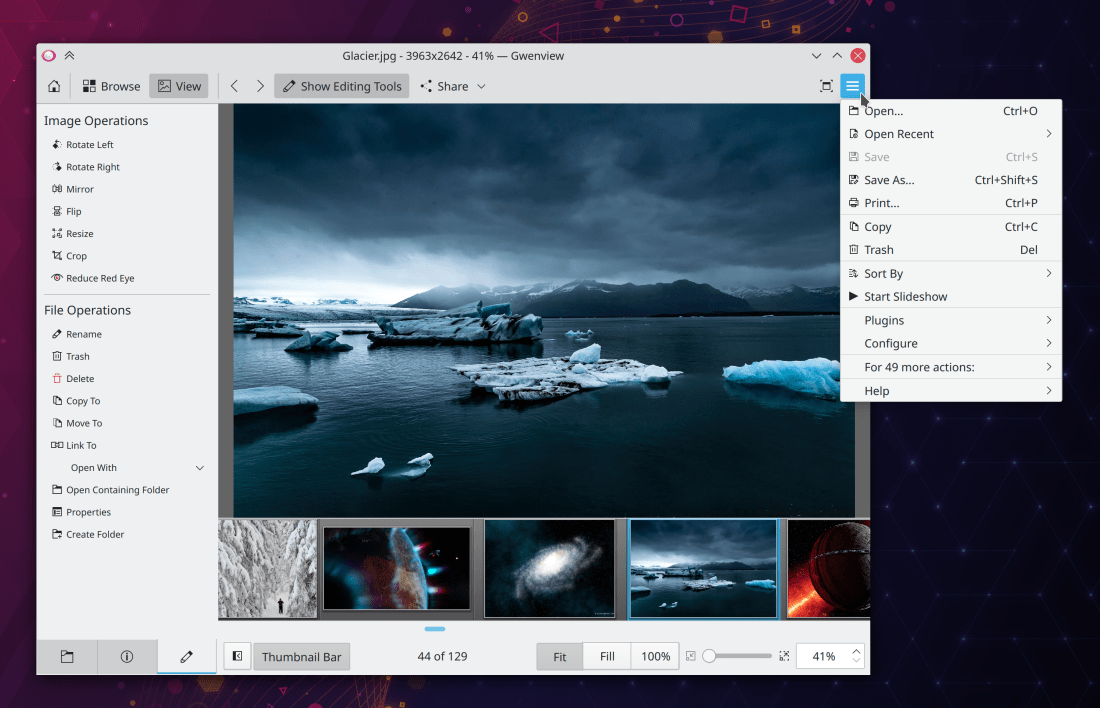
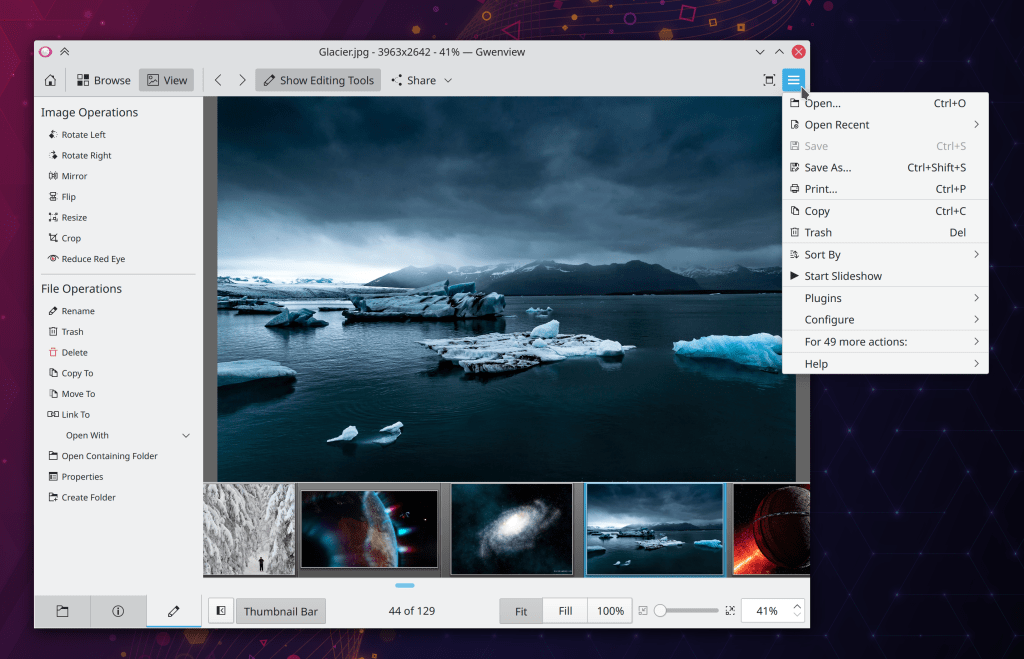
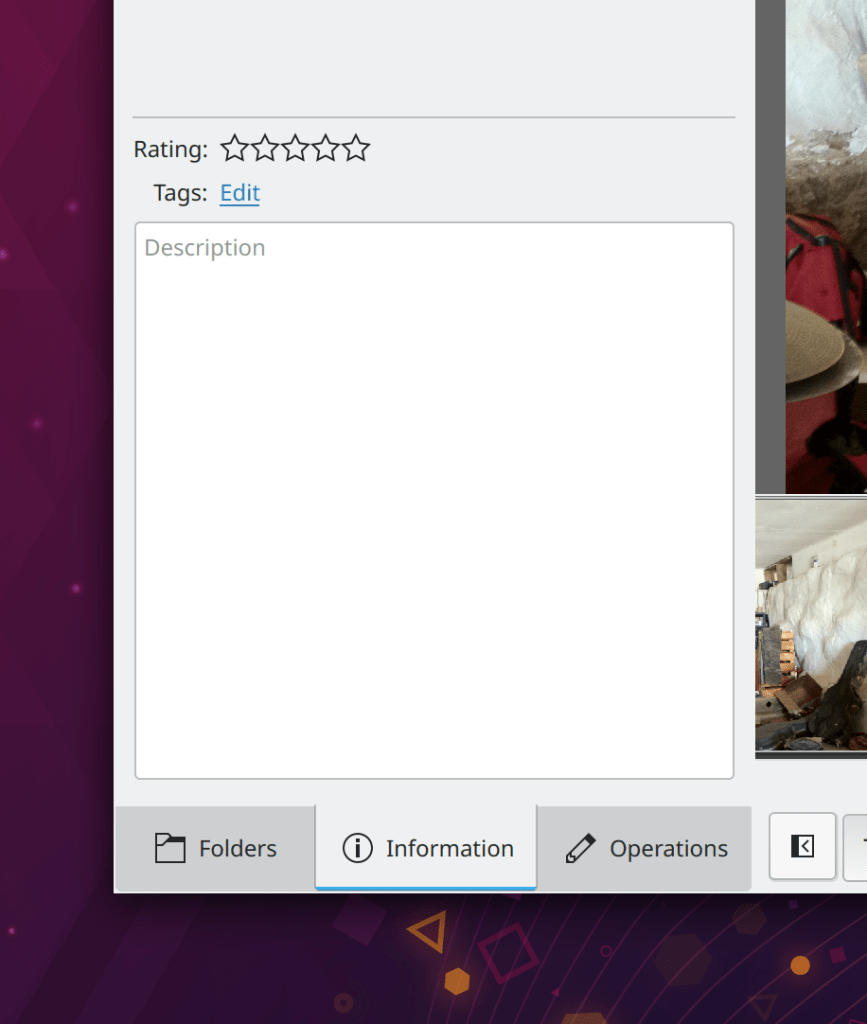
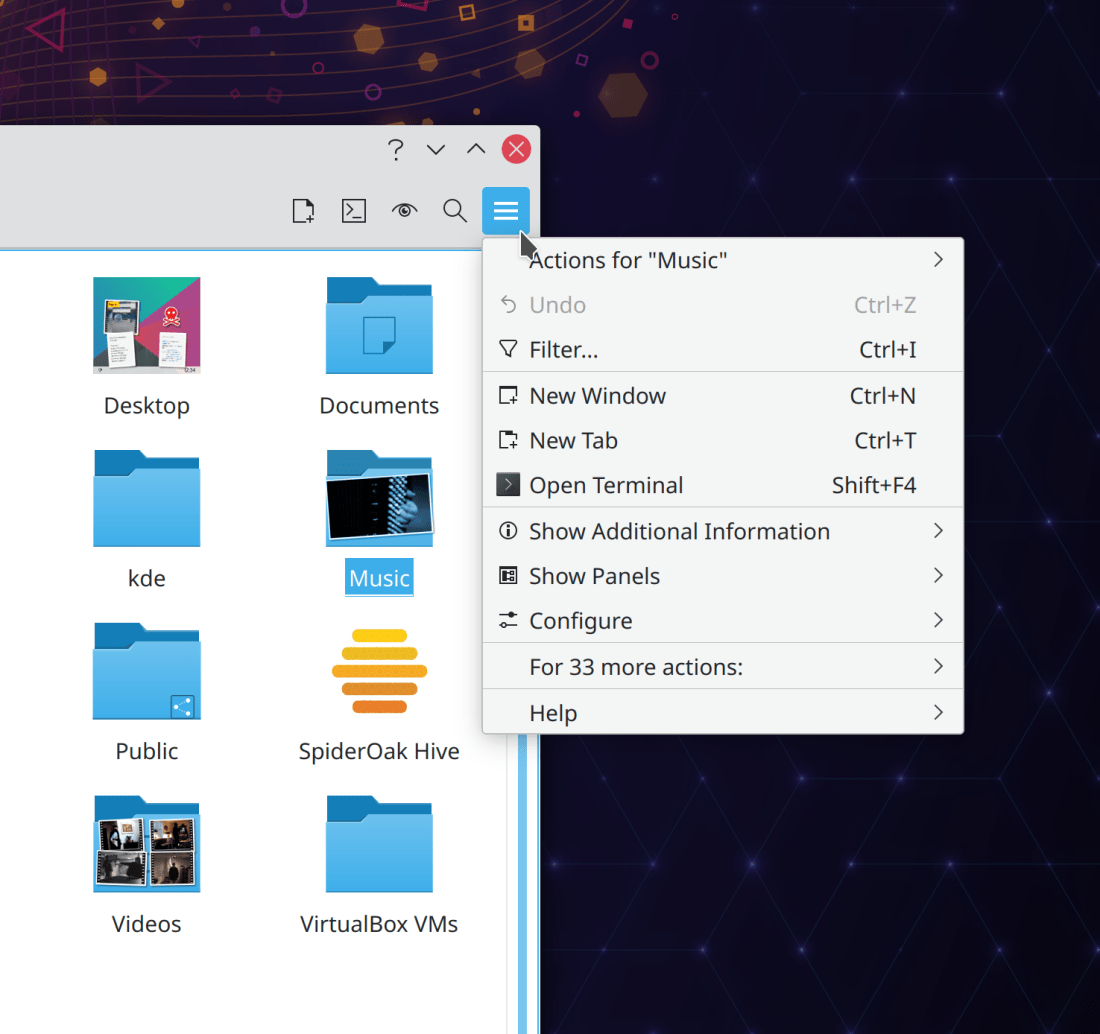
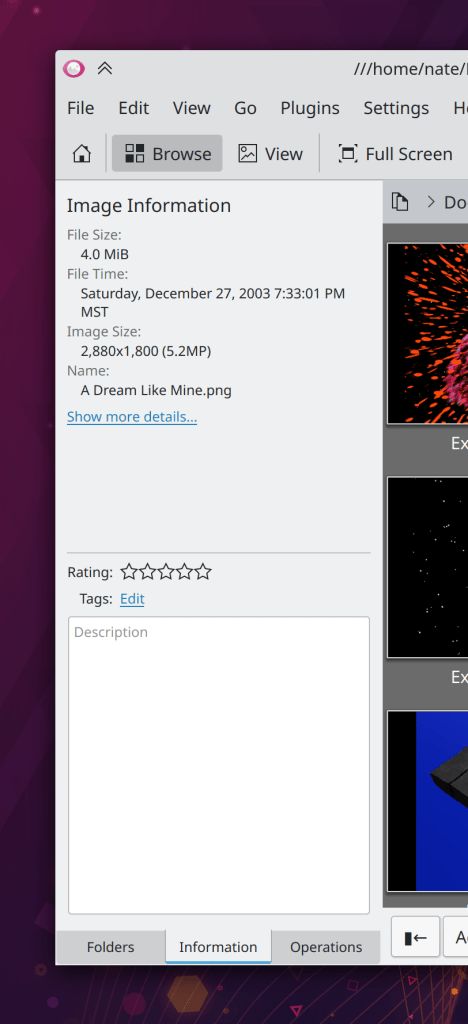
Gwenview has now adopted KHamburgerMenu, giving it a cleaner look and a more approachable set of actions when the menubar is hidden (Noah Davis, Gwenview 21.08):
Discover’s “Installed” view is now case-insensitive for searching (Aleix Pol Gonzalez, Plasma 5.22)
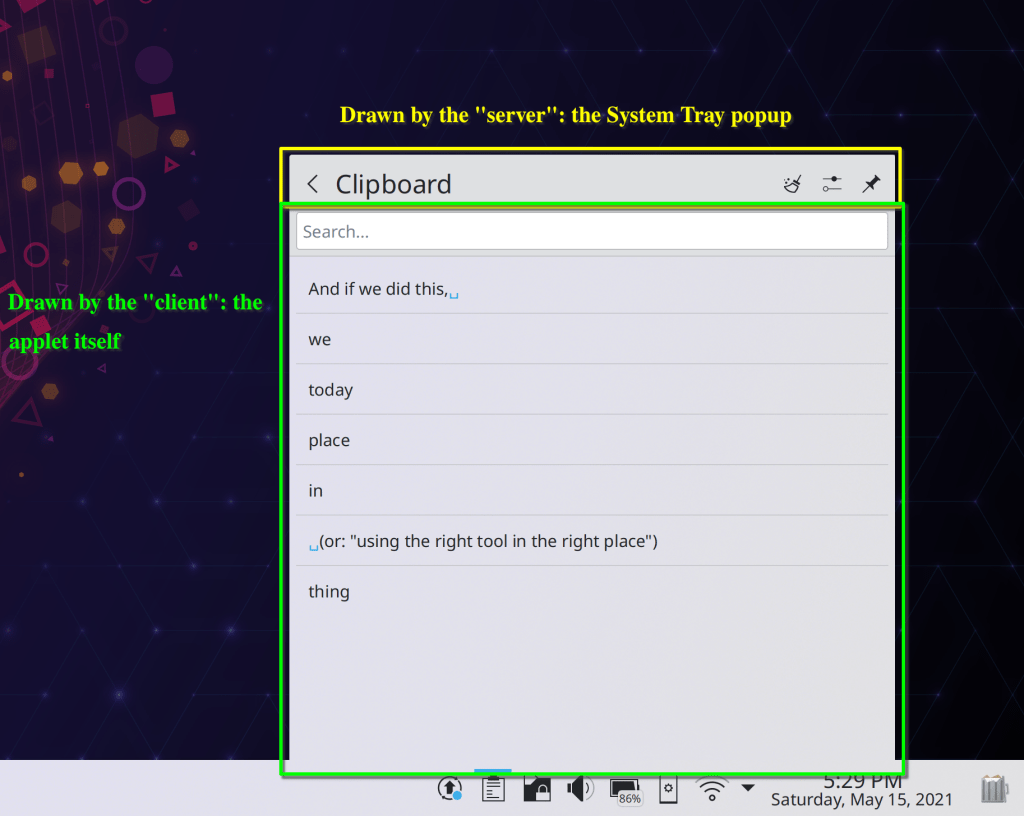
The System Tray’s arrow uses to show the pop-up with hidden applets in it no longer appears when using the “Show all entries” setting (Konrad Materka, Plasma 5.22)
The new Plasma System Monitor app now lets you search for multiple search terms separated with commas, just like the old KSysGuard app did (David Edmundson, Plasma 5.23)
Users are now told what they will be losing when they disable file indexing (me: Nate Graham, Plasma 5.23)
The Virtual Keyboard System Tray applet (which appears in the Plasma Wayland session) now disables itself completely if you have disabled the virtual keyboard globally (Nicolas Fella, Plasma 5.23)
On System Settings’ Virtual Desktops page, you can now double-click on a desktop’s name to rename it, and while you’re in renaming mode, the “Rename” button turns into a “Confirm new name” button (me: Nate Graham, Plasma 5.23)
Auto-generated avatar images used in various places in Plasma and apps now use flat colors for the backgrounds, rather than gradients (Jan Blackquill, Frameworks 5.83)
…And everything else
Keep in mind that this blog only covers the tip of the iceberg! Tons of KDE apps whose development I don’t have time to follow aren’t represented here, and I also don’t mention backend refactoring, improved test coverage, and other changes that are generally not user-facing. If you’re hungry for more, check out https://planet.kde.org/, where you can find blog posts by other KDE contributors detailing the work they’re doing.
How You Can Help
Have a look at https://community.kde.org/Get_Involved to discover ways to be part of a project that really matters. Each contributor makes a huge difference in KDE; you are not a number or a cog in a machine! You don’t have to already be a programmer, either. I wasn’t when I got started. Try it, you’ll like it! We don’t bite!
Finally, consider making a tax-deductible donation to the KDE e.V. foundation.







 Adventures in Linux and KDE