
Another busy week in Usability & Productivity. As has been observed, we’re fixing issues at Warp 9 speed! KDE contributors racked up some pretty significant wins this week, and we’ve already got some great stuff in the pipeline that I hope to be able to announce next week! But for now, take a look at this week’s haul!
New Features
- Plasma now shows an on-screen-display that allows you to choose what happens the first time you connect in an unknown new screen (KDE Phabricator Revision D9414, implemented in KDE Plasma 5.13):

- KRunner can now be limited to searching for archives, presentations, and spreadsheets; search for e.g. “Type:Archive [search term]” (KDE Phabricator revision D10624, implemented in KDE Plasma 5.13.0)
- KRunner now shows a downward-pointing arrow you can click to bring up its search history (KDE bug 375207, implemented in KDE Plasma 5.13.0)

- Okular gained improved support for calculations in PDF forms that use Javascript (KDE Phabricator Task T7805, implemented in KDE Applications 18.04.0) – See more information here!
- Okular now renders content within code tags in FictionBook files (KDE bug 387426, implemented in KDE Applications 17.12.3)
- Kate/KDevelop syntax highlighting is now compatible with SELinux config files and work better with AppArmor config files (KDE Phabricator revisions D10174 and D10220, implemented in KDE Applications 18.04.0)
Bugfixes
- Fixed a bug that broke certain global keyboard shortcuts for mute, sleep, and brightness control for some users upgrading to Plasma 5.12 (KDE bug 389991, fixed in KDE Plasma 5.12.2)
- Fixed a bug that broke auto-mounting certain disks for many users who upgraded to KDE Frameworks 5.43 (KDE bug 389479, fixed in KDE Frameworks 5.44).
- Fixed a bug that caused KRunner’s bookmarks runner to crash all the time and not display favicons from Firefox (KDE bug 363136 fixed in KDE Plasma 5.12.2)
- Fixed a bug where Spectacle would capture an inappropriately large area for certain windows (such as Spectacle’s own window!) when using “Window Under Cursor” mode (KDE bug 376350, fixed in KDE Applications 18.04.0)
- Fixed a bug where dragging a maximized window’s titlebar down using a touchscreen on Wayland did not de-maximize the window (KDE bug 390113, fixed in KDE Plasma 5.12.3)
- Fixed a bug that could cause entries in Dolphin’s breadcrumb menu to be accidentally activated when the menu was very tall and Dolphin’s window was close to the bottom of the screen (KDE bug 380287, fixed in KDE Frameworks 5.44)
UI improvements and polish
- Headers in System Settings’ sidebar are now actually visible (KDE bug 384638, fixed in KDE Plasma 5.12.2)

- The Desktop Toolbox (That little square button in the corner of the desktop) now defaults to always living in the screen corner on the opposite side of the where the desktop icons appear by default, which based on whether you’re using a left-to-right or right-to-left language (KDE bug 390038, fixed in KDE Plasma 5.13.0)
- Task Manager status icon badges are now readable when using the Breeze Dark theme (KDE Phabricator revision D10697, fixed in KDE Plasma 5.12.2):

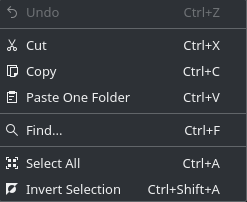
- Hidden files in Dolphin and file pickers can additionally be shown and hidden again with the Ctrl+H keyboard shortcut, matching other Linux file browsers (KDE Bug 390527, fixed in KDE Applications 18.04.0 and KDE Frameworks 5.44)
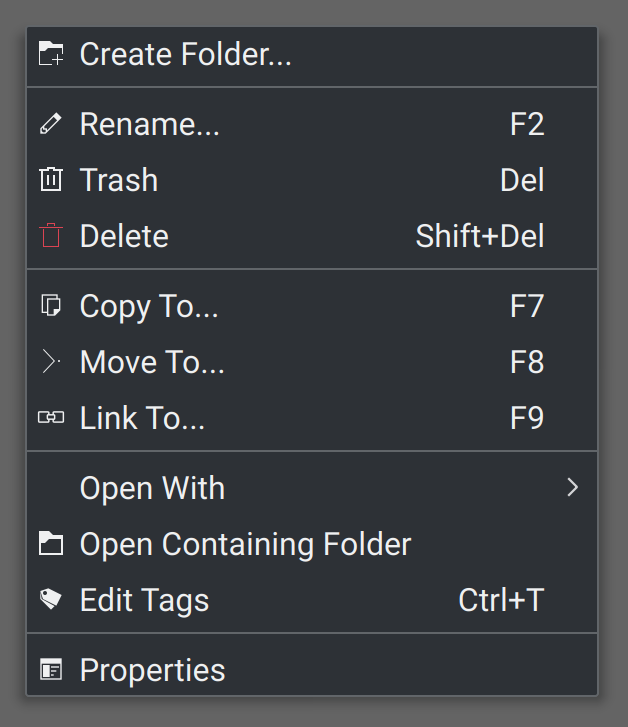
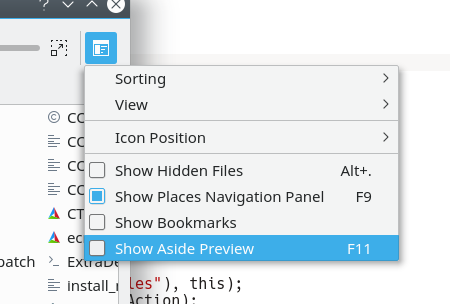
- Places that have been hidden in Dolphin’s Places panel no longer appear in dropdown menus that show Places items, and categorys now get their own sub-menus for greater usability (KDE bug 389635, fixed in KDE Frameworks 5.44):

- The Media Frame widget’s “image fill mode” dropdown menu now correctly displays all text (KDE bug 390571, fixed in KDE Plasma 5.13.0)
- Clicking on Gwenview’s “show image full screen” hover button now actually shows the image in full screen mode (KDE Phabricator revision D10651, fixed in KDE Applications 18.04.0)
- In Gwenview’s browse mode, tooltips for long image names no longer lag badly when you move the cursor very quickly between thumbnails (KDE bug 245091, fixed in KDE Applications 17.12.3)

- Most of Gwenview’s toolbars and menus that lacked icons now have them, and the icons are more appropriate in HiDPI mode (KDE Phabricator Revision D10726, Fixed in KDE Applications 17.12.3):
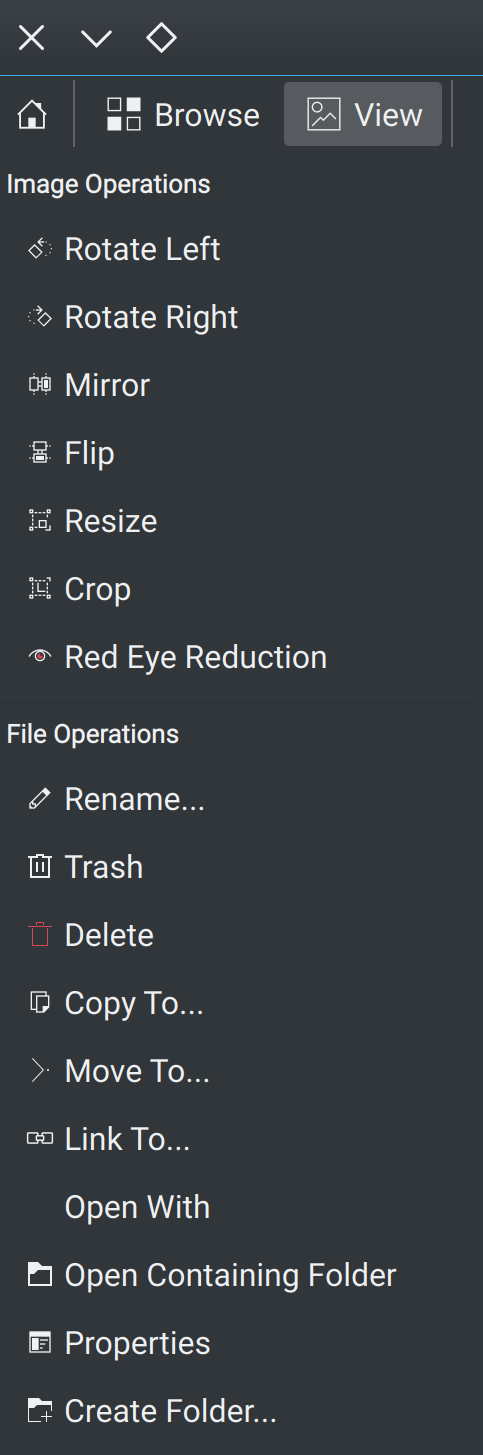

- KTorrent now looks good in HiDPI mode (KDE bug 390605, Fixed in KDE Applications 18.04.0):

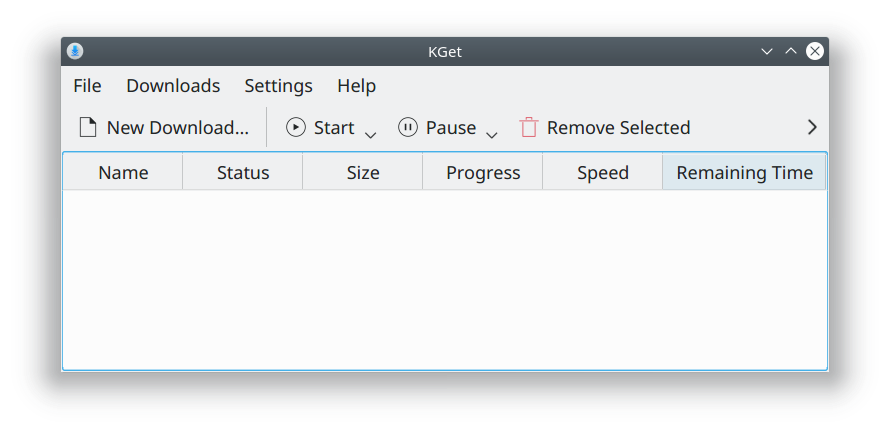
- KGet now looks good in HiDPI mode (KDE bug 390903), fixed in KDE Applications 17.12.3):
- The Plasma Network Manager’s Add New Connection scrollbar now looks right when you use Breeze dark for your panel, but Breeze light for your windows (KDE bug 390846, fixed in KDE Plasma 5.12.3)
Someone on Reddit recently mused, “It’s like a year’s worth of improvement every week”. KDE’s momentum is intense, and it’s an amazing time to join the team as a contributor! In these tumultuous times, you can be part of a project that’s producing enduring value. KDE’s impact is truly global, and grows all the time. You can help us provide humanity with the finest free software ever written.
If my efforts seem useful and you’d like to see more of them, consider becoming a patron on Patreon, LiberaPay, or PayPal.


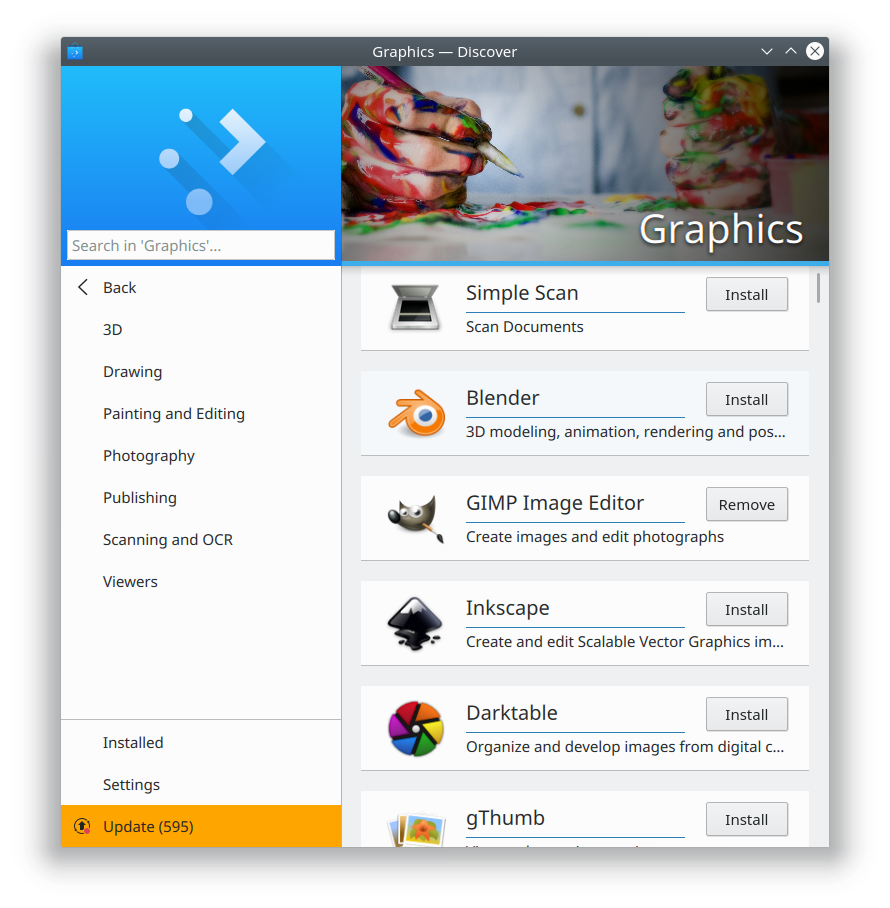





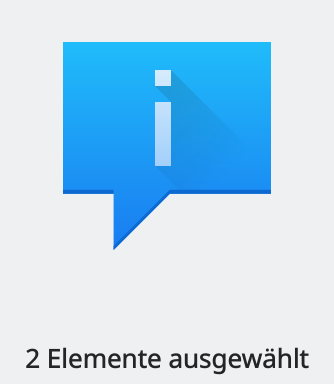


 Note the presence of a close button! Another much-requested feature for Kirigami pop-ups.


 Adventures in Linux and KDE