
New Features
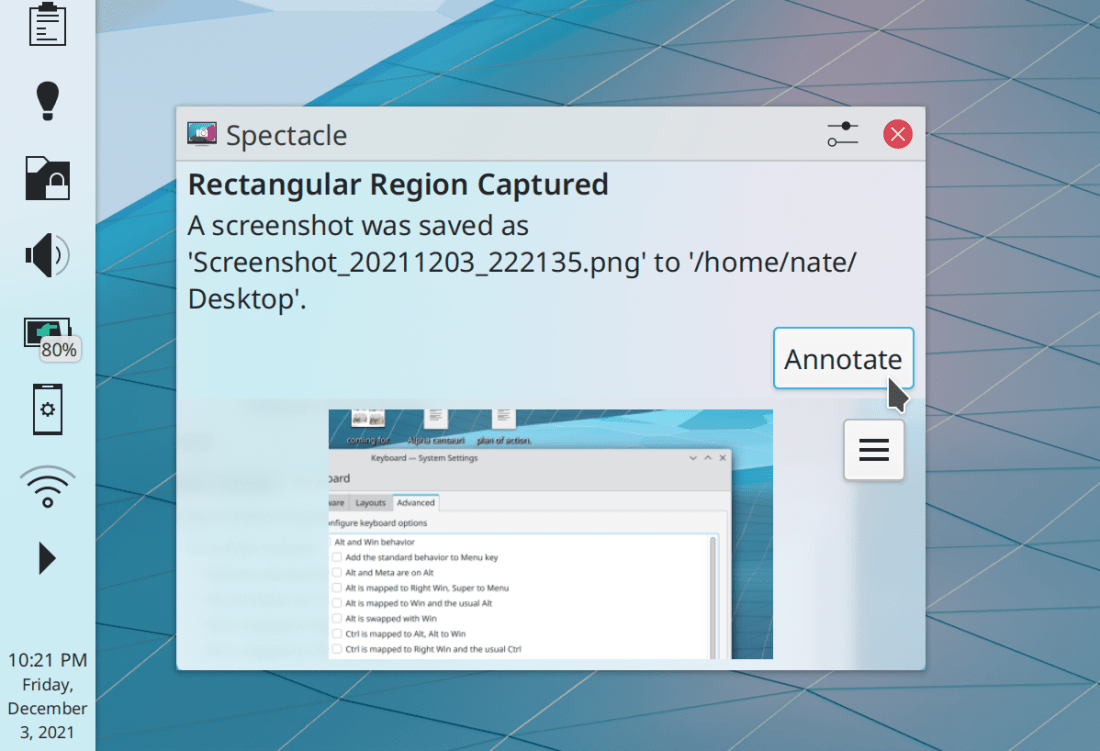
Spectacle now lets you annotate an existing screenshot via a button in the notification or the command-line --edit-existing <file> argument (Bharadwaj Raju, Spectacle 22.04):
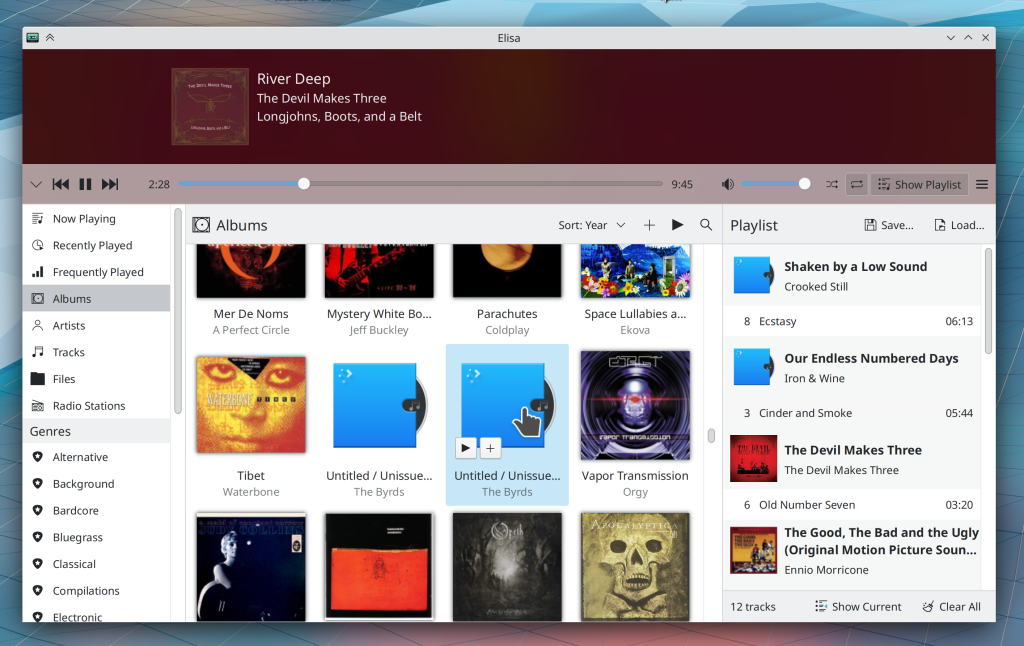
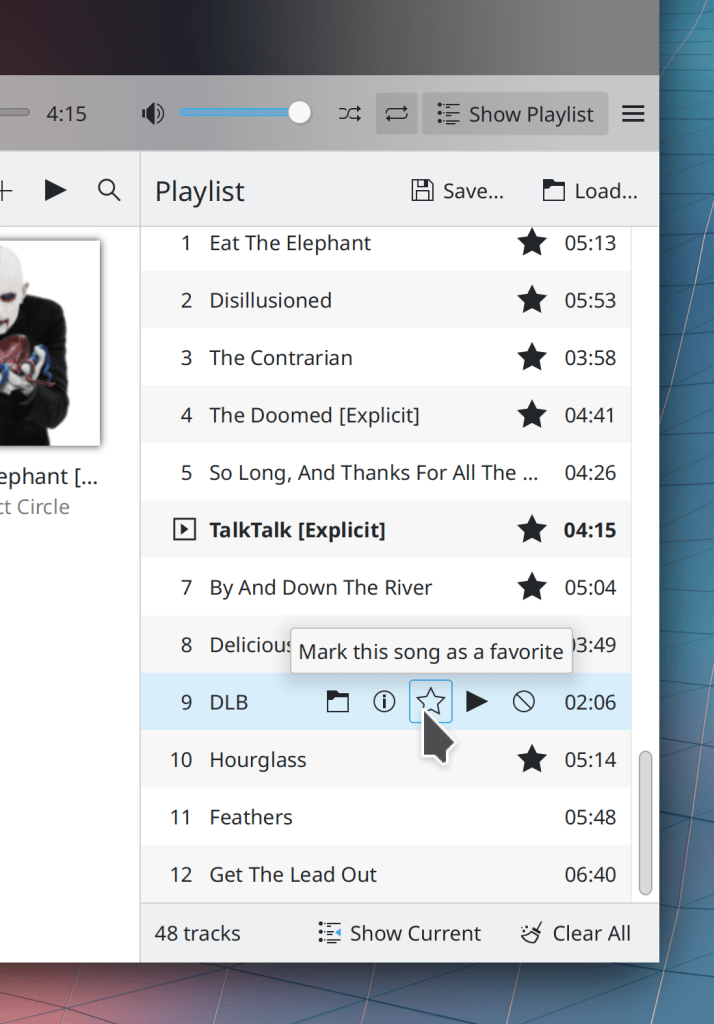
You can now drag and drop music and playlist files from your file manager onto Elisa’s playlist panel (Bharadwaj Raju, Elisa 22.04)
Bugfixes & Performance Improvements
Ark can now open zip archives that contain malformed PHP files (Albert Astals Cid, Ark 21.12)
Dolphin now displays the correct data when you create a folder while filtering the view (Eduardo Cruz, Dolphin 22.04)
Opening .m3u* playlist files in Elisa using the file manager now works properly (Bharadwaj Raju, Elisa 22.04)
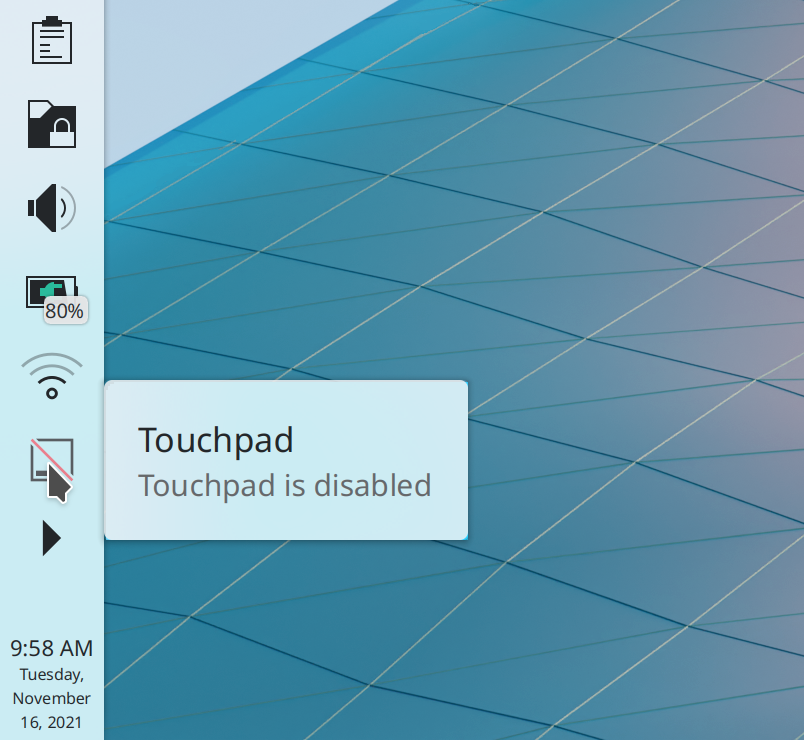
Task Manager tooltips for single-window-non-web-browser apps that are playing media but don’t display the media name in the window title once again show album art instead of a window thumbnail (Bharadwaj Raju, Plasma 5.23.4)
Bluetooth status is now saved on logout when using the “remember” option (me: Nate Graham, Plasma 5.23.5)
Plasma panels now load faster on login and look less visually glitchy while doing so (David Edmundson, Plasma 5.23.5)
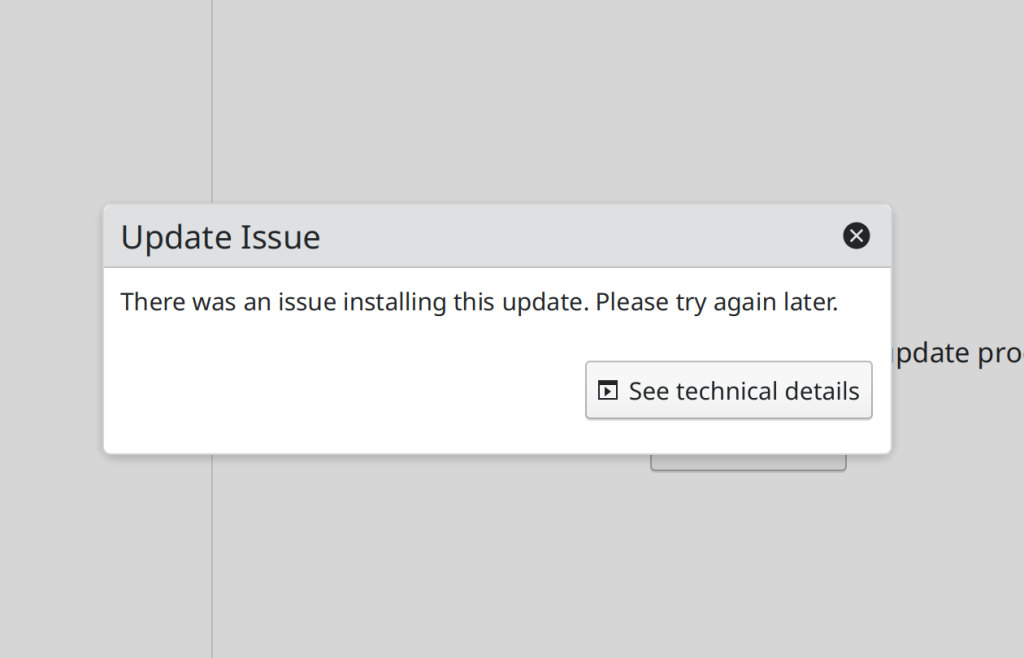
Discover no longer crashes when you open the description page of a Flatpak app you just removed (Aleix Pol Gonzalez, Plasma 5.24)
Discover is now faster to check for Flatpak app updates (Aleix Pol Gonzalez, Plasma 5.24)
The System Monitor app and applets now use less resources by not constantly polling for disk and sensor data when nothing would display the polled data (Arjen Hiemstra, Plasma 5.24)
It’s now actually possible to scroll the view in the Notifications applet when there are a lot of notifications in the history (Fushan Wen, Plasma 5.24)
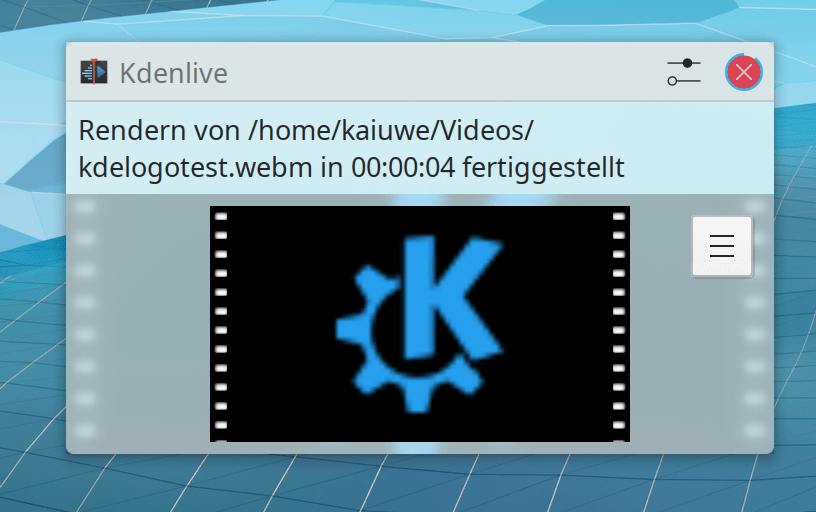
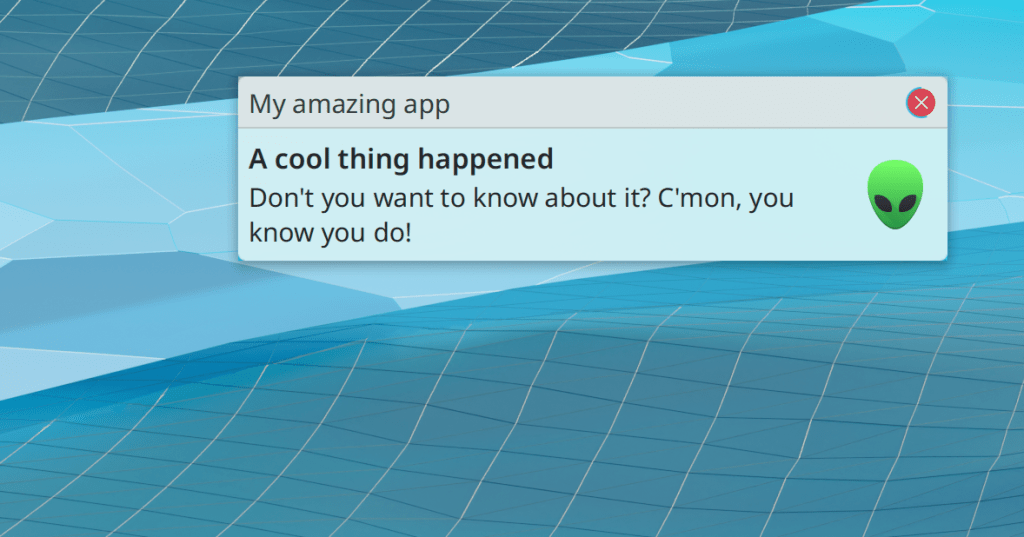
Transient jobs that display notifications with text like “Examining” or “Opening” no longer stick around and remain visible once the job has been completed (Kai Uwe Broulik, Plasma 5.24)
Adjusting the screen brightness when using a multi-GPU setup now always works properly (Dan Robinson, Plasma 5.24)
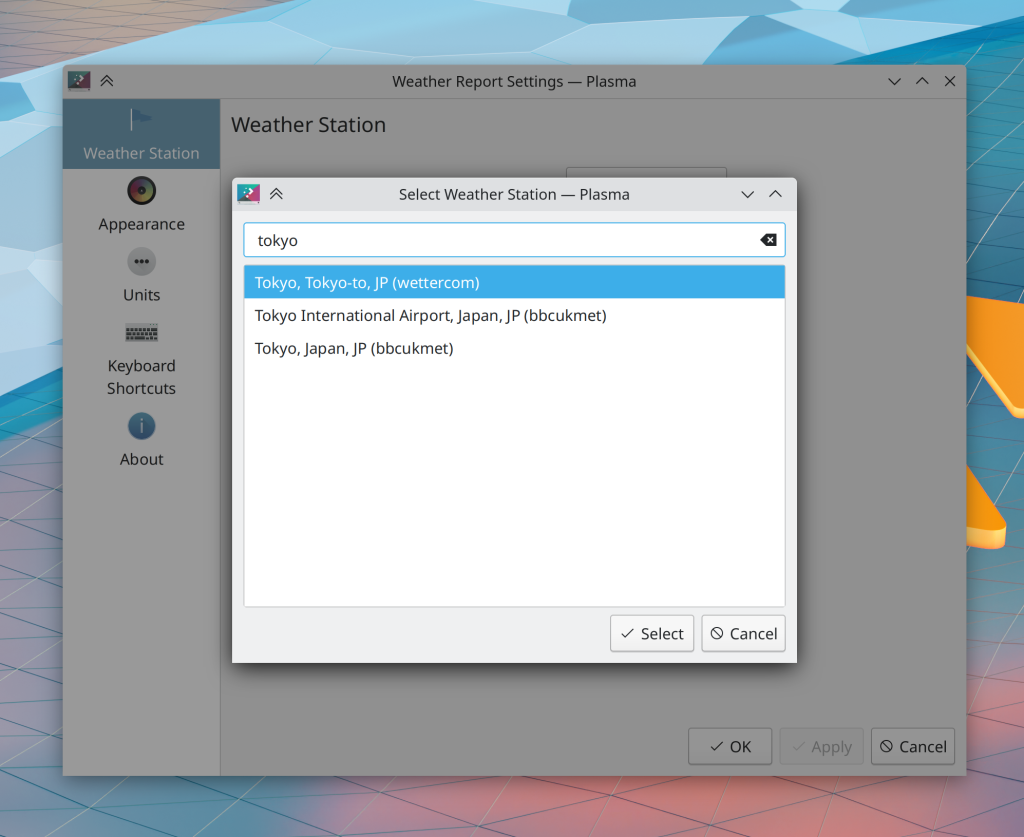
Right-clicking on the weather applet no longer offers a nonsensical menu item saying “Open in <text editor>” (Nicolas Fella, Plasma 5.24)
The Media Player applet now correctly shows “nothing playing” when the last media source app is closed (Fushan Wen, Plasma 5.24)
Quitting and re-launching an app (or browser tab) that is playing media now causes the Task Manager thumbnail to correctly show the media controls (Bharadwaj Raju, Plasma 5.24)
Swapping the position of grouped apps/tasks in the Task Manager no longer causes them to display the wrong items when clicked while using the Textual List style (Fushan Wen, Plasma 5.24)
In the Plasma Wayland session, the scale factor displayed in System Settings’ Display and Monitor page is no longer inappropriately rounded down when using a fractional scale factor like 150% (Méven Car, Plasma 5.24)
In the Plasma Wayland session, monitor names are no longer weirdly doubled in System Settings’ Display and Monitor page (Méven Car, Plasma 5.24)
Typing text to search in the Emoji Selector window as soon as it appears now works properly (Bharadwaj Raju, Plasma 5.24)
The Plasma System Monitor app and widgets of the same name will no longer ever nonsensically show negative disk read speeds (Arjen Hiemstra, Plasma 5.24)
Plasma theme graphics no longer sometimes go totally haywire and display in bizarre ways after they are changed in a new version (Marco Martin, Frameworks 5.89)
Monochrome Breeze icons are once again displayed in the correct color when using a dark color scheme (Rodney Dawes, Frameworks 5.89)
When using an icon theme that’s missing a requested icon, it will once again fall back to the next-closest icon in the current theme (e.g. edit-copy-location will fall back to edit-copy) rather than first looking for the icon in the fallback theme (Janet Blackquill, Frameworks 5.89)
In the Plasma Wayland session, the Morphing Popups effect now works–so most notably, panel tooltips will smoothly animate as they appear and disappear, just like they do in the X11 session (Marco Martin, Frameworks 5.89)
User Interface Improvements
Dolphin’s status bar no longer shows and hides itself according to the context; now its visibility is completely controlled by the user-facing setting to show or hide it (Kai Uwe Broulik, Dolphin 21.12)
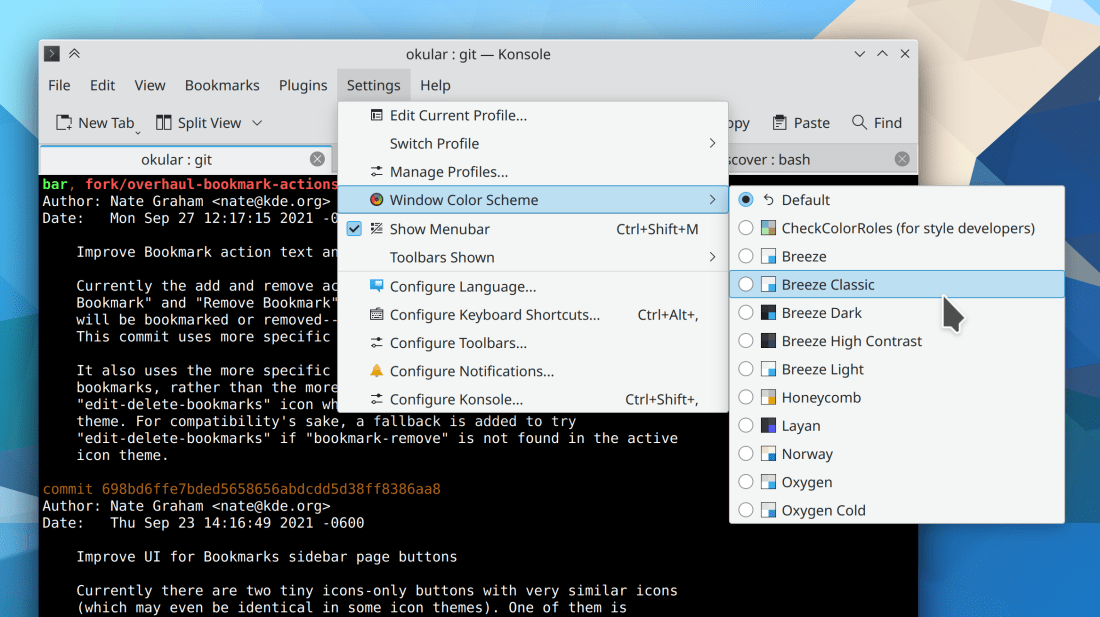
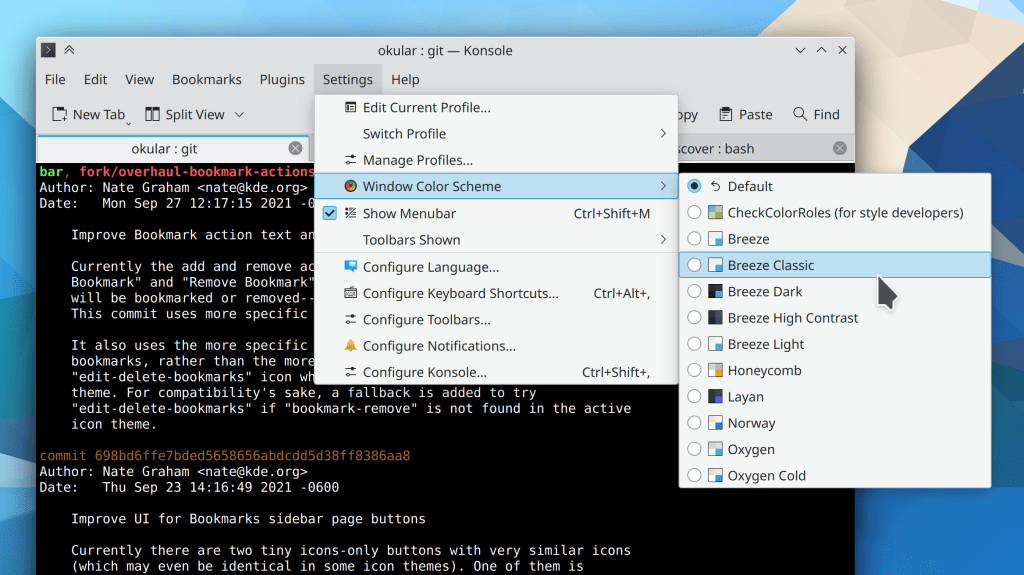
When the “Bookmarks” button is added to Konsole’s toolbar, its popup can now be opened with a normal click, not a click-and-hold (me: Nate Graham, Konsole 21.12)
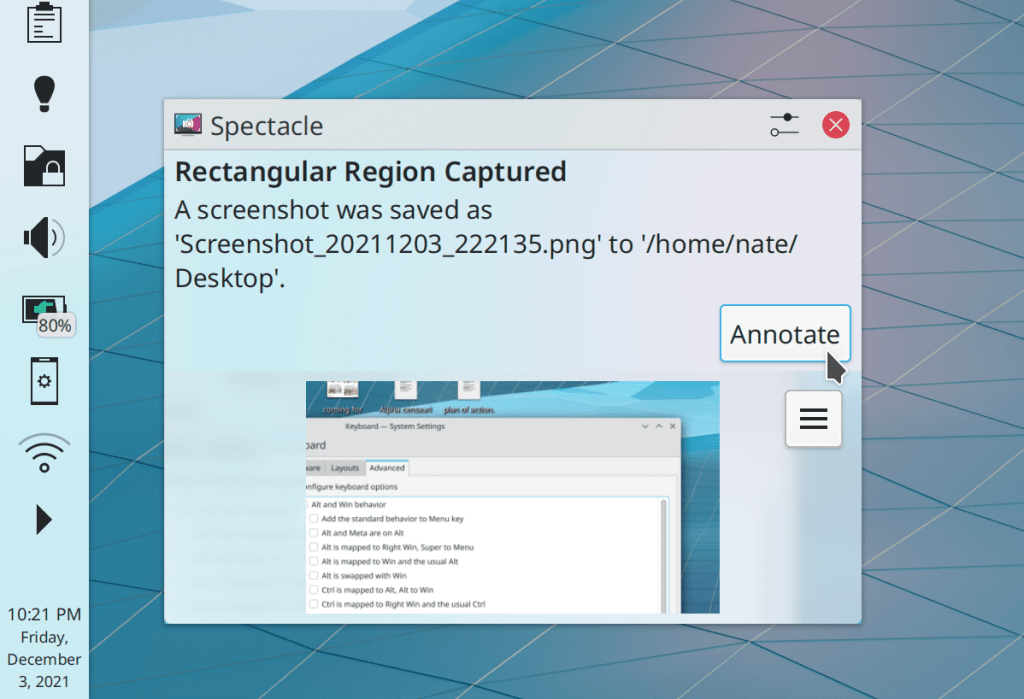
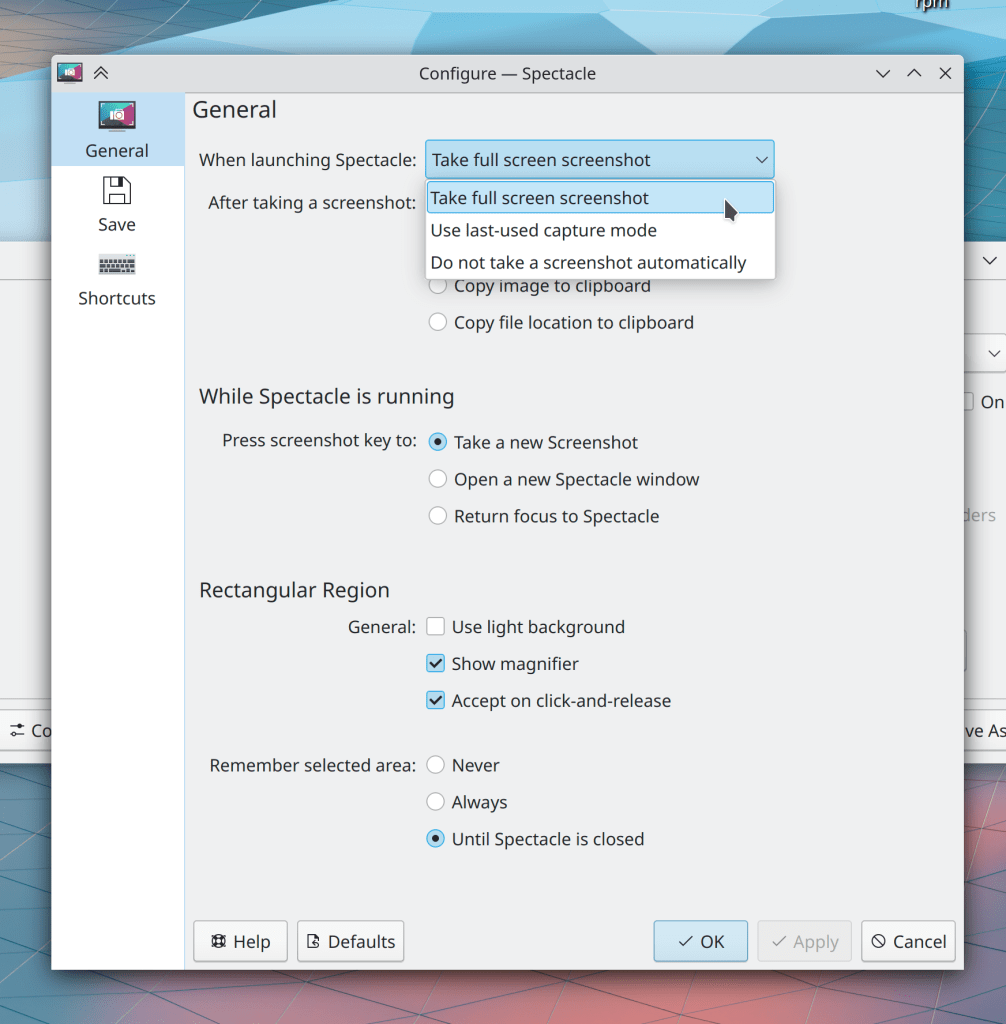
Spectacle now respects the last-used values of “include mouse pointer” and “include window titlebar and borders” when taking screenshots using global shortcuts (Antonio Prcela, Spectacle 22.04)
Gwenview now has support for large 512×512 and 1024×1024 sizes thumbnails (Ilya Pominov, Gwenview 22.04)
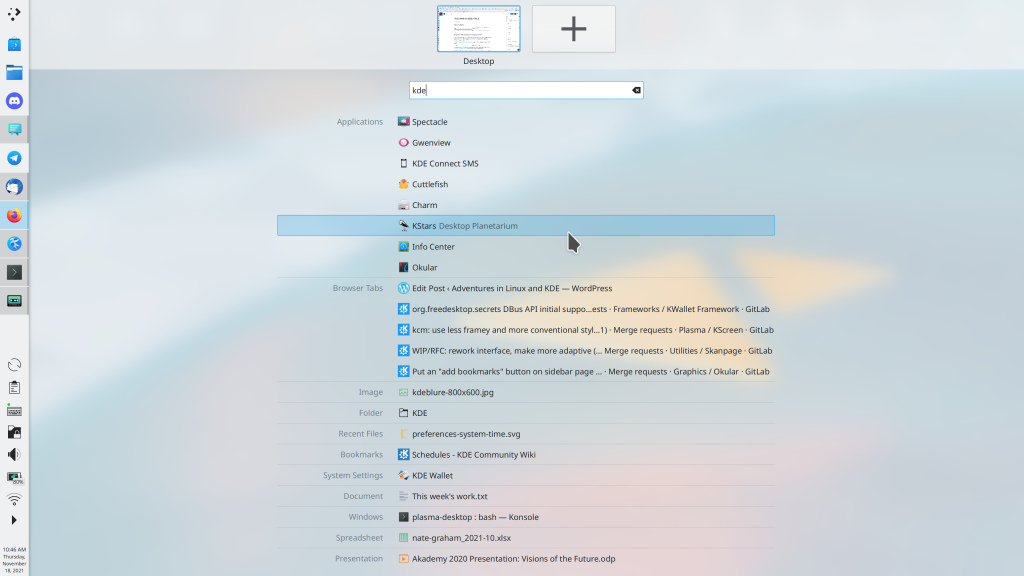
You can now find KWrite and Kate by searching for more terms like terms “text” “editor” or “notepad” (for KWrite) and “programming” or “development” (for Kate) (me: Nate Graham, Kate & KWrite 22.04)
You can now find Dolphin by searching for more terms like “files” “file manager” and “network share” (Felipe Kinoshita, Dolphin 22.04)
Dolphin’s URL navigator dropdown now shows hidden files when the main view is also showing hidden files (Eugene Popov, Dolphin 22.04)
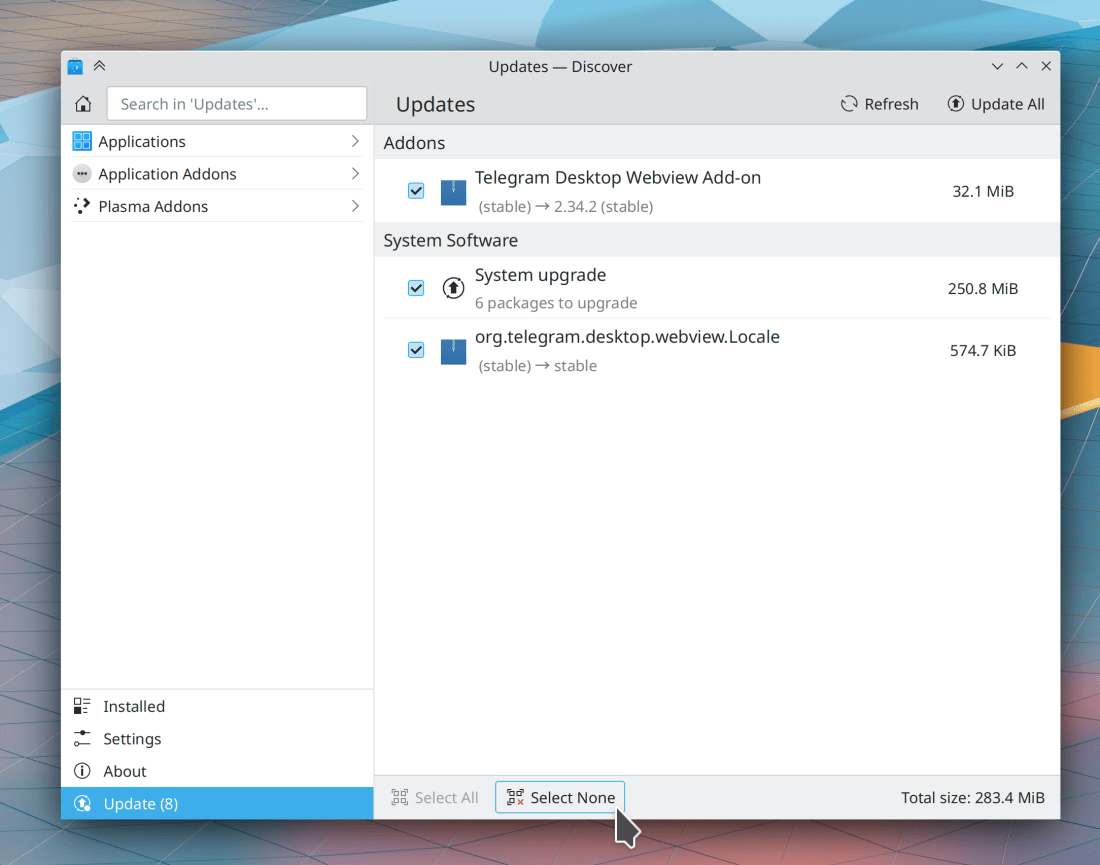
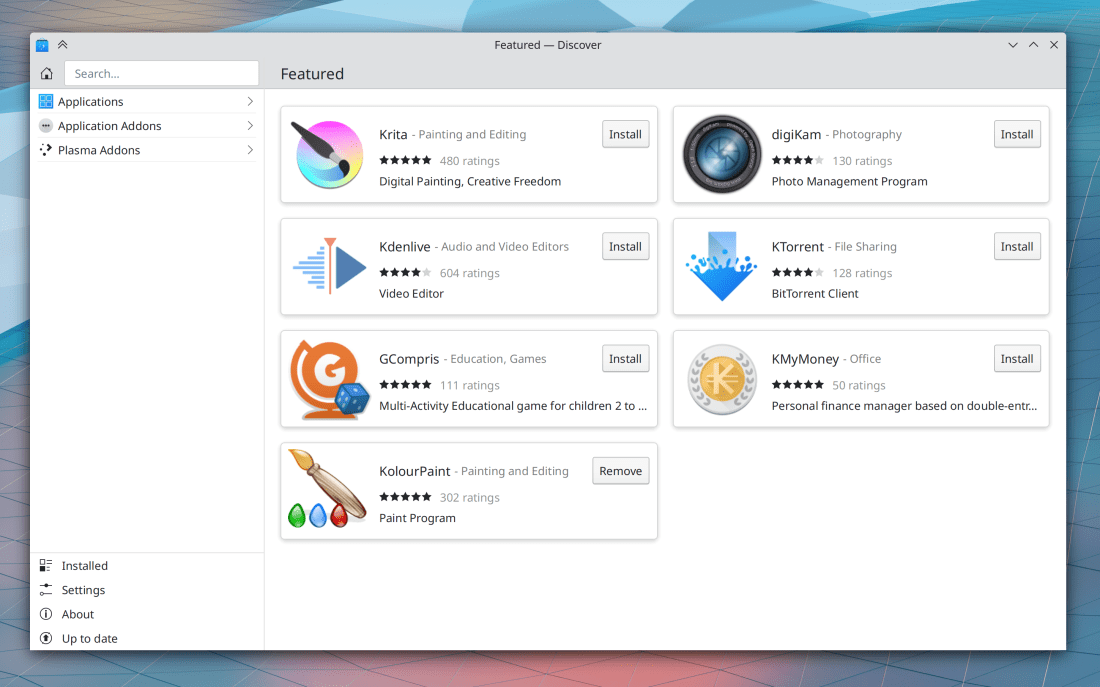
Discover now shows you a sensible message when you have the Flatpak backend configured without any repos; it even gives you a button you can push to add Flathub (Aleix Pol Gonzalez, Plasma 5.24)
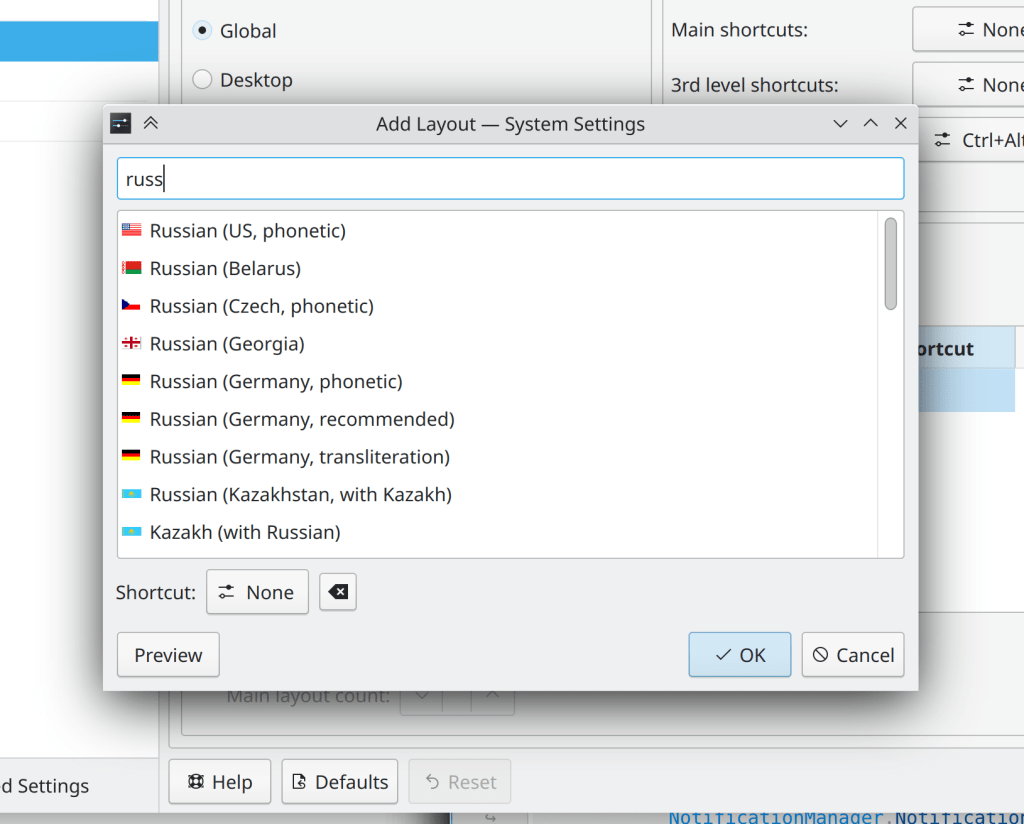
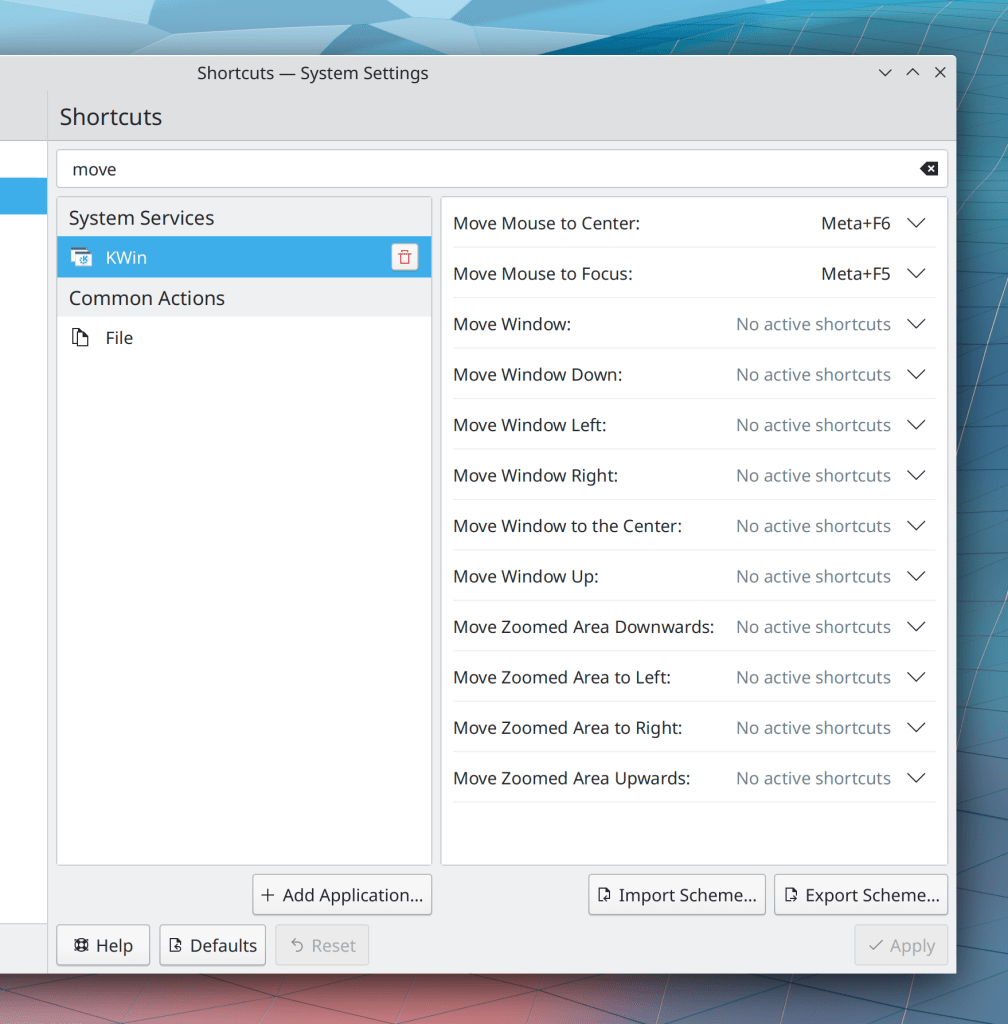
When you’re using the system in a language other than English, search terms entered in System Settings’ search field using English will still find results (Fushan Wen, Plasma 5.24)
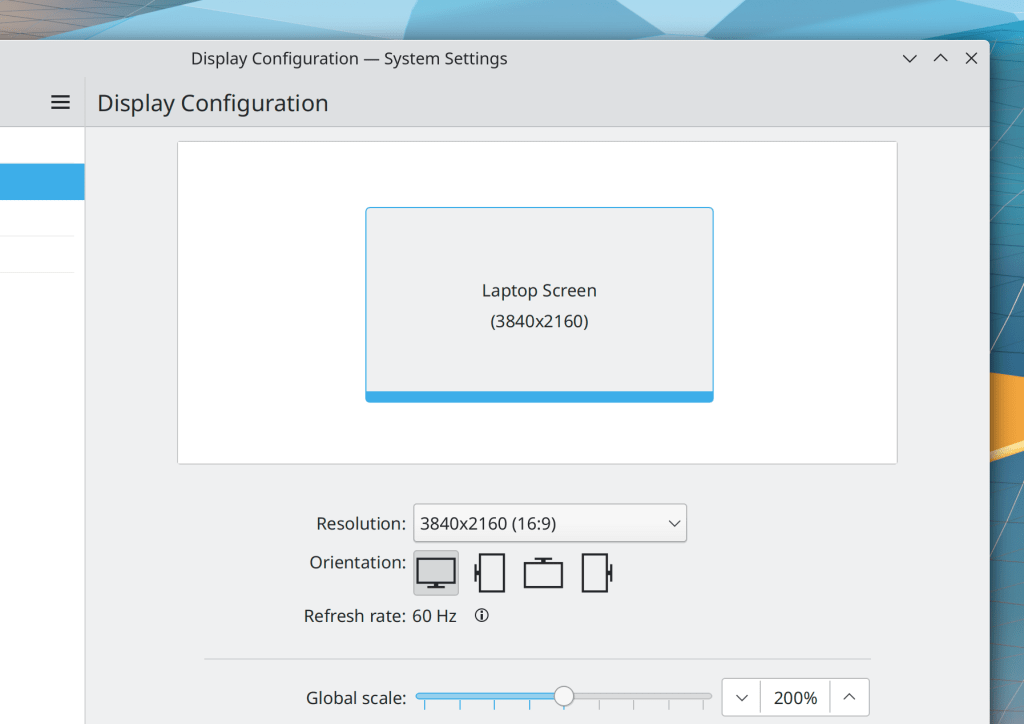
When using a global scale factor, System Settings’ Display Configuration page now shows the physical resolution in the screen visualization view, rather than the effective scaled resolution (Méven Car, Plasma 5.24):
Hovering the cursor over a file or folder in the trash no longer causes that item to secretly get copied to /tmp so that thumbnails can be generated for it (Eduardo Sánchez Muñoz, Frameworks 5.89)
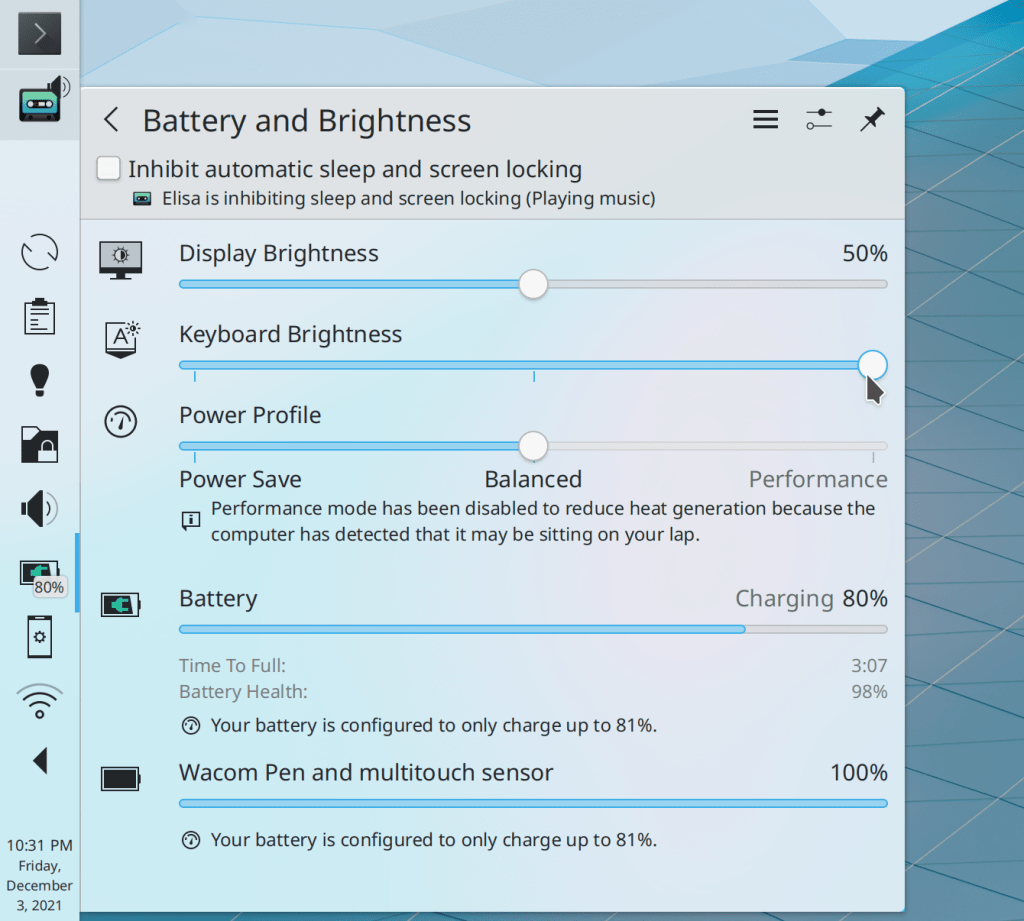
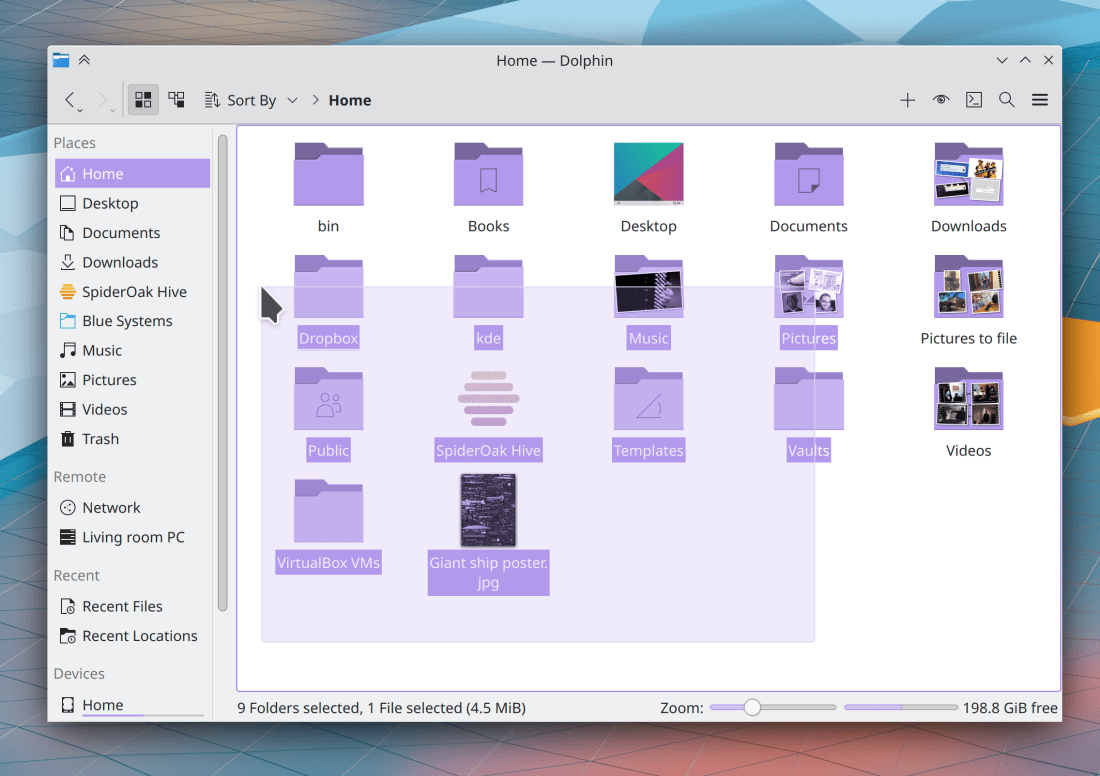
Scrollbars, progress bars, and sliders in the Breeze Plasma style now have the same slightly darker background color that they do in app windows (S. Christian Collins, Frameworks 5.89):
Tooltips for elided items in KRunner search views now use the same styling as elsewhere (David Redondo, Frameworks 5.89)
The icon chooser dialog’s search field can now be focused with the Ctrl+F shortcut (Kai Uwe Broulik, Frameworks 5.89)
The Escape key can now be used to close dialog layers in Kirigami-based apps (Claudio Cambra, Frameworks 5.89)
…And everything else
Keep in mind that this blog only covers the tip of the iceberg! Tons of KDE apps whose development I don’t have time to follow aren’t represented here, and I also don’t mention backend refactoring, improved test coverage, and other changes that are generally not user-facing. If you’re hungry for more, check out https://planet.kde.org/, where you can find blog posts by other KDE contributors detailing the work they’re doing.
How You Can Help
Have a look at https://community.kde.org/Get_Involved to discover ways to be part of a project that really matters. Each contributor makes a huge difference in KDE; you are not a number or a cog in a machine! You don’t have to already be a programmer, either. I wasn’t when I got started. Try it, you’ll like it! We don’t bite!
Finally, consider making a tax-deductible donation to the KDE e.V. foundation.









 Adventures in Linux and KDE