
A bunch of KDE apps received many lovely new features, bugfixes, and user interface improvements this week! And Plasma too, of course. 🙂 Let’s get right to it:
New Features
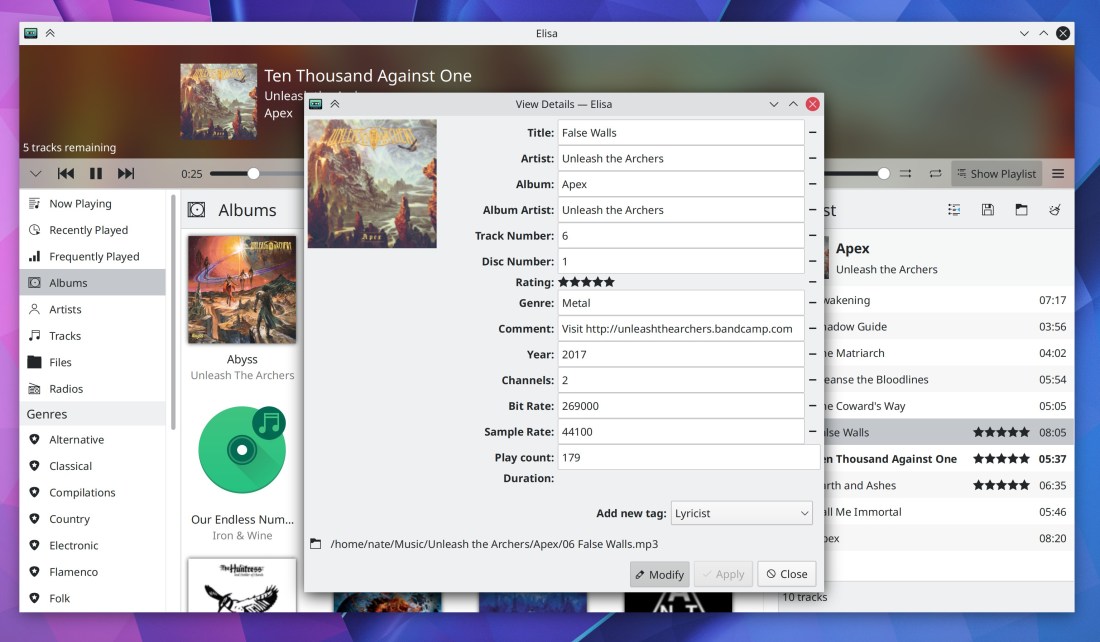
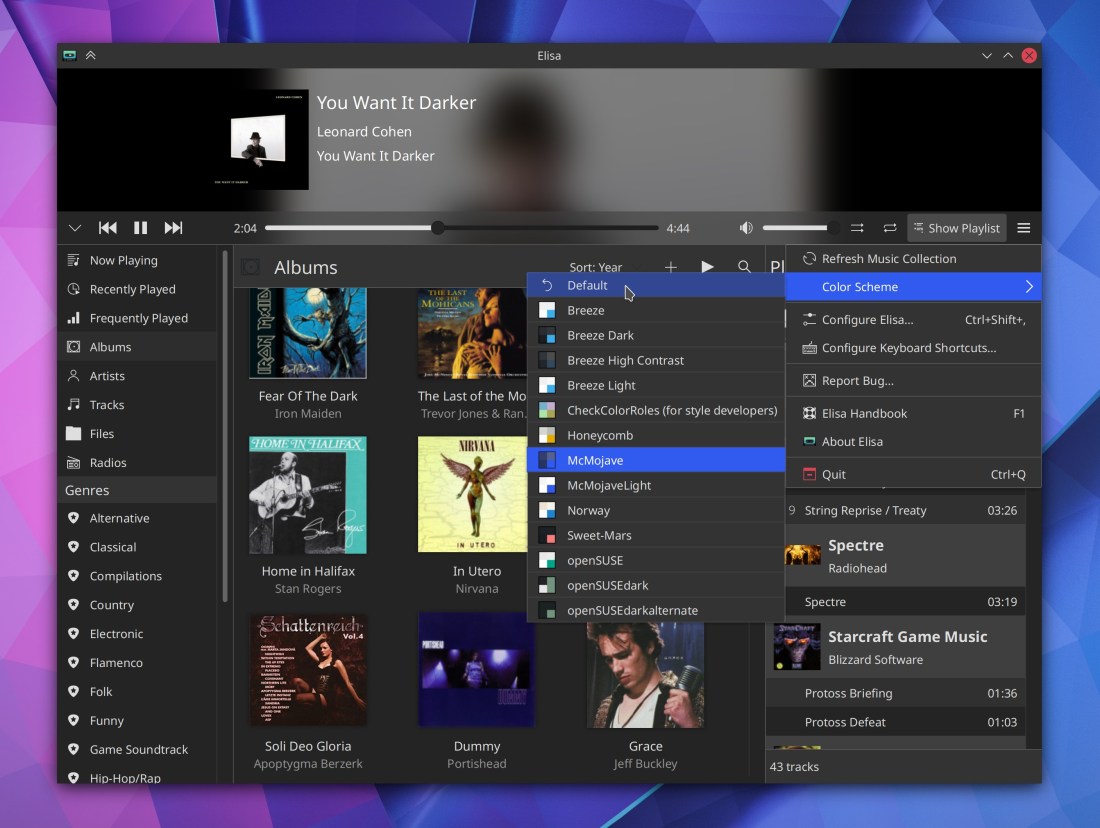
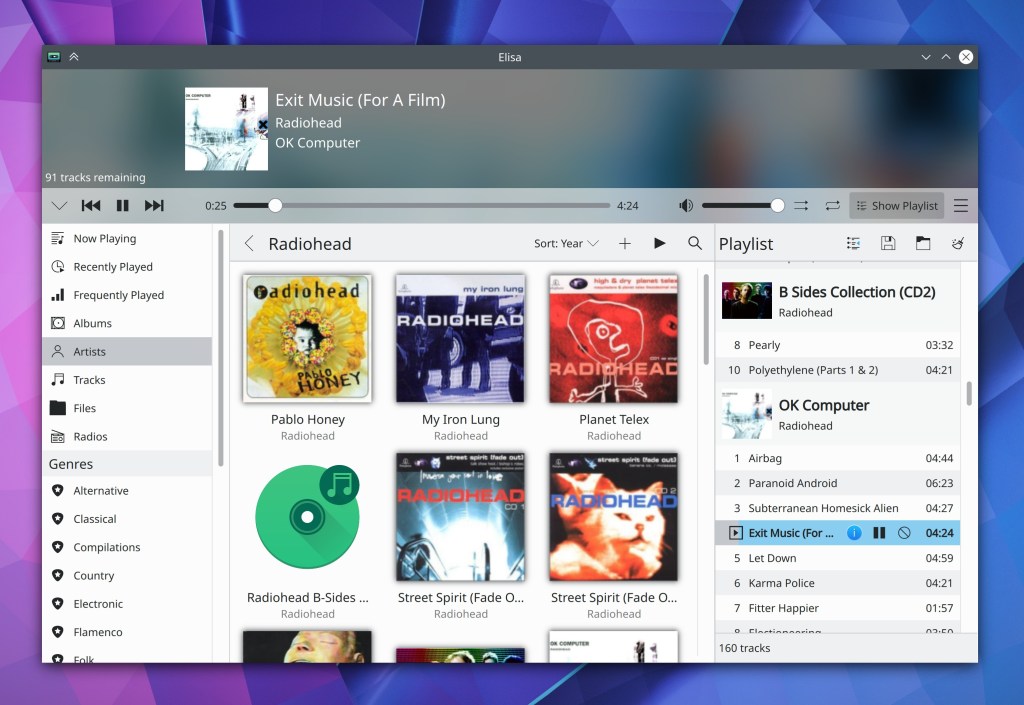
Elisa now lets you edit tracks’ metadata from inside the app! (Matthieu Gallien, Elisa 20.12):
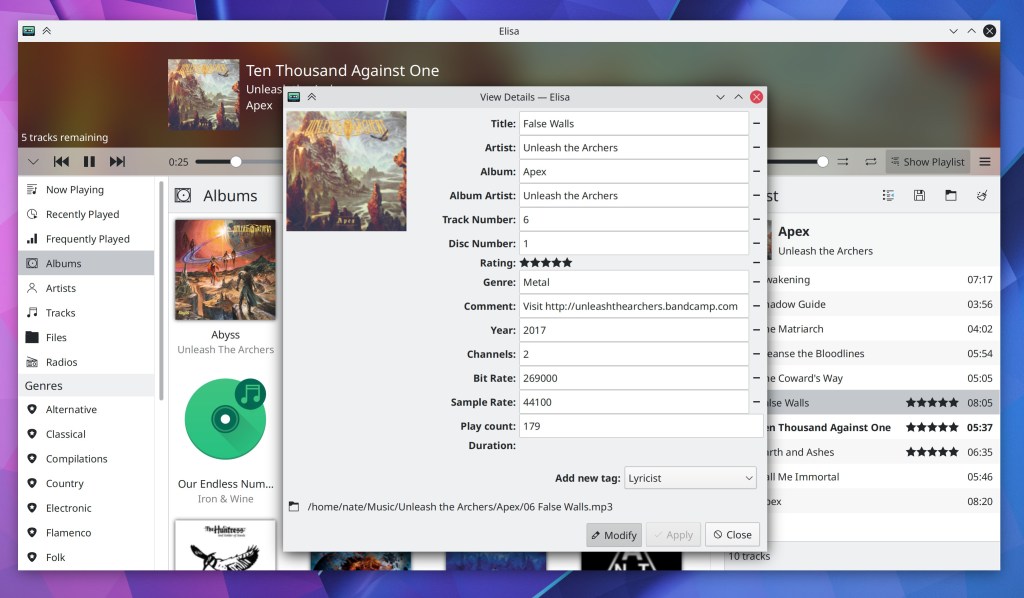
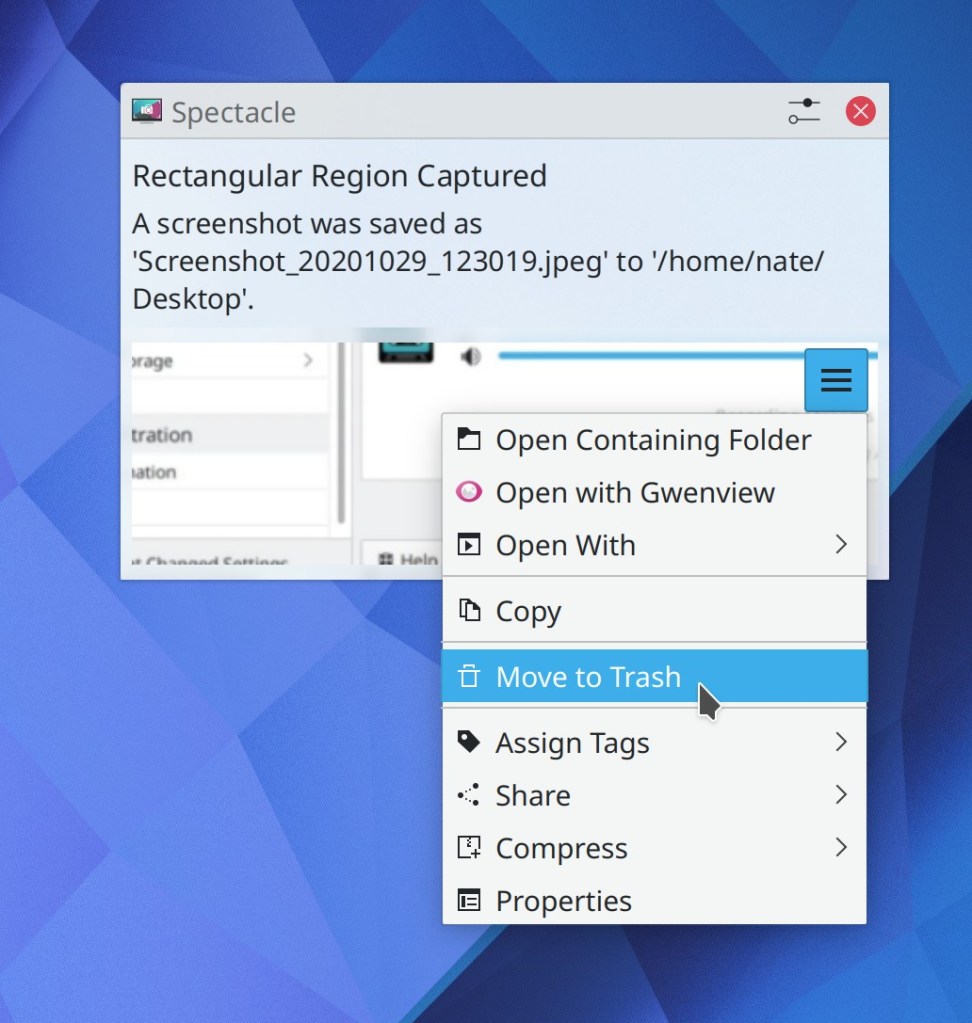
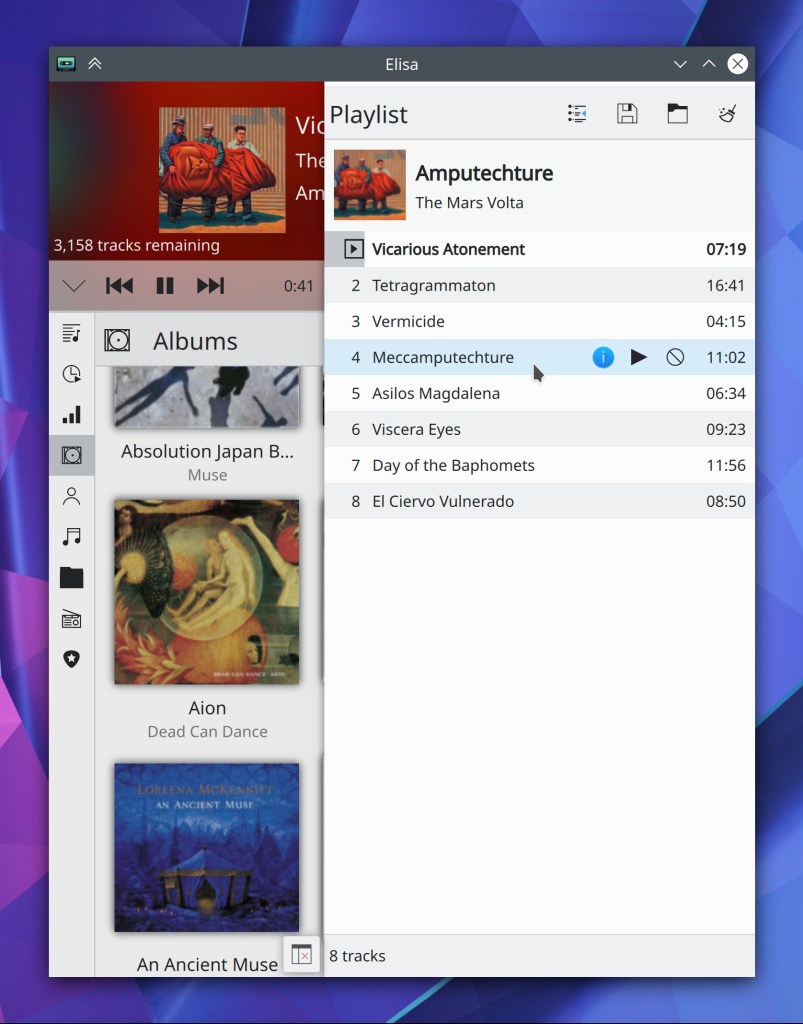
Elisa now lets you easily find the on-disk location of each song (me: Nate graham, Elisa 20.12):


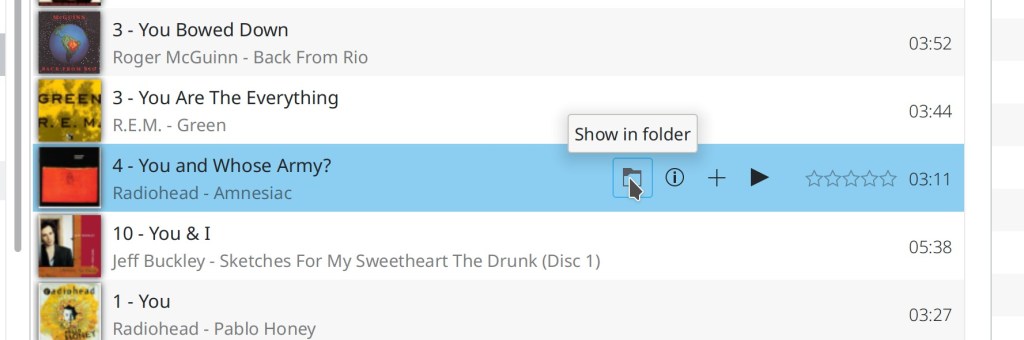
Konsole now has a configurable toolbar (which you can of course hide if you don’t like it) (Tomaz Canabrava, Konsole 21.04):
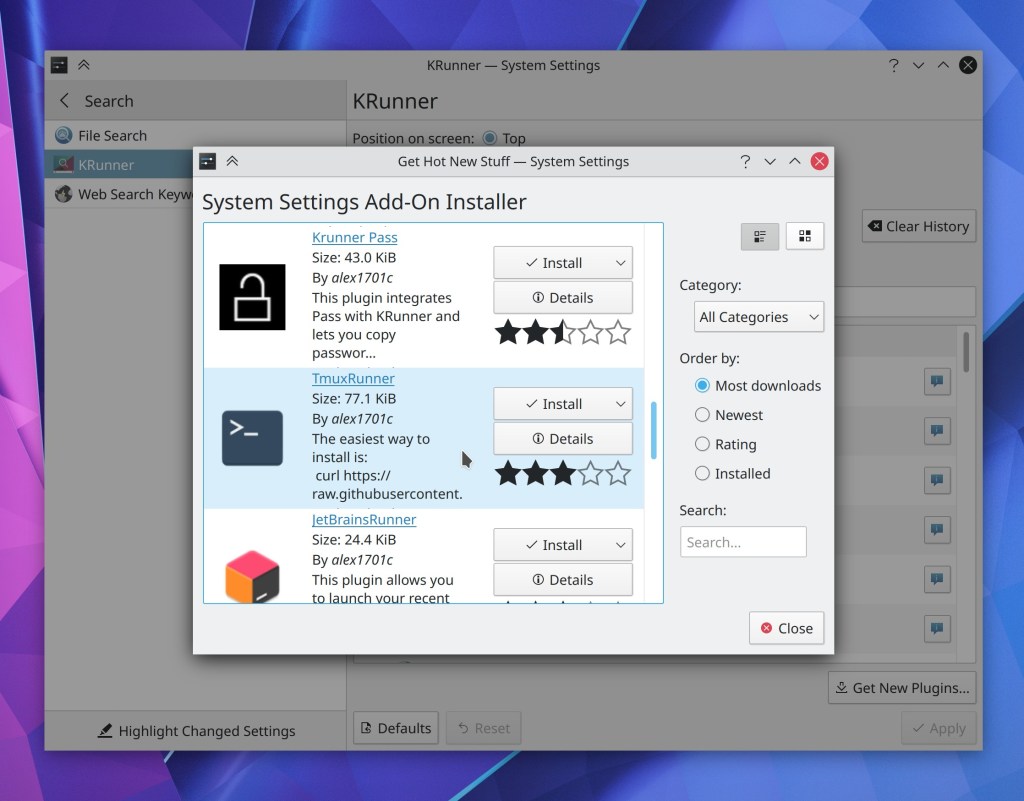
You can now download new KRunner Runners from store.kde.org straight from the System Settings page! (Alexander Lohnau, Plasma 5.21):
Bugfixes & Performance Improvements
Dolphin no longer frequently crashes when typing in the Filter Bar (Ismael Asensio, Dolphin 20.12)
Dolphin once again shows the correct number of files inside symlinked folders (Méven Car, Dolphin 20.12)
Dolphin is now more reliable and less likely to freeze in the face of network flakiness (Méven Car, Dolphin 20.12)
Dolphin’s ISO mounter plugin no longer fails to mount the same ISO twice and now correctly unmounts the underlying loop device too (Kwon-Young Choi, Dolphin 20.12)
Middle-clicking on tabs in Kate once again closes them (Robert-André Mauchin, Kate 20.12)
In Elisa, touch scrolling and fast scrolling by holding down the Shift key while scrolling now work (me: Nate Graham, Elisa 20.12)
Elisa now accepts album art for albums with the art in a file named albumart.[jpg|png] (me: Nate Graham, Elisa 20.12)
When Elisa is loading a view, the progress spinner no longer overlaps some placeholder text (me: Nate Graham, Elisa 20.12)
Plasma Disks no longer sometimes crashes when mounting a USB disk (Harald Sitter, Plasma 5.20.3)
The Lock screen’s “Switch User” action is once again visible for people using distros that ship an up-to-date version of systemd (Wolfgang Bauer, Plasma 5.20.3)
After mounting an external disk, the Disks & Devices popup no longer hilariously/terrifyingly jumps between different screens of a multi-screen setup when each screen has its own panel with a System Tray on it (Konrad Materka, Plasma 5.20.3
Icons in the Alt+Tab task switcher are once again displayed correctly for a wide variety of apps (Aleix Pol Gonzalez, Plasma 5.20.3)
Discover can once again install locally-downloaded distro package files (e.g. .rpm and .deb files) (Alexander Lohnau, Plasma 5.20.4)
Right-clicking on something in the Kicker or Kickoff launcher menus now causes the context menu to appear instantly the first time (Aleix Pol Gonzalez, Plasma 5.20.4)
In the System Settings Cursors page, the menu of available cursor sizes now displays those cursors with their real sizes (David Redondo, Plasma 5.20.4):

In the Plasma Wayland session, Dragging tabs from Firefox over the desktop no longer crashes the whole session (Vlad Zahorodnii, Plasma 5.21)
Context menus for 3rd-party System Tray items no longer sometimes stack up on top of each other when right-clicking on multiple consecutive applets (Konrad Materka, Plasma 5.21)
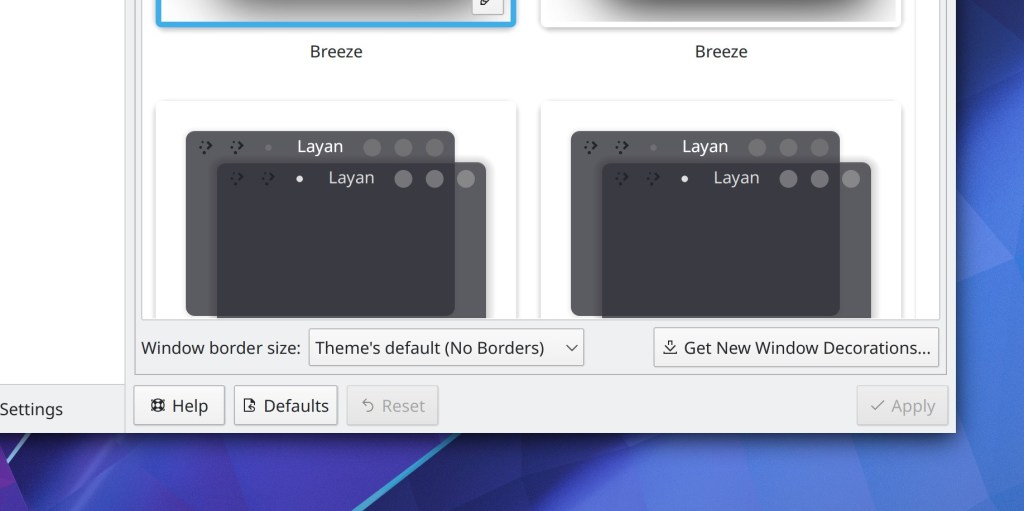
On the System Settings Window Decorations page, the border size text no longer gets cut off when using a scale factor or a language with longer text than English (Ismael Asensio, Plasma 5.21):
The sound check feature on the System Settings Audio Volume page no longer causes your subwoofer to make odd noises (Nicolas Fella, Plasma 5.21)
Circular timeout indicators inside notifications are no longer invisible under certain circumstances (David Redondo, Plasma 5.21)
After updating items from store.kde.org using either Discover or the Get New [Thing] Window, some of those things no longer inaccurately show up as updateable the next time you check for updates (Alexander Lohnau, Frameworks 5.76)
Fixed one of the ways that Discover could crash when performing updates that include any add-ons (Dan Leinir Turthra Jensen, Frameworks 5.77)
In the Plasma Wayland session, you can now re-assign keyboard shortcuts without accidentally triggering their actions in the process (David Redondo, Frameworks 5.77)
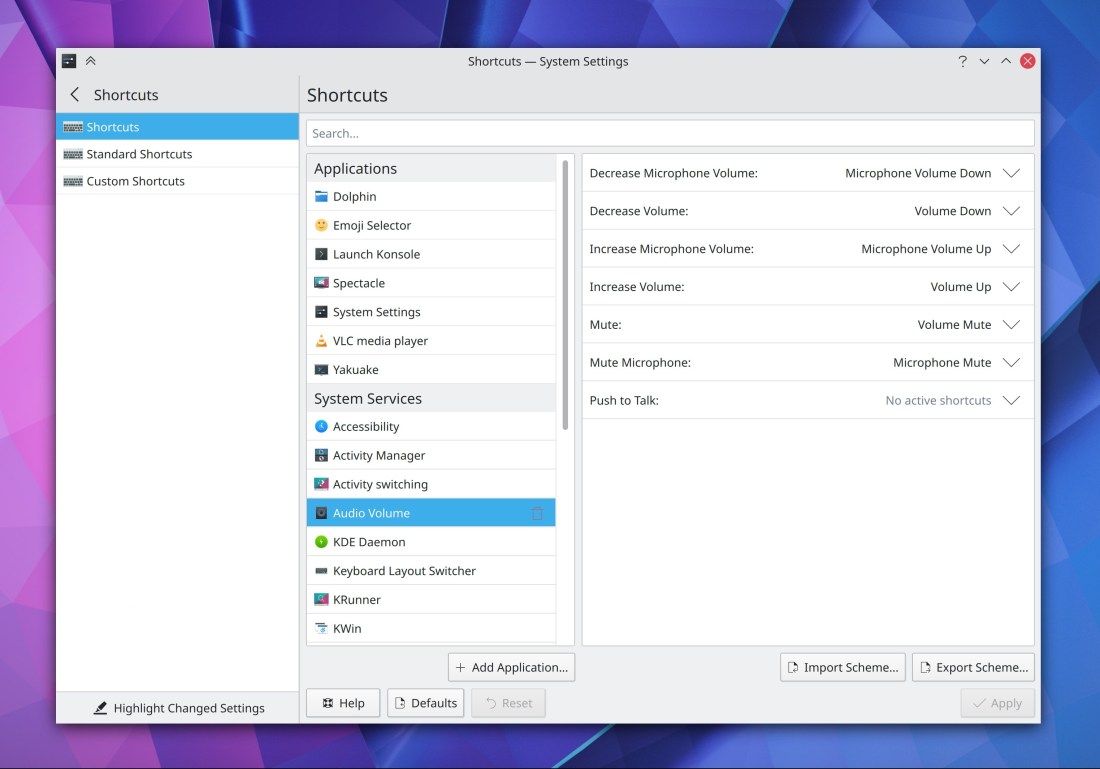
Using Meta+Tab as a shortcut in the System Settings Shortcuts page no longer results in the word “tab” being visually duplicated in the shortcut chooser box (David Redondo, Frameworks 5.77)
When using a fractional scale factor, Konsole no longer displays ugly horizontal lines in some places with some font sizes (Someone awesome, Qt 5.15.1)
User Interface Improvements
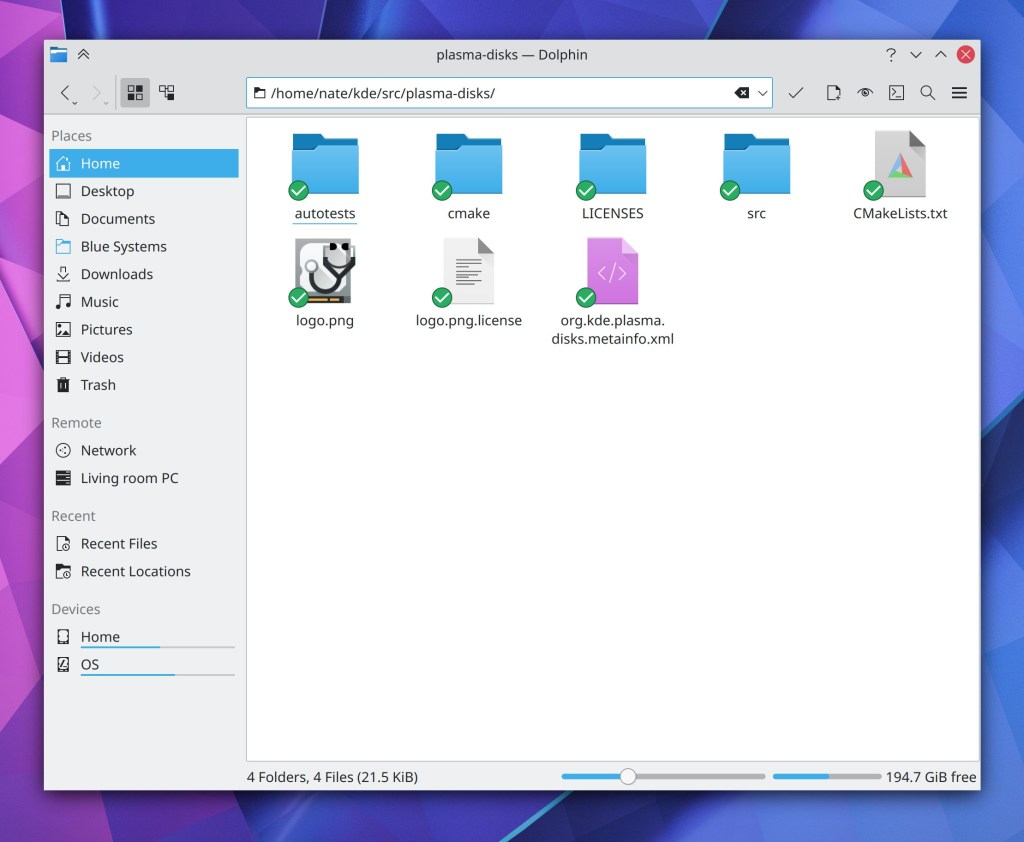
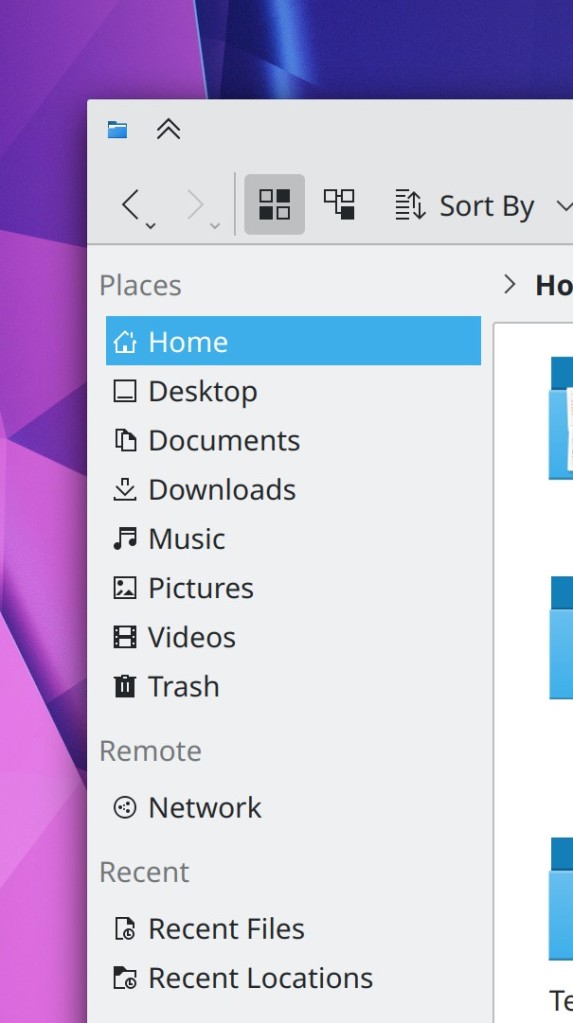
Dolphin’s URL navigator now lives in its toolbar! (Felix Ernst, Dolphin 20.12):


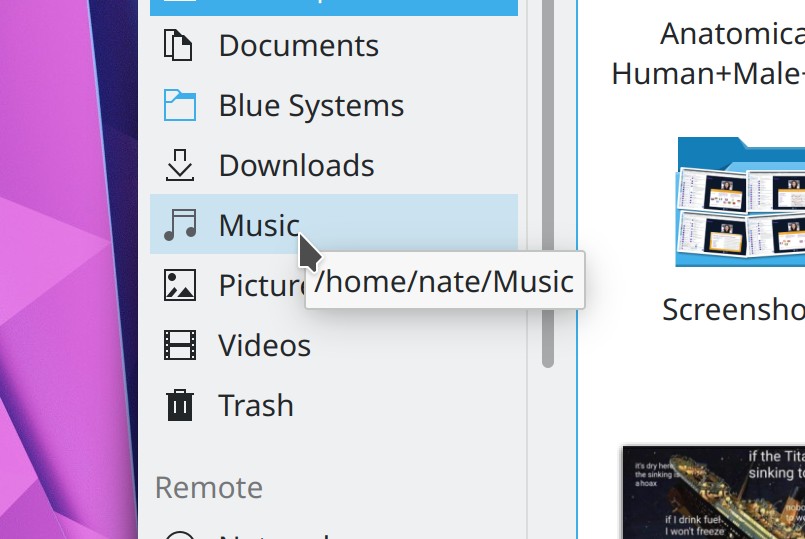
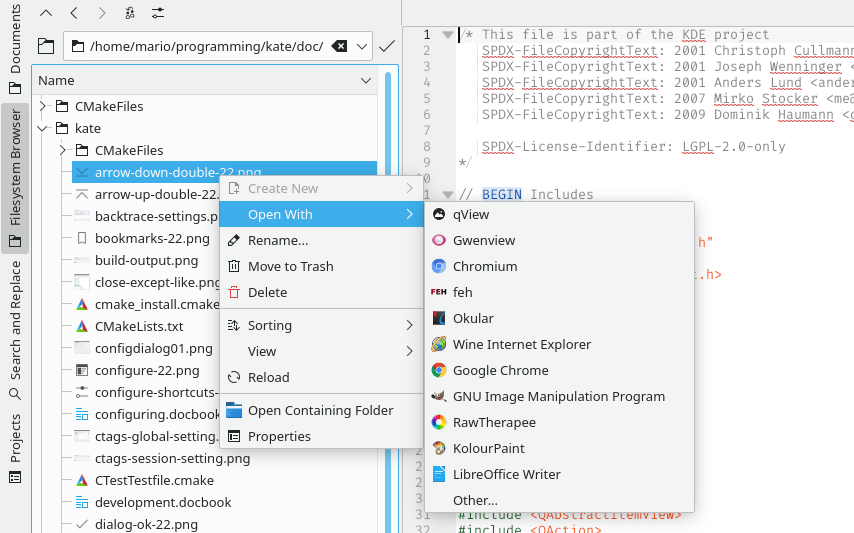
Hovering the cursor over a Places Panel item now displays a little tooltip with the full path to that location (Méven Car, Dolphin 20.12):
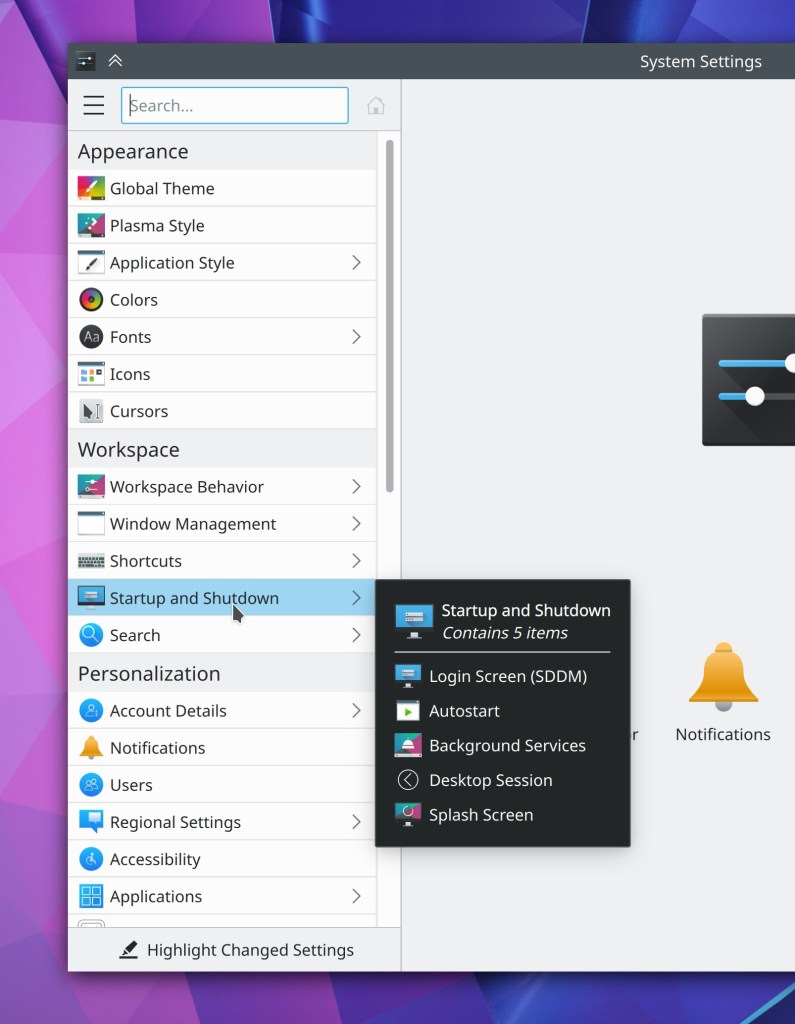
All of the appearance-related pages in System Settings have now been re-organized to live inside a top-level “Appearance” list item which takes you to the Global Themes page, to make it more clear that Global Themes can potentially affect all of them (Marco Martin, Plasma 5.21)
You can probably see a lot of minor visual glitches in the above video; we’ll try to have then fixed by the final Plasma 5.21 release.
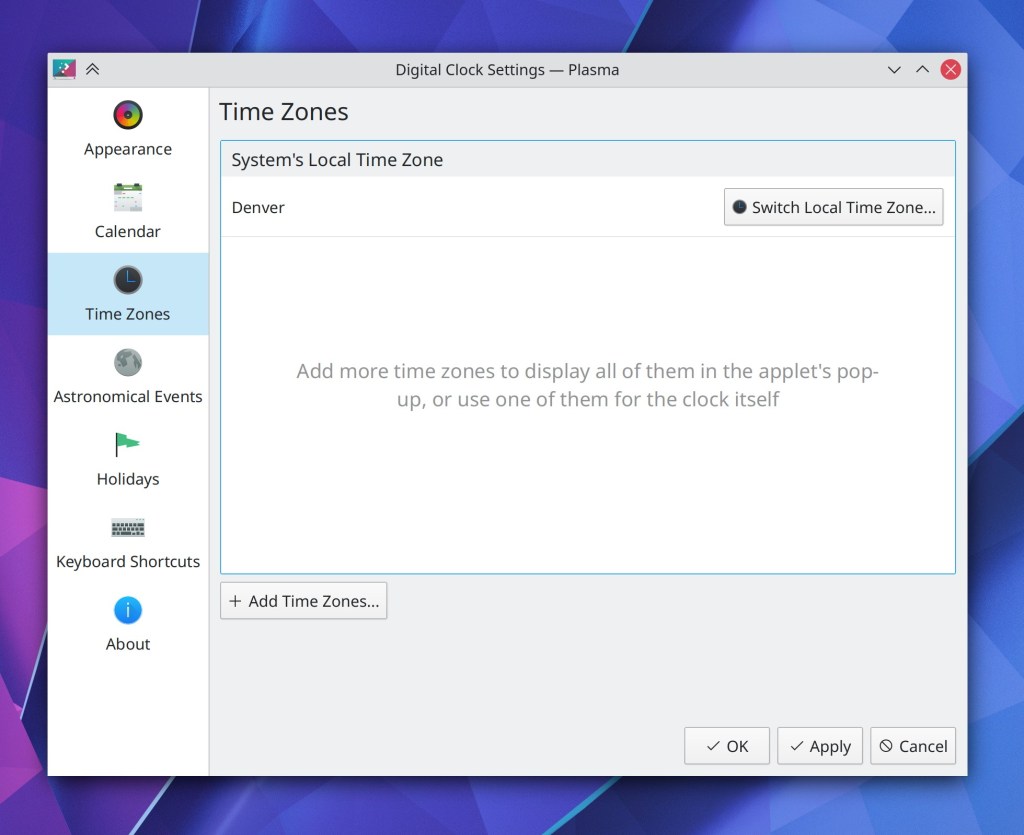
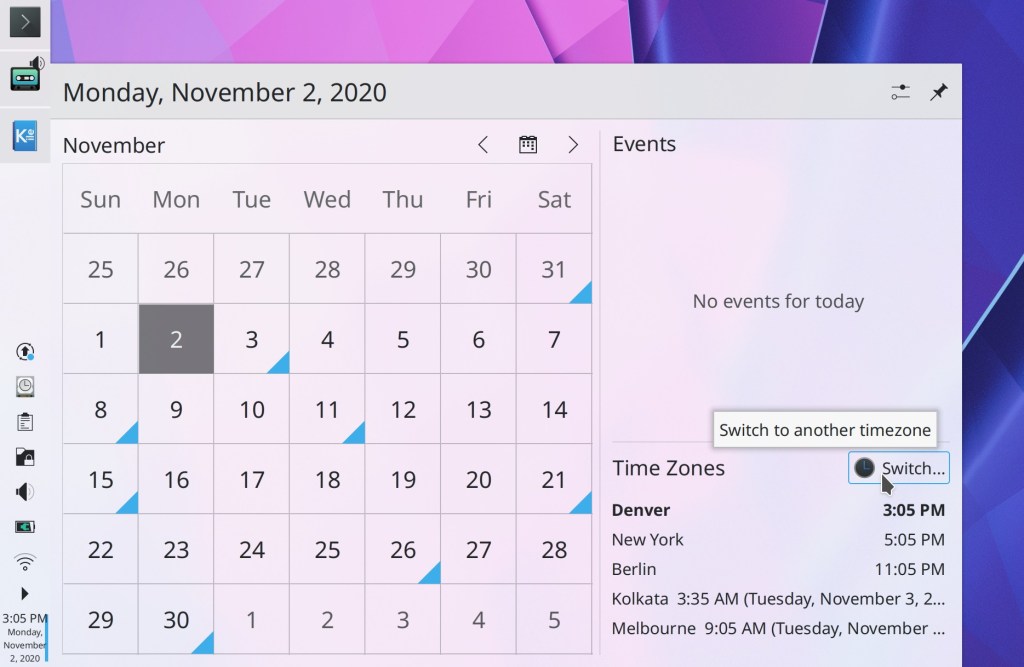
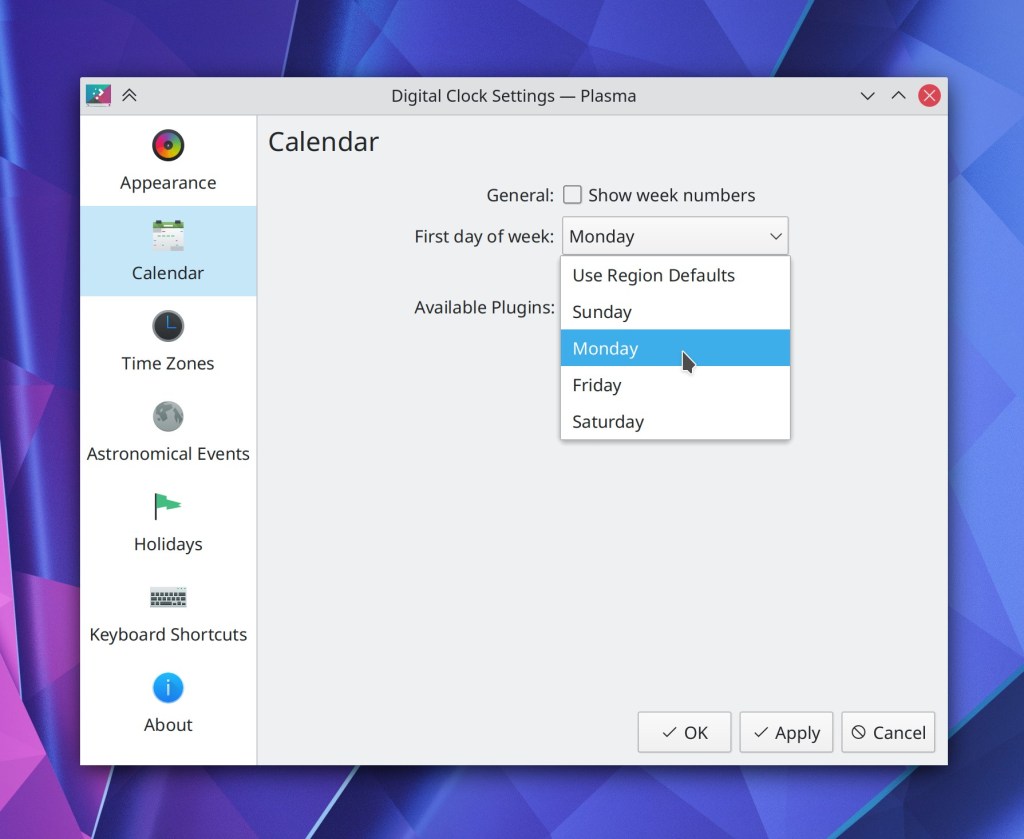
The way you add and switch between timezones in the digital clock applet has been totally overhauled to clarify the difference between changing the systemwide timezone and changing the timezone in the applet, and to make it easier to change the systemwide time zone (me: Nate Graham, Plasma 5.21)

The System Settings KWin Rules page now warns you when you try to set rules for a window not managed by KWin which can’t be affected by window rules (Ismael Asensio, Plasma 5.21)
Further refined the appearance of the Media Player applet (Mikel Johnson, Plasma 5.21):

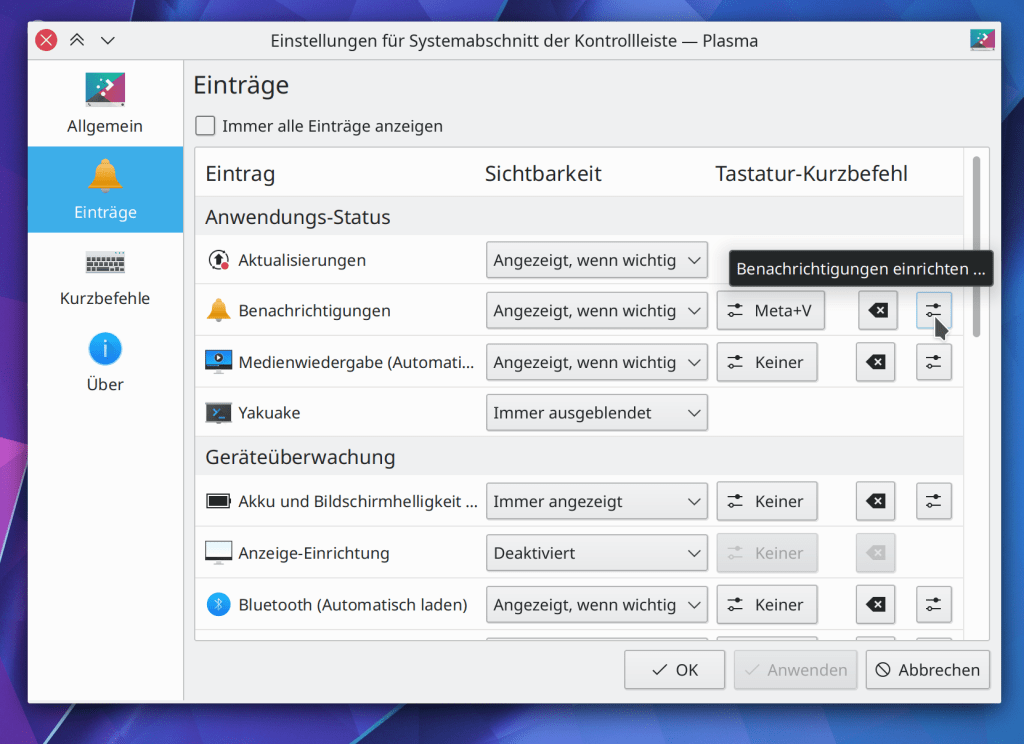
When you set a custom keyboard shortcut to activate the System Tray’s popup, the shortcut now also closes it if it’s currently open as well, as it does for other applets (Konrad Materka, Plasma 5.21)
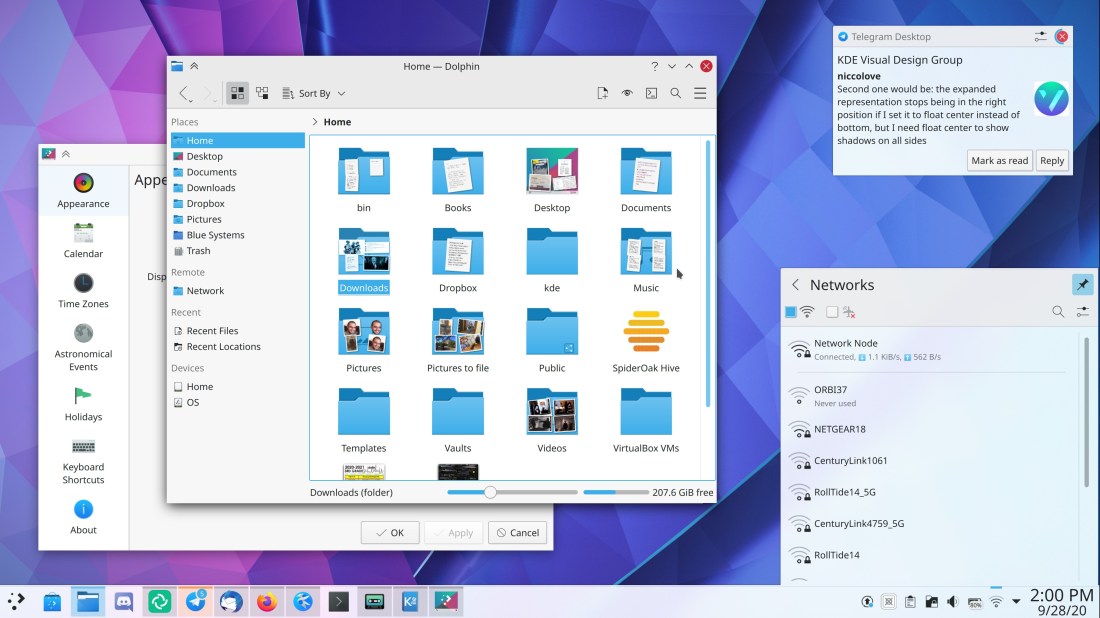
The Networks applet now has its search field integrated into the header area and visible by default, rather than hidden behind a button (me: Nate Graham, Plasma 5.21):

Separators between list items in Kirigami-based apps now have a more subtle and less attention-getting appearance (me: Nate Graham, Frameworks 5.77):
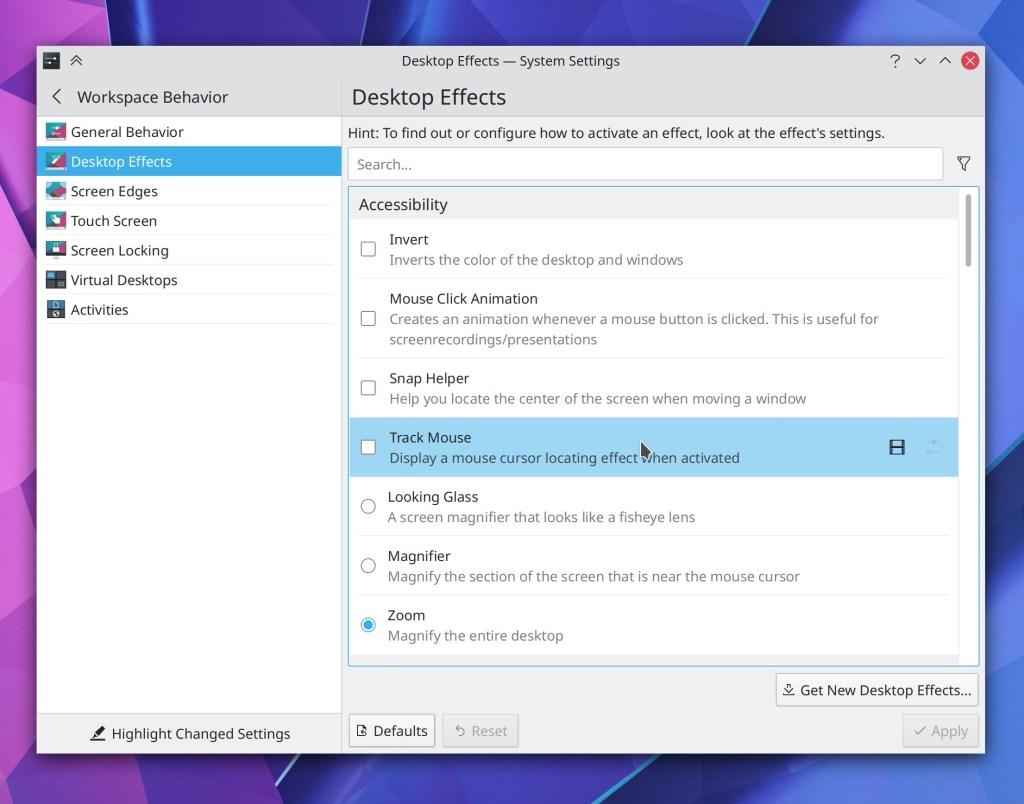
The desktop drag-and-drop menu no longer has an unnecessary extra separator in it (David Redondo, Frameworks 5.77)
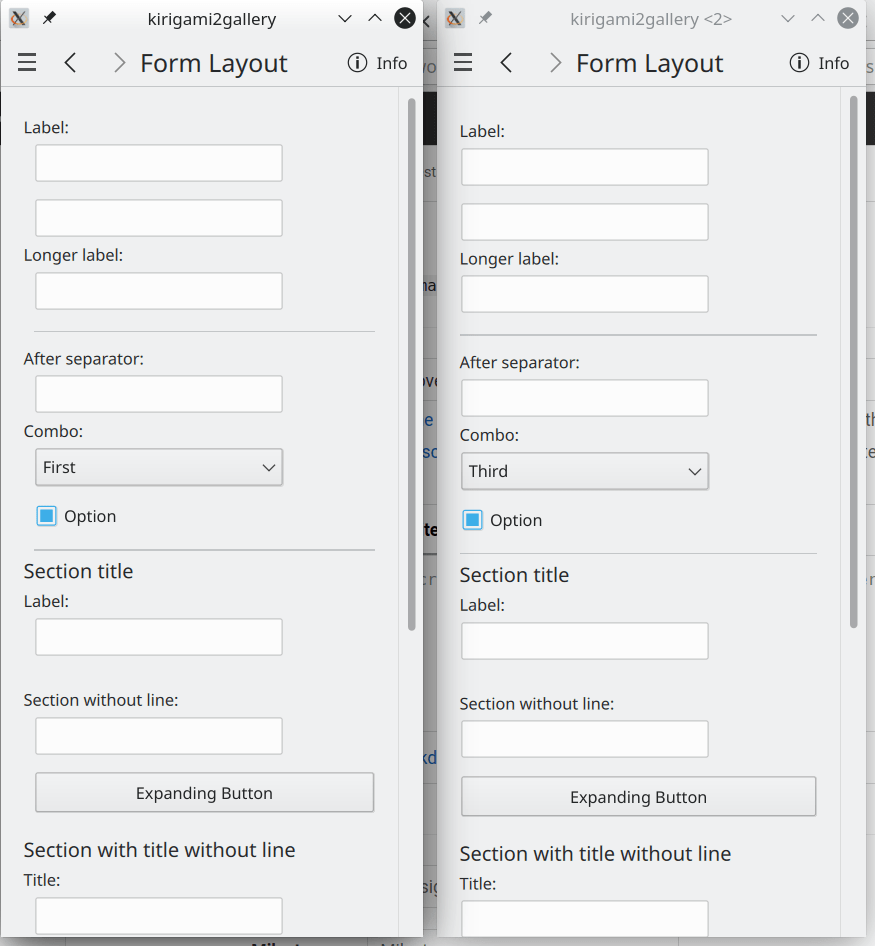
Section headers in Kirigami-based apps now word-wrap properly when they are very long or when their window/view is very narrow (Carson Black, Frameworks 5.77)
Phew, that felt more like a month’s worth of work. I am constantly in awe of the KDE community’s productivity!
How You Can Help
Have a look at https://community.kde.org/Get_Involved to discover ways to be part of a project that really matters. Each contributor makes a huge difference in KDE; you are not a number or a cog in a machine! You don’t have to already be a programmer, either. I wasn’t when I got started. Try it, you’ll like it! We don’t bite!
Finally, consider making a tax-deductible donation to the KDE e.V. foundation.














 Adventures in Linux and KDE